-
-
App Icon
-
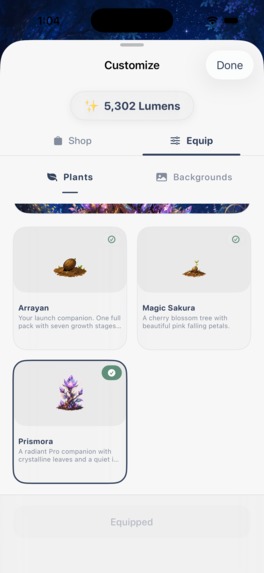
Store
-
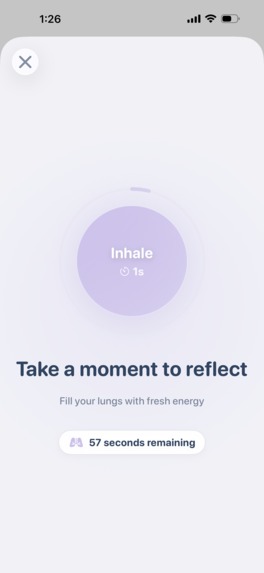
Breathing Challenge - Unblock Apps
-

Focus Mode
-
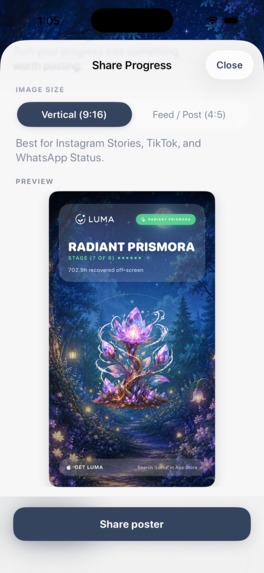
Share your Progress
-

You as a Cactus
-
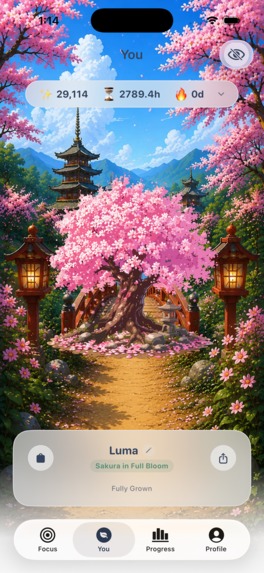
You Tab
-
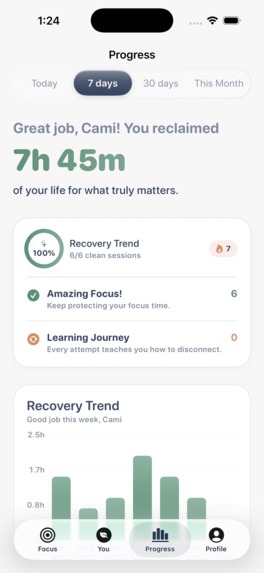
Progress Tab
-
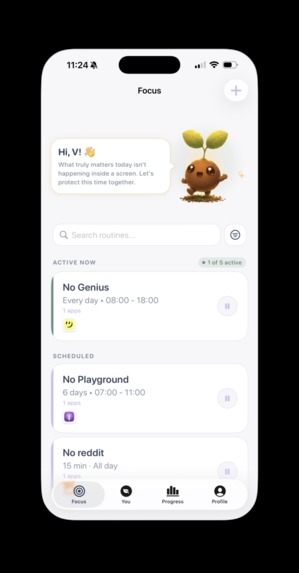
Routine Tab
-
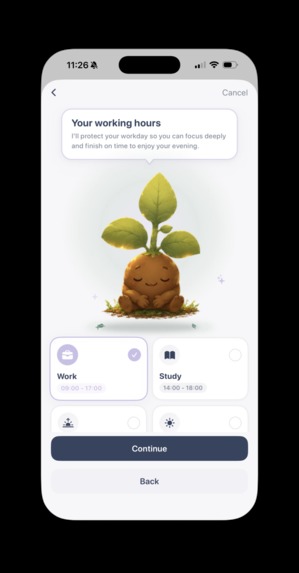
Blocking Schedule
-
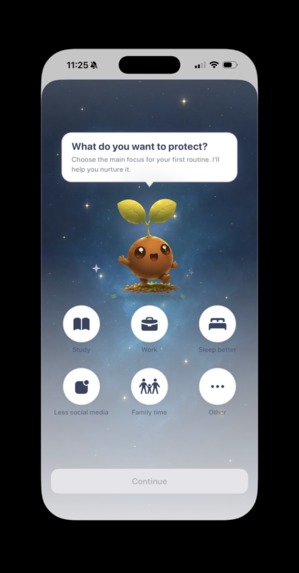
Goals
-
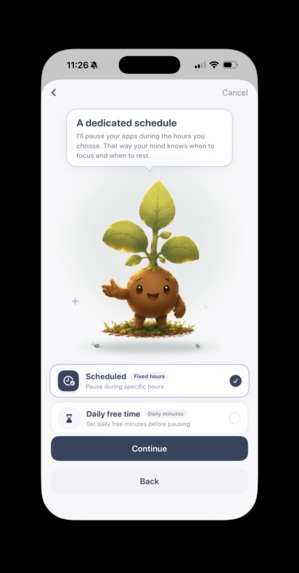
Blocking Mode


Inspiration
The idea for Luma came directly from people close to me:
- A close friend struggled to study for university exams because she kept losing hours to mindless social media scrolling.
- Another friend was dealing with a gambling problem that started innocently on mobile betting apps.
Seeing how easily phones take over our time and focus made me realize we need better tools to step back. Most blockers I tested were expensive, purely punitive, or disconnected from the emotional side of building habits.
I built Luma to be accessible, private, and positive: replacing guilt with tangible visual rewards and steady progress.
What it does
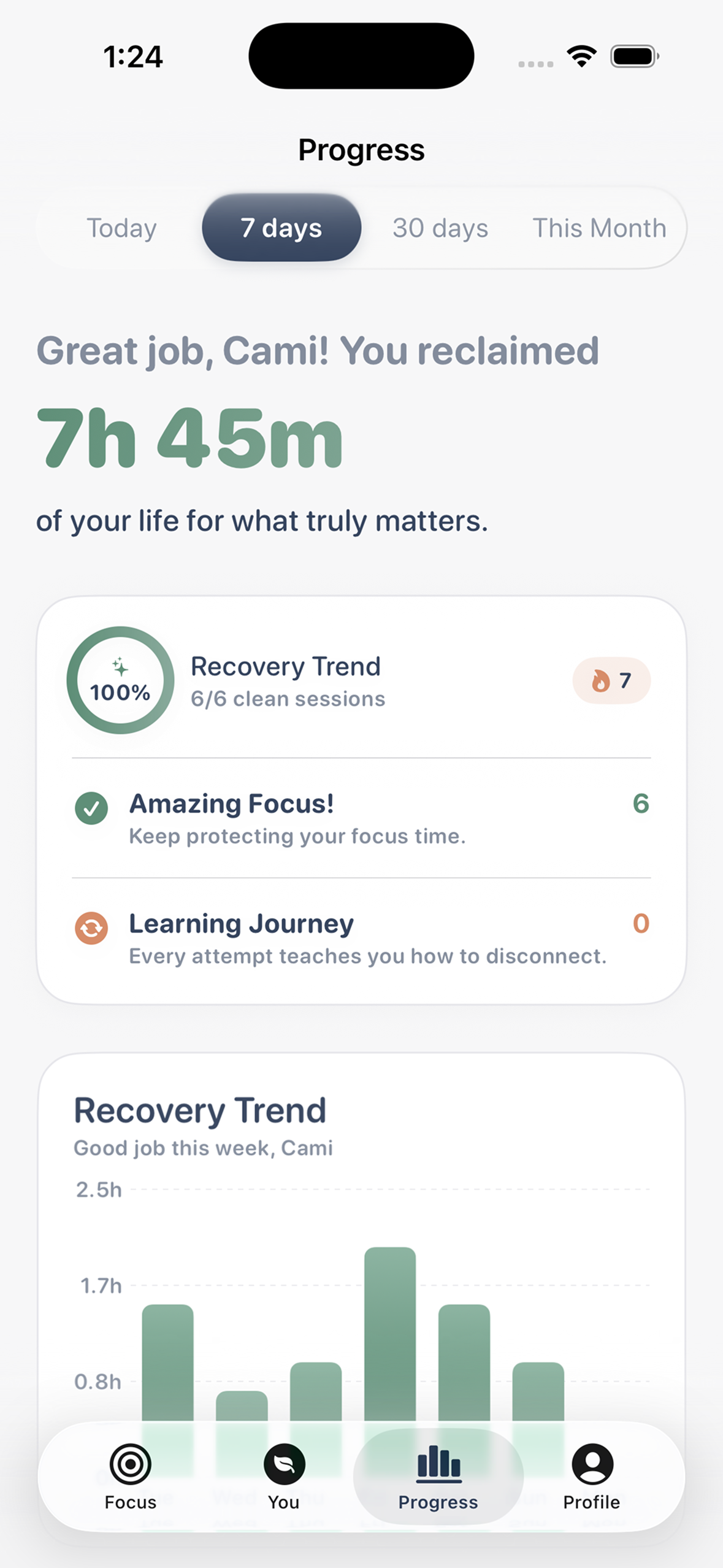
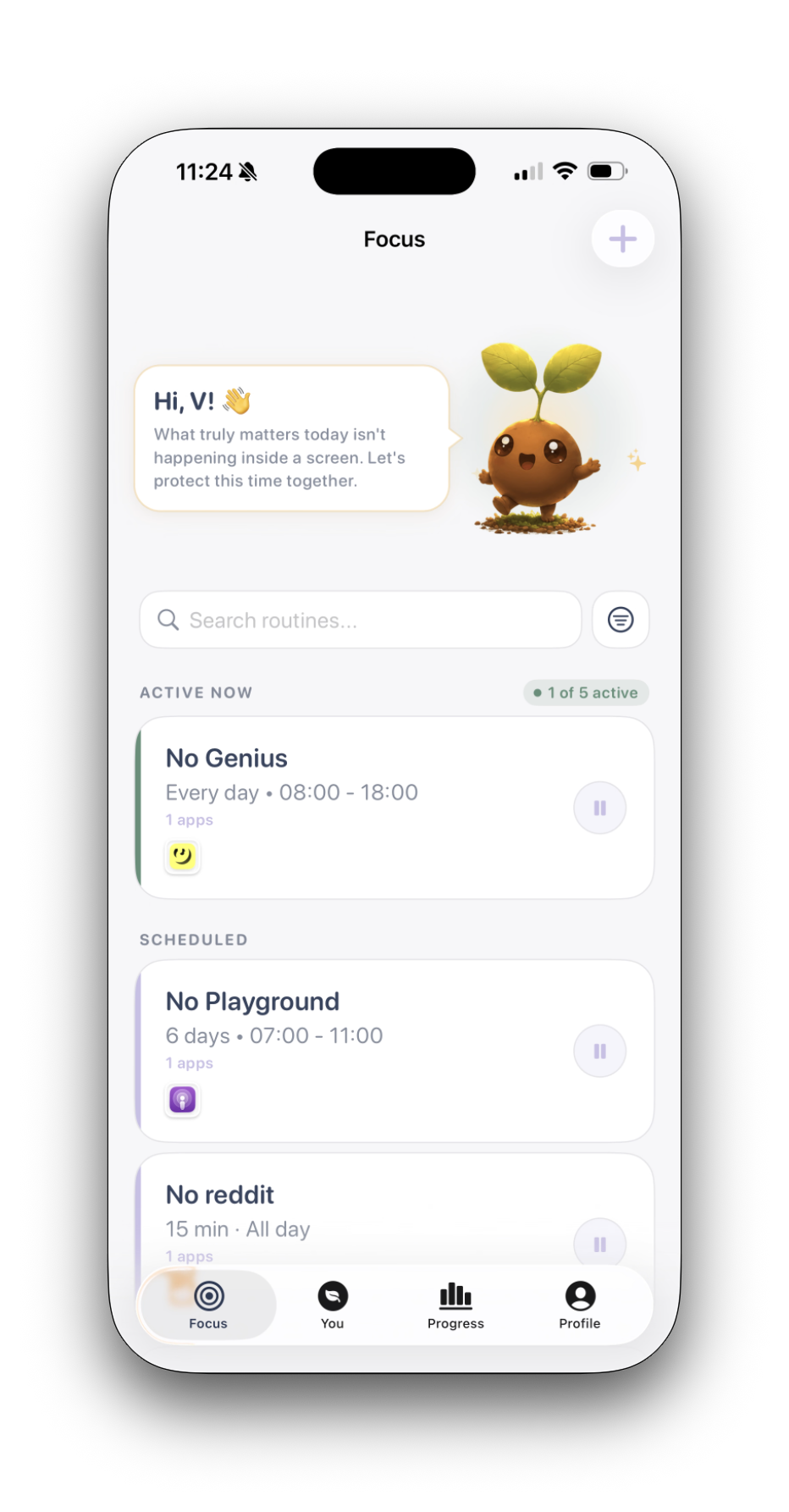
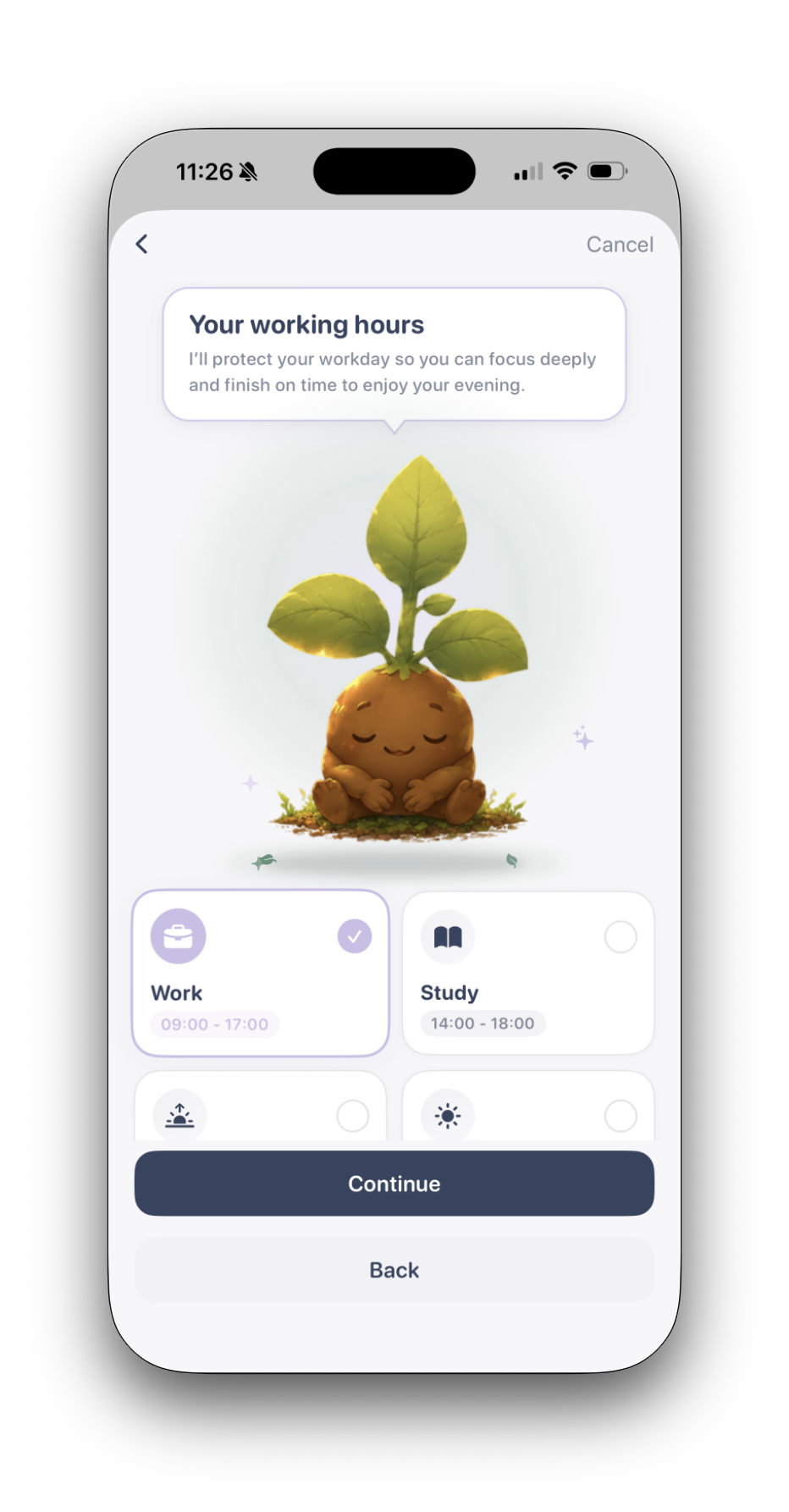
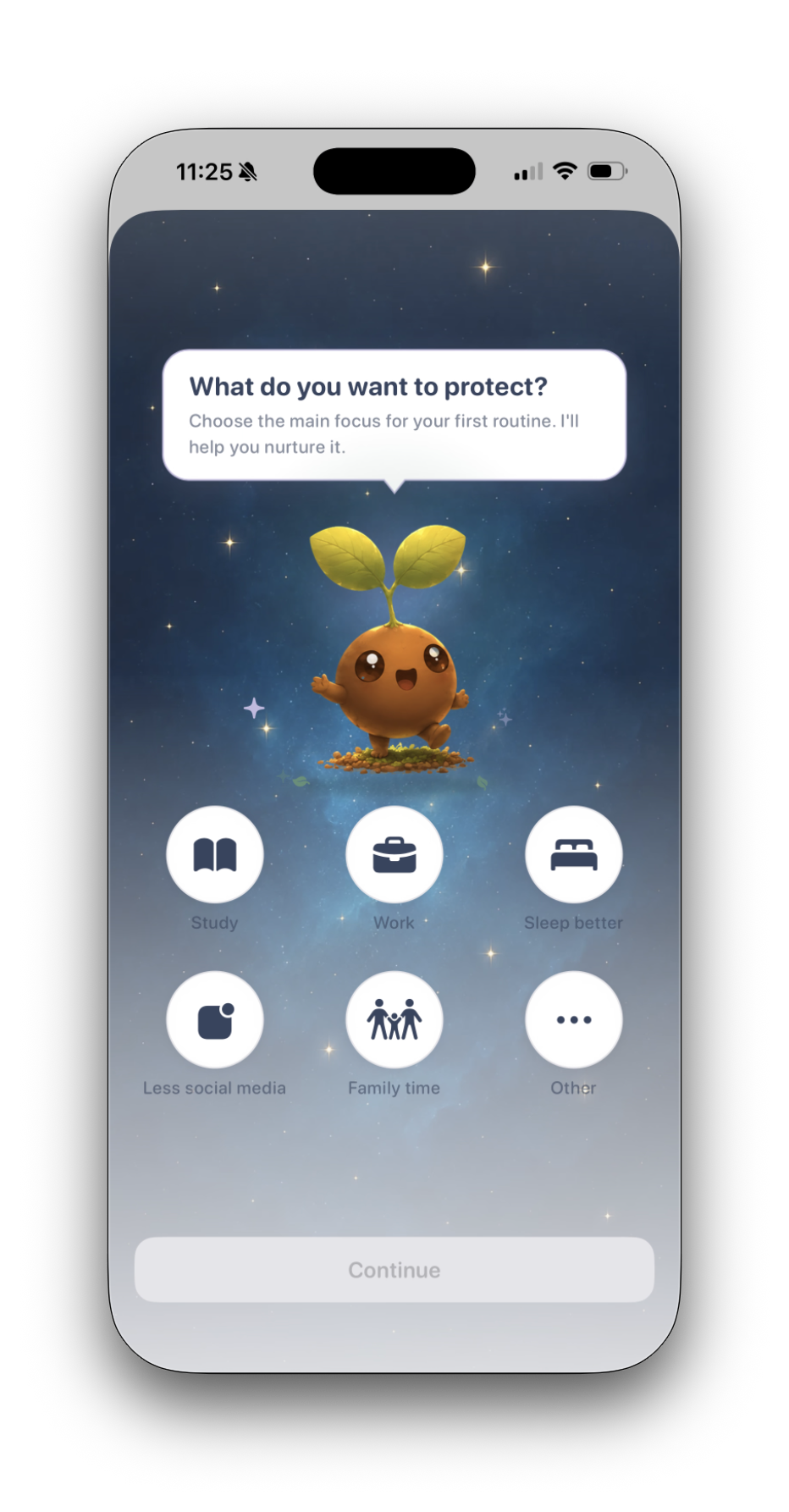
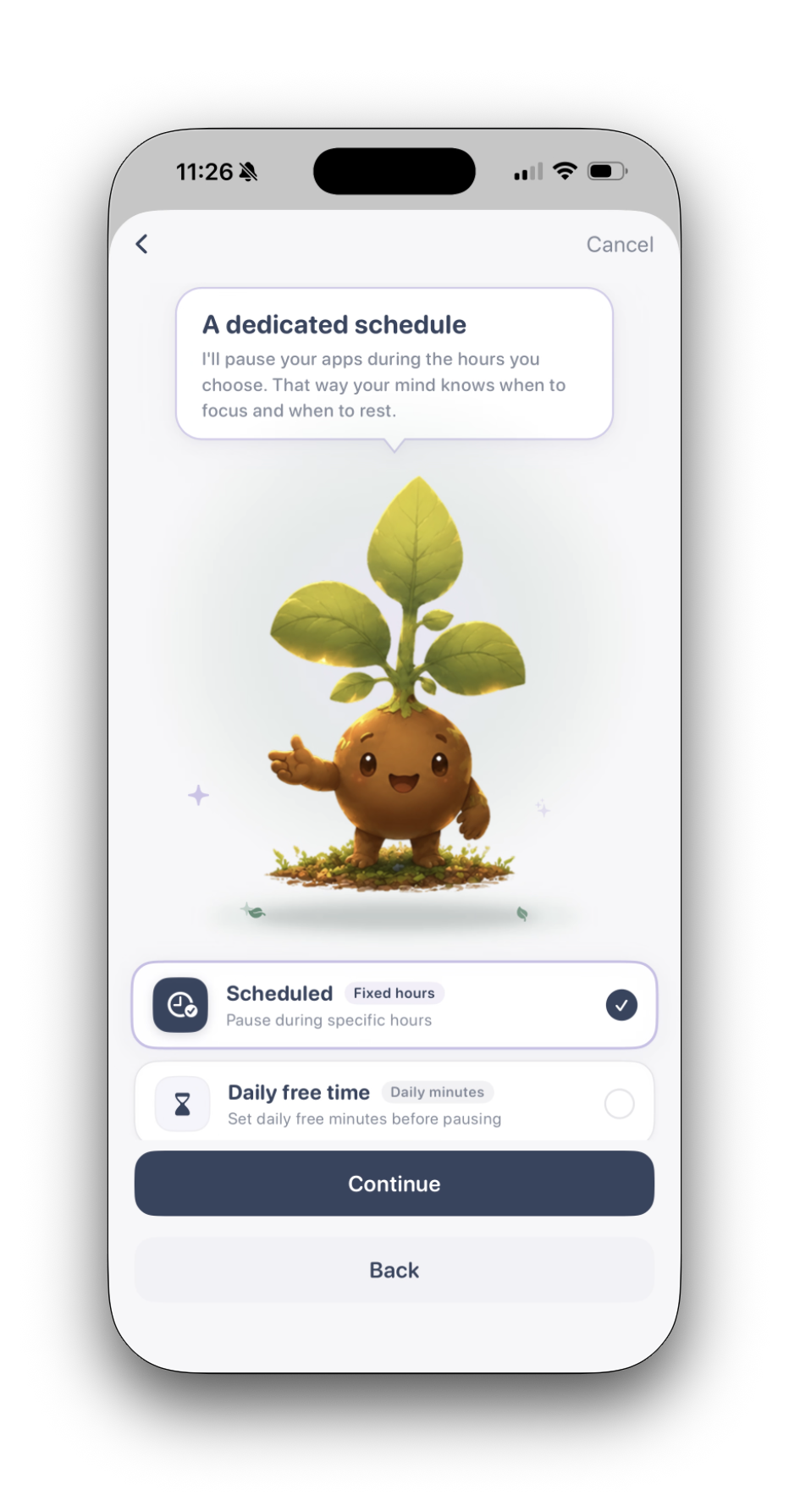
Luma: App & Site Blocker helps users build healthier digital habits through scheduled focus and positive feedback:
- App & site blocking: Block individual apps, entire categories, and distracting websites during focus sessions or recurring schedules.
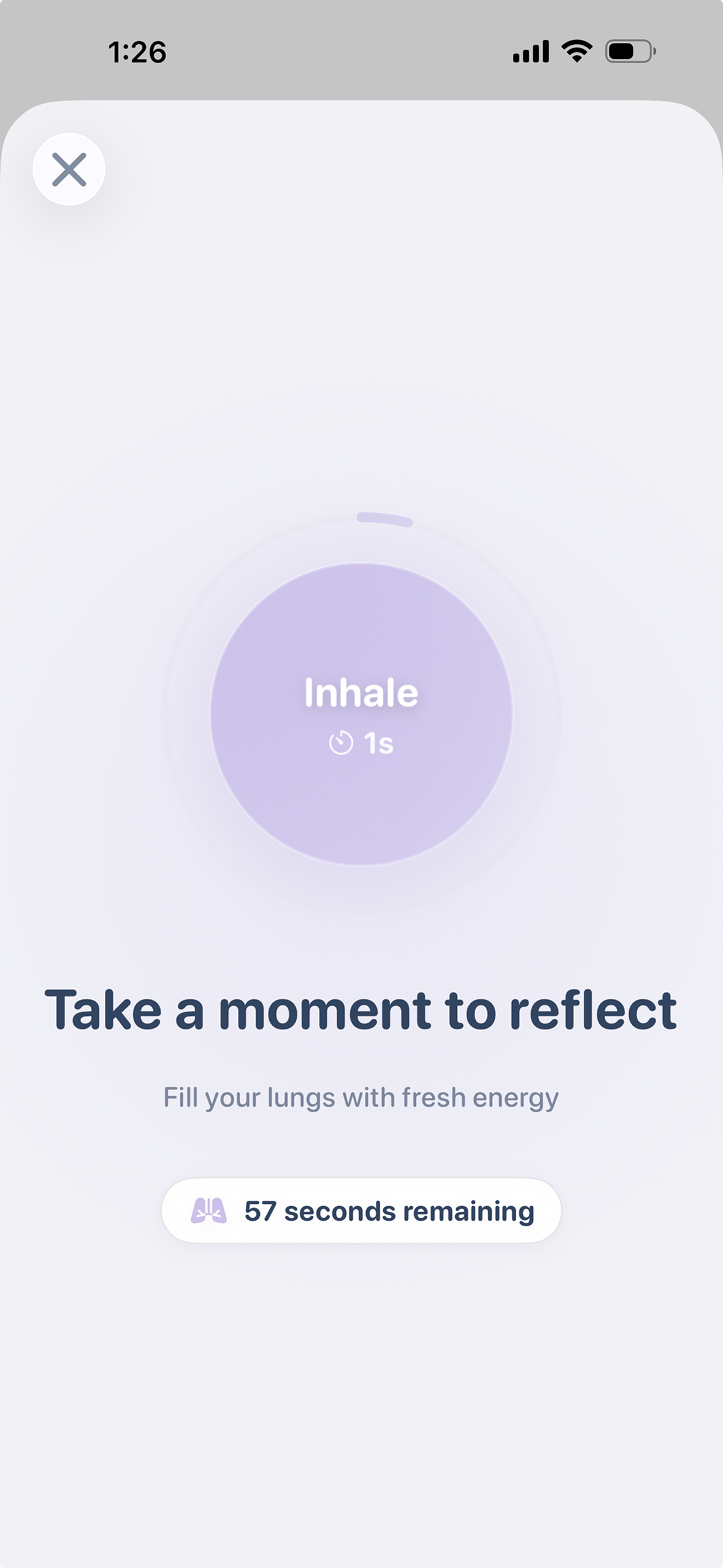
- Flexible friction: Choose between different enforcement levels, from a short guided breathing pause to strict lockouts.
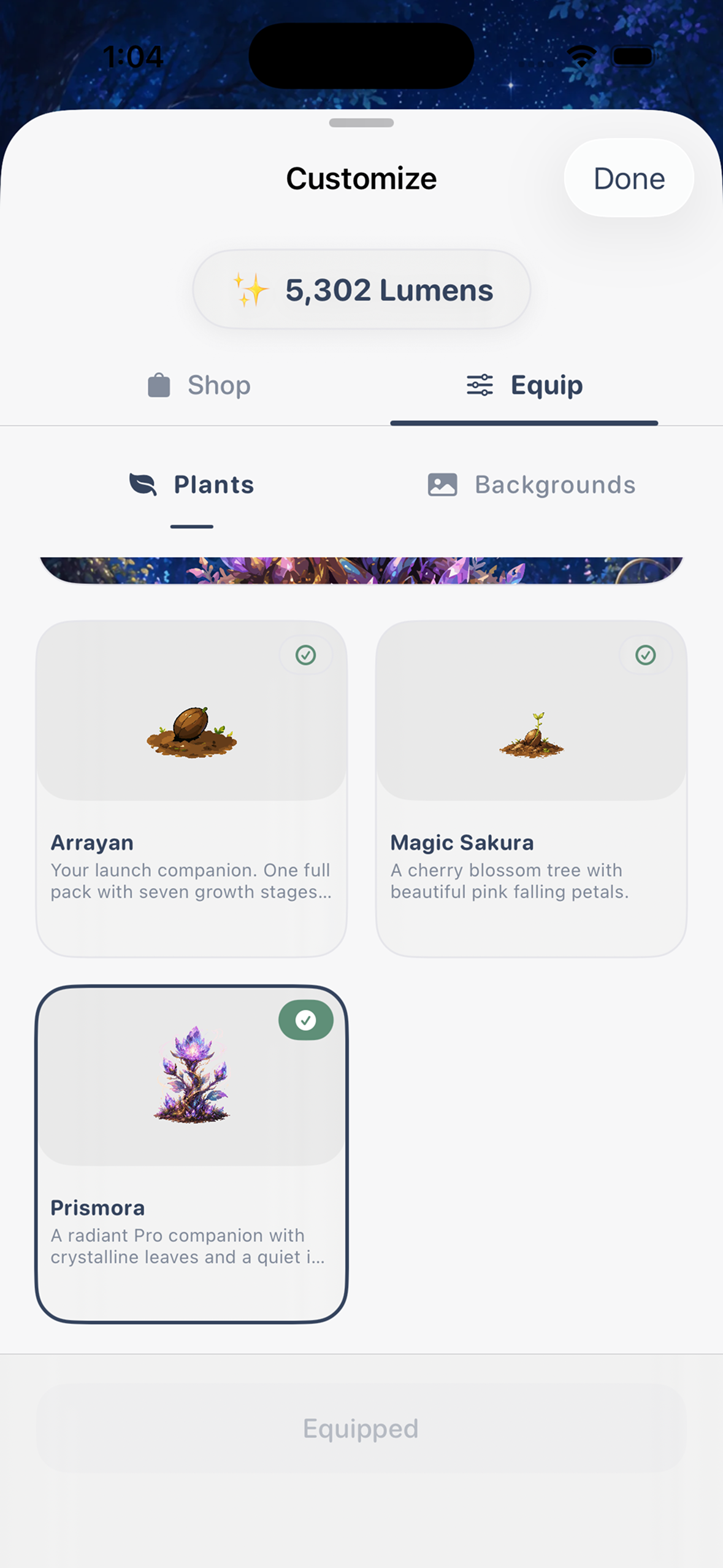
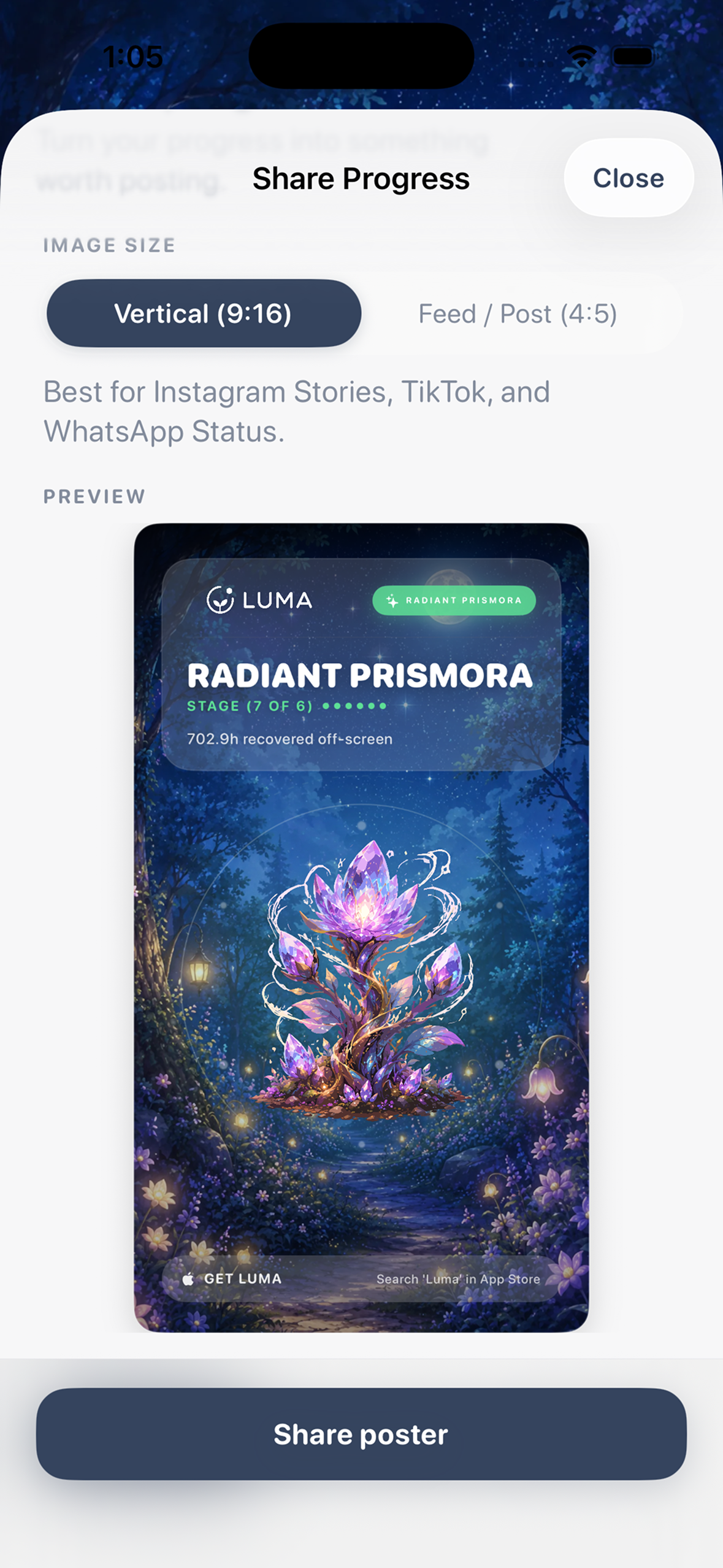
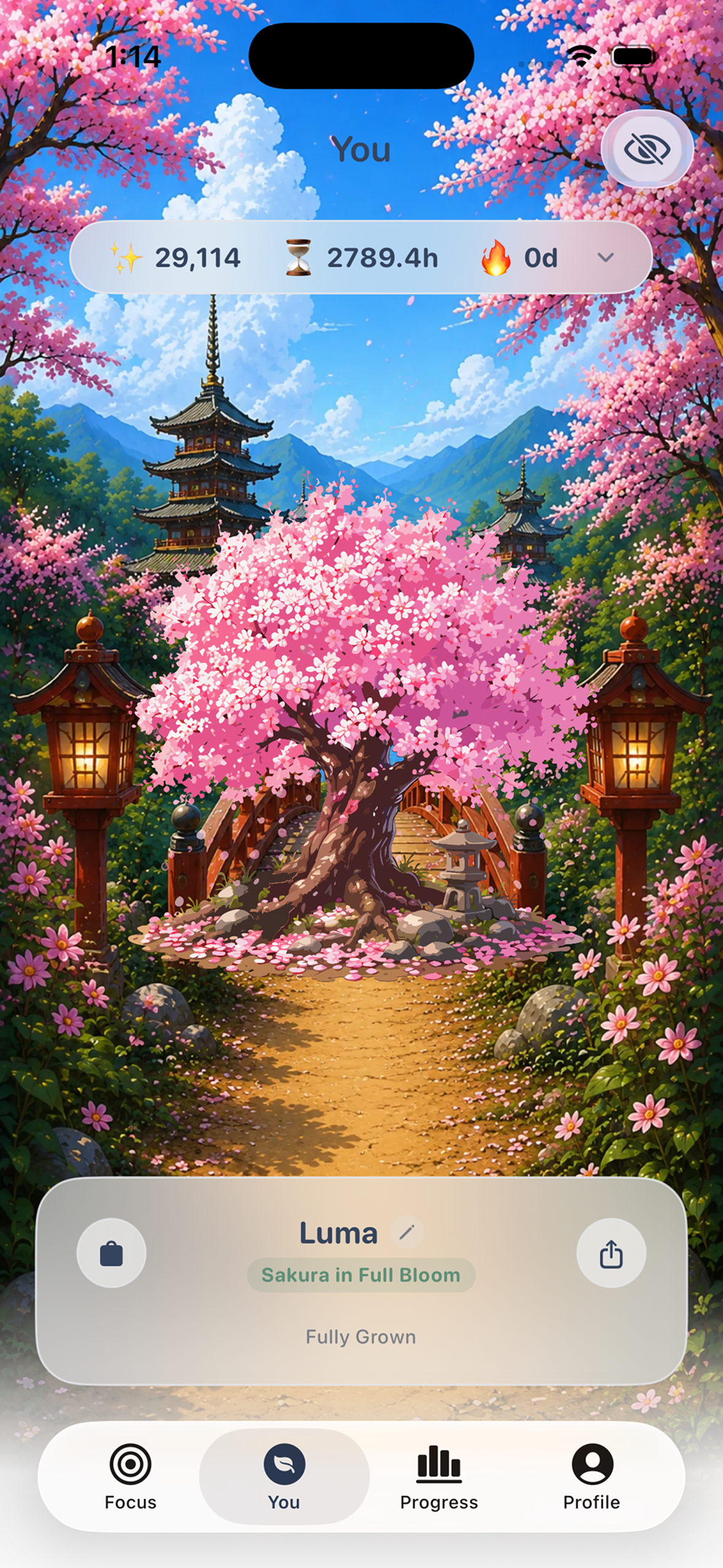
- Visual progression: Time spent off-screen helps a virtual plant grow. As you reach focus goals, your plant evolves through distinct growth stages, giving you a clear visual measure of your progress.
How we built it
Luma is built natively for iOS:
- SwiftUI: For clean, responsive interfaces with native dark mode and dynamic type support.
- Apple Screen Time: Uses
FamilyControls,DeviceActivity, andManagedSettingsextensions for privacy-first, on-device app and web restrictions. - SwiftData: For local-first persistence, zero latency, and complete offline functionality.
- App Groups & Extensions: Coordinates data between the main app,
DeviceActivityMonitor, andShieldConfigurationextensions to keep background routines reliable.
Challenges we ran into
- Apple's Screen Time framework:
FamilyControlsandDeviceActivityrun inside sandboxed app extensions, are difficult to debug, and have limited documentation for complex multi-routine setups. Keeping state in sync between background extensions and the main UI required careful coordination. - Balancing friction and frustration: Tuning the balance between gentle pauses for mild distractions and strict blocks for compulsive habits without making the app feel hostile.
- Hardware testing: Because Screen Time APIs only run on physical iOS devices, we had to test constantly on real hardware to ensure the rewards and animations felt natural.
Accomplishments that we're proud of
- Visual progress loop: Created a plant progression engine that turns screen-time discipline into a calm, rewarding daily habit.
- Private, local-first architecture: Delivered a fully native iOS 18 experience without third-party tracking, analytics SDKs, or cloud dependencies.
- Real-world testing: Validated design and UX decisions directly with users experiencing real screen-time challenges.
What we learned
- Restrictions work better with positive feedback: Hard blocks alone rarely build long-term habits; pairing mindful friction with rewarding visual progress creates much better consistency.
- Handling iOS extension lifecycles: Gained deep practical experience with background monitoring, custom shields, and inter-process communication via App Groups.
- User feedback keeps scope focused: Testing with real users from day one kept us focused on the features that actually helped people stay off their phones.
What's next for Luma: App & Site Blocker
- Accountability mode: A shared feature that lets trusted friends or mentors support users, track progress, or approve emergency unlocks.
- Mindful resource hub: An integrated section with guided breathing exercises, ambient audio soundscapes, and practical habit-building guides.
- More plants & Rive animations: An expanded catalog of plant species, botanical stages, and lightweight vector animations built with Rive.
Built With
- deviceactivity)
- ios-18
- posthog
- revenuecat
- screen-time-api-(familycontrols
- sentry
- sign-in-with-apple
- supabase
- swift
- swift-charts
- swiftdata
- swiftui

Log in or sign up for Devpost to join the conversation.