Inspiration
The inspiration behind LUMA AI Assistant came from a simple but recurring problem: most AI chat applications feel heavy, over-engineered, and inaccessible to beginners. Many tools require complex frameworks, cloud dashboards, API configurations, or paid plans before you can even ask your first question.
We wanted to prove that a high-performance AI assistant can be built with pure fundamentals — no frontend frameworks, no unnecessary abstractions — while still delivering a modern, elegant, and accessible user experience. LUMA was designed to feel instant, lightweight, and intuitive, especially for students, developers, and curious learners.
What it does
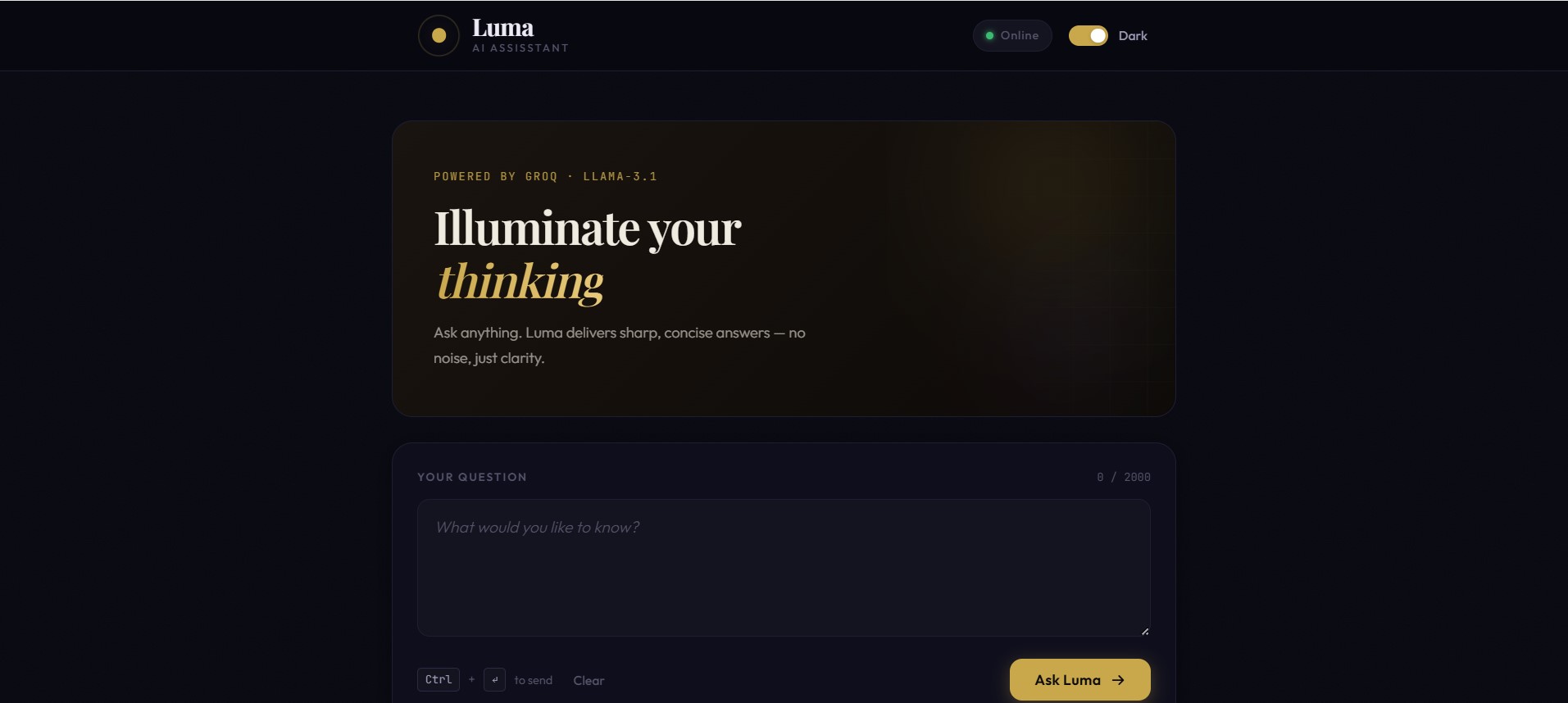
LUMA AI Assistant is a fast, browser-based AI chat application that delivers instant answers using ultra-low-latency inference. It provides:
- Real-time AI responses with minimal delay
- Persistent chat history across sessions
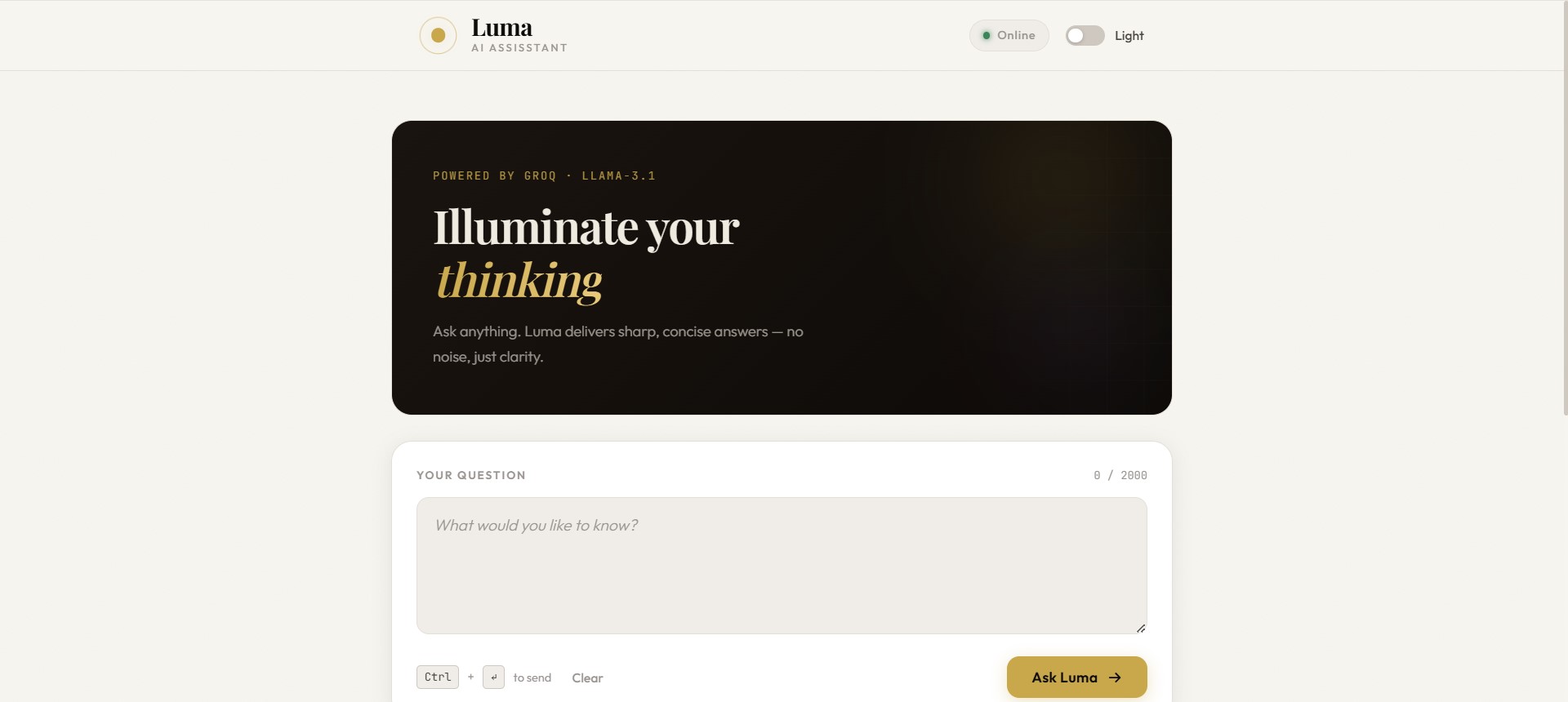
- Light and dark themes with system preference detection
- Accessibility-first UI with keyboard navigation and ARIA support
- A distraction-free, mobile-responsive interface
All of this runs directly in the browser with a simple Node.js backend, making LUMA easy to run, modify, and extend.
How we built it
The project was built using a pure and minimal stack:
- Backend: Node.js with Express
- Frontend: Vanilla HTML, CSS, and JavaScript
- AI Inference: Groq API using
llama-3.1-8b-instant - State Persistence:
localStoragefor chat history and theme preferences
The backend exposes a small REST API that validates user input, forwards requests to the AI model, and returns clean responses.
The frontend handles UI rendering, accessibility, theme management, and user interactions — all without external frameworks.
This approach kept the architecture simple, readable, and easy to reason about.
Challenges we ran into
One major challenge was balancing simplicity with quality. Without frontend frameworks, every interaction — theming, toasts, keyboard focus, and state persistence — had to be implemented manually.
We also faced challenges with:
- Designing a responsive UI that works smoothly across screen sizes
- Ensuring accessibility without relying on UI libraries
- Managing latency and error handling to keep the chat experience reliable
Another key challenge was building fallback behavior so the app remains usable even when the AI API is unavailable.
What we learned
Through building LUMA, we learned that:
- Clean architecture often outperforms complex stacks
- Vanilla JavaScript is still extremely powerful when used correctly
- Accessibility should be a core feature, not an afterthought
- Performance optimizations matter more than adding features
We also gained hands-on experience integrating high-speed AI inference into a production-style web application.
What's next for LUMA AI Assistant
Future plans for LUMA include:
- Multimodal input and output (images and voice)
- AI agents for task automation inside the chat
- A plugin system to extend behavior or connect multiple models
- Optional user accounts with encrypted cloud sync
- Advanced prompt tools for developers and researchers
LUMA is designed to grow while staying true to its core philosophy: fast, clean, and accessible AI for everyone.

Log in or sign up for Devpost to join the conversation.