
Inspiration
Luma started with James struggling to read Google Maps without his contacts. That made us wonder what navigating a city is like for someone with a more severe visual impairment. As we explored the problem, we realized how much information someone needs beyond a route on a screen: whether a crossing has an audible signal, whether there is tactile paving, and whether construction is blocking the sidewalk. We wanted to make that information easier to find and use.
What it does
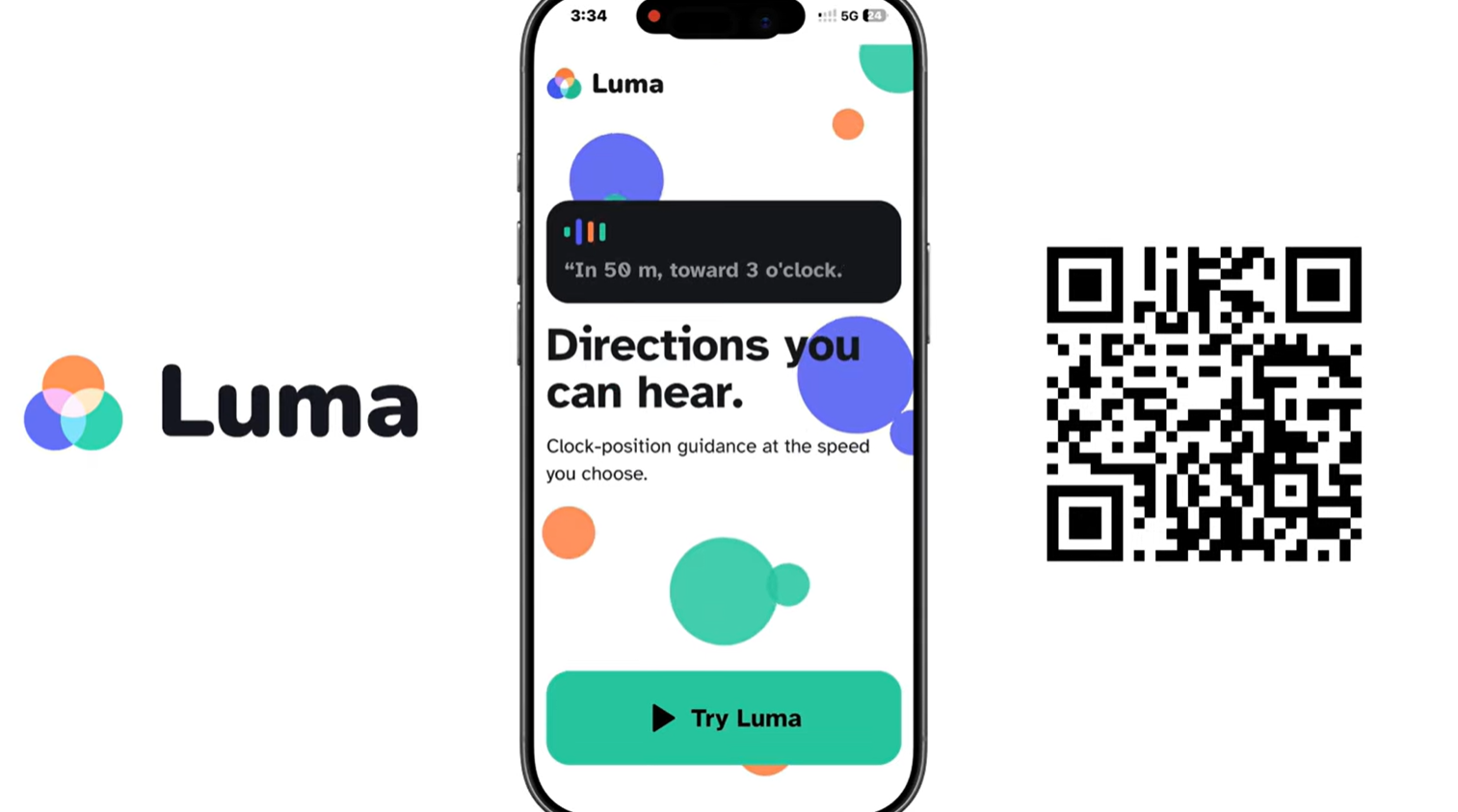
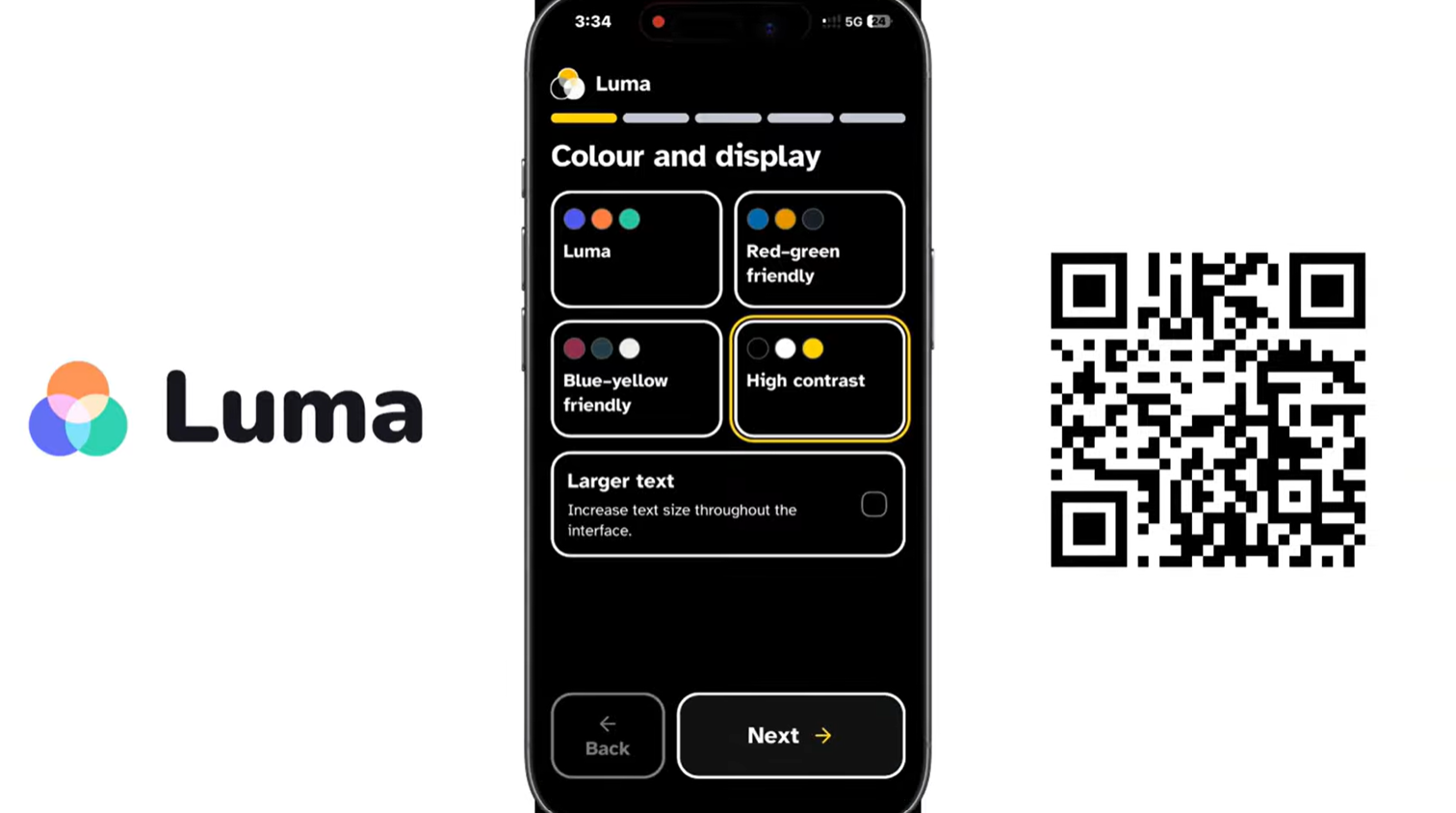
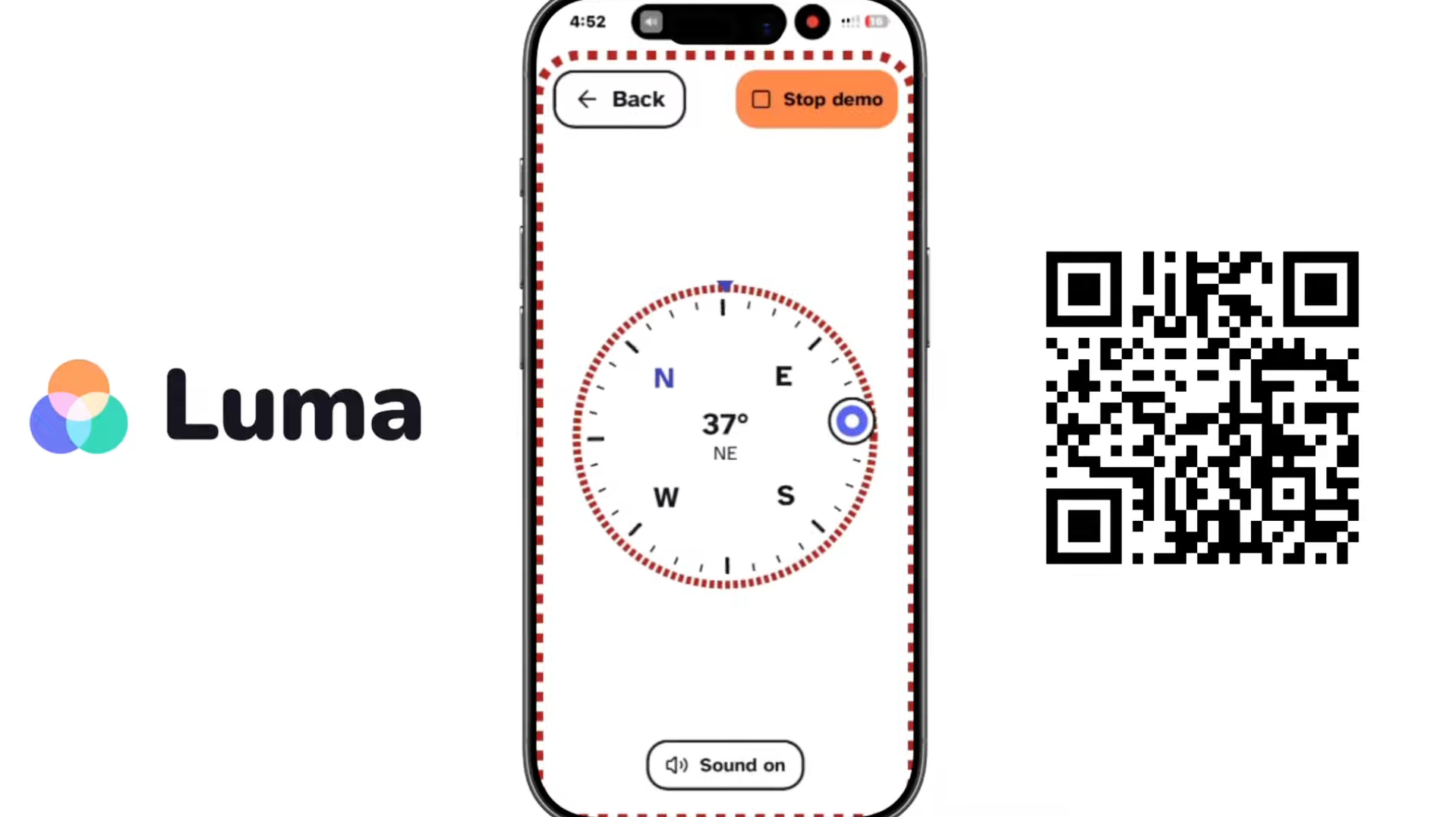
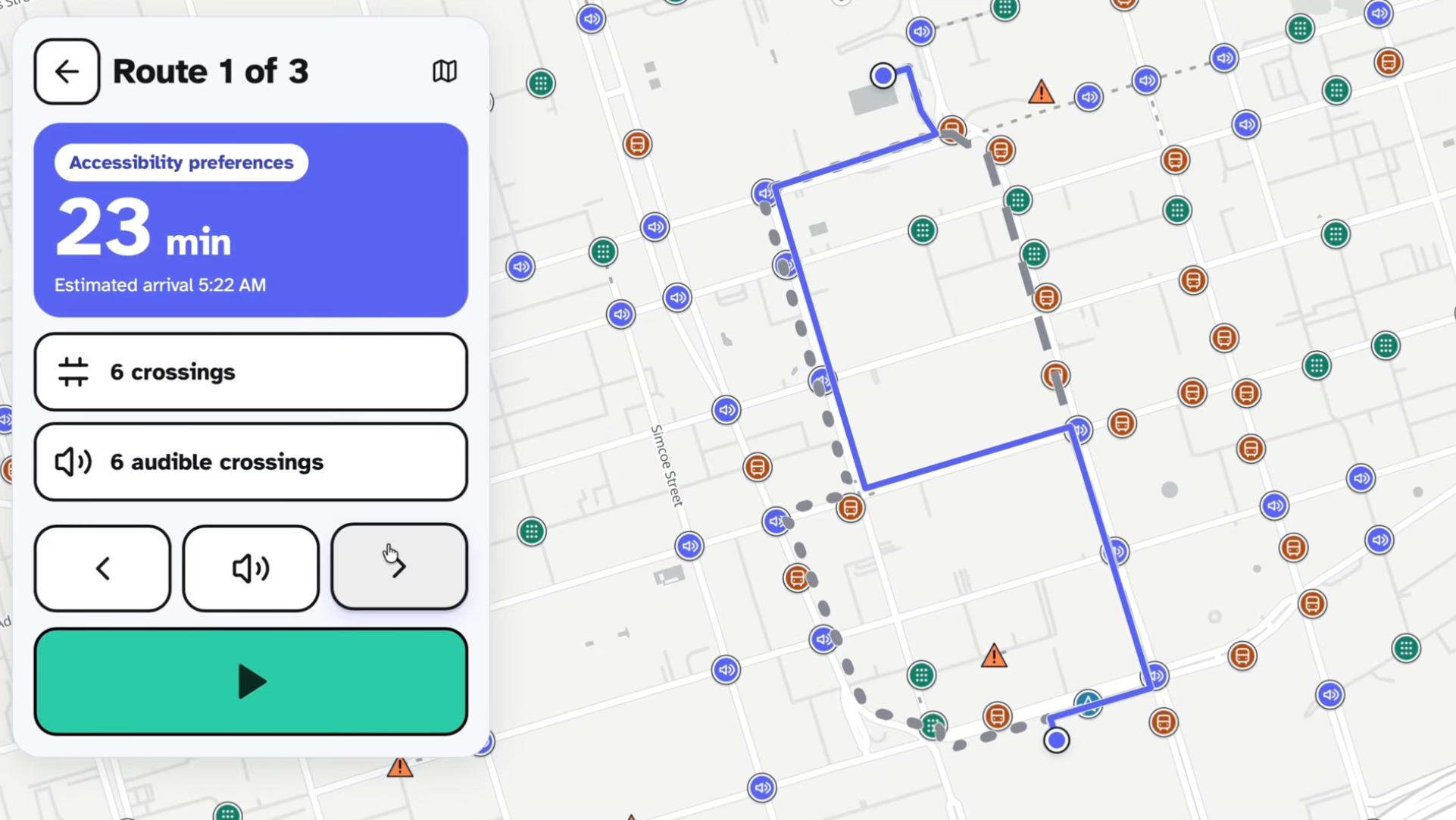
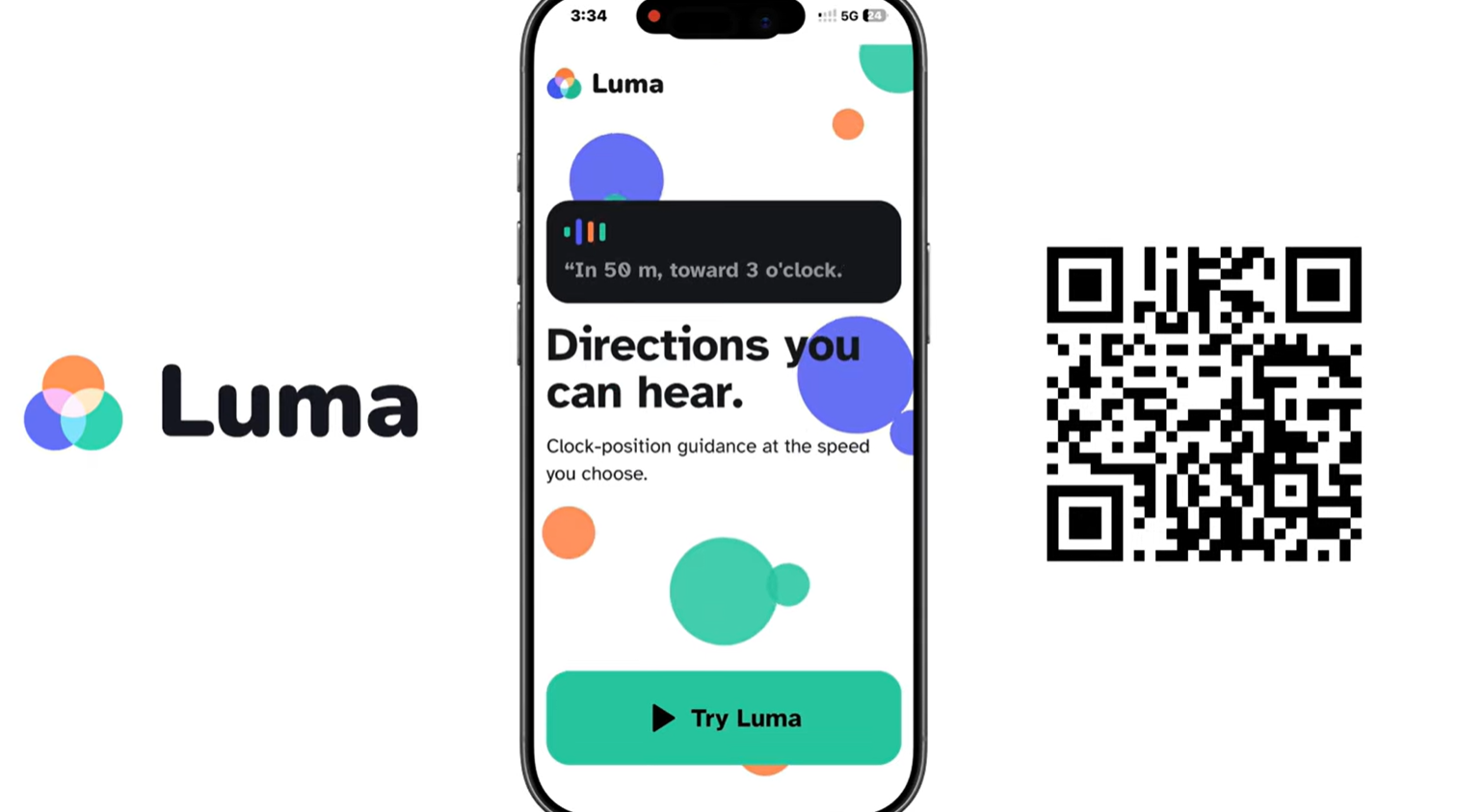
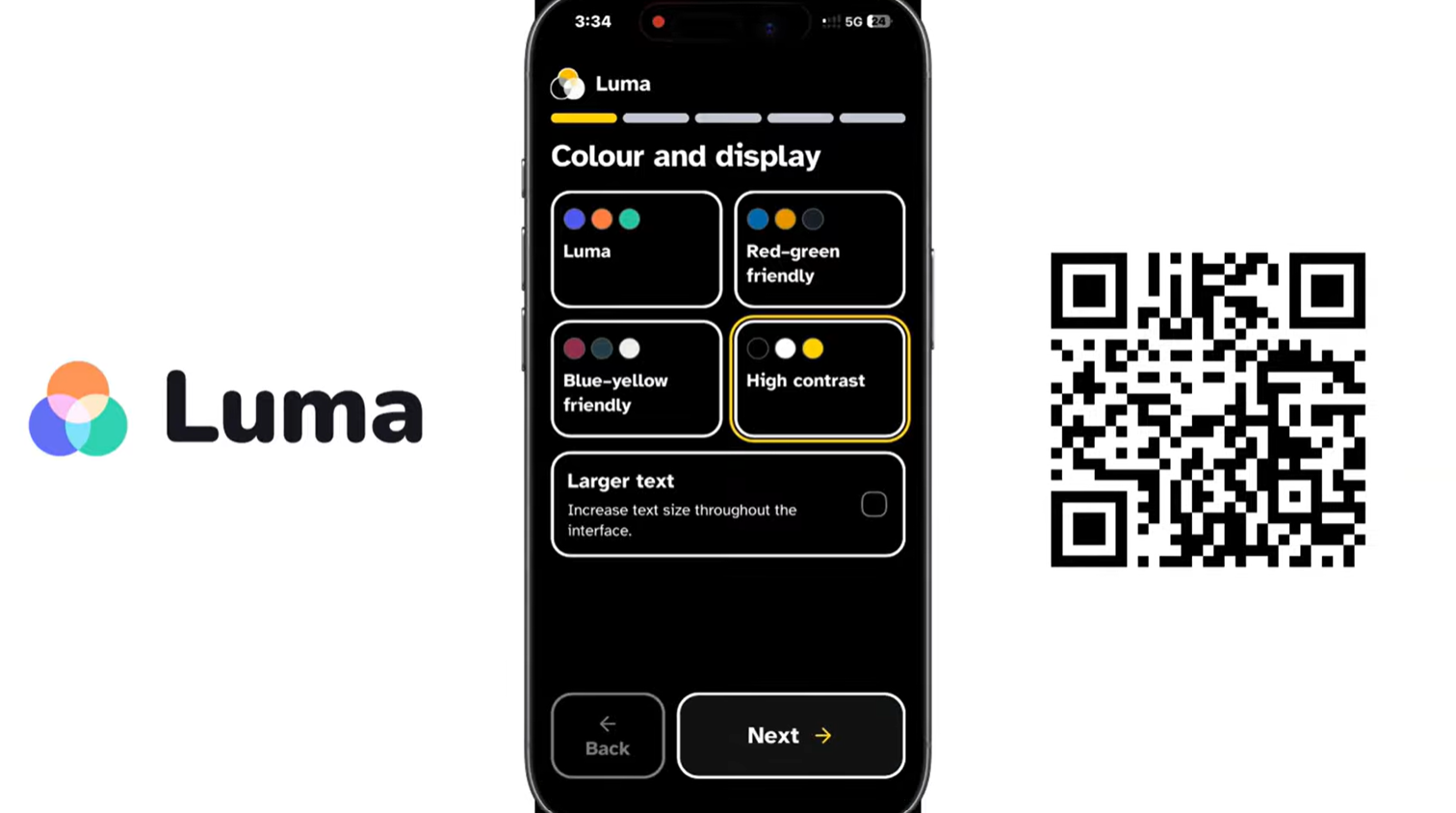
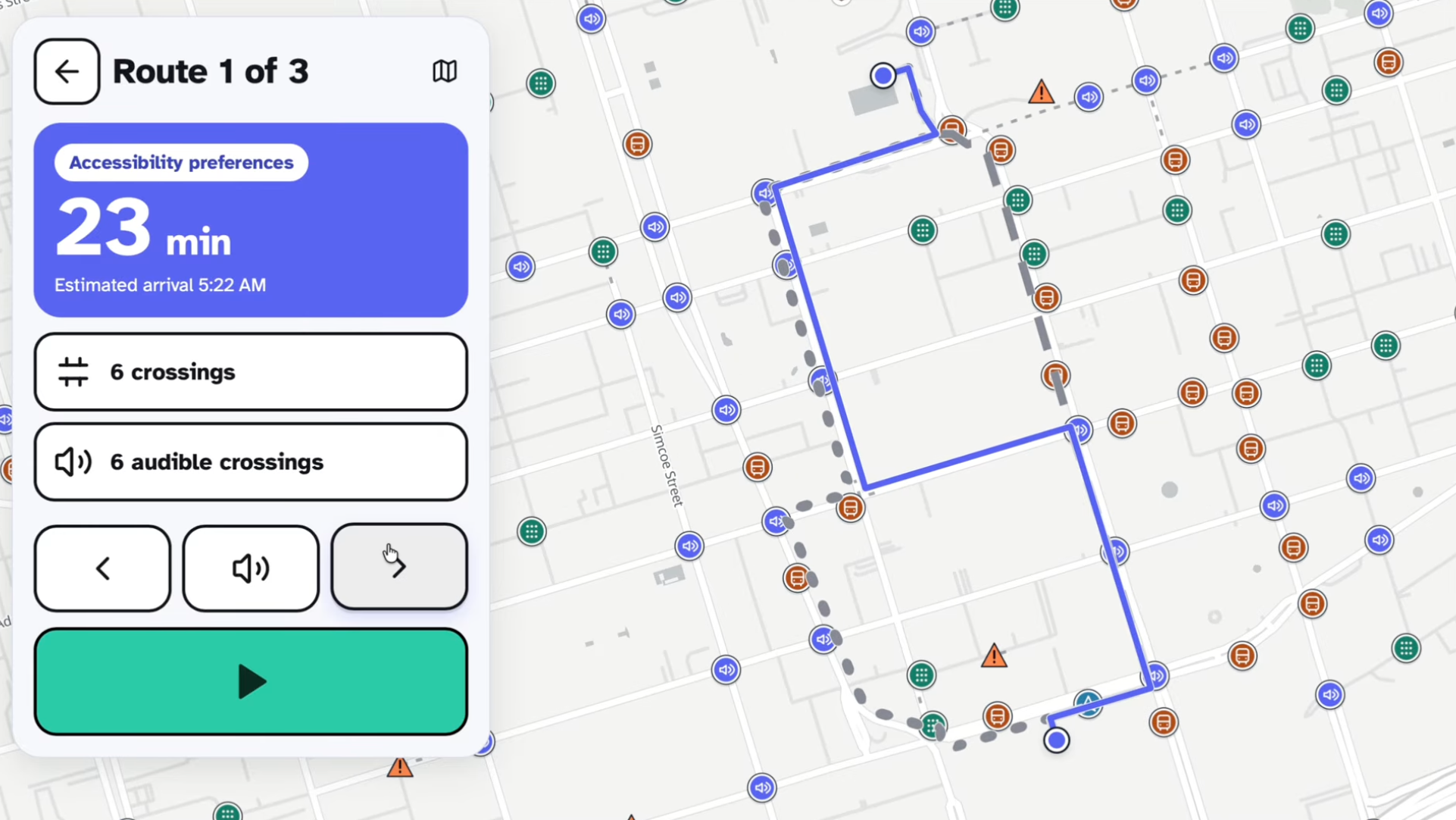
Luma is an accessible navigation prototype for blind and low-vision people travelling in Toronto. Users can speak their destination, compare walking routes based on crossing preferences, and hear directions aloud. The map shows accessibility features, and walking routes account for confirmed pedestrian closures. Transit planning combines walking connections with TTC schedules and live bus and streetcar predictions. Luma also includes a compass with visual and audio feedback, accessibility palettes, large controls, and screen reader announcements.
How we built it
We built the frontend with React, TypeScript, and Vite, using MapLibre to display the map and alternative routes. Our Python and FastAPI backend combines Toronto accessibility and construction data with TTC schedules and live feeds. NetworkX calculates pedestrian routes, Shapely handles geographic matching, and SQLite indexes transit schedules. ElevenLabs generates spoken directions, while Gemini helps rephrase instructions naturally. We deployed the application on Vercel through GitHub.
Challenges we ran into
Turning accessibility records into useful routing information required careful handling of incomplete data. A construction notice does not necessarily mean a sidewalk is closed, and an intersection location does not identify every individual crossing. Mobile browsers brought their own problems: compass permissions, noisy sensor readings, audio restrictions, and iPhone layout differences. We also hit deployment limits when loading large transit datasets, which required a smaller timetable index and changes to how data loads.
Accomplishments that we're proud of
We brought together more than 16,000 mapped accessibility records and connected them to a working navigation prototype. We're particularly proud of the spoken destination search, simultaneous route comparisons, live TTC arrivals, and compass demo. We also kept simplifying the interface throughout development, removing unnecessary text and making controls easier to recognize.
What we learned
Accessibility depends on the whole experience: readable controls, clear labels, predictable navigation, useful audio, and accurate information. We also learned to preserve uncertainty in the data. Missing information should remain unknown, and scheduled transit times should be clearly distinguished from live predictions.
What's next for Luma
Our priority is testing with blind and low-vision users and improving the app based on their feedback. We also want to verify accessibility features at individual crossings, improve outdoor positioning and compass reliability, complete hands-on VoiceOver testing, and add durable storage and review for submitted reports. Past that, we also want to expand the scope of the project to other parts of Canada, or even internationally.
Built With
- elevenlabs
- fastapi
- gemini
- maplibre
- networkx
- python
- react
- sqlite
- typescript
- vercel
- vite

