I started with a problem I knew personally: spending too much time consuming social media, especially through endless scrolling, and feeling that a lot of that time was simply wasted.
The original idea goes back roughly two months. At school, we use school iPads, and I noticed that many students visited sites such as VegasWorld to gamble against boredom during class. Around the same time, I remembered Robert Greene’s The Laws of Human Nature, especially the idea that we often believe our decisions are rational even though emotions make many of the final choices.
That made me think about scrolling. It is driven by many small, repeated moments of stimulation, but most screen-time tools answer that with something very passive: a timer, statistics, or a block after the limit has already been reached.
So I had a question:
Could a stronger but deliberate emotional moment interrupt that loop?
That became Lucky Minutes.
The idea is that users do not automatically receive unlimited screen time. They get a daily allowance and can either keep it or actively risk part of it. Sometimes they gain more time, but because the games have a return below 100%, repeatedly playing is expected to leave them with less.
The intended outcome is less social-media use and a stronger feeling of personal control. In my own use, a restriction connected to a decision I made feels more effective than a passive limit imposed on me.
This is still a product hypothesis based on my own experience. It is not a medical claim or a clinically validated treatment for addiction, and the concept needs responsible evaluation, especially for younger users and people who may be vulnerable to gambling-like mechanics.
What it does
Lucky Minutes is a native Android self-control app.
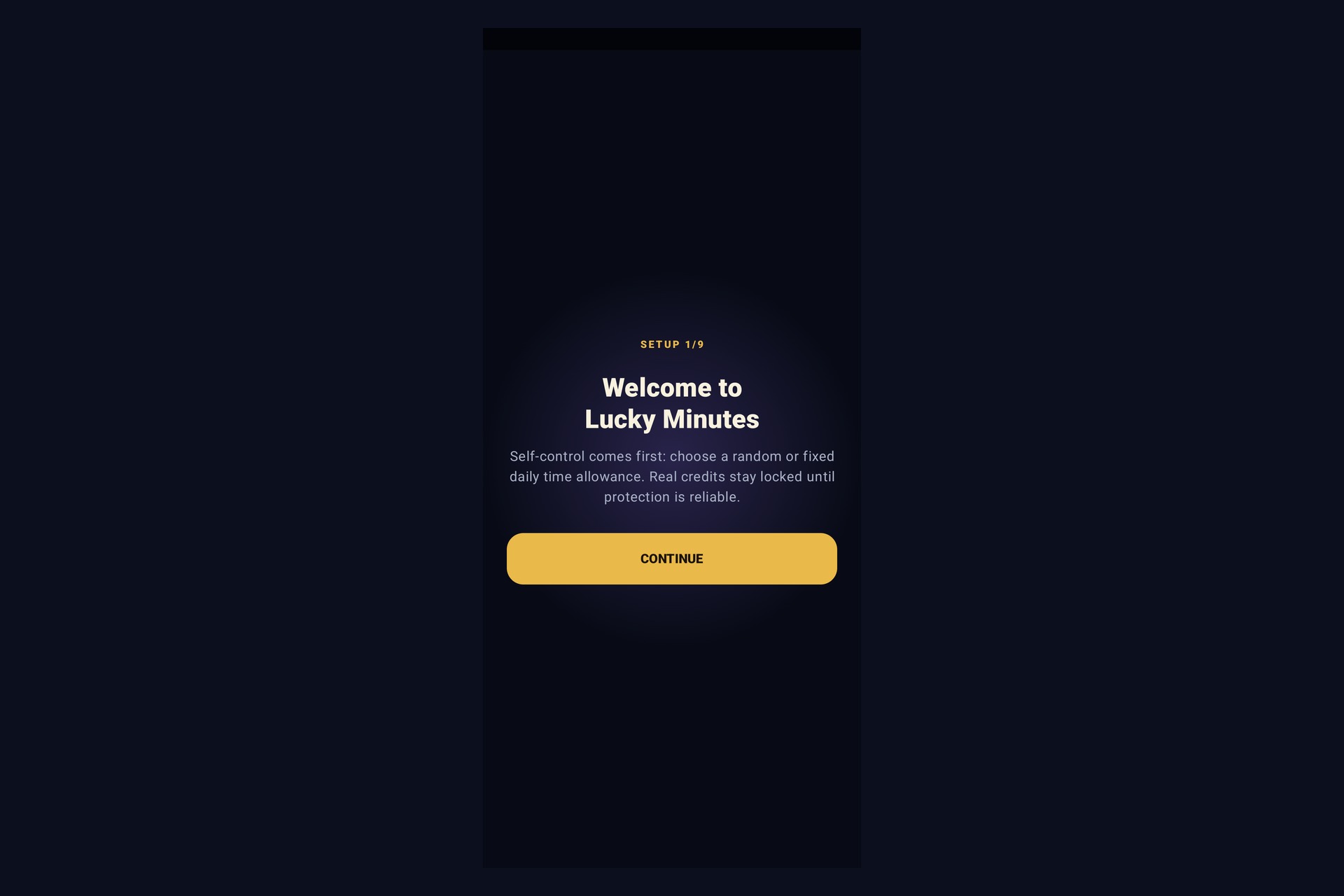
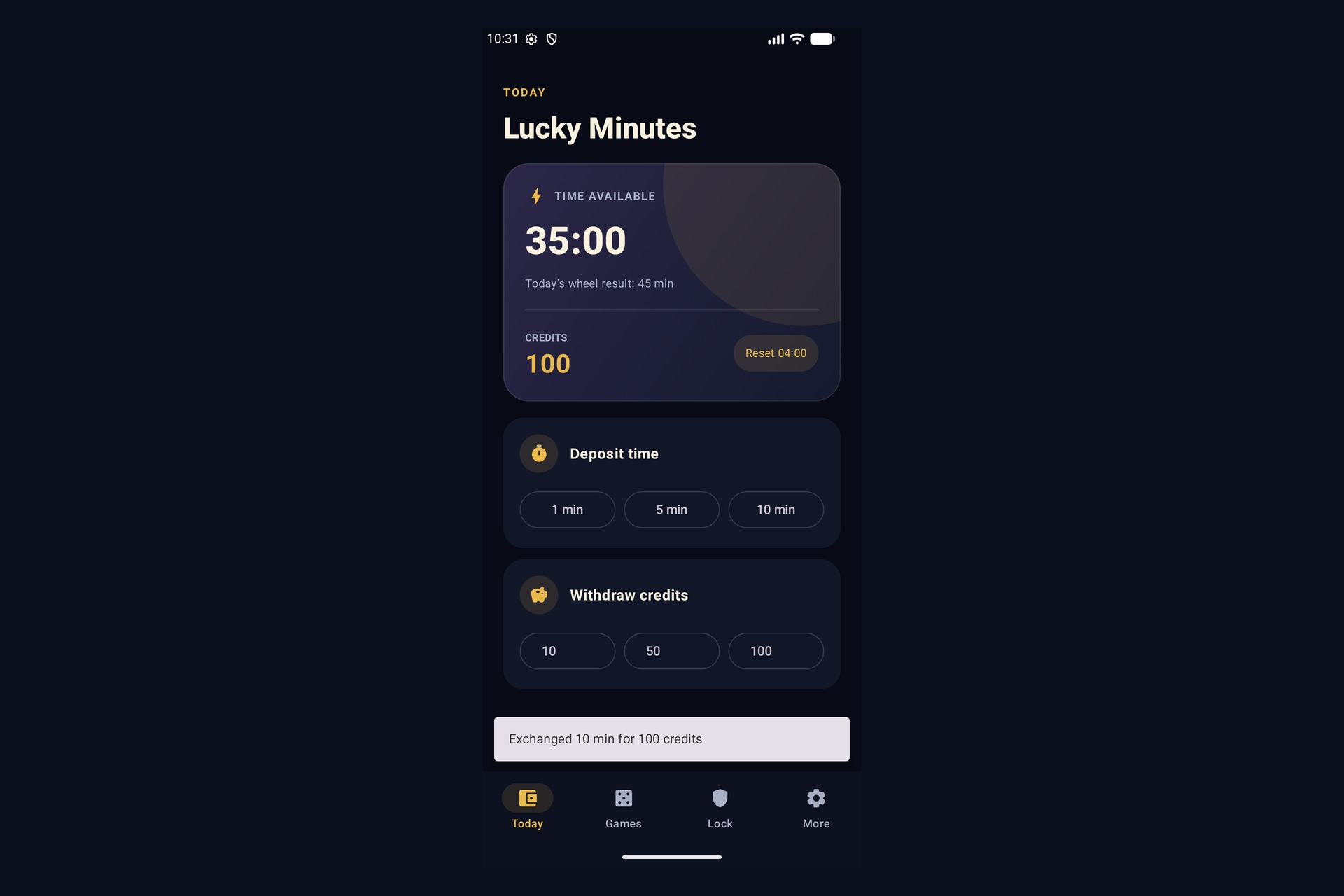
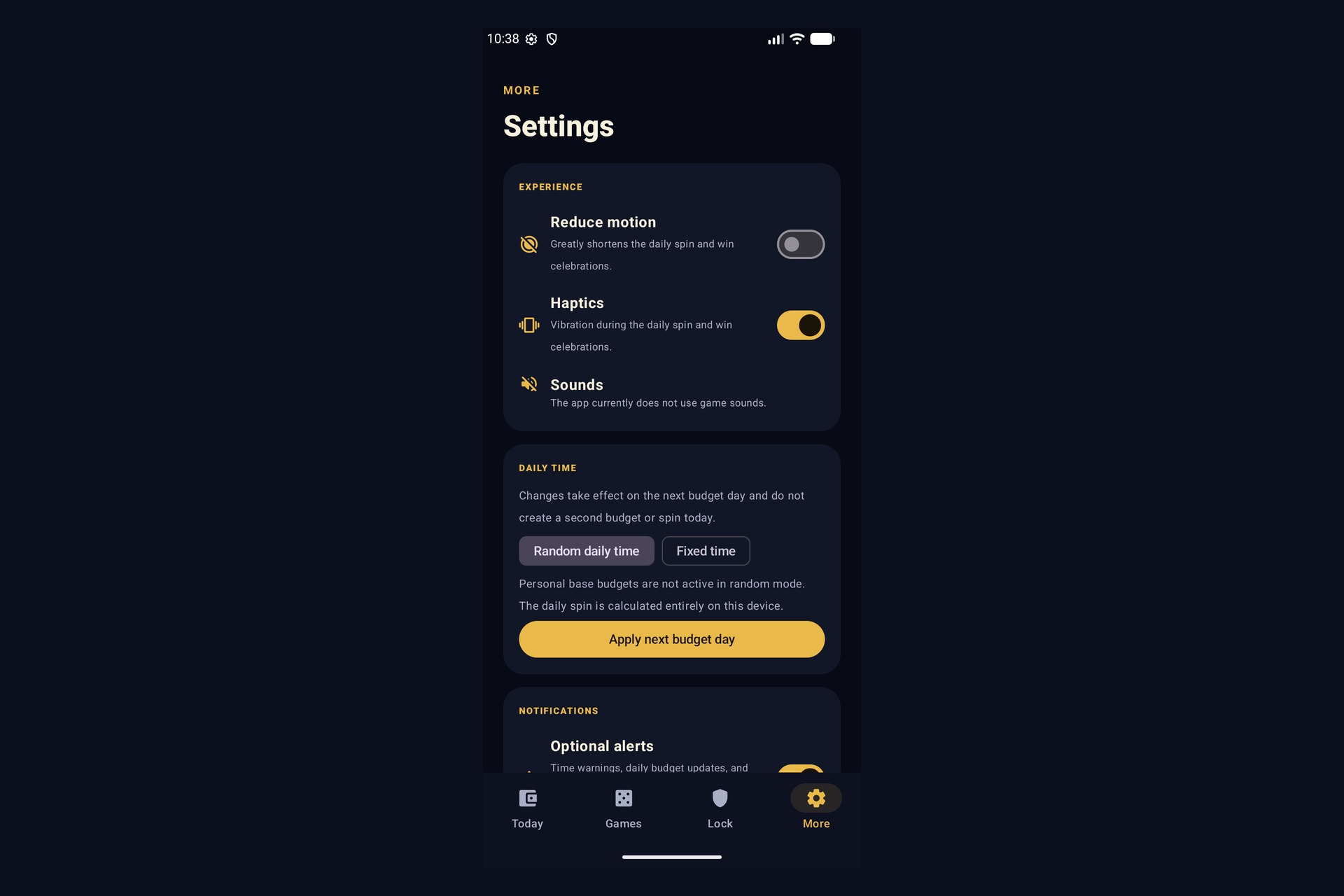
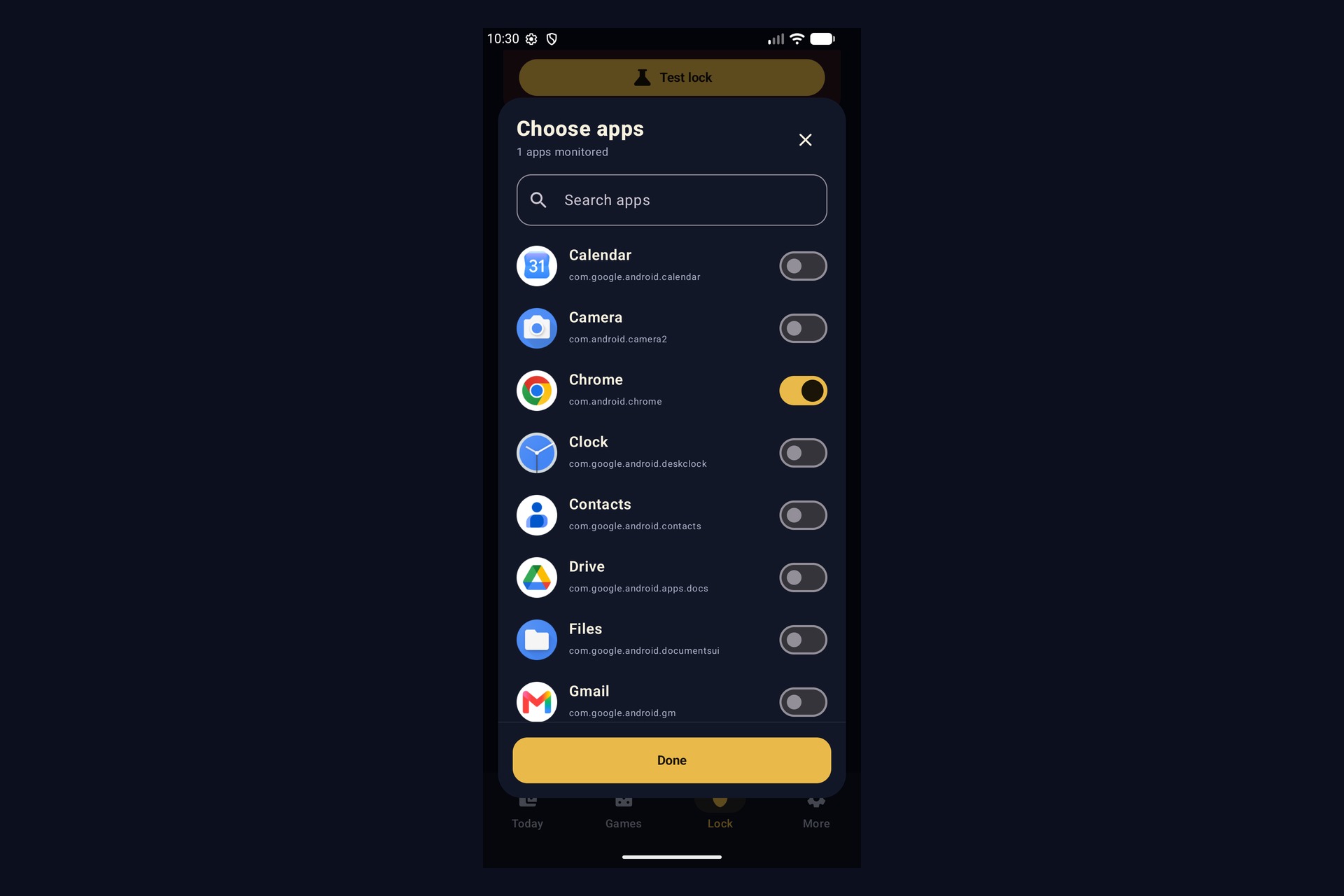
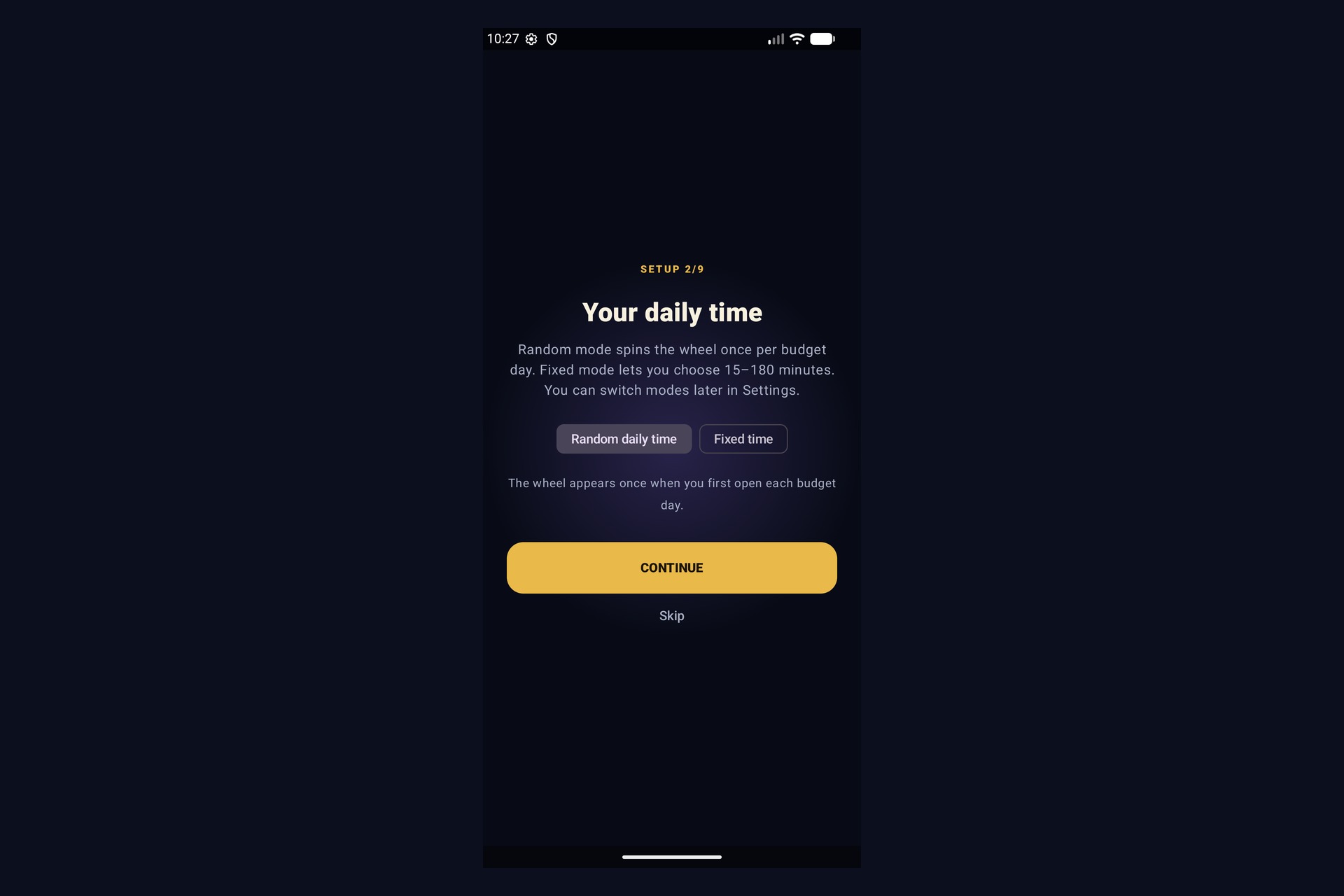
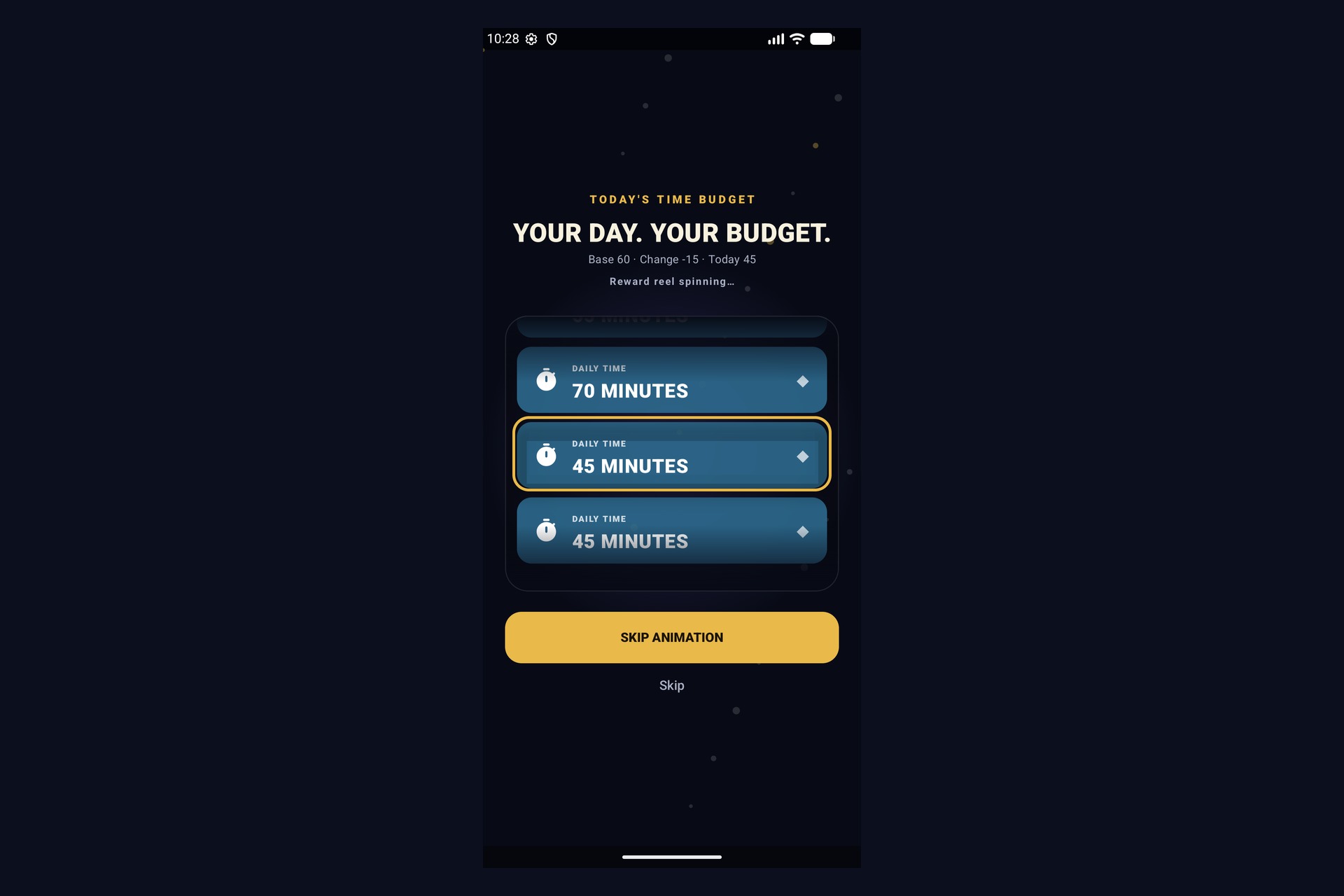
Users choose either a fixed daily time allowance or a random allowance through the Daily Spin. That allowance is shared across the apps they select.
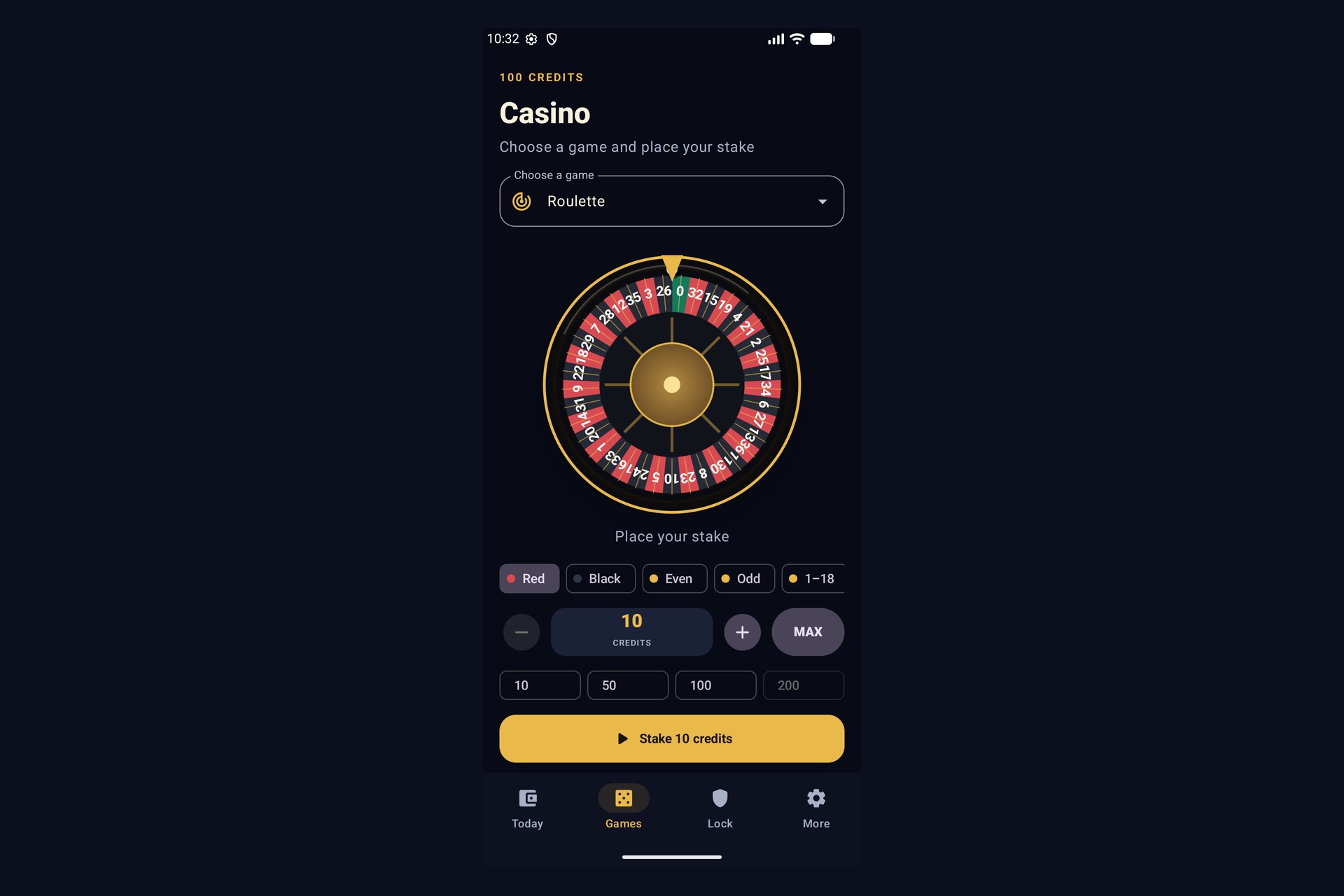
The user can then exchange minutes for virtual credits:
1 minute = 10 credits
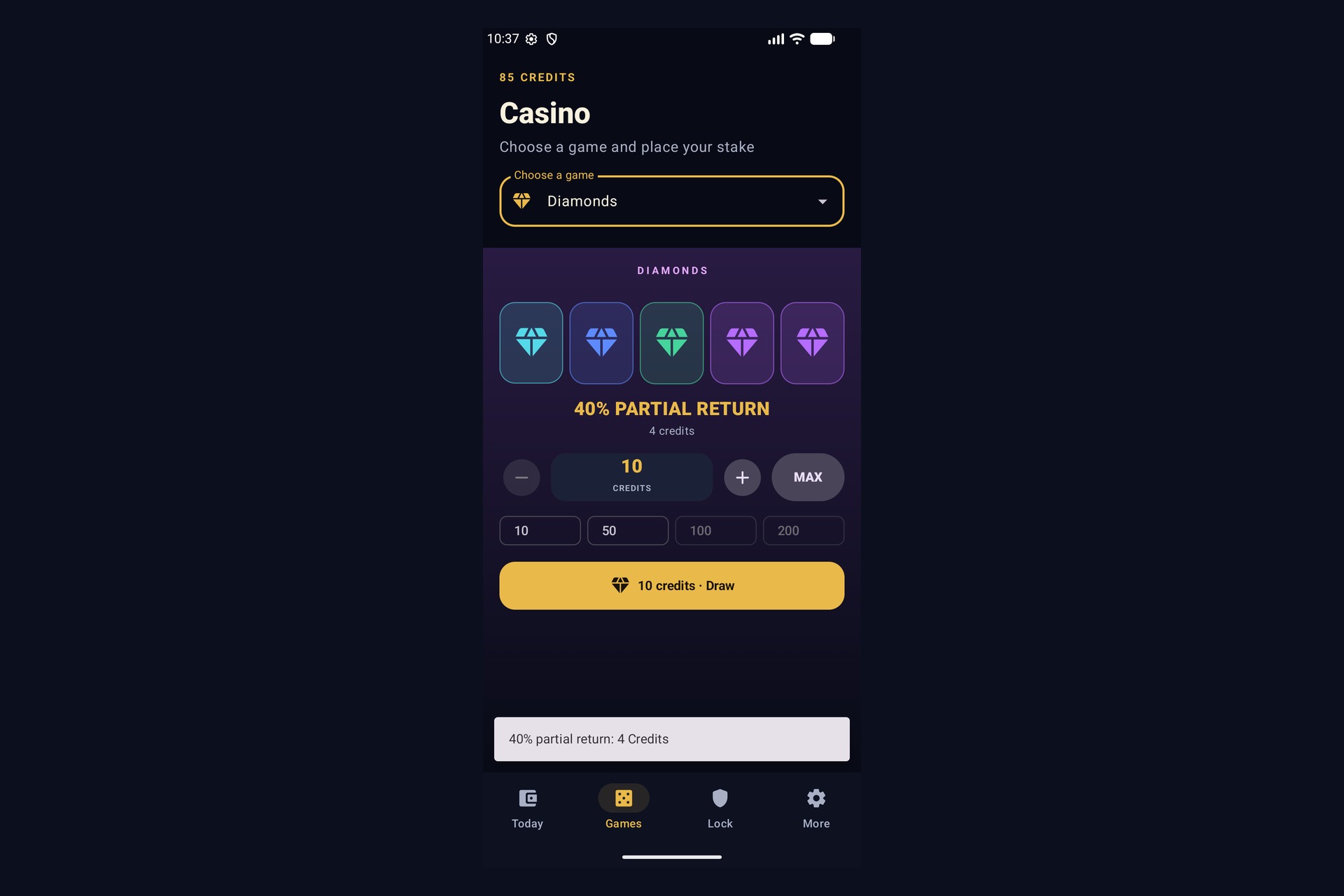
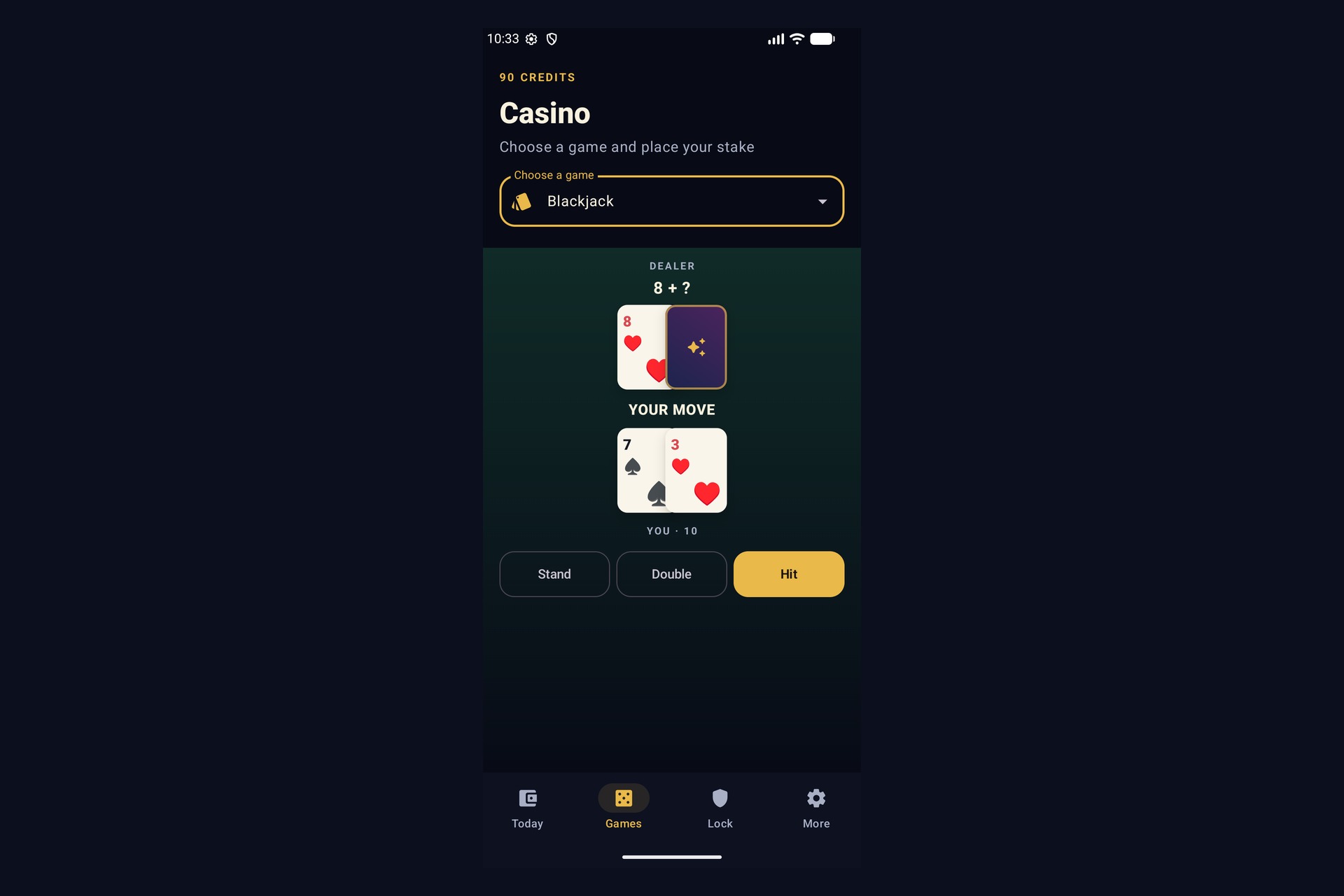
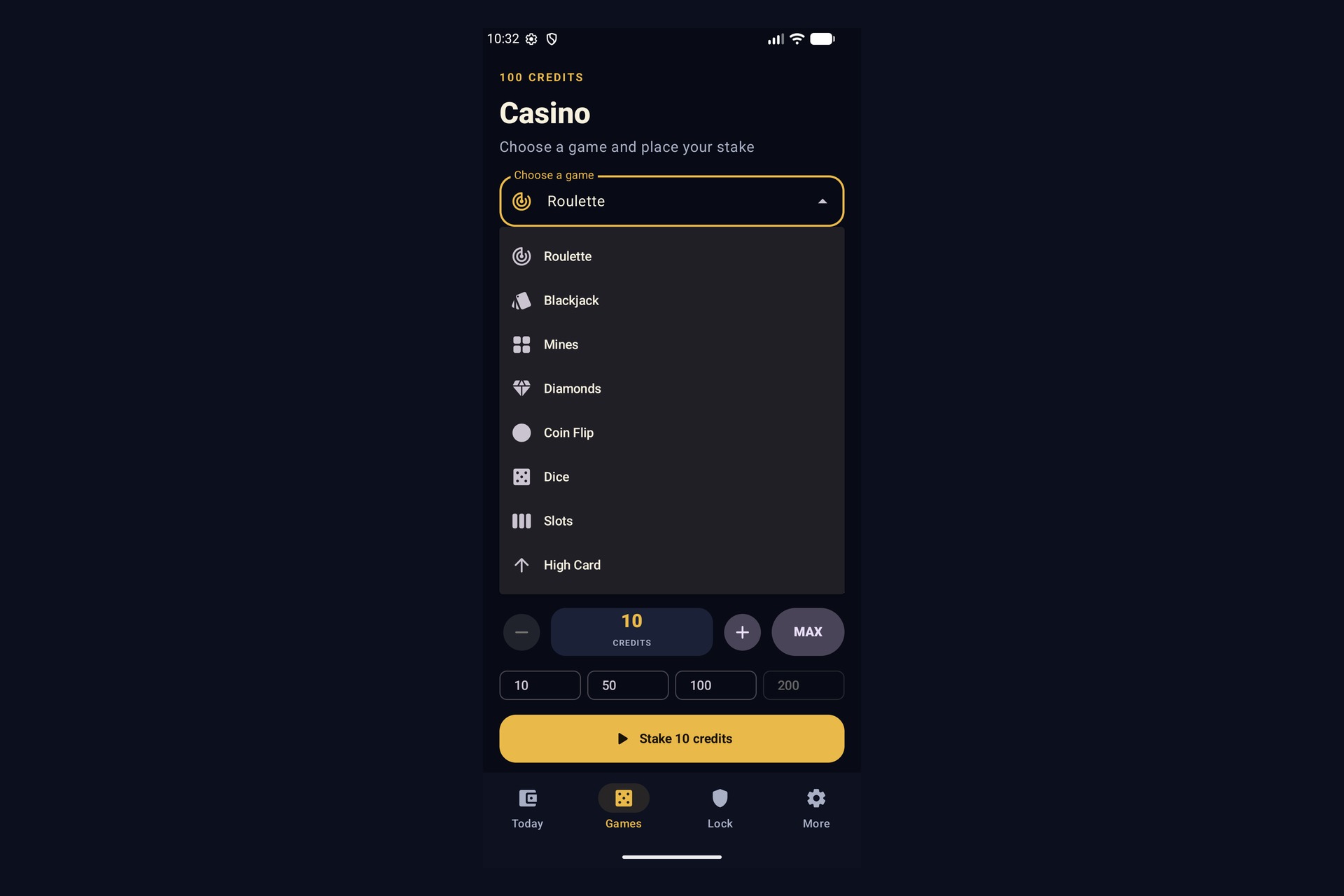
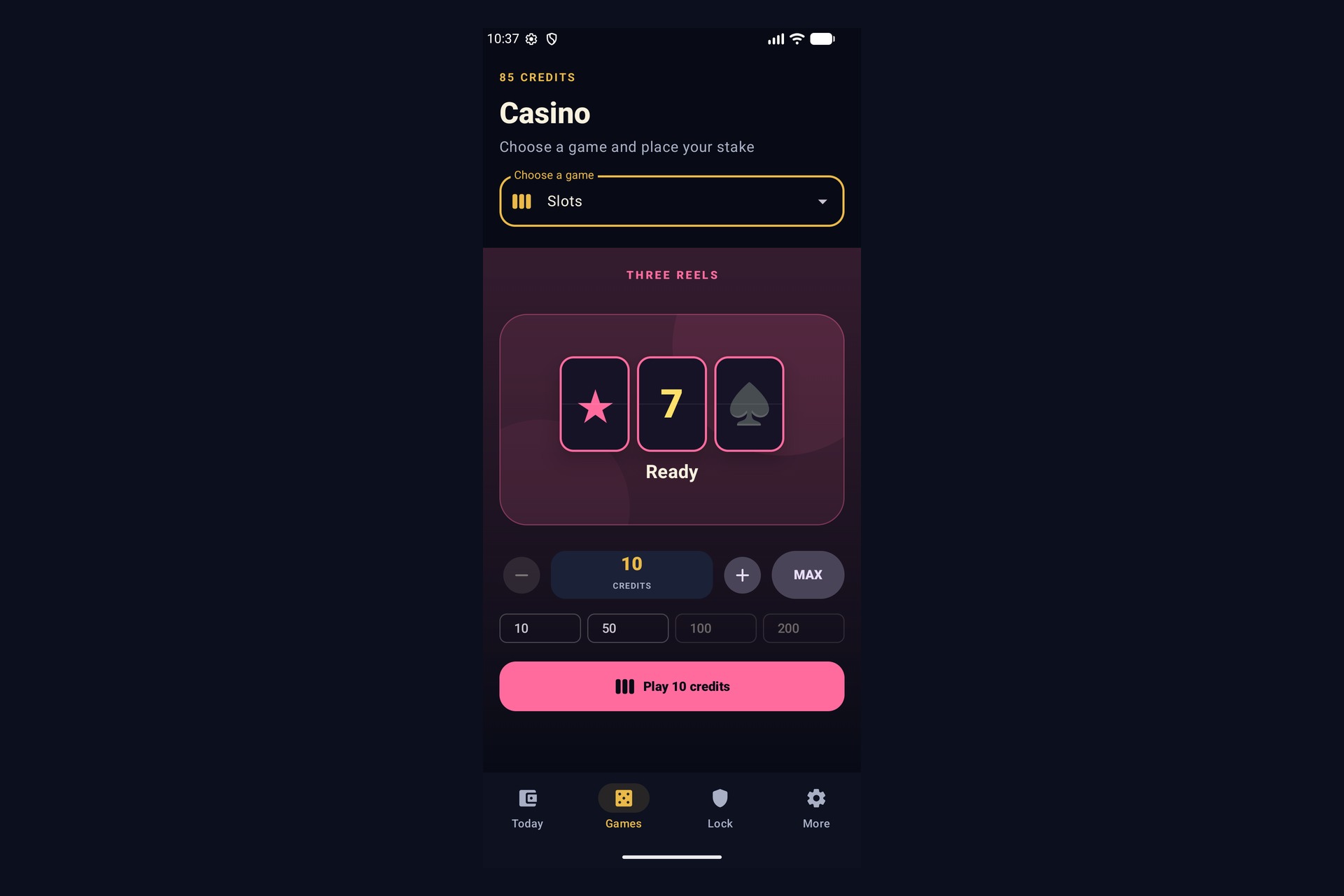
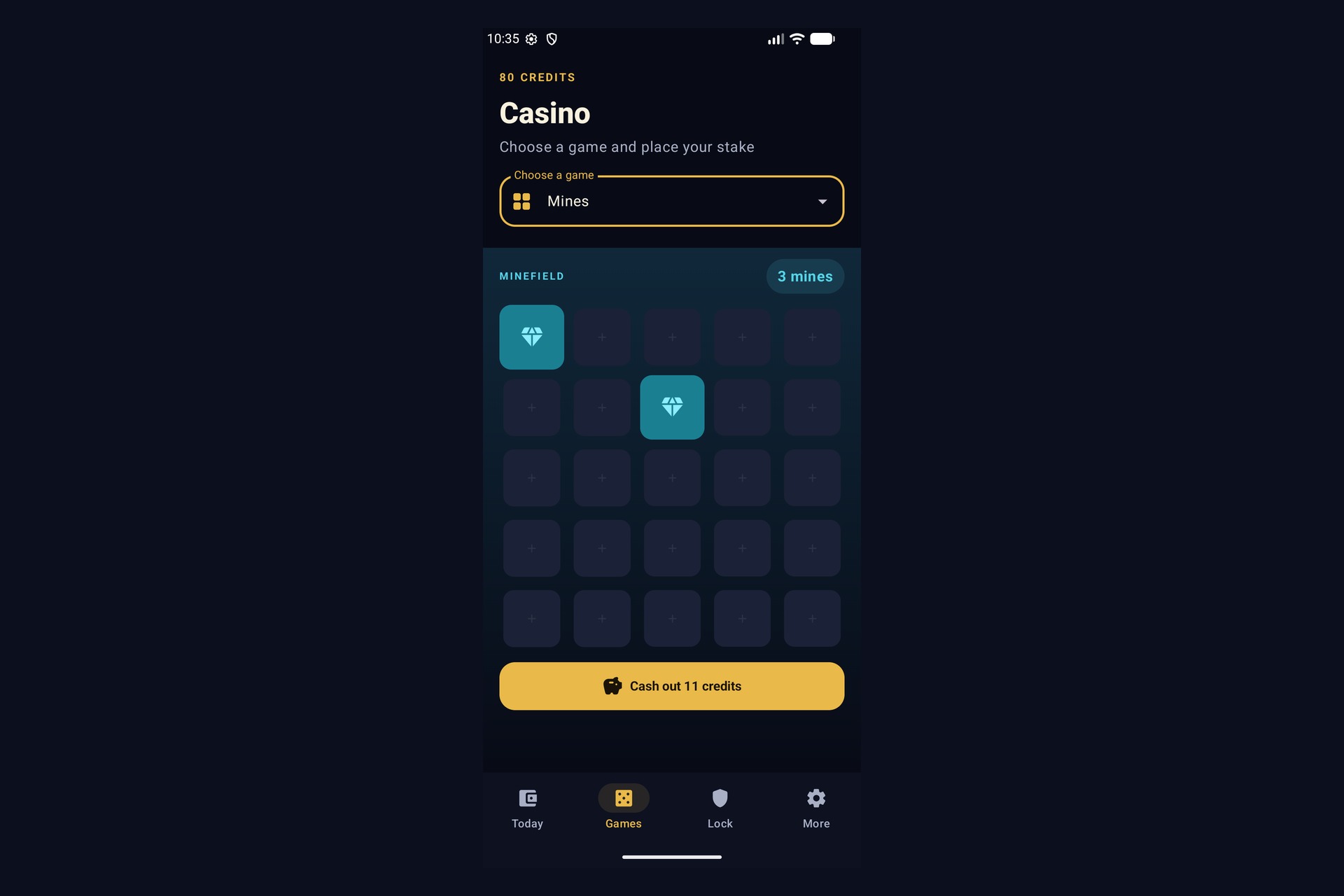
Those credits can be used in eight games:
- Roulette
- Blackjack
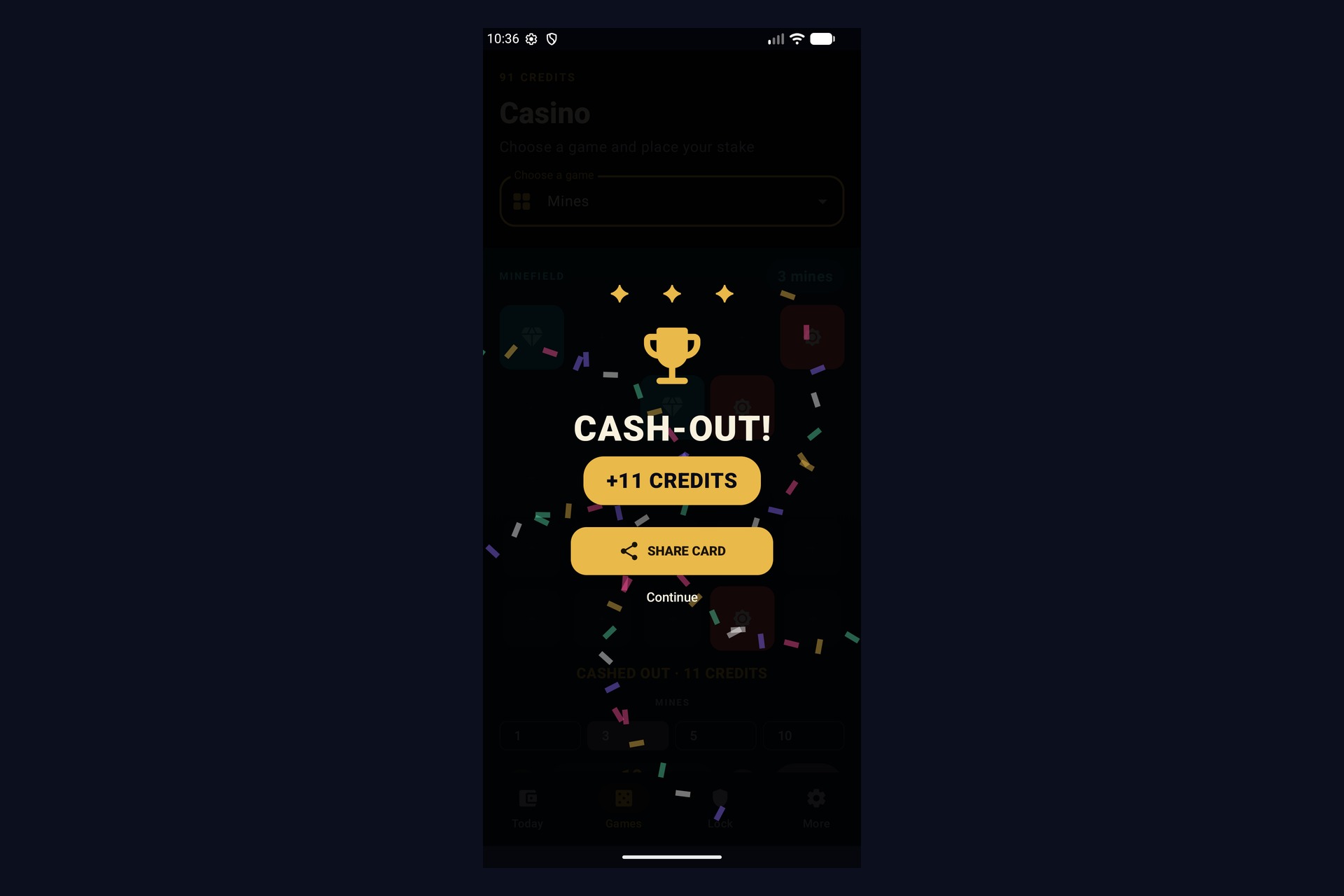
- Mines
- Diamonds
- Coin Flip
- Dice
- Slots
- High Card
Any remaining credits can be exchanged back into minutes.
There is no real money, no way to buy credits, no cash-out, no prizes, no advertising, and no social competition. Credits only exist inside the screen-time system.
The games are deliberately negative-value. Their target return is approximately 90% across many independent rounds. The purpose is not to create a profitable strategy. If a user continues playing, they are expected to lose some of their available time.
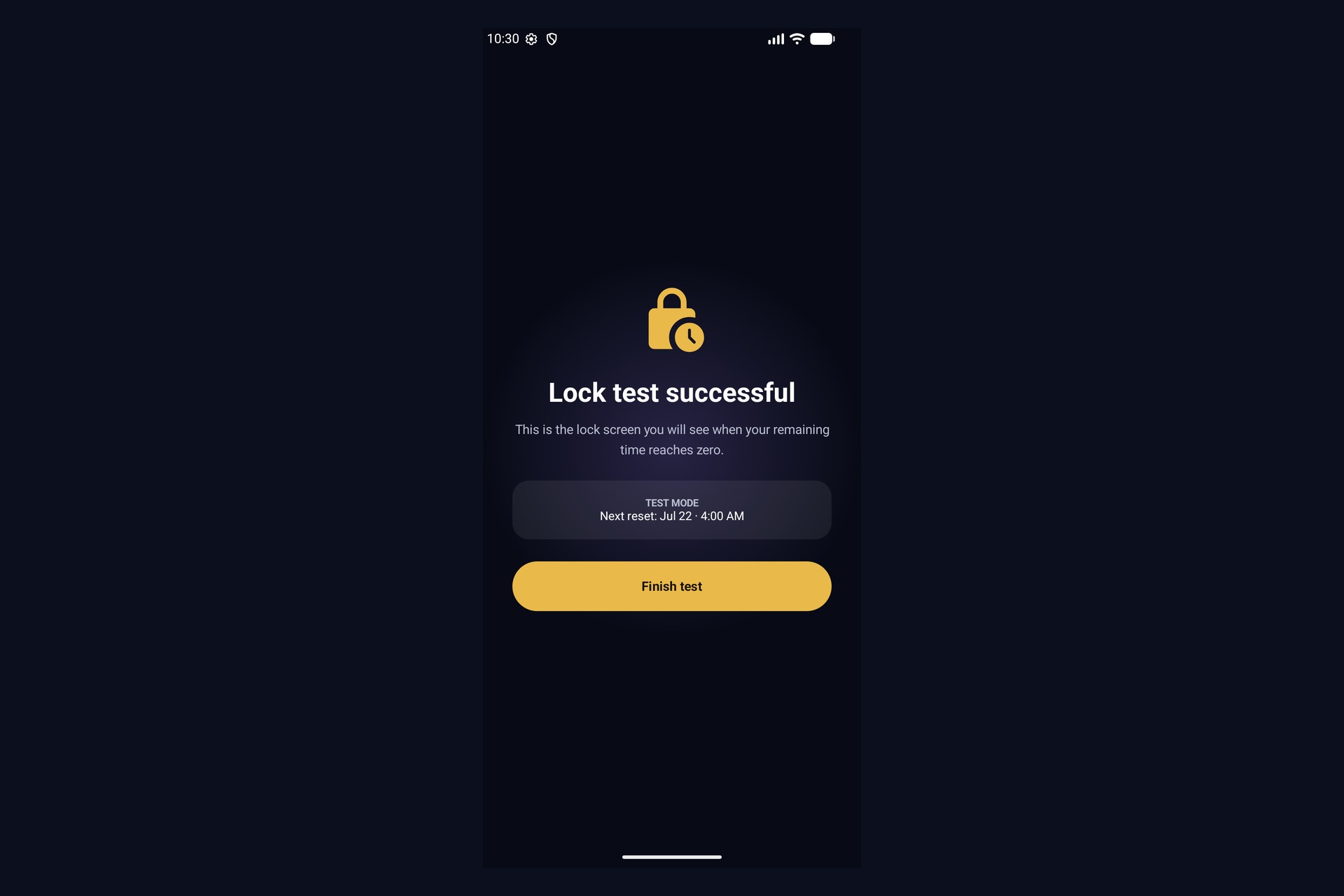
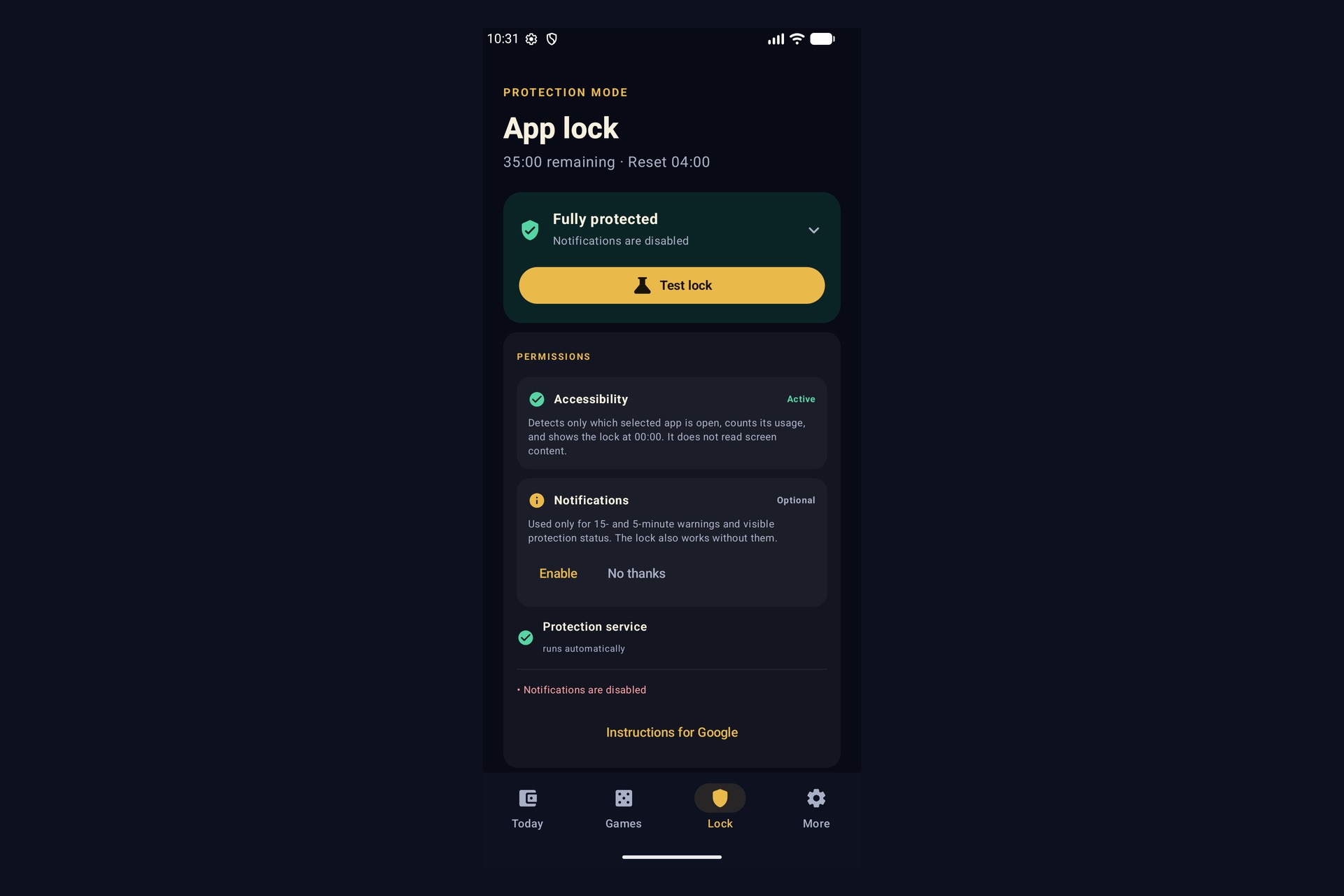
The result is connected to a real Android app lock. An Accessibility service detects when one of the selected apps becomes active and counts down the shared time budget. When the balance reaches zero, Lucky Minutes covers the selected app, moves it into the background, and opens the block screen.
There is also confirmed emergency access, which pauses blocking for exactly five minutes and is available once per budget day.
How I built it
I started implementing Lucky Minutes on July 13, 2026. I only found out about Build Week a few days later, so the implementation was created during the Build Week period rather than being an older finished product that I submitted afterward.
The app is built in Kotlin using Jetpack Compose and Material 3. It supports Android 10 and above and currently targets Android SDK 36.
I originally considered Flutter because it would have made cross-platform development easier. I decided against it because the main feature is an invasive Android app lock that depends on Accessibility events, overlays, foreground services, reboot recovery, and other platform-specific behavior. Native Kotlin was the better choice.
The app lock uses an Accessibility service to detect when an explicitly selected app becomes active. The service is configured not to retrieve window content. It does not read messages, passwords, text input, browser content, or the screen itself.
A foreground protection service maintains a heartbeat and persistent notification. A boot and update receiver restarts protection after a reboot or app update.
The wallet is fully local. Wallet mutations synchronously commit the balance, transaction data, and signature together. The signature uses an HMAC key stored in the Android Keystore.
Each game result is generated using java.security.SecureRandom. The outcome and payout are fixed when the round begins. They are not changed based on the user, their balance, or their previous results.
I also added persisted round states because Android processes can stop at almost any point. If a round was interrupted before it was safely completed, it is refunded on the next start. If it was already settled, the result survives the interruption without being paid twice.
The app compares normal wall-clock time with monotonic device time. If the clock changes in an implausible way, time-dependent economy actions are paused instead of trusting the changed timestamp.
Everything stays on the device. The app requests no general Internet permission and has no backend, account system, analytics, advertising SDK, cloud synchronization, crash upload, remote configuration, purchases, subscriptions, or billing integration.
Challenges I faced
The hardest part was not building one individual screen or game. It was connecting all parts of the product without relying on a server.
The app lock, daily allowance, wallet, games, recovery system, clock handling, and local persistence all affect each other. A failure in one part could create incorrect time, duplicate payouts, lost credits, or a lock that does not reflect the real balance.
Android app locking also has practical limits. Lucky Minutes is a self-control tool, not a tamper-proof parental-control or device-management product. The device owner can still disable permissions, clear app data, or uninstall the app. Absolute enforcement would require Device Owner or MDM management, which is outside the intended product.
Manufacturer-specific Android behavior was another difficulty. Accessibility setup, restricted settings, foreground services, battery management, and reboot behavior are not identical on every device. I tested the current APK on an Honor Magic 8 Pro and Honor Magic 6 Pro running Android 16.
Graphics and animations required the most manual correction. Codex could produce functional Compose implementations quickly, but the first visual result was often not good enough. I repeatedly changed animation timing, layouts, result presentation, and balance updates.
One example was the Casino balance. The actual wallet change is stored when the result is fixed, but the visible balance remains unchanged until the result animation finishes. Otherwise, the balance could reveal whether the player won or lost before the animation did.
I also had to think carefully about responsibility. I removed earlier ideas involving accounts, social features, leaderboards, cloud systems, Pro versions, and billing. The final product is local, has no purchases, and gives credits no monetary or external value.
How I used Codex and GPT-5.6
Codex handled a large share of the coding work.
It wrote implementation plans, helped design the architecture, implemented and refined features, and supported the development of the games. I used it for the Accessibility-based app lock, the signed wallet, animations, recovery states, tests, privacy reviews, security reviews, and release hardening.
The largest acceleration came from building the infrastructure and connecting the different layers of the product. While Codex worked through implementation tasks, I could focus more on design questions, responsibility, and the psychological idea behind the app.
Codex was not automatically right. Graphics and animations needed the most correction and manual iteration. I tested its output, reviewed the product behavior, adjusted the visual result, and kept responsibility for the final decisions and submission claims.
I used GPT-5.6 to help design the project architecture, structure development workflows, challenge parts of the idea, and create the detailed questionnaire that became the basis for the product specification and this documentation.
The app itself makes no AI requests at runtime. Keeping it completely local was an intentional product and privacy decision.
Accomplishments I am proud of
Lucky Minutes became more than a game mock-up or a screen-time concept.
The current build creates a working Android APK, enforces a real app lock, persists and signs a local wallet, handles daily time boundaries, recovers interrupted rounds, and includes eight functioning games with tested probability logic.
The project also includes tests for the economy, game probabilities, persistence, wallet integrity, clock handling, privacy boundaries, protection logic, share-card behavior, and release metadata.
I also use the APK personally in everyday life. That exposed problems that would have been easy to miss in a static prototype.
What I learned
I learned that connecting features reliably is much harder than building them separately.
A game can work correctly, and an app lock can work correctly, while the product still fails if the wallet, daily reset, process recovery, or visible balance does not stay consistent between them.
I also learned that keeping everything local does not automatically make the implementation simple. It removes many privacy problems, but it means the device itself has to handle integrity, recovery, validation, and unusual states without help from a backend.
The biggest lesson from using Codex was that speed does not replace review. It can build a large amount of working code quickly, but visual quality, product responsibility, and the exact experience still require human judgment.
What’s next
The next step is broader and responsible user testing.
So far, the intended effect is based mainly on my own experience. I want to test whether the mechanism actually reduces screen time for other users, how people react after losing time, whether some users begin interacting with the games more than intended, and which groups should not use the product.
The current release candidate is prepared for judging and real-device validation. Public store distribution, production signing, and broader user validation are not yet complete.

Log in or sign up for Devpost to join the conversation.