Inspiration
Creative skill travels more easily than muscle memory. You can know exactly what you want to make and still lose momentum searching for a familiar tool, shortcut, or panel in unfamiliar software. Lucienne asks: what if the new application could meet you partway?
What it does
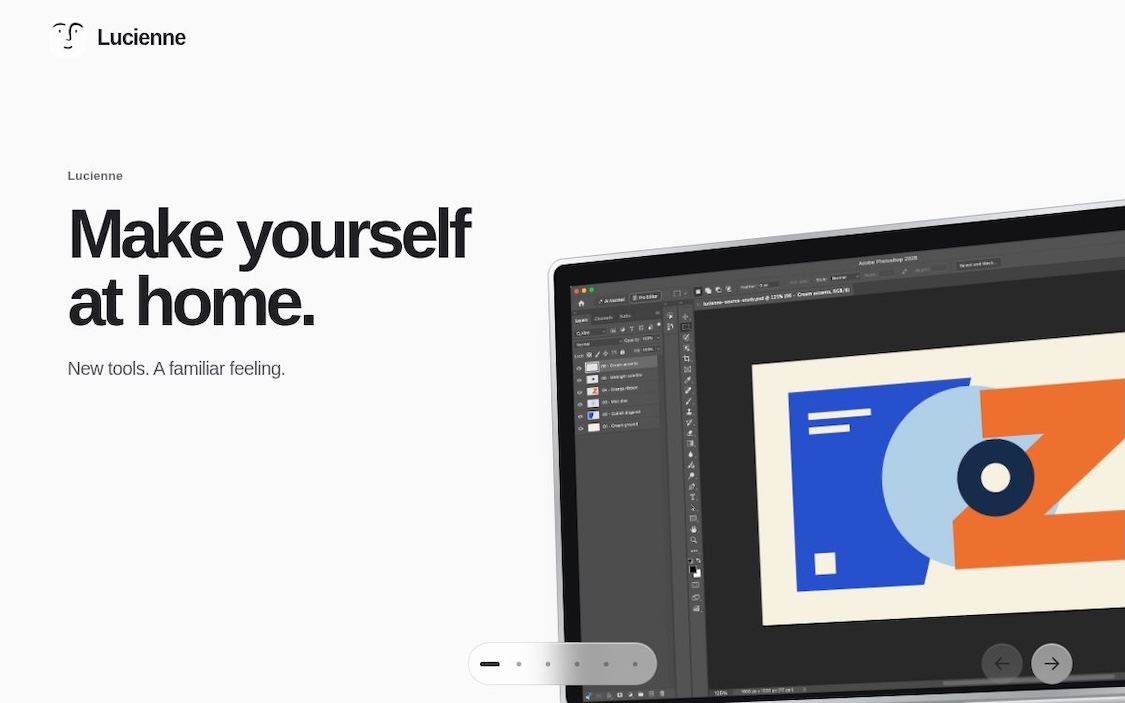
Lucienne is a desktop prototype for translating familiar creative workflows into another application's supported layouts, shortcuts, and controls. Choose a source workflow and a destination, then prepare a bounded translation. Chat supports specific refinements such as moving panels, enlarging the canvas, or simplifying tools.
The first integration route is Photoshop → Krita. The codebase also contains adapters for Blender, REAPER, and Kdenlive. A local coordinator owns the exploration timer, cancellation, and reset; a companion interface presents session progress.
Prototype status: the public repository includes a runnable local fixture and native adapter source. The fixture demonstrates the software flow using simulated profiles and adapters. Complete native translation, chat, reset, and ordinary relaunch are still being debugged and verified; broader route coverage and the paired companion are not yet demonstrated end to end.
How we built it
The desktop host uses Electron, React, and TypeScript. Shared contracts define source profiles, supported operations, native results, and session events. Factory and direct Claude integrations produce bounded plans, which the host validates before an adapter can apply them.
Application-specific Python bridges, scripts, and macOS helpers connect to native creative tools. Readback checks what the application actually did rather than assuming that a successful command changed the workspace. Session and cancellation guards prevent late work from becoming a new visitor's state.
Profiles describe documented controls and explicit preferences. They are simulated examples, not a claim that Lucienne has inspected or learned someone's entire personal workspace.
Challenges we ran into
Each creative application has different startup behavior, layout systems, keyboard mappings, and persistence rules. Loading a plugin is only the start: a useful translation also has to create a distinct, measurable change in the real workspace.
Reset is particularly demanding. Closing a window does not prove that shortcuts, recent documents, background work, and application settings have returned to baseline. Cold startup, workspace calibration, cancellation, and recovery became central engineering problems.
Accomplishments
- A packaged desktop host and runnable local fixture for the session lifecycle.
- A bounded planning and chat architecture with application-specific adapter source.
- Independent readback, cancellation, and reset-verification logic.
- Passing fixture, build, and packaged Electron IPC checks, kept separate from real native results.
What the implementation taught us
A plausible plan needs independent readback. Reset needs proof beyond closing a window. Explicit preferences need to survive planning failures and retries. Cross-application translation also needs a clear capability vocabulary before it can support broader workflows.
What's next
Complete and measure the native Photoshop → Krita flow, including chat adjustments and ordinary relaunch. Then verify the remaining adapters, complete the paired companion experience, and refine the interaction using real creative tasks.
The goal is simple: make yourself at home in unfamiliar creative software.

Log in or sign up for Devpost to join the conversation.