-
-
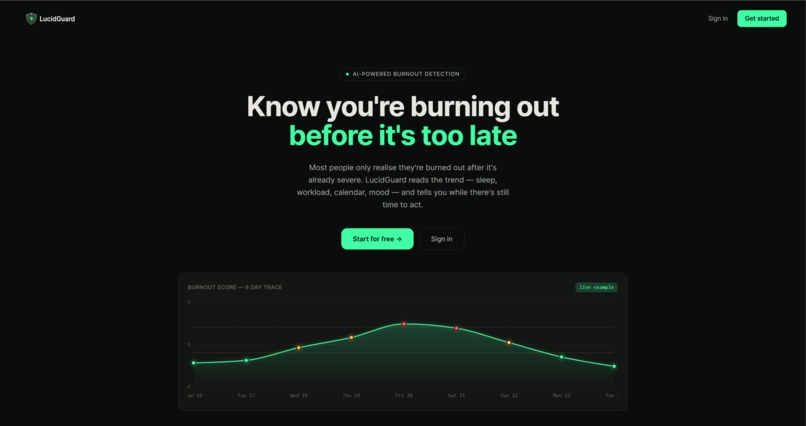
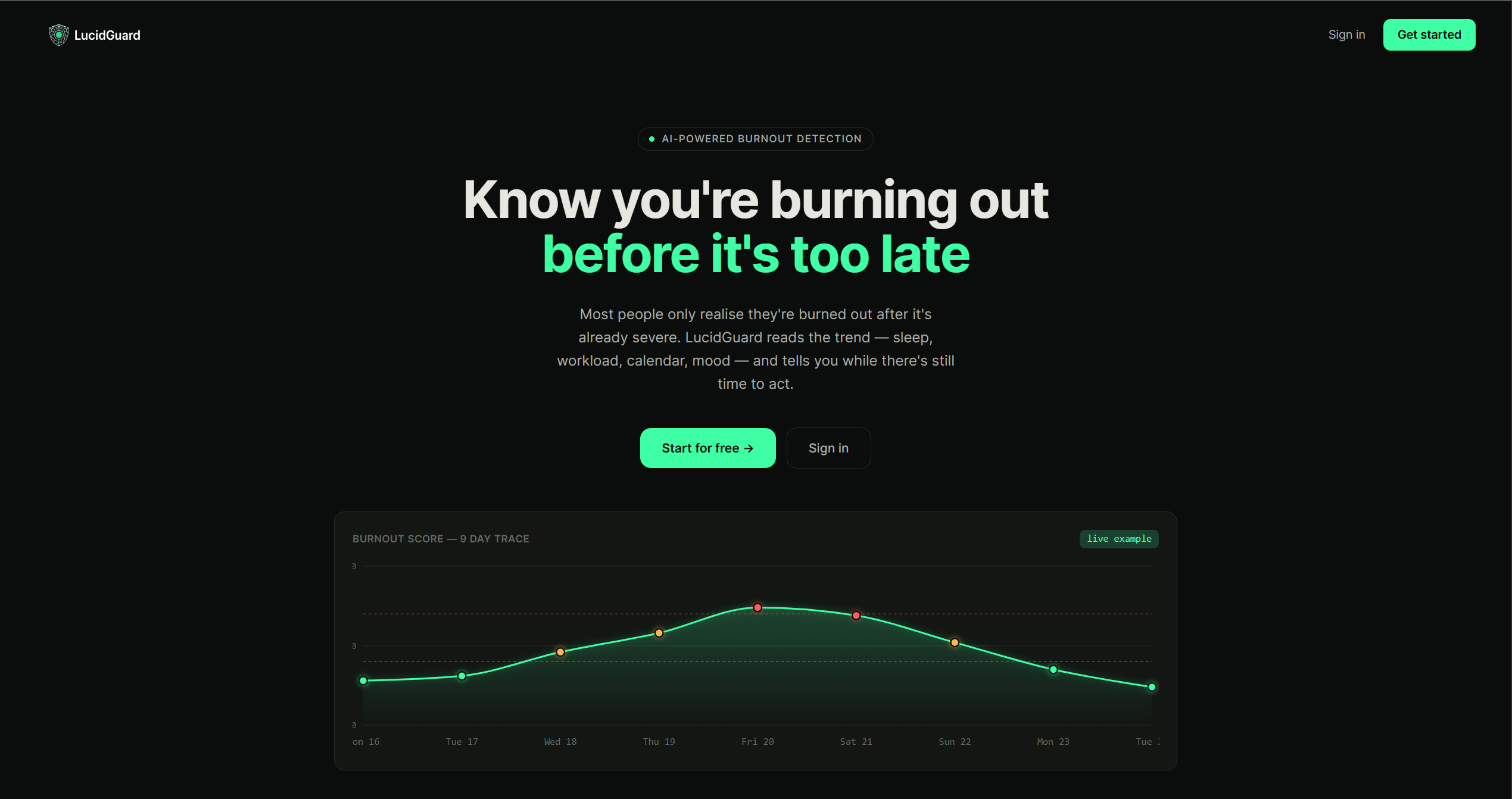
Landing page
-
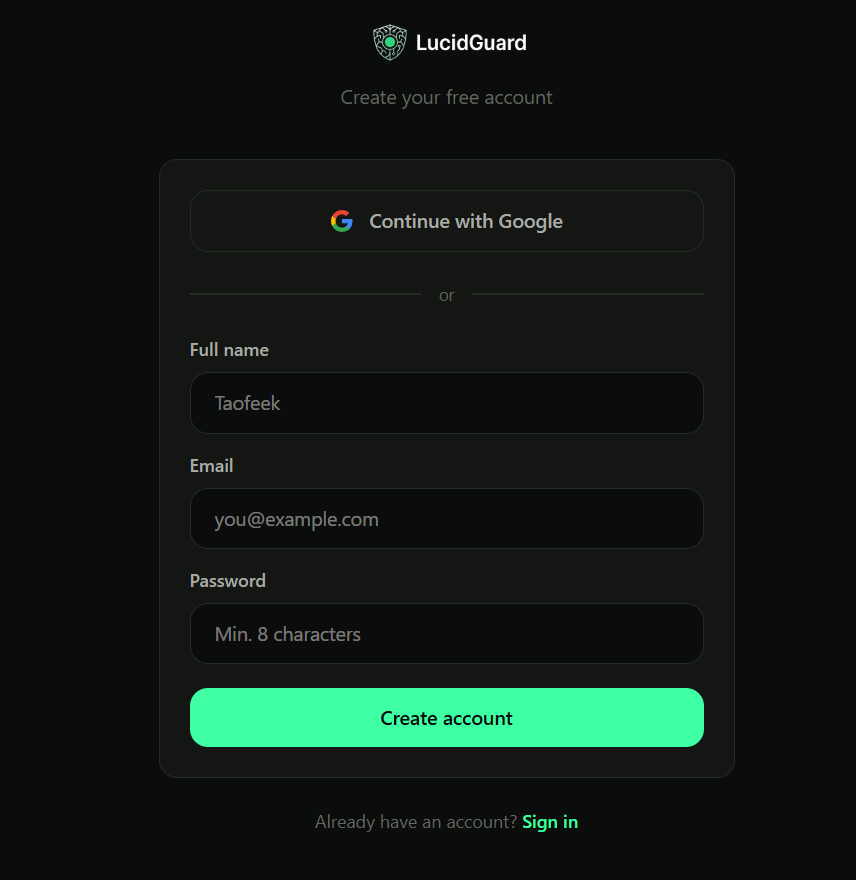
Sign-up page
-
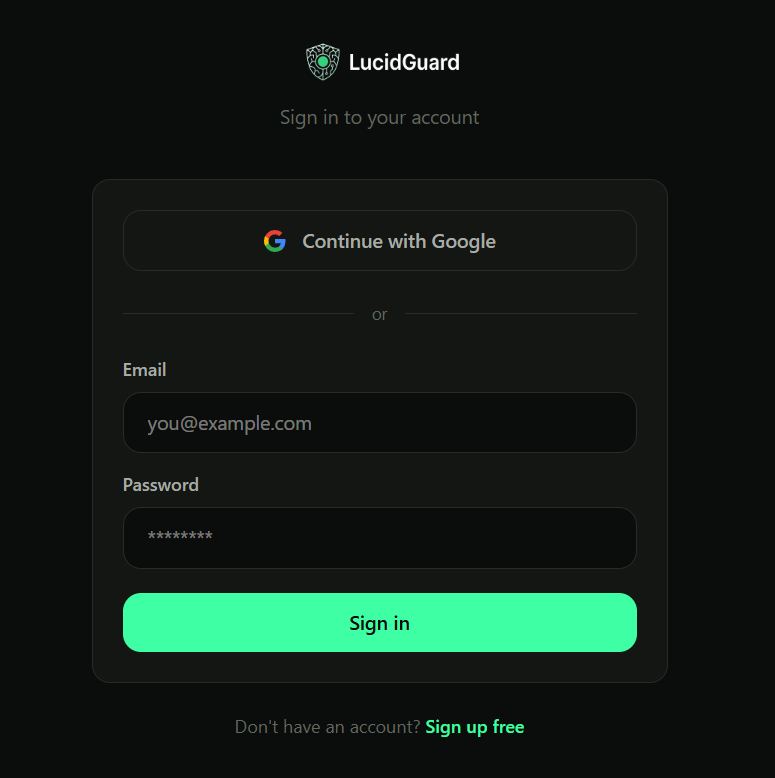
Login page
-
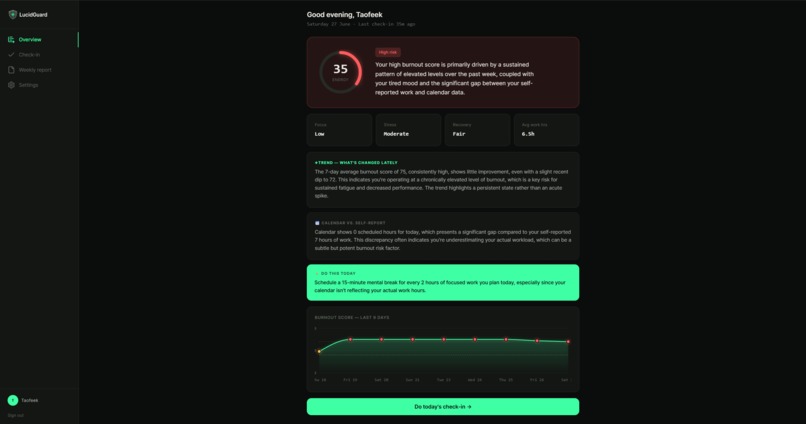
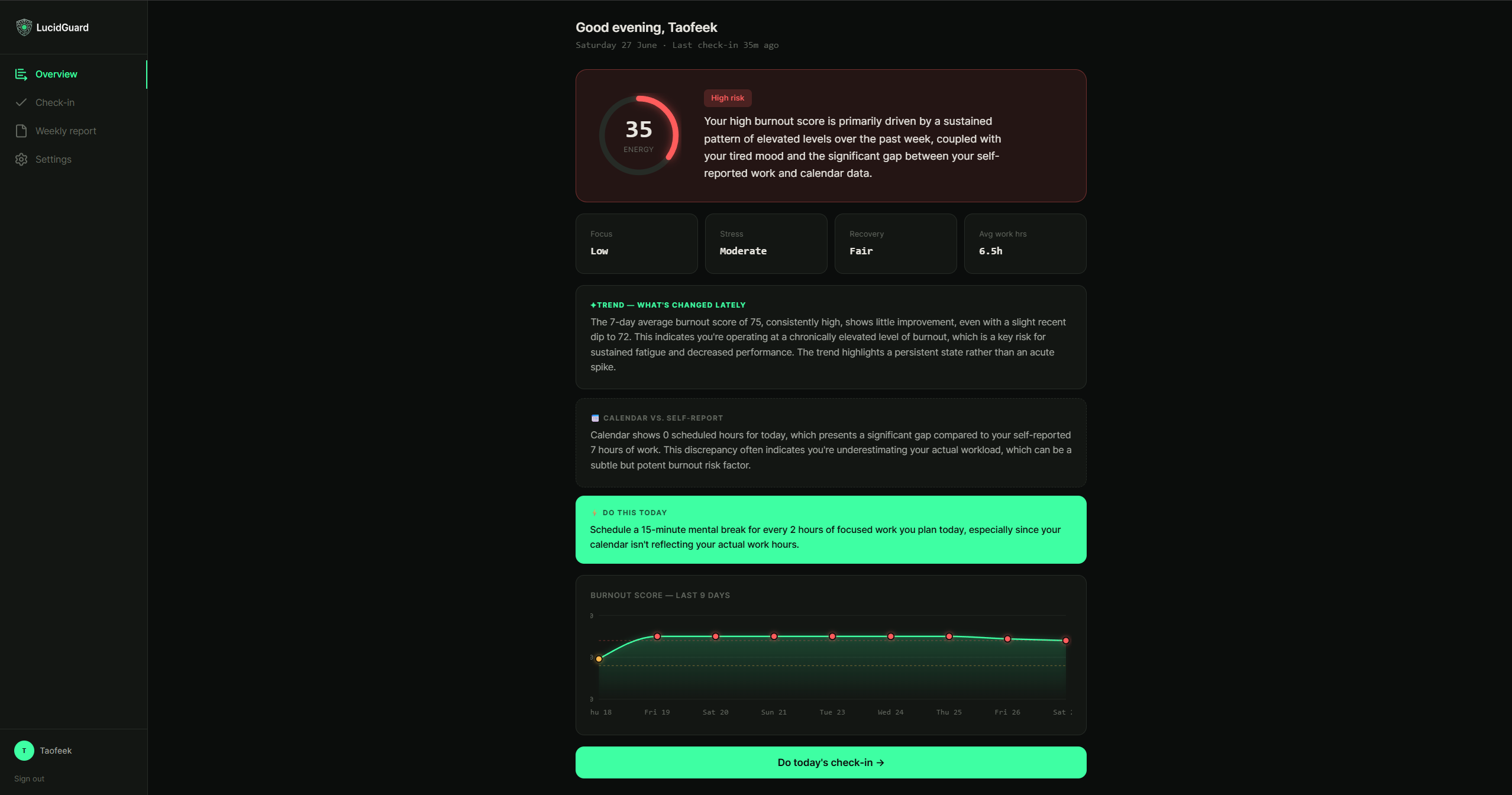
Dashboard
-
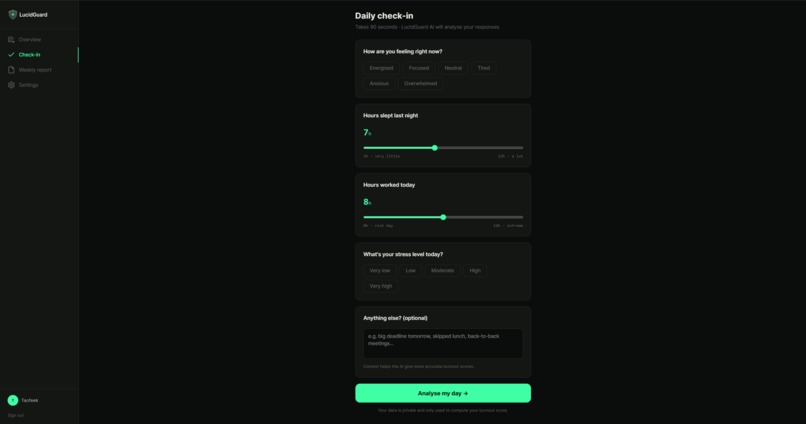
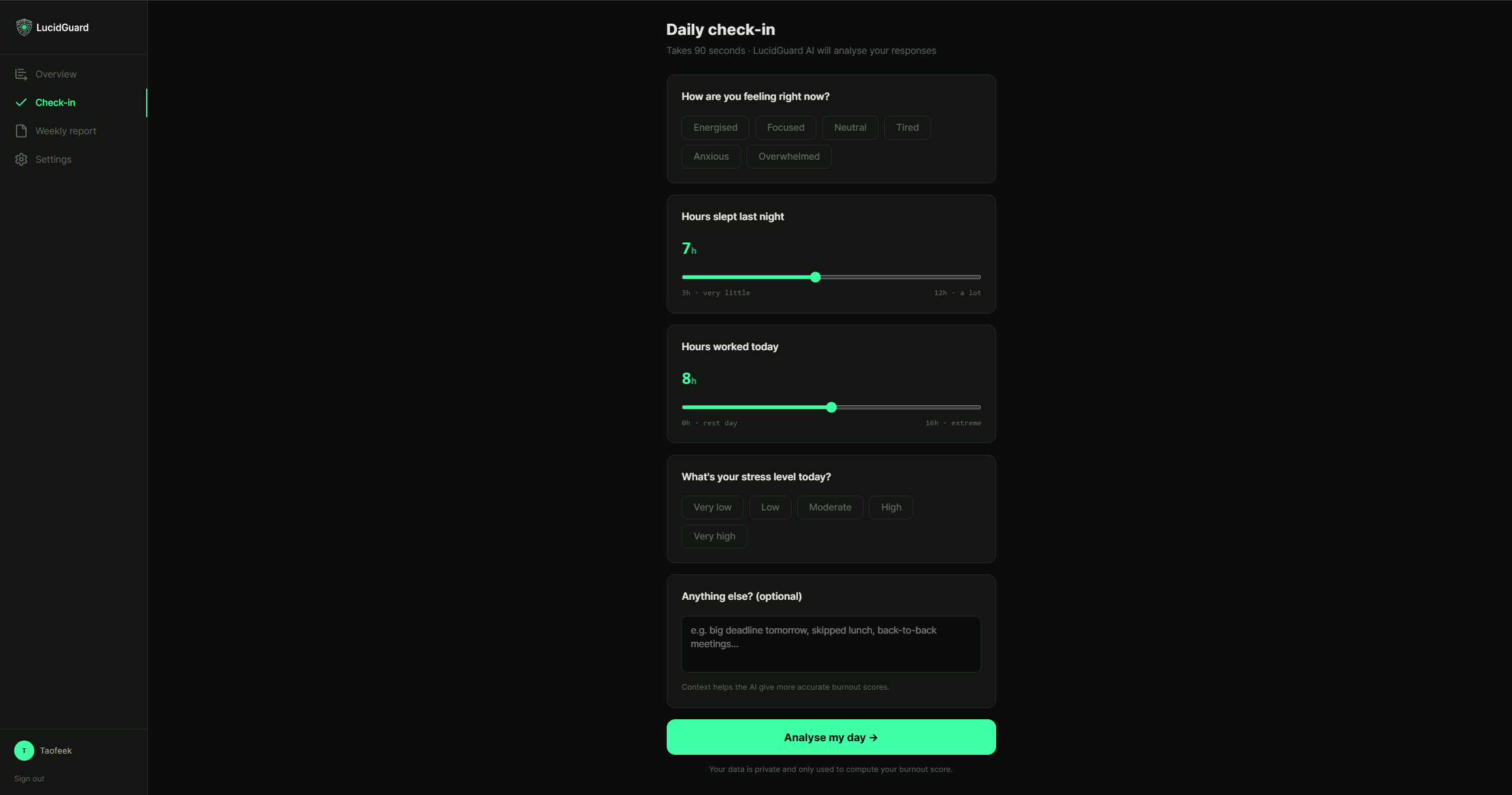
Check-in page
-
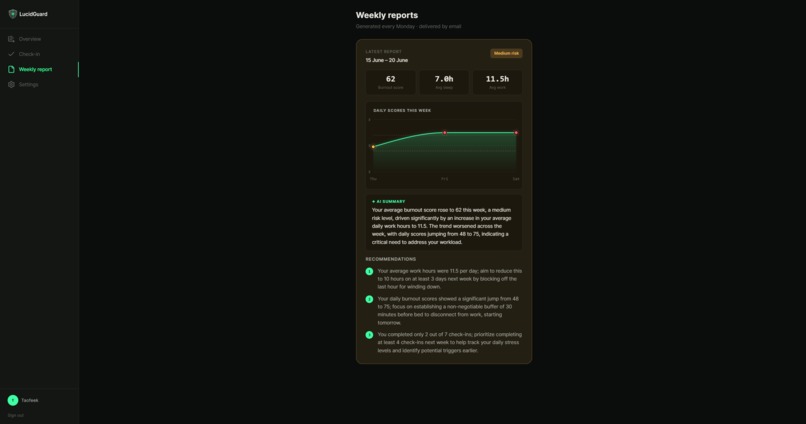
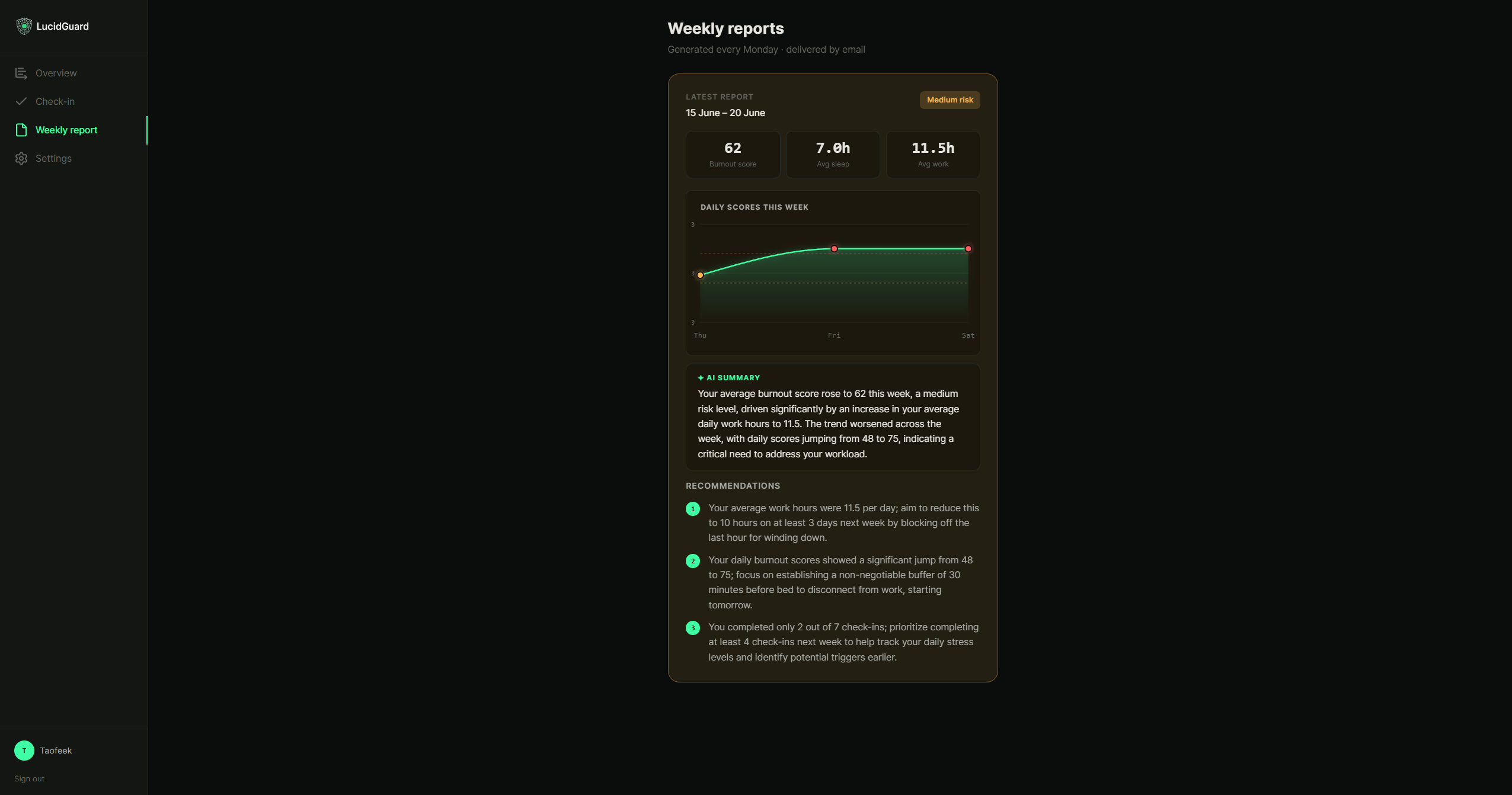
Weekly report page
-
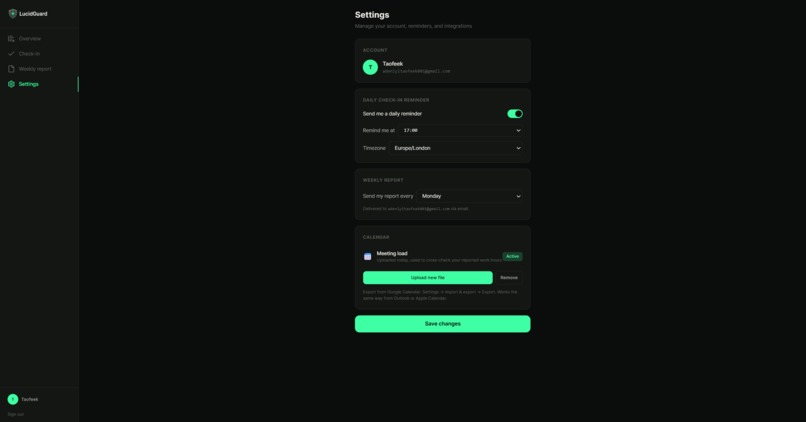
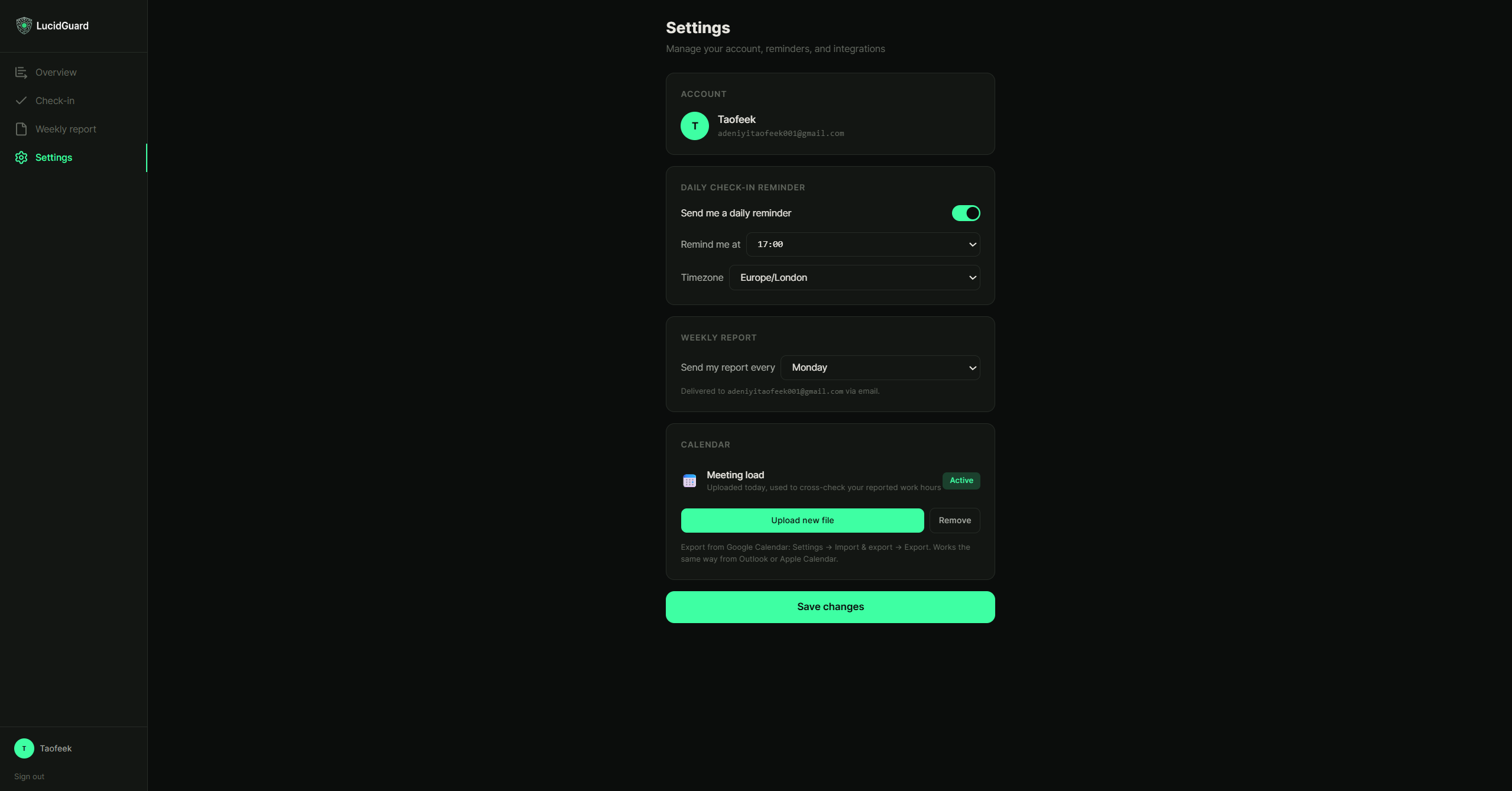
Settings page
-
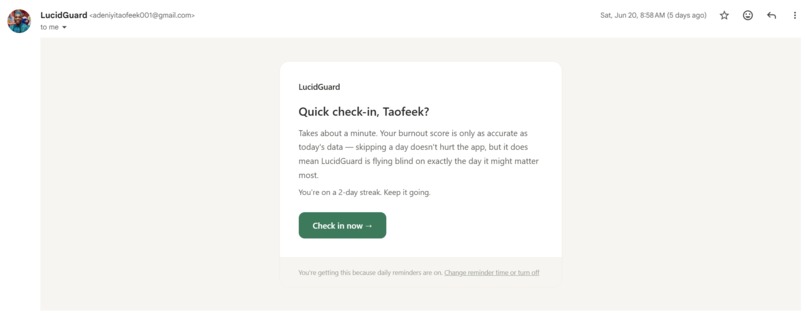
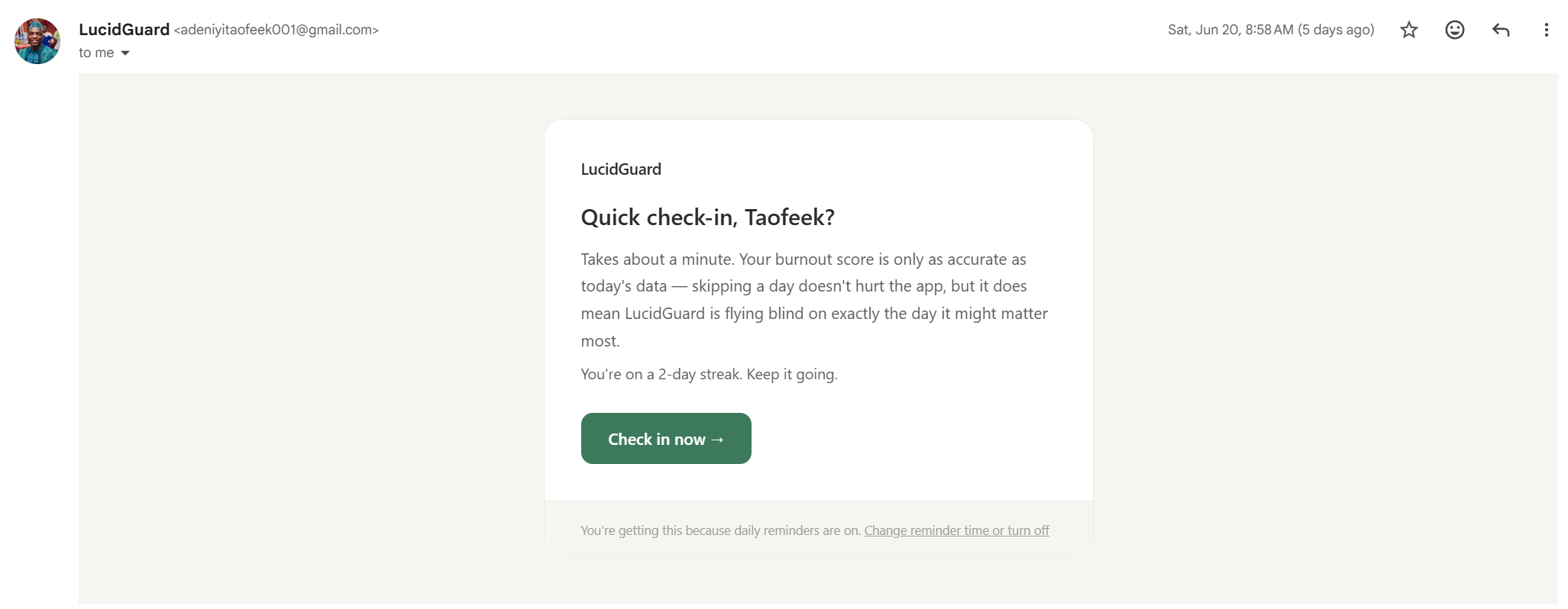
Daily reminder email
-
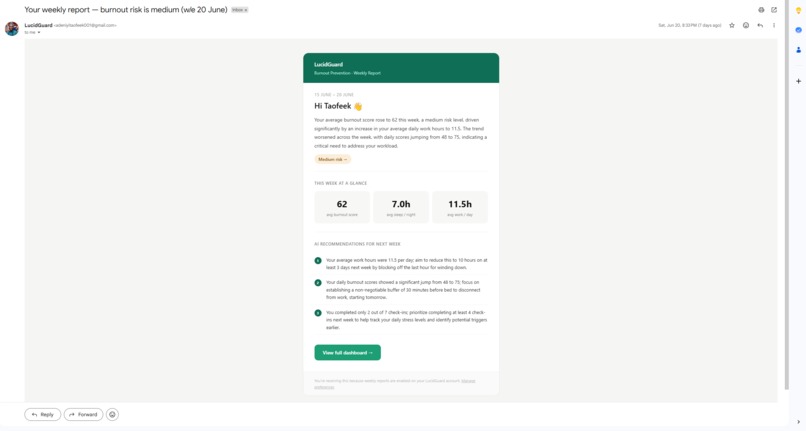
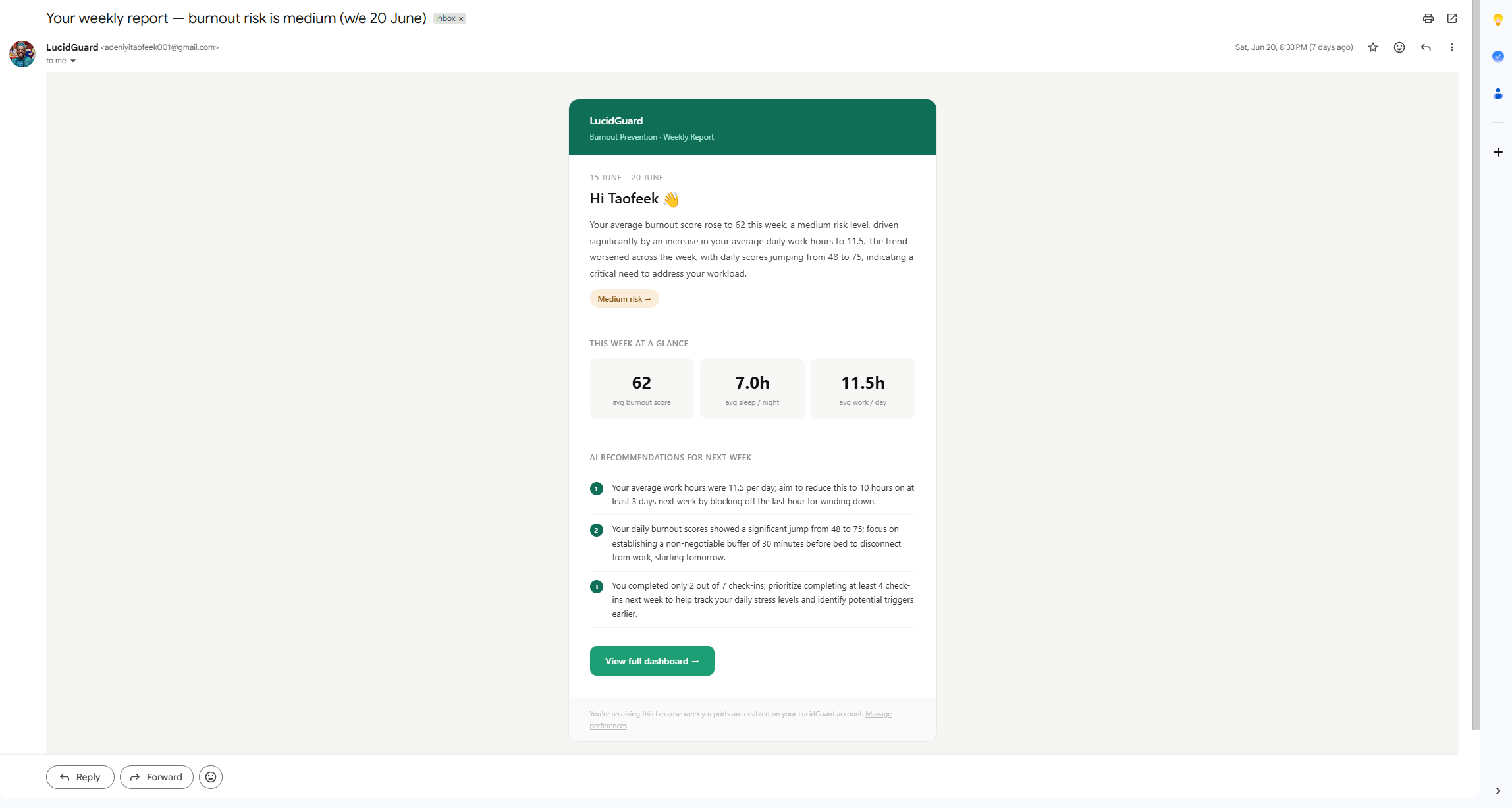
Weekly report email
Inspiration
Burnout rarely happens overnight, it builds gradually through poor recovery, increasing workload, and prolonged stress. Most existing mental wellbeing apps focus on recording moods or encouraging journaling, but they often rely entirely on self-reported feelings and provide generic advice.
I wanted to build something more proactive: a platform that doesn't just ask "How are you feeling?", but also helps users understand why they might be heading toward burnout. That idea became LucidGuard, an AI-powered burnout prevention platform designed to detect patterns early and provide actionable, personalized guidance before burnout becomes severe.
What it does
LucidGuard combines quick daily wellbeing check-ins with AI-powered analysis to estimate a user's burnout risk.
Each daily check-in captures:
- Current mood
- Sleep duration
- Work hours
- Stress level
- Optional notes
Rather than analysing each day in isolation, the AI evaluates recent trends across multiple days to identify changes in wellbeing over time.
To improve the quality of its analysis, users can also upload their calendar as a standard .ics file. LucidGuard extracts signals such as meeting load, scheduling density, back-to-back meetings, and after-hours work, allowing the AI to compare calendar activity with self-reported work patterns.
The platform then generates:
- A daily burnout score
- An explanation of what influenced that score
- Trend insights based on recent behaviour
- One specific recommendation for the day
- Weekly AI-generated reports delivered by email
- Daily reminder emails to encourage consistent check-ins
How I built it
LucidGuard was built with Next.js 16, TypeScript, and Tailwind CSS, using Prisma with PostgreSQL for data storage and better-auth for authentication.
The AI functionality is powered by Google Gemini through the Vercel AI SDK, with structured outputs enforced using Zod to ensure reliable and predictable responses.
Calendar files are parsed from uploaded .ics exports, allowing LucidGuard to analyse scheduling patterns without requiring calendar account permissions or OAuth integrations.
The application also includes:
- Automated daily reminder emails
- AI-generated weekly reports
- Interactive burnout trend visualisations using Recharts
- Background scheduled jobs using GitHub Actions and Vercel Cron
Challenges
One of the biggest challenges was ensuring the AI produced consistent, trustworthy insights rather than generic wellness advice.
Instead of sending raw historical data to the model, I pre-computed meaningful signals, such as rolling averages, burnout trends, and calendar metrics, before passing them to Gemini. This made the AI's reasoning more grounded, explainable, and easier for users to trust.
Another challenge was calendar integration. I initially considered using Google Calendar OAuth, but the added complexity around authentication, refresh tokens, and account linking outweighed the benefits. I ultimately chose .ics file uploads, making the feature simpler, more privacy-friendly, and compatible with virtually every major calendar application.
What I learned
Building LucidGuard taught me that creating an AI product is about far more than connecting an LLM to an application.
I learned how to design structured AI workflows, validate model outputs, engineer prompts that generate useful insights, and combine traditional software engineering with AI reasoning. I also gained experience building reliable background jobs, integrating calendar data, generating automated email reports, and designing an interface that presents AI insights in a clear and actionable way.
Most importantly, I learned that AI creates the most value when it augments decision-making rather than replacing it. LucidGuard doesn't attempt to diagnose burnout, it helps users recognise patterns early and take meaningful action before small problems become larger ones.
Built With
- gemini
- github-actions
- next.js
- nodemailer
- prisma+postgresql
- recharts
- tailwindcss

Log in or sign up for Devpost to join the conversation.