-
-
Lowalk icon 1024x1024
-
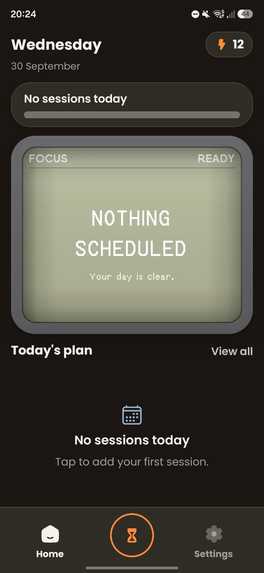
Home
-
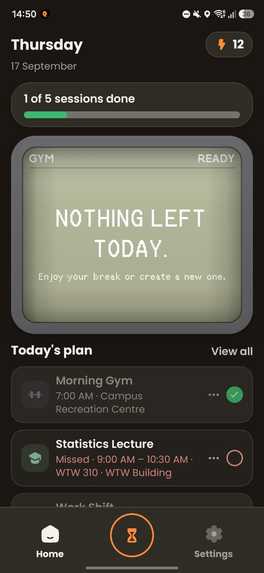
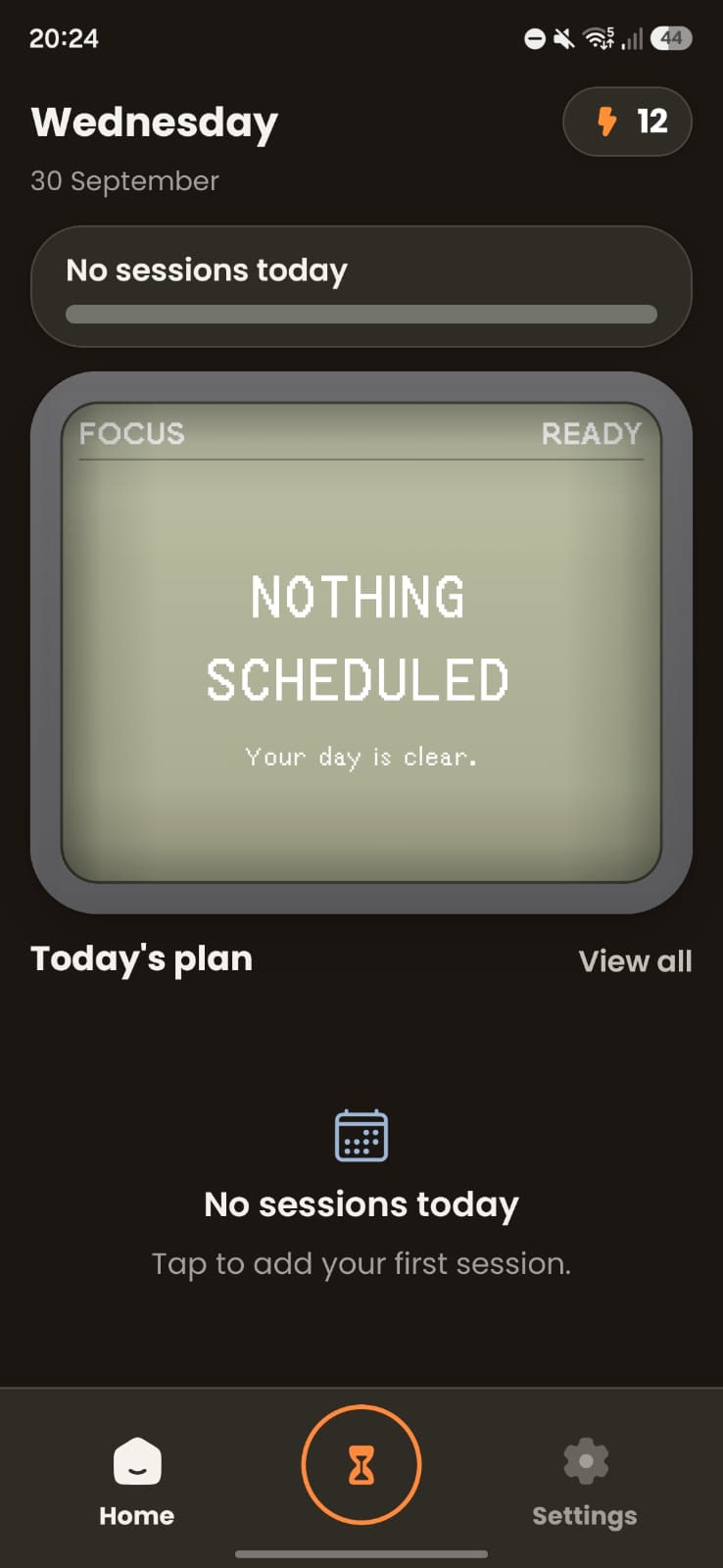
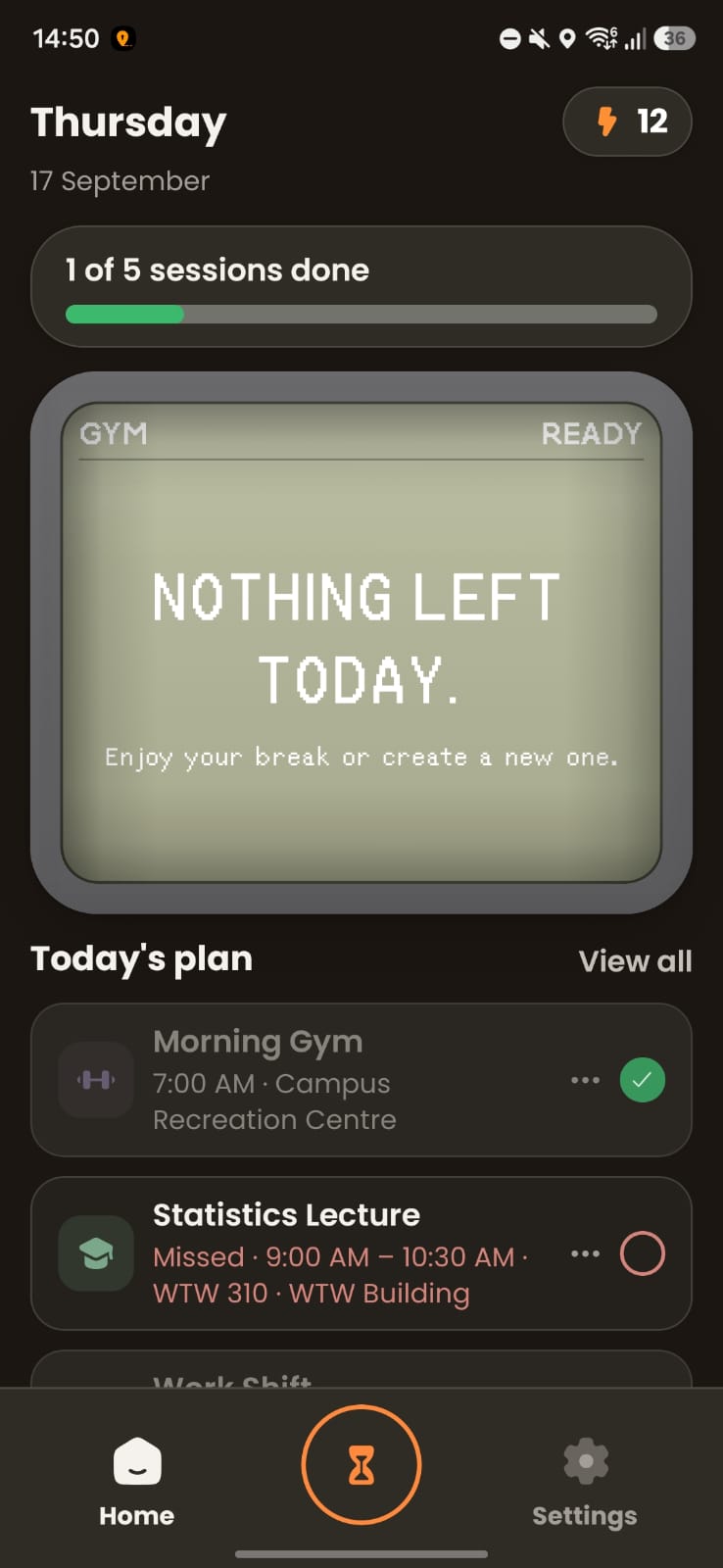
Home screen
-
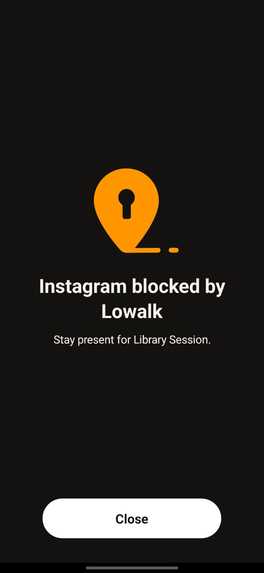
Shield
-
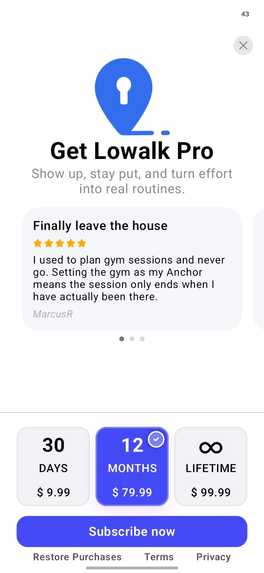
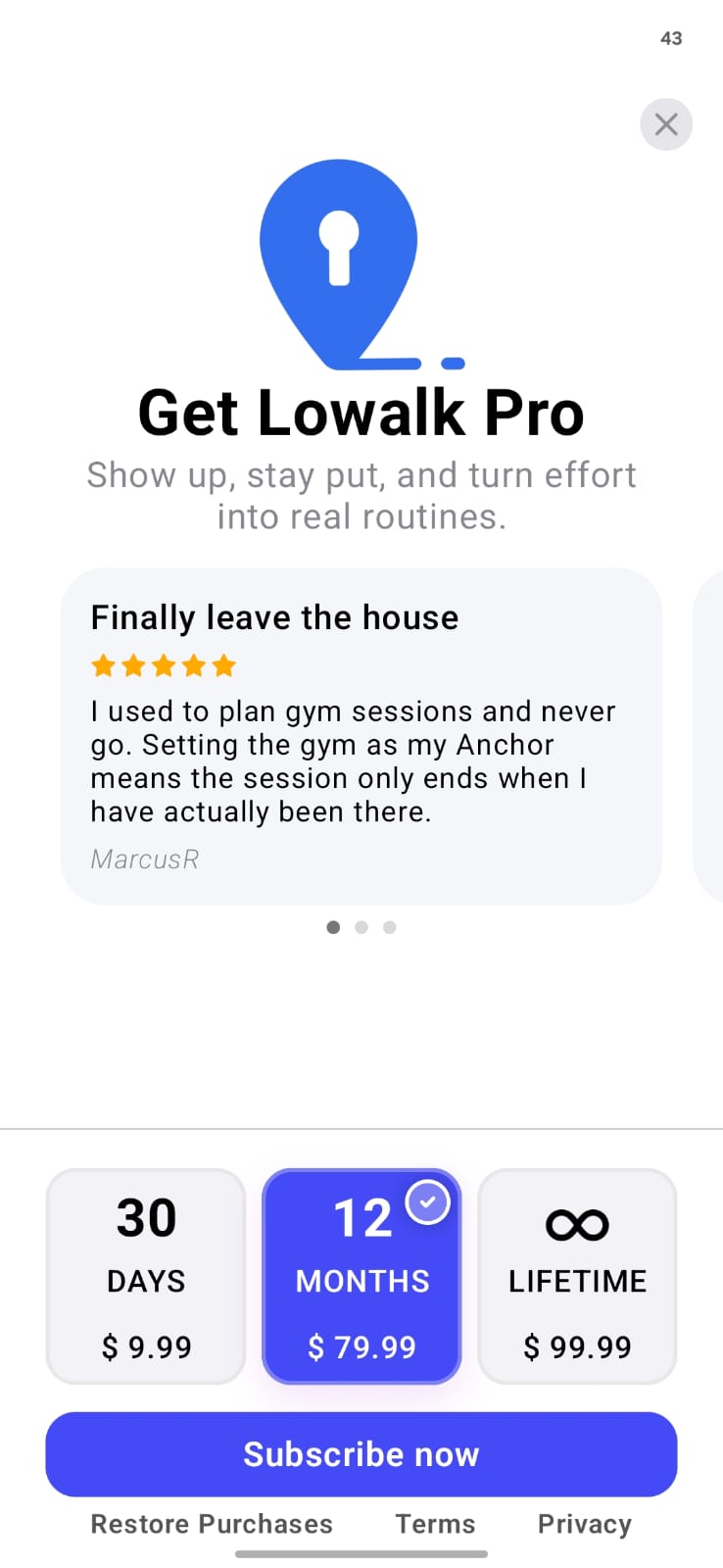
RevenueCat paywall
-
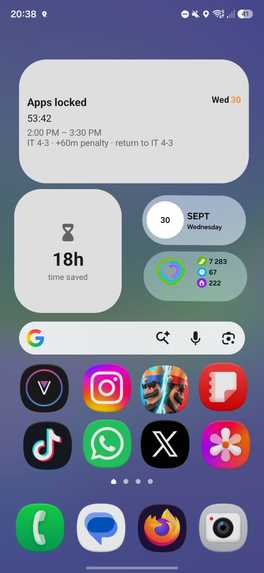
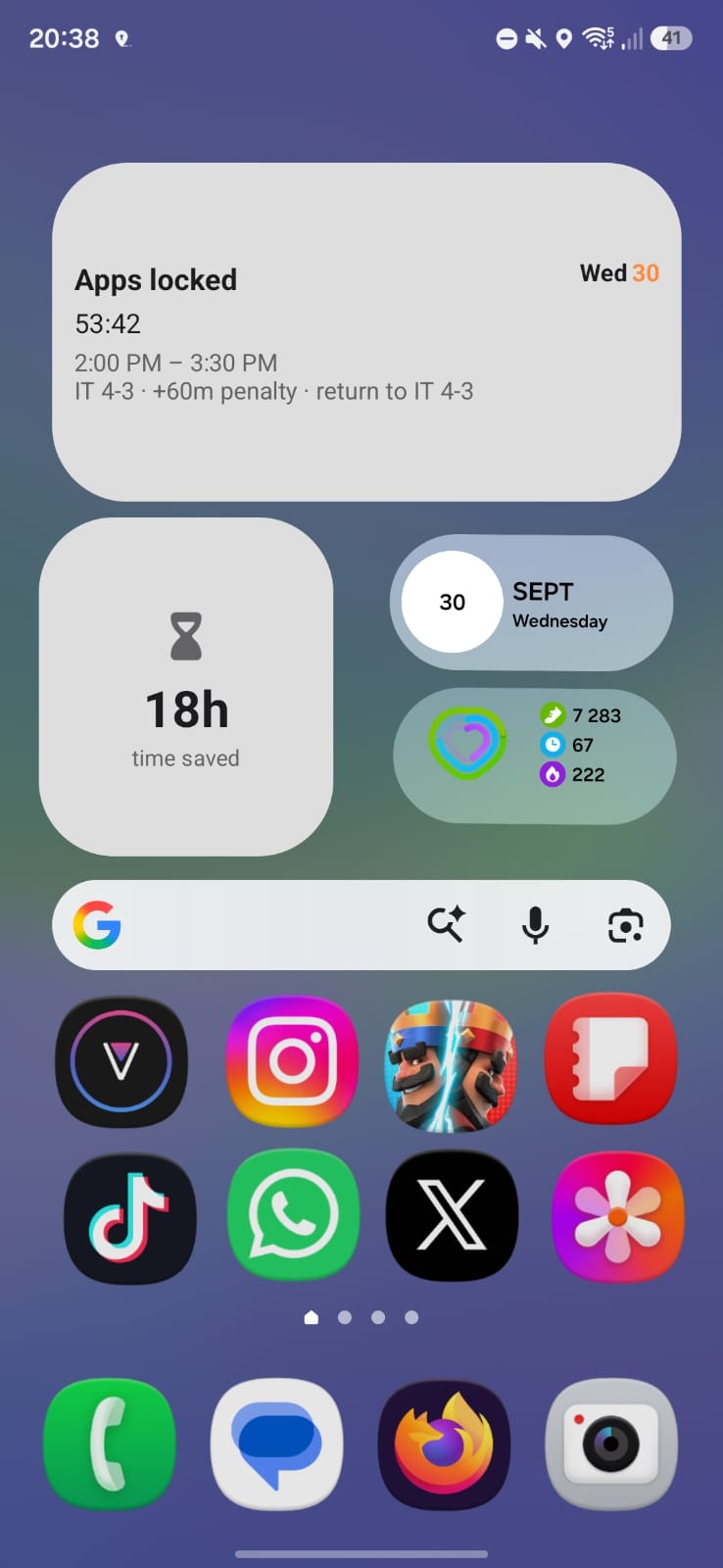
Widgets
-
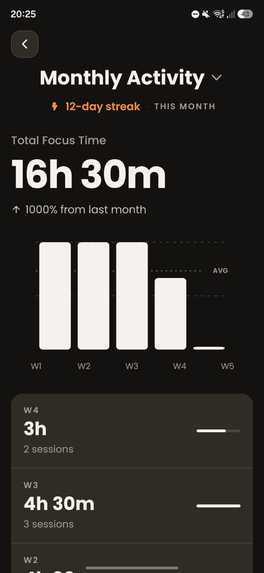
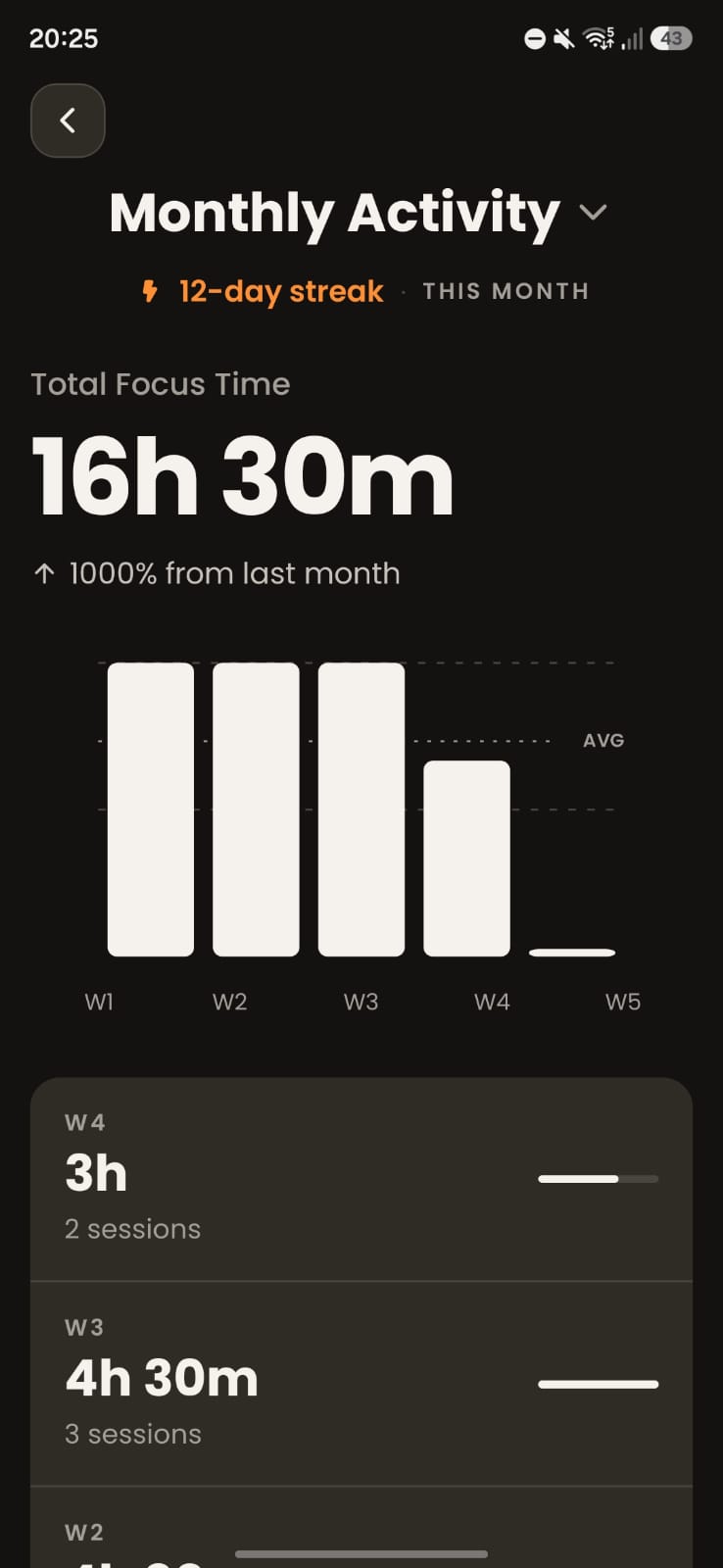
Insights
-
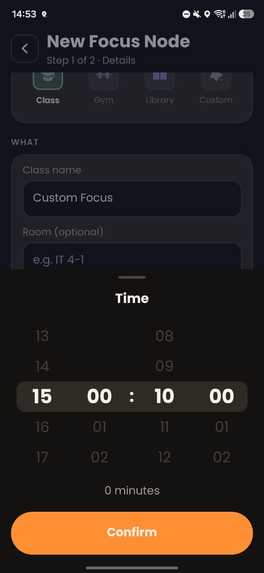
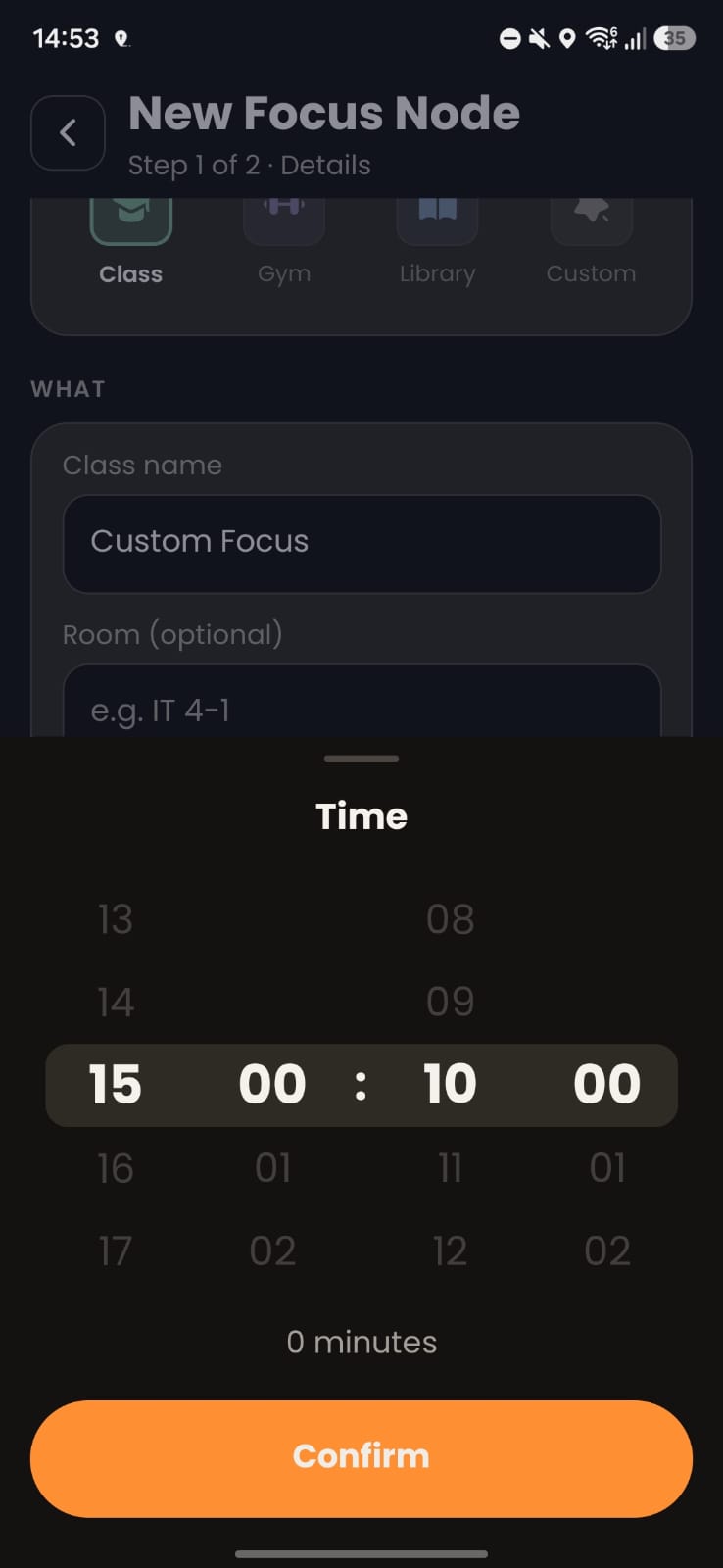
Session creation
-
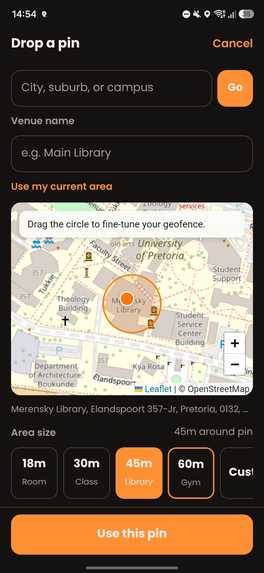
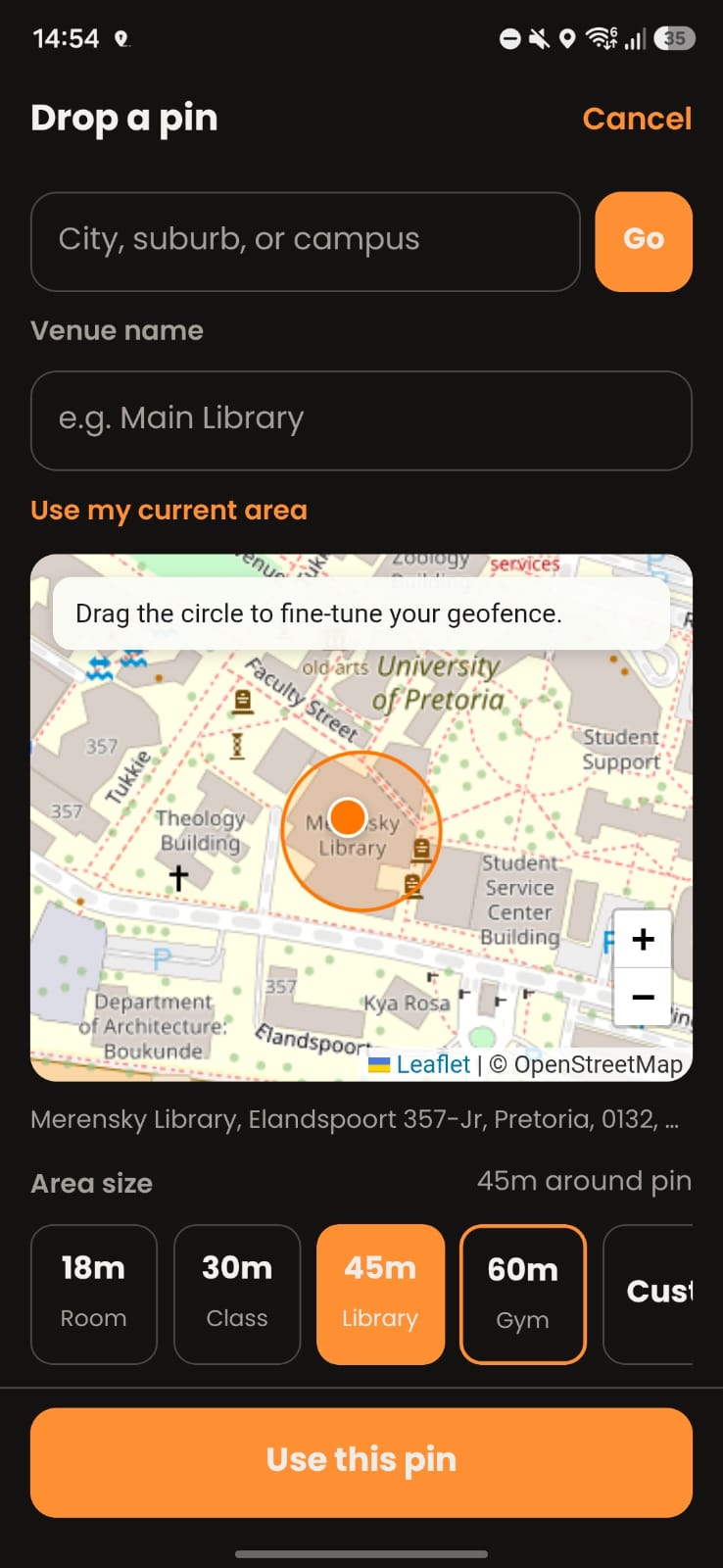
Adding a location
Inspiration
Lowalk was partly inspired by the power systems in Hunter x Hunter and Jujutsu Kaisen. What I liked about them was that abilities aren't just about having more power, the interesting part is the conditions and restrictions attached to them. A character might make an ability stronger by placing a specific limitation on themselves.I started wondering if that idea could work for something completely different: productivity.Instead of simply telling myself that I should stop using my phone and focus, what if I could set my own condition? If I want to study at the library for an hour, my distracting apps stay blocked until I actually go there and complete the session.That became Lowalk. The user makes the commitment, and Lowalk enforces the condition.
What it does
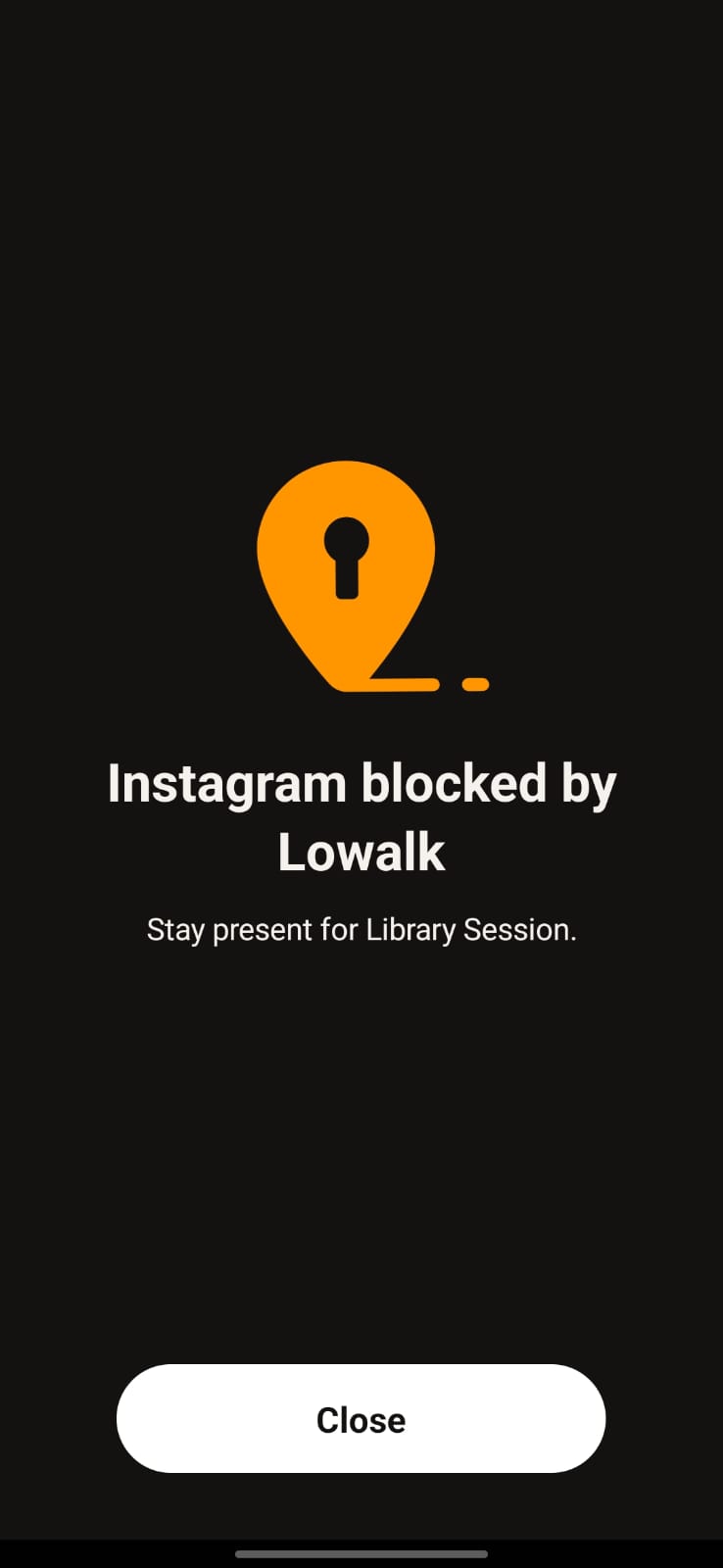
Lowalk starts with a place. You choose somewhere you want to be the gym, library, classroom, café, or anywhere else you normally want to focus and set it as an Anchor.You then choose the apps you don't want available during that session and decide when you want the block to start.The important part is that the apps don't wait until you arrive to get blocked. If I have a gym session at 7 PM, Lowalk blocks my selected apps before 7 PM. If I'm still at home, they're already blocked. The idea is that I now have a very simple choice: go to the gym, or sit there with the apps I wanted to avoid unavailable. When I arrive at the Anchor, Lowalk uses my location to recognise that I've actually made it there.After that, the focus session starts. If I've committed to an hour, I need to actually spend that hour there.
Unlike most screen-time apps, Lowalk doesn’t give you an easy way out of a session once you’ve committed to it. You can’t simply skip an active session, delete it, or edit the duration to get around the block. The only way to use an override is through Focus Coins, which you earn by consistently completing your goals. Otherwise, you have to check in at your Focus Zone and spend the time you committed to.
Most screen-time apps that use location treat it as an afterthought. They typically block an app only once you enter a certain geofence or arrive near a location. Lowalk works differently through pre-blocking. Your selected apps are blocked 15, 30, or 45 minutes before your session starts, meaning you have to actually make your way to the Focus Zone and complete the session you committed to.
And leaving early doesn’t simply end the block. If you leave your Focus Zone before completing your session, Lowalk can penalize you with additional block time. The goal is to make the commitment itself meaningful: you decide where you need to be, when you need to be there, and how long you need to stay — then Lowalk holds you to it.
How we built it
Lowalk is built with React Native and Expo, with location services handling the connection between the digital session and the physical world.
A lot of the work went into making the session behave like one continuous system rather than a collection of separate screens. A session can be scheduled, waiting to start, blocking apps while you're travelling, waiting for you to arrive, actively running, completed, or manually unlocked and the app needs to know exactly where you are in that process.
Challenges we ran into
Location sounds simple until you try to build a product around it.
A map can show a nice little circle around your gym, but GPS doesn't know that you've "arrived" in the human sense. Your position moves around, the signal isn't perfect, and briefly entering a geofence shouldn't suddenly turn a drive-by into a completed session.
We had to think carefully about what actually counts as arriving and what counts as staying.
The other challenge was making the blocking happen at the right time. Lowalk isn't just checking where you are and then blocking an app when you get there. The restriction begins before you arrive, because that's the entire point of the product.
Testing this on a real phone also changed things quickly. Location permissions, background behaviour and app-shielding behaviour don't feel nearly as predictable as they do when everything is happening inside a development environment.
And then there was the temptation to keep adding things.
A product like this can easily become another productivity dashboard: AI coaching, social feeds, achievements, complicated statistics, notifications everywhere.I kept asking myself whether each idea actually helped with the one thing Lowalk exists to do.
Accomplishments that we're proud of
I'm most proud that the core idea actually works on a real phone.It is one thing to have a prototype where a circle appears on a map and a timer counts down. It's another thing to have your phone actually block the apps you selected, leave your house, arrive somewhere, and have the session recognise that you showed up.I'm also proud of how much the idea changed during development without losing its original purpose. Lowalk started as a much simpler idea around blocking distractions for things like going to the gym. As I built it, I realised the same mechanic could work for studying, classes, work, and basically anything where the problem isn't knowing what to do, but actually getting yourself there.
I also like that the app doesn't need to constantly compete for my attention. Most productivity apps want you to open them more. With Lowalk, the ideal outcome is almost the opposite: you set your session up, put your phone away, and go.
What we learned
The biggest thing I learned was that a good idea doesn't necessarily need a lot of features.
What's next for Lowalk
Launch on the play store, I'm also working toward better widgets, richer ways to see your consistency, more flexible scheduling and better support for different kinds of Anchors and routines.But I don't want Lowalk to become another app that demands more of your attention.The best version of Lowalk is probably the one you barely need to open.


Log in or sign up for Devpost to join the conversation.