Loviquent – AI Wedding Speeches
Inspiration
- Personal need: Writing heartfelt wedding speeches is stressful; people know what they feel but struggle to put it into words.
- Opportunity: AI can turn messy memories into coherent, personal narratives without losing the speaker’s voice.
- Goal: Reduce the time from “blank page” to “ready to deliver” from hours to minutes—without sacrificing authenticity.
What it does
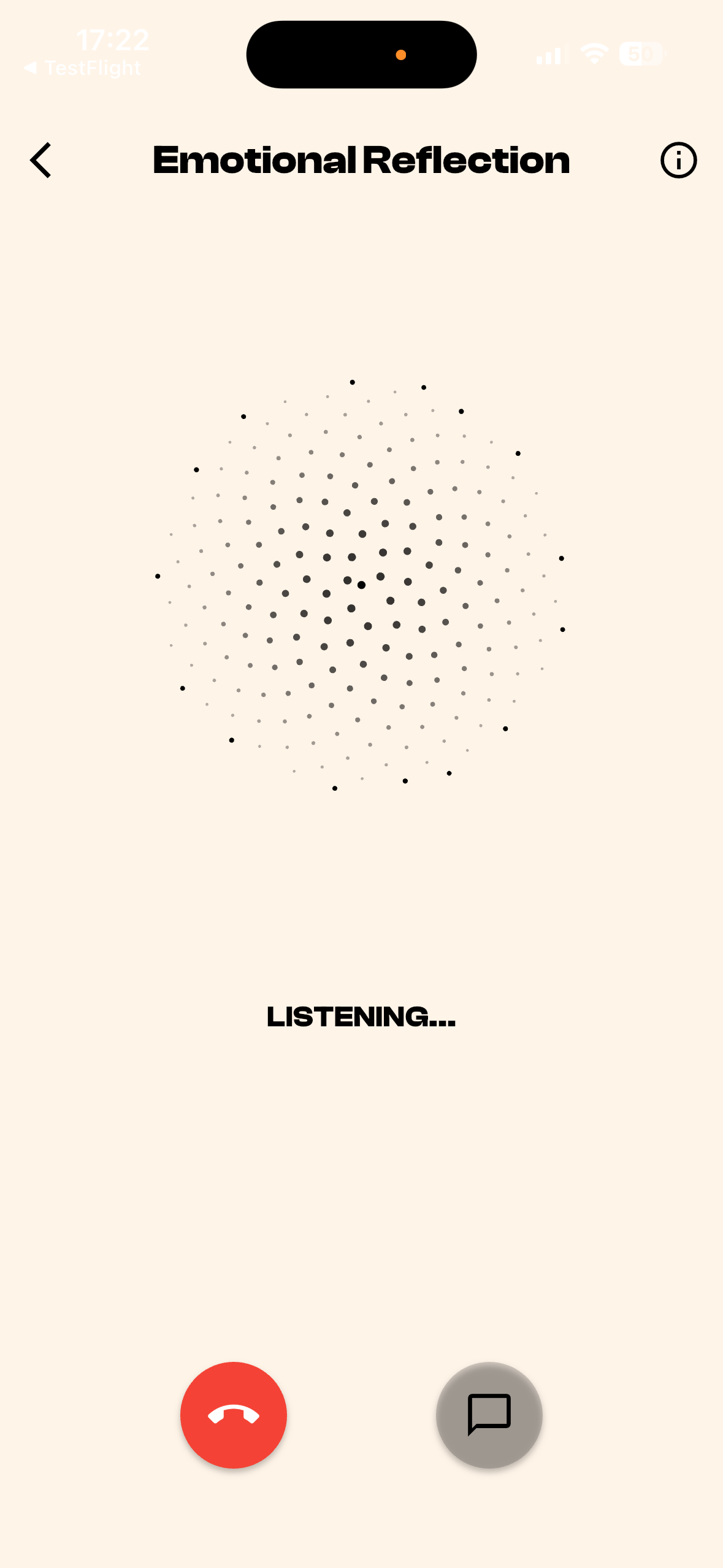
- Collects context: Prompts for relationship details, tone, anecdotes, and length.
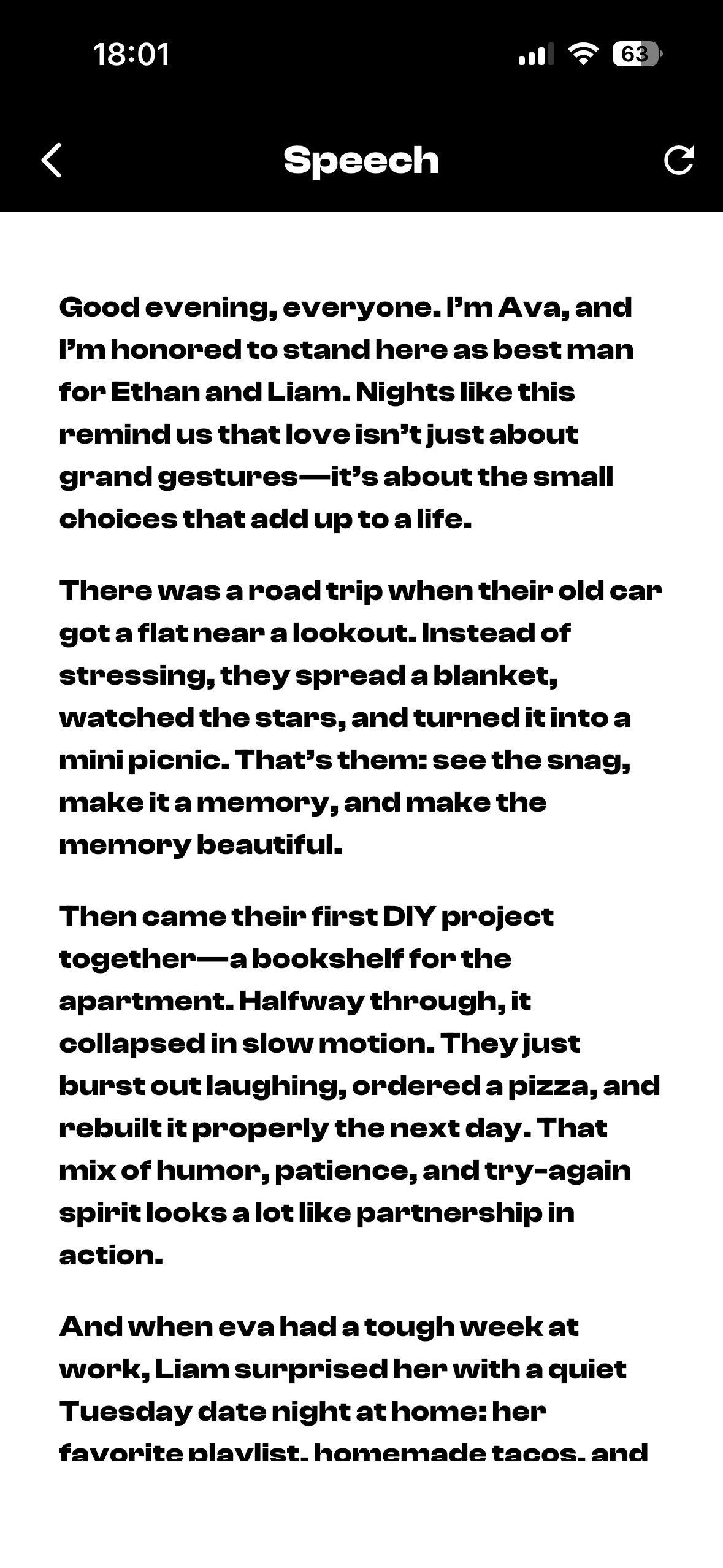
- Generates a draft: Produces a structured, audience-ready speech with an opening, body, and closing.
- Refines interactively: Lets you change tone, tighten/expand sections, and personalize phrasing.
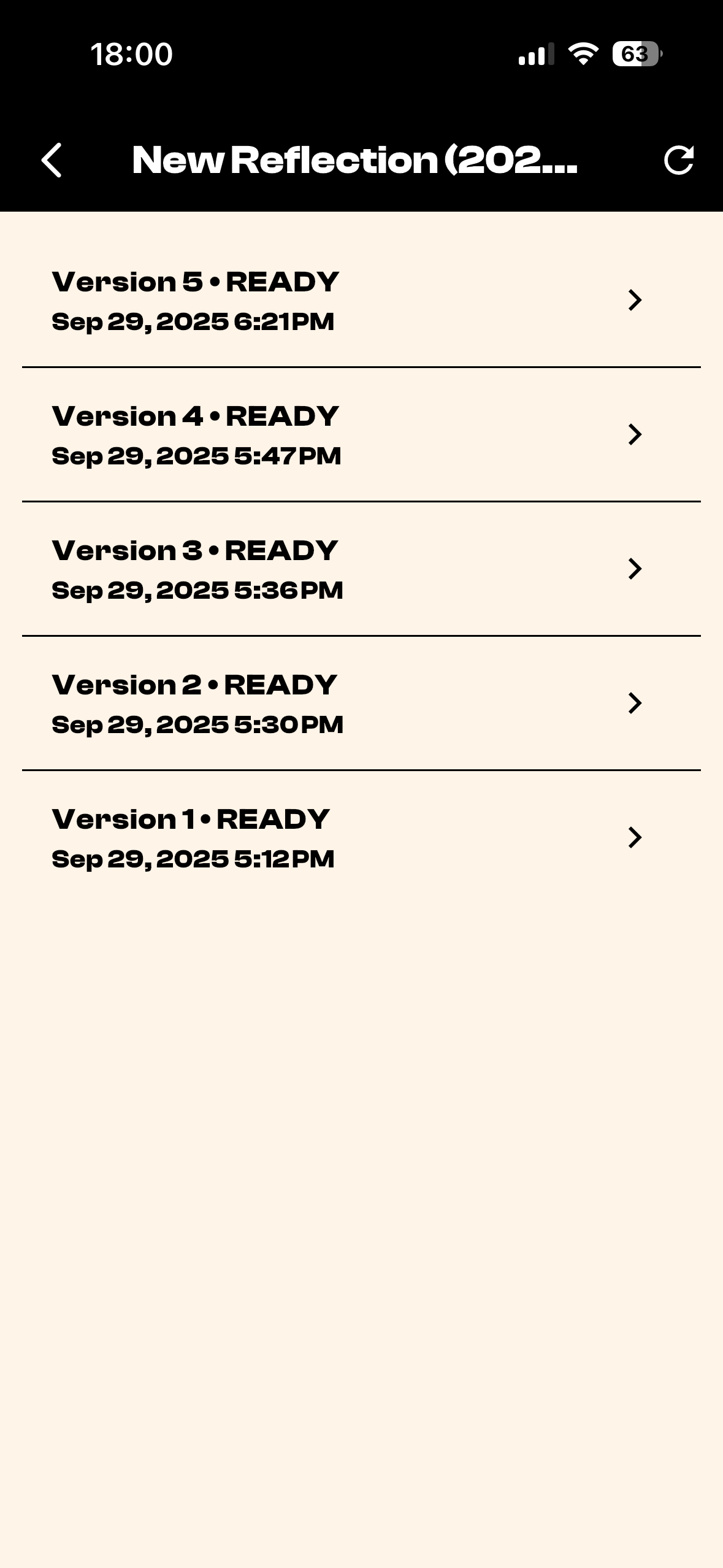
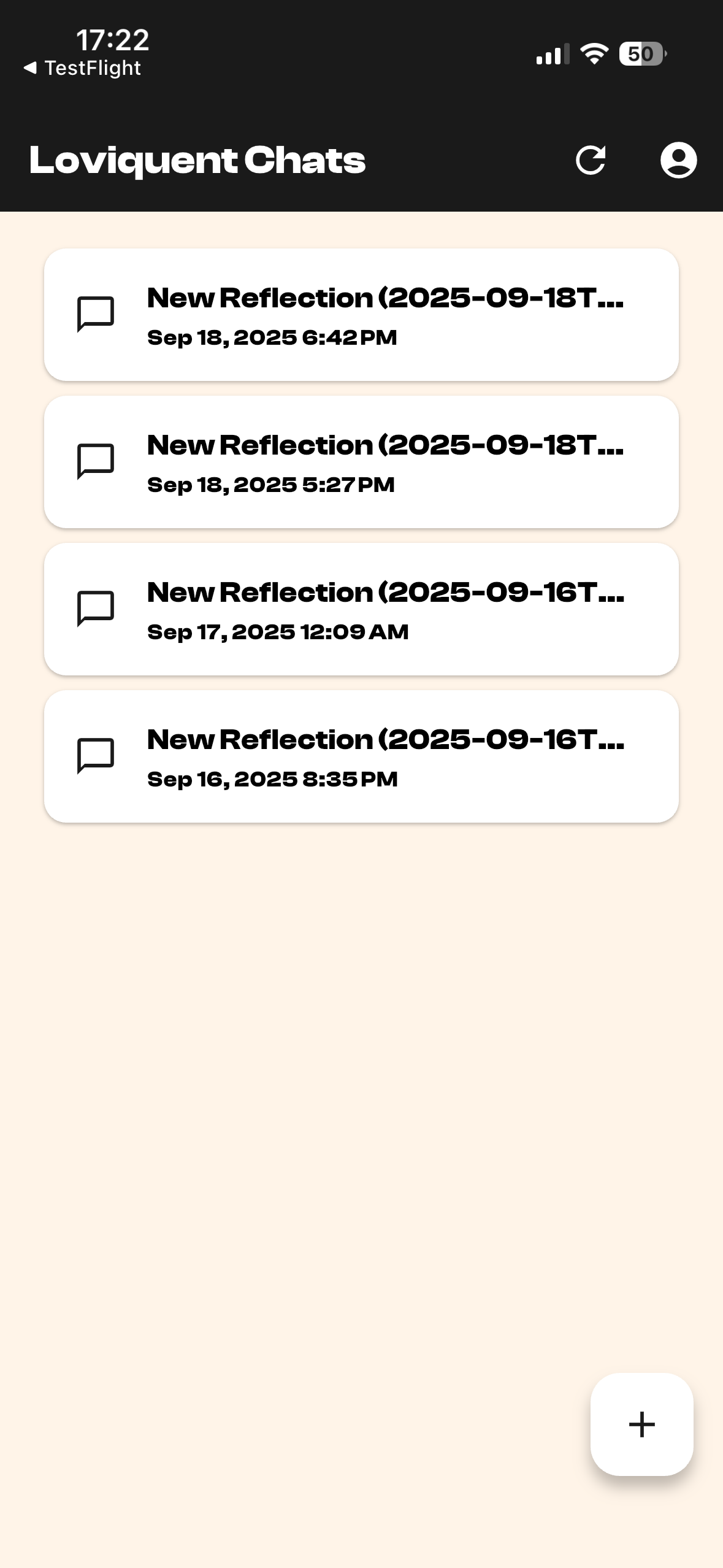
- Organizes speeches: Saves versions and lets you revisit and present from a clean reading view.
How we built it
- Mobile app: Flutter
- Generation pipeline: A background job receives user context, calls an LLM, structures the output, and returns the final draft.
- State & UX: Simple flows for creating, listing, and viewing speeches; emphasis on readable typography and distraction‑free viewing.
- Quality loops: Lightweight guardrails to enforce length, structure, and tone based on user preferences.
Challenges we ran into
- Tone alignment: “Funny but not cringey” is subjective; we added examples and iterative prompts to converge on voice.
- Latency vs. quality: Longer, higher‑quality generations increase wait time; we streamed partial results and added quick‑edit passes.
- Mobile ergonomics: Keeping long-form text readable on small screens required careful typography and paging.
- Version control for drafts: Users want to branch edits; we added simple versioning instead of overwriting.
Accomplishments that we're proud of
- Blank‑page killer: Users get a solid first draft in under a minute.
- Structured outputs: Consistent openings, narrative arcs, and closings with optional toasts.
- Personalization knobs: Tone, length, and “must‑include” moments actually change the output meaningfully.
What we learned
- Constraints help creativity: Providing templates and sections makes users faster and happier.
- Iterative prompting > single shot: Small, guided refinements beat one long prompt.
- Good defaults matter: A thoughtful default tone and length reduces edits by a lot.
- Mobile first reading: A well‑designed viewer reduces nerves when delivering live.
What’s next for Loviquent – AI Wedding Speeches
- Rehearsal mode: Pace suggestions, timing estimates, and speaking cues.
- Voice practice: Optional text‑to‑speech for listening and pacing.
- Multilingual drafts: Generate in or translate to multiple languages.
- Co‑authoring: Invite a friend or partner to collaboratively refine the speech.
- Memory bank: Save anecdotes and quotes over time to auto‑suggest in future drafts.
- Occasion presets: Best‑practice templates for toasts, vows, parent speeches, and MC scripts.

Log in or sign up for Devpost to join the conversation.