📝 NoteCard App
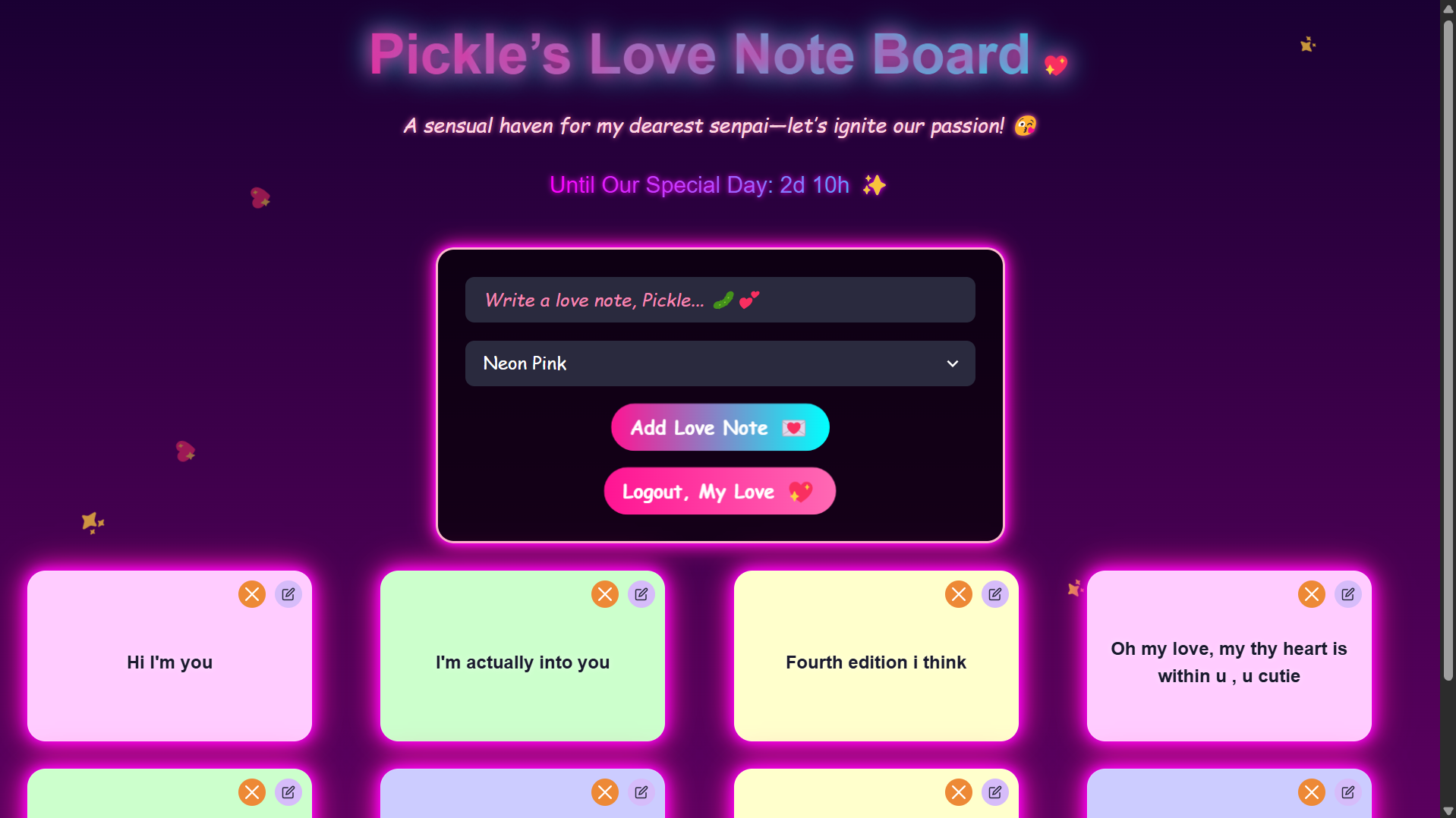
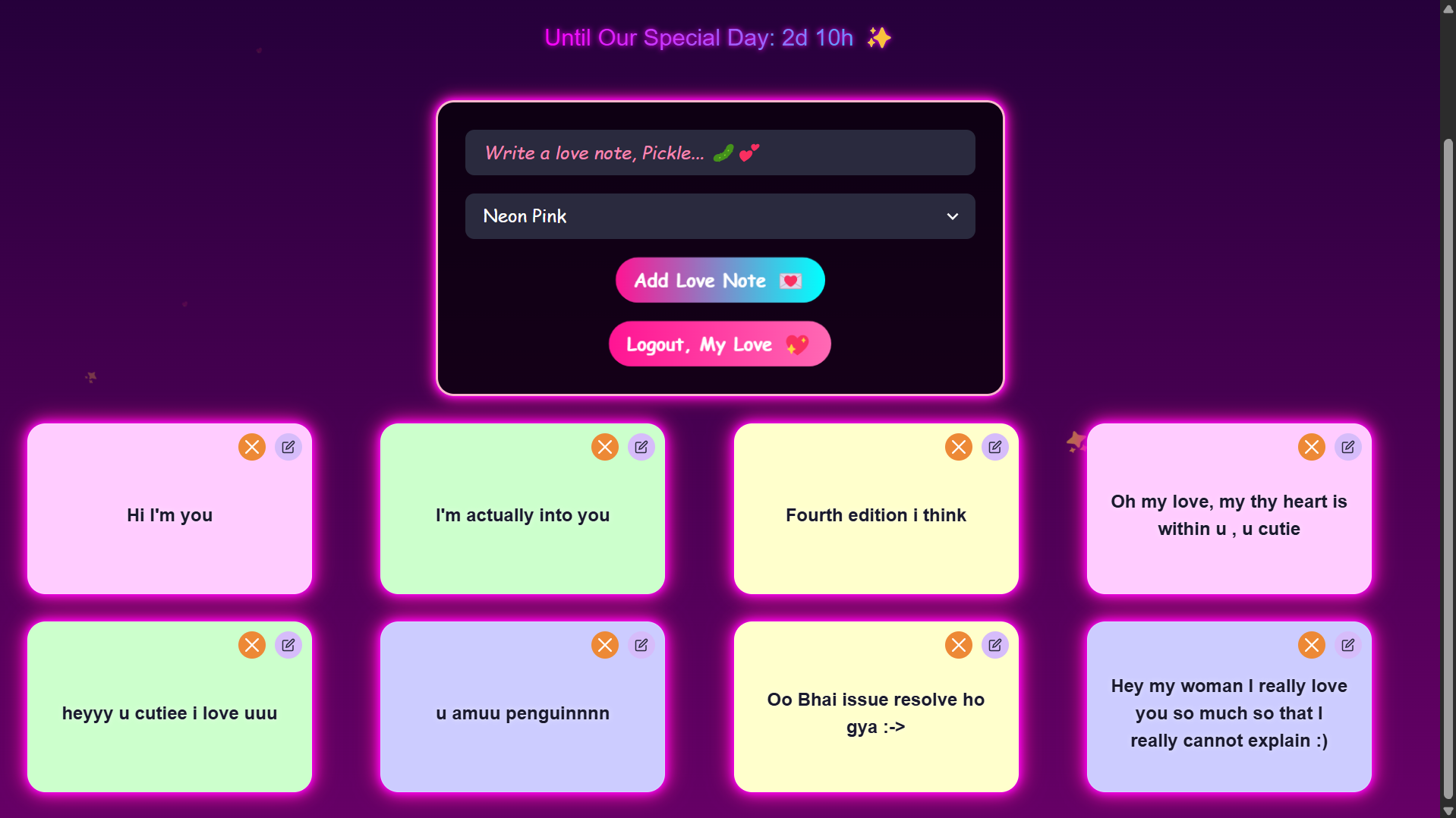
A vibrant and interactive note-taking application built with React, Chakra UI, and Framer Motion. This app lets users create, edit, and delete notes with colorful backgrounds, smooth animations, and a glowing card design. Each note is a visually distinct card with interactive features.
🚀 Features
- ✨ Create Notes – Add new notes with custom messages and background colors.
- 🛠 Edit Notes – Update existing notes easily with a user-friendly editor.
- ❌ Delete Notes – Remove notes in a single click.
- 🎨 Interactive UI – Animated cards with pink glow effects and smooth hover transitions.
- 📱 Responsive Design – Works across devices from mobile to desktop.
- 💅 Modern Styling – Built using Chakra UI and Framer Motion.
🔗 Live Demo
🧰 Tech Stack
- Frontend: React, Chakra UI, Framer Motion
- Backend (optional): Node.js/Express
- State Management: React Context API (AuthContext for authentication)
- HTTP Client: Axios
📦 Prerequisites
Make sure you have the following installed:
- Node.js (v14 or higher)
- npm or Yarn
- Git (for cloning the repo)
🔧 Installation
1. Clone the Repository
git clone https://github.com/your-username/notecard-app.git
cd notecard-app


2. Navigate to the Frontend Directory:
```bash
cd frontend
- Install Dependencies: ```bash # Using npm npm install
Or using Yarn
yarn install
4. Set Up Environment Variables:
Create a `.env` file in the `frontend` directory:
```bash
REACT_APP_API_URL=http://localhost:5000
- Run the Development Server: ```bash # Using npm npm start
Or using Yarn
yarn start
## Backend Setup (Optional)

1. Navigate to the backend directory:
```bash
cd backend
Install backend dependencies:
npm installSet up environment variables in
.env:PORT=5000 MONGODB_URI=your-mongodb-connection-string JWT_SECRET=your-jwt-secretRun the backend server:
npm start
Usage
Open the App: Navigate to
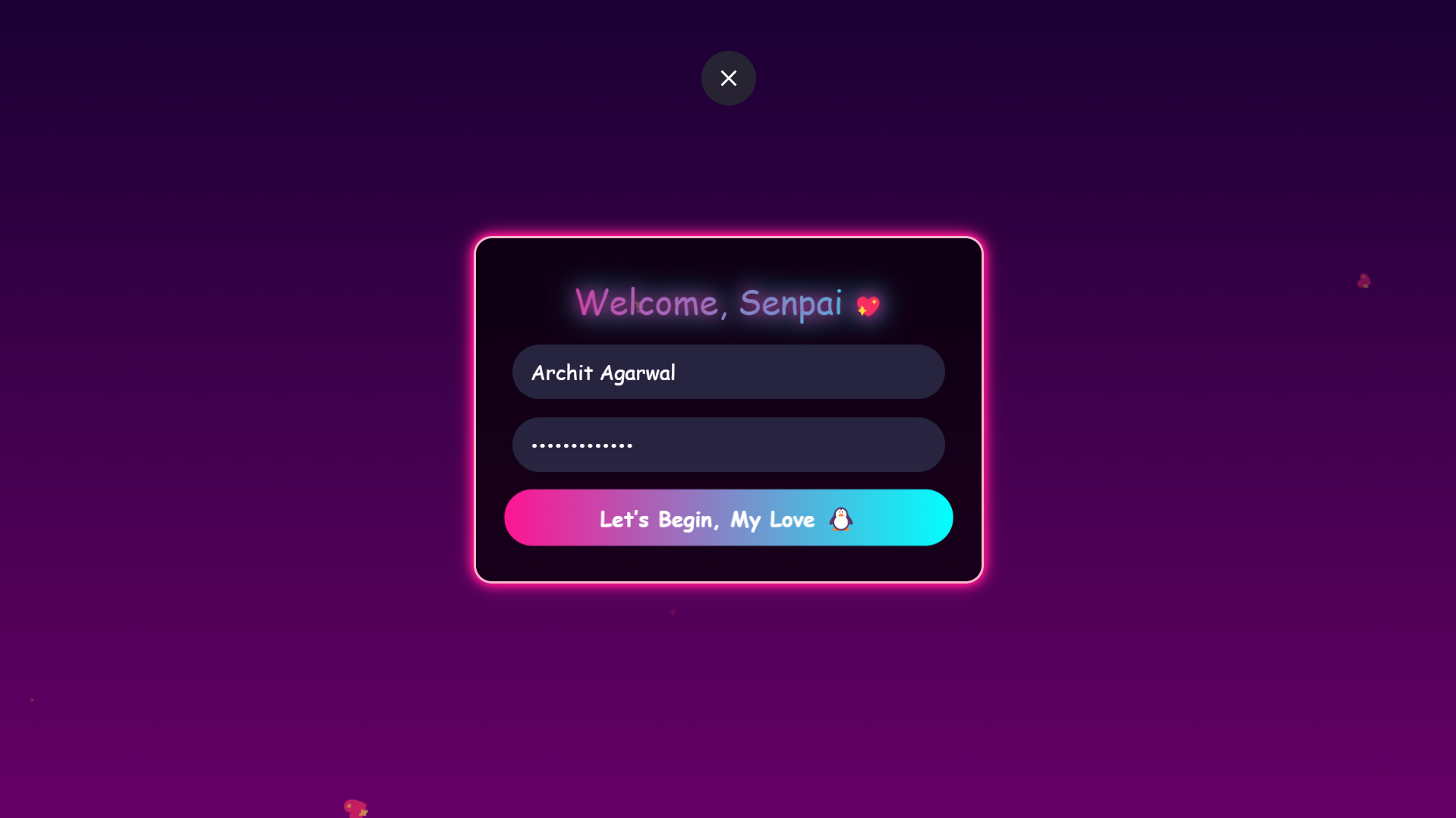
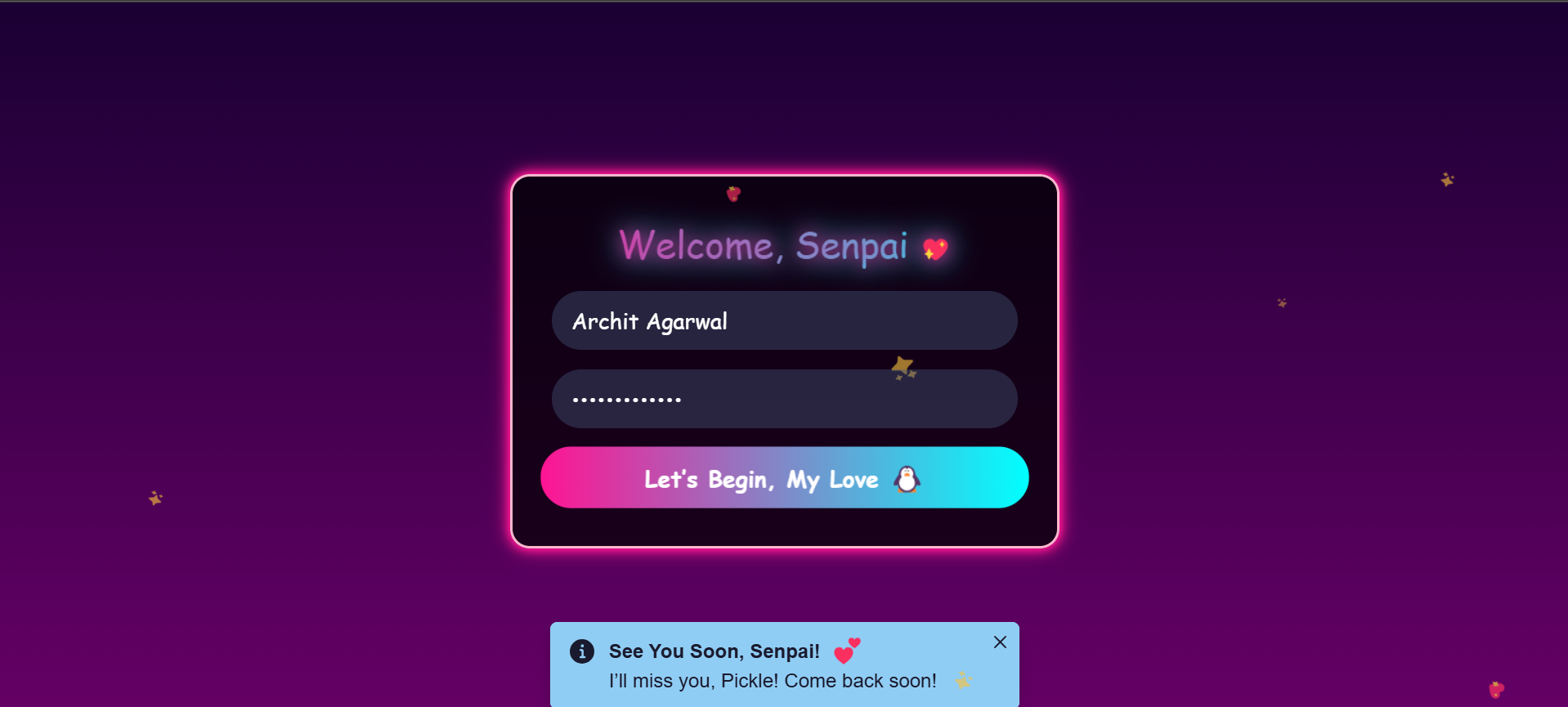
http://localhost:3000Log In: Use your credentials to log in or sign up if supported
Create a Note:
- Enter a message in the input field
- Select a color for the note
- Click "Add Note" button
Edit a Note:
- Click the purple pencil button
- Update message and color
- Save changes
Delete a Note:
- Click the orange "X" button
Enjoy the Animations:
- Hover effects on cards
- Pink glow effect
- Spring transitions
Project Structure
notecard-app/
├── frontend/
│   ├── src/
│   │   ├── components/
│   │   │   └── NoteCard.jsx    # Note card component
│   │   ├── context/
│   │   │   └── AuthContext.jsx # Authentication context
│   │   ├── App.jsx             # Main app component
│   │   └── index.jsx           # Entry point
│   ├── public/
│   ├── .env
│   ├── package.json
│   └── README.md
└── backend/                    # Optional backend code
Contributing
Fork the repository
Create a new branch:
git checkout -b feature/your-feature-nameMake your changes and commit:
git commit -m "Add your feature description"Push to your fork:
git push origin feature/your-feature-nameOpen a pull request
License
This project is licensed under the MIT License.
Acknowledgments
- Chakra UI for the component library
- Framer Motion for animations
- React for the frontend framework
- Transparent Textures for background patterns
Contact
- GitHub: Amrita0205
- Email: [email protected]
Built With
- chakraui
- express.js
- framermotion
- html
- javascript
- mongodb
- node.js
- react


Log in or sign up for Devpost to join the conversation.