-
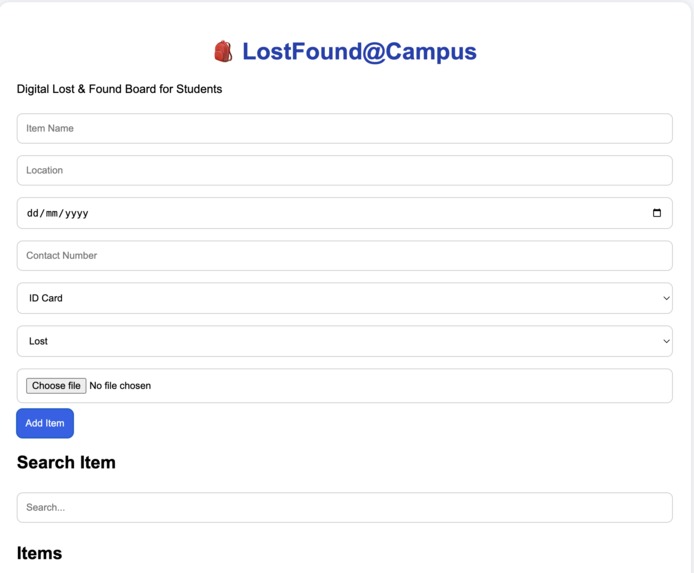
LostFound@Campus dashboard for reporting, searching, and managing lost and found items within the campus.
Inspiration
What it does
How we built it
Challenges we ran into## Inspiration
Students often lose important items such as ID cards, water bottles, calculators, notebooks, and wallets on campus. Finding the owner of these items can be difficult. We wanted to create a simple digital platform that helps students report and find lost items quickly.
What it does
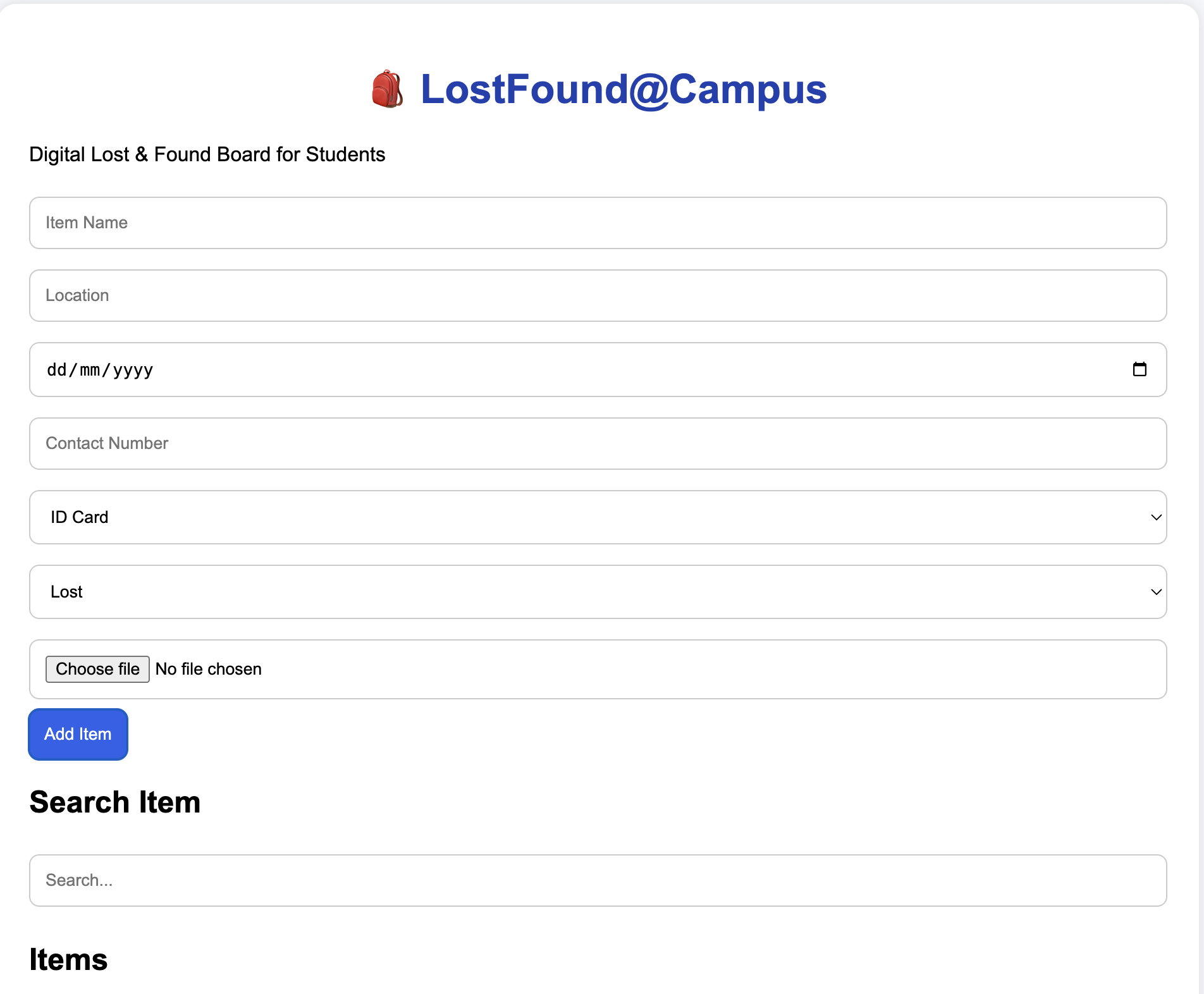
LostFound@Campus is a web-based platform where students can report lost or found items. Users can enter item details such as item name, location, date, contact number, category, and status. The platform also provides a search feature to help users find items easily.
How we built it
We built the project using HTML, CSS, and JavaScript. The user interface was designed using HTML and CSS, while JavaScript was used to manage item submissions, search functionality, and local storage of data.
Challenges we ran into
One challenge was organizing and displaying item information in a simple and user-friendly way. We also worked on making the search feature easy to use and ensuring that submitted data remains available during the session.
Accomplishments that we're proud of
We successfully created a working lost and found platform with item registration, search functionality, and a clean user interface. The project demonstrates how technology can simplify campus life.
What we learned
We learned how to build a complete front-end web application, manage user input, store data using JavaScript, and improve the user experience through simple design principles.
What's next for LostFound@Campus
In the future, we plan to add user authentication, image recognition, email notifications, AI-based item matching, and a cloud database so that all students can access the same data in real time.
Accomplishments that we're proud of
What we learned
What's next for LOSTFOUND@CAMPUS
Built With
- chatgpt
- css
- github
- githubpages
- html
- javascript
- vscode

Log in or sign up for Devpost to join the conversation.