-
-
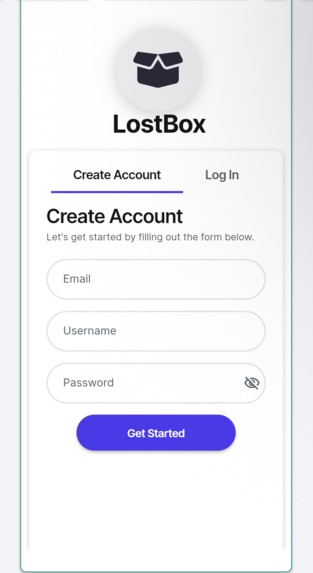
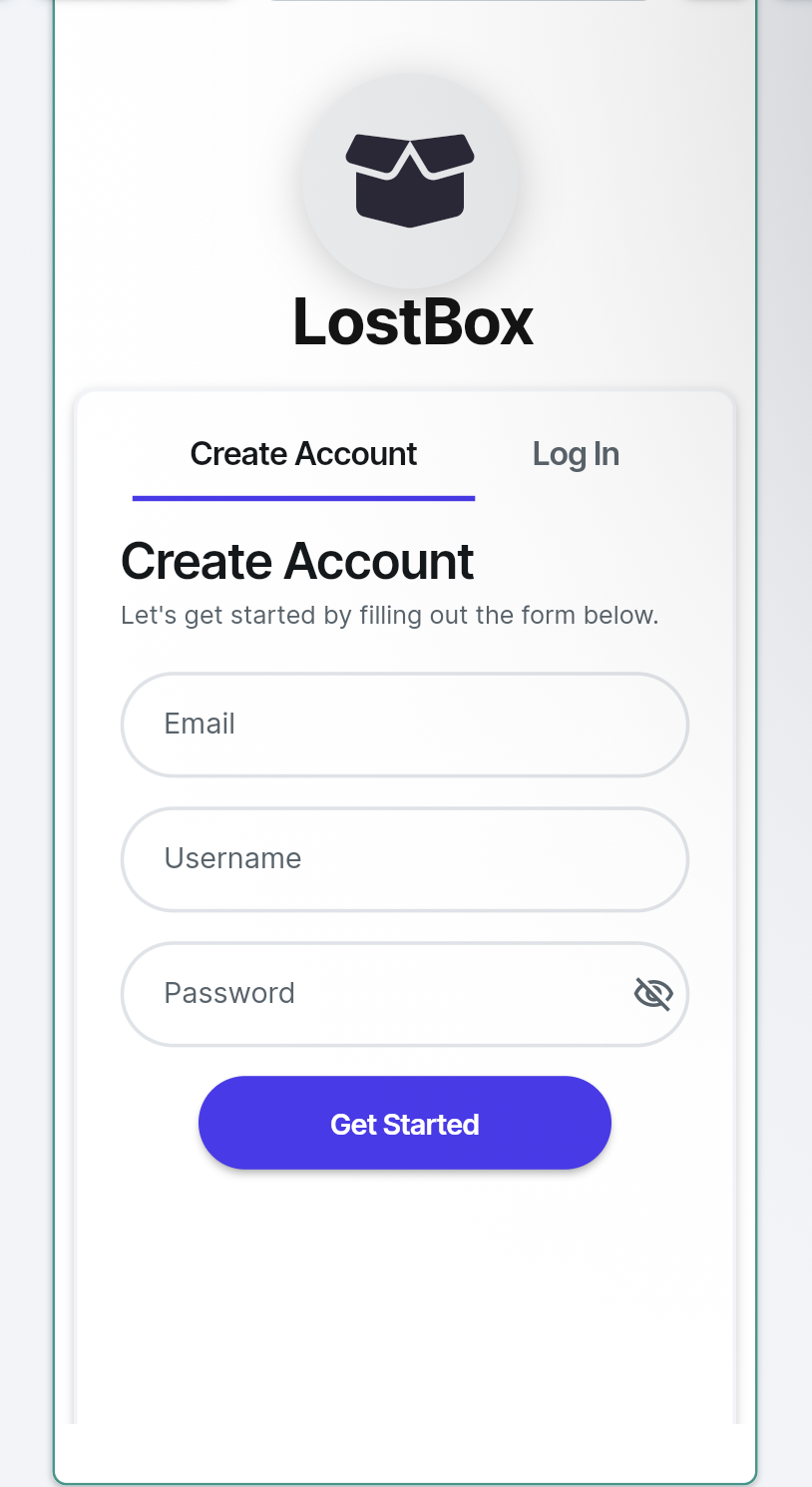
Login and sign up screen
-
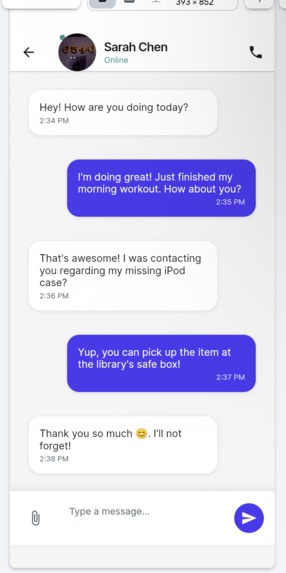
Chat for users to communicate about lost items
-
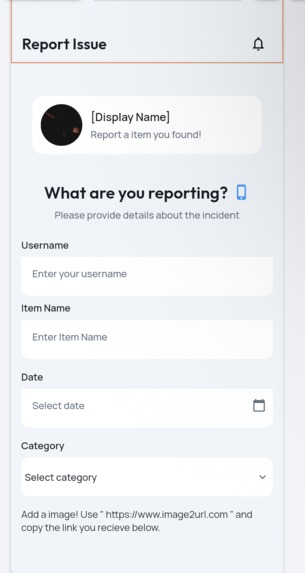
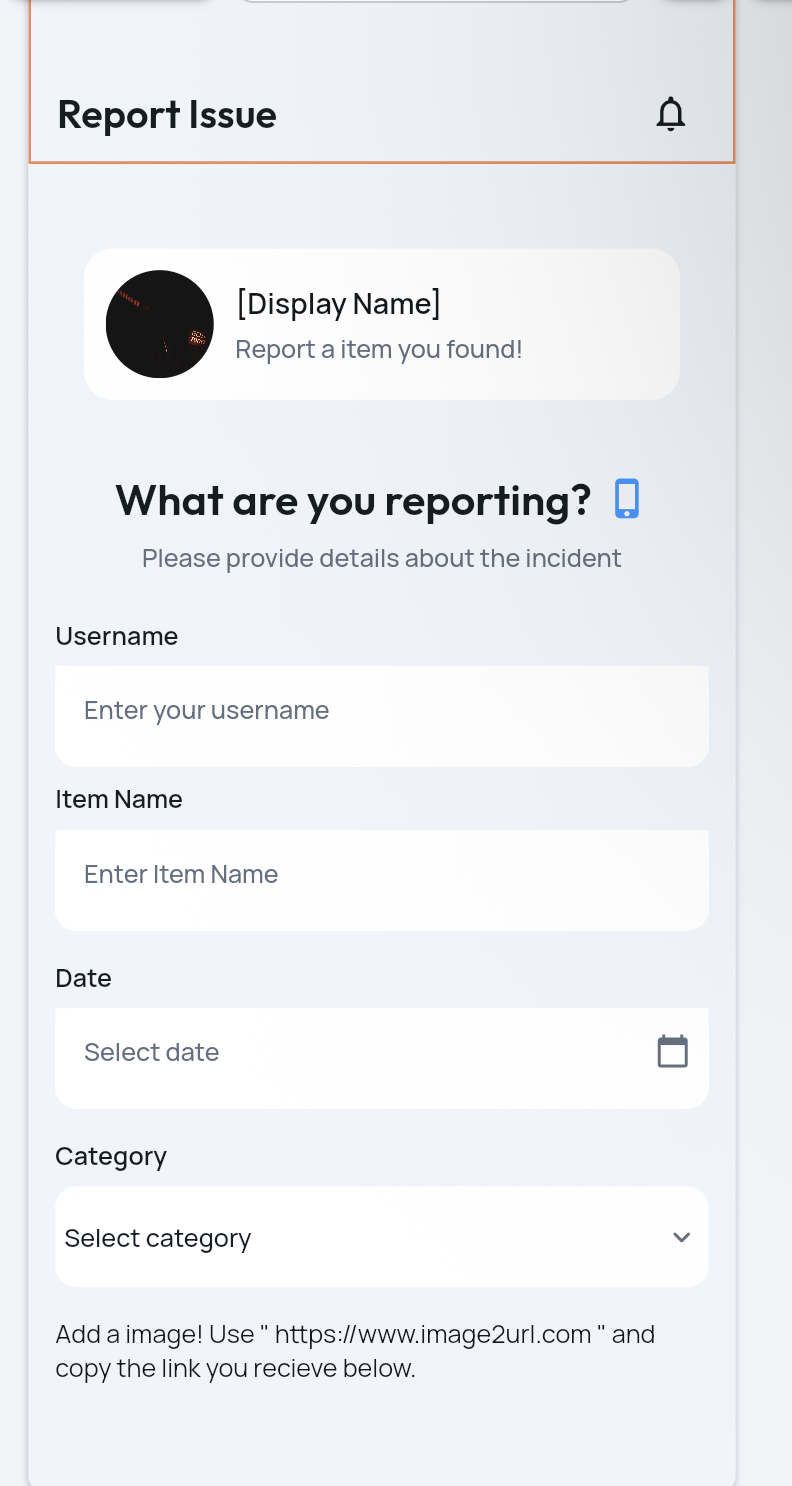
Report lost item screen
-
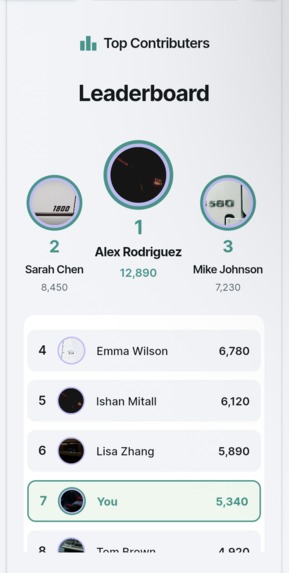
Leaderboard screen of finders
-
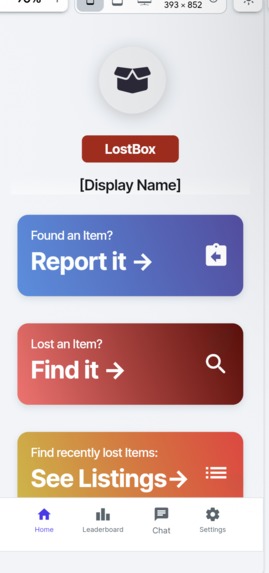
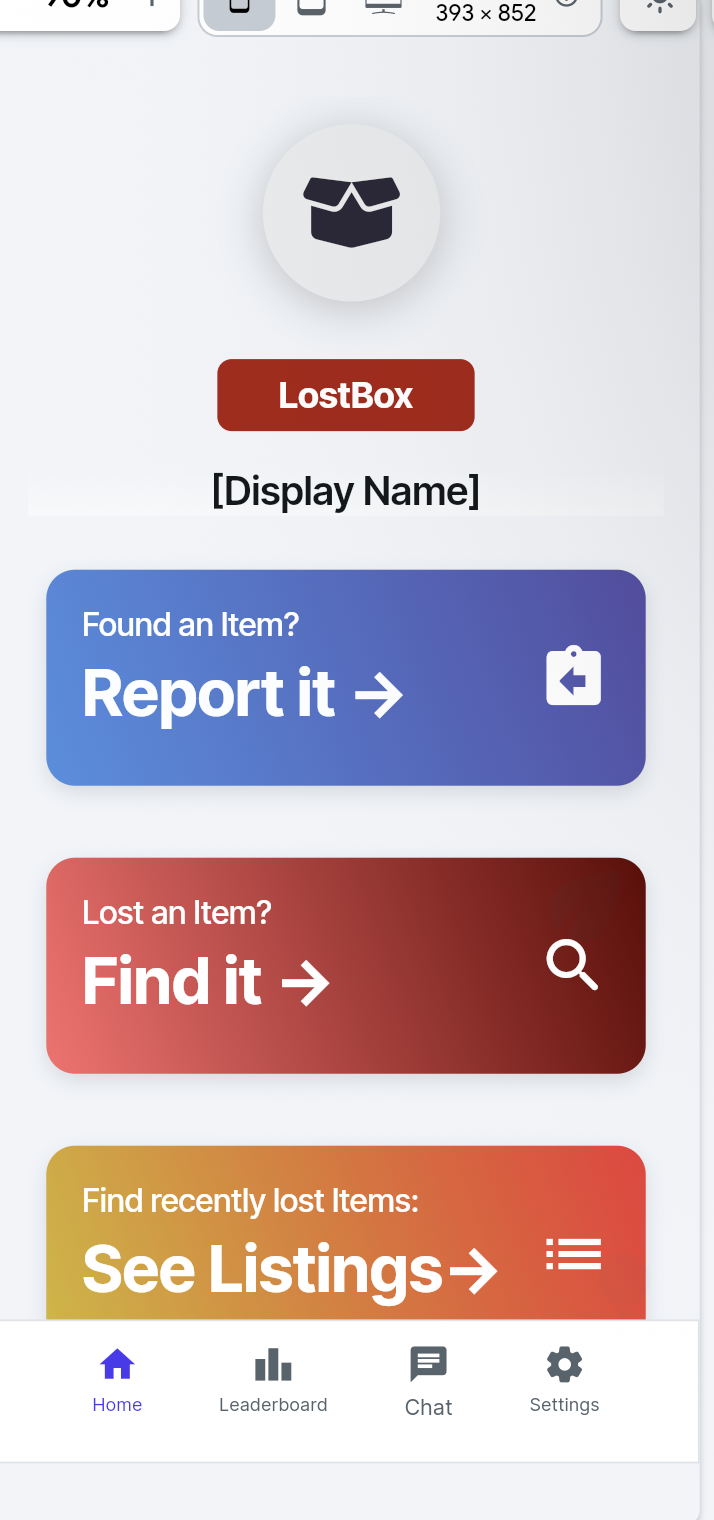
Main home page of Lostbox
-
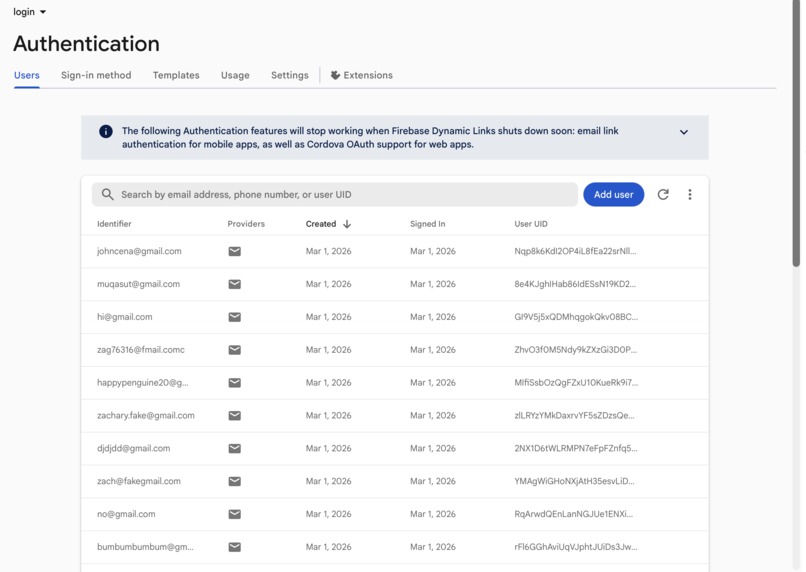
FireBase Authentication Logins
-
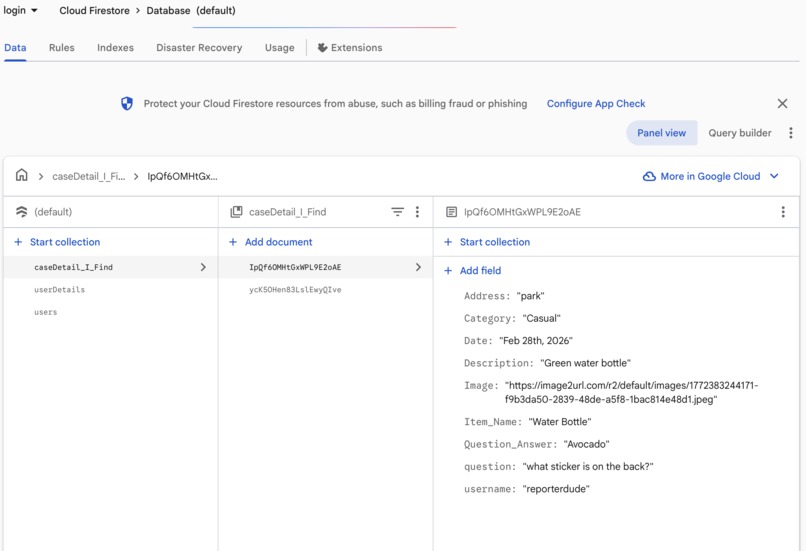
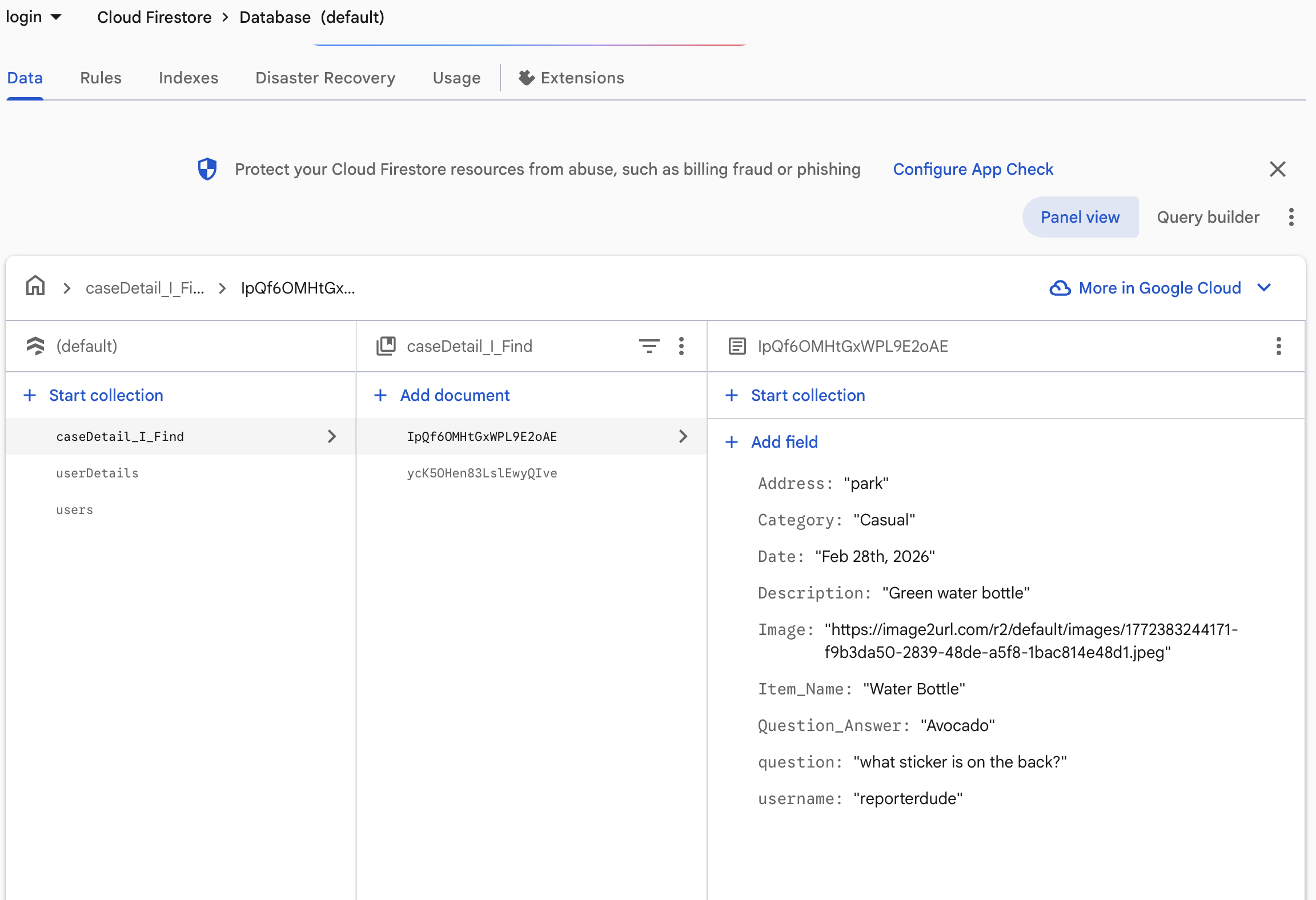
Reported Item info in FireBase



Inspiration
We were inspired after stumbling across our school’s lost and found area and finding that there were hundreds of lost items just sitting around. The items were unclaimed and old, and seeing this in our school, made us want to do something about it… We also observed that teachers held onto items, some from even the previous year. And after doing some research, we found out that there wasn’t much stuff online to deal with this. And with that, the LostBox app was born.
What it does
The LostBox app facilitates by allowing users to find and report lost items in their local area, their country, and even the entire world. By creating listings and sorting through parameters, users can find the items they lost on the app, contact the user through the built in chat, and finally receive their item.
How we built it
We began by designing all of our app screens in Canva, carefully planning the layout, structure, and visual hierarchy for each page. Once the design was finalized, we employed prompt engineering techniques to clearly describe the UI, enabling FlutterFlow AI to accurately replicate the exact layouts and styling we had created. After generating the interface, we implemented interactive actions and connected the app to Firebase as a cloud-based backend provider, enabling real-time data storage, authentication, and overall app functionality.
Challenges we ran into
The main challenge we ran into when trying to create this app was trying to work and connect with platforms of Figma and Flutterflow. Both were not compatible, but we had done half of our projects in each, which led to us to restart. Another problem we ran into when trying to create this app was: we weren’t able to replicate our initial visions of the app. The app didn’t look like the UI we imagined, and the code was a little bit messy, but at the end, we ended up finishing.
Accomplishments that we’re proud of
We are proud that we were able to make such a successful first app. We faced many hardships and had to learn brand new things like how flutter flow works how to make Firebase work!
What we learned
We learned a lot about UI design, FireBase, AI implementation (prompt engineering), time management, and team coordination.
What’s next for LostBox
Make the leaderboard working and make sure that our databases are much more secure allowing for a better experience for the user. We are trying to also make this experience enjoyable for other people by adding more features to make everything look better like images!
Built With
- dart
- firebase
- flutterflow

Log in or sign up for Devpost to join the conversation.