-
-
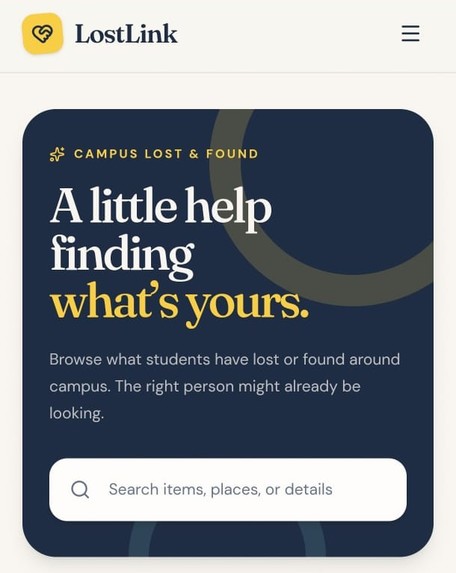
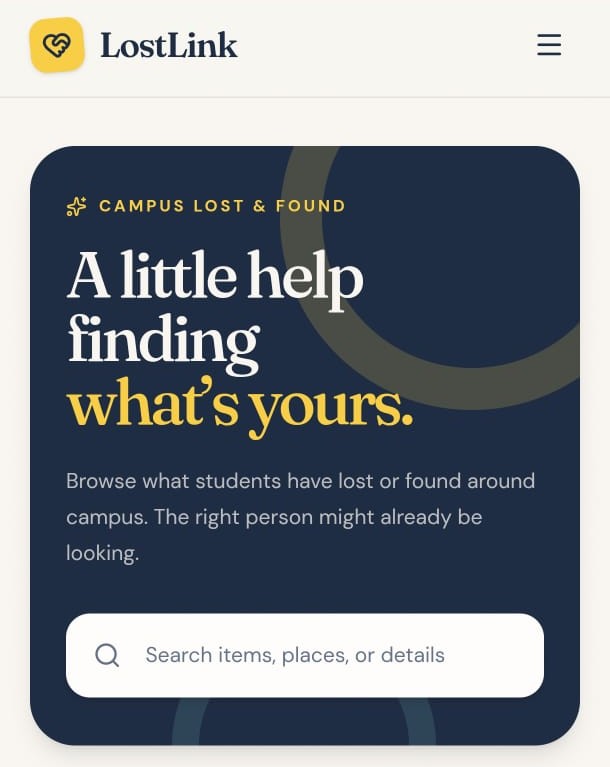
Campus lost and found platform for quick item search.
-
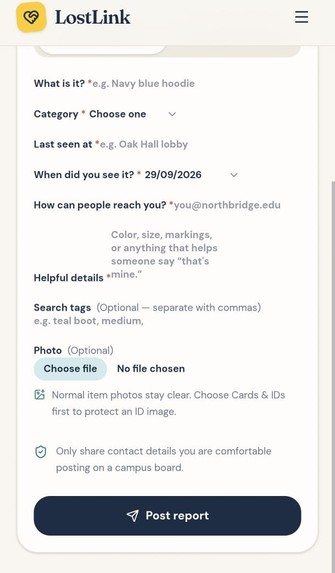
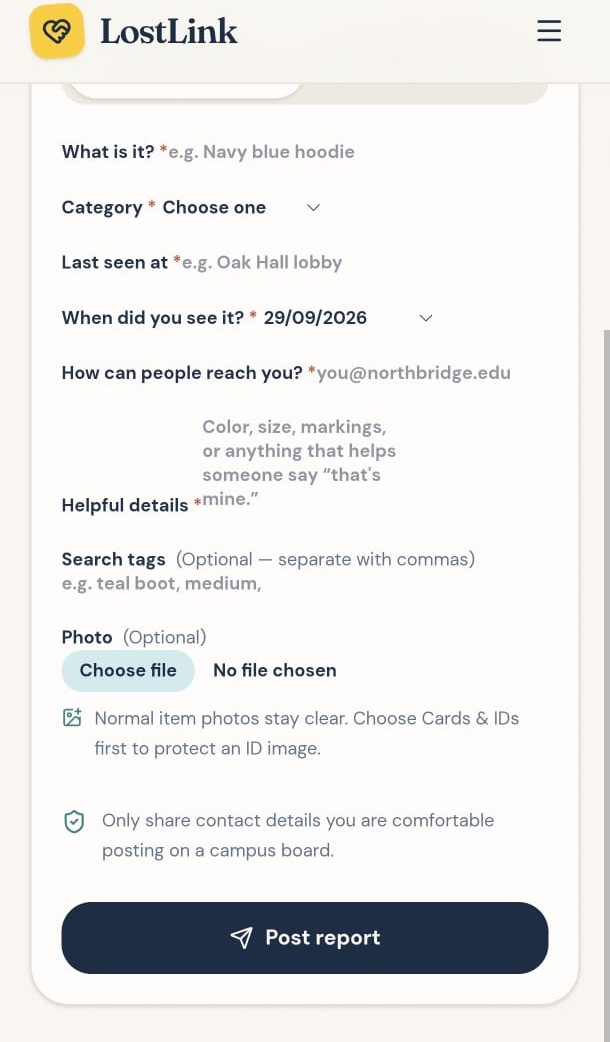
Reporting form to submit lost or found campus items easily.
Inspiration
🚀 LostLink — Project Story 💡 Inspiration Every single day across college campuses, hundreds of valuable items—such as student ID cards, keys, water bottles, and expensive electronics—are misplaced. Currently, students rely on fragmented WhatsApp groups, Instagram stories, or physical notice boards to search for lost belongings.
This creates three major problems:
Chaos & Information Decay: Important posts get buried in chat feeds within minutes.
Privacy Risks: Posting ID cards publicly on social media exposes sensitive personal details like student photos, full names, and roll numbers.
Low Recovery Rate: Without a centralized system or verification, finders rarely manage to connect with the rightful owners.
As 2nd-year engineering students, Alihasnain Sayyed and Nayab Sayyed experienced this daily campus chaos firsthand. We realized campuses needed a dedicated, privacy-focused, and centralized recovery platform—and that’s how LostLink was born.
🛠️ How We Built It We built LostLink as a modern, high-performance web application designed for instant reporting and seamless item matching.
Frontend & UI/UX: Built with a clean, mobile-responsive interface featuring intuitive search bars, category filters (Clothing, Drinkware, Cards & IDs, Electronics, Keys, School Supplies), and status tags (Looking, Possible Matches, Reunited).
Core Reporting Flow: Users can submit two types of listings—"I lost something" or "I found something". Each report captures key parameters:
Item title, category, and precise campus location (e.g., Library, Oak Hall Lobby).
Date/time picker and description tags.
Direct photo upload for fast visual identification.
Privacy Engine: To solve personal data leakage, we integrated an automated privacy filter feature that detects and blurs personal information on uploaded student ID cards before displaying them on the public community board.
⚠️ Challenges We Faced Balancing Visibility vs. Privacy: One of our biggest technical hurdles was protecting student privacy while still making items recognizable. Allowing full photo uploads of ID cards posed data leakage risks, but hiding photos entirely made identification difficult. We solved this by implementing an automatic privacy blur for sensitive categories like Cards & IDs.
Efficient Filtering & Search Logic: Structuring the database to allow real-time filtering across multi-variable parameters (Category, Status, Campus Location, and Tags) required careful query optimization to keep feed loading times fast.
Building within Hackathon Deadlines: Designing a full dual-flow reporting system (Lost vs. Found) alongside search filters within a strict hackathon timeline tested our rapid prototyping and teamwork skills.
🧠 What We Learned User-Centric Design: We learned that software meant for daily campus use must be minimal and friction-free—reporting a lost or found item shouldn't take more than 30 seconds.
Data Privacy Integration: Implementing privacy-first mechanisms taught us how crucial security considerations are when handling real-world student data.
Agile Collaboration: Working as a two-person engineering team sharpened our full-stack workflow, version control practices, and rapid problem-solving under time constraints.
🔮 Future Roadmap AI-Powered Image Matching: Automatically comparing photos uploaded by finders with reported lost items using image embeddings.
OTP & Smart Ownership Verification: A claim-verification workflow to prevent fraudulent item claims.
In-App Anonymous Chat: Allowing finders and owners to coordinate handoffs securely without sharing personal phone numbers.


Log in or sign up for Devpost to join the conversation.