-
-
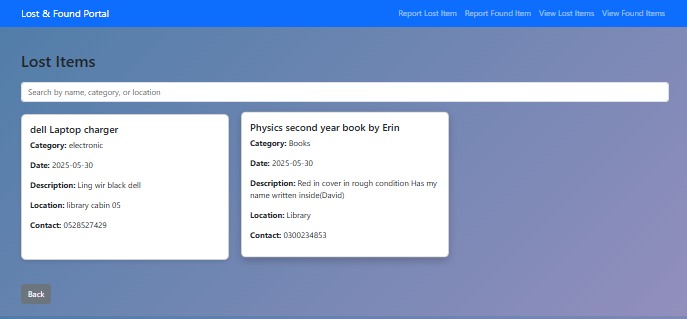
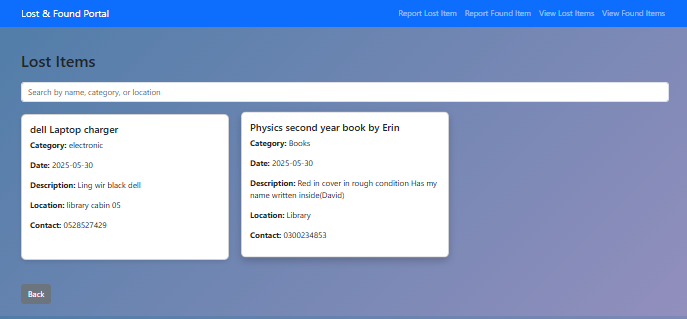
lost-items
-
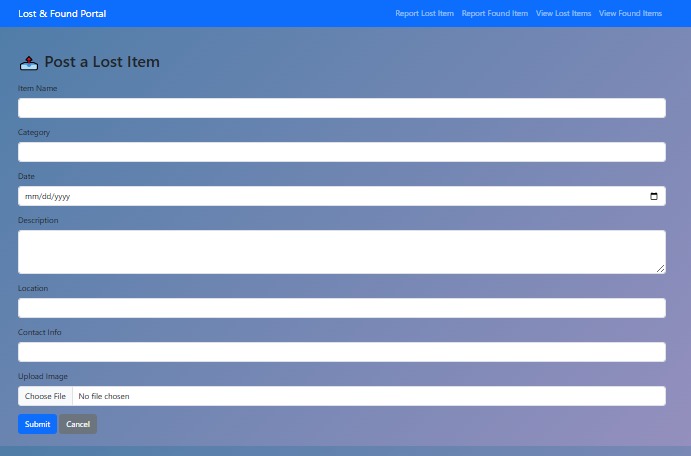
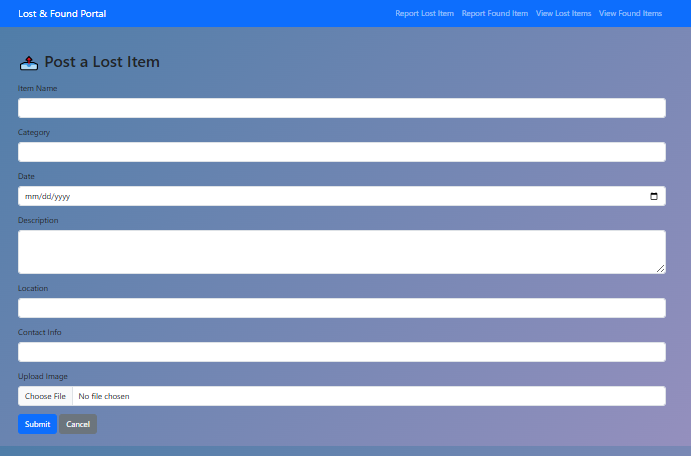
lost-items-form
-
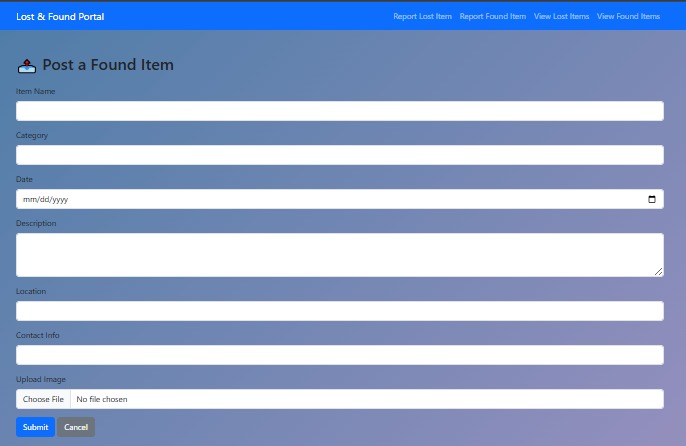
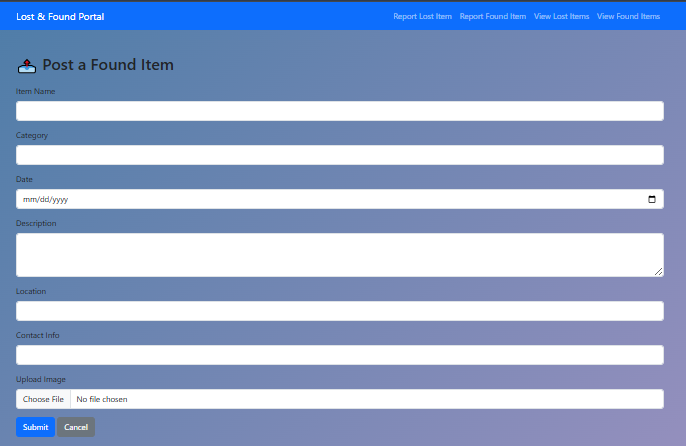
found-items-form
-
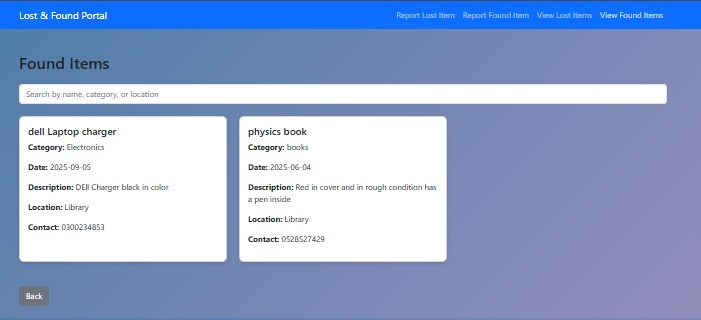
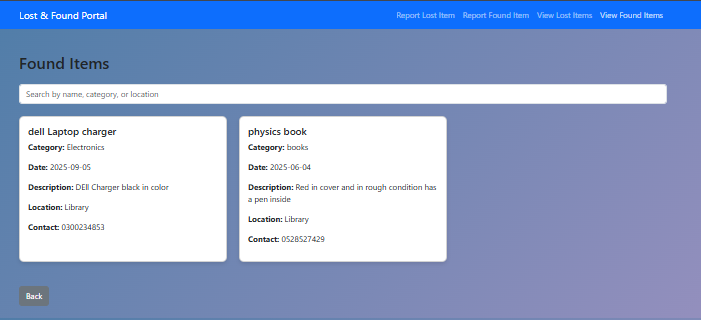
found items
-
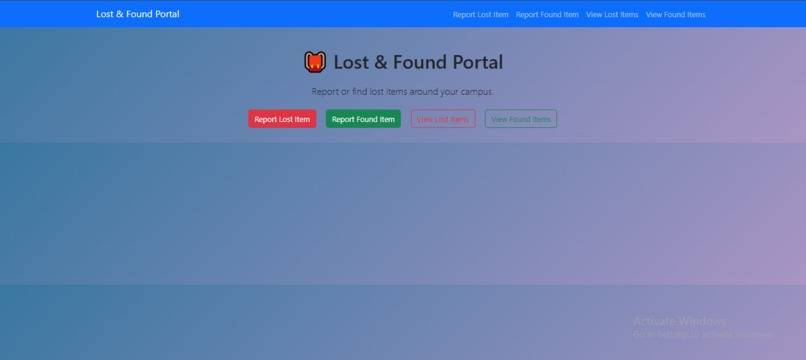
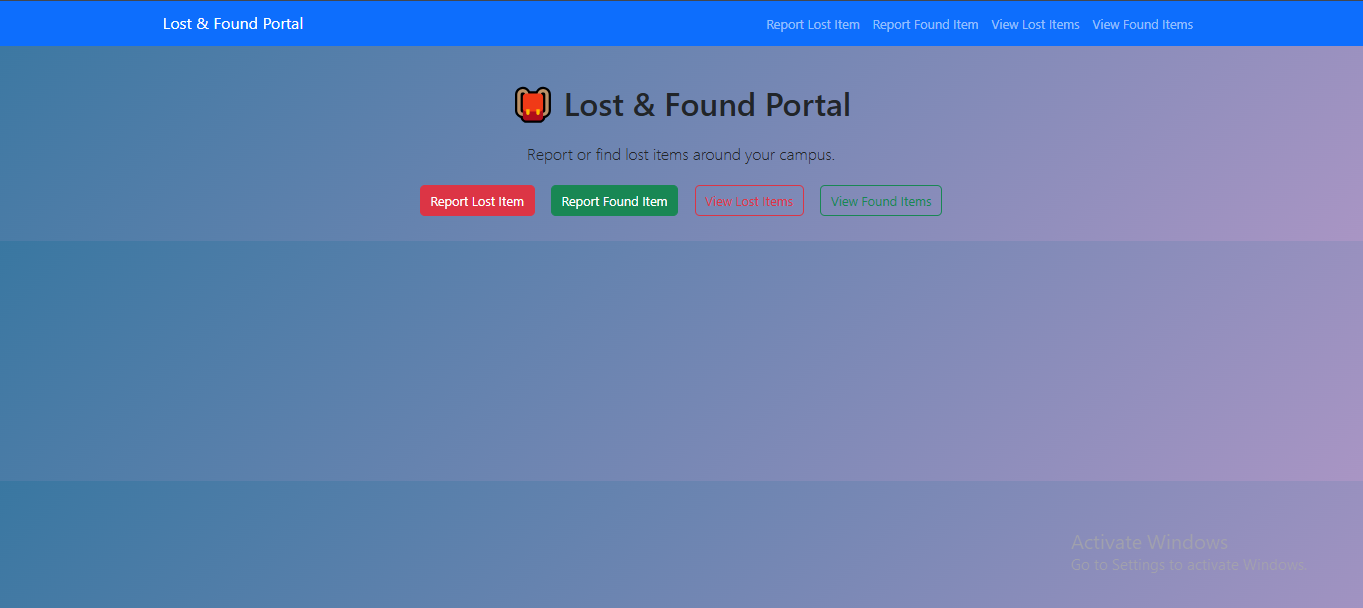
hoomepage
Inspiration
Every campus has a common problem: students and staff frequently lose personal belongings—ID cards, USB drives, water bottles, notebooks, you name it. Inspired by this real and relatable issue at UMT, I wanted to build a simple, user-friendly Lost & Found Portal to help people quickly post, discover, and claim lost or found items.
What it does
The Lost & Found Portal is a web-based platform that allows students, faculty, and staff to: Report lost or found items by filling out a simple form with description, category, location, and image. Upload actual images of the item to make identification easier. Browse, search, and filter items based on category, location, or date. Submit a claim request to connect with the person who found a lost item. Receive real-time feedback through flash messages on successful submissions or errors. Use the app on mobile or desktop thanks to a clean, responsive design.
How I built it
The project was built using beginner-friendly technologies: Frontend: HTML, CSS (with Bootstrap 5 for styling), and Jinja templates for rendering views. Backend: Python with the Flask framework. Database: SQLite for simplicity and local storage. Image Uploads: Items can be posted with actual image files instead of URLs. Extra Features: Flash messages for better user feedback. Form validation to ensure data accuracy. Search and filter functionality for easy browsing.
Challenges we ran into
1- Implementing secure and error-free file upload handling. 2- Ensuring form validation doesn’t break functionality. 3- Designing a clean and intuitive interface with minimal clutter. 4- Managing search and filter logic in a beginner-friendly yet efficient way.
Accomplishments that we're proud of
Fully functional item posting and viewing system with image uploads and filters. Modern, responsive design built using HTML, CSS, and Bootstrap—easy to navigate even on phones. Form validation and flash messaging for a smooth and guided user experience. Secure image upload implementation for real-world usability. Beginner-friendly yet feature-rich Flask app that demonstrates full-stack development. Search and filter functionality that makes browsing large item lists fast and effective. Built this as a solo developer from scratch with self-taught skills—proof of learning and dedication.
What we learned
1- How to build and structure a full-stack Flask application. 2- Using Flask-WTF for form validation. 3- Handling file uploads securely. 4- Managing database operations using SQLite. 5- Styling UI with Bootstrap and creating responsive layouts.
What's next for Lost-Found Portal
1- Add user login with email verification. 2- Enable real-time notifications or chats for claim requests. 3- Deploy the project using platforms like Render or Vercel.

Log in or sign up for Devpost to join the conversation.