-
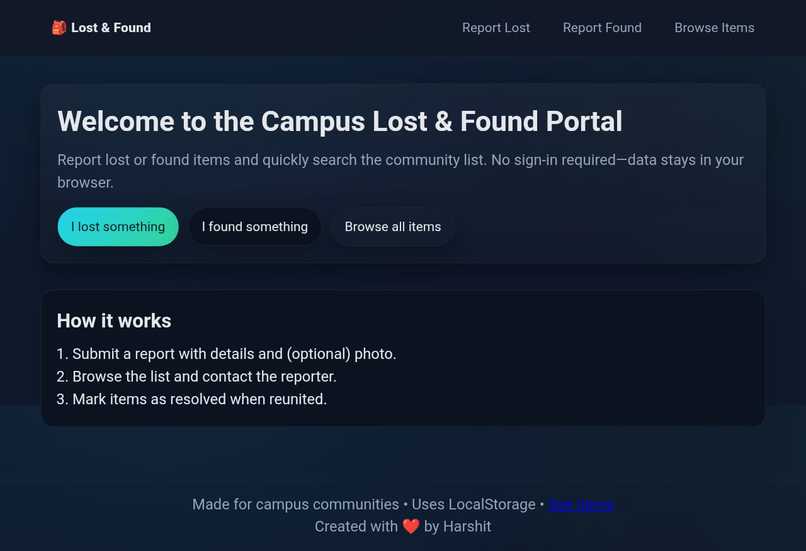
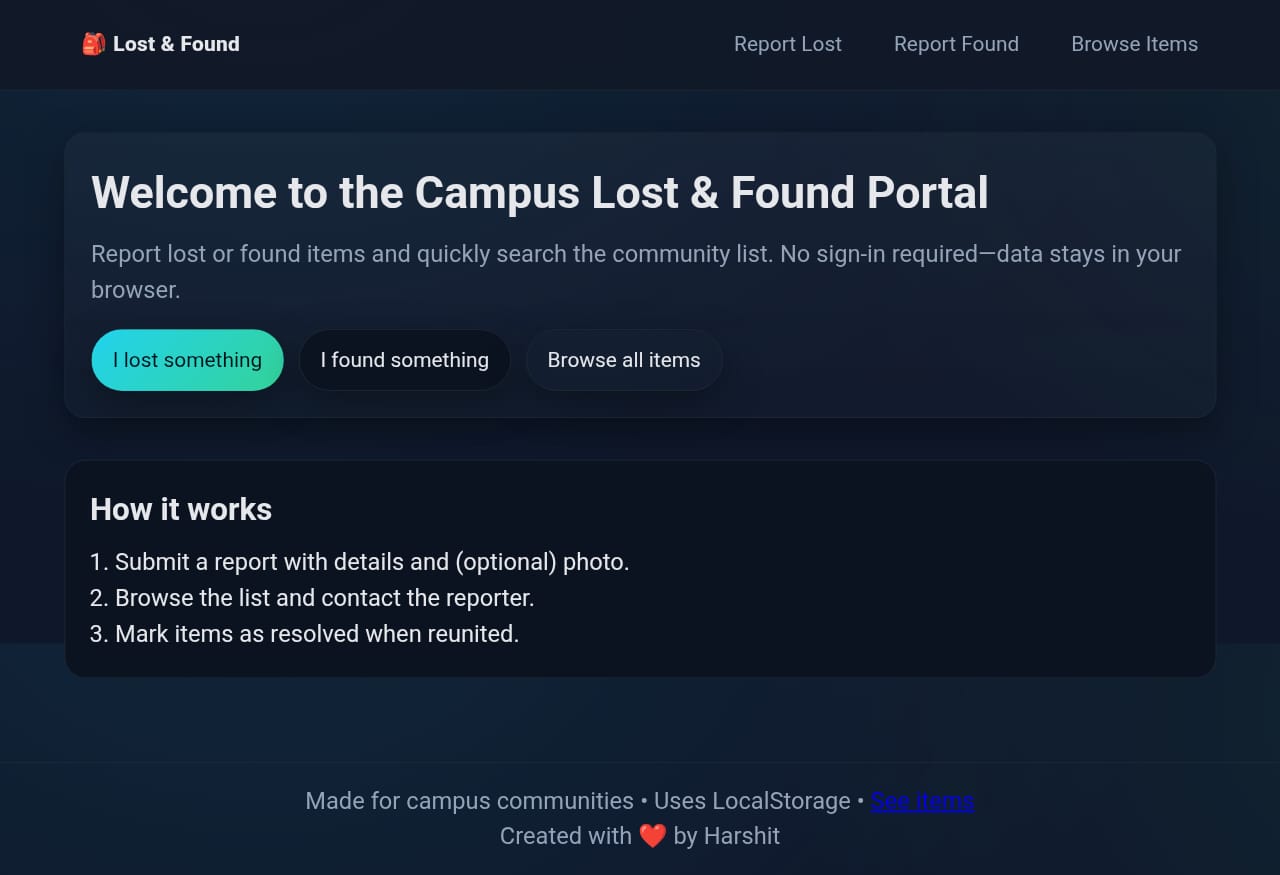
Home page of the Web app
-
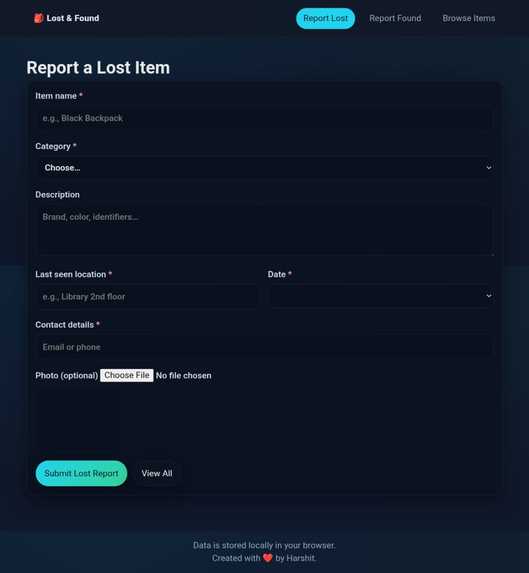
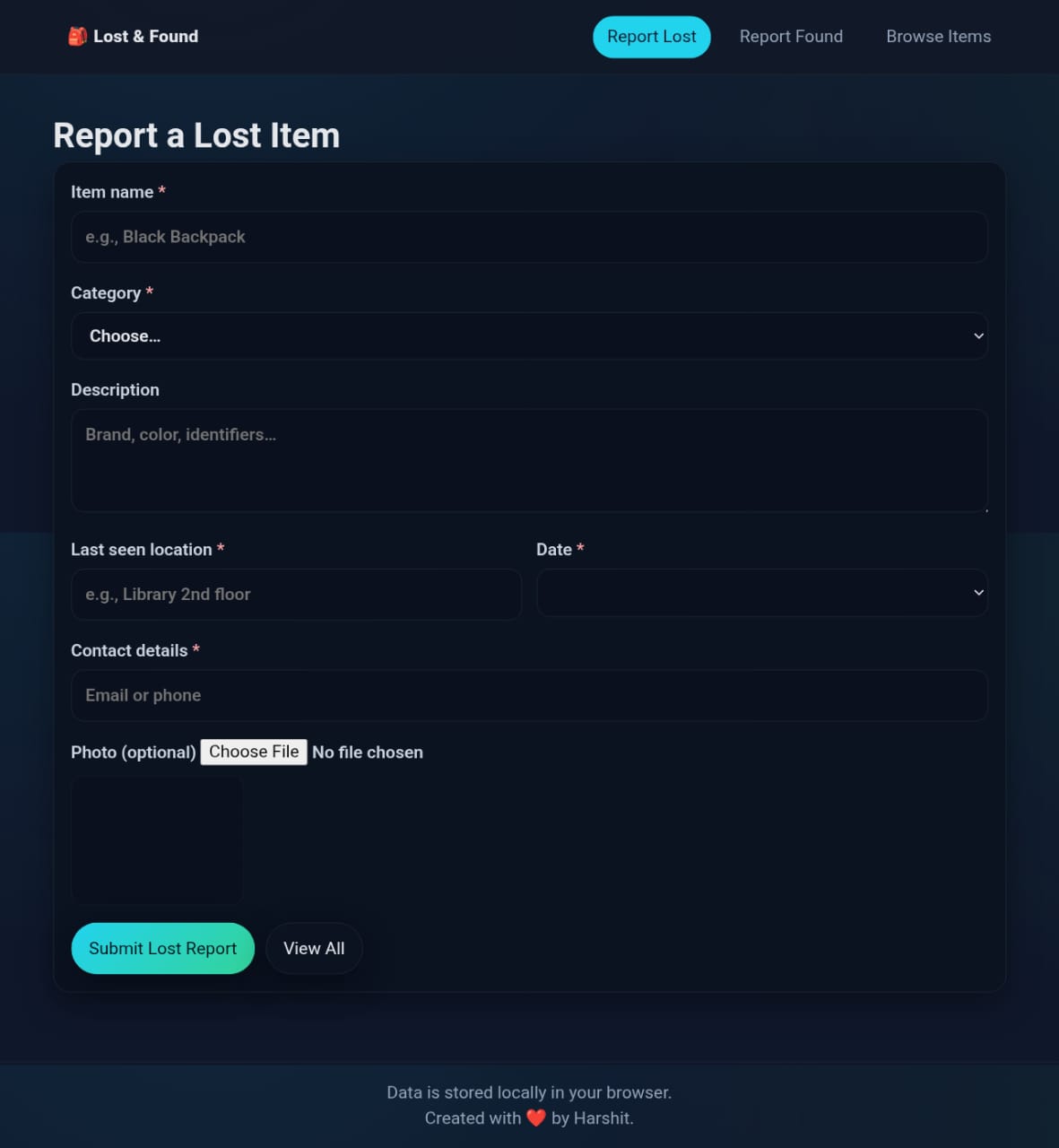
Form for lost items
-
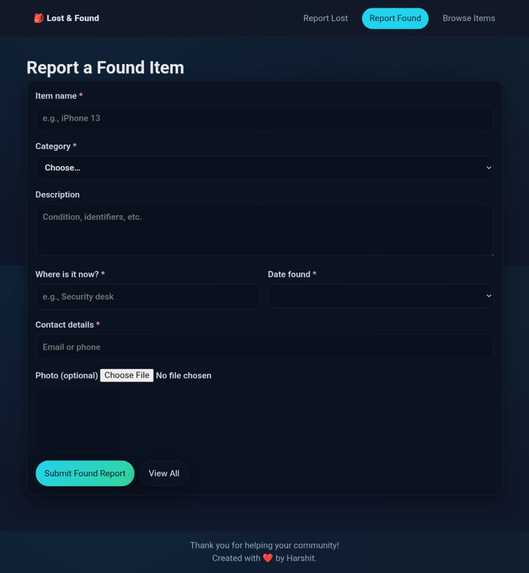
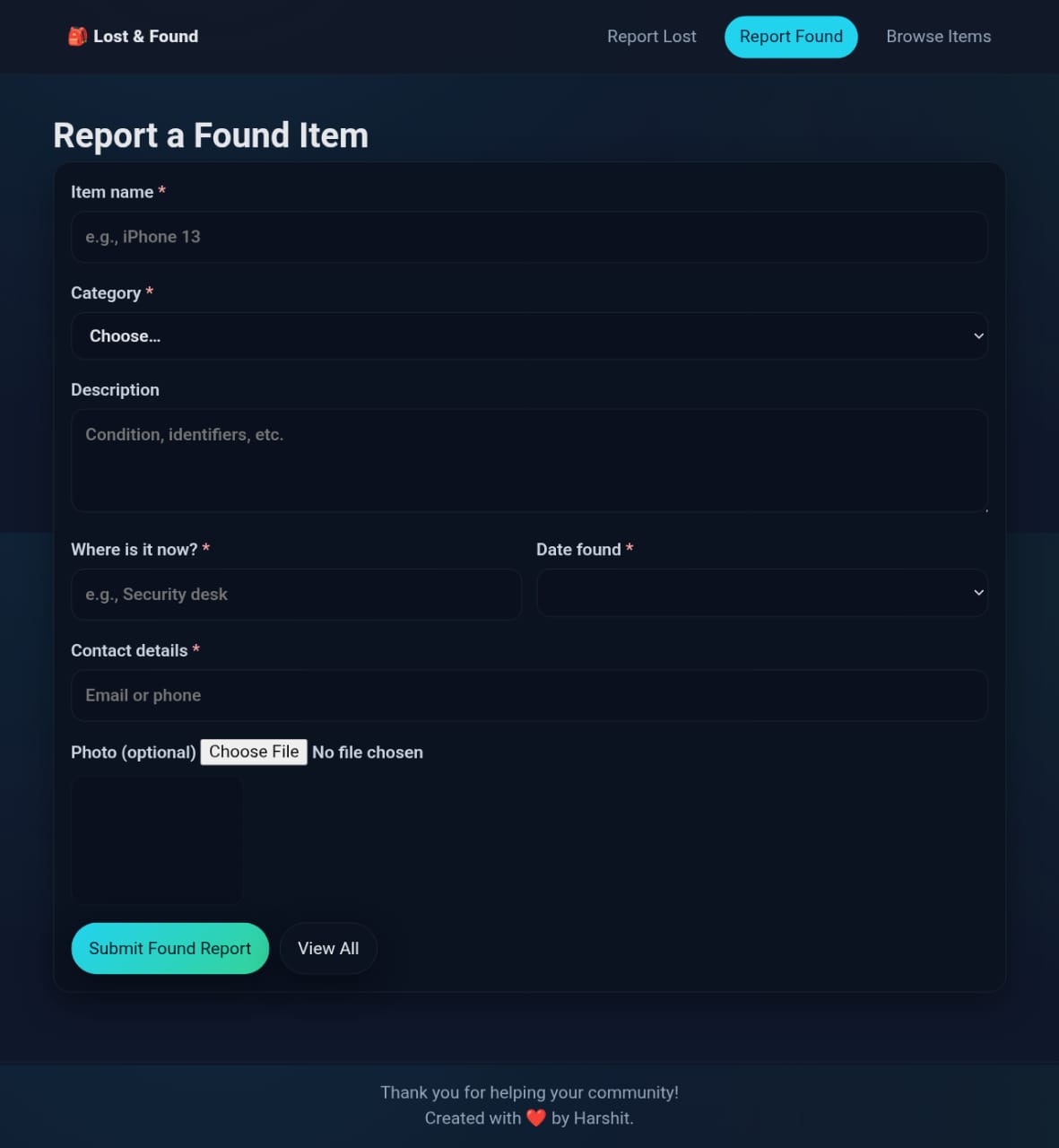
Form for found item
-
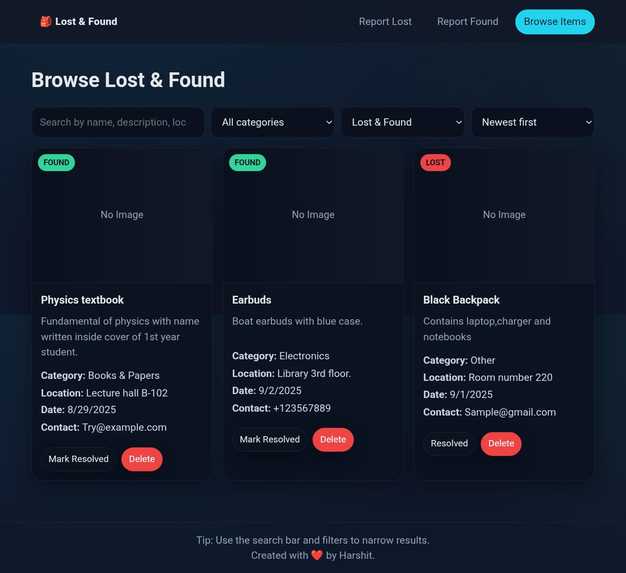
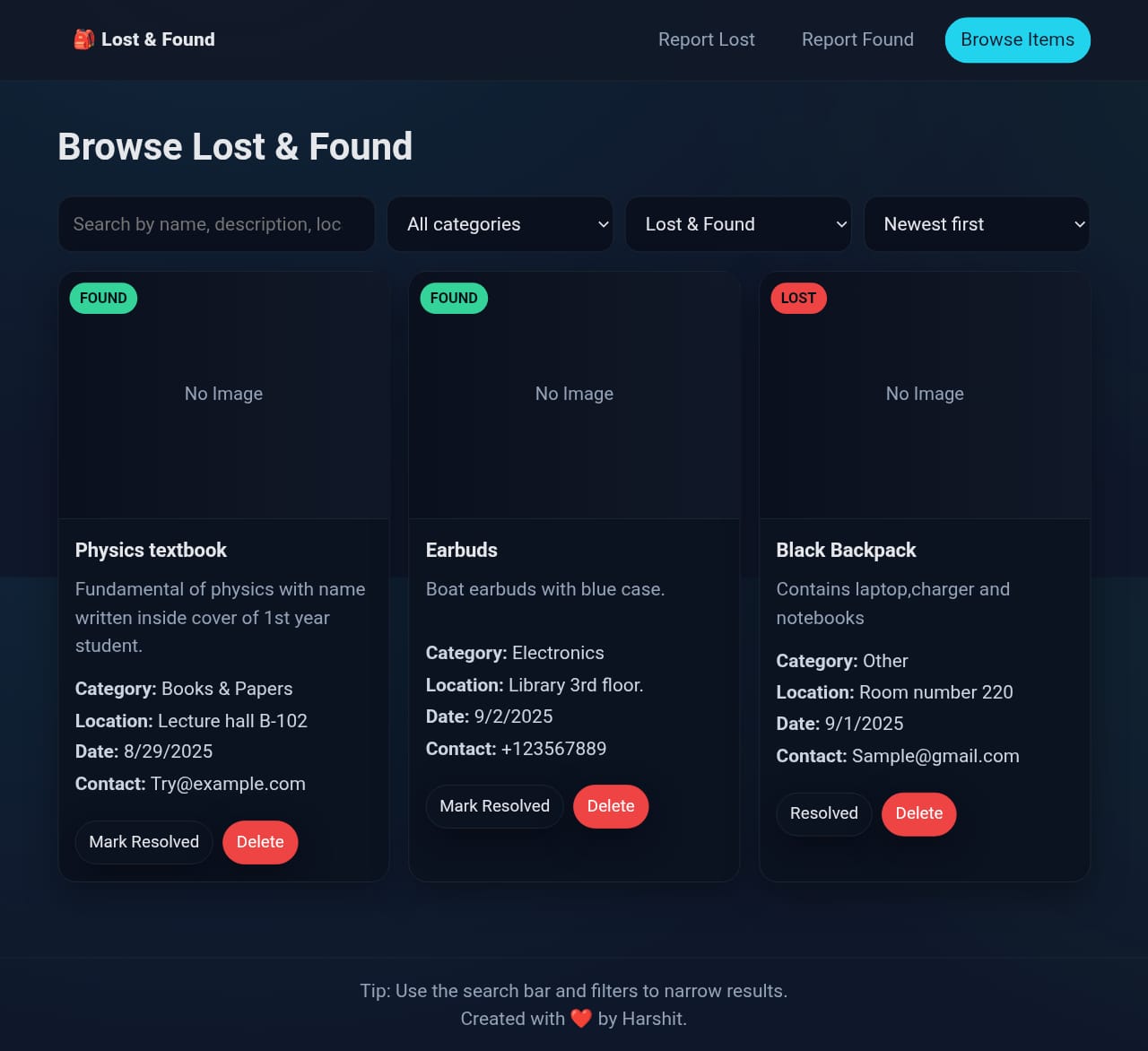
A page with so all the items found or lost with details
Inspiration
On campus, I noticed students often losing valuable items like ID cards, wallets, and gadgets. I wanted to create a central, simple portal where students can quickly report lost or found items and connect with each other.
What it does
The Lost & Found Campus Portal allows students to: • Report lost items through a simple form. • Report found items with details. • View all items in a card-style listing page. • Use search and filters to quickly locate items. • Store data in LocalStorage, without a backend.
How we built it
• HTML5 for structure • CSS3 for styling and responsive design • JavaScript for interactivity, LocalStorage, and search/filter logic • Deployed with GitHub Pages for a live demo link
Challenges we ran into
• Managing data persistence without a backend — solved using LocalStorage. • Designing a UI that looks clean and professional. • Balancing features with simplicity, since this is a solo project in a hackathon.
Accomplishments that we're proud of
• Built a fully working MVP in a short time, completely from scratch. • Created a user-friendly interface with easy forms and search. • Deployed a live working app accessible on any device. • Learned to manage a project solo in a hackathon environment.
What we learned
• How to use LocalStorage effectively for frontend-only projects. • Improved my skills in HTML, CSS, and JavaScript. • Learned how to present and pitch a project clearly.
What's next for LOST & FOUND CAMPUS PORTAL
• Add student login system for verified submissions. • Backend database to make data accessible across devices. • Notifications or emails when a lost item matches a found one. • AI-based smart matching between lost & found items. • Expand beyond campus to serve larger communities.


Log in or sign up for Devpost to join the conversation.