-
-
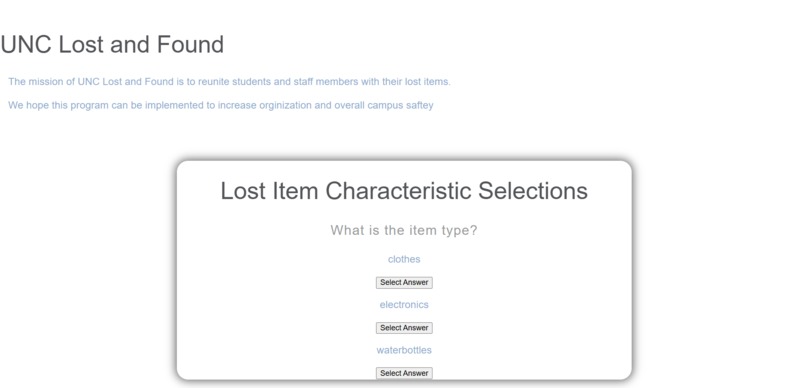
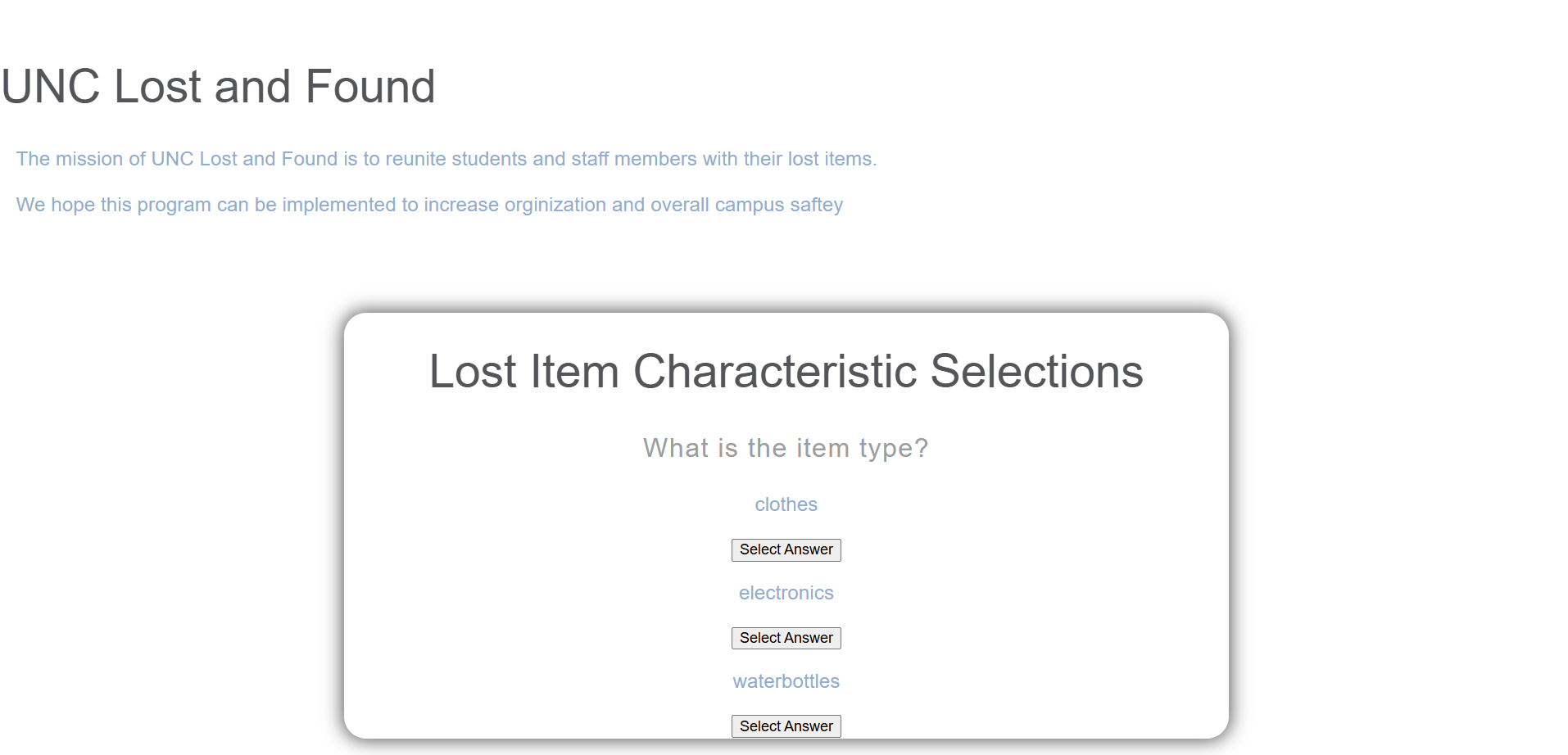
Example UI for UNC Lost and Found
Inspiration
We noticed how UNC did not have a centralized system for lost & found items. Students either have to go to UNC Police, ask staff of the buildings they were last in, or resort to social media apps, which aren't always reliable. With UNC Lost & Found, students have easy access to an website in which they can search for their lost items using different attributes from at all times.
What it does
Our site uses a search function where a user can input characteristics under certain categories and receive a list of lost items matching those descriptors. We currently are asking users to input the type of item (clothing, electronics, water bottles, and other), location (currently limited to Davis Library, Chase Dining Hall, and Sitterson Hall), and color (white, black, colorful). These options were chosen for easy integration into the front end, but are easily expandable. The outputted list provides matched entries to the inputted data to help users find what they're looking for and where to retrieve it. The outputted list will also be ordered by date of entry.
How we built it
We used HMTL, CSS, and JavaScript in VScode for the frontend and Java in VScode for the backend. The backend was focused on the search function, while the frontend was used UI and data collection.
Challenges we ran into
One of the biggest hurdles we faced was connecting our frontend with our backend. This was out first hackathon experience, so we were not familiar with syncing our frontend and backend. We had to do a lot of external research through articles and tutorial videos to navigate through this challenge.
Additionally, we did not have strong prior experience with HTML, CSS, and Javascript for the UI design, so learning it also took a large portion of our time.
Accomplishments that we're proud of
We are proud of our ability to adapt when we hit the roadblock of integrating our backend and frontend. We still wanted our program to be functional, so we made it so our terminal could take user input and output profiles of lost items that match the inputed user data.
What we learned
The first and biggest thing we learned was HTML, CSS, and Javascript. We learned to make a website with vanilla code and have it be interactive for the user. In addition, we learned about many frameworks and applications to integrate frontend and backend including, Spring Boot, JavaServer Faces and more.
What's next for Lost and Found
Our vision for this project is to have lost and found bins in various places around the school. Users can scan the QR code on the bin to upload the lost item to the database. If someone loses an object, they can go to the website and search through the database to find their item. Our first future step is to connect the frontend and backend so that our website can run in one place. For our next steps after that, we want to add a feature where users add new lost items to the site and upload images of those items too. This will allow for a more interactive and practical experience.
Built With
- css
- html
- java
- javascript
- vscode


Log in or sign up for Devpost to join the conversation.