-
-
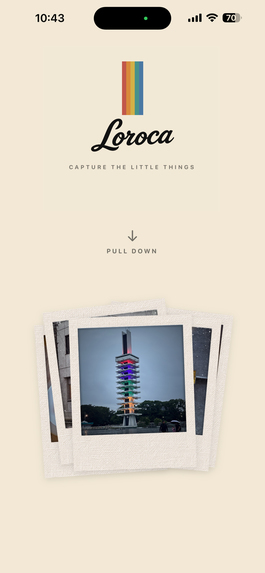
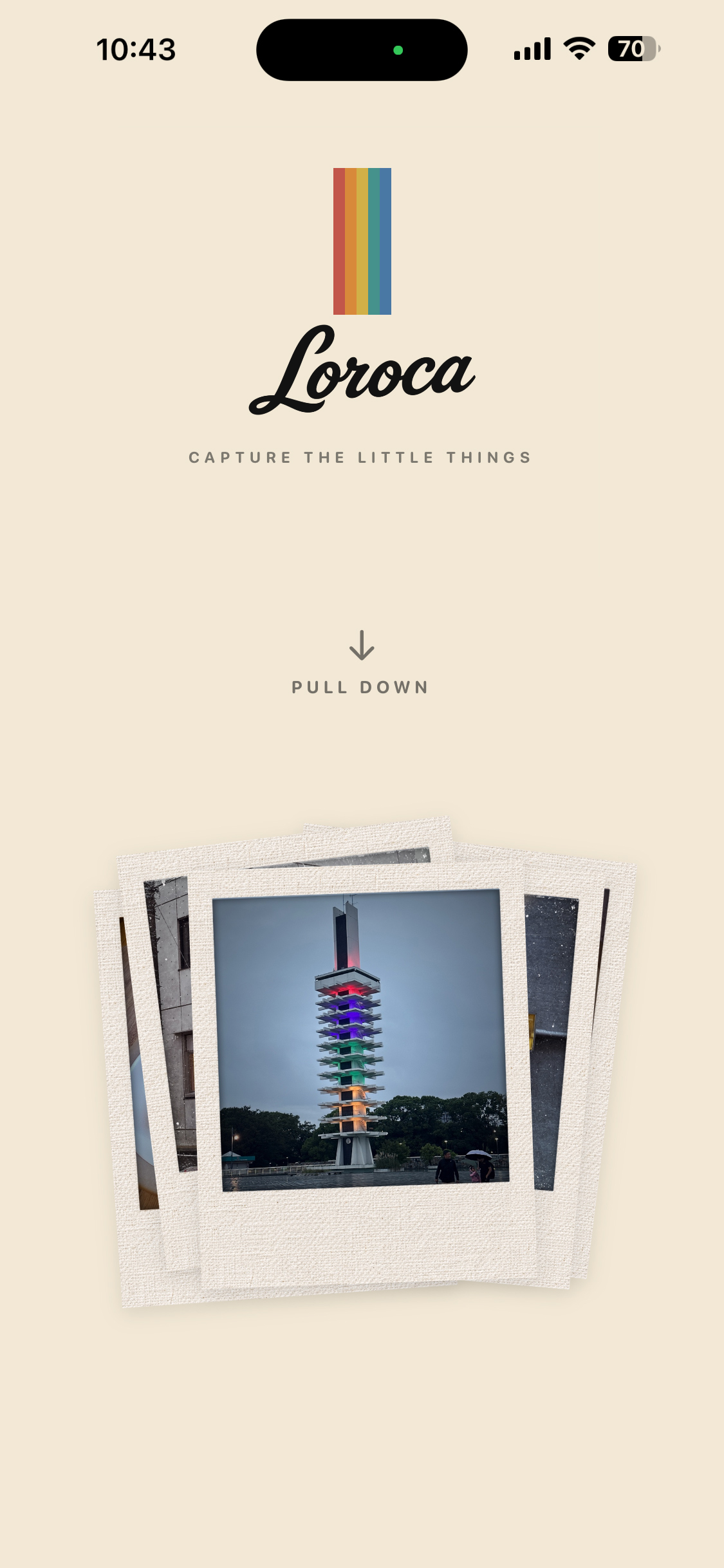
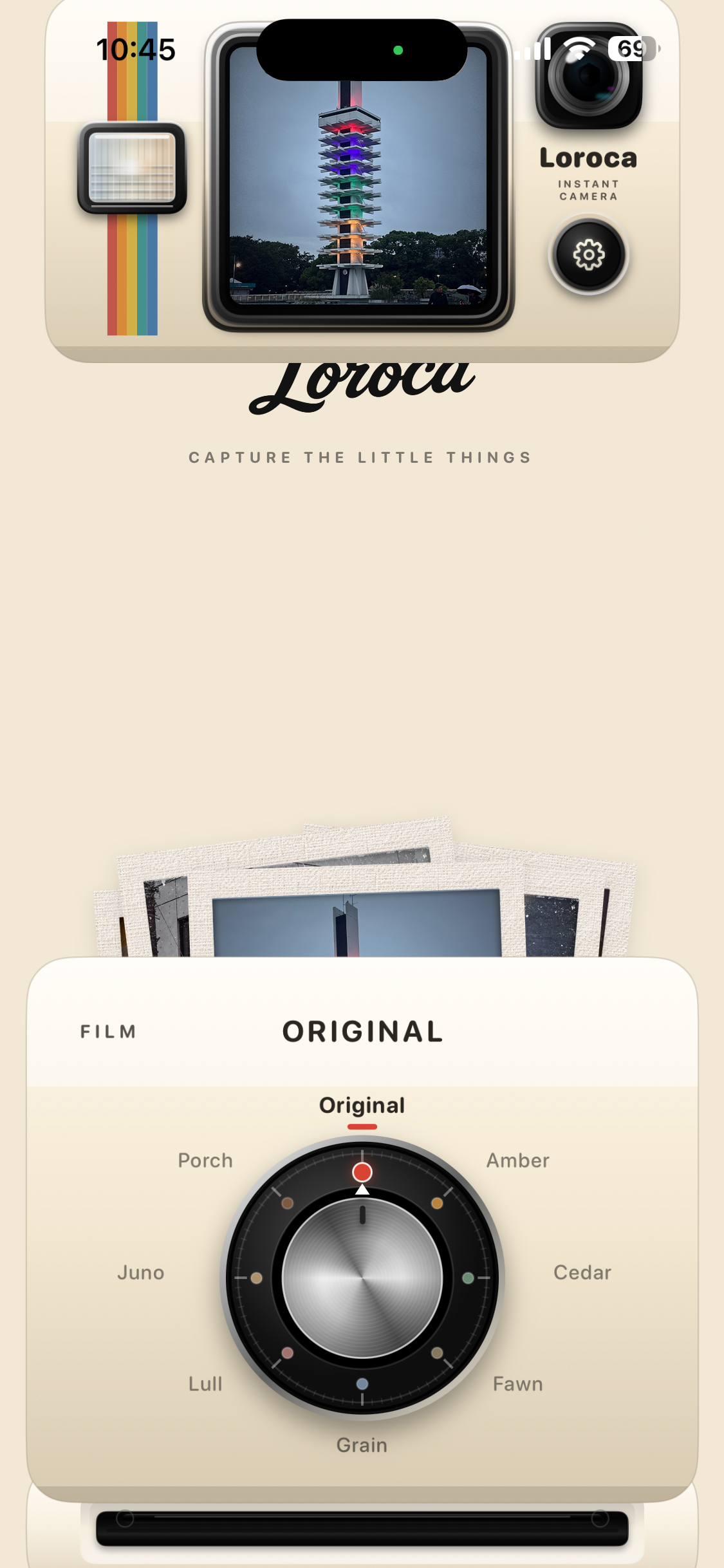
New Loroca logo in v2.7.1 — pull down to start the camera experience.
-
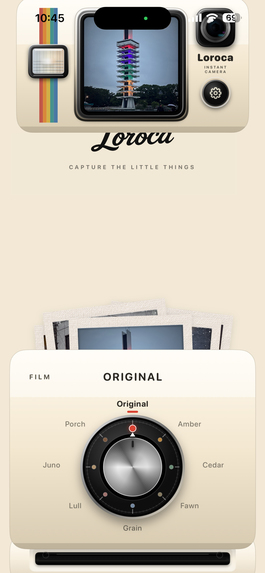
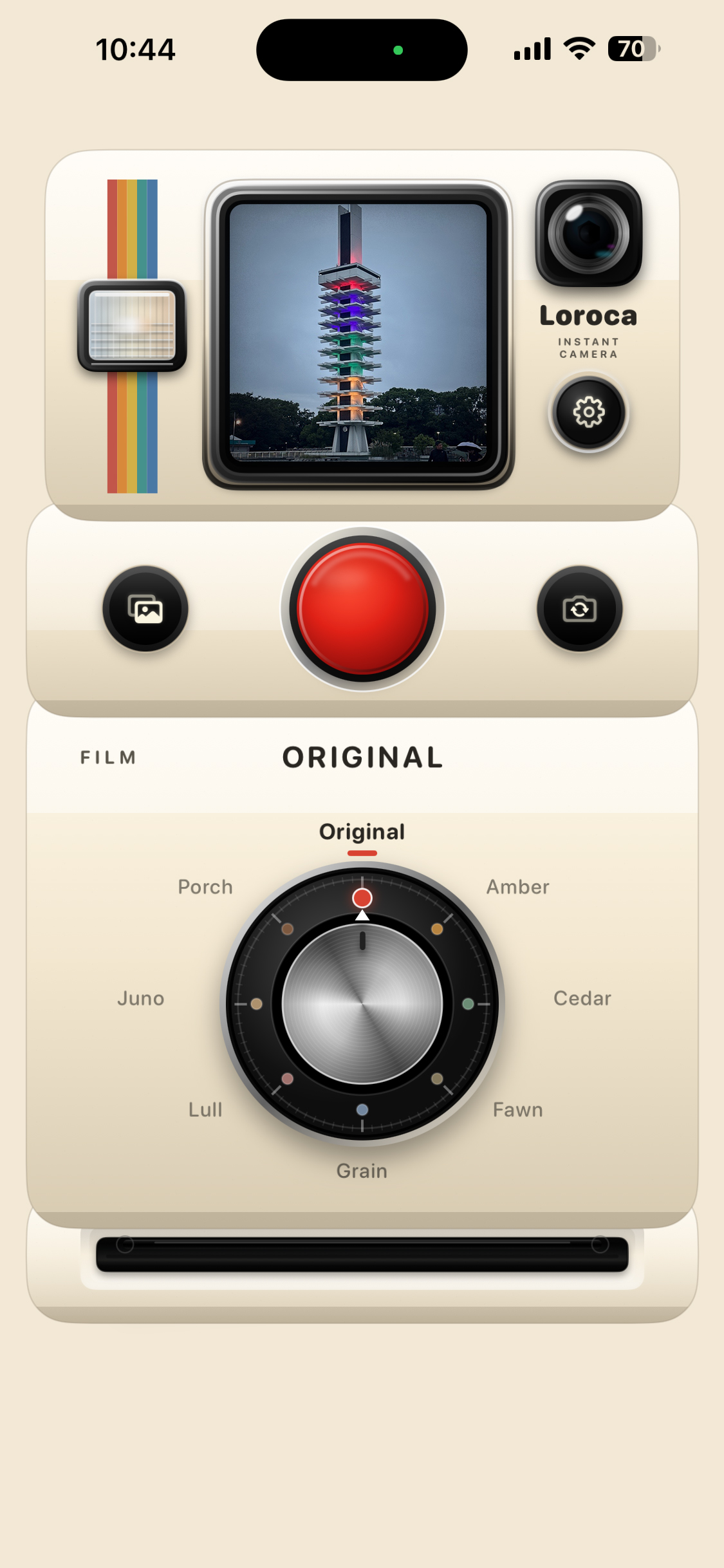
Pull down the camera body to reveal the camera controls.
-
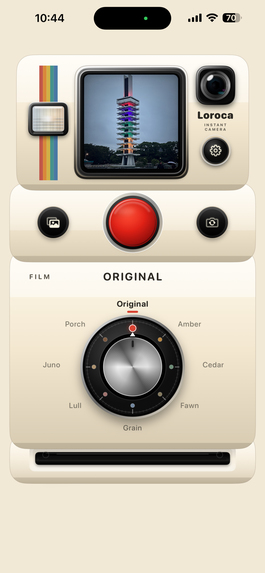
Press the red shutter and capture the moment.
-
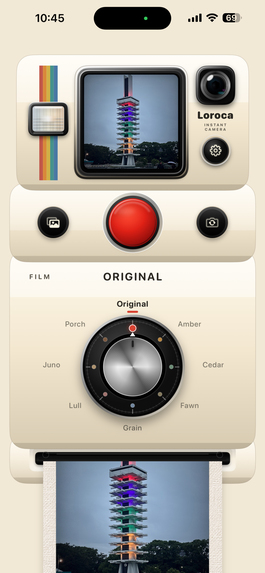
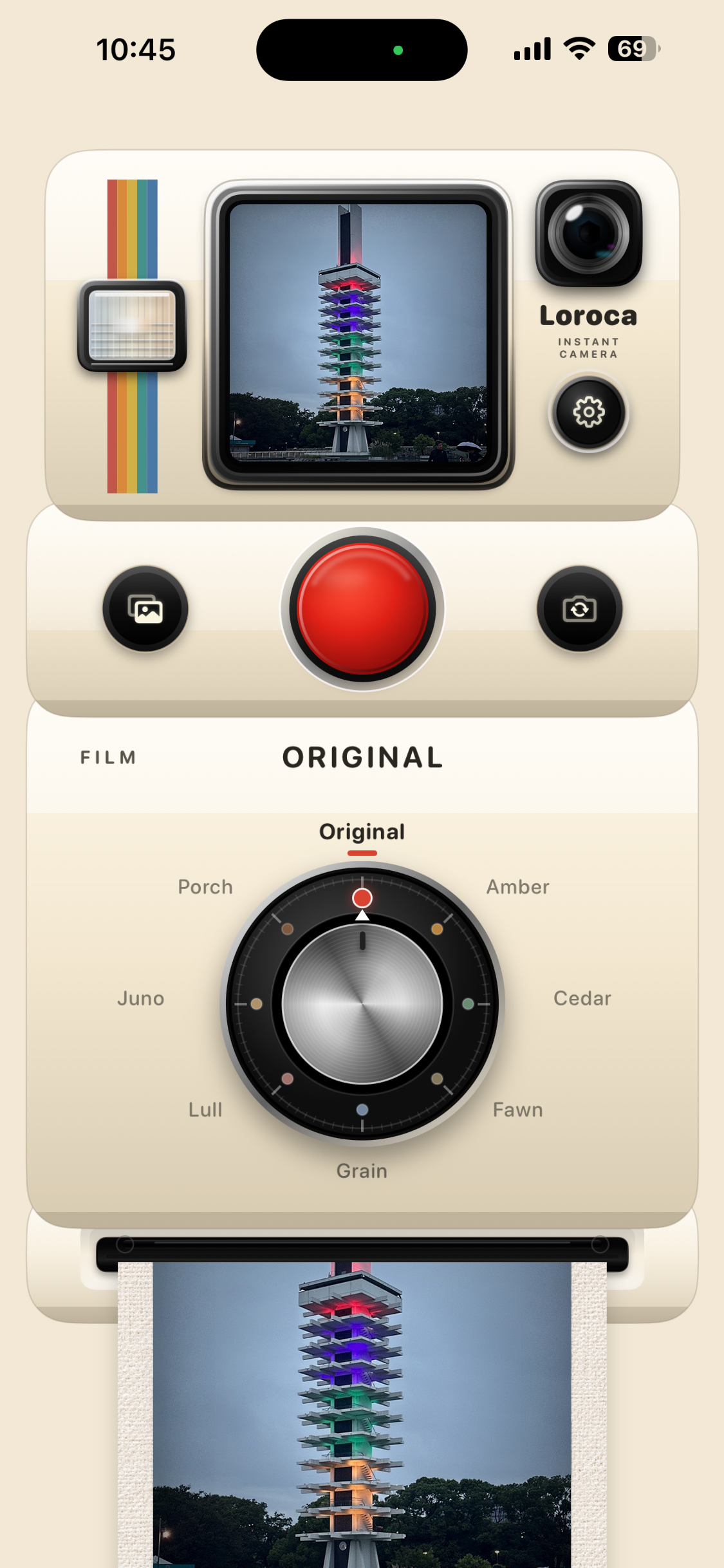
Watch your photo come out of the camera.
-
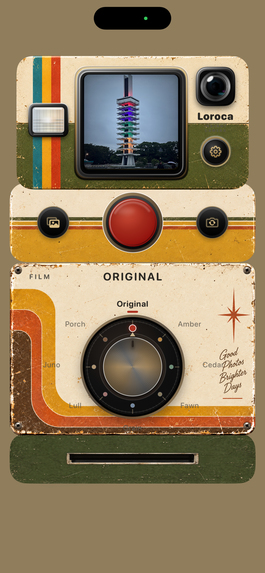
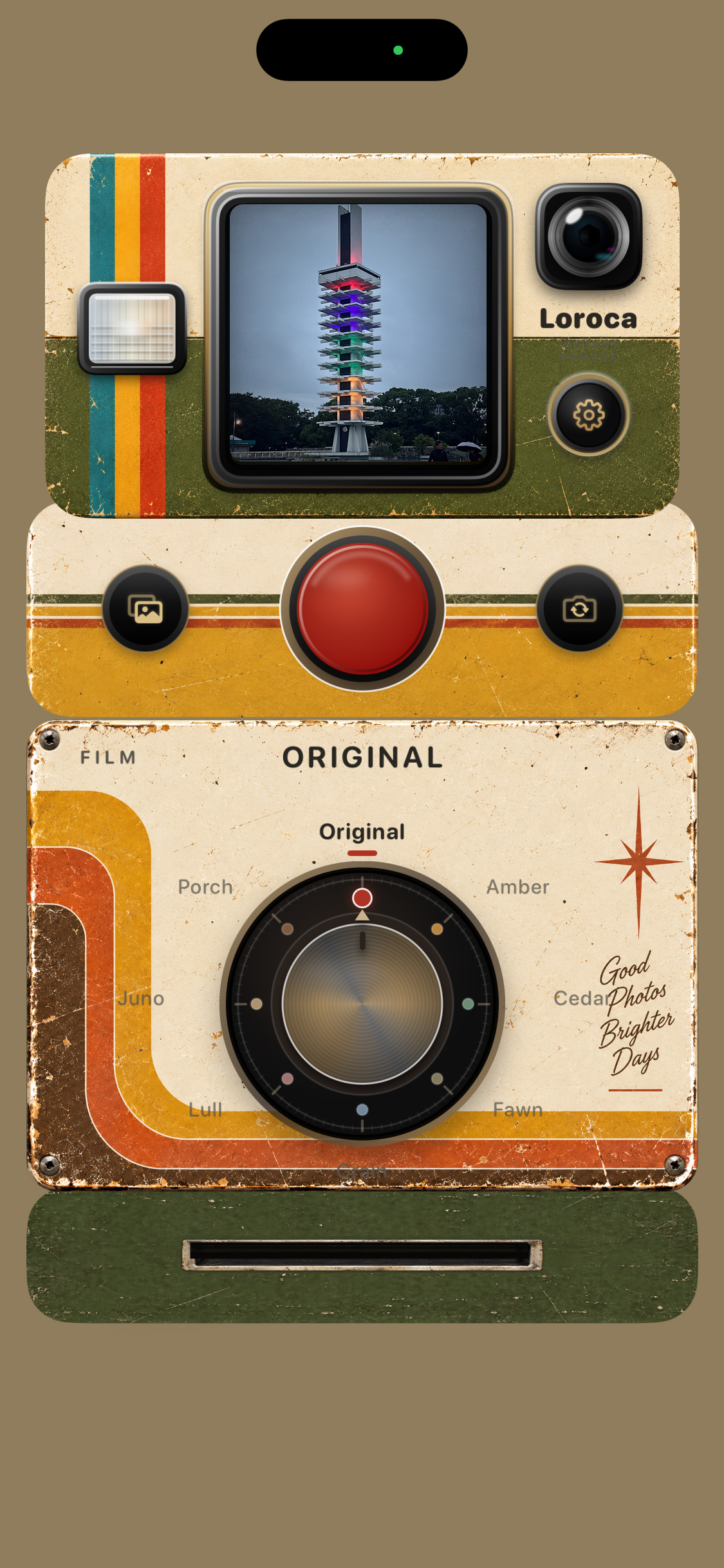
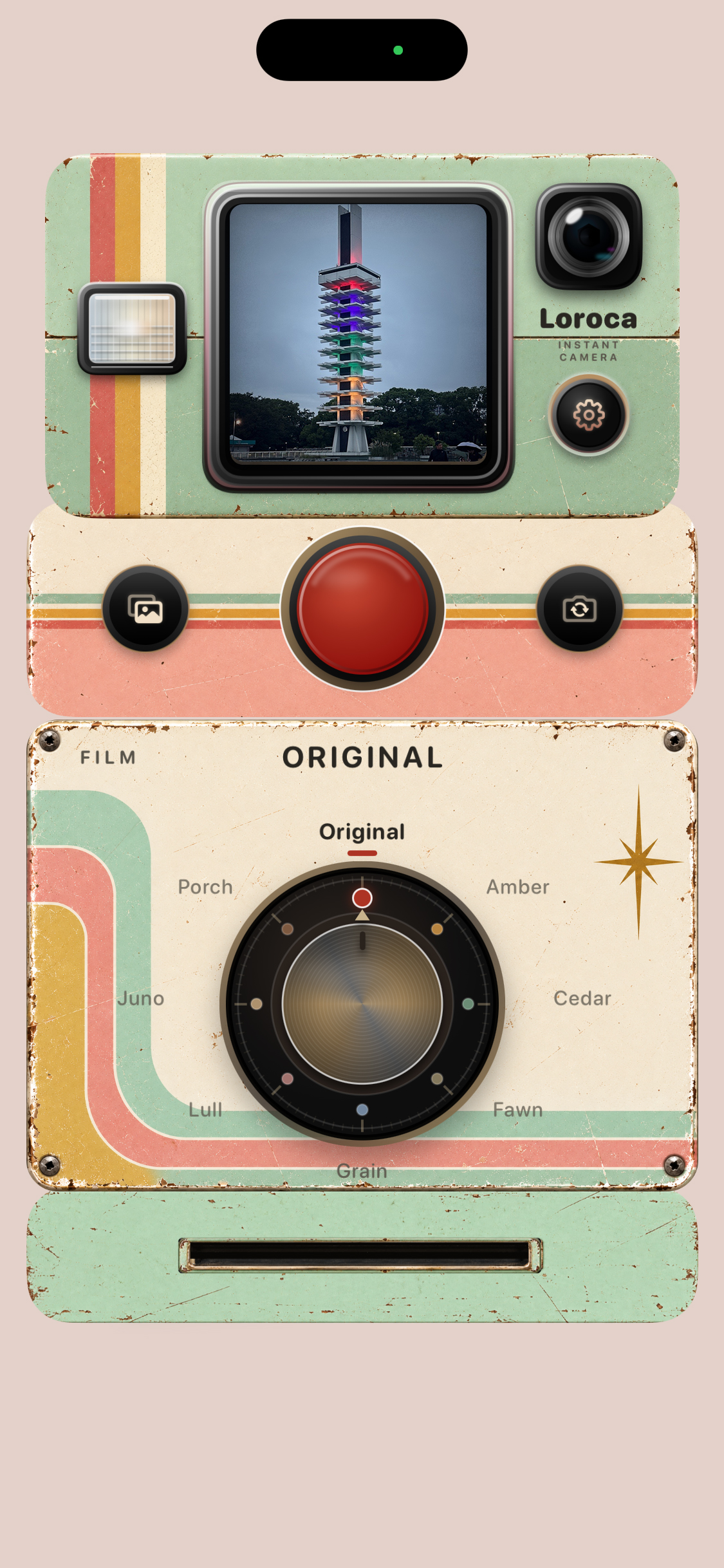
Vintage 70s — a retro camera theme available with Loroca Pro.
-
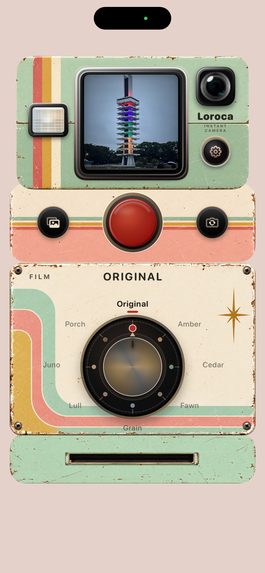
Vintage Mint Blush — a playful retro camera theme available with Loroca Pro.
-
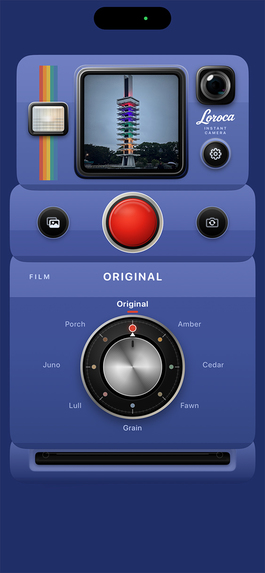
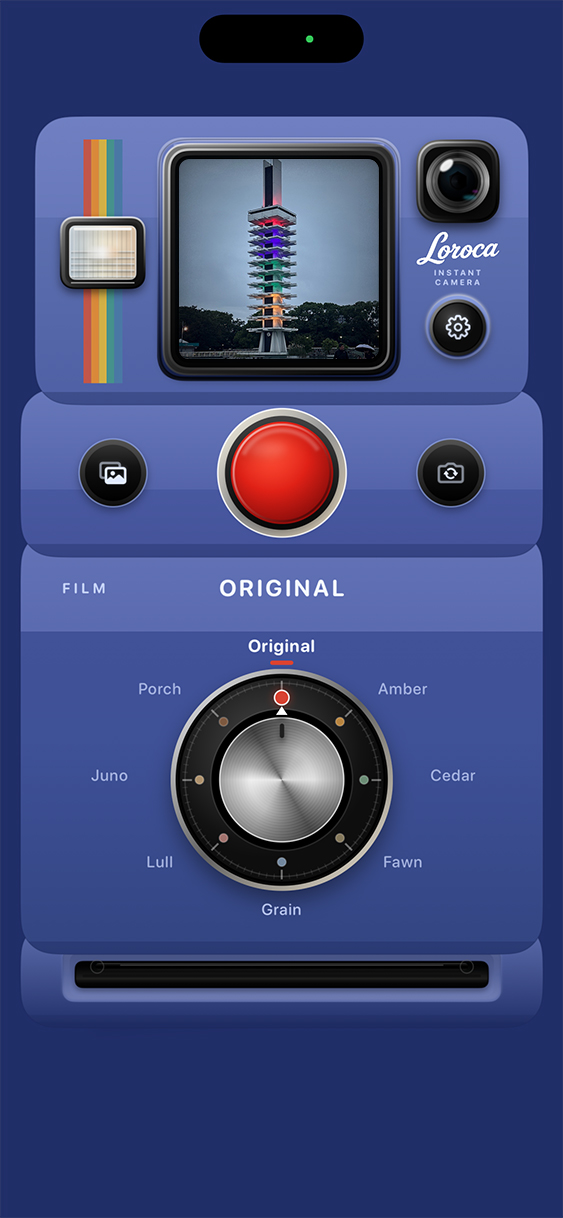
New in v2.9 — Indigo Fade, a new camera theme with a deep indigo, softly faded look.
-
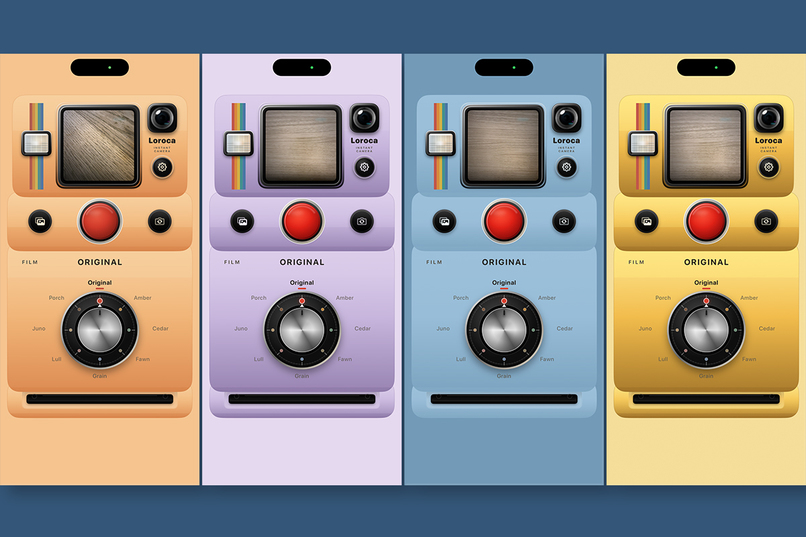
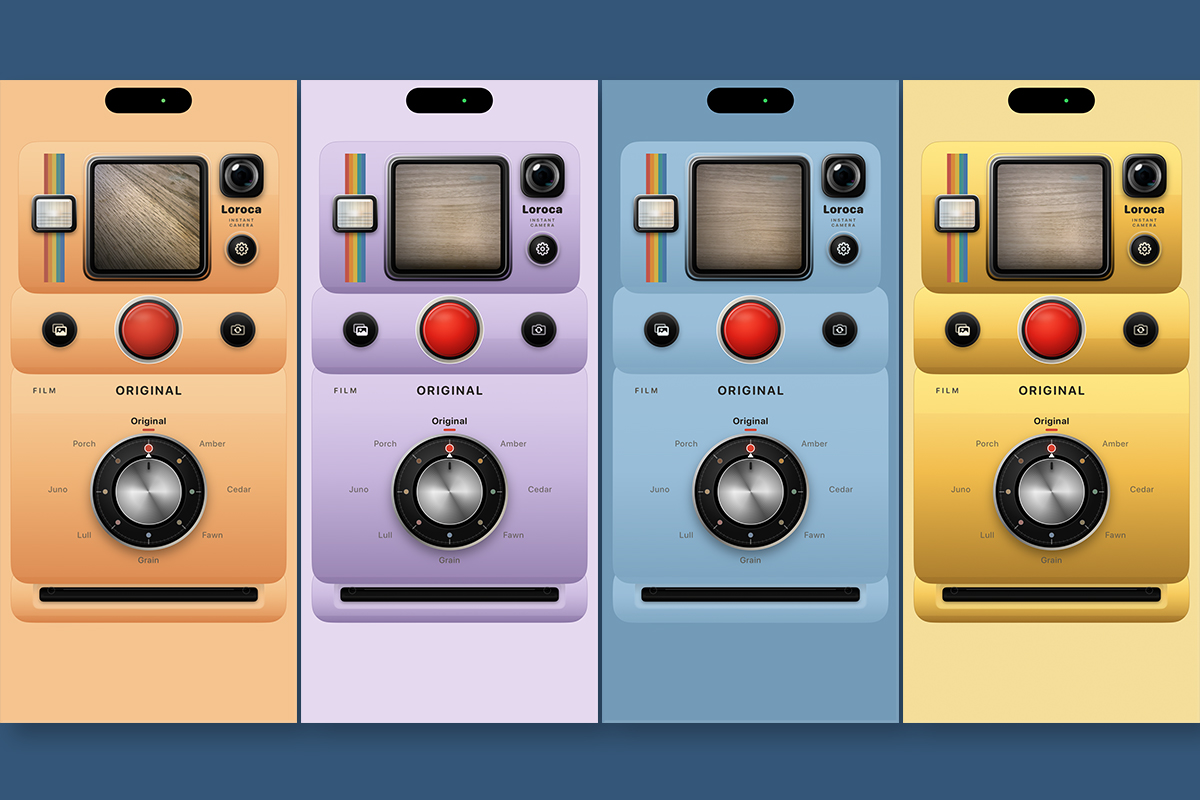
Camera Themes — Pastel Apricot, Lavender, Sky Blue, and Butter Yellow.
-
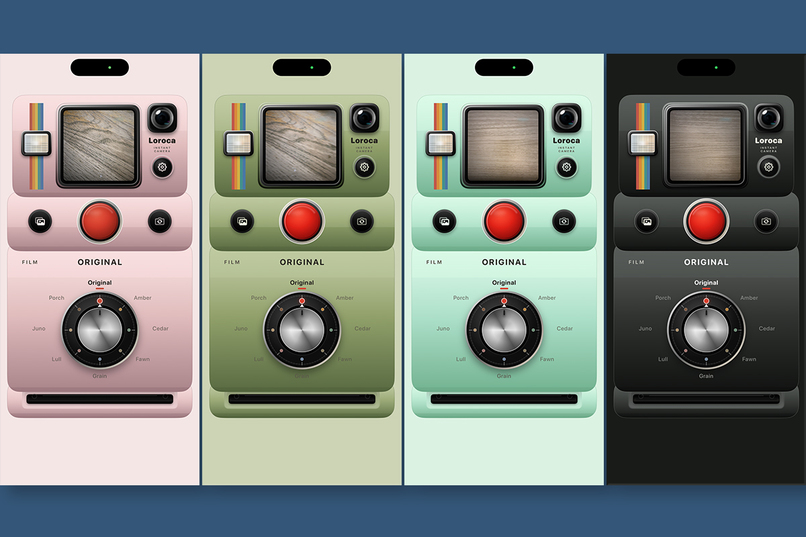
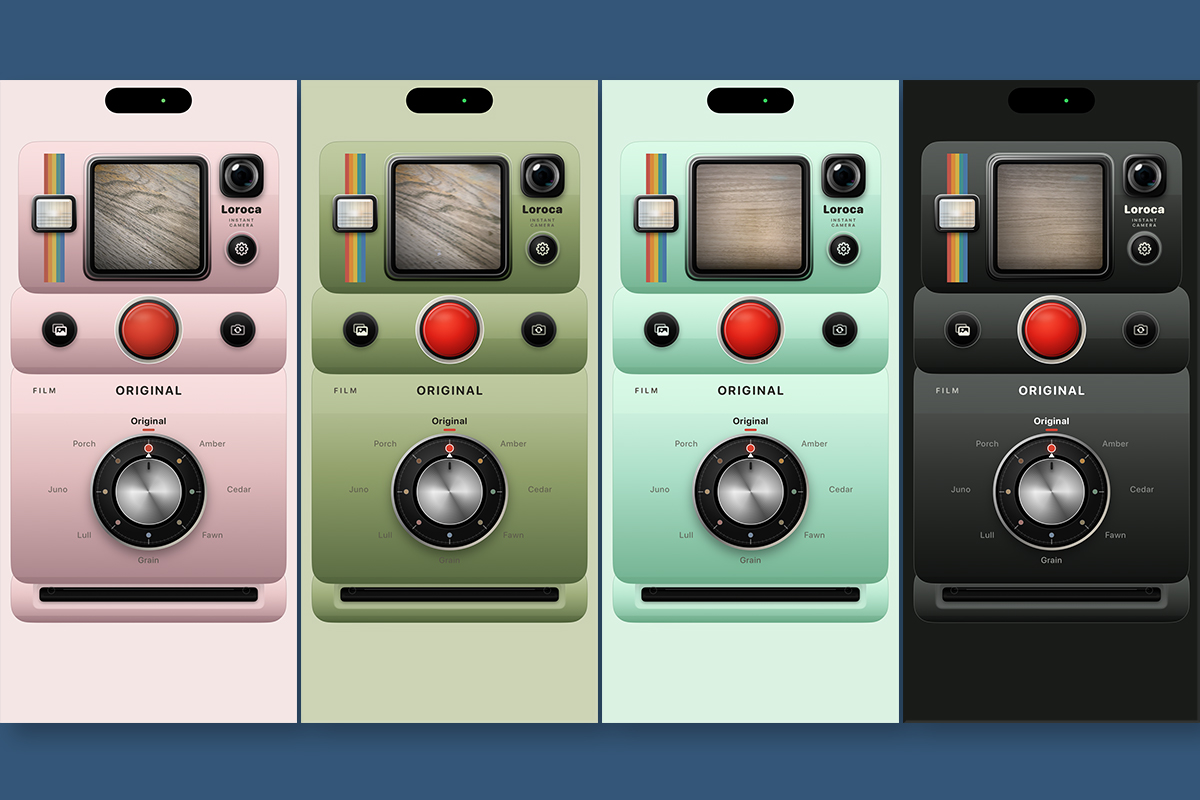
Camera Themes — Soft Pink, Olive Green, Mint Mist, and Matte Black.
-
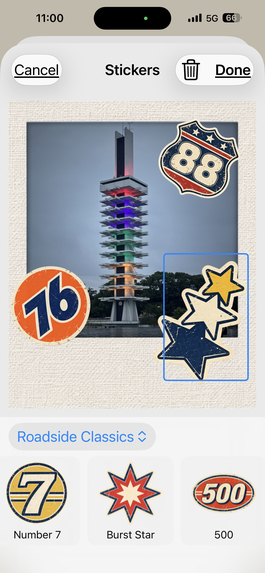
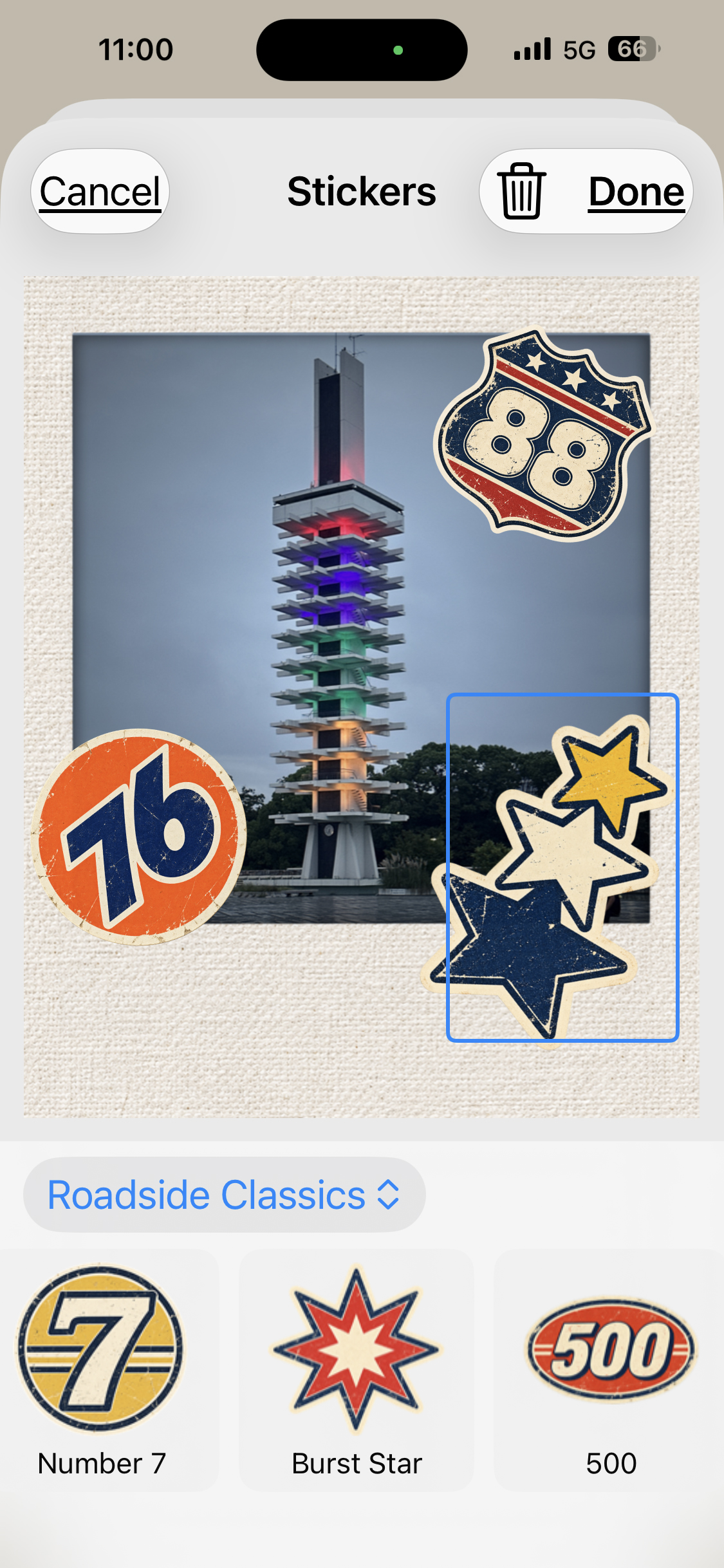
Customize your photos with stickers.
-
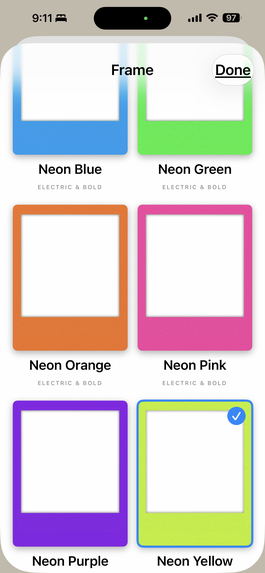
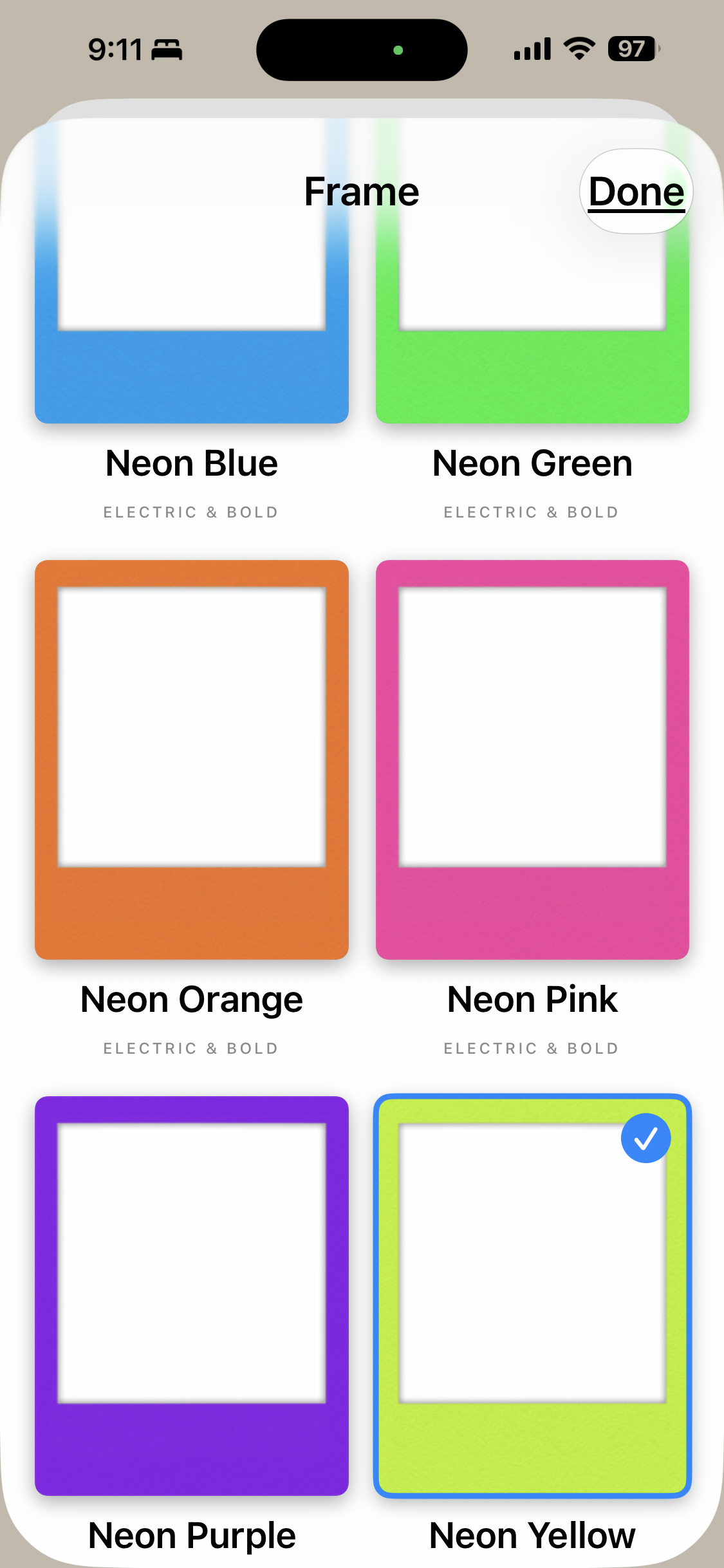
Choose from a variety of frames to customize your photo.
-
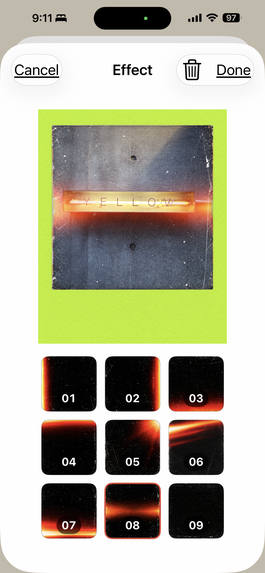
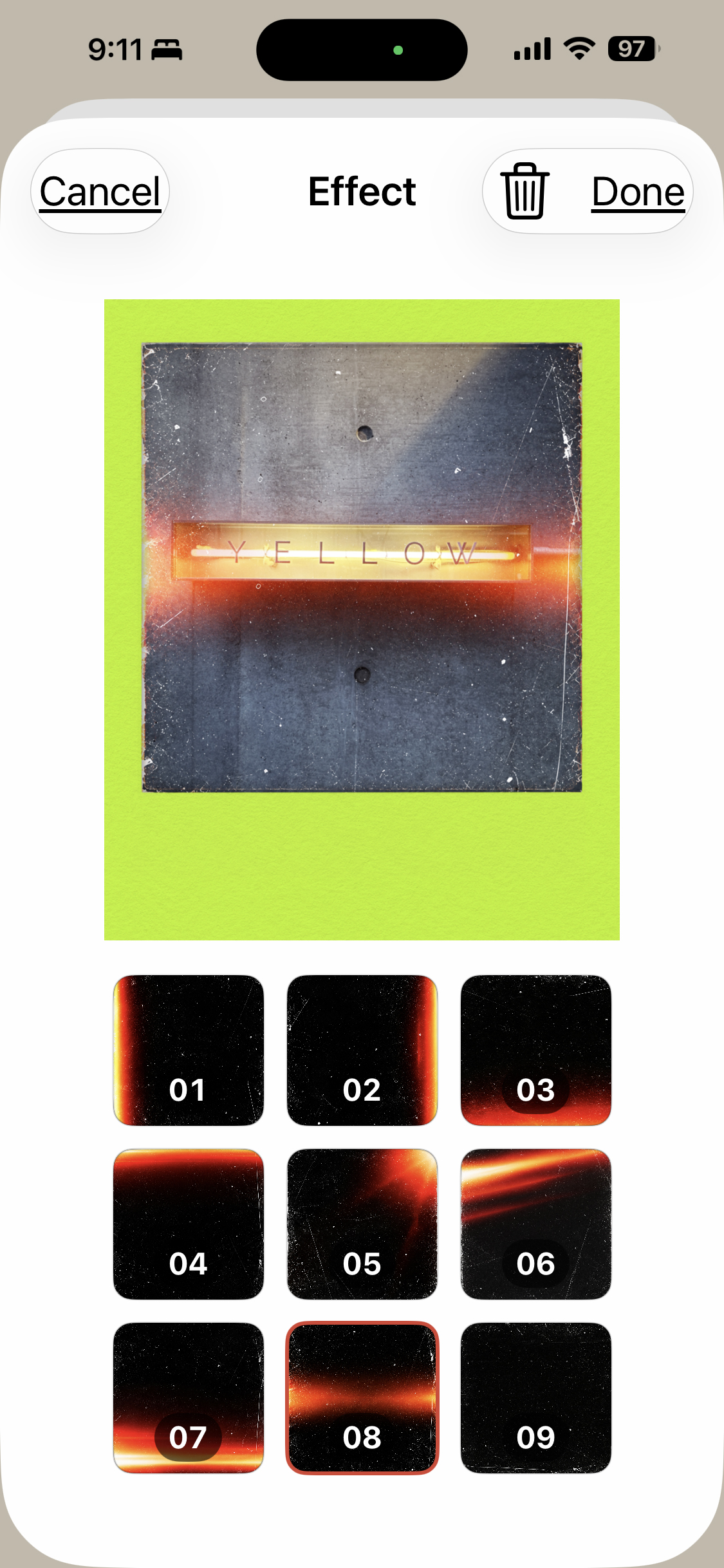
Add light leak effects and other effects to give your photo a unique look.
-
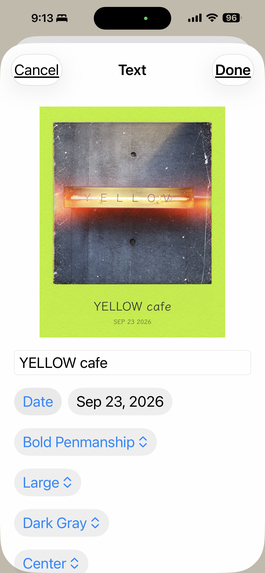
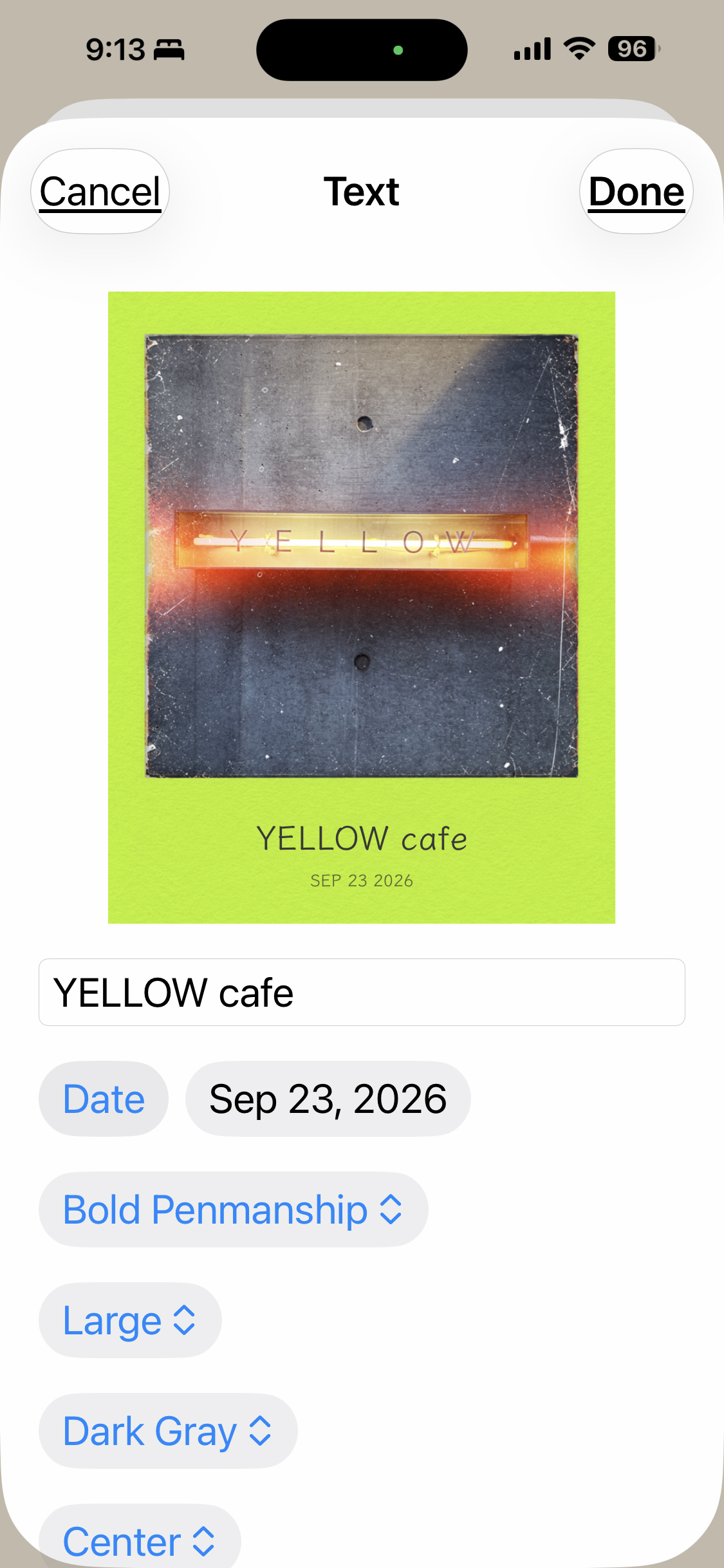
Add text and dates, with different fonts and styles to choose from.
-
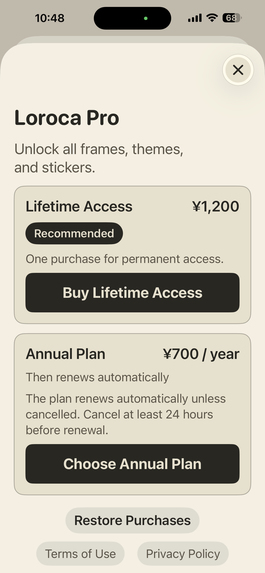
Unlock more customization with Loroca Pro.
-
Loroca — a retro instant camera experience.
Inspiration
Loroca started from a simple idea: I wanted taking a photo to feel more tactile and playful again.
Instead of opening a standard camera screen, Loroca is designed like a physical instant camera. You pull down the camera body to start shooting, press a large red shutter button, turn a physical-style dial to choose a film look, and watch the photo come out of the camera.
The goal was not just to add retro filters, but to make the entire experience of taking a photo feel different.
What it does
Loroca is a retro instant camera app for iPhone.
Users can choose different film looks, change camera themes, shoot photos through a tactile camera interface, and customize the finished photo with frames, text, stickers, and effects.
Photos can then be saved or shared directly from the app.
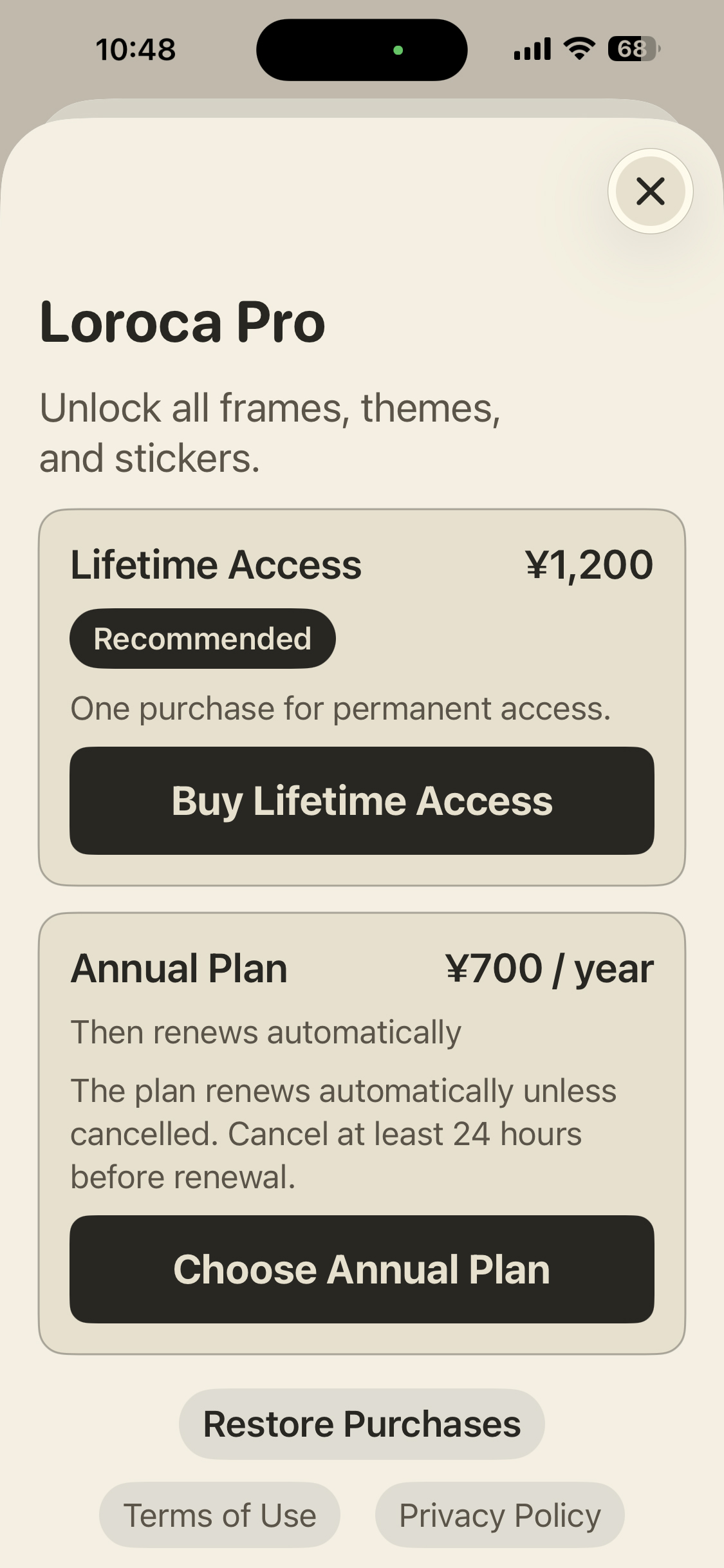
Loroca includes a free experience and Loroca Pro, which unlocks additional customization options.
How I built it
Loroca is built natively for iOS with Swift and SwiftUI.
The camera experience uses Apple's camera frameworks, while purchases are handled with StoreKit and RevenueCat.
For Shipaton, I integrated RevenueCat into the existing Loroca purchase system while keeping the app's original custom paywall and purchase experience.
The annual Pro plan is handled through RevenueCat, while the existing lifetime purchase continues to use StoreKit.
Challenges
One of the biggest challenges was making a digital interface feel like a physical camera without making it difficult to use.
Small details such as the pull-down interaction, shutter behavior, film dial, photo ejection, animations, sounds, and haptics all had to work together.
Another challenge was integrating RevenueCat into an already released app without breaking existing purchases or changing the experience for current users.
What I learned
Building Loroca taught me that the interaction itself can be as important as the final photo.
I also learned how to introduce RevenueCat into an existing StoreKit-based app while preserving existing purchase behavior.
Loroca is still evolving, but the core idea remains simple:
Capture the little things.


Log in or sign up for Devpost to join the conversation.