Inspiration
I really felt like my Arduino projects were missing some kind of visual editor for display graphics. Web developers can iterate visually in tools like Figma. I wanted the same workflow for microcontrollers: Figma for embedded displays.
What it does
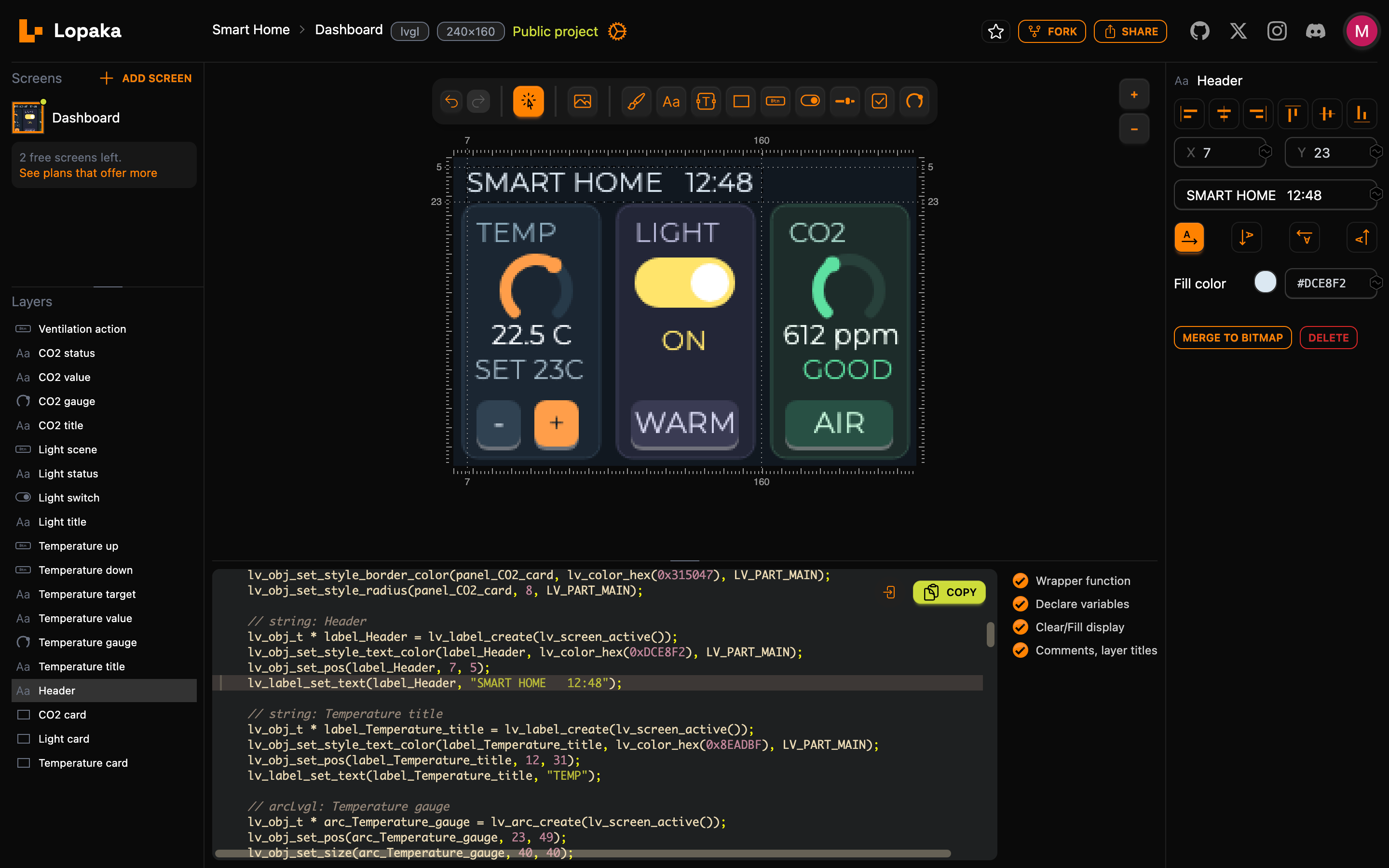
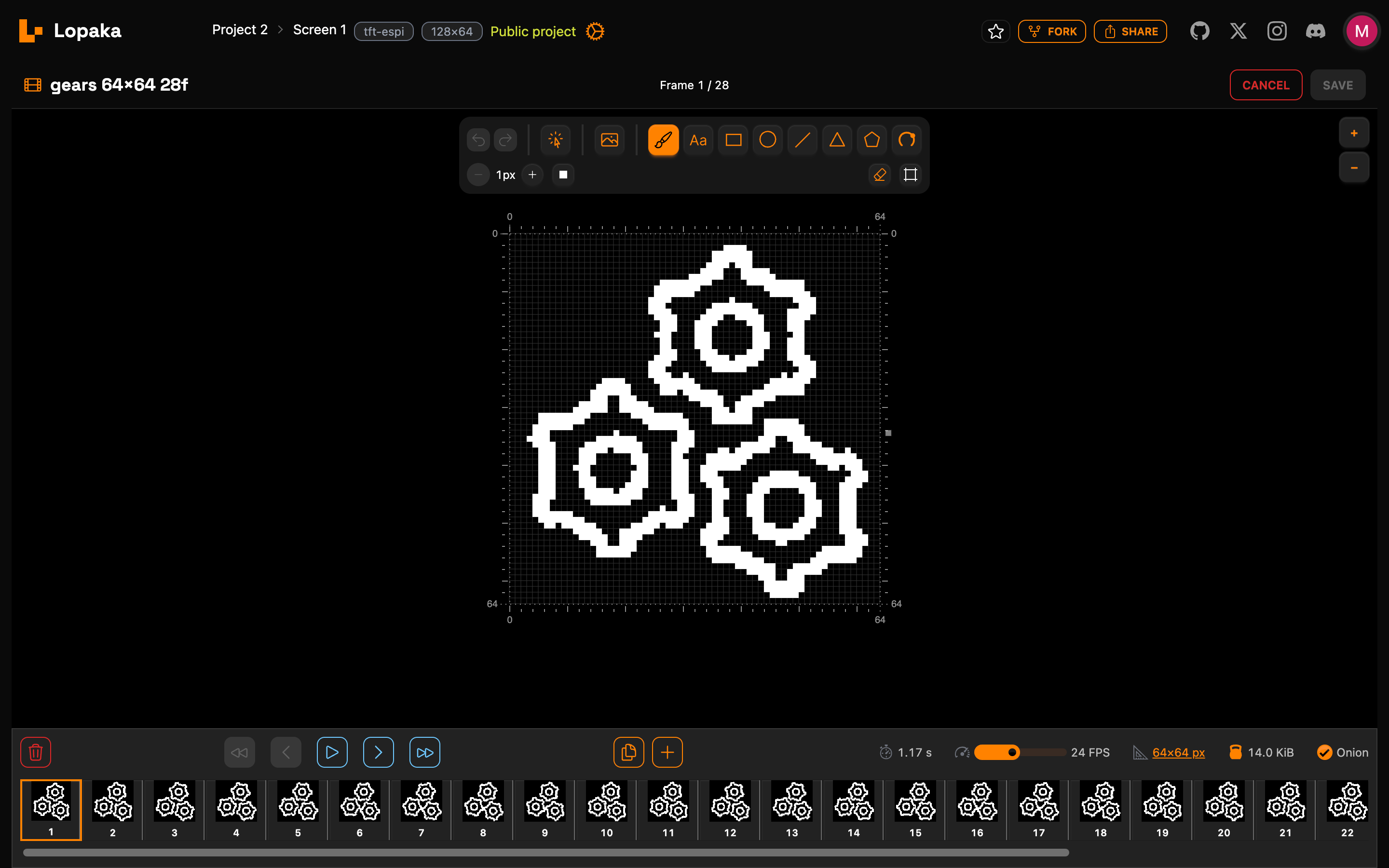
The graphics editor runs in your browser, where you can design interfaces for small screens, including monochrome ones.
Developers draw an interface on a canvas matching the screen resolution, and Lopaka generates source code in real time. And it's pixel-perfect, meaning it will look exactly the same on your device display.
During the submission period, we added WebMCP support, making Lopaka's design model accessible to browser agents.
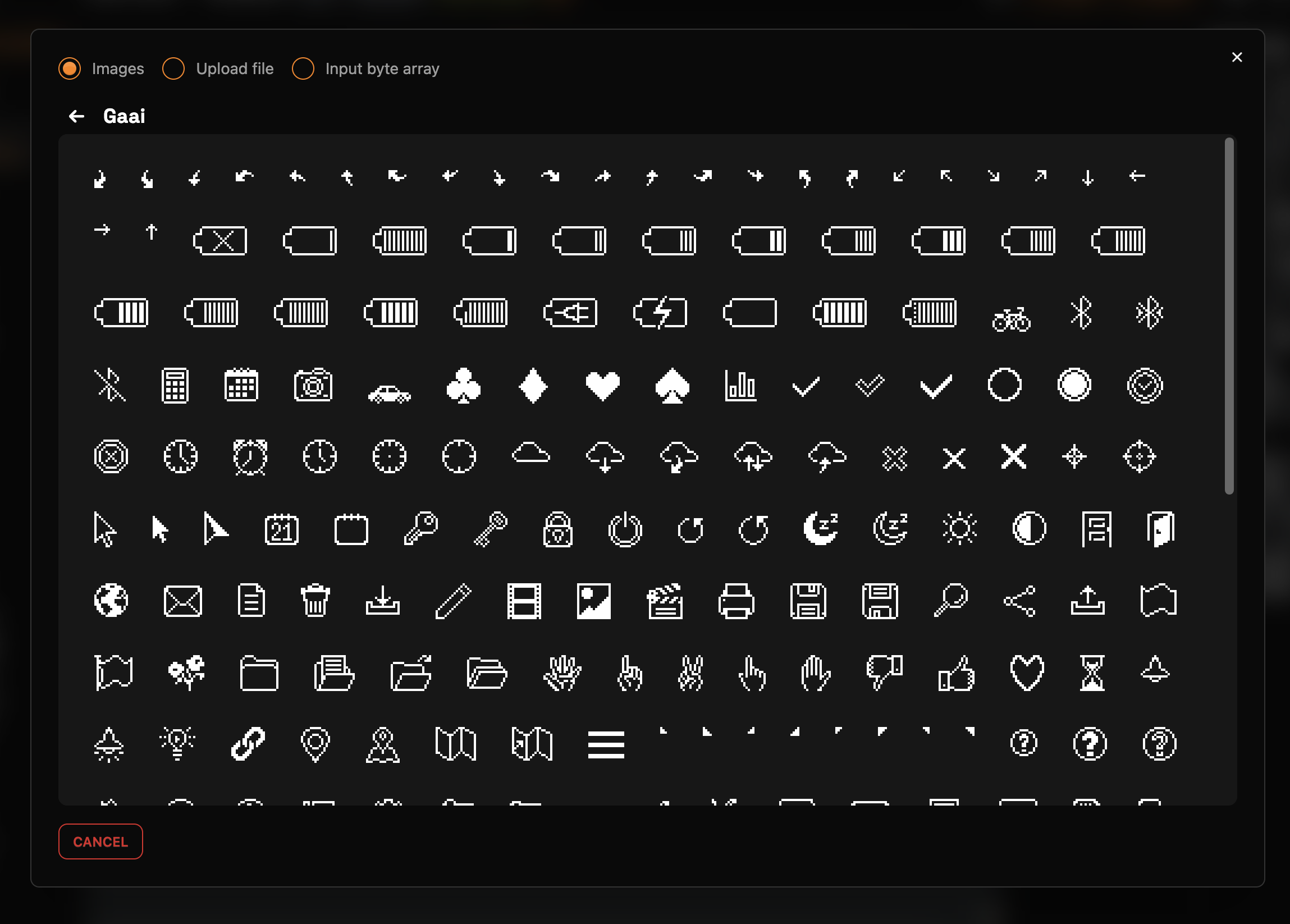
An agent can inspect the screen, selection, layers, generated code, and canvas preview; configure the target platform, display size, and background; create and edit layers. It can also search the asset library and place icons or imported images.
How we built it
I chose Vue.js as the foundation, and for a long time it was just a browser-based app with no backend.
At first, it supported Flipper Zero and included a few basic shapes. Then new platforms and libraries were added, and more tools gradually followed. Over time, the project picked up additional platforms and libraries, and I added more fonts and icons.
Around the project’s second year, it also got cloud infrastructure, storage, authentication, and all the other bells and whistles (thanks to Supabase free tier). The project has gone through several refactors, the design has been constantly updated, and now we’re integrating AI agents.
Then we added a project gallery, and now it’s a large community of developers and designers.
Challenges we ran into
The hardest problem was matching the browser preview to constrained hardware.
Embedded graphics relies on incompatible formats and rendering behavior: BDF and GFX fonts, XBMP bitmaps, RGB565 colors, and platform-specific APIs. We reconstructed old font formats and encoded each platform's capabilities so the editor knows what a target can render, rather than merely swapping function names.
Accomplishments that we're proud of
A weekend prototype for one Flipper Zero app grew into an open-source tool with more than 30,000 users and 1.7k GitHub stars.
Adafruit and Hackaday have featured Lopaka. People use it for industrial monitors, e-paper devices, film equipment, battery-management systems, and power-grid instrumentation.
What we learned
Embedded UI development needs a visual workflow more than another graphics library. Existing libraries handle drawing; the difficult part is translating a design into coordinates, fonts, images, colors, and platform-specific calls.
Hardware is too fragmented for one universal abstraction. Lopaka works because it accounts for each platform's constraints and sits between design and firmware.
AI agents are capable of creating nice-looking GUIs for electronics quite quickly.
AI agents still struggle with precise drawings, even when they have a WebMCP interface.
What's next for Lopaka.app embedded GUI builder
I want to focus more on agent workflows and expand the AI functionality. There are still a lot of unimplemented features related to fonts, image processing, and compiling finished code for devices.
Built With
- codex
- javascript
- supabase
- typescript
- vue


Log in or sign up for Devpost to join the conversation.