Inspiration
We were inspired by digital whiteboards like Miro and Figma — but wanted something simpler, more personal, and more fun. LoopNote was born from the idea of combining sticky notes and sketching on an infinite canvas, all wrapped in a nostalgic or minimalist aesthetic. No logins, no distractions — just a space to think, doodle, and plan.
What it does
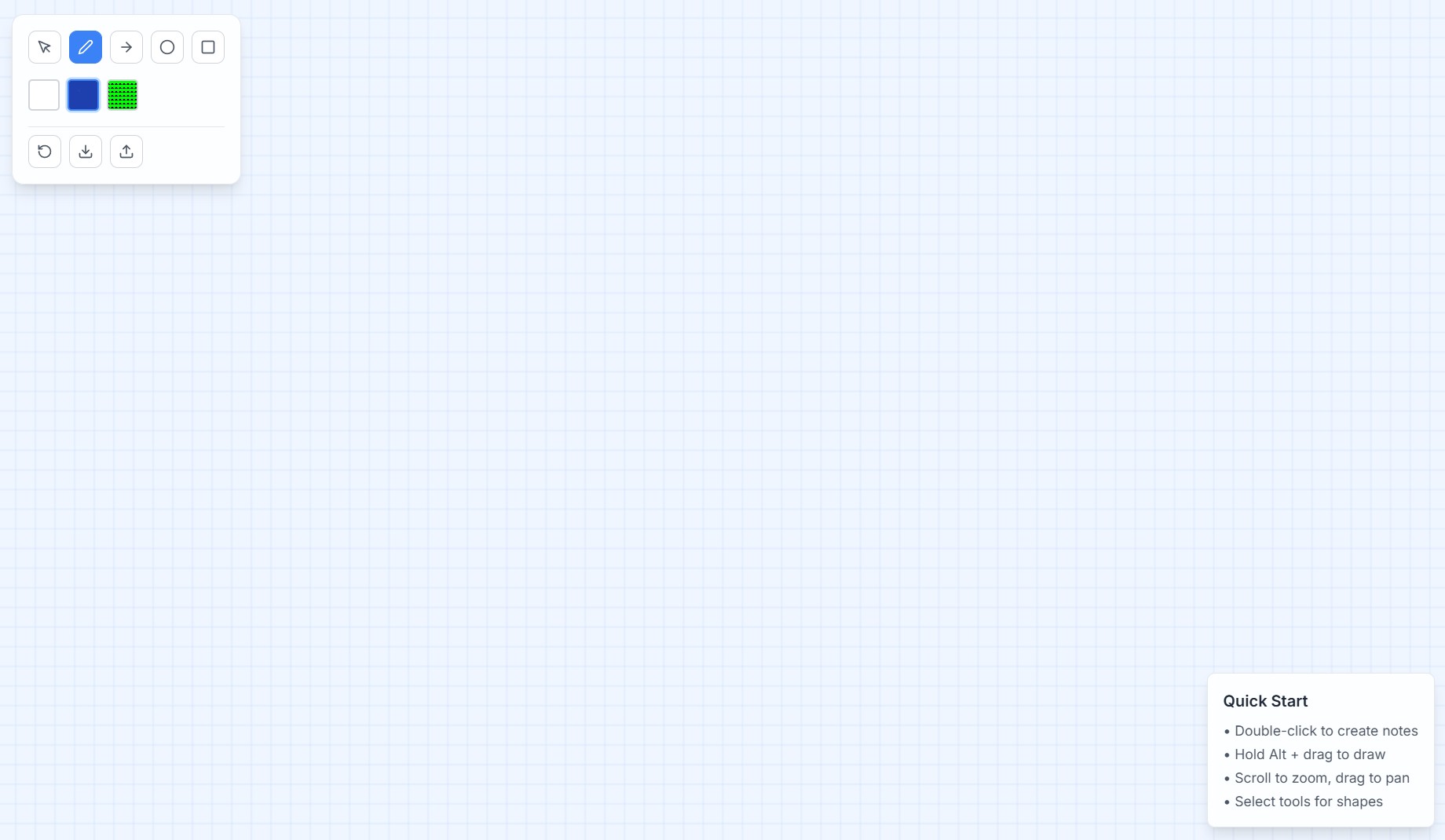
LoopNote is a zoomable, pannable infinite canvas where users can drop sticky notes, draw shapes, and sketch freely.
Key features:
- Double-click anywhere to add a sticky note
- Drag, resize, and recolor notes
- Scroll to zoom, drag to pan across the canvas
- Shapes: arrows, boxes, circles (optional tools)
- Freehand doodling mode
- Everything is saved in localStorage — fully offline
- Optional themes like Blueprint Grid, Terminal Green, and Paper White
How we built it
We used:
- React + Vite for the core app
- Tailwind CSS for fast and clean styling
- Framer Motion for smooth transitions and interactions
- HTML Canvas and
transform: scale/translatefor the infinite zoom/pan system - Custom hooks to manage sticky note state, positions, and localStorage sync
- Lucide icons and pixel fonts for visual flair
All assets are bundled; the app runs entirely client-side.
Challenges we ran into
- Creating a performant zoom + pan system without external libraries
- Managing the layering and state of draggable notes during interactions
- Making the canvas feel infinite while staying performant
- Designing intuitive UI controls without cluttering the screen
Accomplishments that we're proud of
- A fully interactive infinite canvas app with no backend or API
- Super smooth UX with drag/drop, zoom, and drawing
- Highly polished UI with themes and sounds
- Feels like a real, usable tool — not just a toy
What we learned
- Building an infinite canvas from scratch is more complex than it looks — transforms, scaling, and interaction boundaries take careful planning
- UI polish (like motion, sound, and theming) massively improves the user experience
- It’s possible to create deeply interactive tools without needing any backend at all
What's next for LoopNote
- Add multi-canvas/project support
- Export canvas as PNG or SVG
- Add keyboard shortcuts and a command palette
- Collaborative multiplayer mode (peer-to-peer or server-based)
- Support for image uploads and embedding
LoopNote is already a fun productivity tool — and we see it evolving into a creative space for designers, students, and brainstormers alike.
Built With
- bolt
- framer-motion
- typescript


Log in or sign up for Devpost to join the conversation.