-
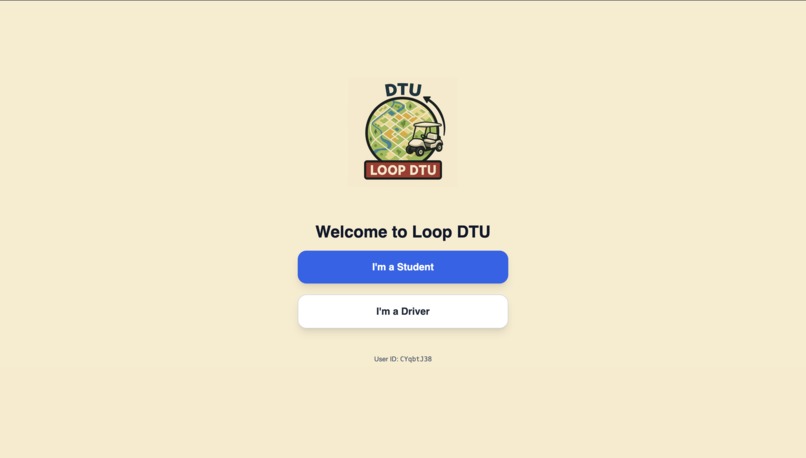
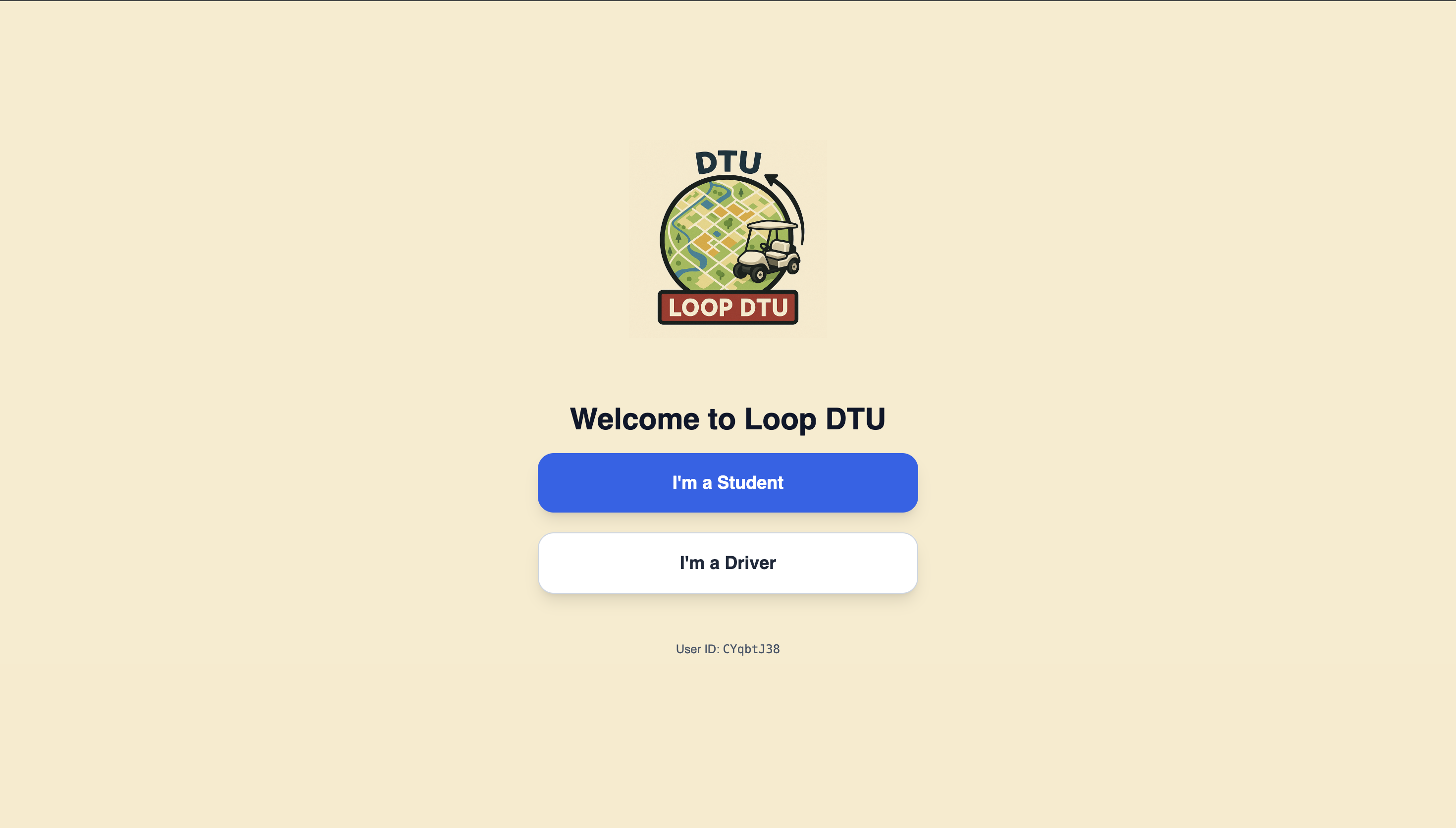
Welcome Screen
-
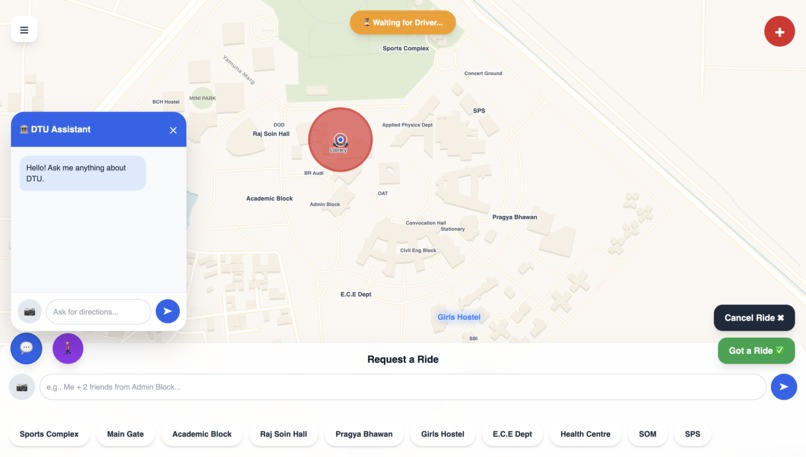
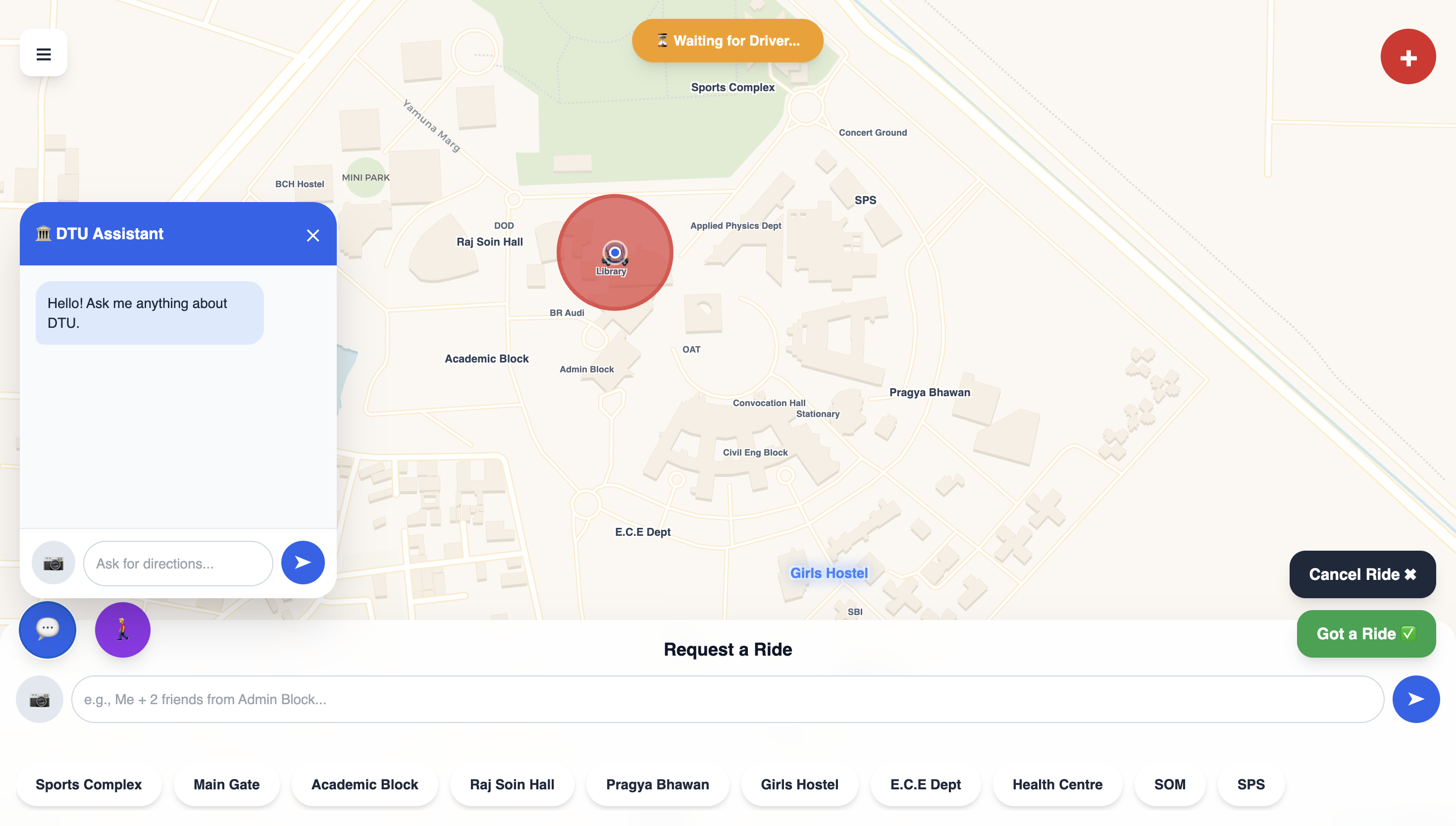
Ask your doubts away !
-
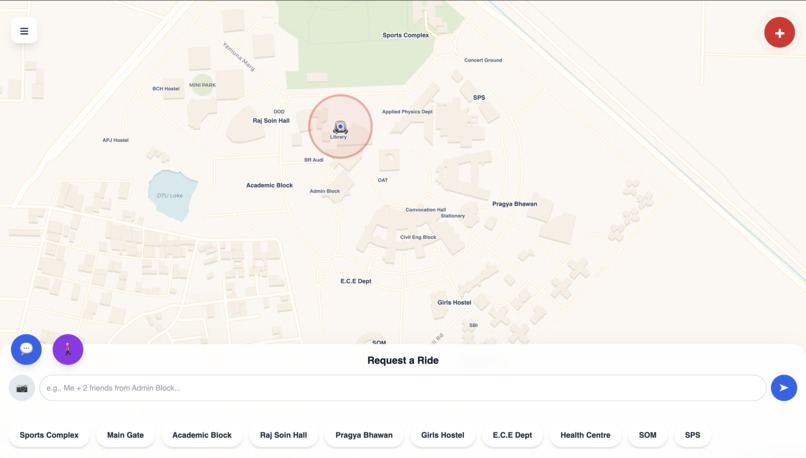
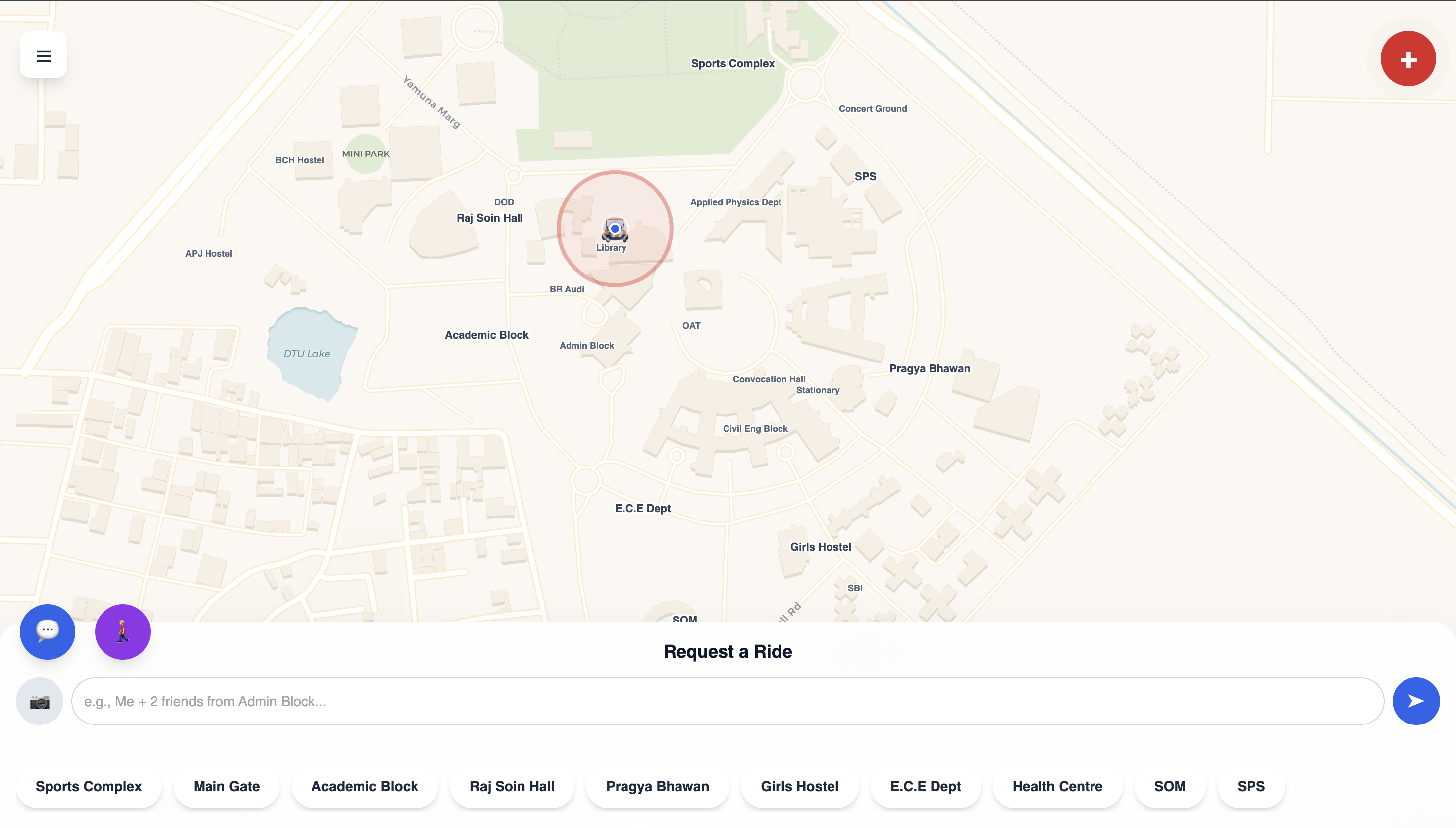
User Interface
-
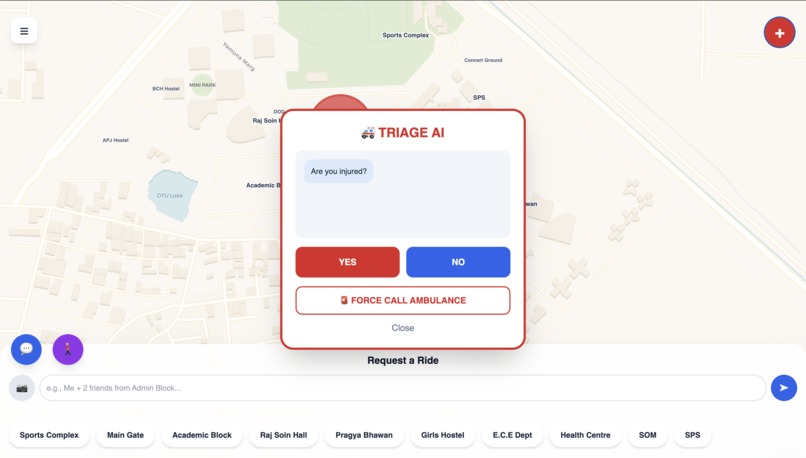
Emergency Features
-
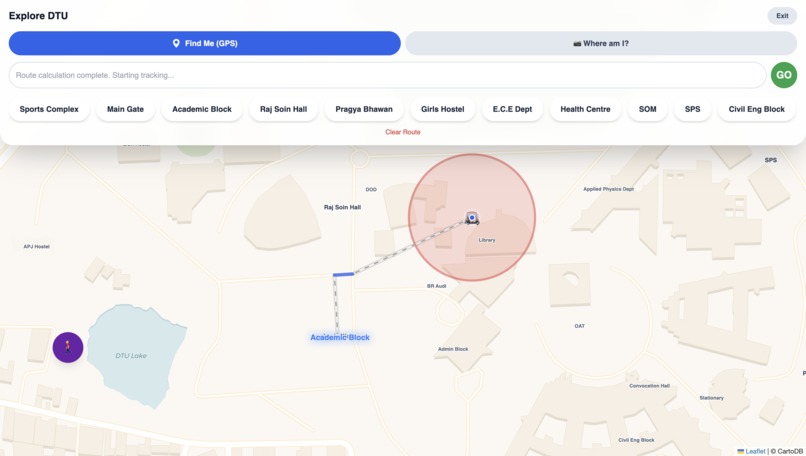
Explore DTU
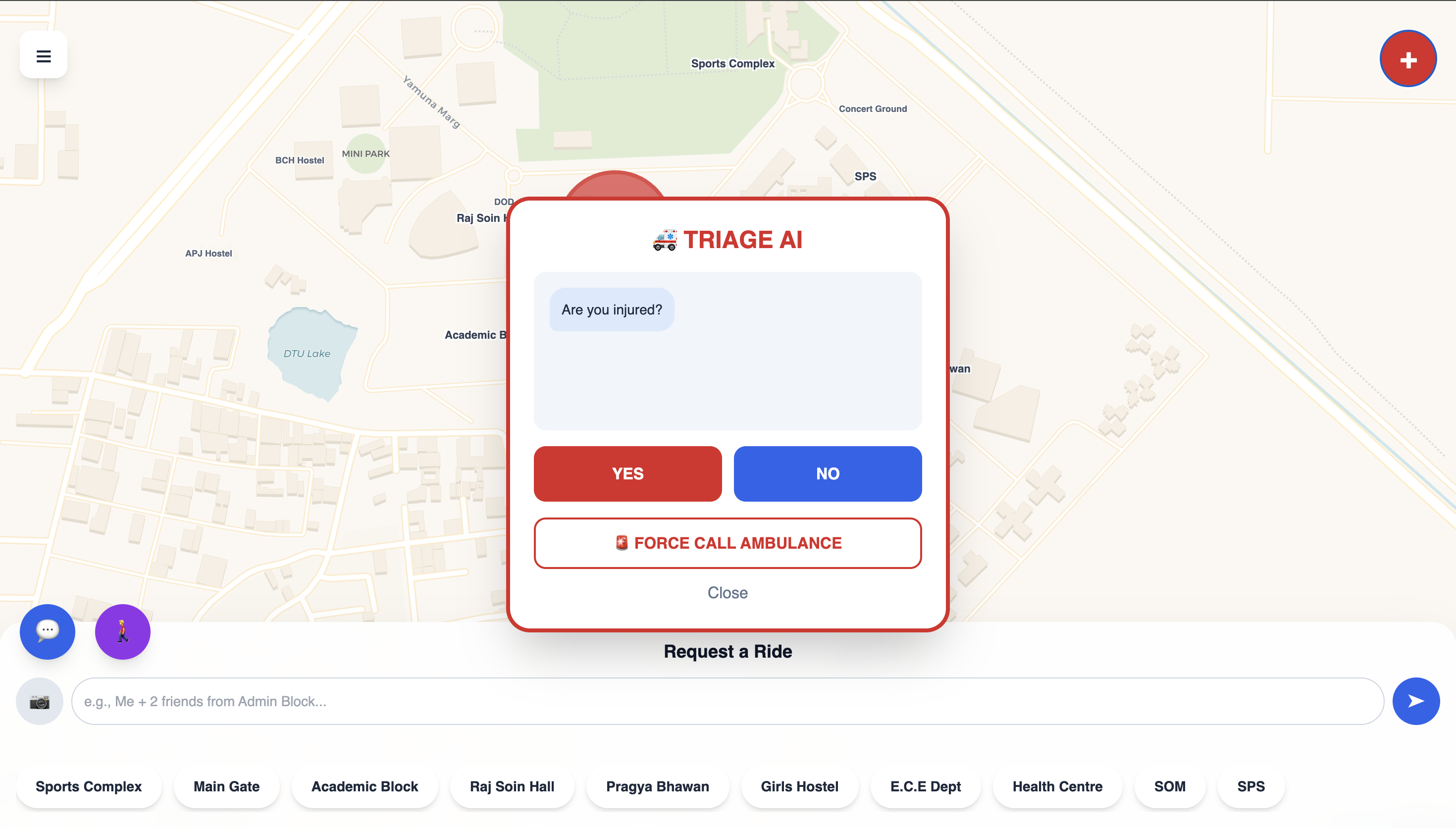
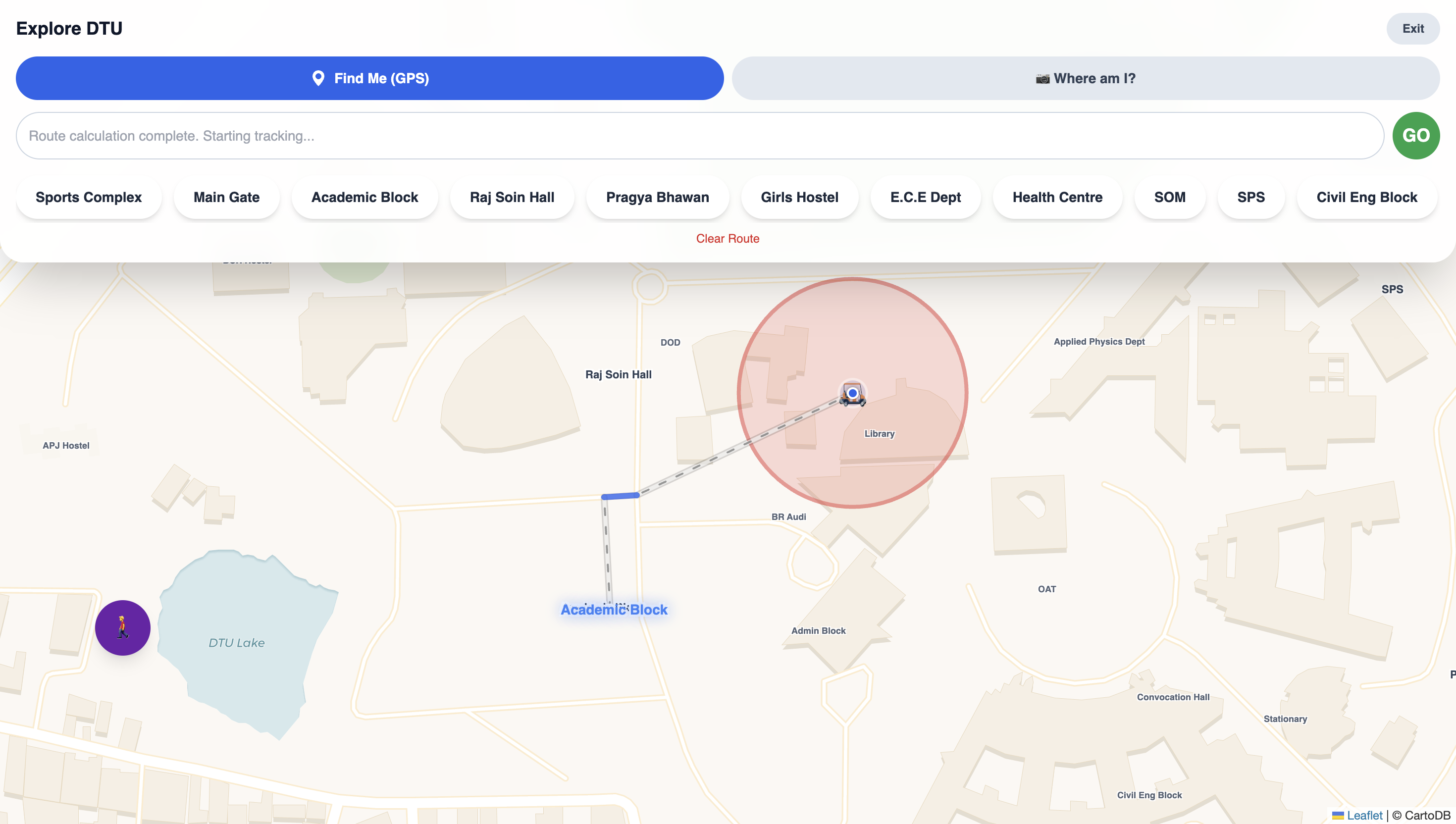
This app only works inside the DTU campus.
What Inspired Me
My inspiration came from a simple problem at DTU: getting around.
As a new student, I was constantly lost. The campus is huge, and finding a specific classroom or building felt like a maze. My "aha!" moment came when I looked at the campus caddy service. It was a great idea, but it felt inefficient. It was like an "Uber" but without the "smart" part.
Students had to be at fixed locations, and drivers had no idea who they were picking up—was it one student or a group of five?
I wasn't just inspired to build another caddy app. I was inspired to solve the real problems of campus life: getting lost and inefficient travel. I wanted to build an app that felt like a senior student, a campus expert, and a personal driver, all in one. I didn't want to just add AI; I wanted to build my app around it.
How I Built It
I built Loop DTU as a single, unified web application, designed to be fast and easy to use.
- Frontend: I used standard web technologies to keep the app quick and accessible on any device.
- Maps: I integrated interactive maps to show locations and walking routes clearly.
- Real-time Backend: I used a real-time database to instantly sync driver and student locations, managing all ride requests across campus.
The Core AI Features
The magic of my app comes from three main AI features:
- The AI Dispatcher: Instead of simple buttons, I added an intelligent chat box. Students can type natural requests like "Me and 2 friends from the Mech Block to the Sports Complex," and the AI understands the pickup spot, destination, and number of passengers, giving drivers the context they need.
- The "Where Am I?" Feature: For students who are completely lost, they can upload a photo of a building. The AI identifies their location from the image, which helps in requesting a ride or finding their way.
- The AI Campus Navigator: In "Explore Mode," students can ask for directions. The AI uses their current location to generate clear, step-by-step walking directions.
What I Learned
This project taught me how to build AI-first applications.
- AI as the Core: I realized AI shouldn't just be an add-on. Making it the core logic made the entire app smarter and more useful.
- Effective Instruction is Key: I learned that guiding the AI with clear instructions ensures it provides reliable and structured information every time.
- Combining Inputs Solves Problems: Using both text and images created a much better user experience, solving the problem of being lost in a way text alone couldn't.
- Real-time Updates are Powerful: Seeing ride requests and driver locations update instantly showed me the value of a real-time system.
Challenges I Faced
- The Initial Limitation: My first version was just a map with buttons, which didn't improve much on the existing system. This led me to develop the AI Dispatcher.
- AI "Creativity": Initially, the AI would sometimes give unpredictable answers. I solved this by refining the instructions to ensure it only selects from valid campus locations.
- Managing the Interface: As I added more features, the screen became cluttered. I had to reorganize the layout to dynamically show only the relevant buttons and information based on what the user is doing.
- Technical Hurdles: I spent time debugging issues where the app wouldn't load, eventually learning the importance of using a proper testing environment for modern web features.

Log in or sign up for Devpost to join the conversation.