-
-
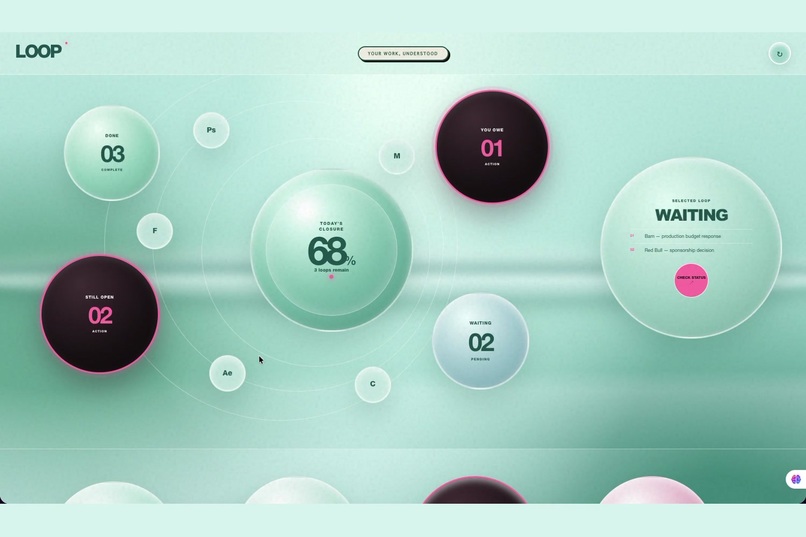
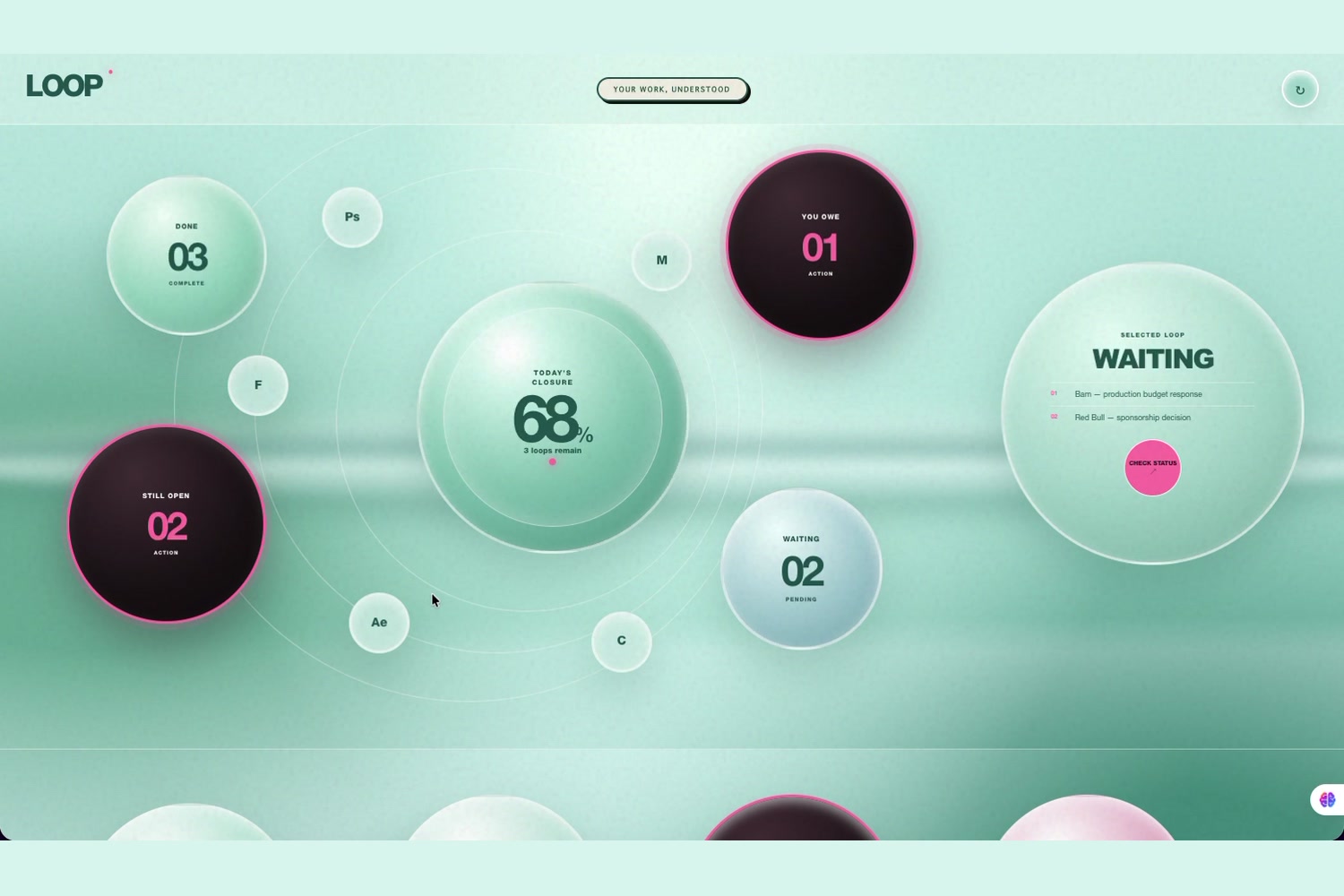
main dash board
-
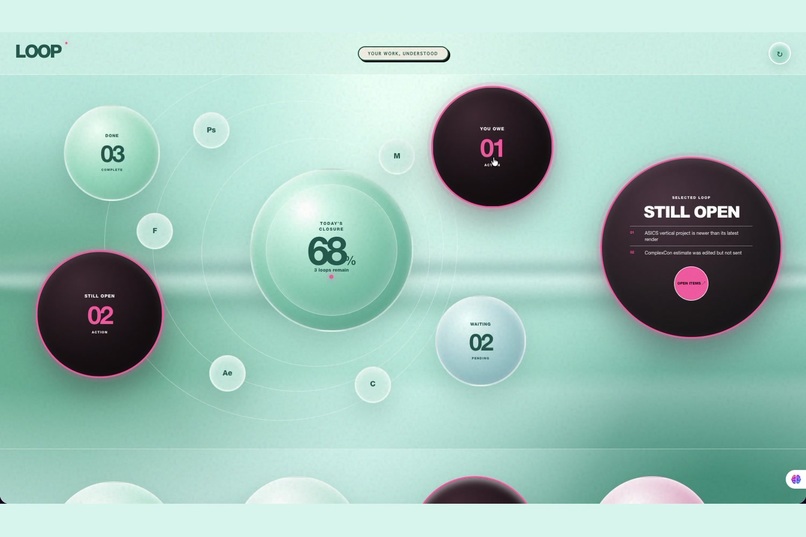
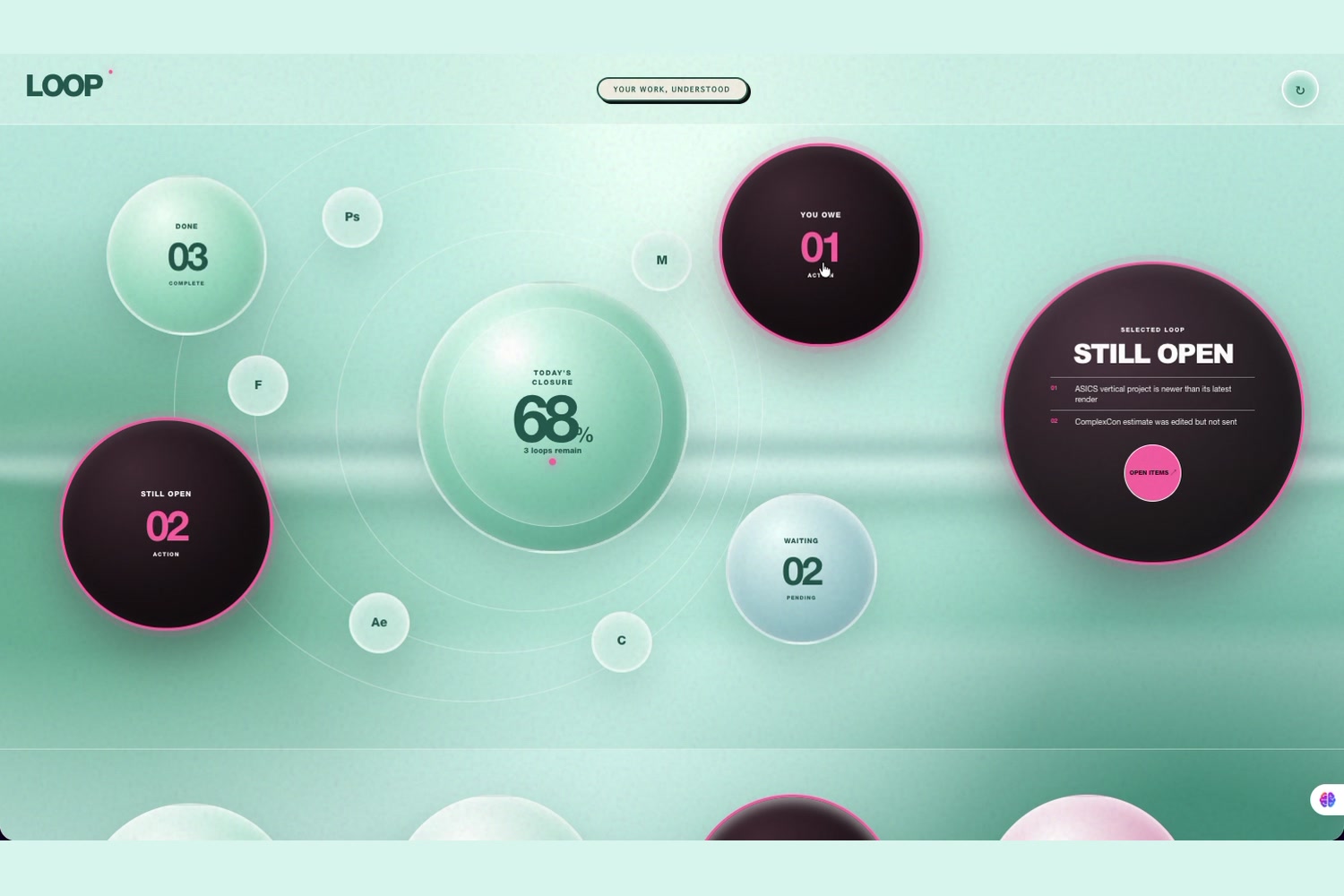
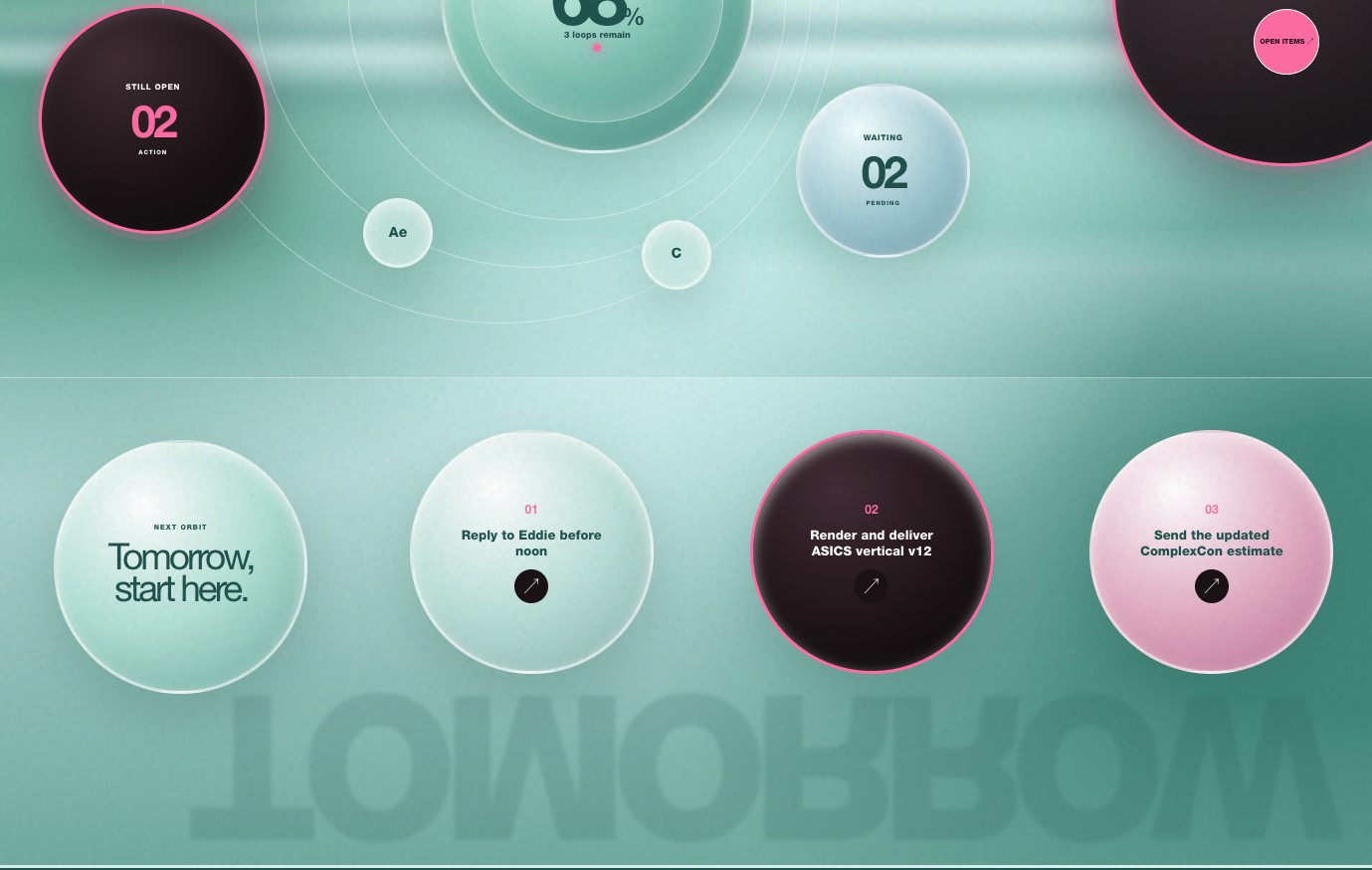
still open image
-
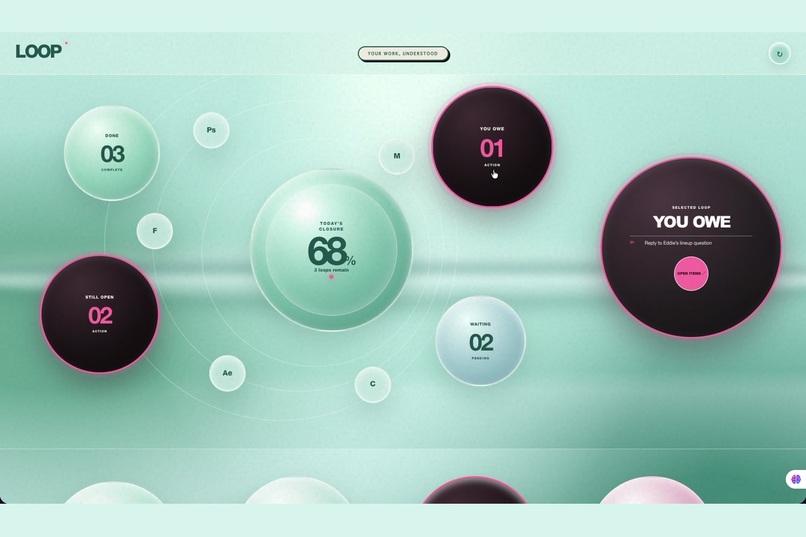
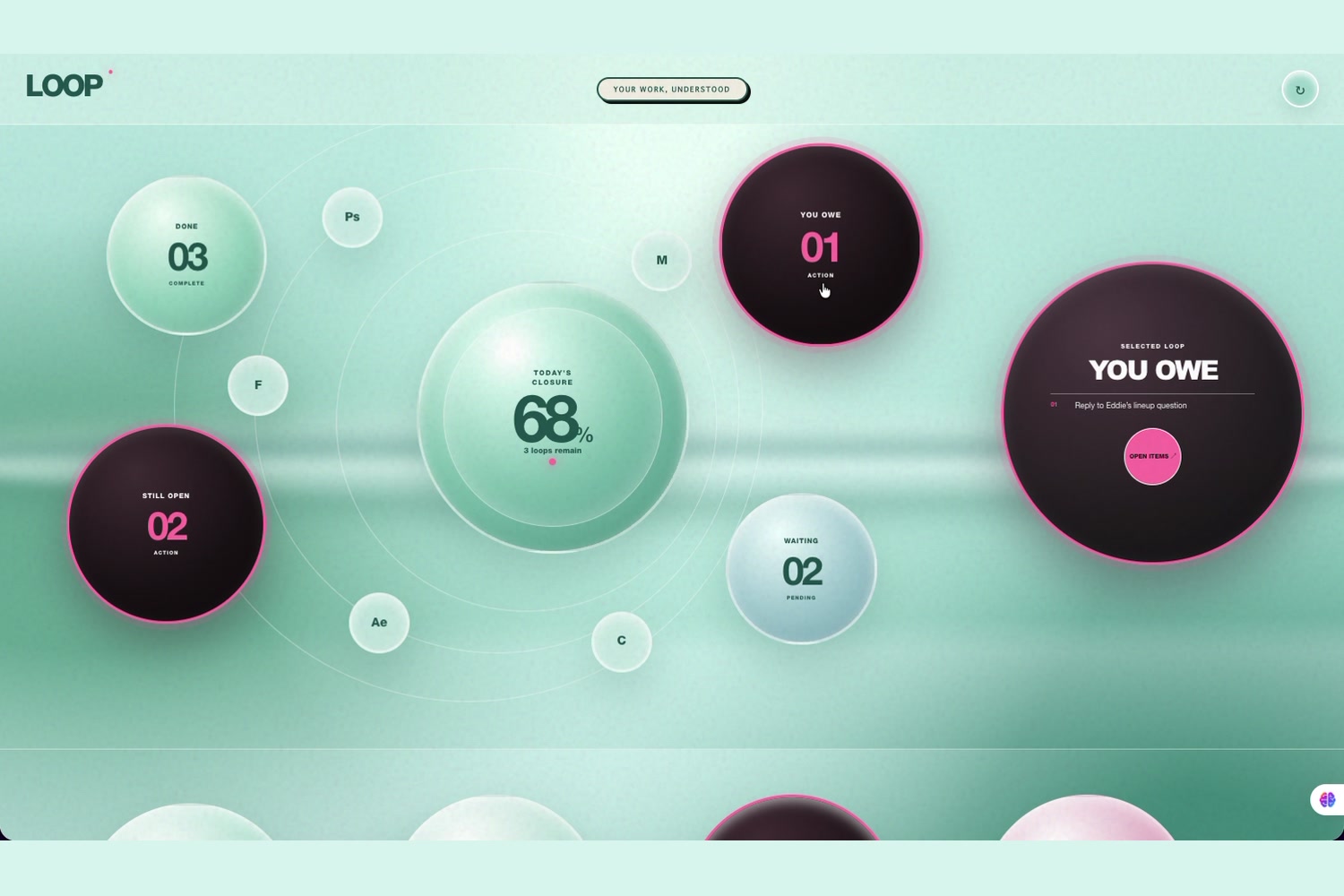
You owe image
-
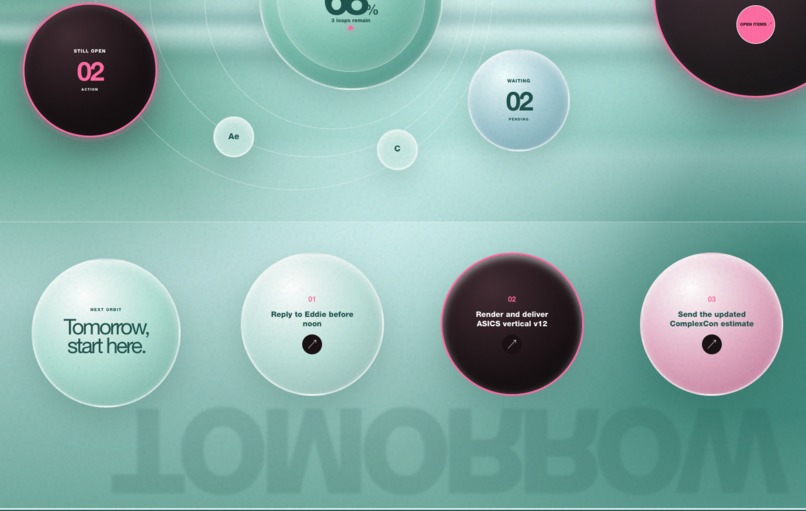
Tomorrow tasks
-
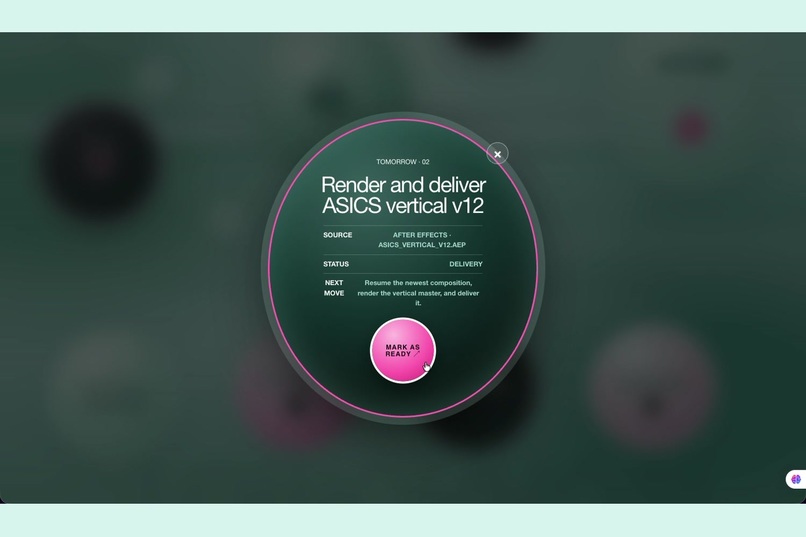
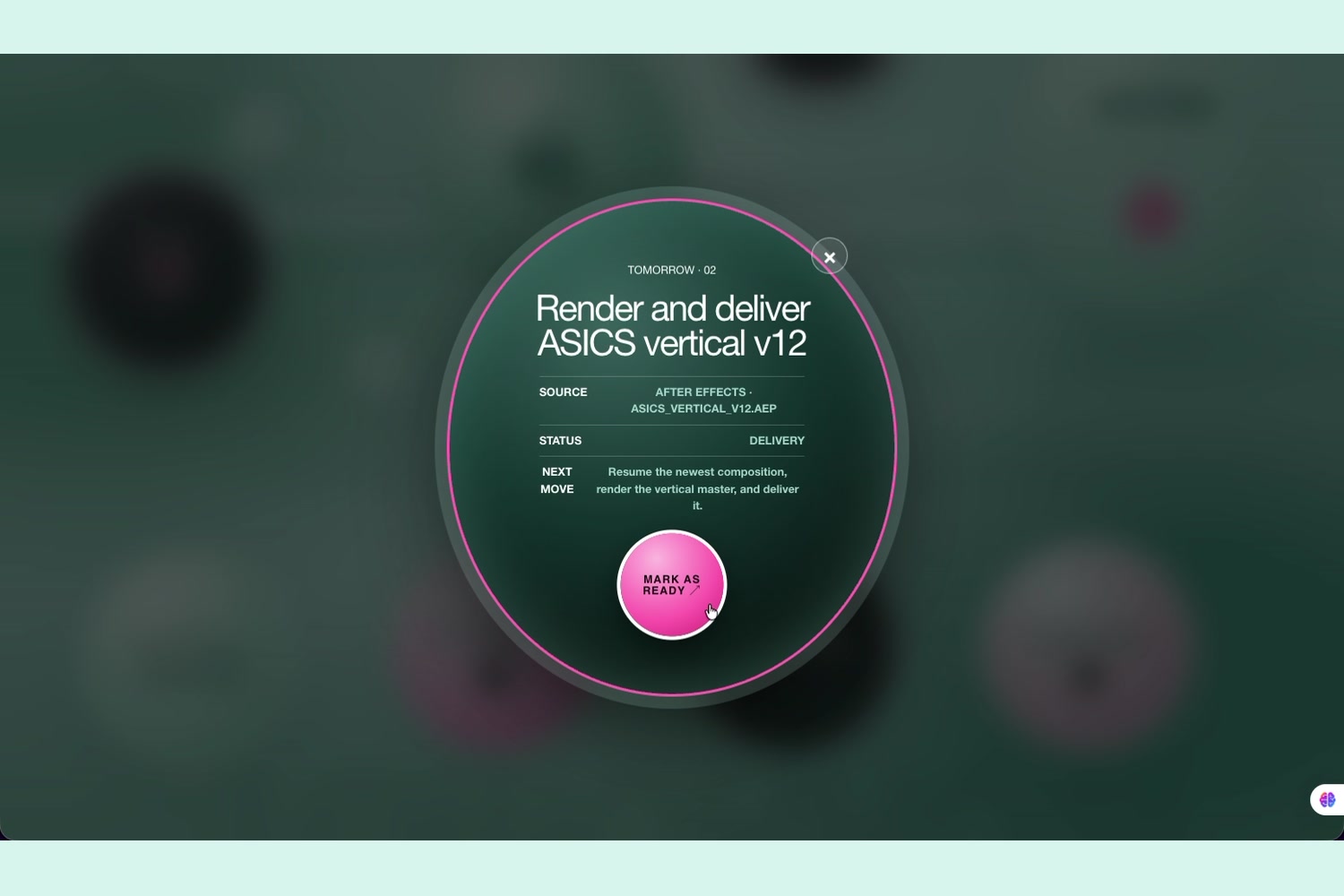
task detail
Inspiration
What it does
How we built it## Inspiration
At the end of the day, I often know I was busy, but I can’t clearly remember everything I finished, what I left open, or who I still need to reply to.
My work is usually spread across Photoshop, files, browser tabs, and emails. I wanted something that could look at those scattered traces and organize them automatically—not as another to-do list, but as a clear picture of my day.
That idea became LOOP.
What it does
LOOP organizes digital activity into four simple groups:
- Done — work you completed
- Still Open — work you started but didn’t finish
- You Owe — messages or actions that still need a response
- Waiting — things currently waiting on someone else
It also collects the most relevant next steps under Tomorrow, so you don’t have to reconstruct your entire day the next morning.
The goal is not to show how many hours you spent on your computer. It is to help you understand what actually happened and what still needs your attention.
How we built it
I built a working web prototype using realistic sample activity data.
GPT-5.6 analyzes relationships between apps, files, tasks, and communication signals. It uses those relationships to decide whether something is finished, still open, waiting, or needs a response. It also suggests a specific next action instead of giving a general summary.
I used Codex throughout the development process. It helped me plan the structure, build the interface and interactions, organize the data, develop the classification workflow, debug problems, and turn the original idea into a runnable prototype.
I also designed the structure for a future local macOS helper. It would collect only user-approved metadata, such as application names, window titles, and recently used files. The current prototype demonstrates how those signals would be analyzed and presented.
Challenges we ran into
The hardest part was making the product useful without making it feel like surveillance.
I didn’t want to build another screen-time tracker. Knowing that someone used Photoshop for three hours doesn’t explain whether they finished a project, exported a file, or still need to make changes.
So I focused on relationships between activities instead of just time. I also designed the system around local processing, limited metadata, and user-controlled sources.
The visual design was another challenge. There can be a lot of information, so I used circles and a small number of clear categories to make the day easier to understand at a glance.
Accomplishments that we're proud of
I’m proud that LOOP became more than a visual concept. It is a working, interactive prototype with a complete product experience.
Users can explore different work states, see the tasks connected to each category, open tomorrow’s actions, and mark them as ready. The interface makes a complicated idea feel simple and visual.
I’m also proud that the project has a clear path from the current prototype to a real local macOS product.
What we learned
I learned that digital activity only becomes useful when it has context.
An app name or file name alone does not say much. But when it is connected to a project, an email, and a recent action, AI can begin to understand the state of the work.
I also realized that productivity tools often create more work because users have to constantly update them. LOOP takes the opposite approach: it begins with the work you already did.
What's next for LOOP
The next step is to connect the interface to real local macOS activity and let users choose exactly which sources LOOP can access.
I would also like to add editable classifications, daily and weekly reports, and direct links back to the exact file, email, or application behind each task.
The long-term goal is for LOOP to quietly understand your work during the day, then give you a useful sense of closure when the day is over.
Challenges we ran into
Accomplishments that we're proud of
What we learned
What's next for LOOP
Built With
- api
- ccs
- codex
- gpt-5.6
- html
- next.js
- openai
- react
- typescript

Log in or sign up for Devpost to join the conversation.