-
-

the project logo that I made!
-
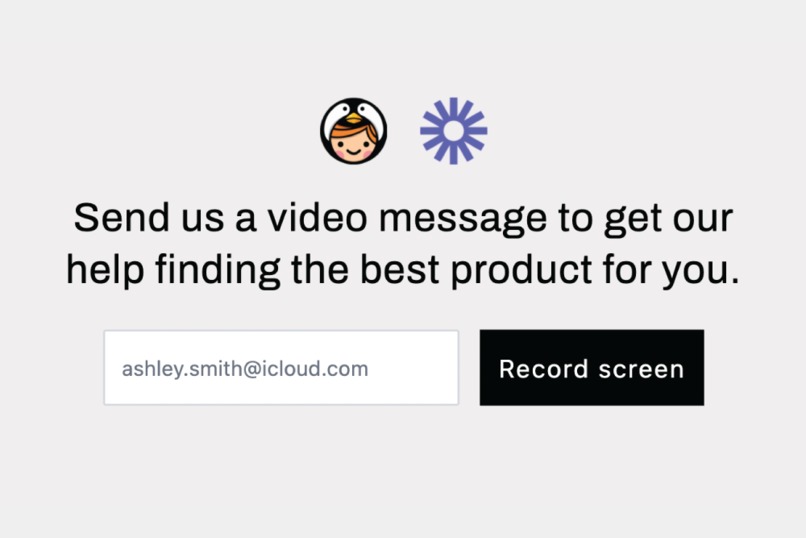
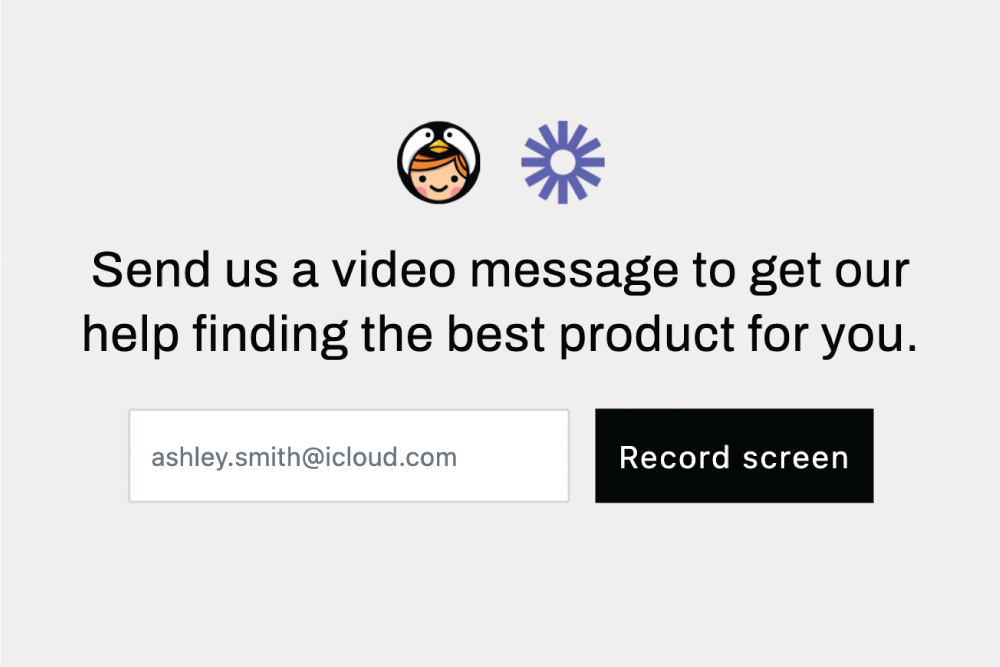
Zoomed in example of the widget
-
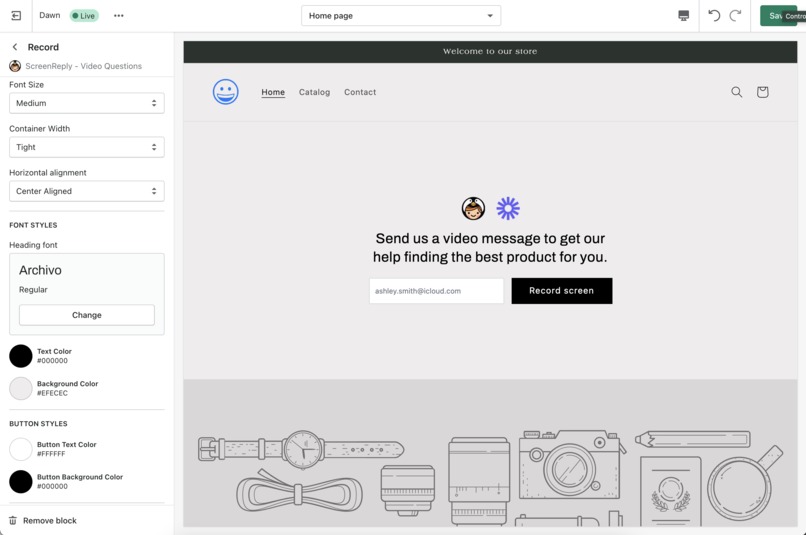
theme editor example inside of Shopify
-
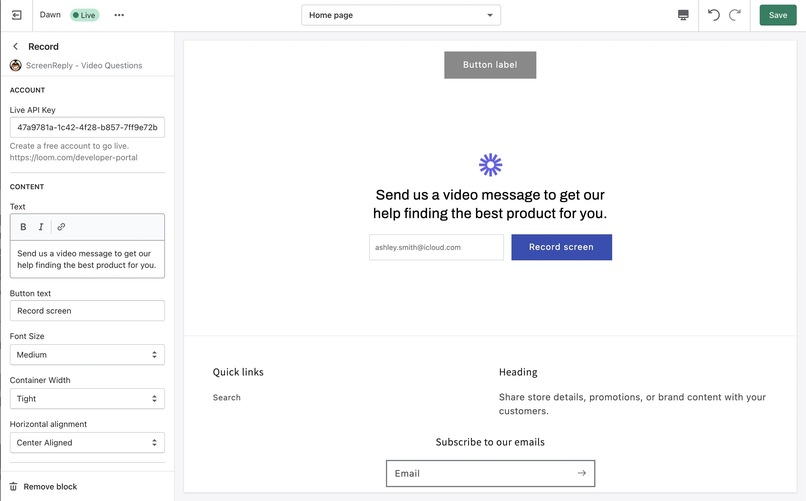
alternative stylings in a different theme
-
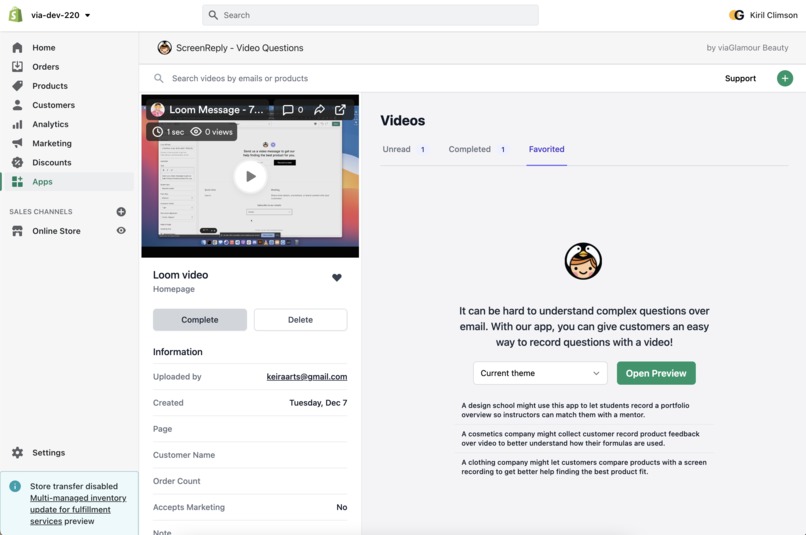
the view from inside of the embedded app



Inspiration
I run a tiny design school on Shopify and I'm constantly inspired by own students. The best part of being a mentor is listening to students become more confident in explaining their personal design decisions after each project, and I strongly believe design presentations over video should happen much earlier in a student's curriculum.
I built an app that lets any store collect customer videos from their website with Loom. It needs zero changes to their existing theme and it's easy to reply to customers without ever needing to leave the Shopify admin.
A design school like us might use this app to let students record a portfolio overview so instructors can learn about a student's previous works and give more meaningful feedback; a cosmetics shop might collect customer feedback over video to get reviews about their formula; and maybe a shop that sells electronics adds our app to their support page to let customers record their screen if they need to explain a complex feature request!
What it does
The app lets any merchant add Loom's SDK to their theme without a technical setup. Anyone can use the existing Shopify theme editor to add this app to any page on their site, have the styling match the rest of their theme, and collect videos with any call-to-action they'd like to use.
Try it on my demo store. Make sure you're not incognito! You can test out the app in action. https://via-dev-220.myshopify.com (password: loom)
How we built it
I first built a Next.js app that embeds itself into the Shopify admin so merchants don't have to open a separate window to browse the videos they received from customers. It authenticates without relying on cookies so that it can be opened on Shopify's mobile apps, loads without asking customers to create an account with us, and has the advantage of merging customer data with the Loom videos to add more historical context to every customer video.
Shopify themes are extended with Liquid components. The app uses Shopify's rendering engine to create a schema for styling options and renders the user-customized HTML into any theme. The embedded component can be added anywhere to a page and absorbs the style from the theme settings.
Loom's SDK is then bundled into a single Javascript file to let Shopify serve cached assets to merchants. The code detects if the app is available, renderings Loom's interface when the record button is clicked, and then submits the data to an auto-scaling AWS Lambda.
The video and customer's reply-to email address is added to a DynamoDB table that is used to keep track of which videos are unread or need a reply from the merchant.
Challenges we ran into
It took a few days to get Loom's SDK to load onto Shopify themes. Shopify's requirements for theme extensions are strict and the Javascript code had to be incredibly lightweight. I created a build step to convert my development code into a Shopify extension. You'll see a folder called /theme-extensions-build that is responsible for transforming the scripts into compressed assets in /theme-app-extension.
After the theme extension was built, I was surprised that Loom's visual interface never loaded though. The scripts were loading -- the SDK was showing full compatibility -- but nothing was happening when creating a recording. I messaged Noah Lindner (Loom Staff) on the Discord chat setup for the hackathon and in the processing of exchanging ideas we discovered that Shopify's base CSS styles were forcefully hiding Loom's interface. One line of code solved the bug!
div#loom-sdk-record-overlay-shadow-root-id { display: block !important; }
Accomplishments that we're proud of
I'm really happy how accessible this app turned out. Any modern Shopify theme can now accept customer videos, the content can be edited for any language, and I did my best to write html components that heavily use ARIA attributes and description labels.
In testing the app I also discovered that someone might not want to enter my email until they test how Loom works. So if a user forgets to enter their email before recording a video, it gracefully focuses on the input afterwards to remind customers to enter their reply-to email before the video gets submitted.
What we learned
I learned a lot about Webpack bundling! In previous projects I always relied on the presets provided to me by NextJS and Tailwind to bundle my code, but now that I had the chance to build it myself I understand a lot more about keeping package sizes tiny.
What's next for Loom + Shopify
The app needs a domain name before it can be published on the Shopify App Store. I'll try to find something memorable to use alongside my logo and I'll start helping more shops (like myself) start collecting videos from customers! :)
Built With
- amazon-web-services
- javascript
- liquid
- loom
- next
- node.js
- react
- shopify


Log in or sign up for Devpost to join the conversation.