-
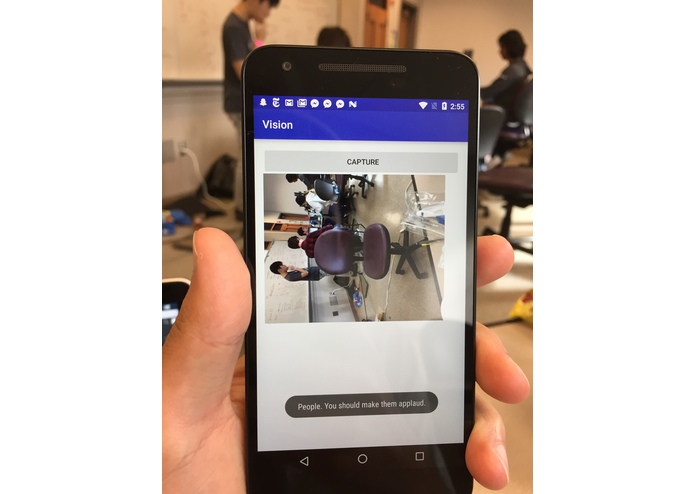
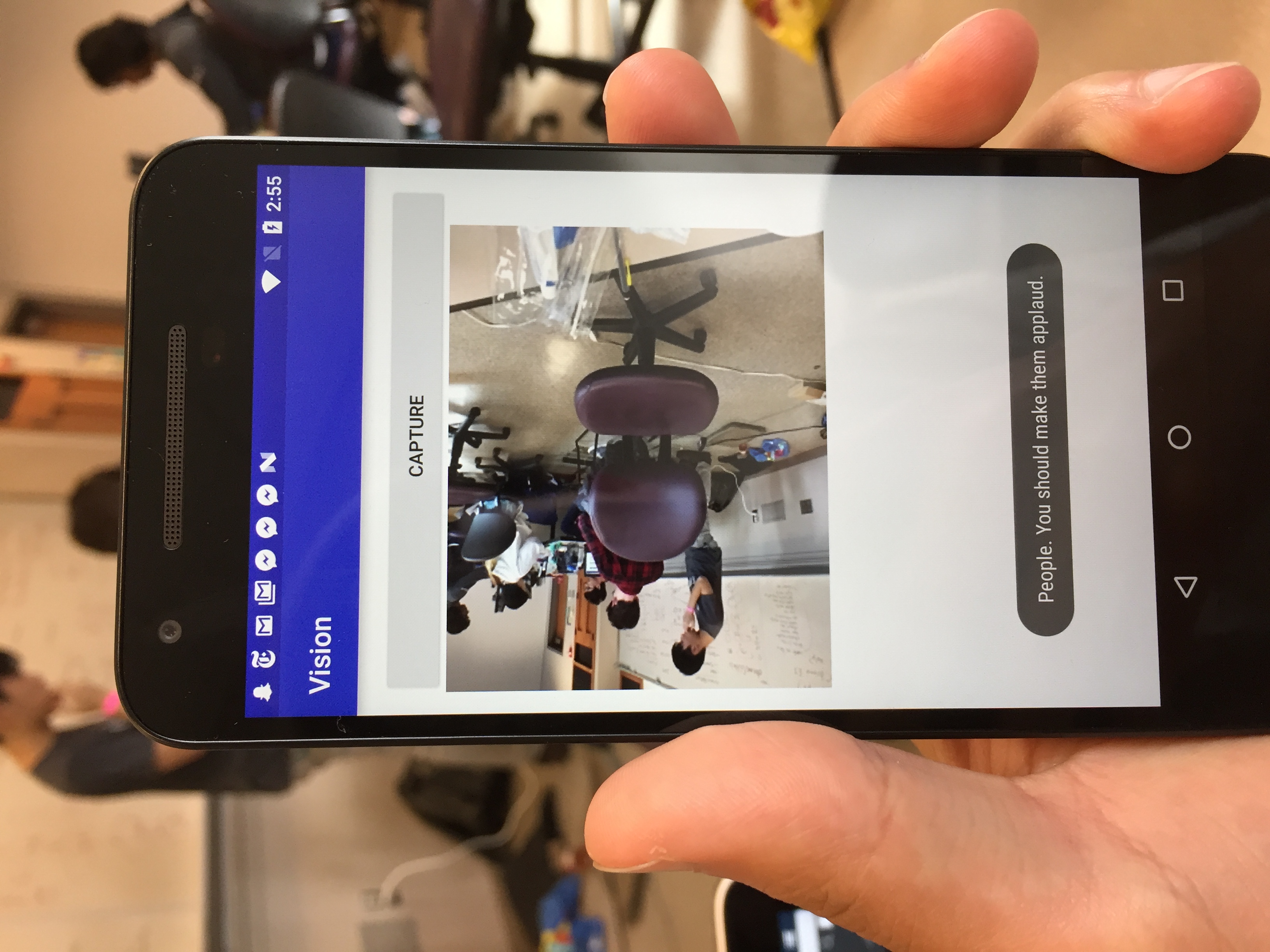
Image of our application.
Inspiration
We wanted to develop for a population that has difficulty seeing their immediate surroundings. Throughout our lives, we have seen technologies develop that enable people with visibility impairments to walk alone, such as specialized crosswalks and sensor devices. We were inspired by presentations of recent innovations in AI technologies that we believed could be used to further this goal.
What it does
Using image recognition and text-to-speech, our app allows our users to recognize nearby points of interest, such as benches, signs, and storefronts. Users listen to a synthesized voice that identifies and describes key objects, people, and landmarks and around them using Clarifai and Google Places APIs. With the phone in close proximity to the body (such as in a shirt pocket), photos are taken with the camera in short intervals. These photos are analyzed by Clarifai to distinguish what’s in front of them, and the view is described by Android’s text-to-speech engine. Using this same data, Google Places searches for landmarks related to Clarifai’s tags.
How we built it
Built it in Android Studio using Java. Uses a custom Camera class that takes images every 5 seconds, and uploads images to the Clarifai API. Clarifai to identify an object using tags to read out with text-to-speech. The Google Places API is used to find landmark names near a user's location that match Clarifai's prediction output.
Challenges we ran into
We struggled with creating a camera class that would take images every 5 seconds, without interrupting the applications normal functionality. We worked to integrate multiple APIs into a single product and learned how the different API outputs can be formatted and used.
Accomplishments that we're proud of
Creating an Android app using Clarifai that can identify objects and using text-to-speech to respond to certain images by reading in tags from Clarifai.
What we learned
Elisabeth: I learned the android development workflow, starting from nothing and working up to Gradle and JSON, as well as extreme perseverance and patience.
Sam: It was my first Android development experience. I learned how to work with a lot of different APIs in one program, and how to structure code so all of us could work at once. I learned how asynchronous code works in Android.
Gina: I learned how to pitch, and analyze content.
Travis: I learned Google APIs and Android.
What's next for Lookabout
Integrating facial recognition into the app to identify friends, family, and co-workers.


Log in or sign up for Devpost to join the conversation.