-
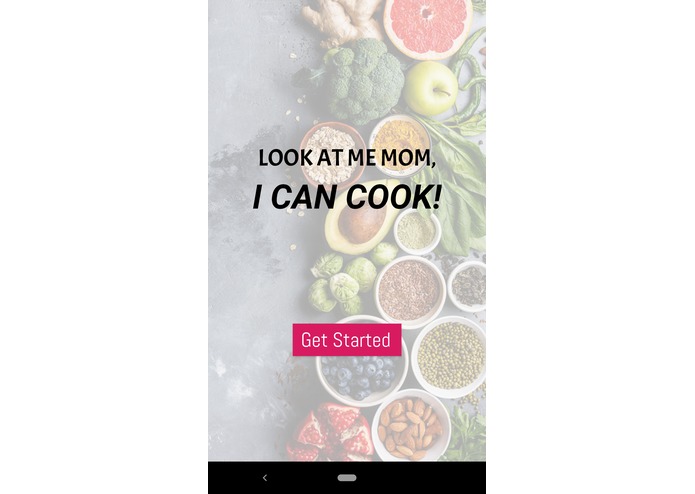
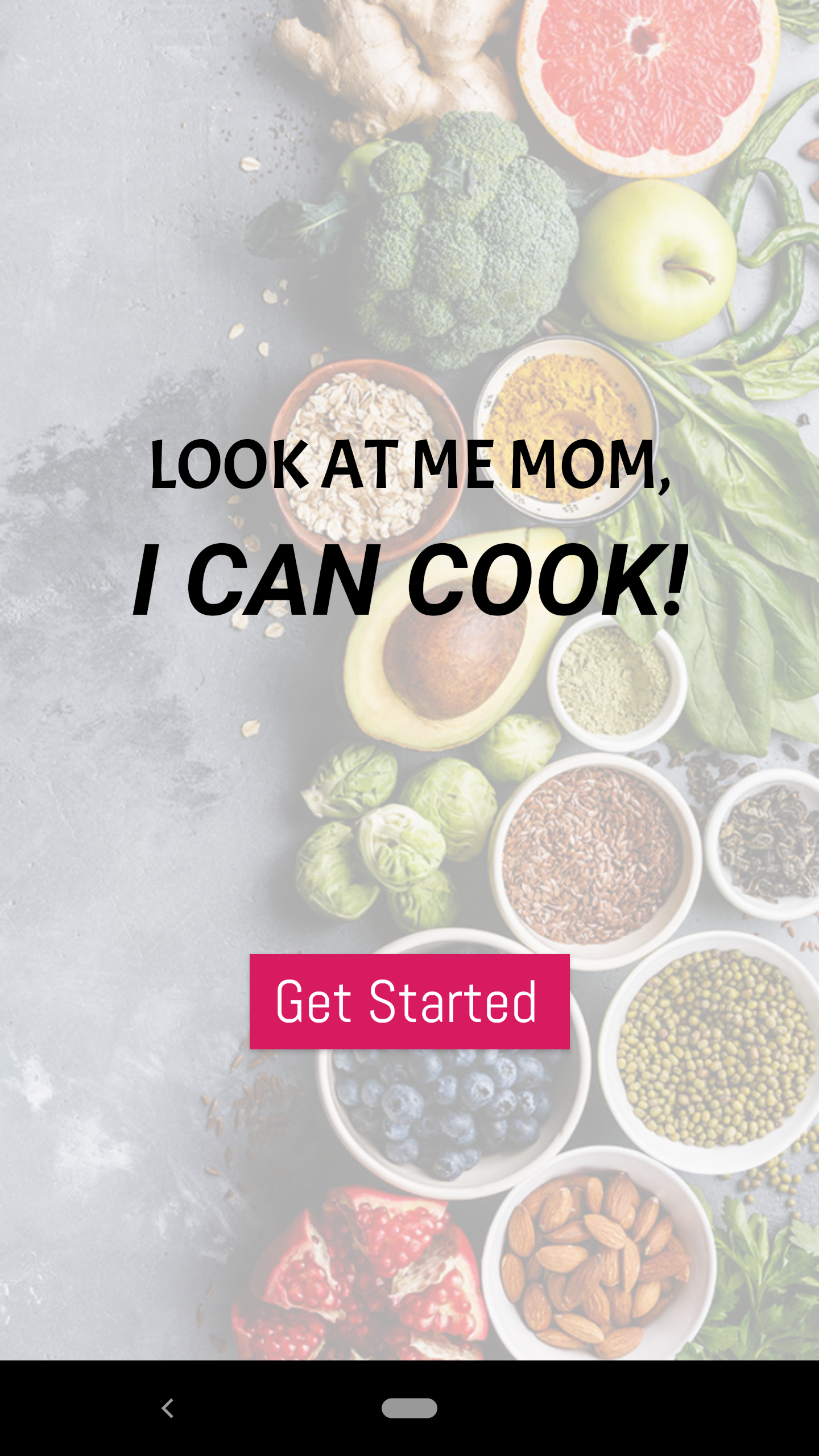
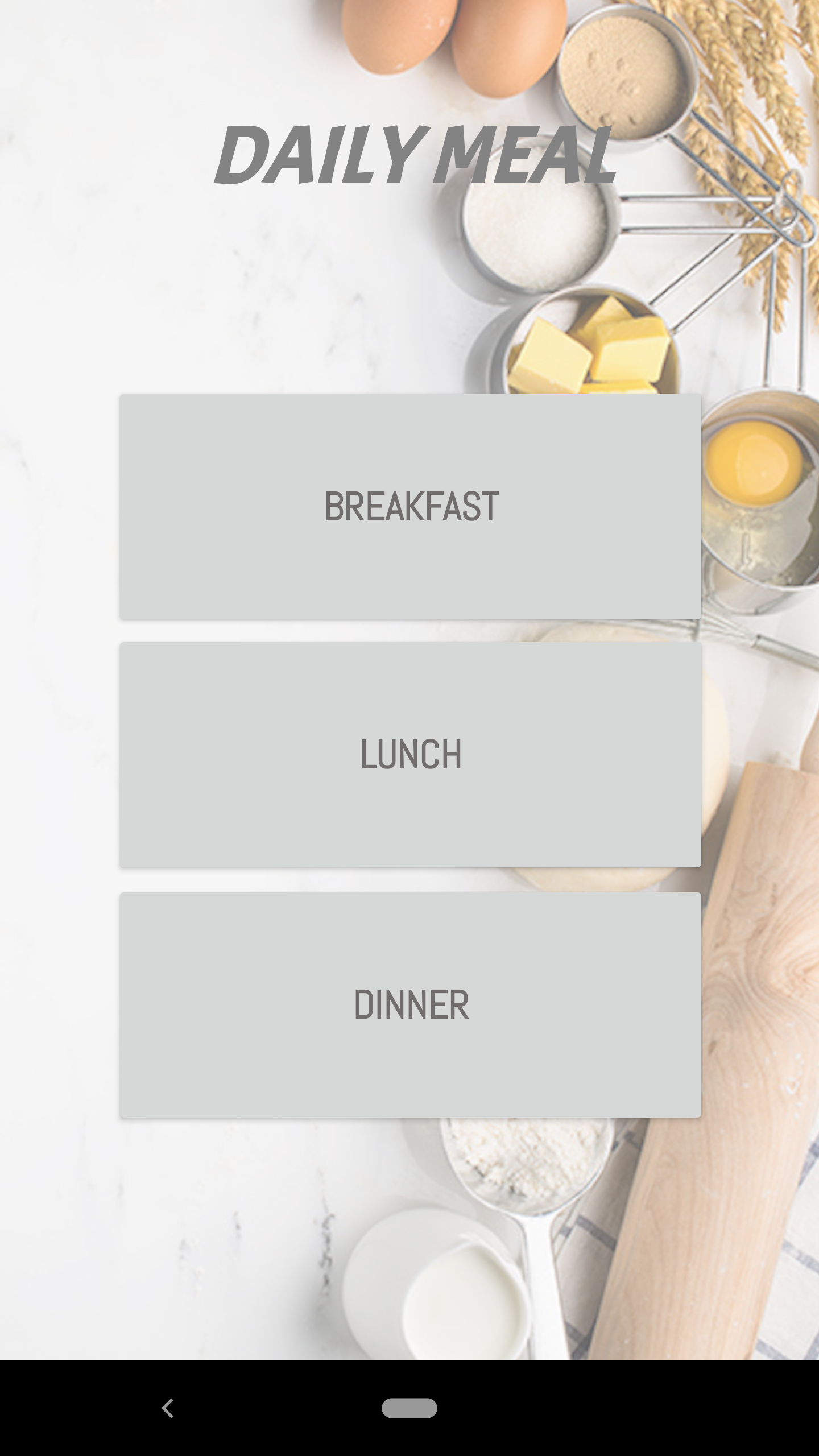
Home Page
-
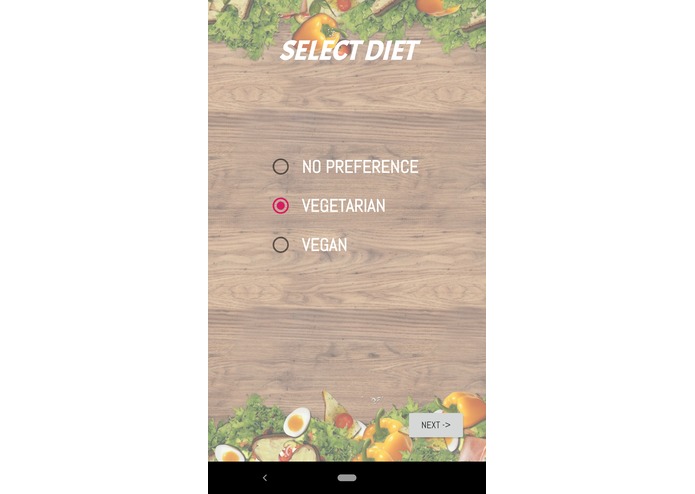
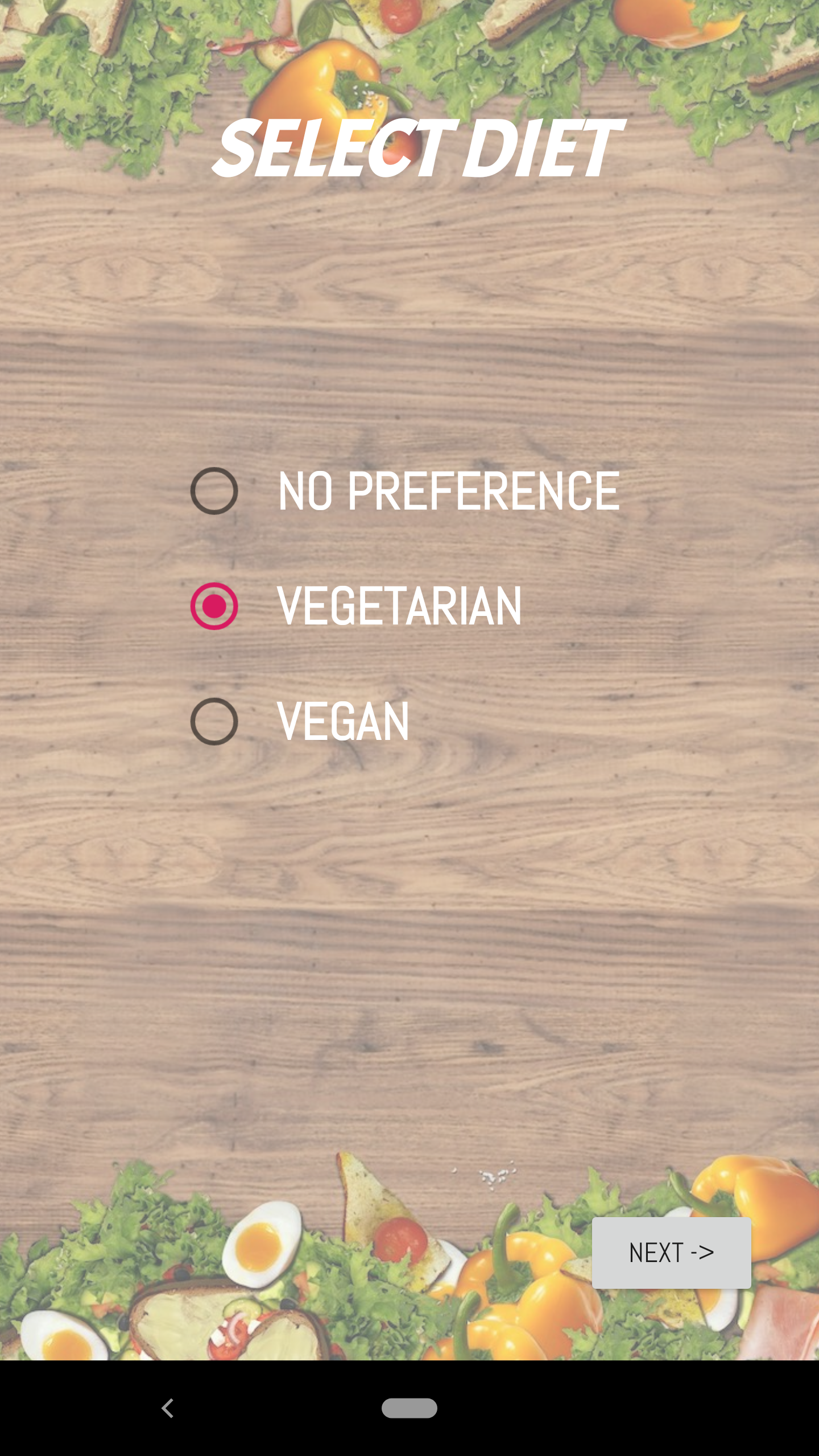
Choosing your diet
-
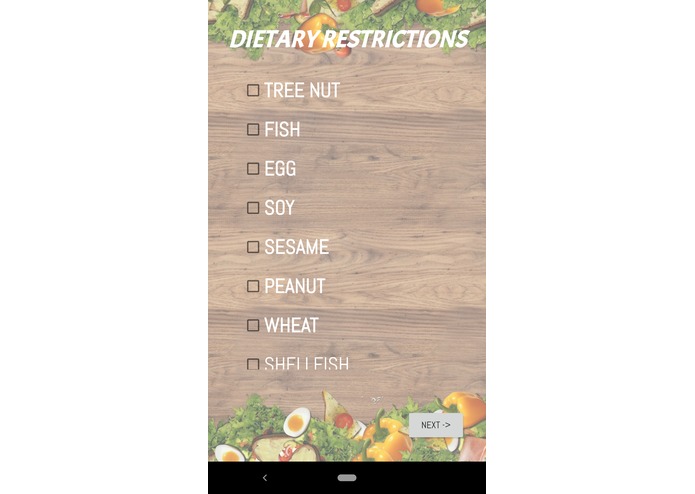
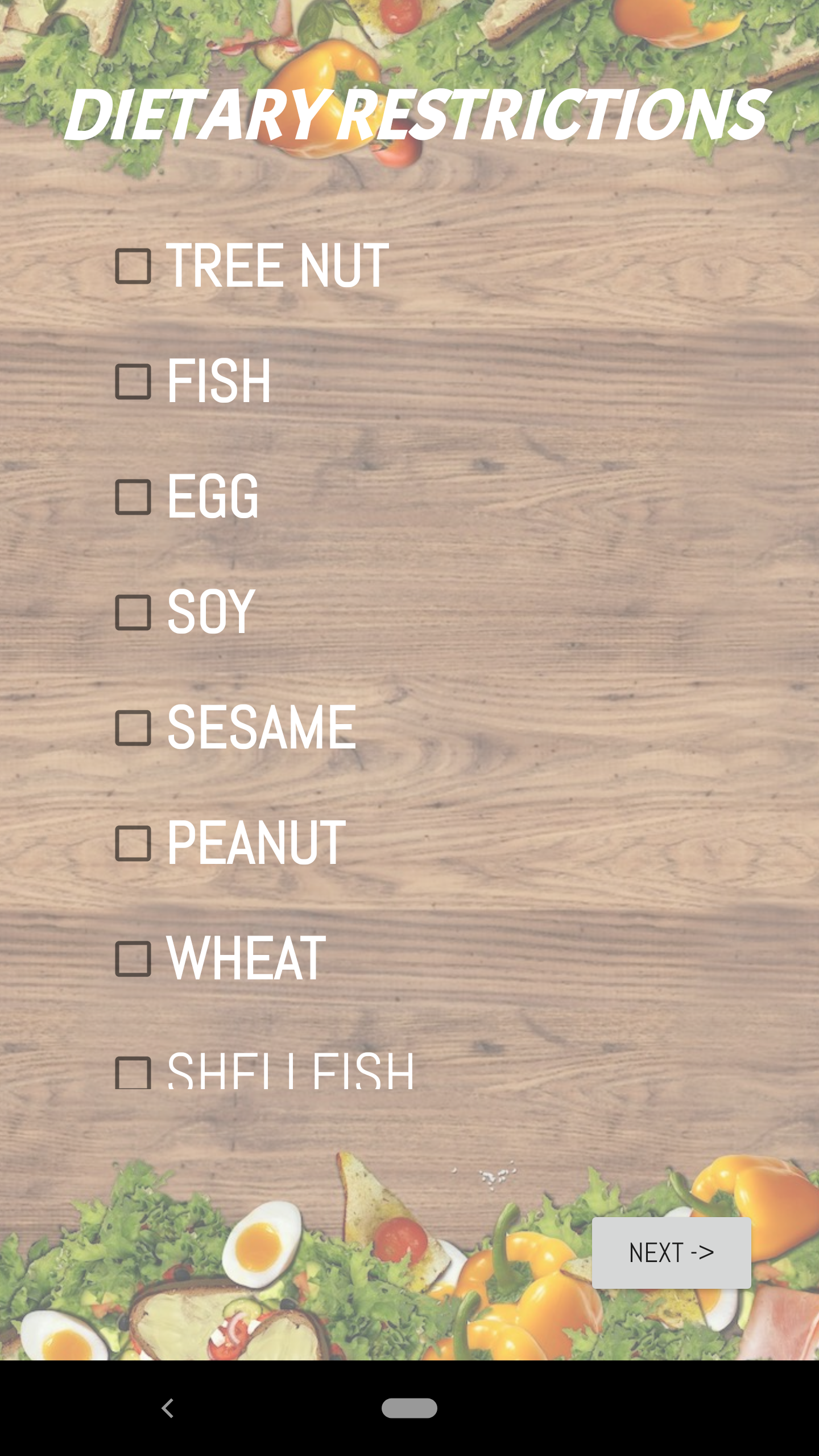
Choosing other dietary restrictions
-
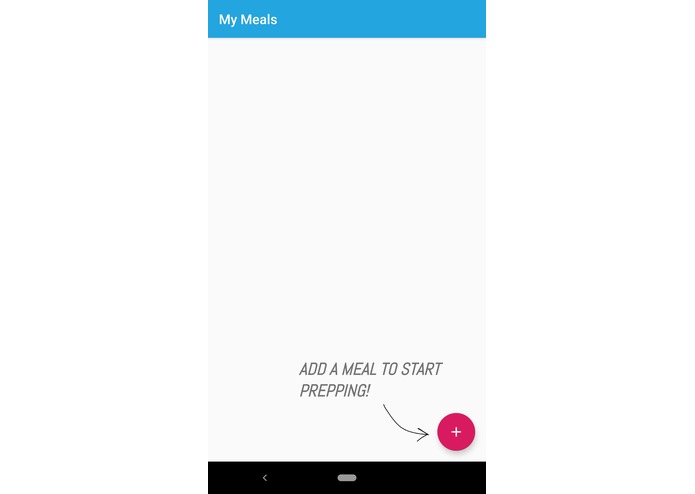
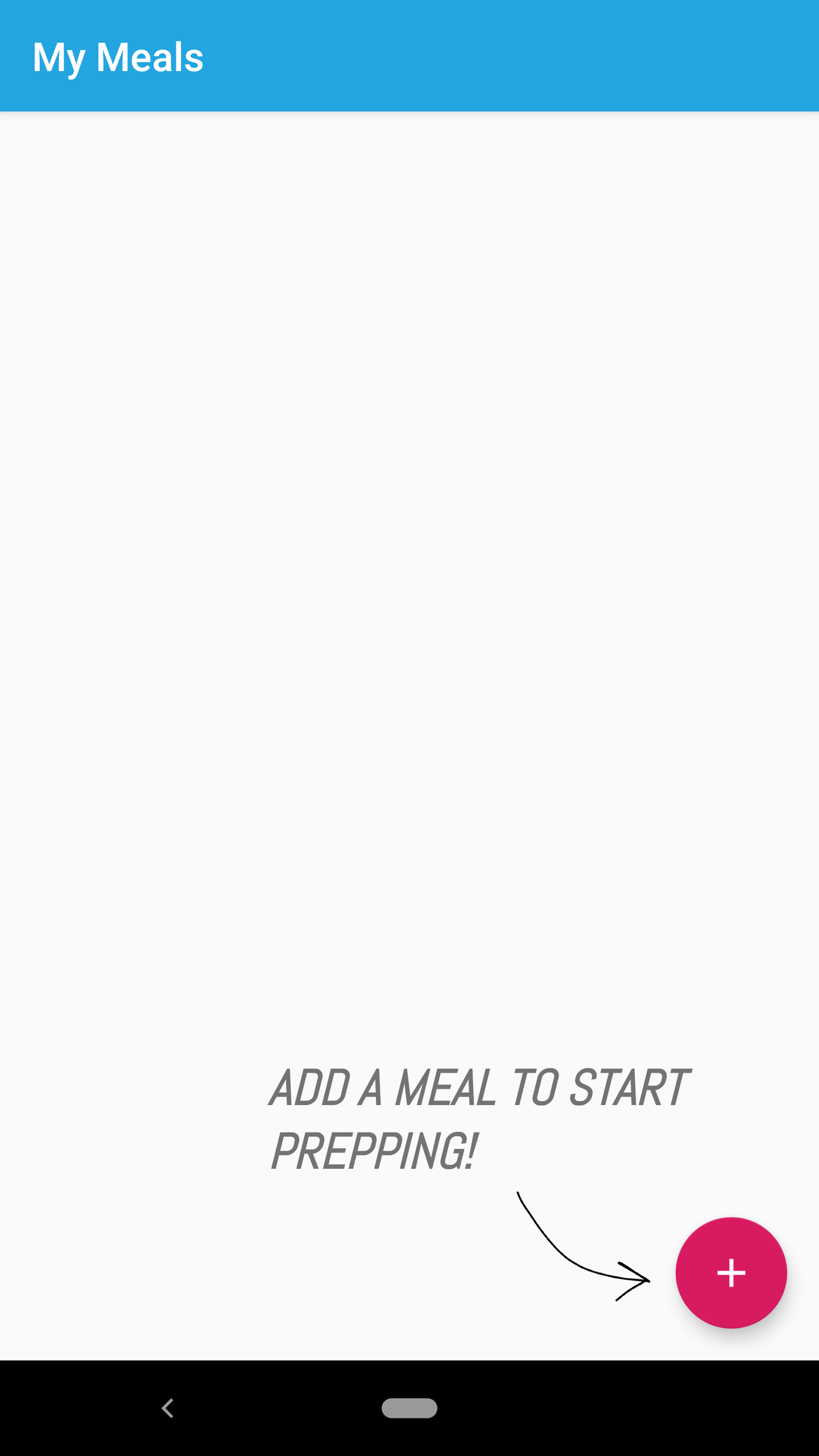
Your list of chosen meals
-
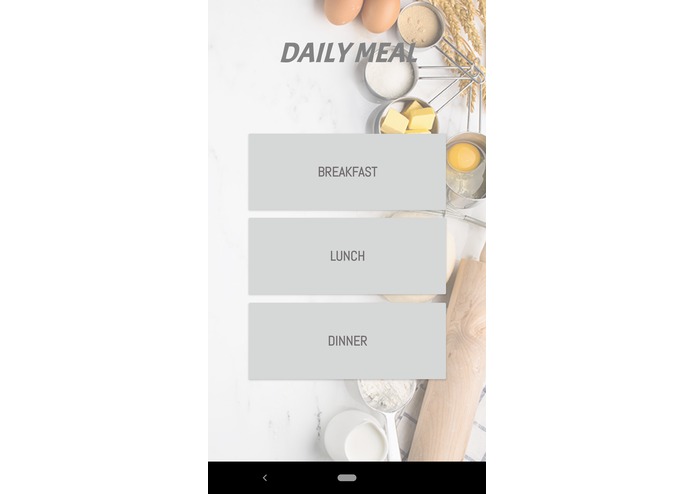
Picking the three meals
-
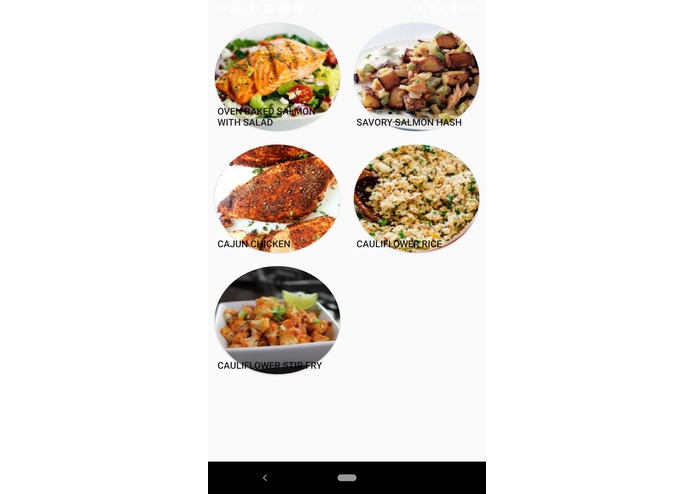
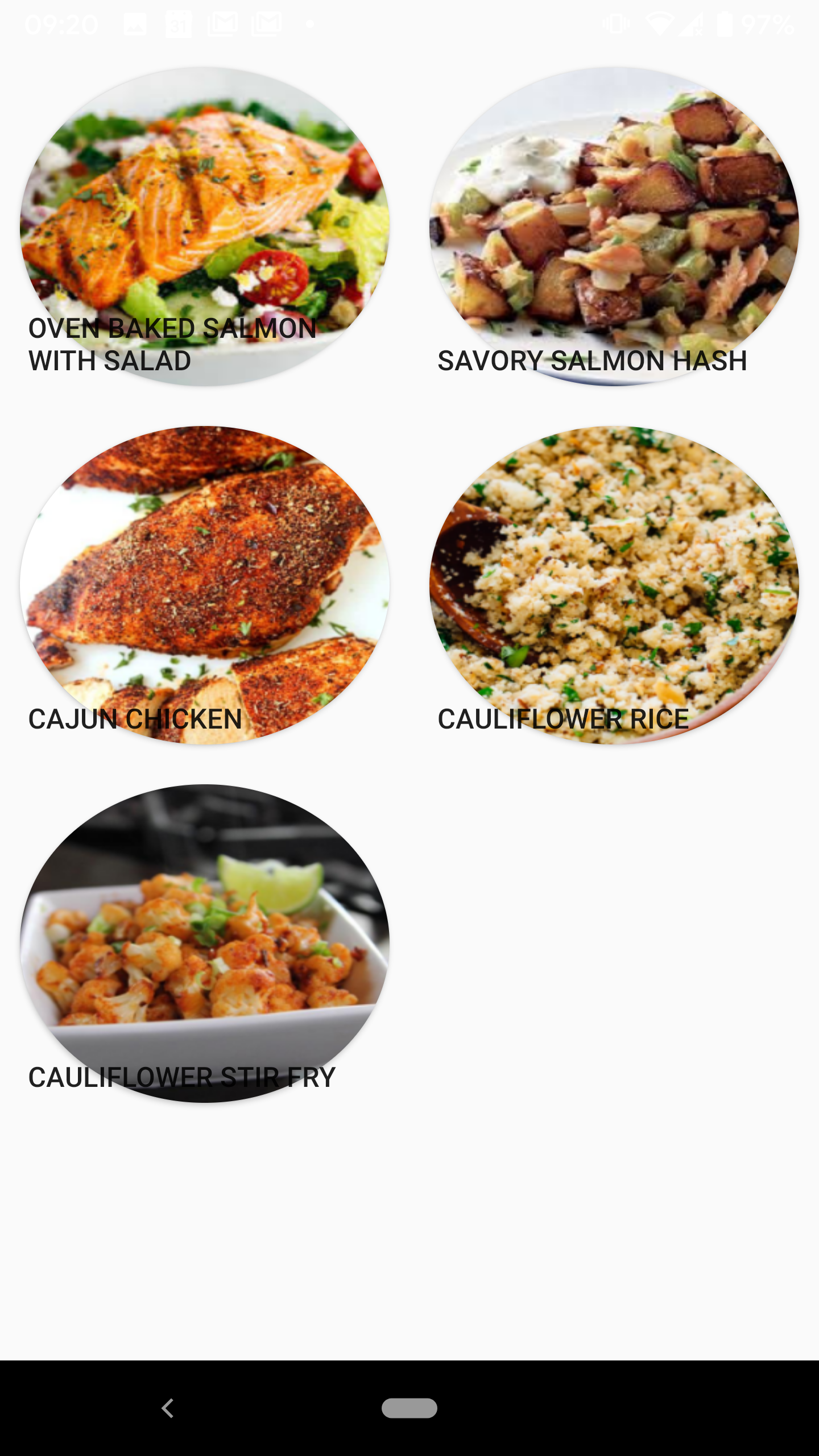
Choosing from a list of possible meals
-
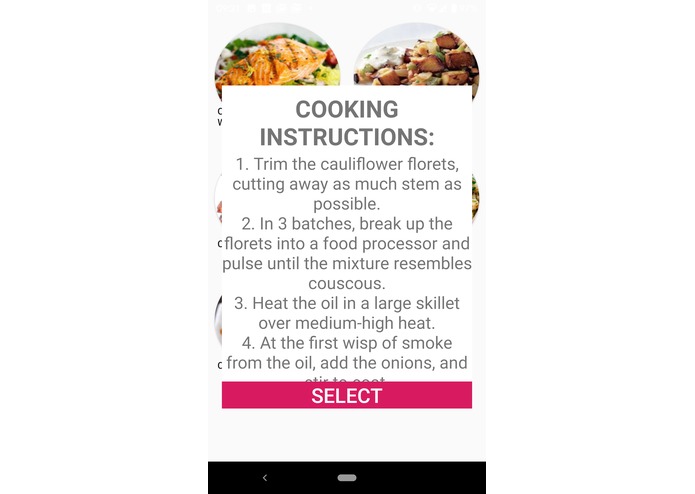
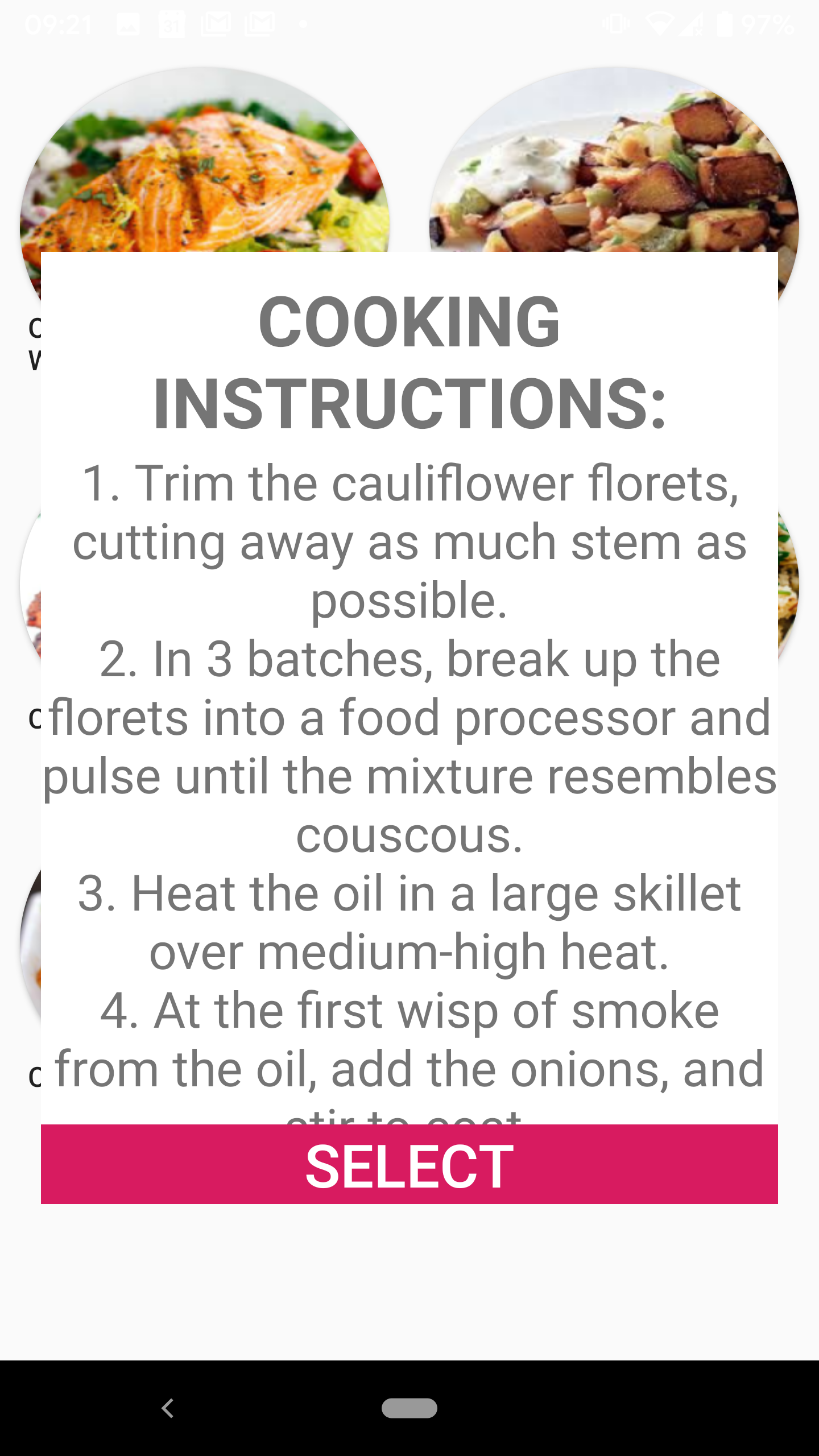
Description of meals pt.2 (How to cook)
-
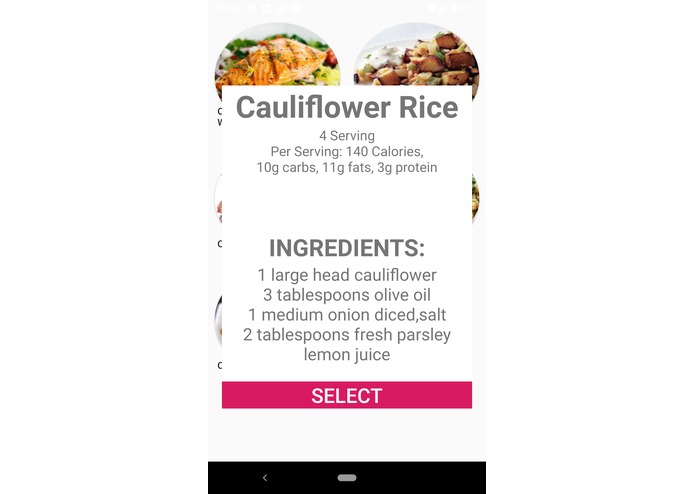
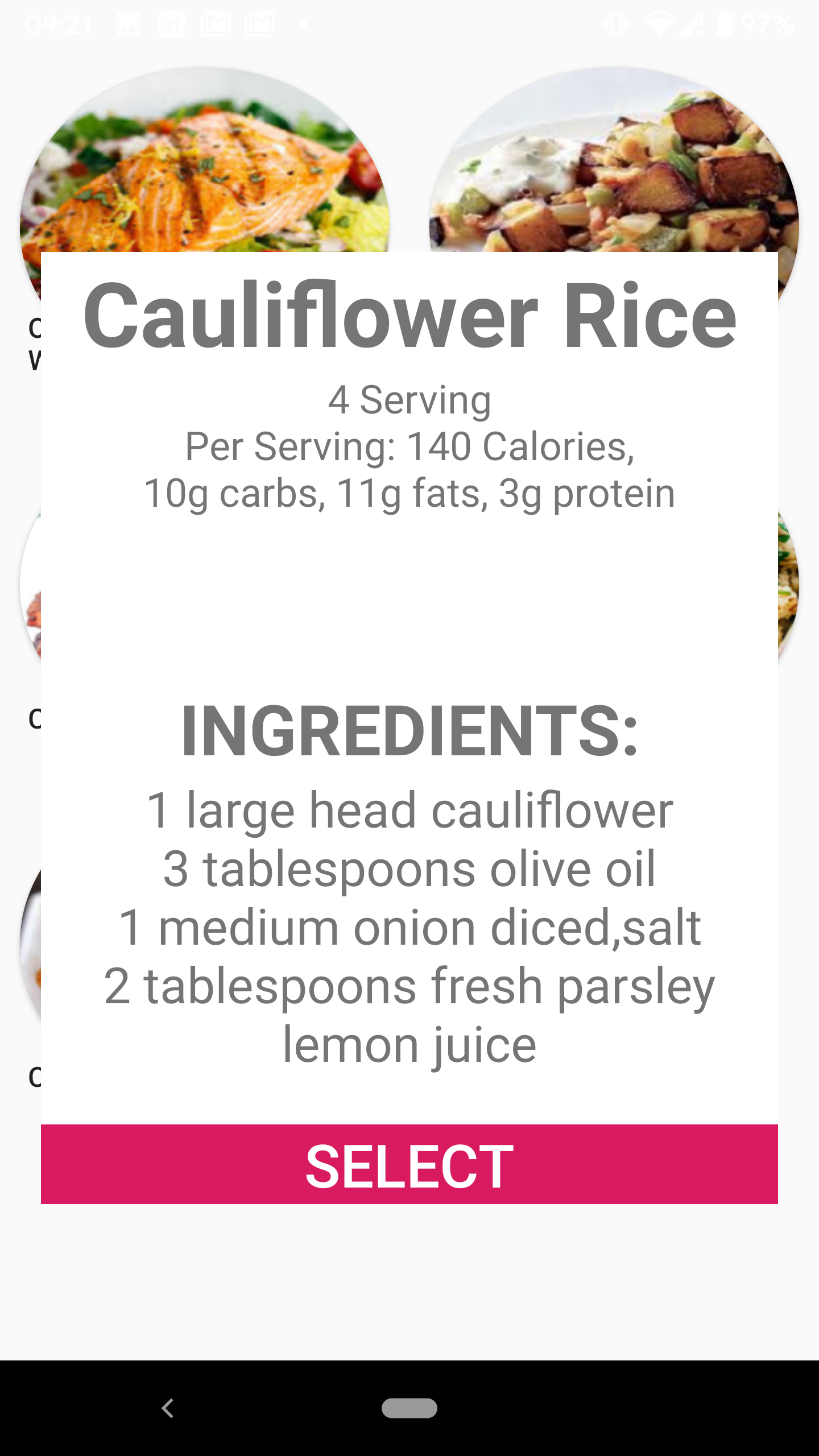
Description of meals
Inspiration
We were inspired by our own inability to cook for ourselves and our own unhealthy eating habits. In college, it is very easy to slip into unhealthy eating habits. We wanted to create an app that would help us improve our eating habits and encourage us to cook own meals.
What it does
The app allows the user to create meal plans based on a list of healthy recipes. The user inputs food preferences and dietary restrictions, and the app gives them a list of recipes specifically for them. The app informs the user of the nutritional value and calorie count of each recipe to allow them to create meal plans according to their health needs.
How we built it
We used Android Studio to build the front end and back end of the app. We at first wanted to make a list of recipes that our users could prep and better understand the nutritional and health benefits. With all the recipes that we would add to our app, we first had to take into account dietary preferences and restrictions of our users in order to generate a list of recipes that were catered to them and could motivate them in a healthy manner. After getting a little information about our user, we created a library of all the recipes, pulling in nutritional information, shopping, ingredients needed off or websites like Food Network and food blogs etc. We then created a way for the user to prep a daily meal plan, where we would store all the ingredients/recipe instructions the user needed and what kind of nutrition they would be prepping. We could then save their meals so that when they wanted to go shopping or prep meals for the day, everything would be in one place.
Challenges we ran into
No one in our team had experience with Android Studio, so it was initially challenging for us to use it effectively for our app. Even simple tasks such as creating a button or placing an image into the file were difficult and time consuming at first.
Because all of us only had experience mainly in command line and Java, we had little experience implementing the front end and UI. Taking into account how things would be laid out and how the logic would interact with what the user selected and how to manage information/app flow/and for proper design elements, we had to learn everything from scratch.
It was challenging to implement the ideas we had sketched on paper into an actual program. Ideas that seemed simple on paper were difficult to translate into a working product.
Accomplishments that we're proud of
Learning the basics of Android Studio
App development
Being able to create and implement an idea in a very short amount of time
What we learned
How to use Android Studio
How to develop an android app
Front End
What's next for Look at Me Mom I Can Cook (LAMMICC)
Our goals for LAMMICC is to implement a feature for shopping. This will allow the user to get a shopping list from their selected meal plan. We would also like to create a feature to add the calories of the individual meals to show the user the total calories for the day. We attempted to allow the app to read from a spreadsheet to more easily add recipes. Unfortunately, we were unsuccessful in doing this, so we would like to see this feature added in the future.


Log in or sign up for Devpost to join the conversation.