


Inspiration
- Personalised Dynamic Experiences mixing content and product
- Enabling merchandisers and marketeers to curate looks earlier in the product lifecycle
- A pattern that can be used for any type of experience in the future
- Other content
- Themes
- Layouts
- Navigation
- etc.
What It Does
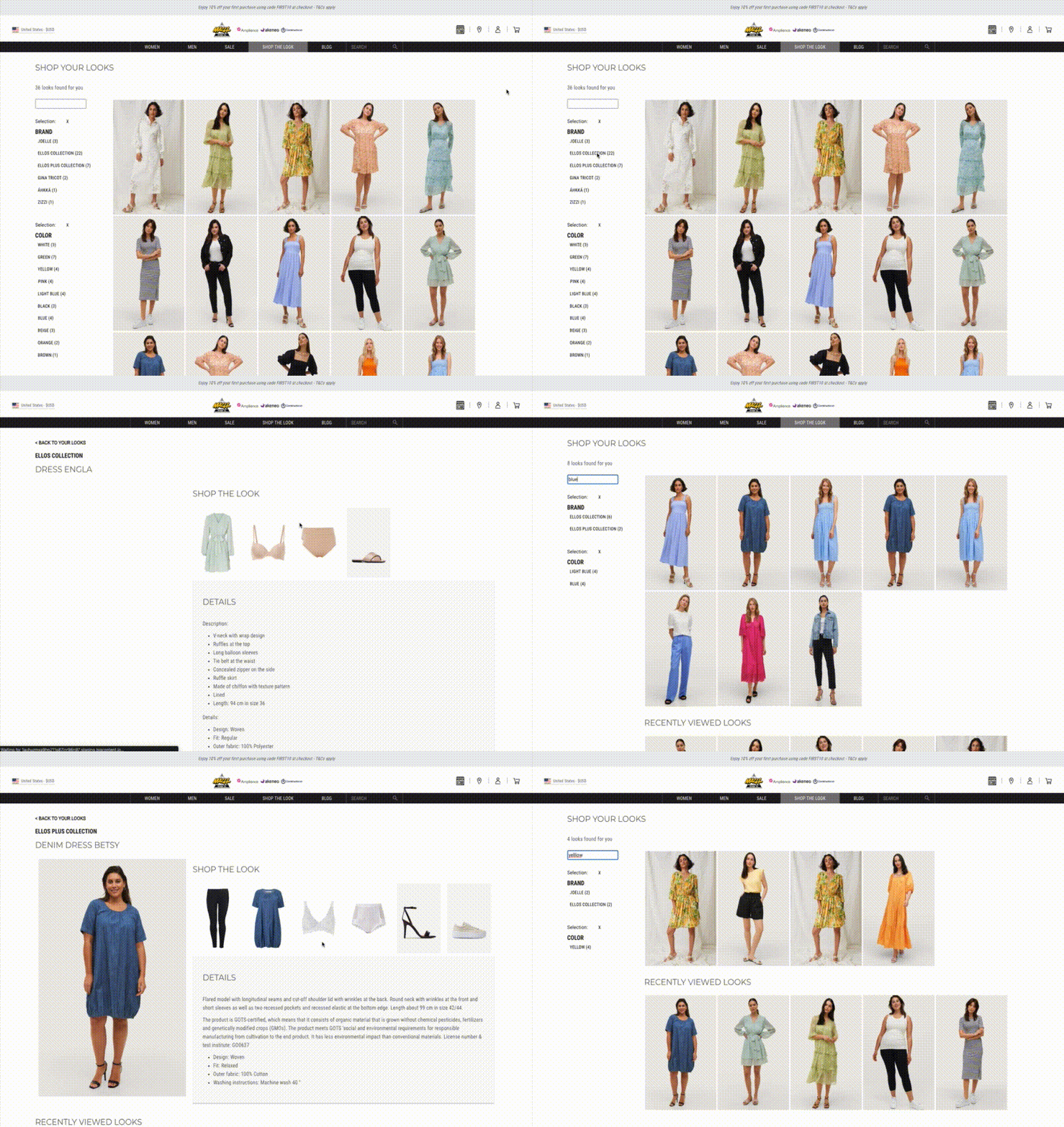
L👀k @ Me enables product discovery through the process of "Looks" or collections.
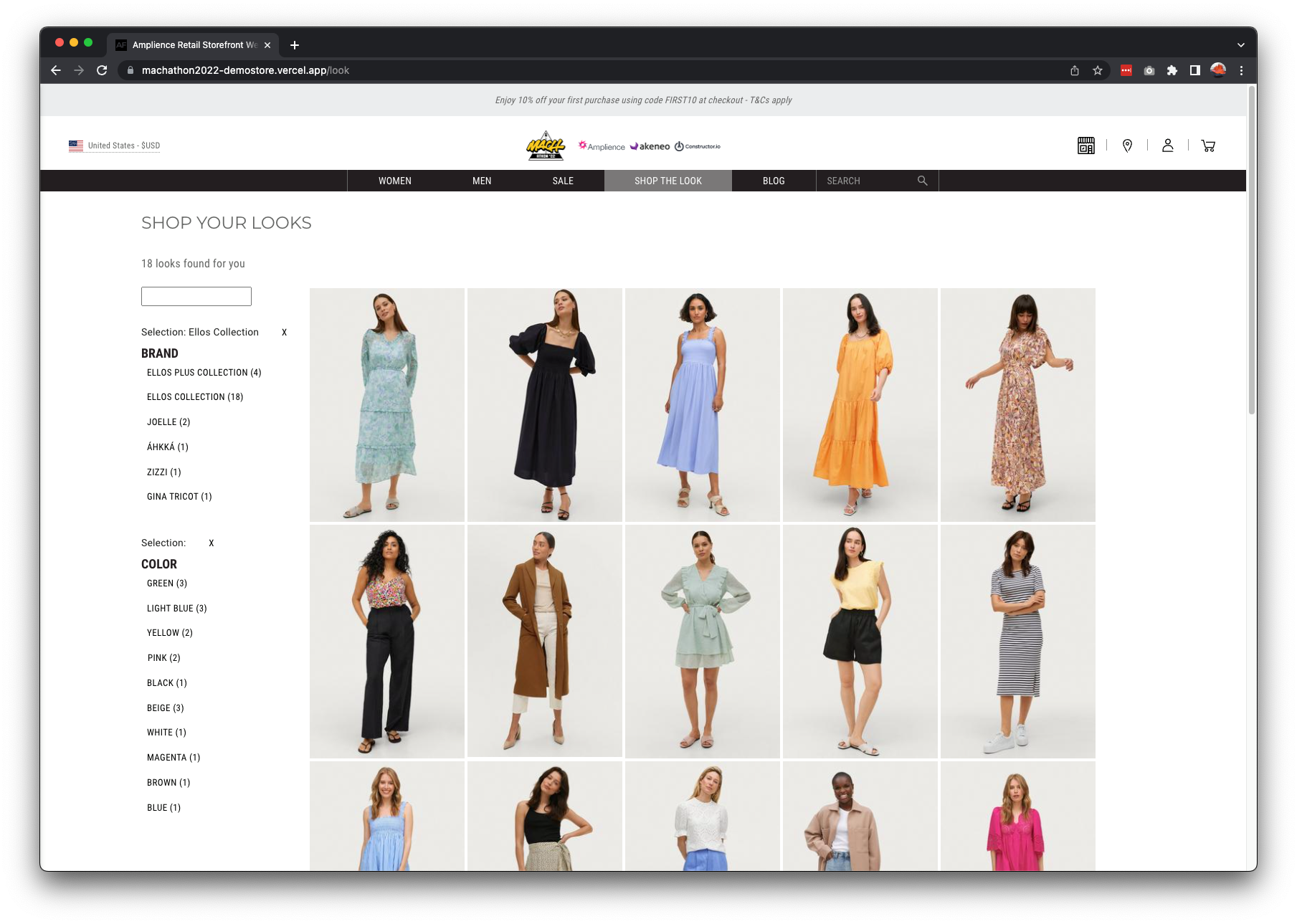
- You start off with a default set of looks on a landing page. You can either select a look that you like, search for a look or use the facets to select the right category or colours of the looks.
- Selecting a look will show you the look and the related products. It will also show other related looks based on the look category and colours which is ordered in a personalised manner based on your interest.
- Going back to the look landing page will re-order the looks based on your previous selected look to ensure your personalised experience. It will also show your recently viewed looks at the bottom of the page.
- Each look that you select from now on will further personalise the look landing page, order your recommended looks and display your recently viewed looks.
Note: In order to reset this, simply clear your cookies. In Chrome: Dev Tools → Application → Cookies → Select
https://machathon2022-demostore.vercel.app/and clear.
How We Built It
Our Process
We ran this MACHathon as a mini-project. With cross timezone teams, different skills and other commitments, we understood that we only had a couple of hours a day together.
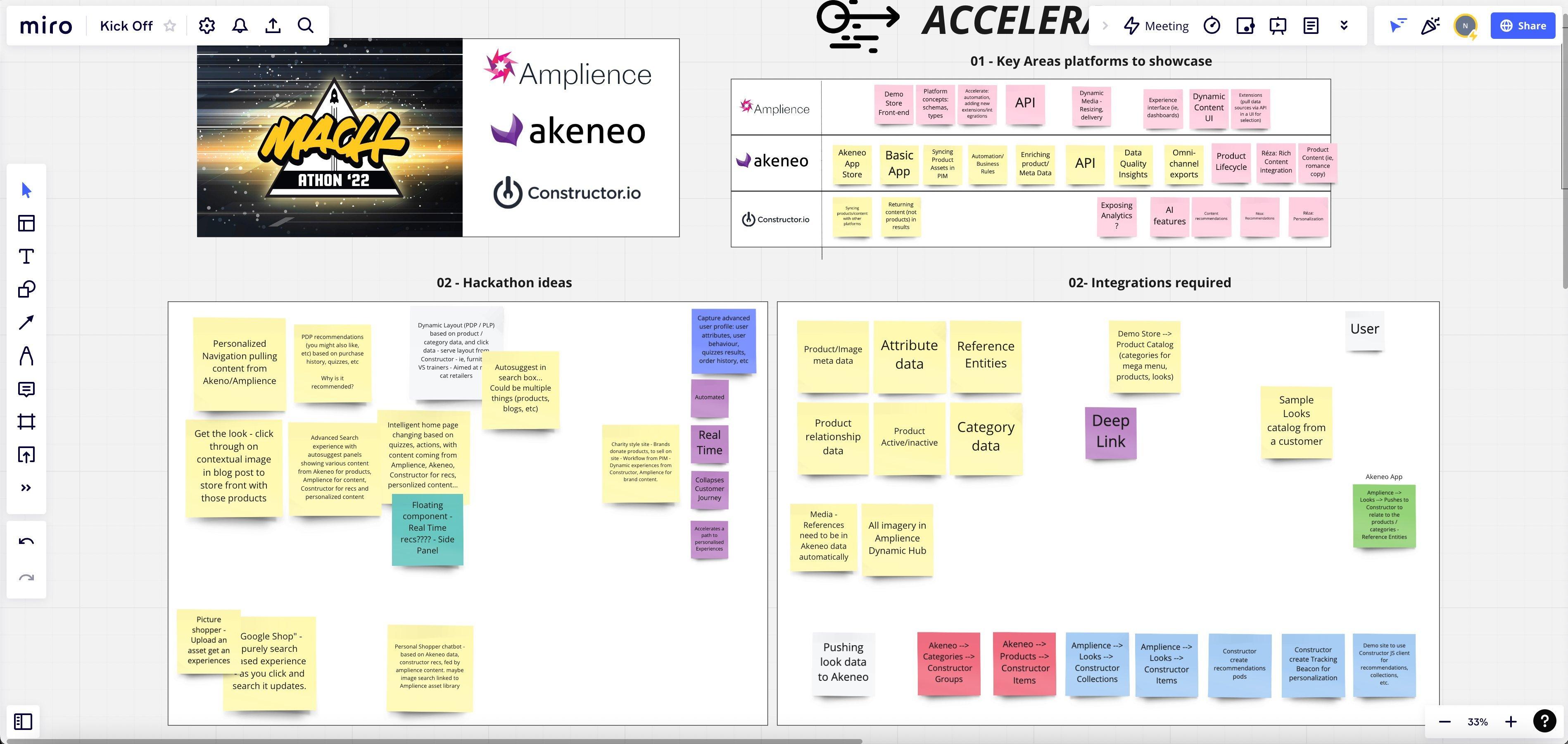
- Team Kick off – Meet & Greet + access to respective technologies
- Discovery Workshop – Brainstorming ideas, and what a solution could look like
- Decision and voting – Voting on a key concept based on the ideas which we could evolve
- Integration spikes – Accessing data from key systems, content modelling and test Front End Integration
- Data sourcing and load – Loading data into master systems which could be (Products in Akeneo, Product Media in Amplience, Look Content in Amplience
- Front-end integration – Creating / enhancing routes, components, UI and data fetching to fulfil the MACHathon
- Project wrap-up and submission – Details on Devpost
Technology
The 3 main MACH technologies used were:
- Amplience – Amplience is a MACH Dynamic Commerce Experience Platform built for today’s (and tomorrow’s) customer journeys. Combining Experience Management, CMS, DAM & Dynamic Media in one solution.
- Akeneo – Product Information Management (PIM) platform for organising, enriching, and spreading product catalog information across all your channels.
- Constructor.io – Personalised and AI powered ranking of products and content based on clickstream data.
Challenges We Ran Into
The main challenge we had was consistency of data and attributes to curate looks and match to products. This took the longest time, in the end we took and media, products and look information from an existing site which is also an Amplience customer (https://www.ellos.se). All looks are used in this site are the property of this customer.
Accomplishments That We're Proud Of
Working across timezones, countries (France, Switzerland, UK, Canada & USA) and between existing work commitments. We worked well as a team and ensured each member played a role using their skill sets. Including some fun manual data scraping by Joe.
What We Learned
- About other MACH technologies and capabilities.
- Using technologies for their strengths and fit for purpose.
- Technologies with full API coverage and good documentation make life easier.
- Personalisation requires thought. The opportunity away from just products is huge.
- PIM systems also need broader content that can be related at any level (ie, Looks, category related content etc.).
- Not all integration needs integration (Configuration makes things much faster due to infrastructure).
What's Next For Look @ Me
We hope to use this basis to fast track productised integrations and integration patterns between the respective technologies to the technologies used in this MACHathon.
Resources And Links
Company Information
- Amplience: https://amplience.com
- Akeneo: https://www.akeneo.com
- Constructor.io: https://constructor.io
Amplience Demo Store
Used as a basis for a front-end: https://amplience.com/docs/development/codesamples.html#demostore
Screenshots Of UI From Each MACH Technology
Amplience
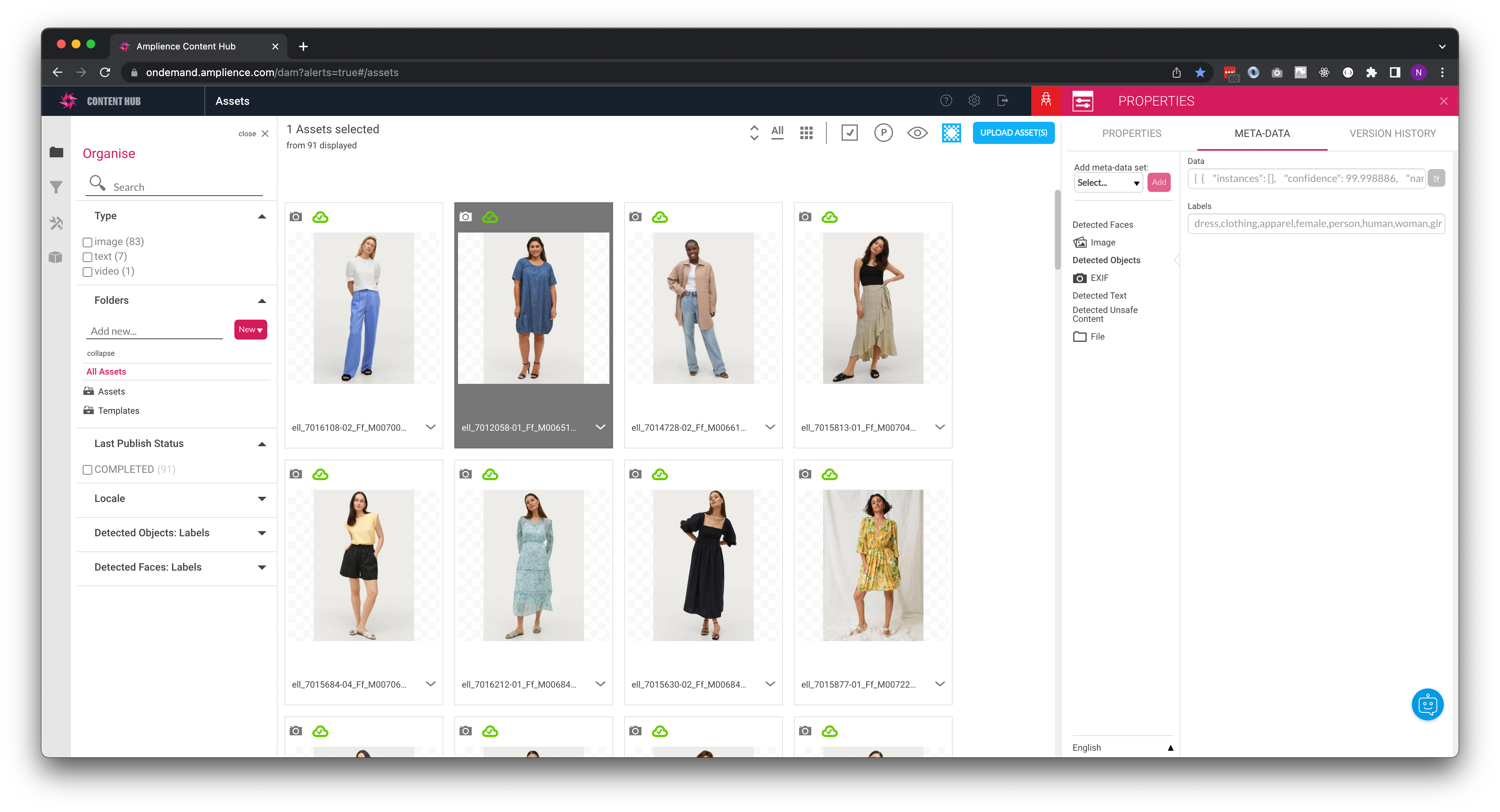
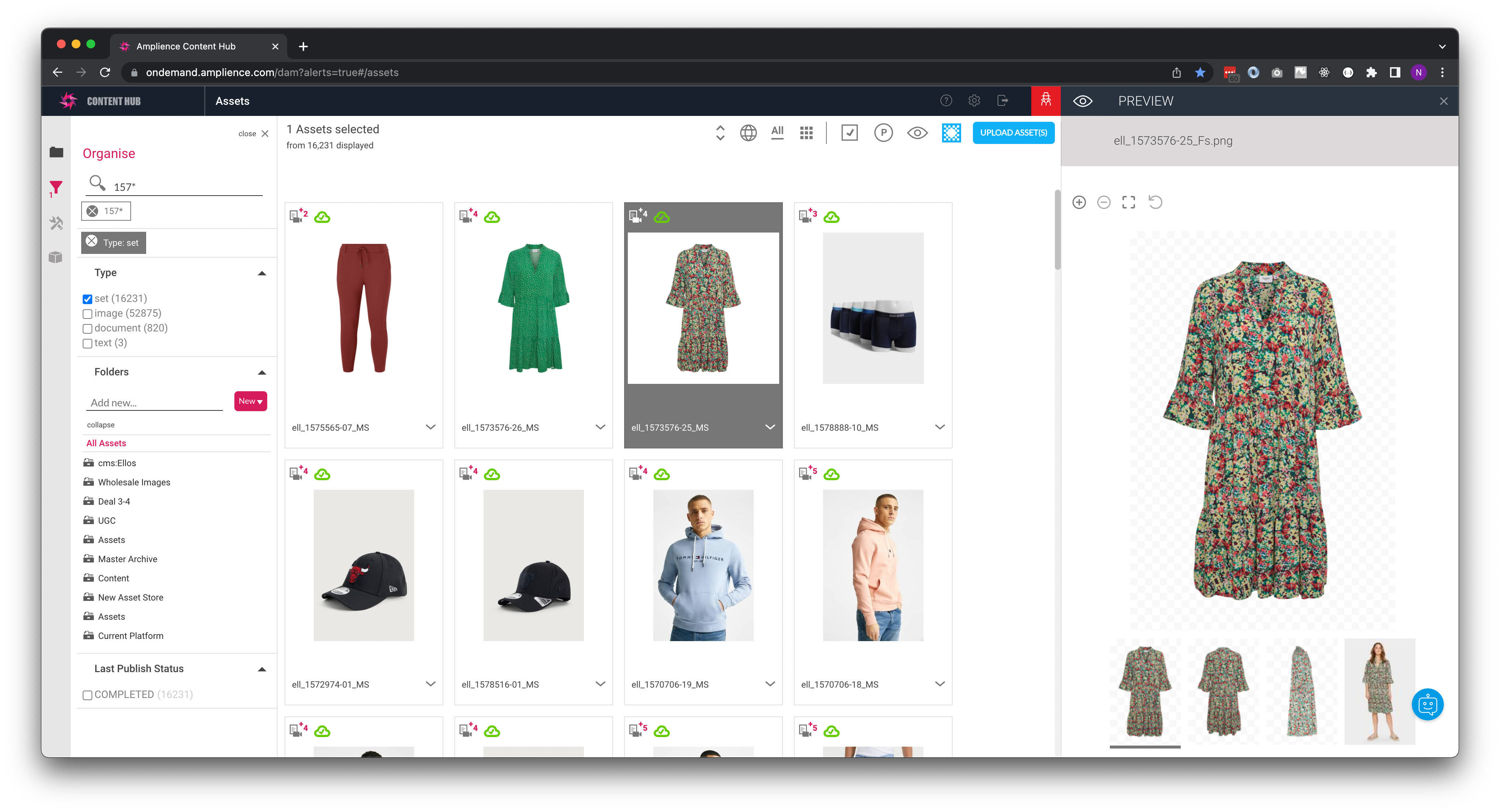
- Look media in Amplience Content Hub
- Product media sets in Amplience Content Hub
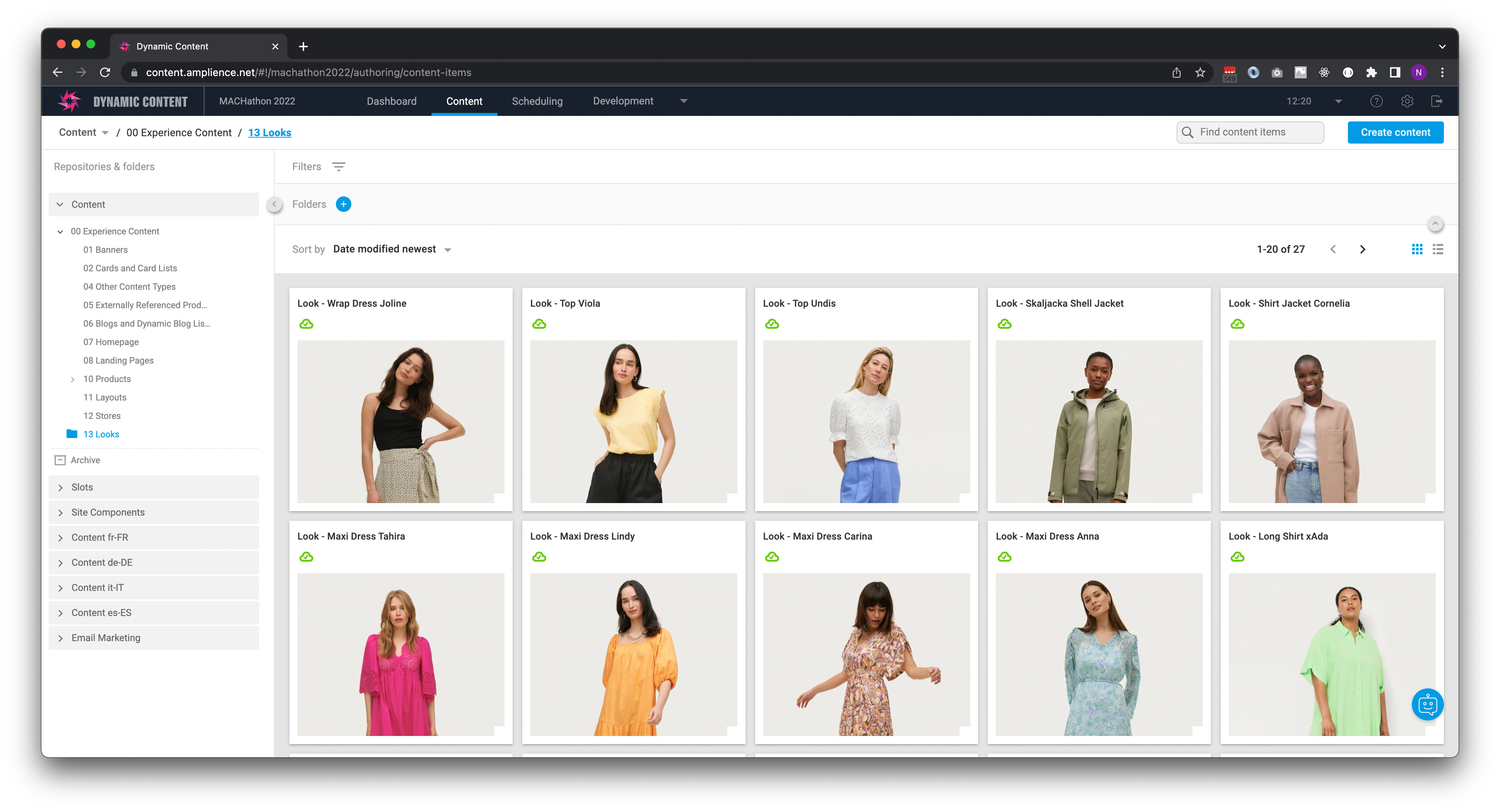
- Looks in Amplience Dynamic Content
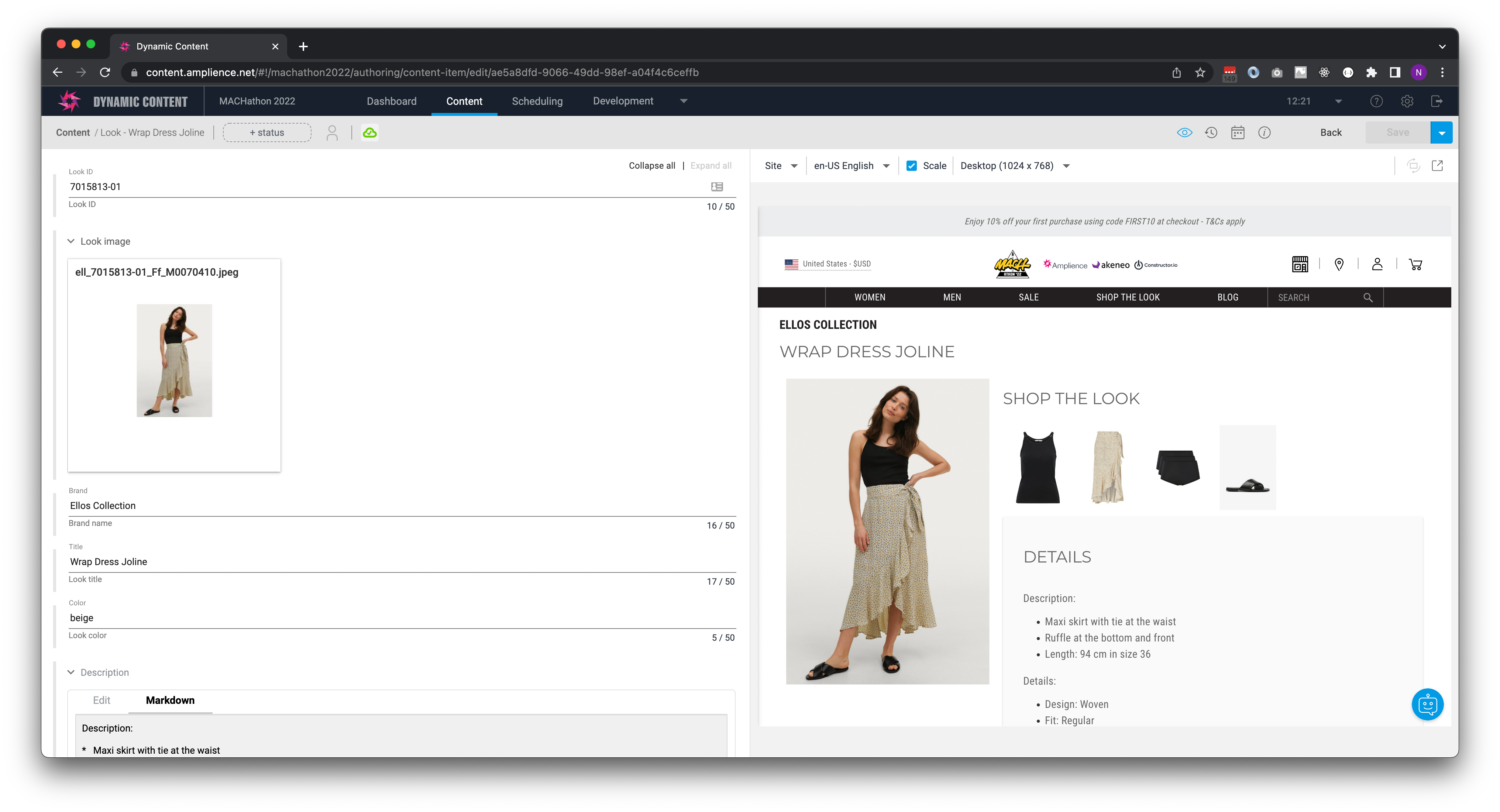
- Look Editing Interface in Amplience Dynamic content
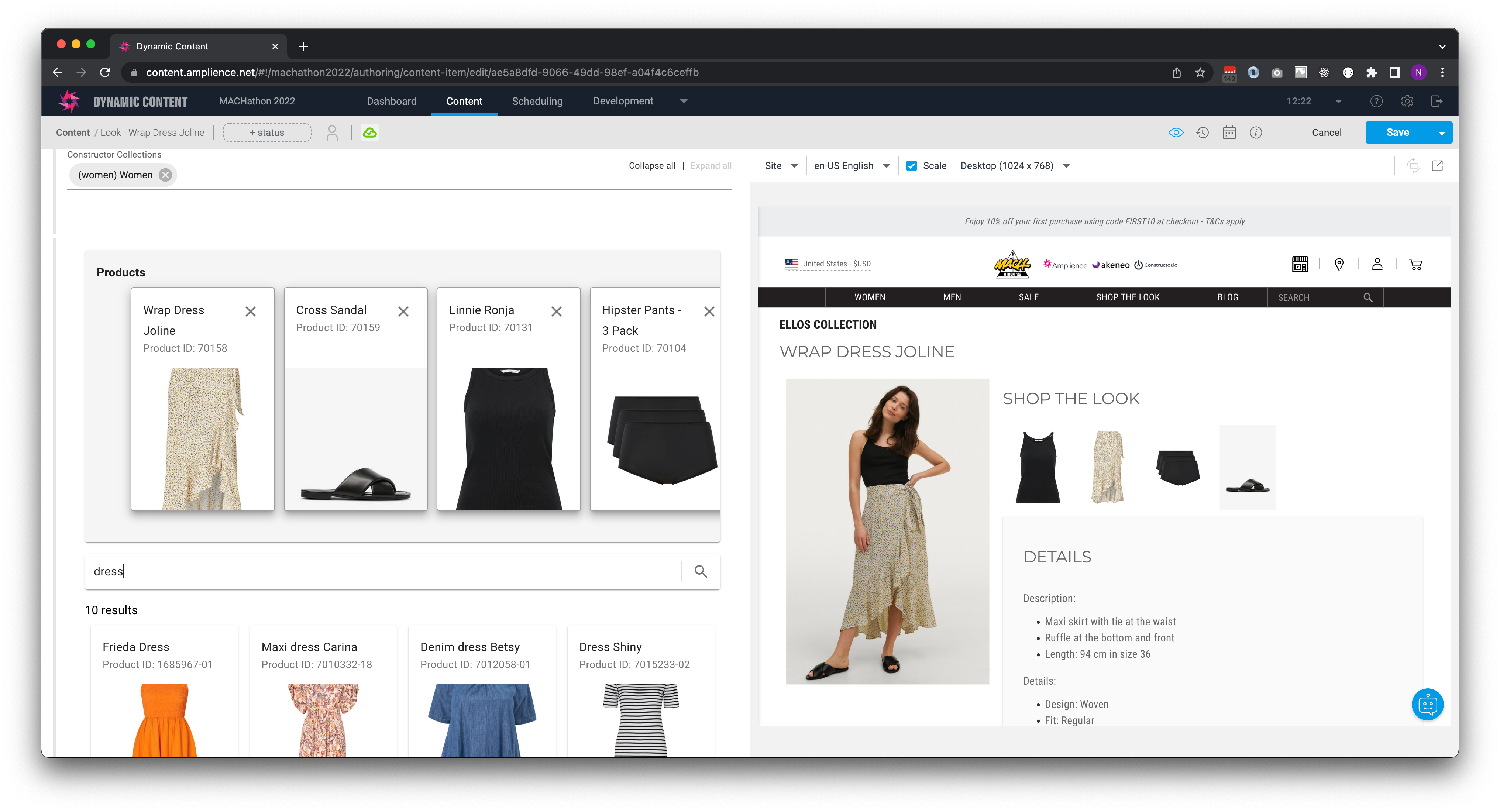
- Look Editing with product & category selection from Akeneo in Amplience Dynamic content
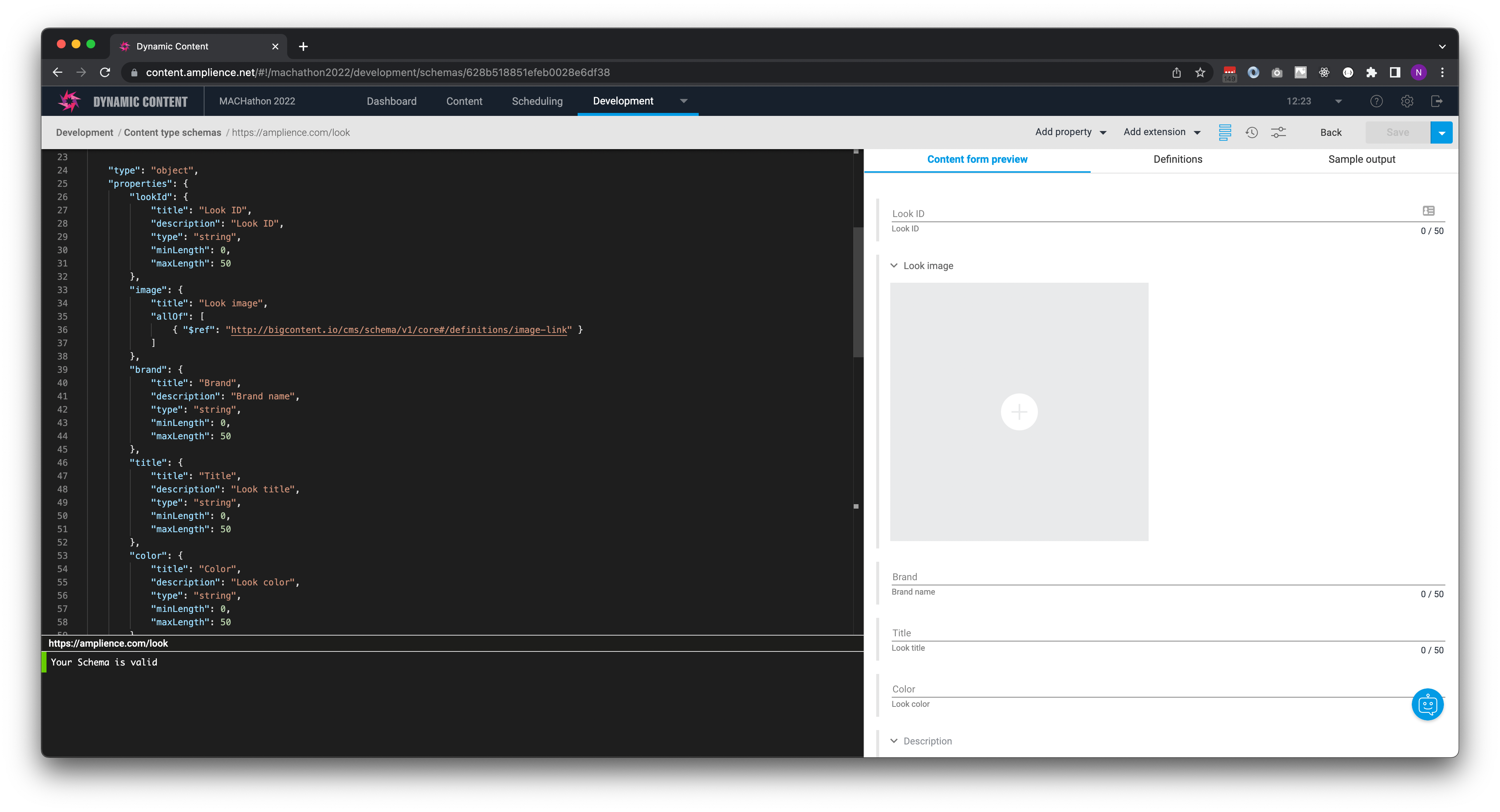
- Look content model in Amplience Dynamic content (Schema)
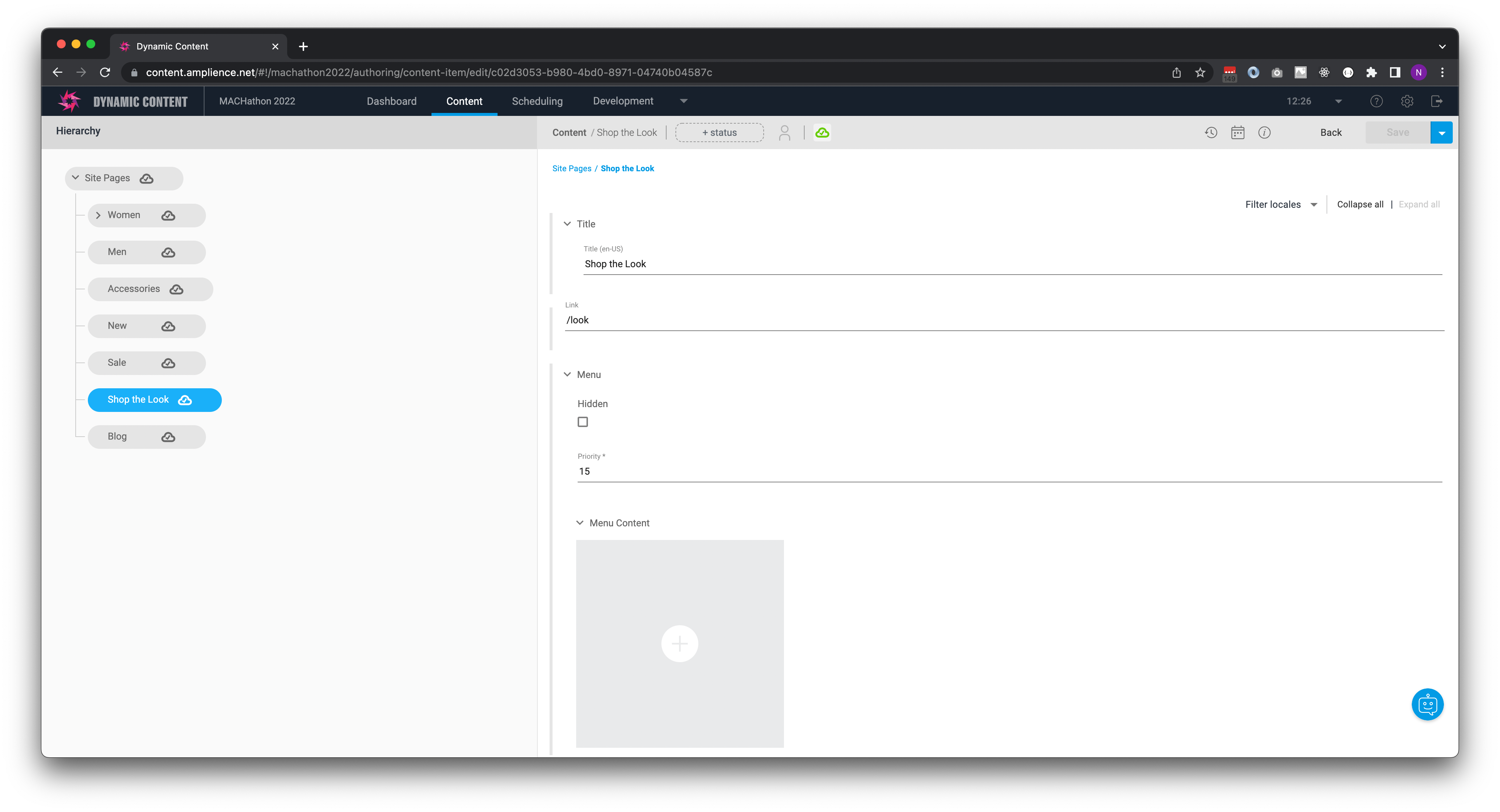
- Site Structure and navigation in Amplience Dynamic content
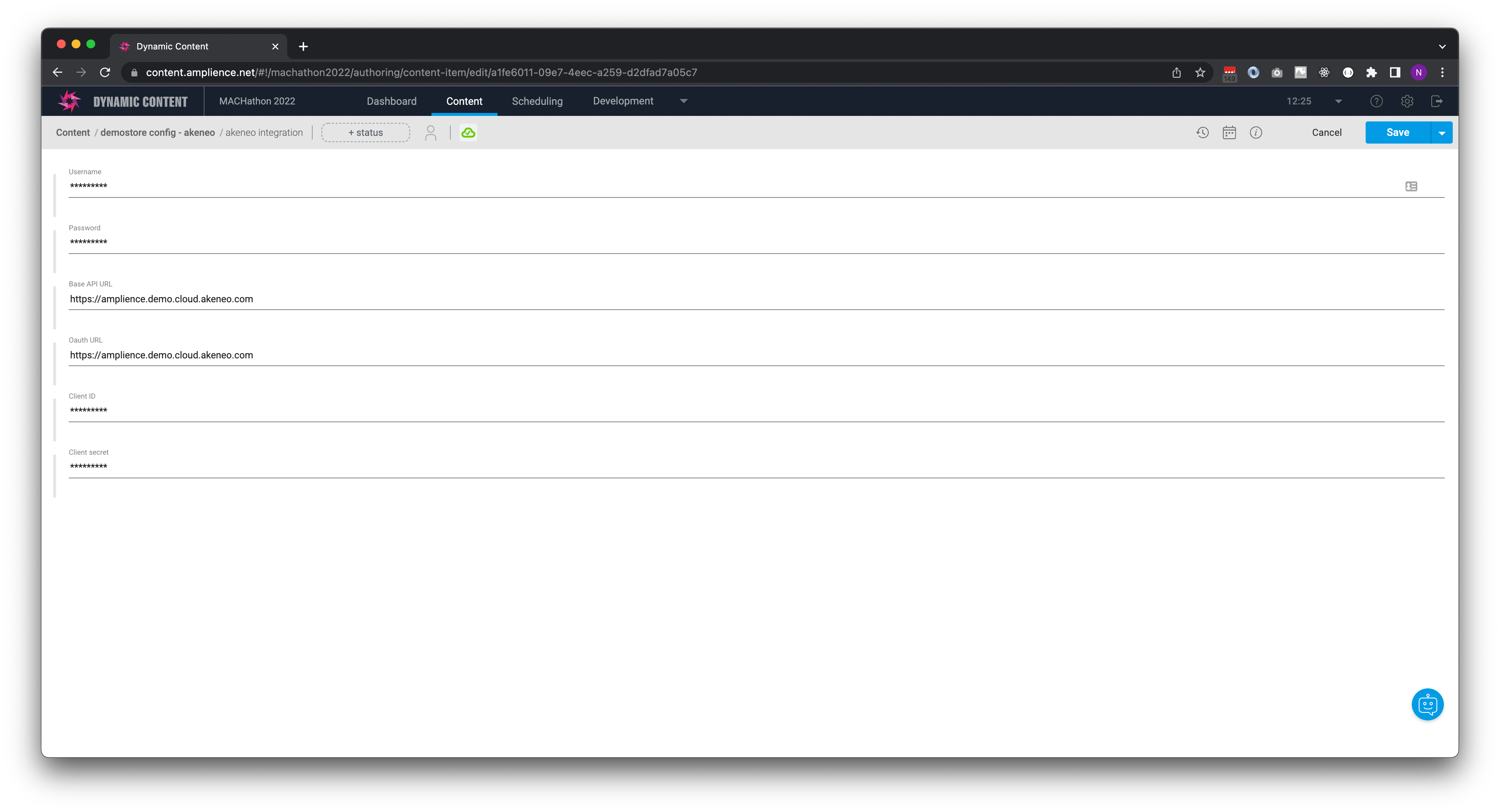
- Akeneo Configuration settings in Amplience Dynamic Content
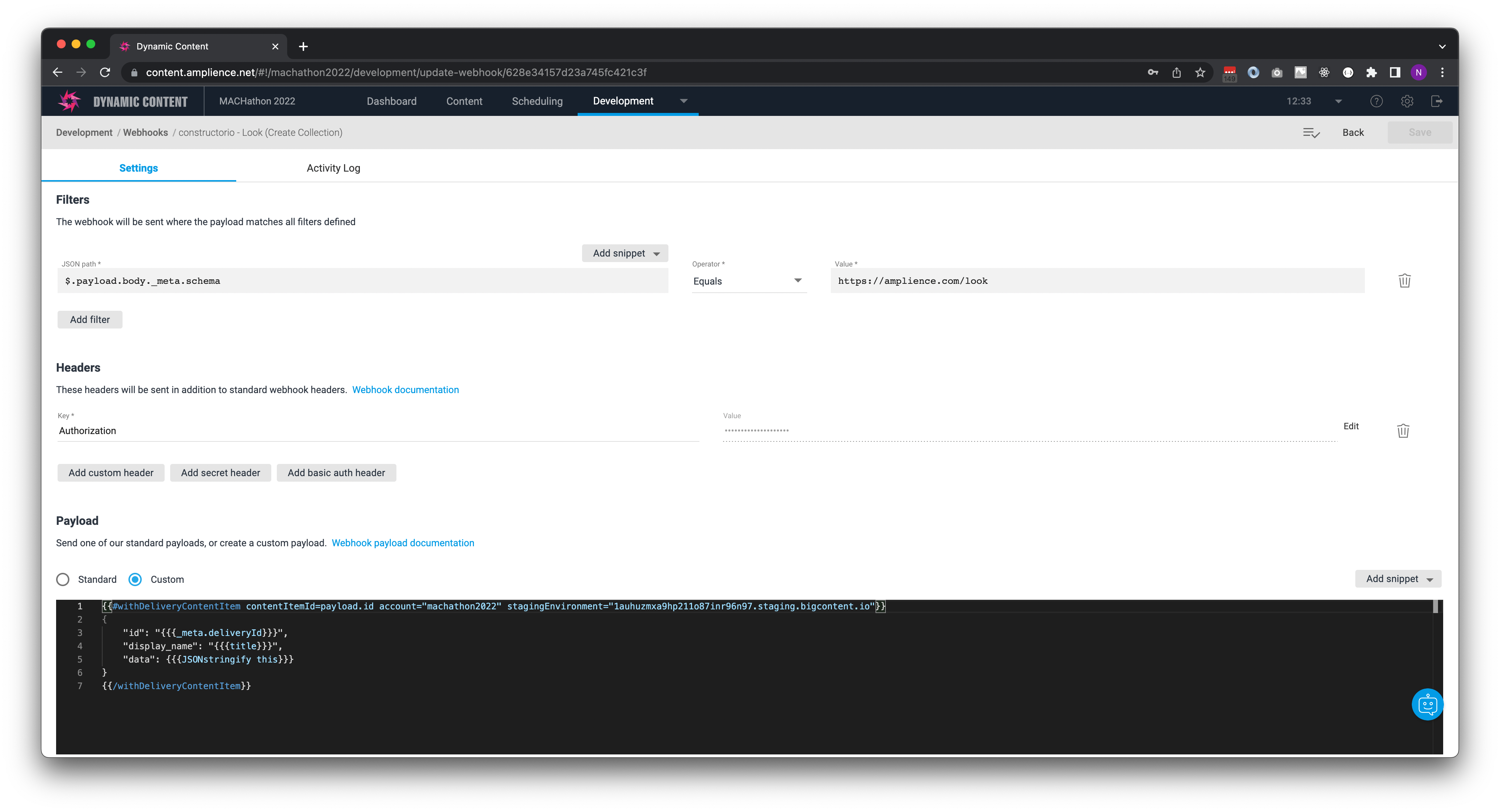
- Webhook to create Collection in Constructor from Amplience
- Webhook to add a look item to Collection in Constructor from Amplience
- Webhook to update look item with products in Constructor from Amplience
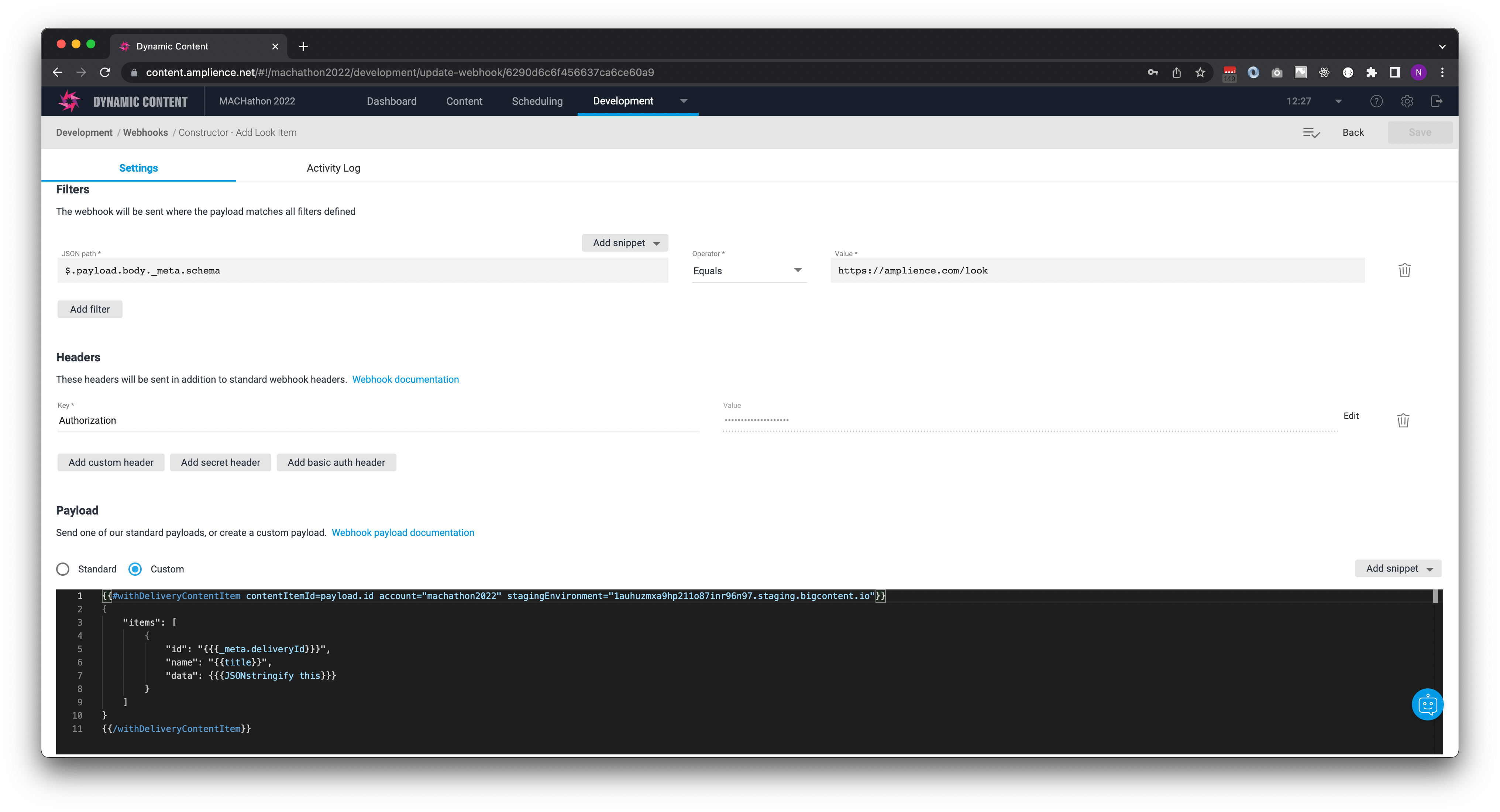
%20to%20Constructor)
Akeneo
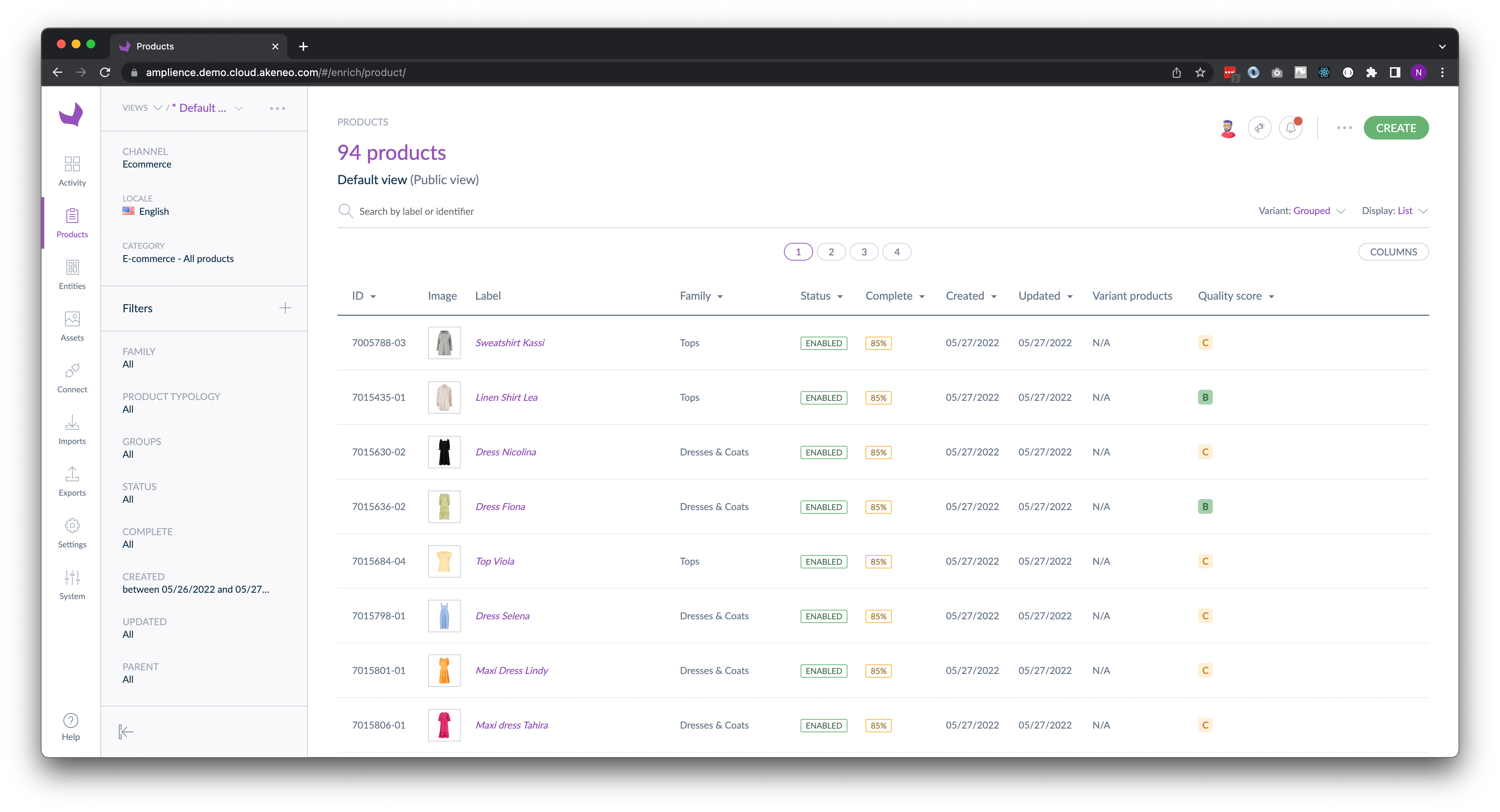
- Products in Akeneo
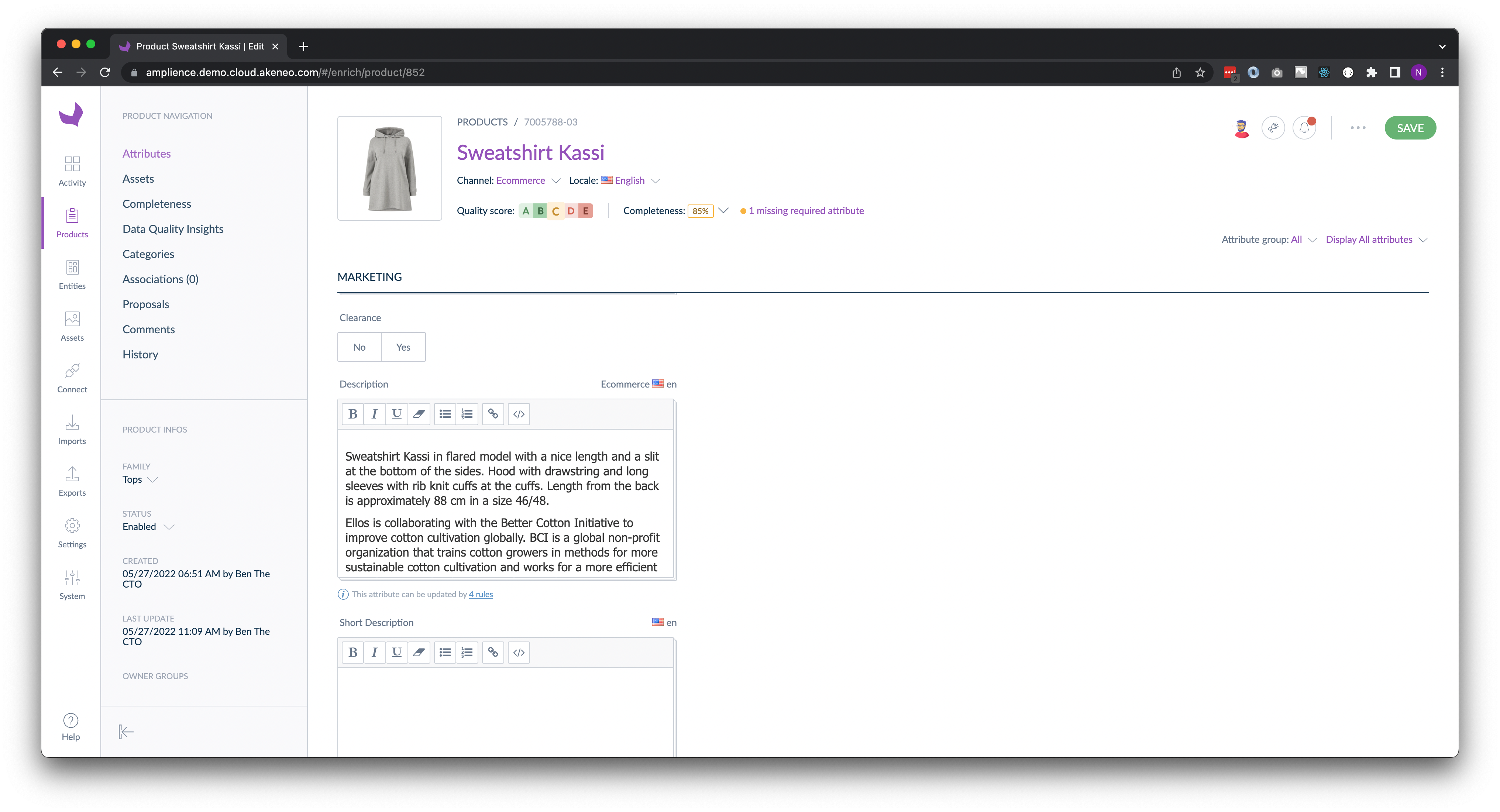
- Akeneo Product Record
Constructor.io
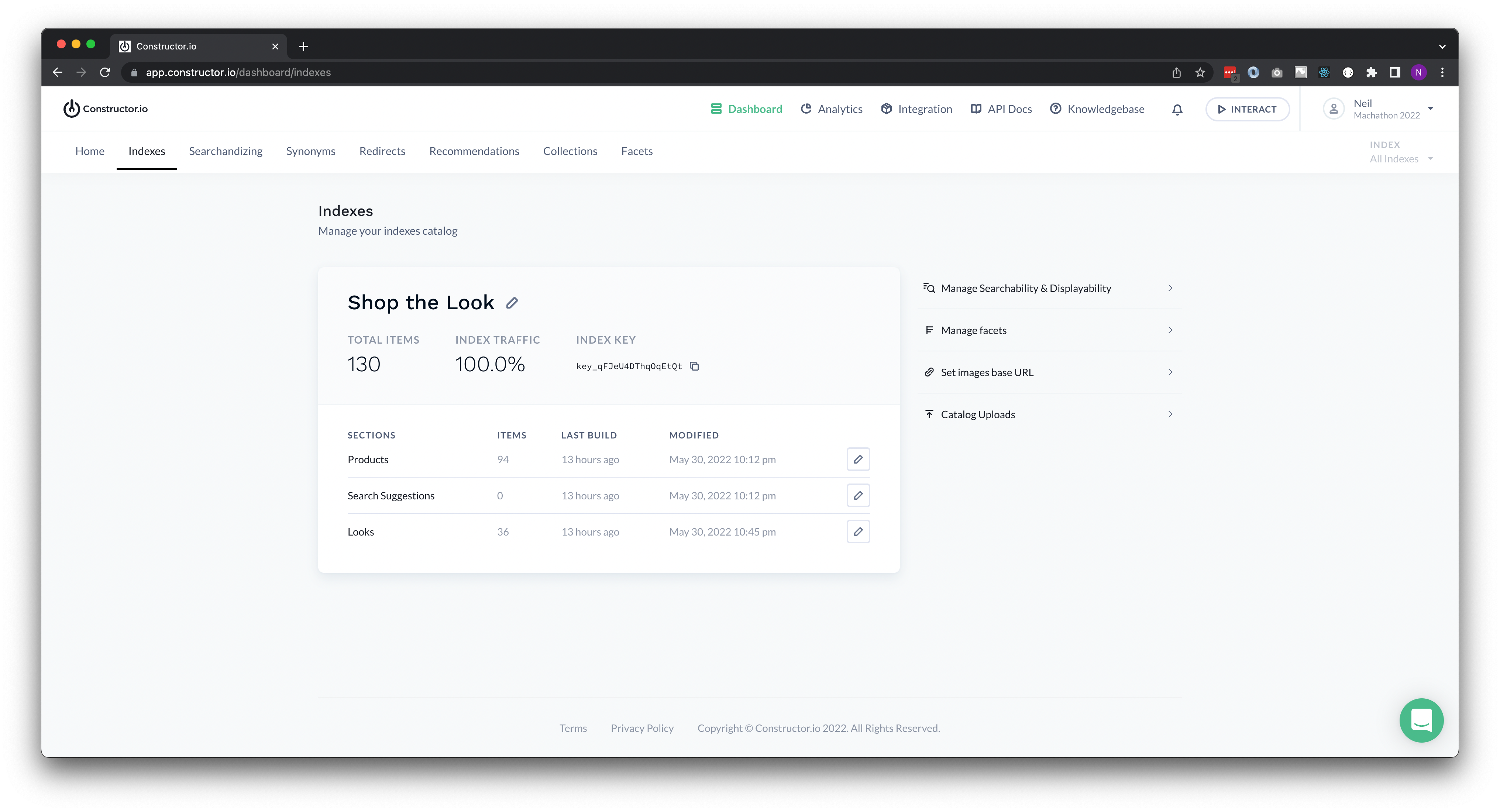
- Indexes and sections in Constructor.io
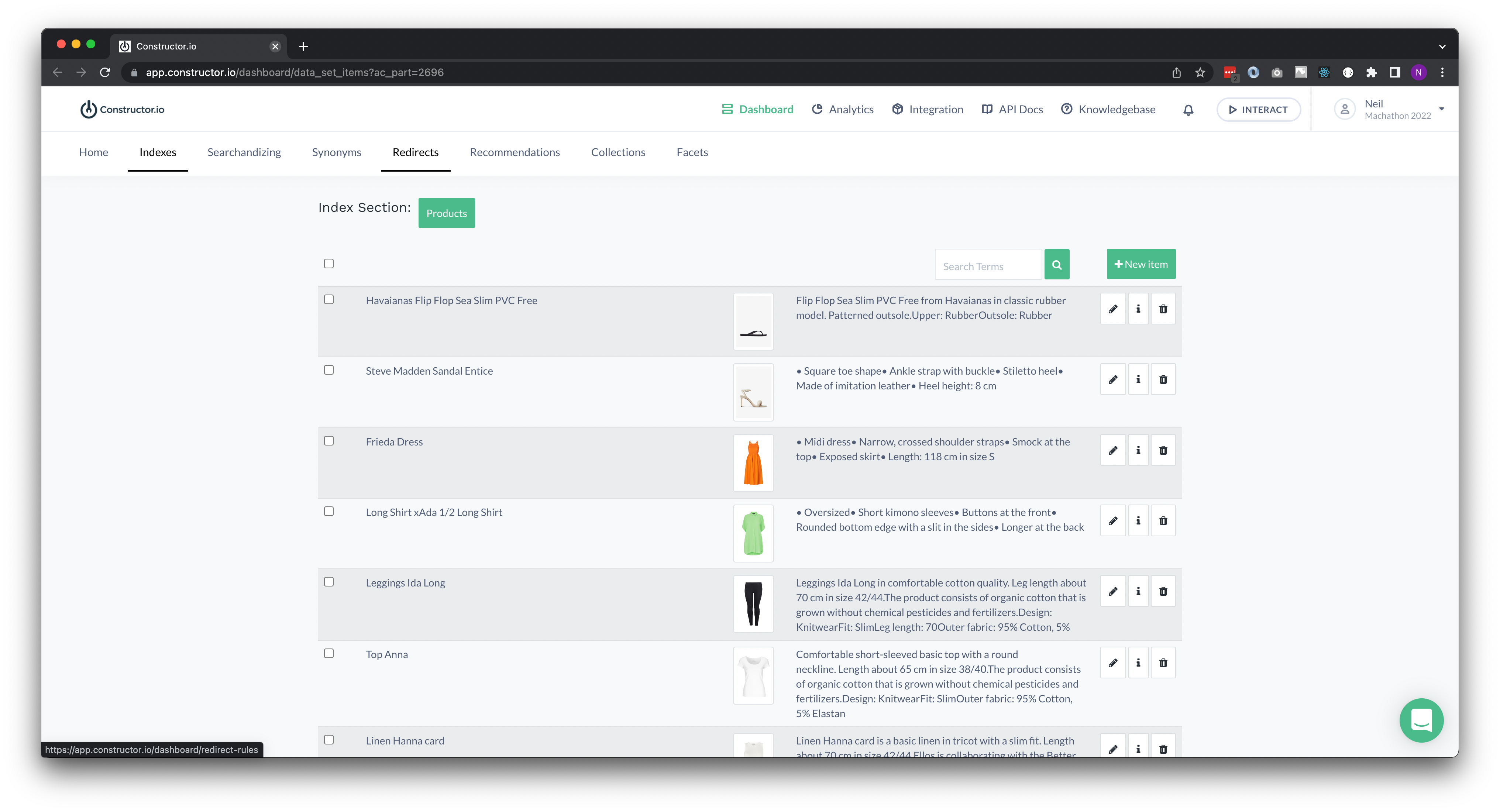
- Product Section in Constructor.io
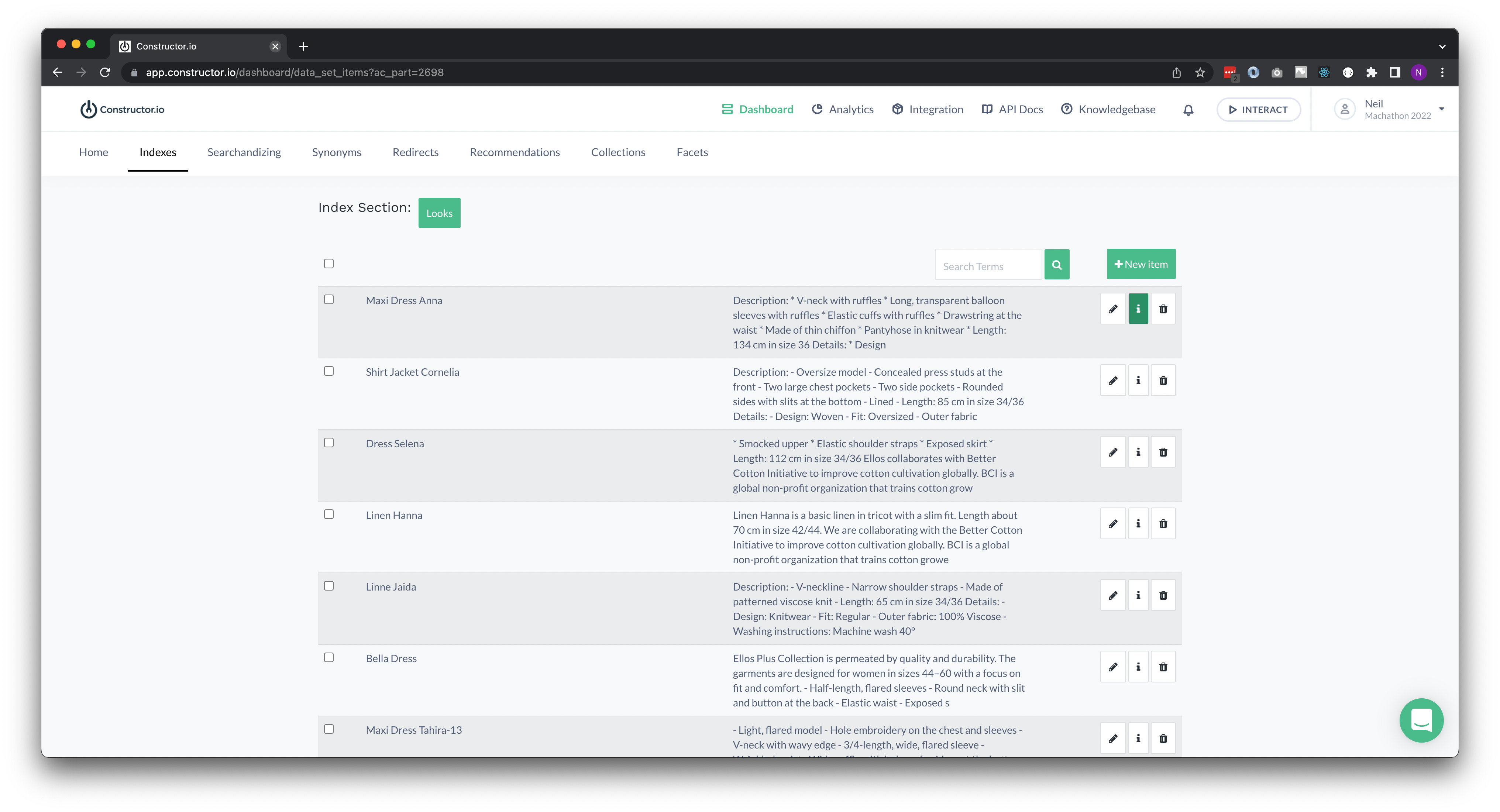
- Looks Section in Constructor.io
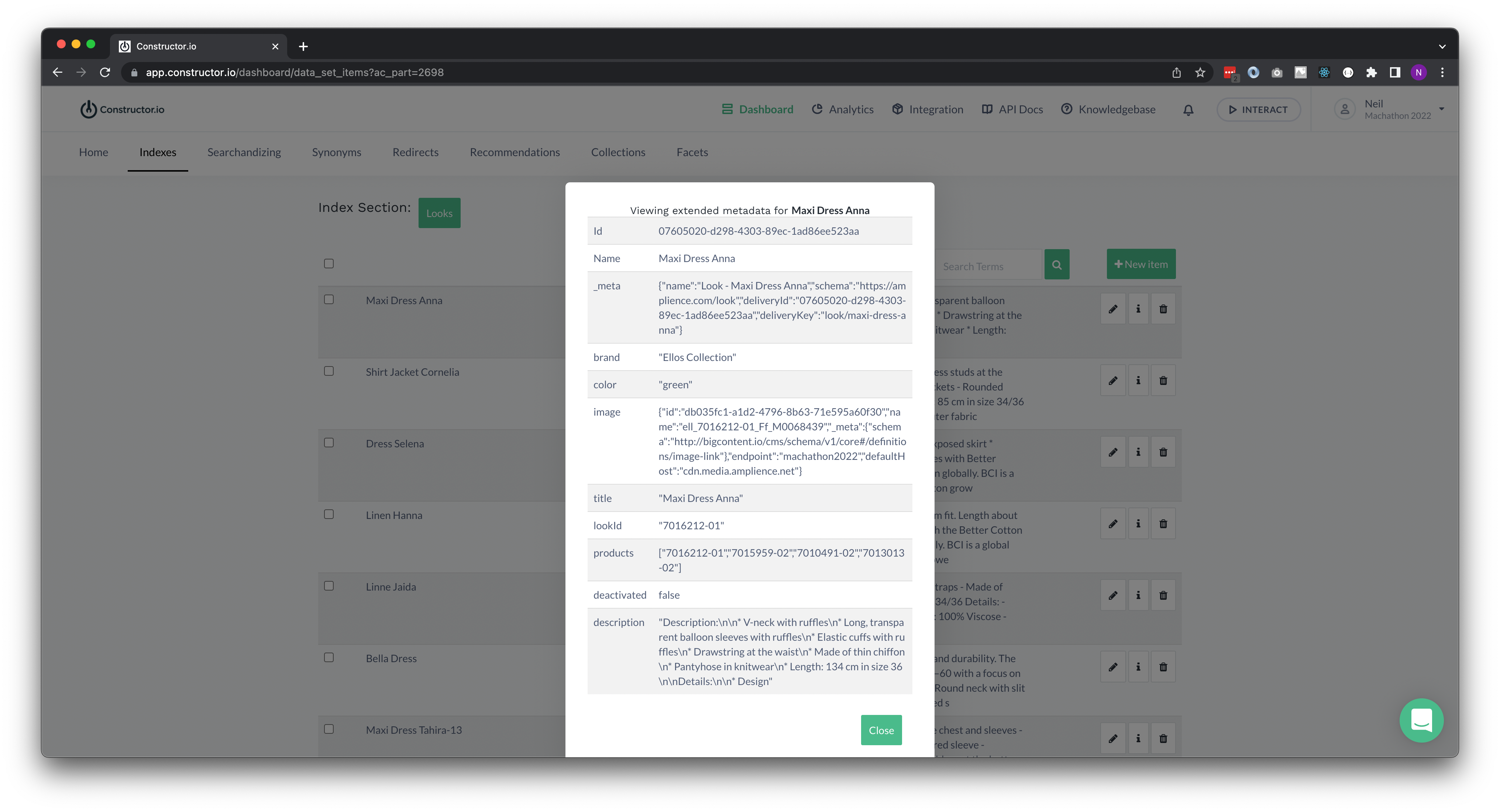
- Look Item in Constructor.io
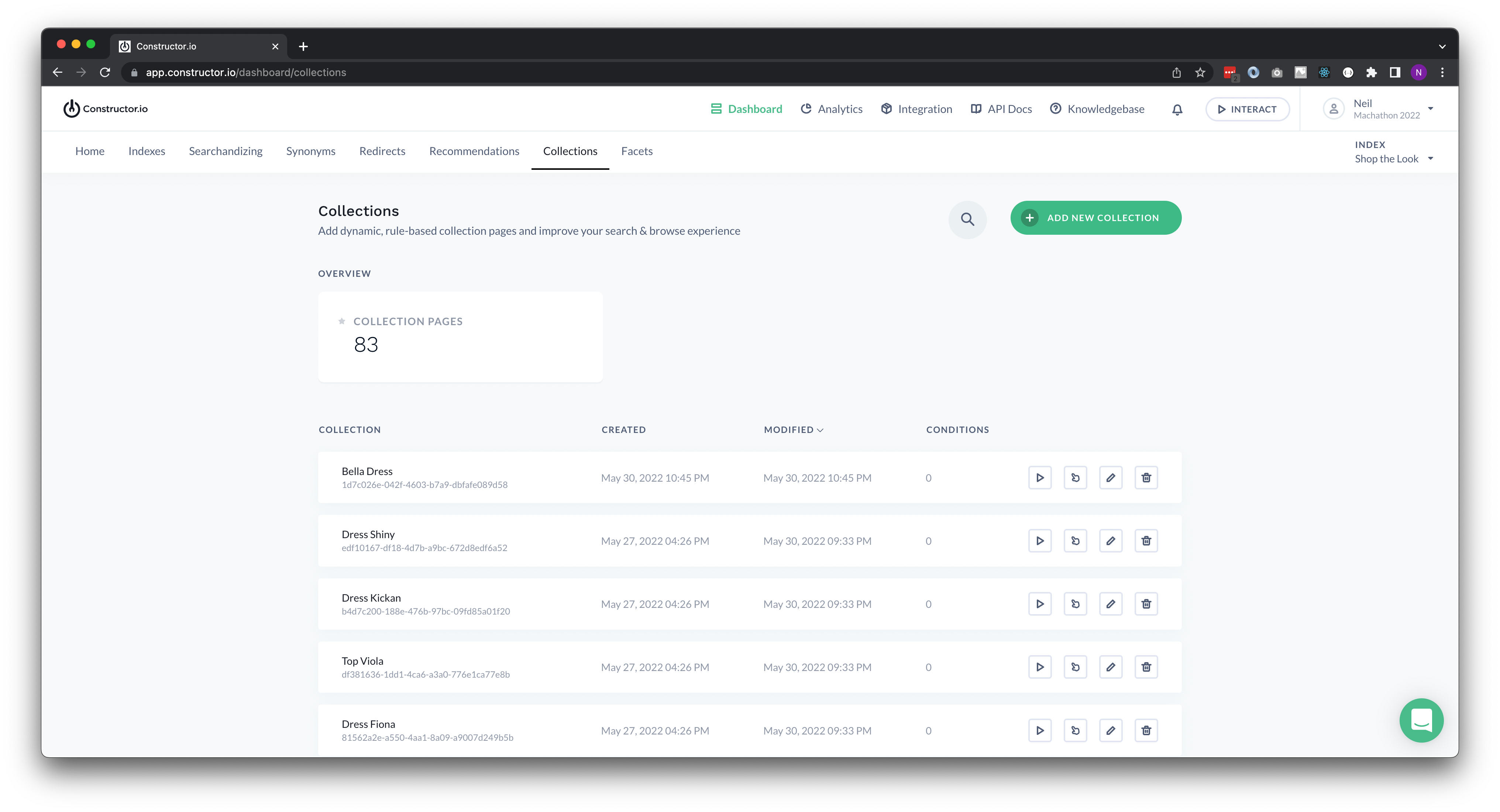
- Collections overview in Constructor.io
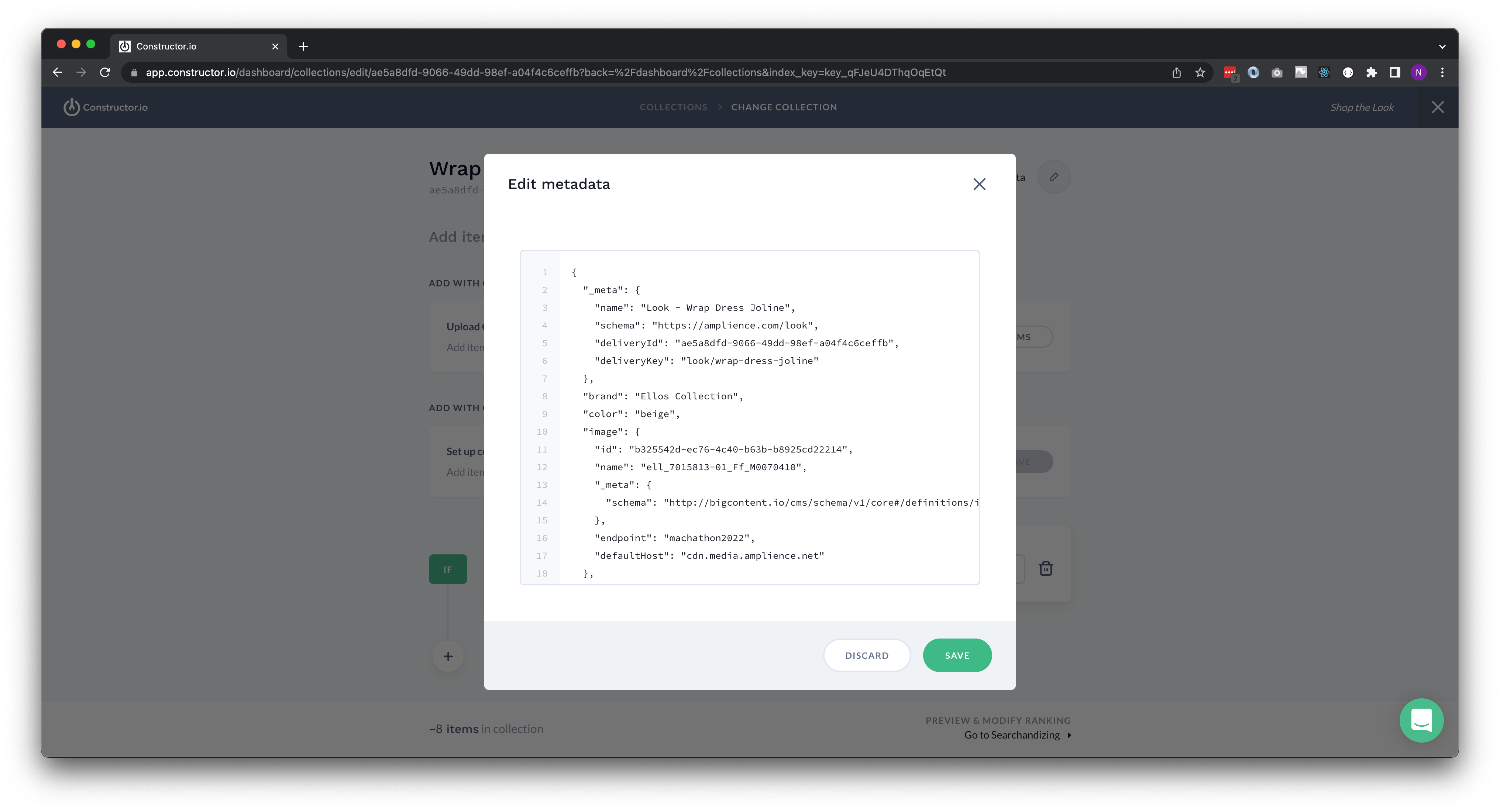
- Collections item data in Constructor.io
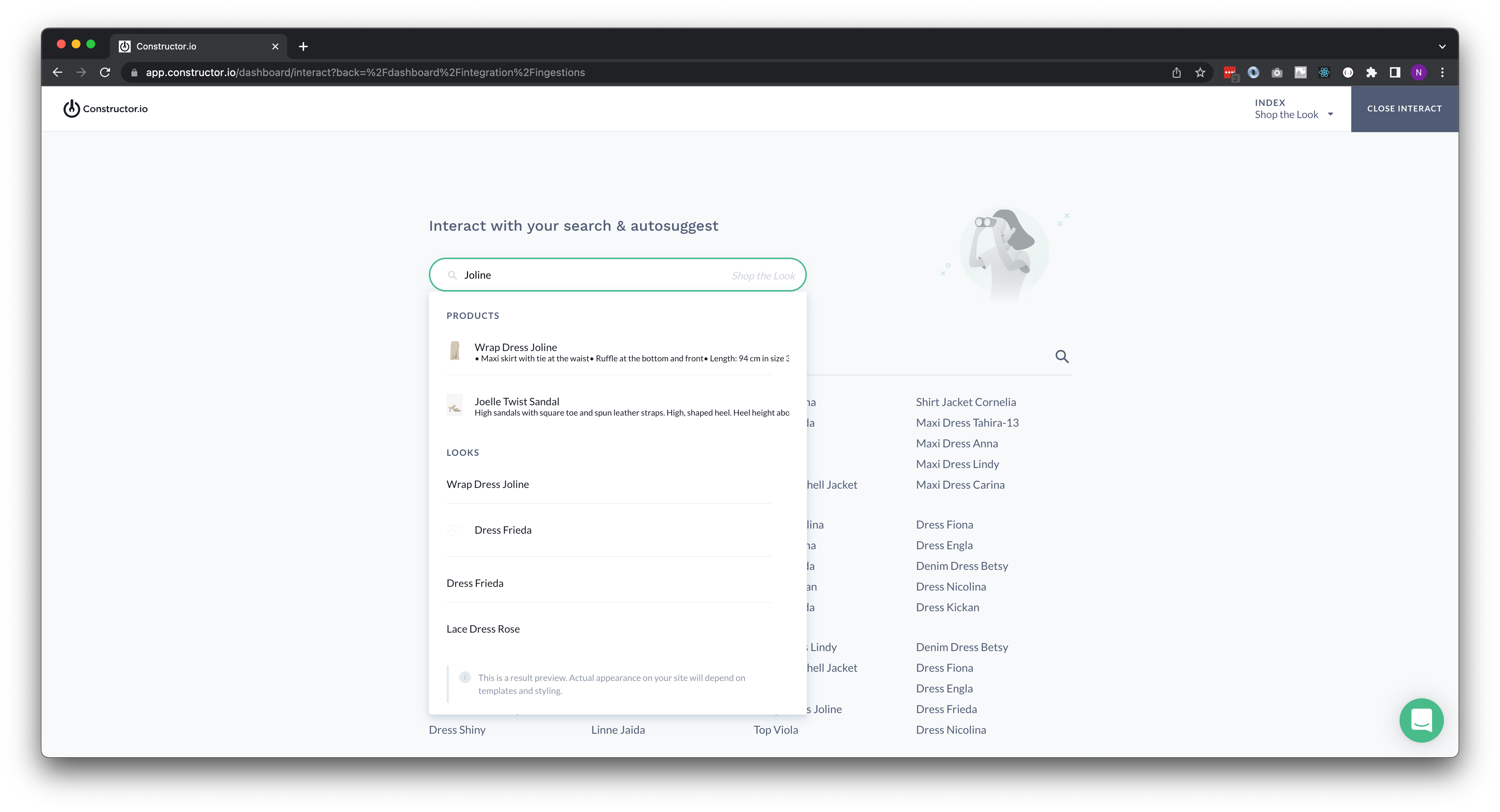
- Test interactions with data in Constructor.io
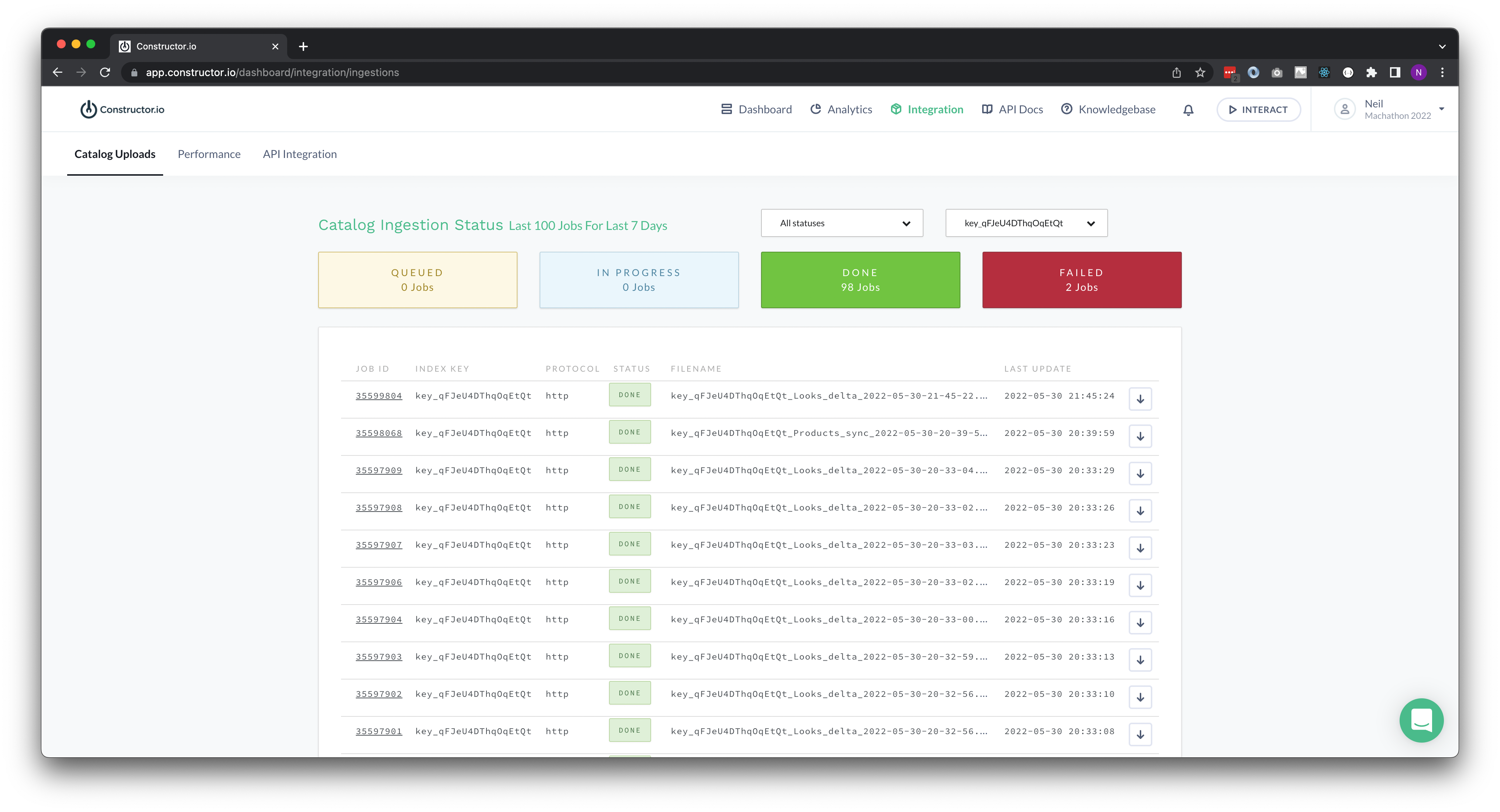
- Product Ingestion in Constructor.io
Built With
- akeneo
- amplience
- apis
- constructor.io
- javascript
- material-ui
- next.js
- node.js
- react
- typescript
- vercel
- webhooks


Log in or sign up for Devpost to join the conversation.