-
-
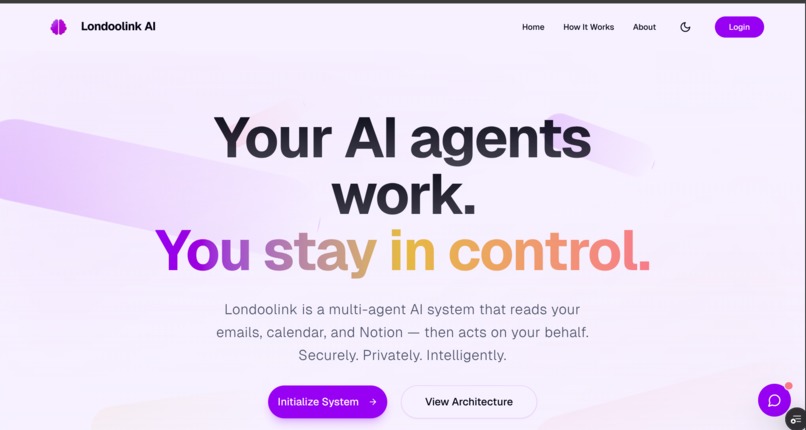
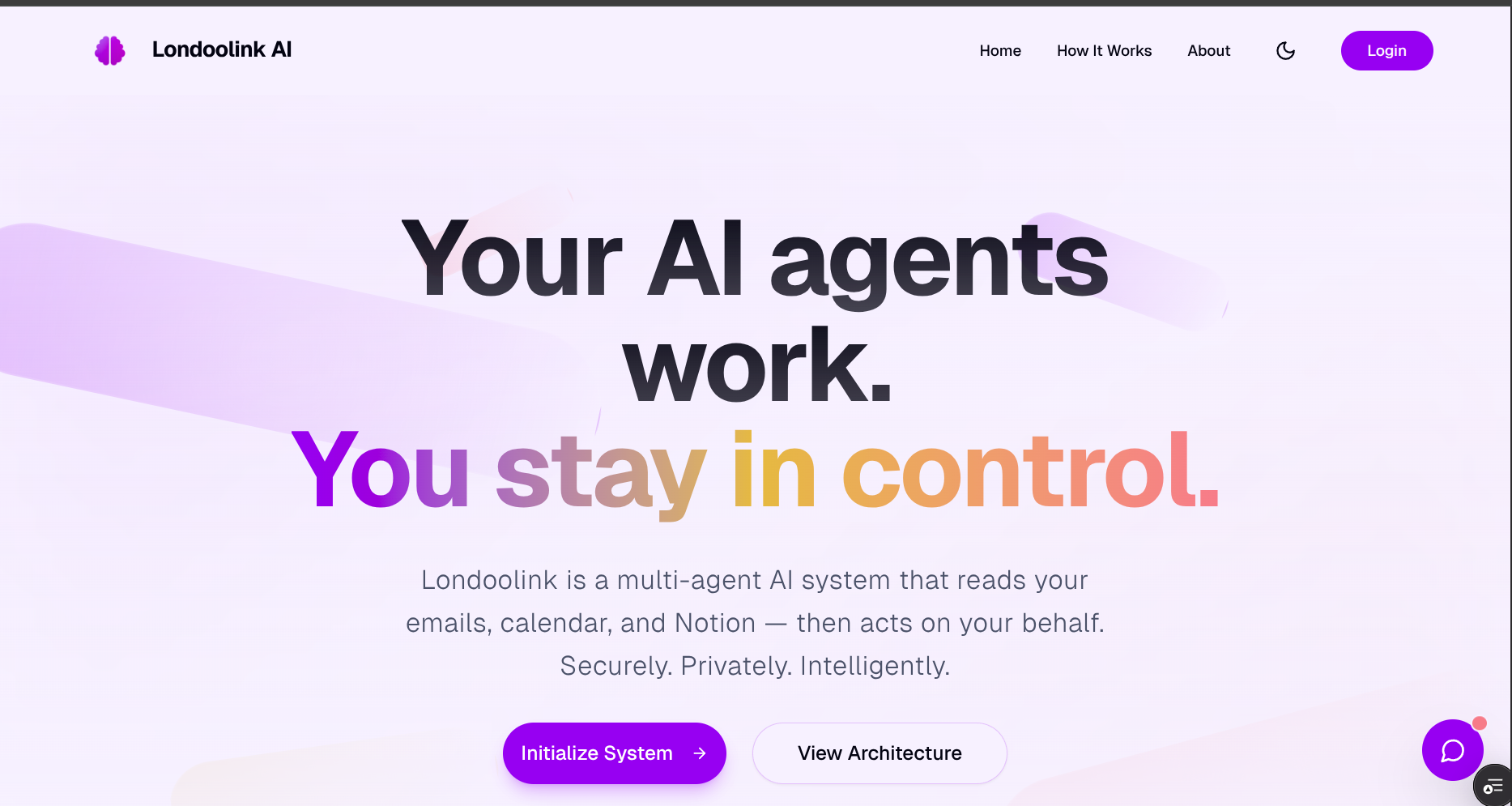
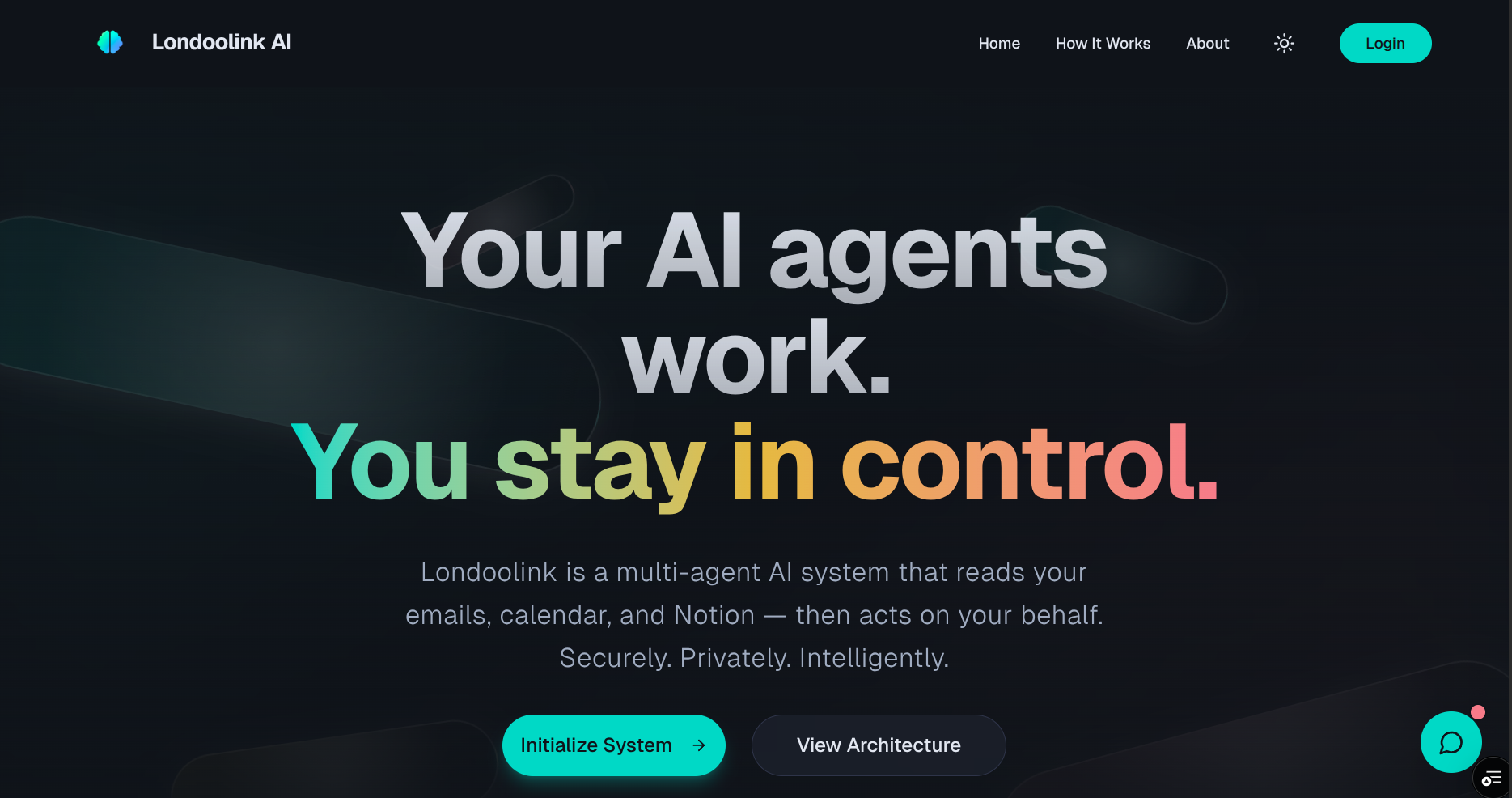
Home Screen
-
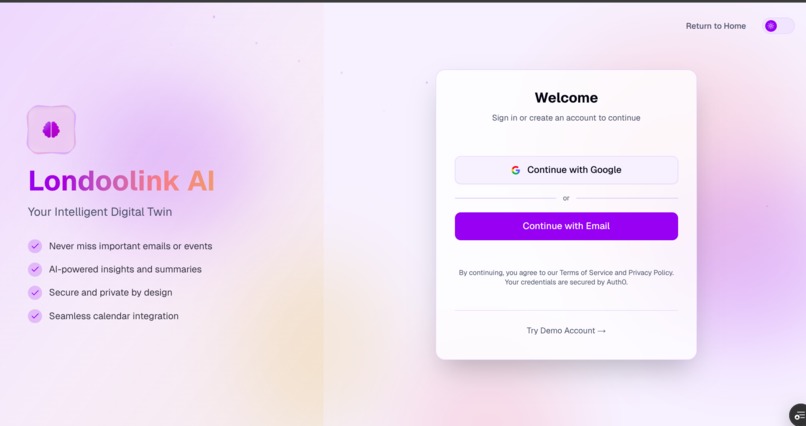
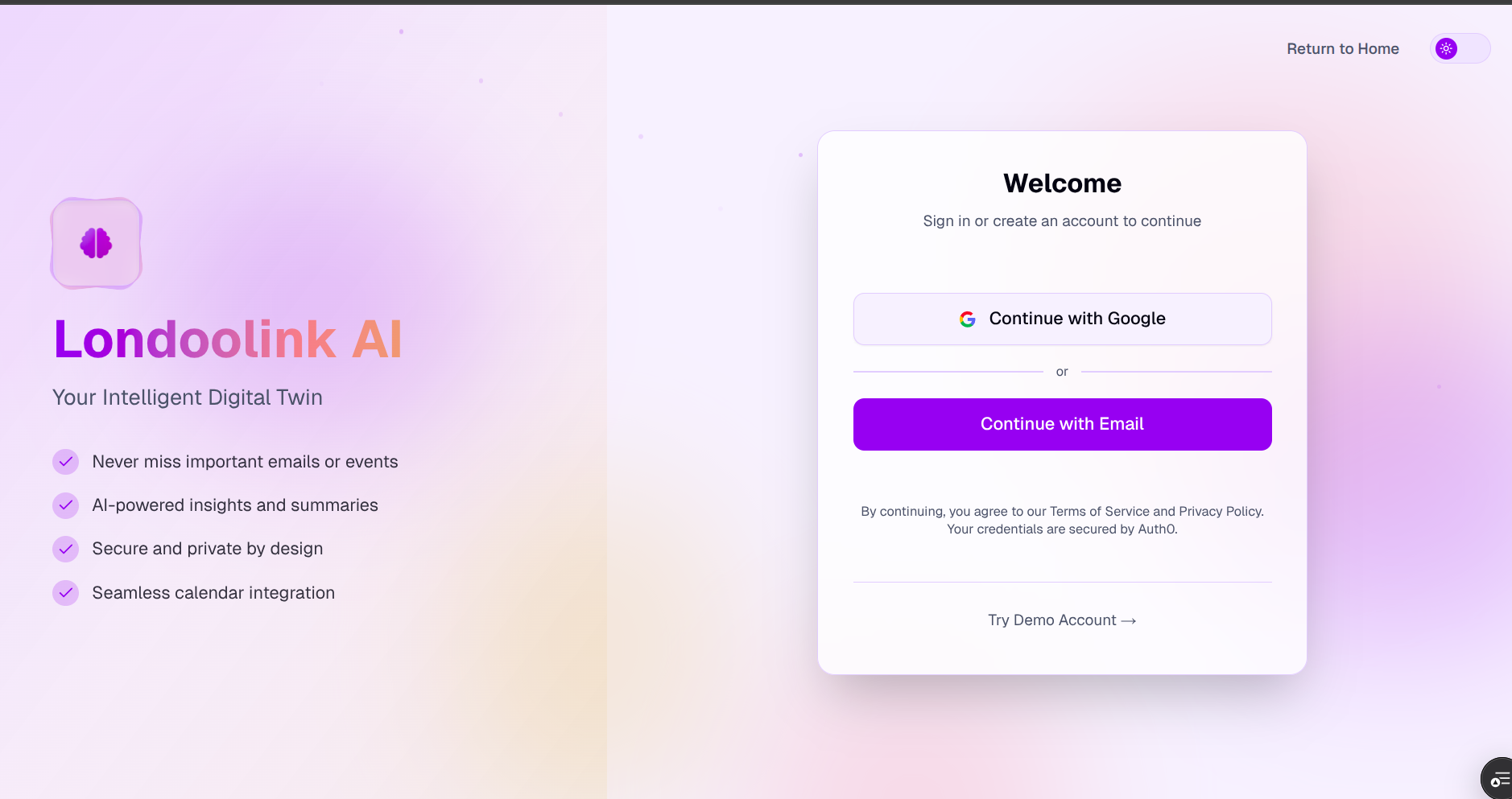
Auth Page
-
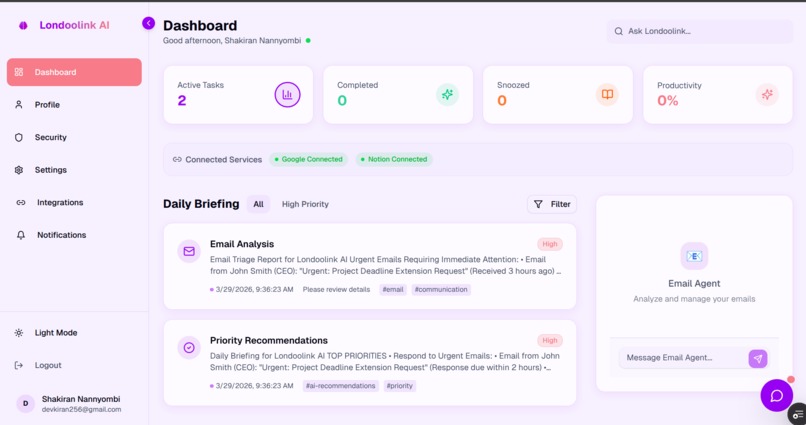
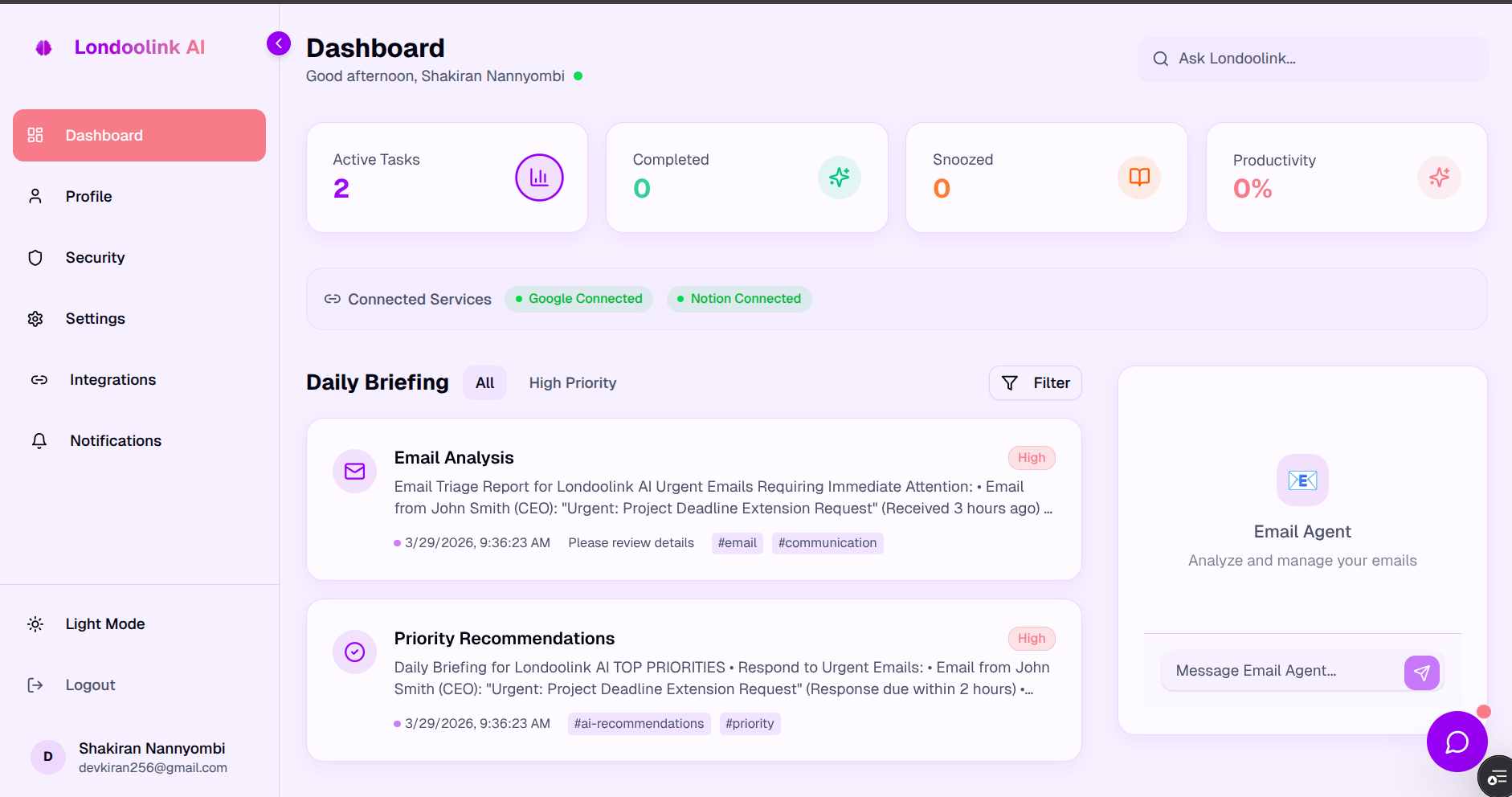
Dashboard
-
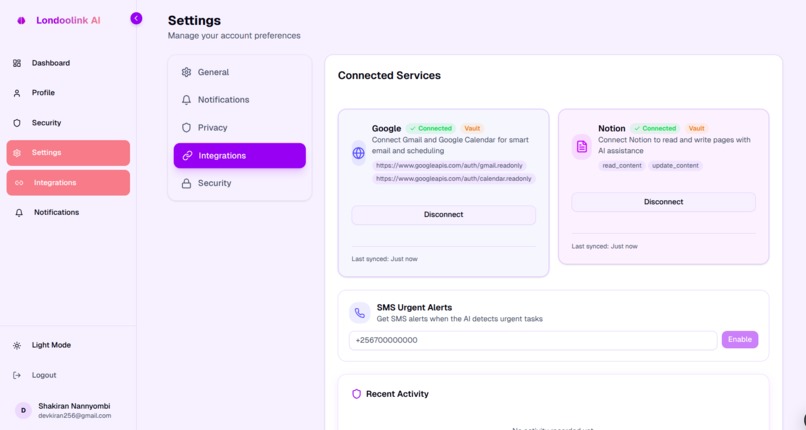
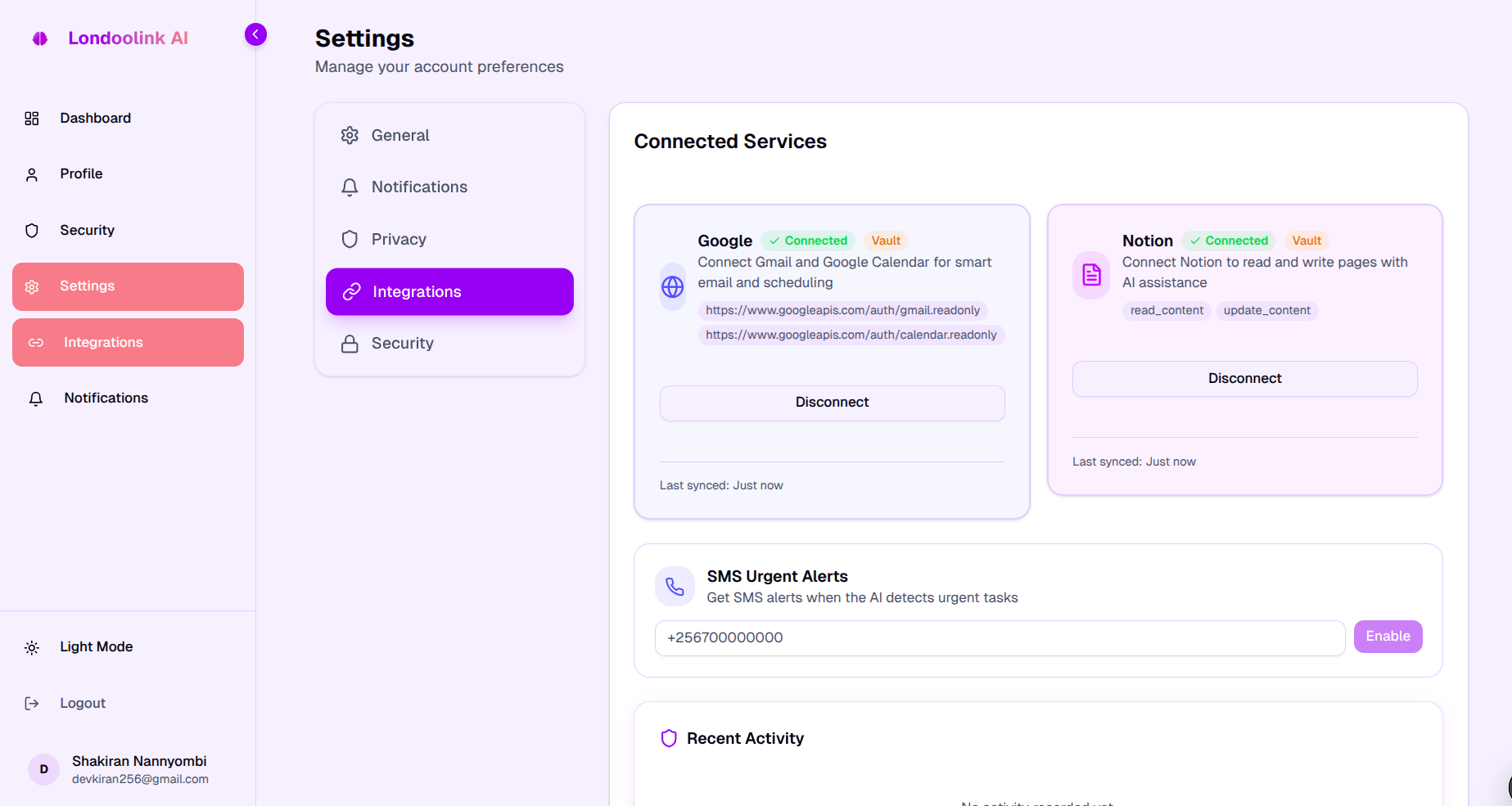
Intergerations
-
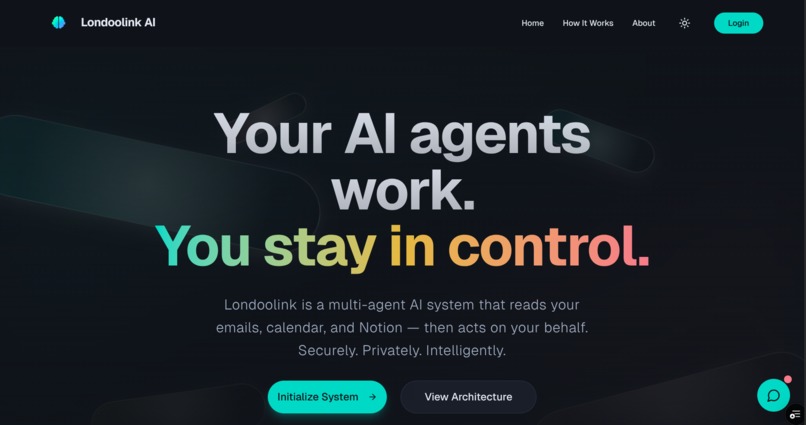
Home Dark Theme
-
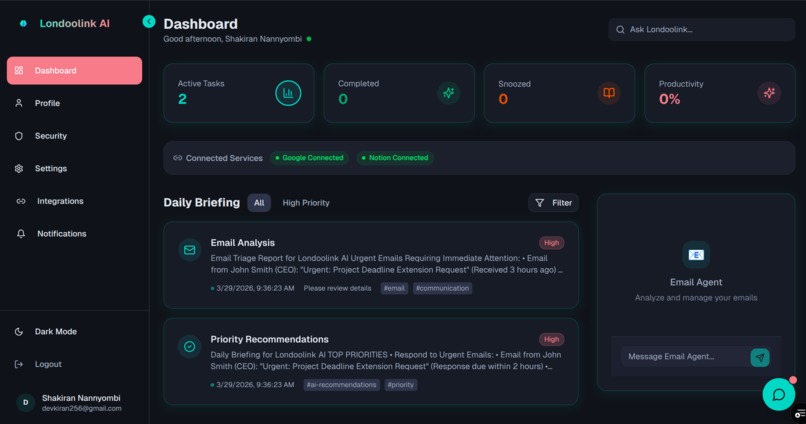
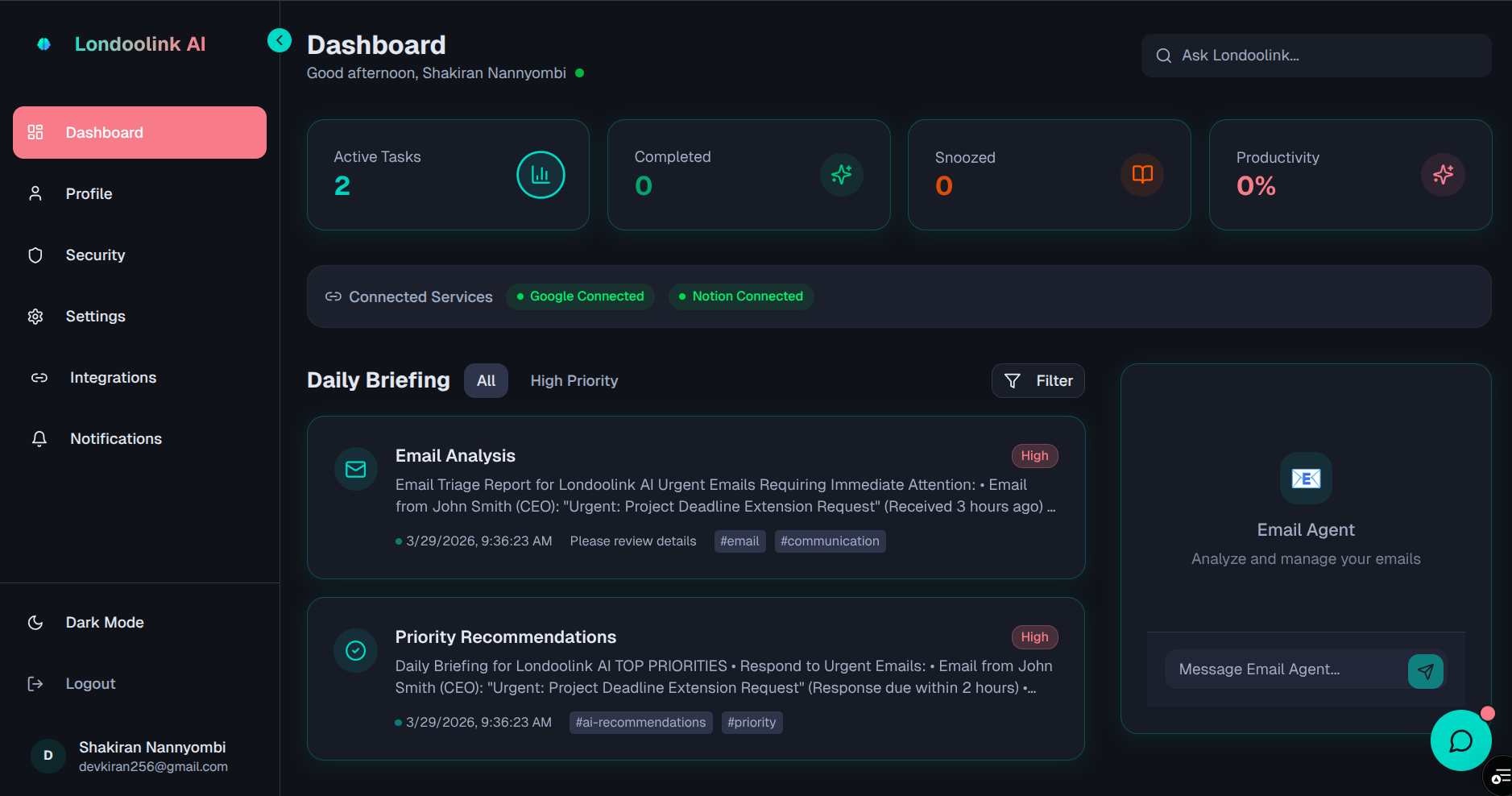
Dashboard dark Theme
Inspiration
We're all drowning in digital chaos. Between Gmail, Google Calendar, Notion, and endless notifications, we waste hours every day just trying to stay organized. We wanted to build something that actually helps an AI assistant that works for you across all your apps, but does it safely.
The big question: How do you let AI access your Gmail and Calendar without giving it your passwords? That's where Auth0 Token Vault came in.
What it does
Londoolink AI is your intelligent digital twin. It connects to your Gmail, Google Calendar, and Notion to:
- Read your emails and tell you what's urgent
- Check your calendar and warn you about conflicts
- Generate daily briefings so you know what matters
- Chat with you to answer questions about your schedule
- Create Notion templates and meeting notes automatically
The magic? Your AI assistant never sees your passwords. Auth0 Token Vault holds your credentials securely and only gives the AI temporary access when needed. You stay in control.
How we built it
The Frontend (what you see)
- Built with Next.js and React for a smooth, modern interface
- Beautiful animations and dark mode
- Simple 2-click setup to connect your accounts
- Real-time chat with your AI assistant
The Backend (what powers it)
- Multiple specialized AI agents working together:
- Email Agent - reads and prioritizes your Gmail
- Calendar Agent - manages your schedule
- Notion Agent - creates templates and notes
- Coordinator - decides which agent to use
- Auth0 Token Vault keeps your credentials safe
- PostgreSQL database for your settings and preferences
The Security
- You log in with Auth0 (the same tech banks use)
- When you connect Gmail, Auth0 stores the access token—not us
- Our AI agents ask Auth0 for permission each time they need access
- You can revoke access anytime from your dashboard
- Two-factor authentication for extra protection
Challenges we ran into
1. Learning Token Vault
We started by storing encrypted passwords in our database (risky!). Switching to Token Vault meant learning a completely new way of handling credentials. It took time, but now our system is way more secure.
2. Making AI agents work together
With multiple agents (email, calendar, and Notion), we needed them to coordinate without stepping on each other's toes. We built a "coordinator agent" that figures out which agent to use based on what you ask.
3. Keeping tokens fresh
Access tokens expire after an hour. We had to make sure the AI could refresh them automatically without bothering you. Token Vault handles this for us—one less headache!
4. Giving users control
People want to choose what the AI can access. We built a consent dashboard where you can say "yes to reading emails, no to sending them." Token Vault respects these choices.
5. Deployment headaches
User data kept disappearing after updates because we were using the wrong database. We fixed the config, added automatic database updates, and created health checks to catch issues early.
Accomplishments that we're proud of
Your passwords never touch our servers - Auth0 Token Vault handles everything
It actually works - Connect Gmail in 2 clicks, get your briefing in seconds
Bank-level security - 2FA, encrypted data, audit logs
Real time savings - Users save 30+ minutes daily on email triage
Beautiful design - Clean, modern interface that's easy to use
Open source - Anyone can learn from our code
What we learned
About Security:
- Token Vault is the right way to build AI assistants
- Users trust you more when you show "secured by Auth0."
- Audit logs (showing what the AI did) reduce anxiety
About AI:
- People prefer summaries over raw data
- Multiple specialized agents beat one general agent
- AI briefings are more valuable than dashboards
About Users:
- Security matters a lot
- Simple onboarding is critical
- Transparency builds trust
What's next for Londoolink AI
Coming Soon:
- Slack integration for team communication
- Proactive suggestions (AI tells you what to do before you ask)
Big Vision:
- Let anyone create custom AI agents for their workflow
- Team workspaces where multiple people share agents
- Make "secure AI assistants" the standard for everyone
We're open-sourcing our Token Vault integration to help other developers build safe AI systems. Because AI should work for you, not steal from you.
Built With
- api
- auth0
- calendar
- fastapi
- gmail
- next.js
- notion
- openai
- postgresql
- python
- tailwind
- token
- vault


Log in or sign up for Devpost to join the conversation.