-
-
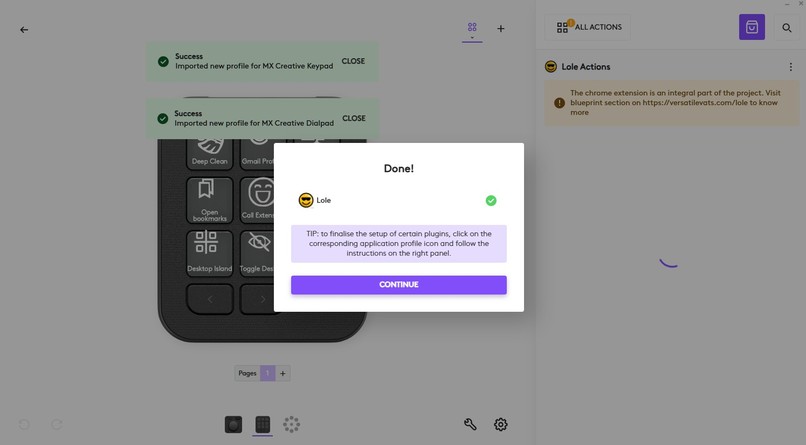
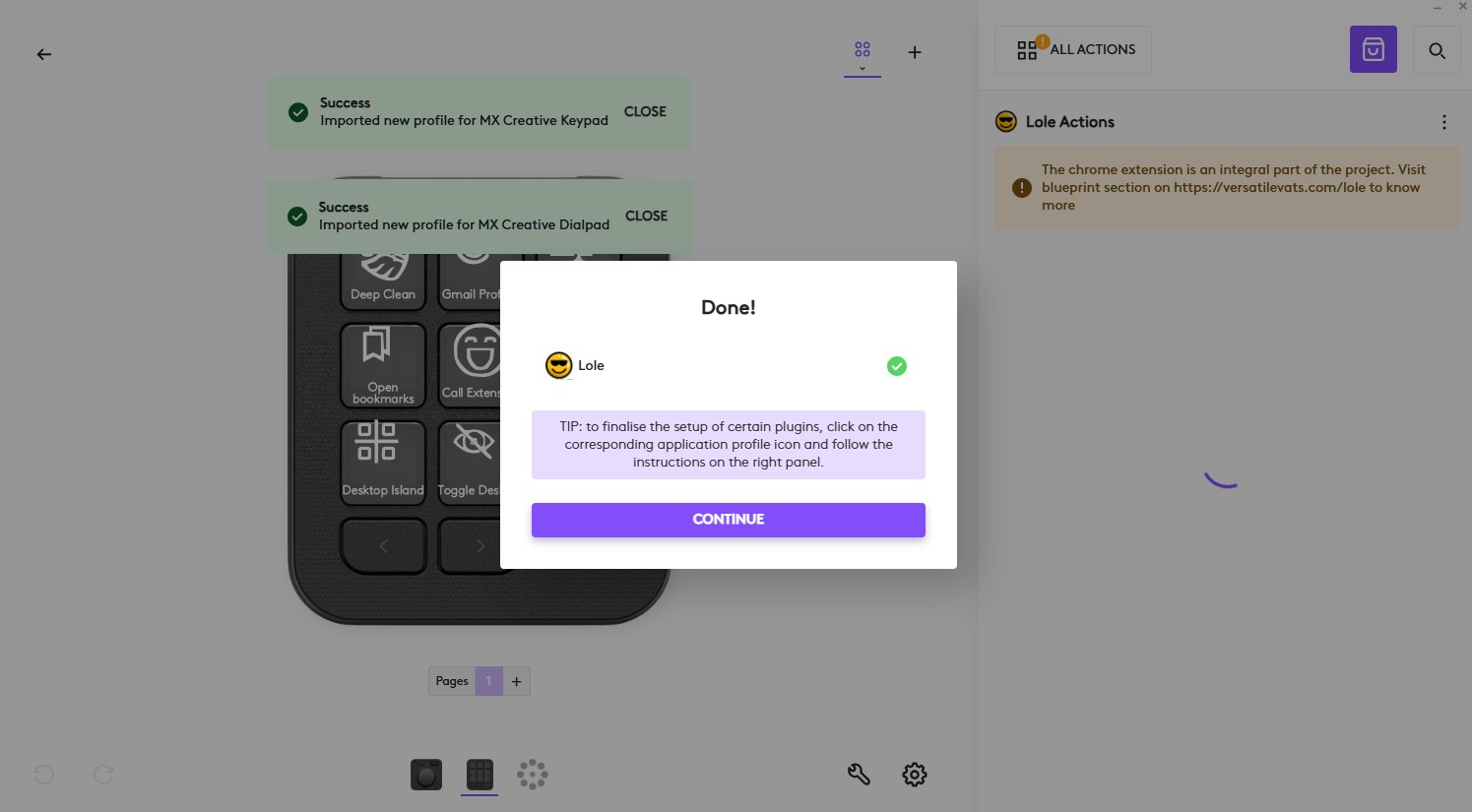
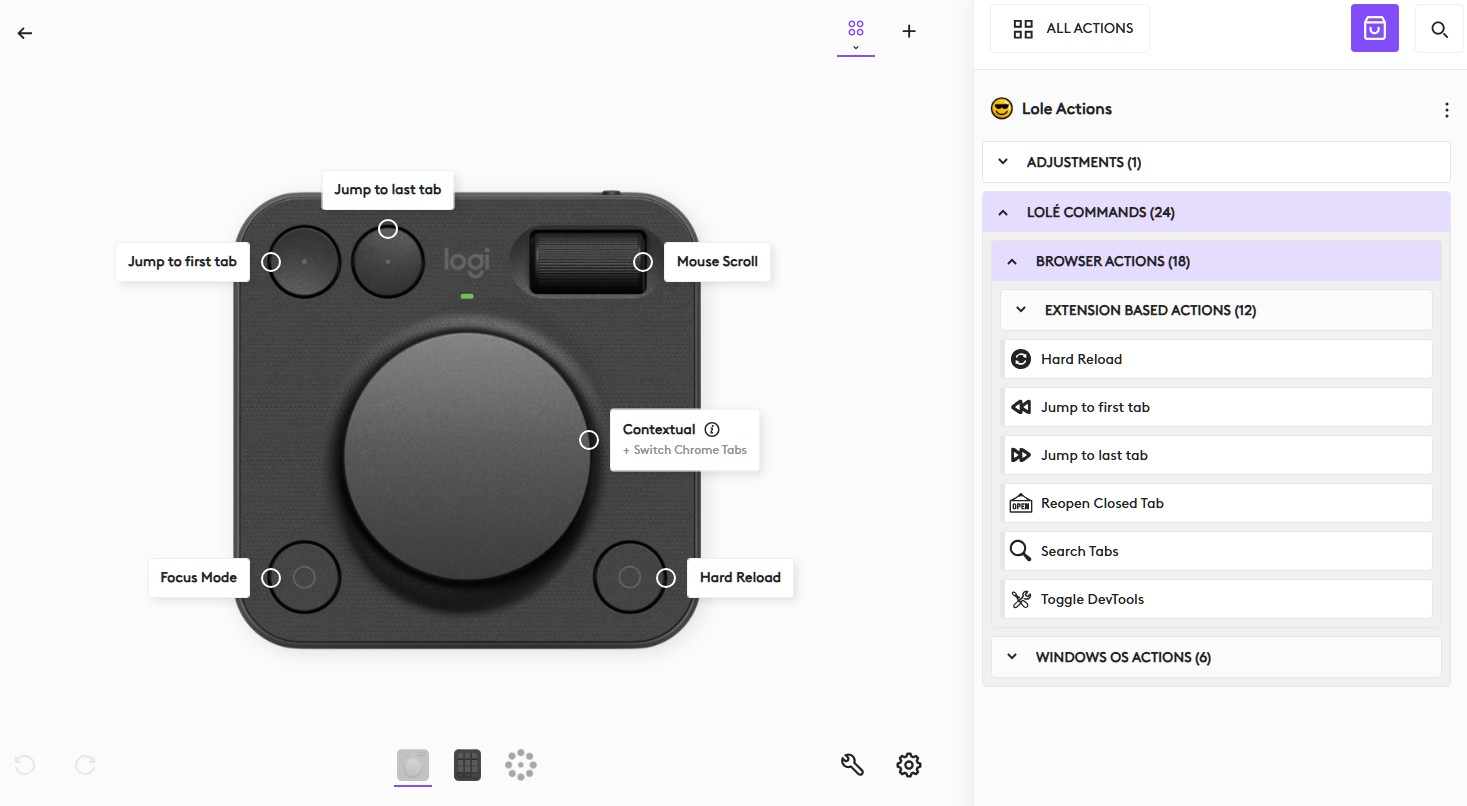
Right after plugin installation, profiles for keypad & dialpad are automatically applied (magic happens)
-
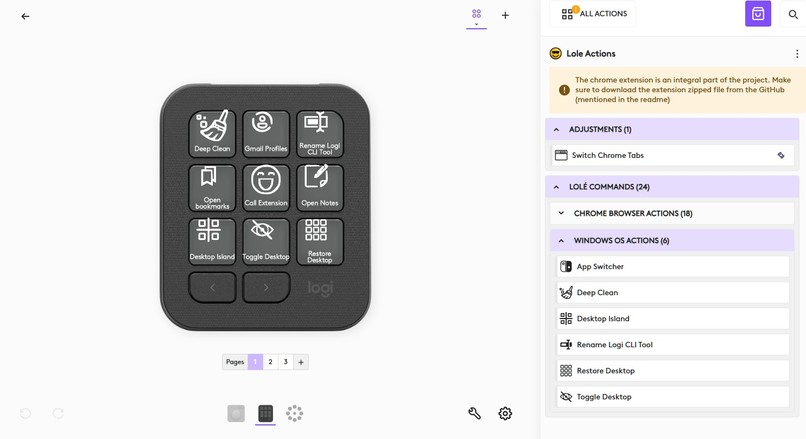
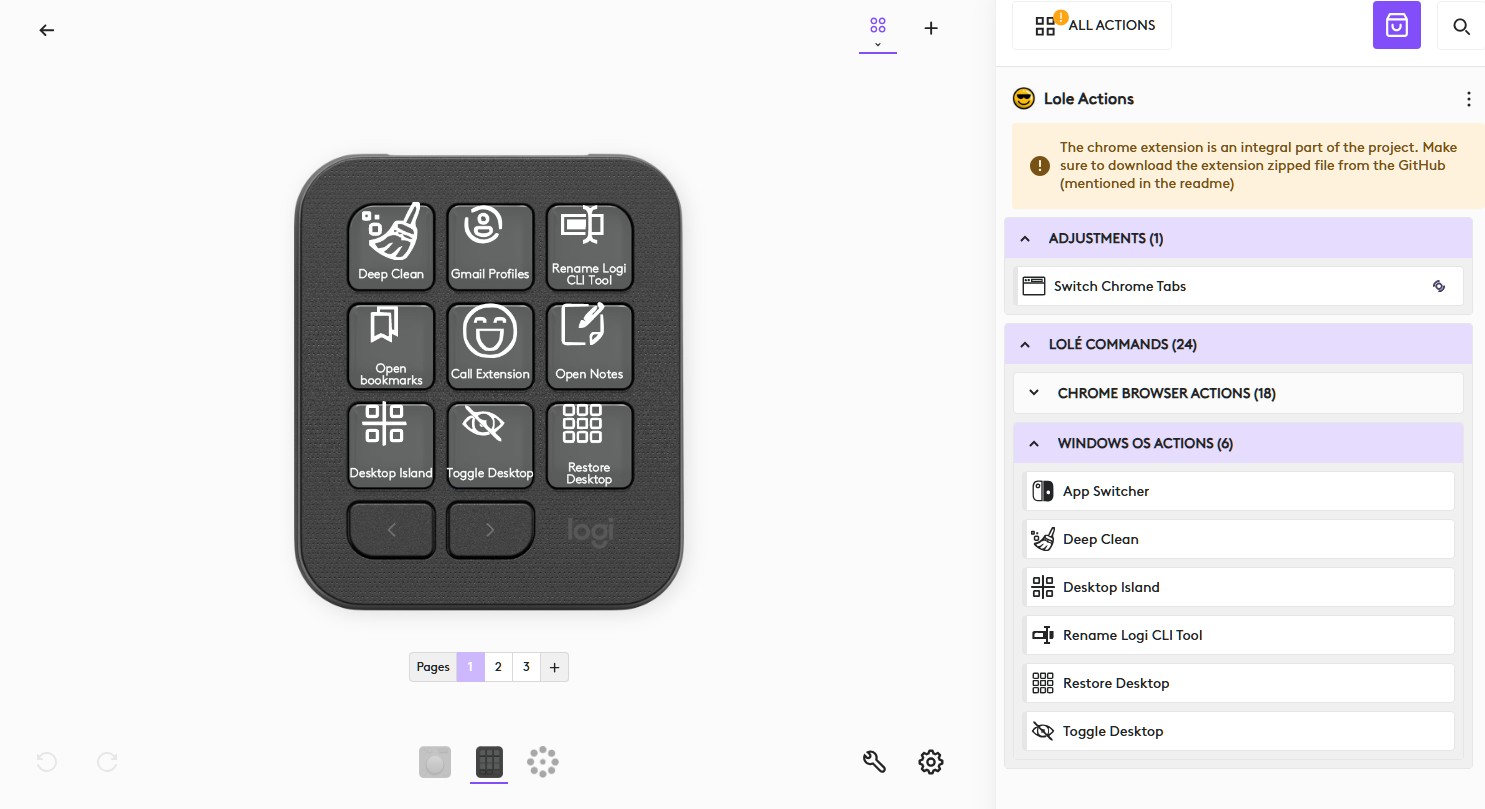
Warning in the config UI urging the users to install the extension too
-
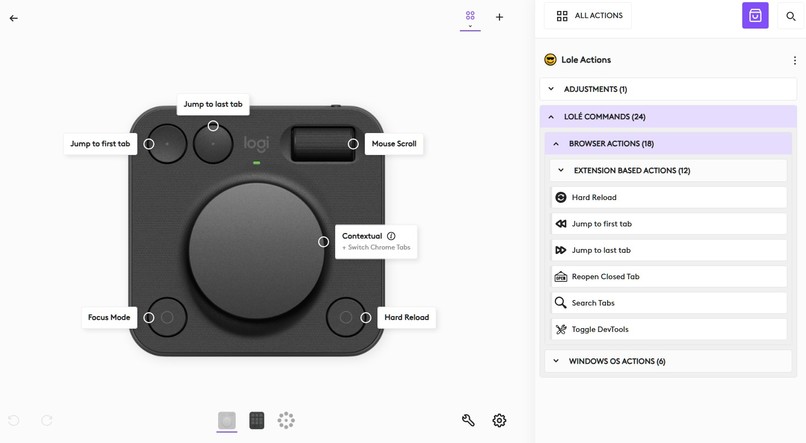
Dialpad profile
-
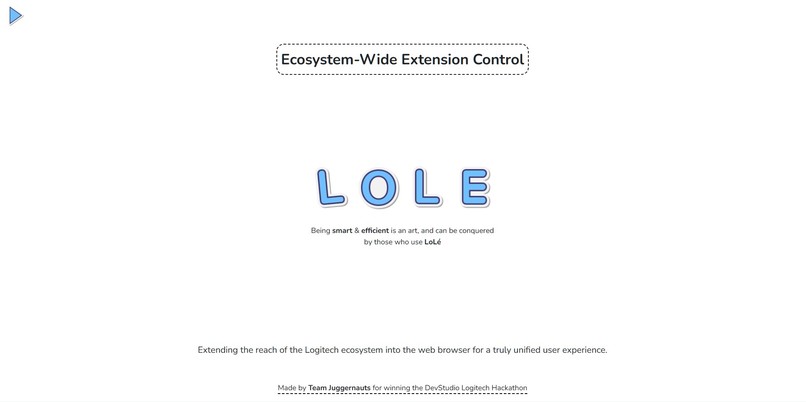
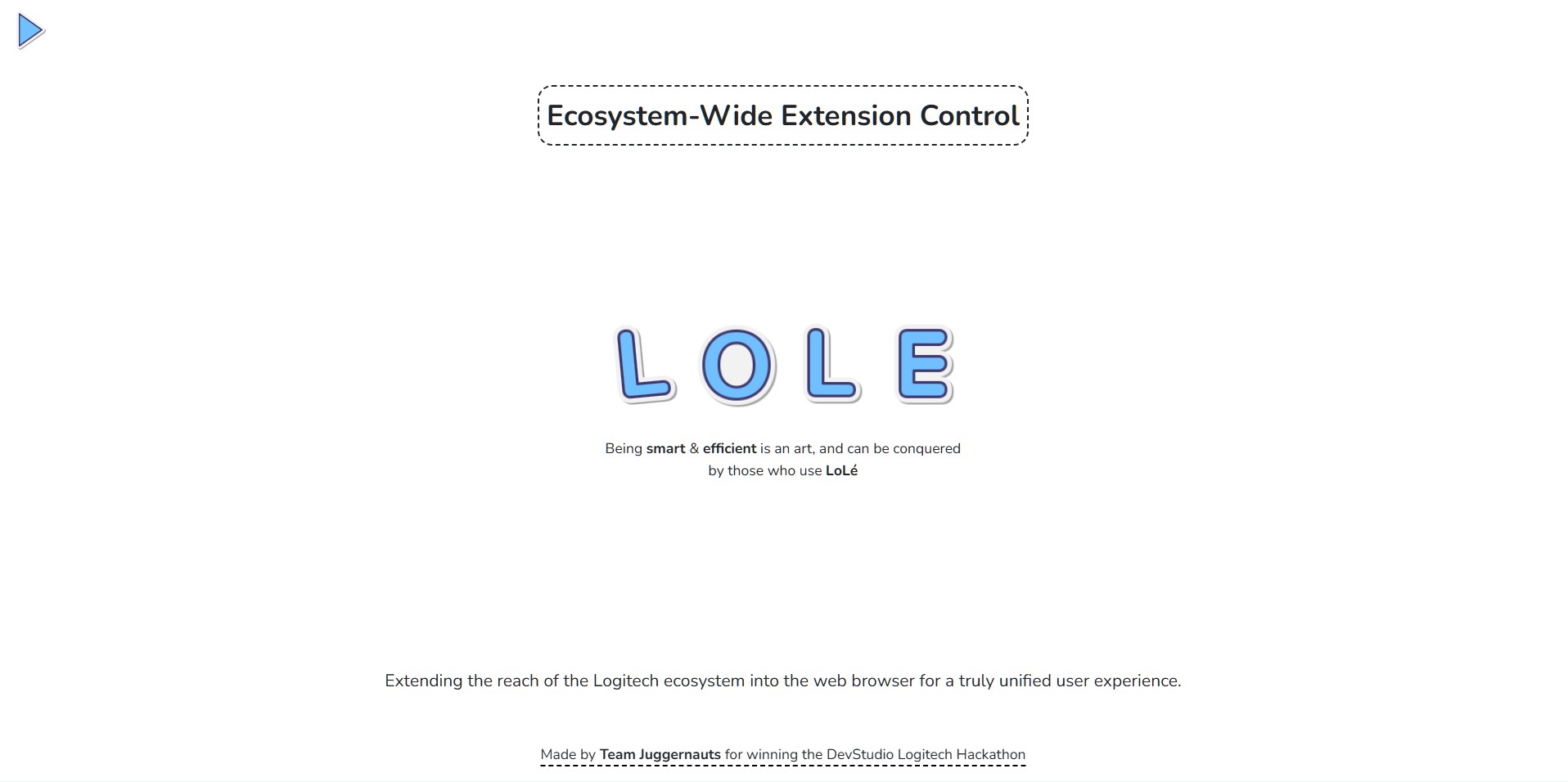
Extension landing page
-
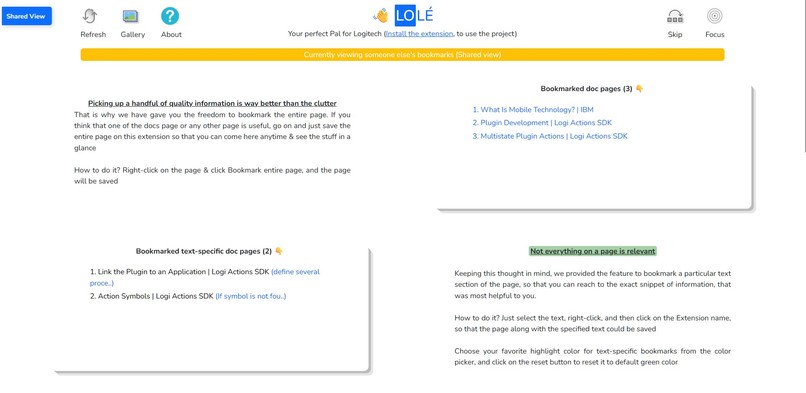
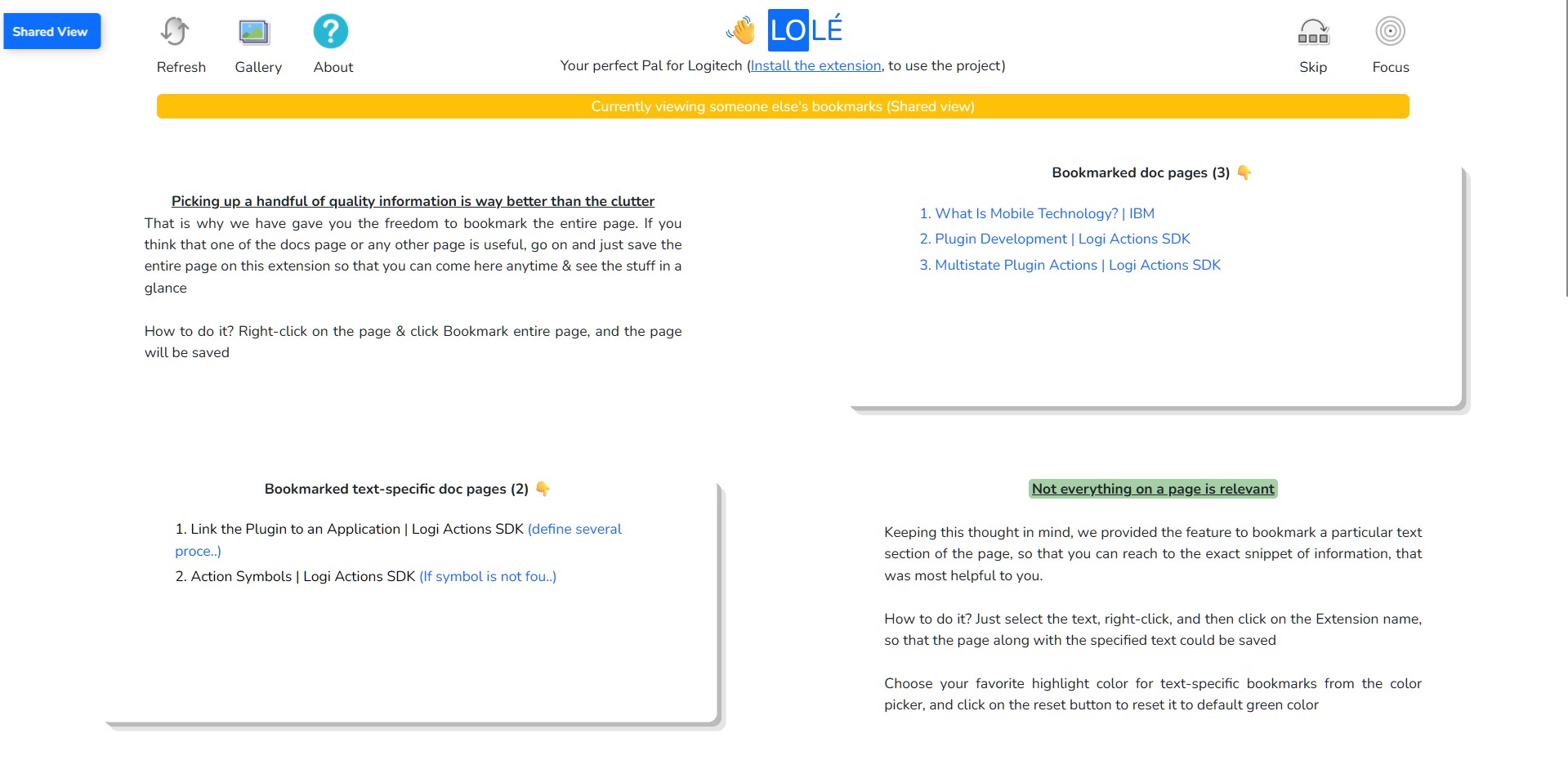
Shared view of the extension for better collaboration
-
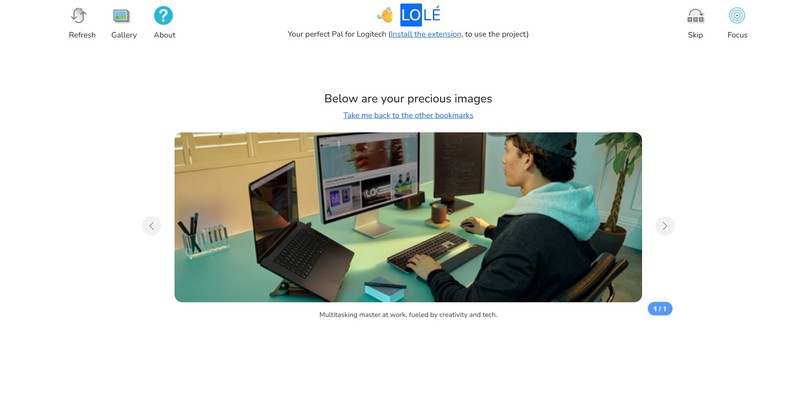
AI captioning for the saved images (only if the end user has enabled the browser AI)
-
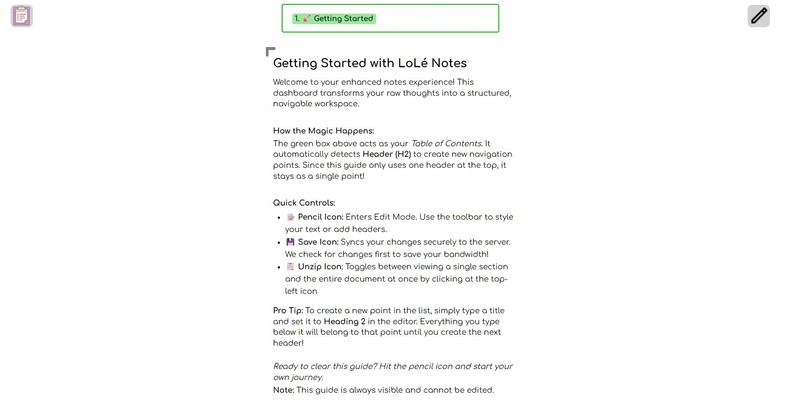
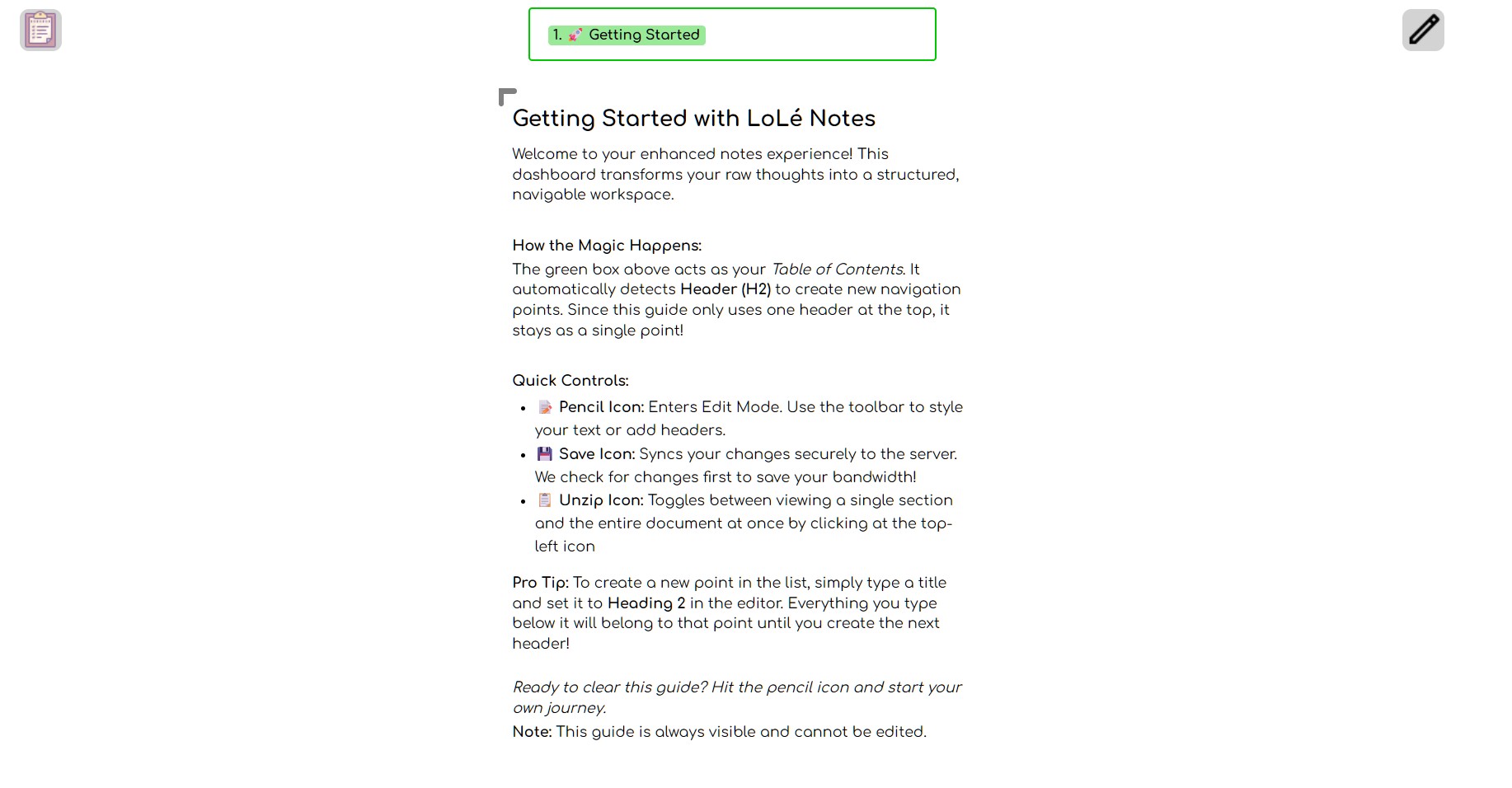
Default notes for a user
-
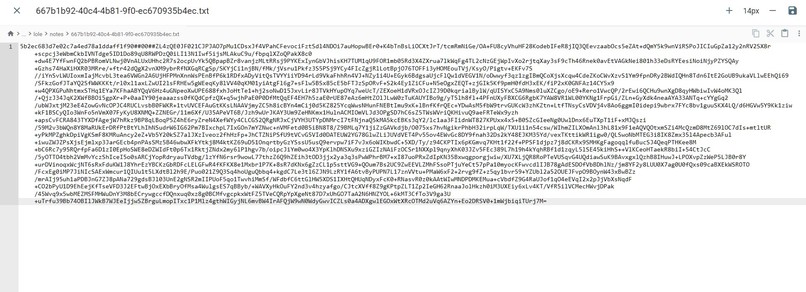
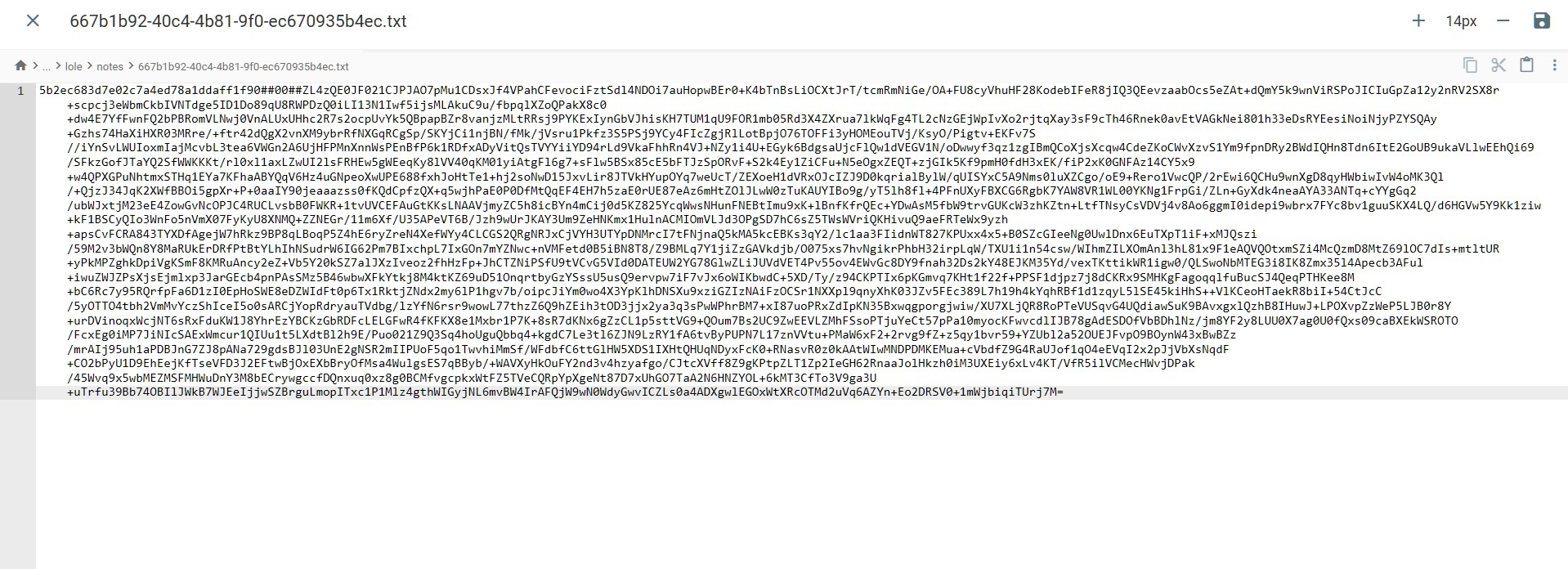
Notes being stored on the server in encrypted manner
-
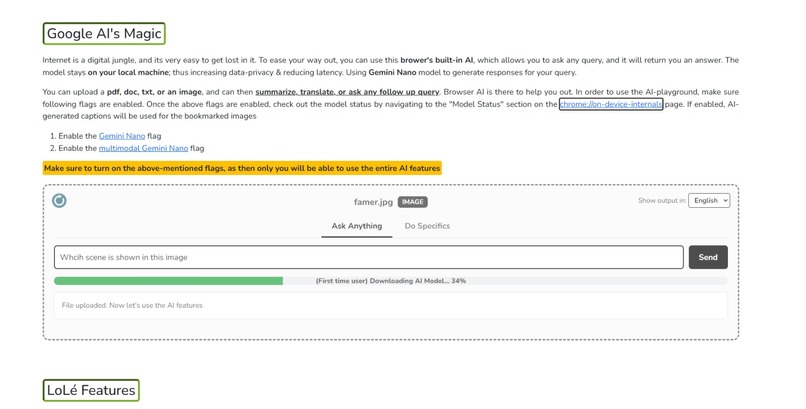
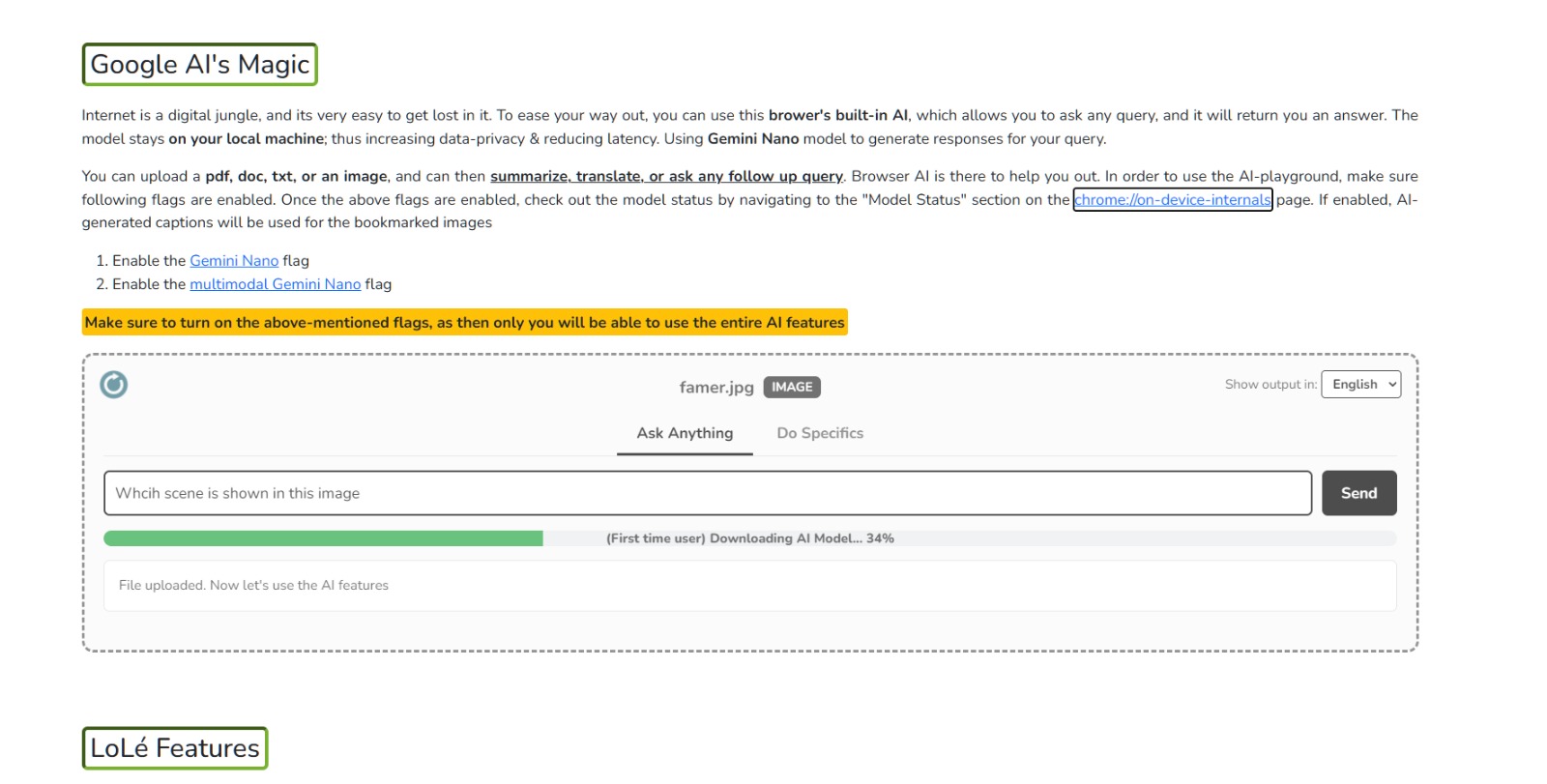
AI model being downloaded for the first-time users
-
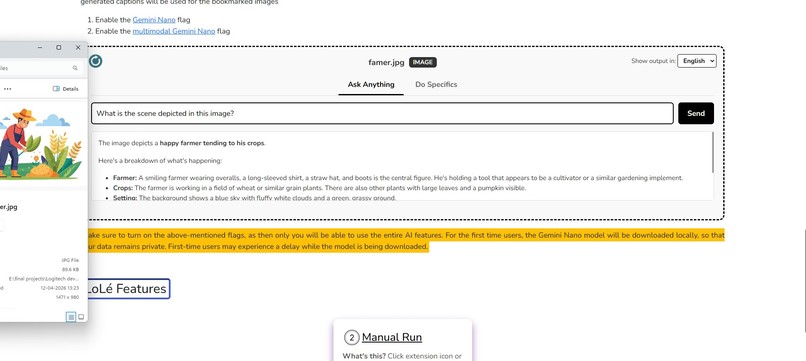
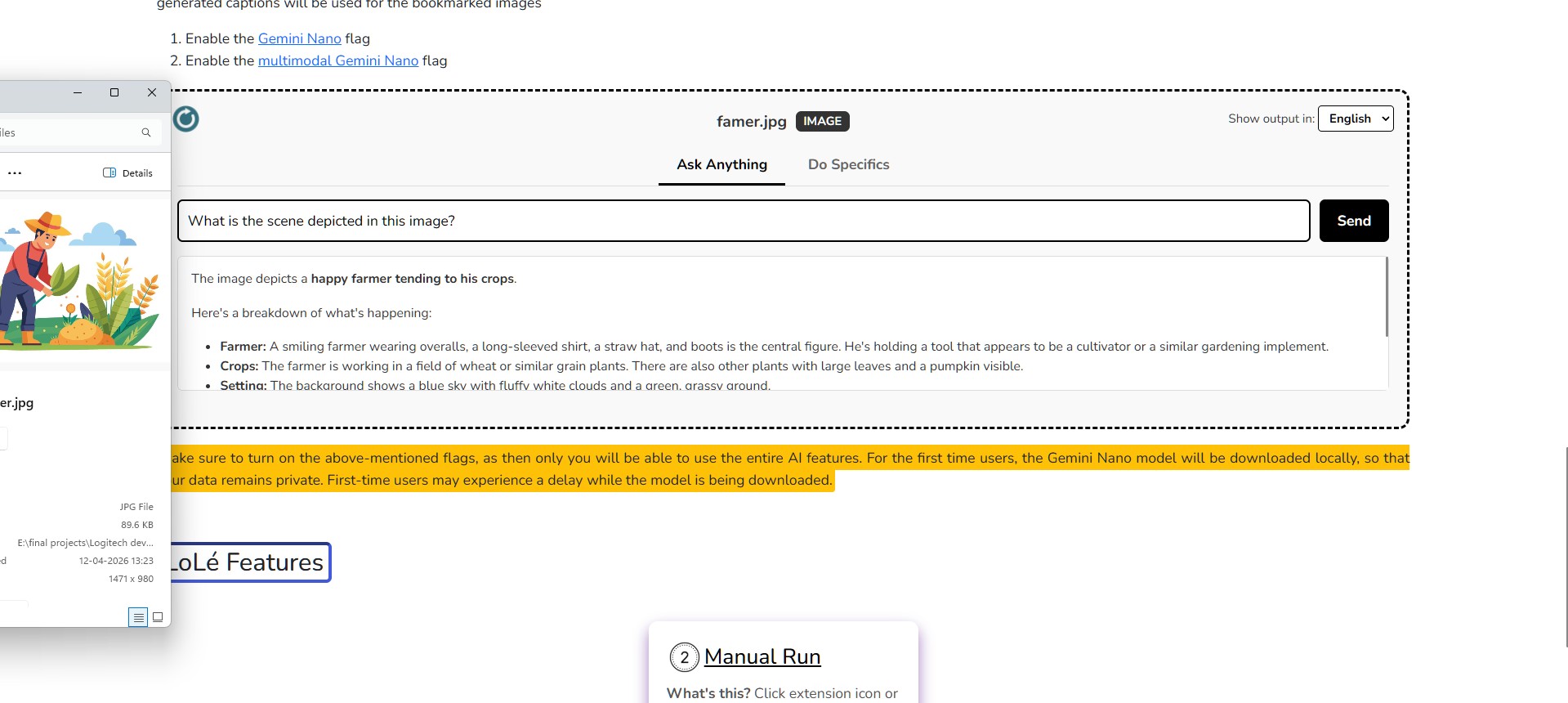
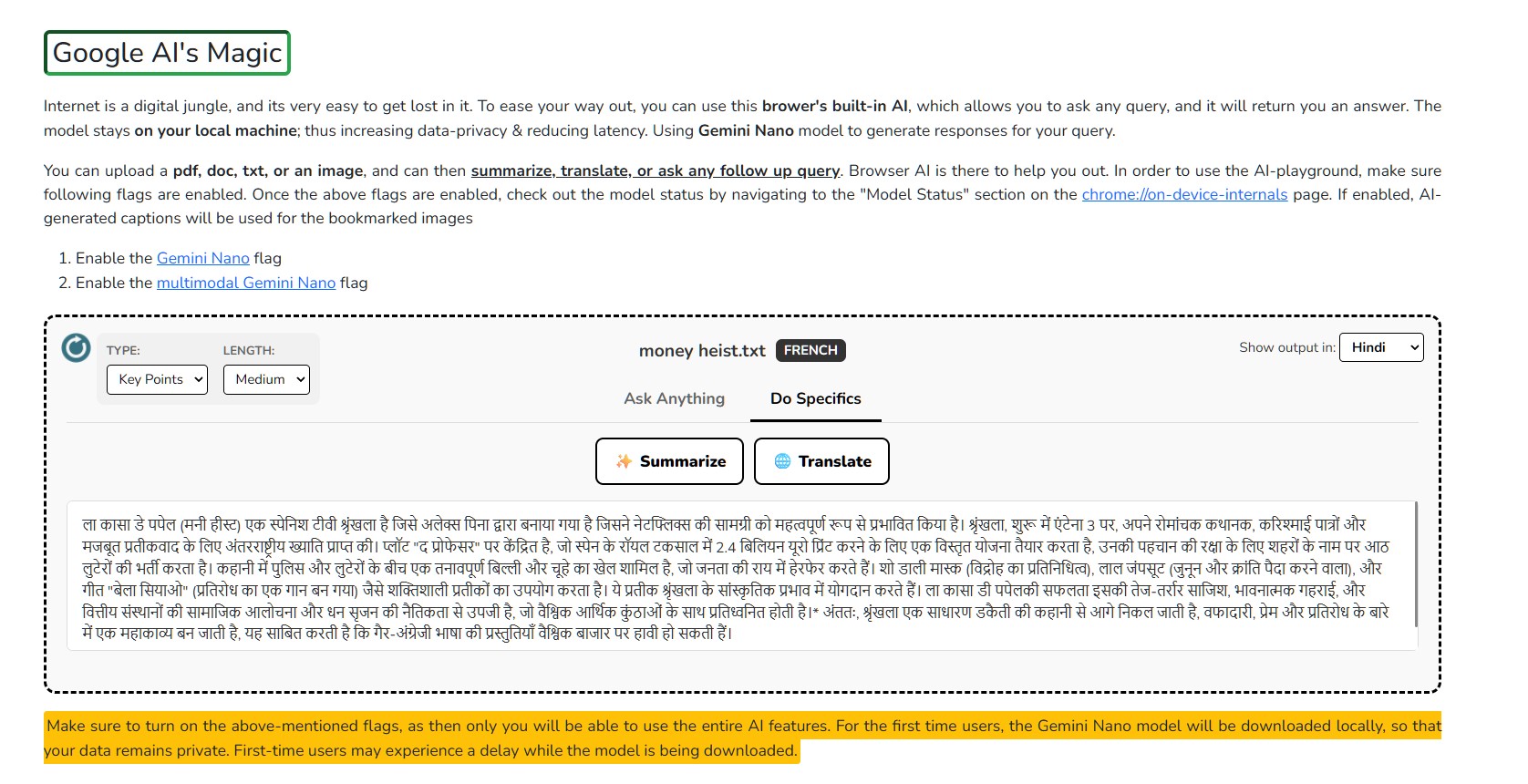
Local AI giving answers for an image
-
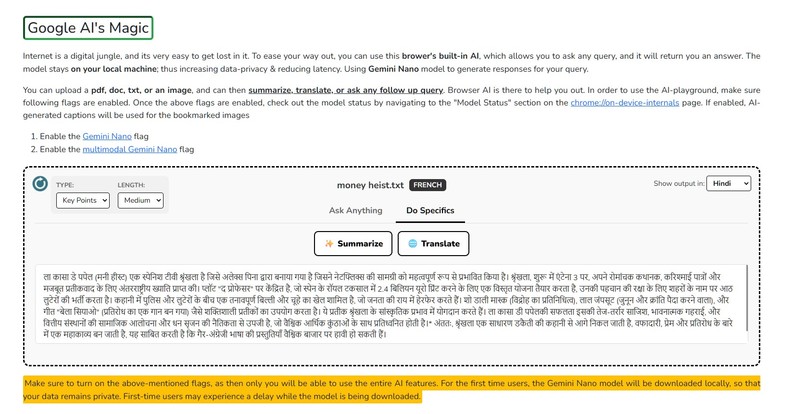
AI Supports multilingual input and output
-
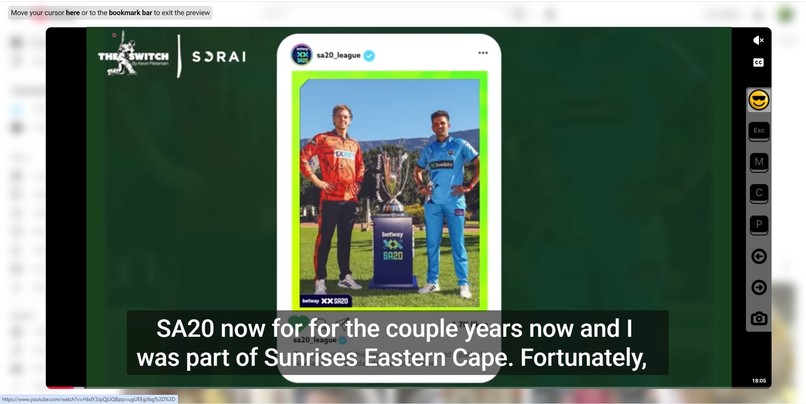
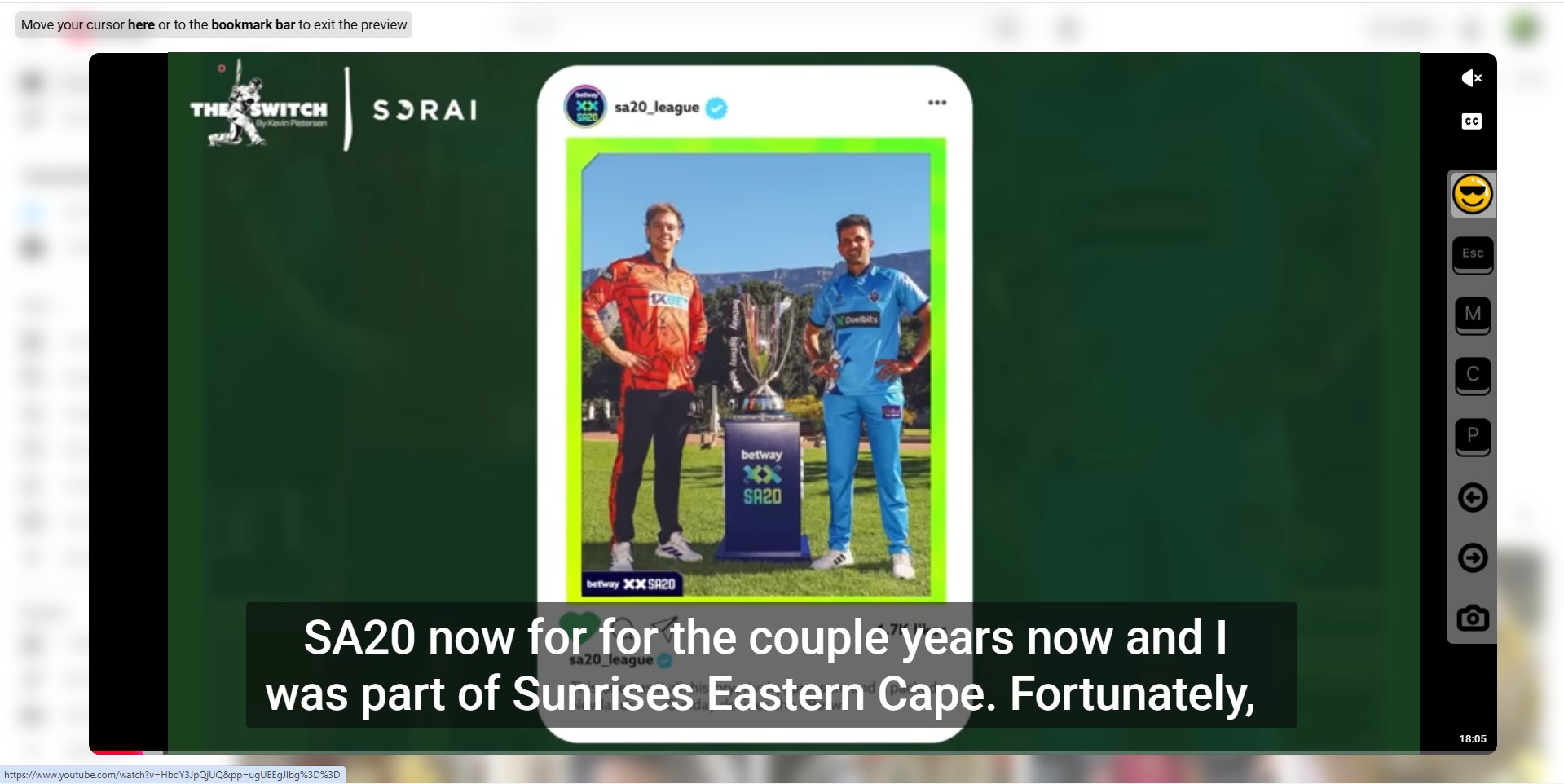
Youtube magic
-
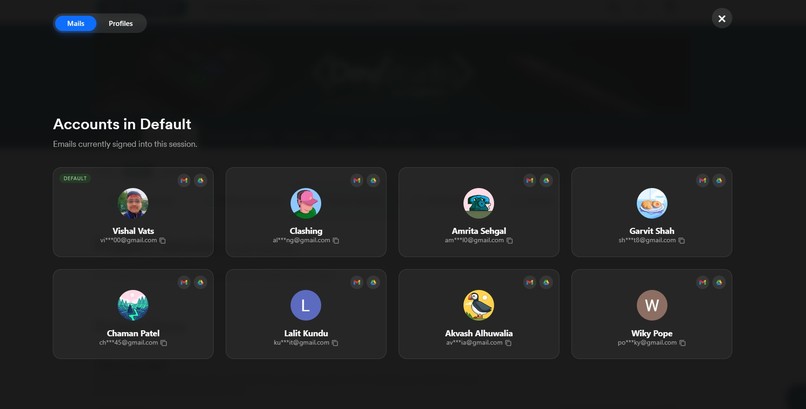
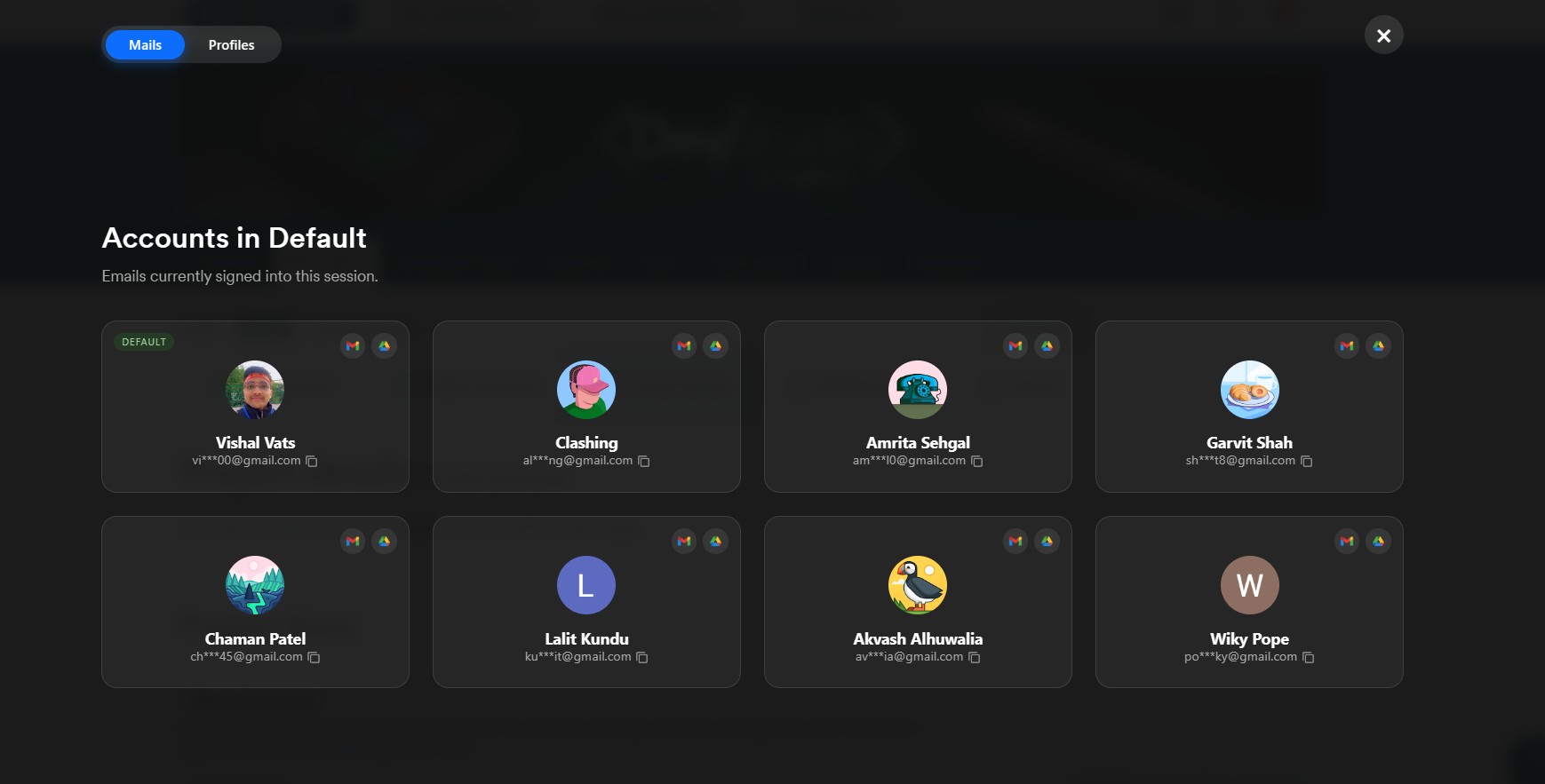
Gmail profiles on an overlay
-
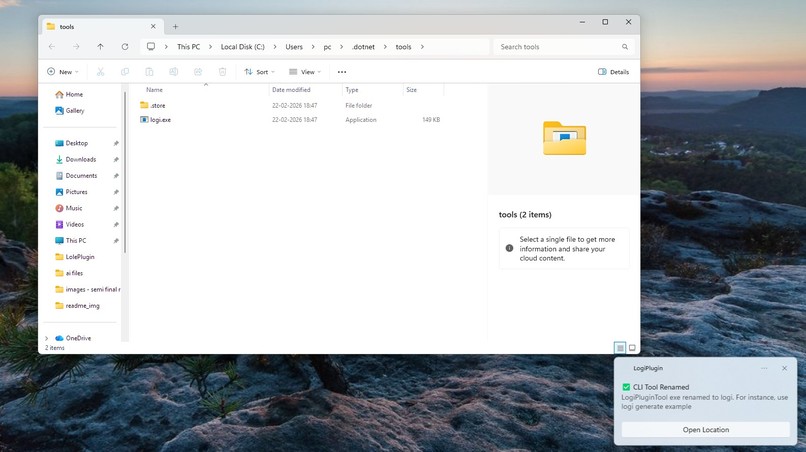
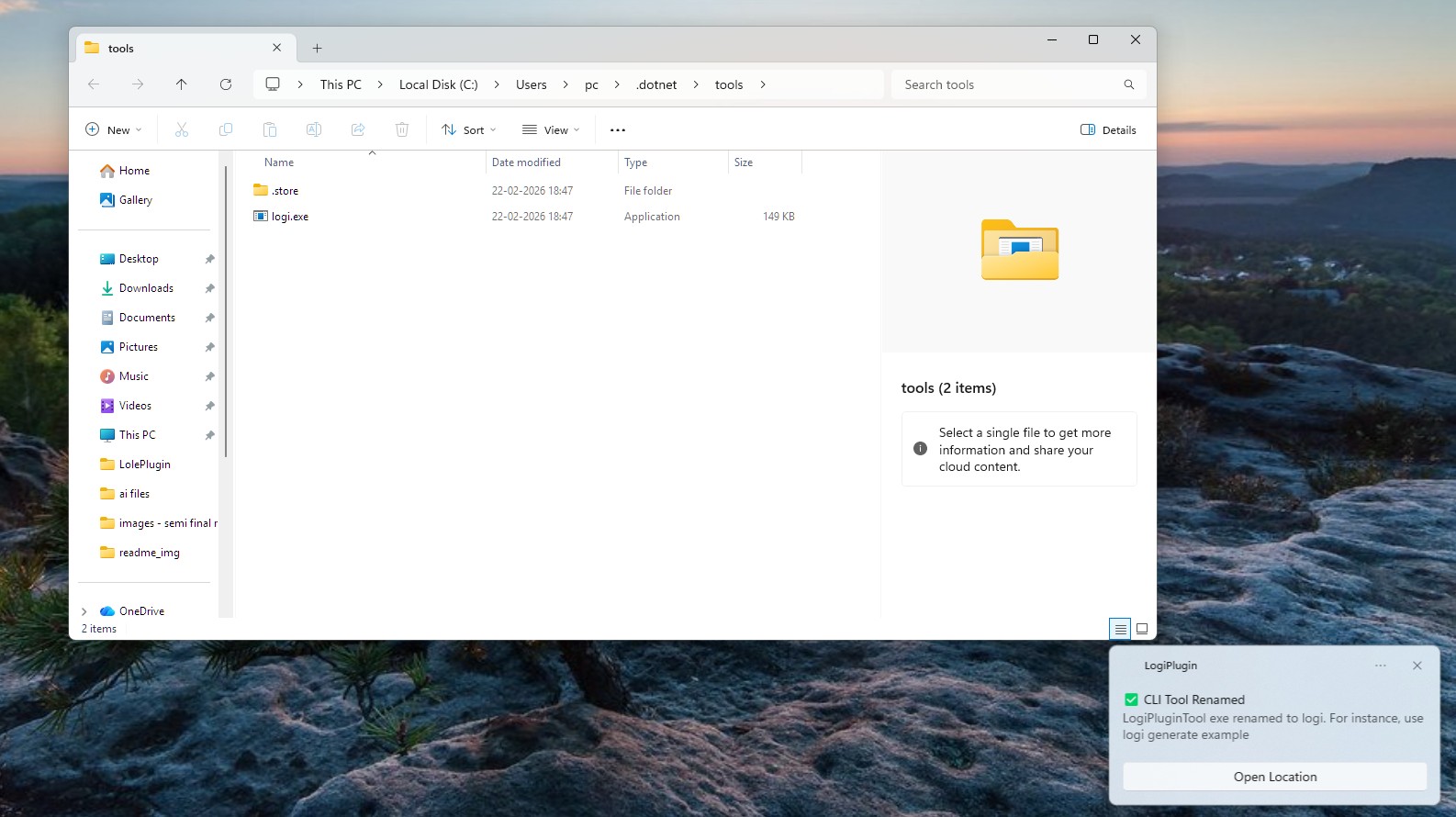
Auto-renaming of the logiPluginTool for easy access
-
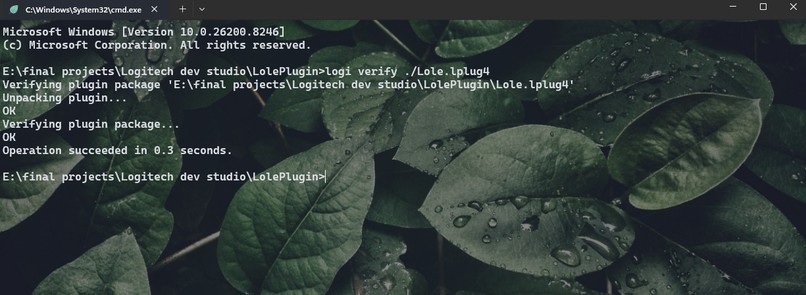
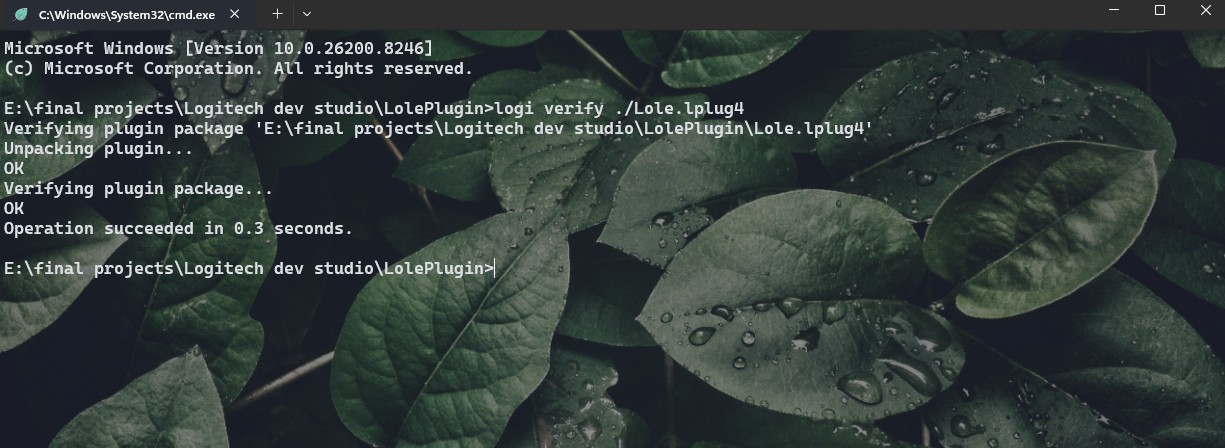
See what we are using instead of "logiPluginTool" in the CLI
-
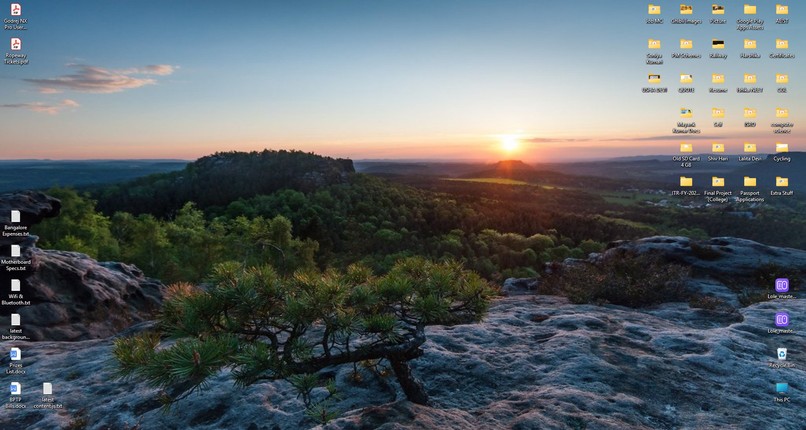
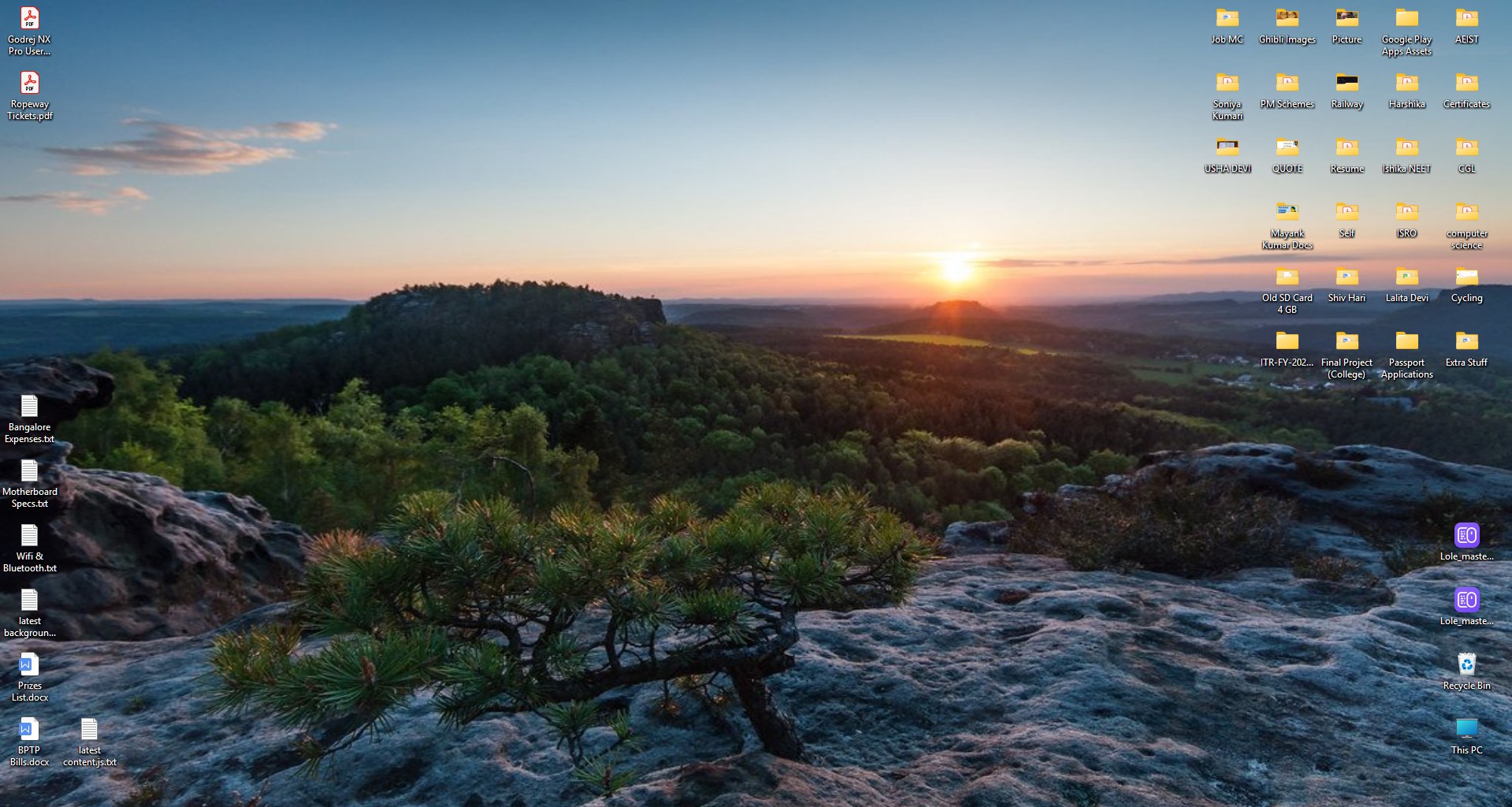
Desktop Island action beatifying the windows desktop
-
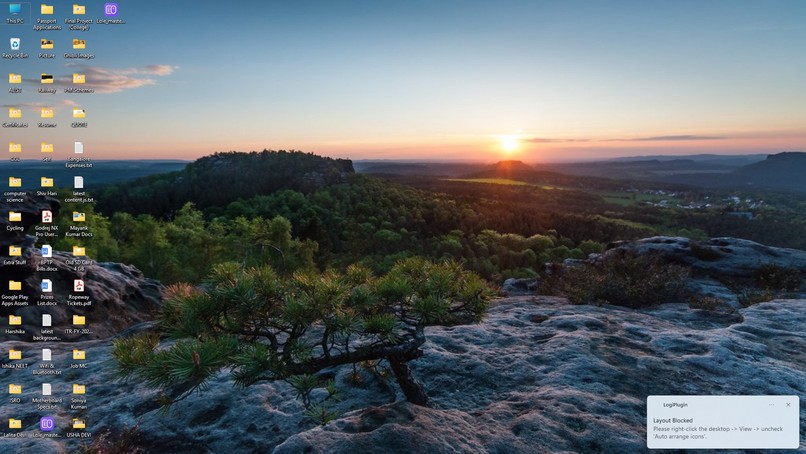
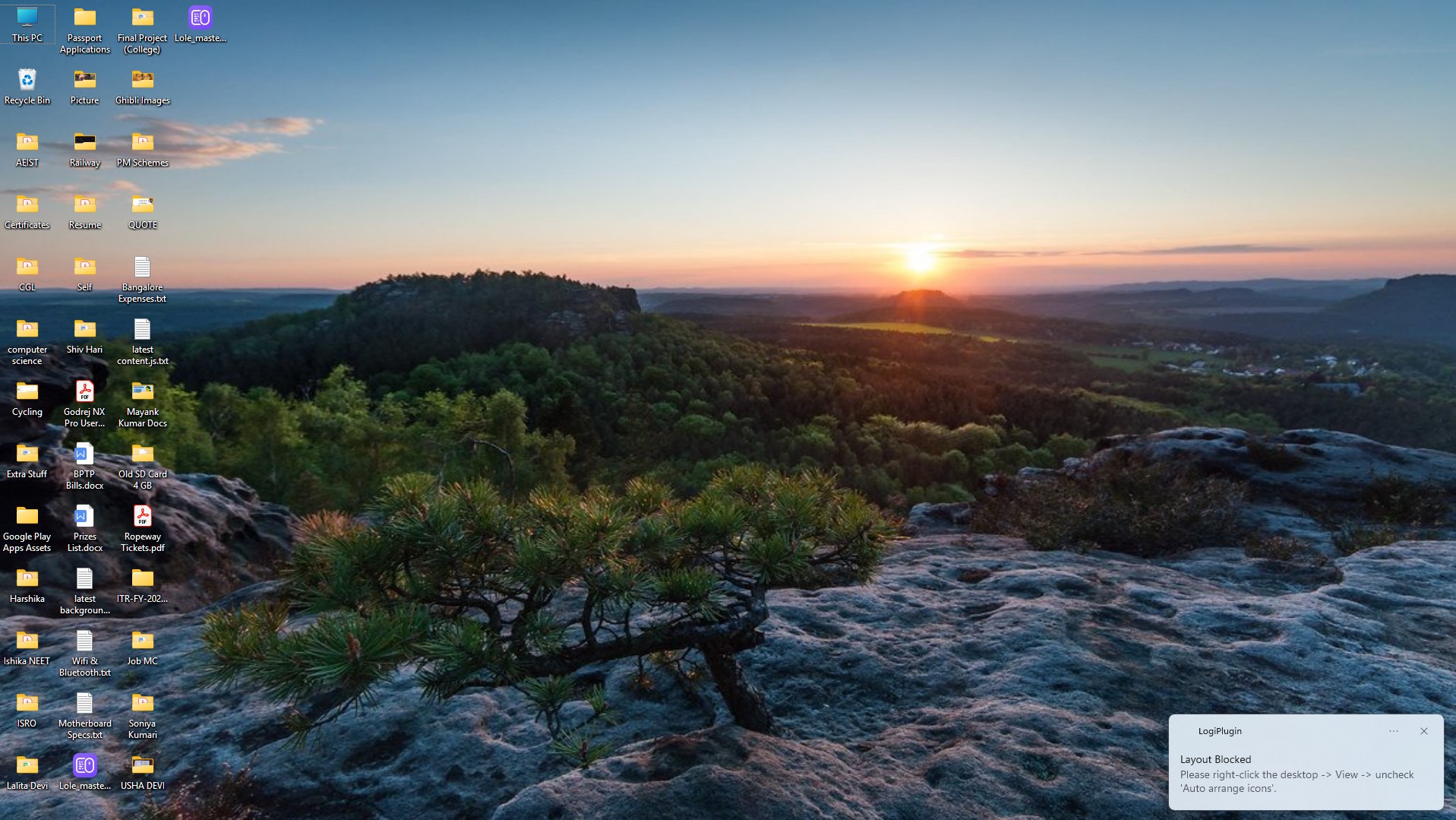
Toast warning if user tries to use desktop island command, with the AUTO-ARRANGE setting on
-
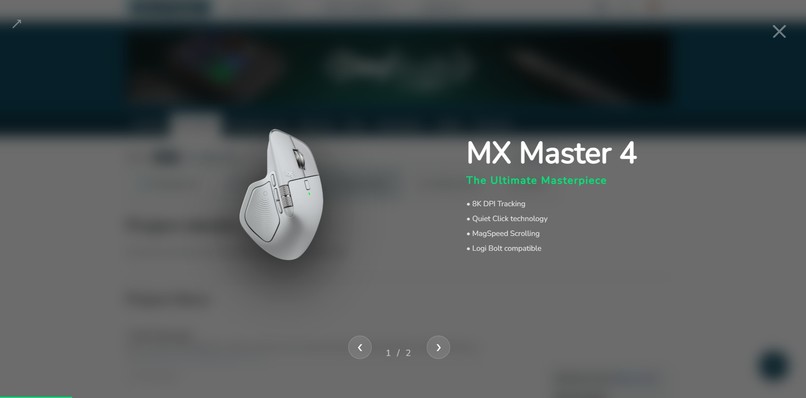
Logi overlay which comes right after 1-minutes of inactivity
-
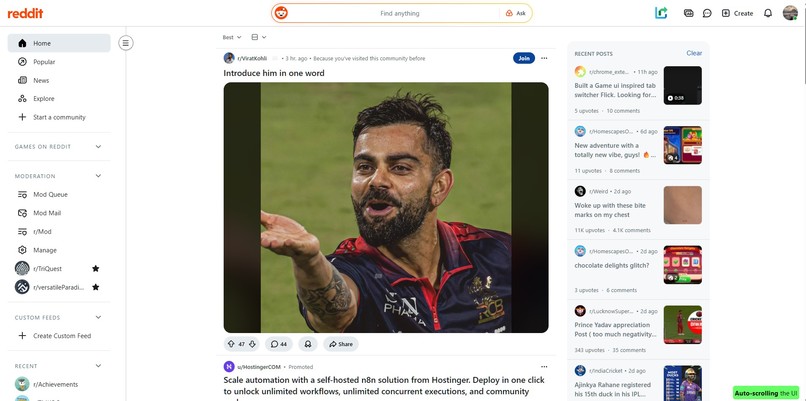
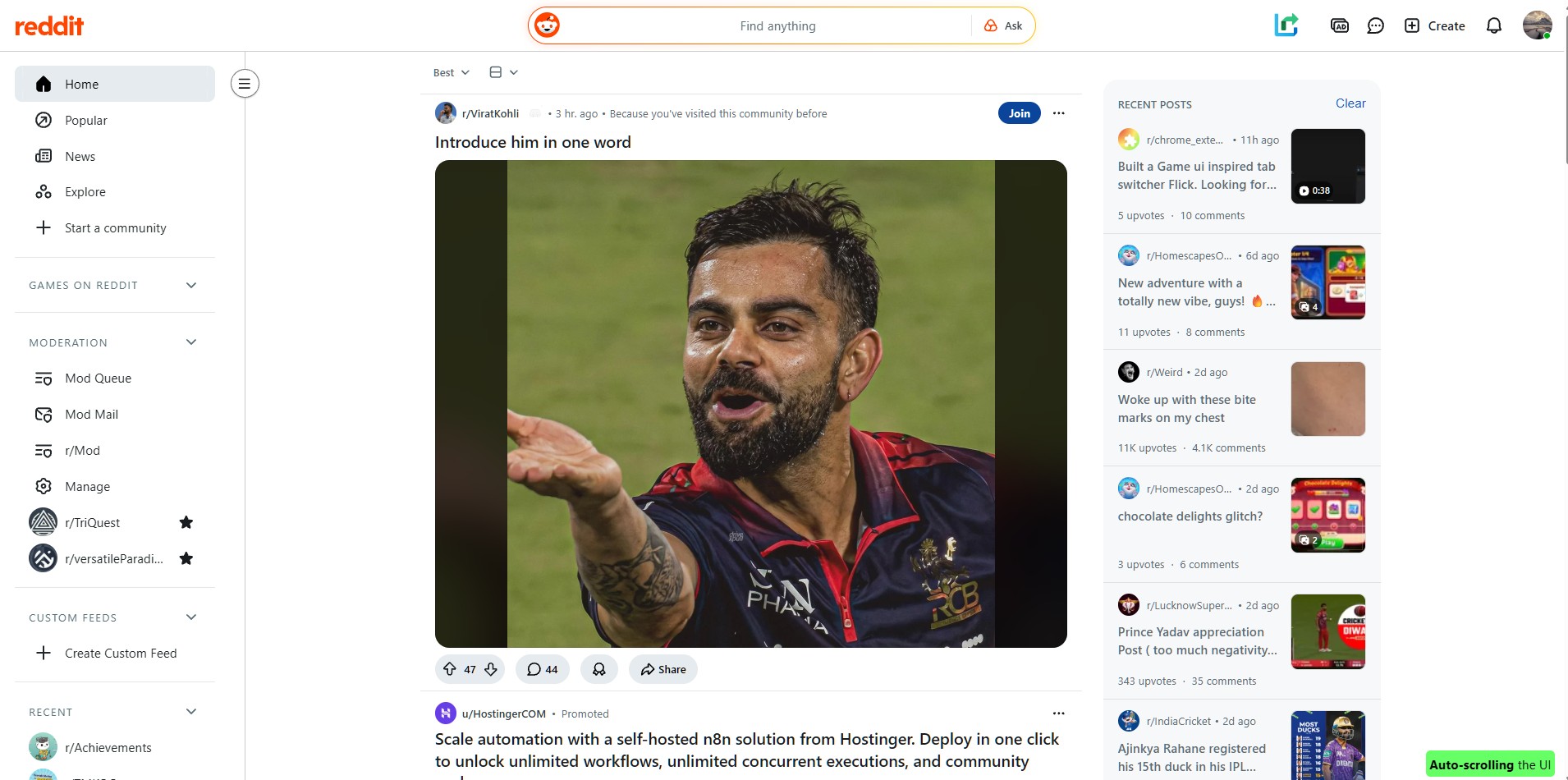
Auto-scrolling the reddit post (when user activates the extension on the reddit page)
-
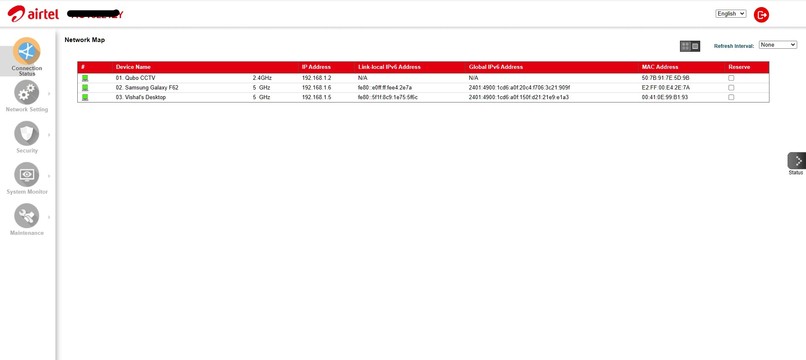
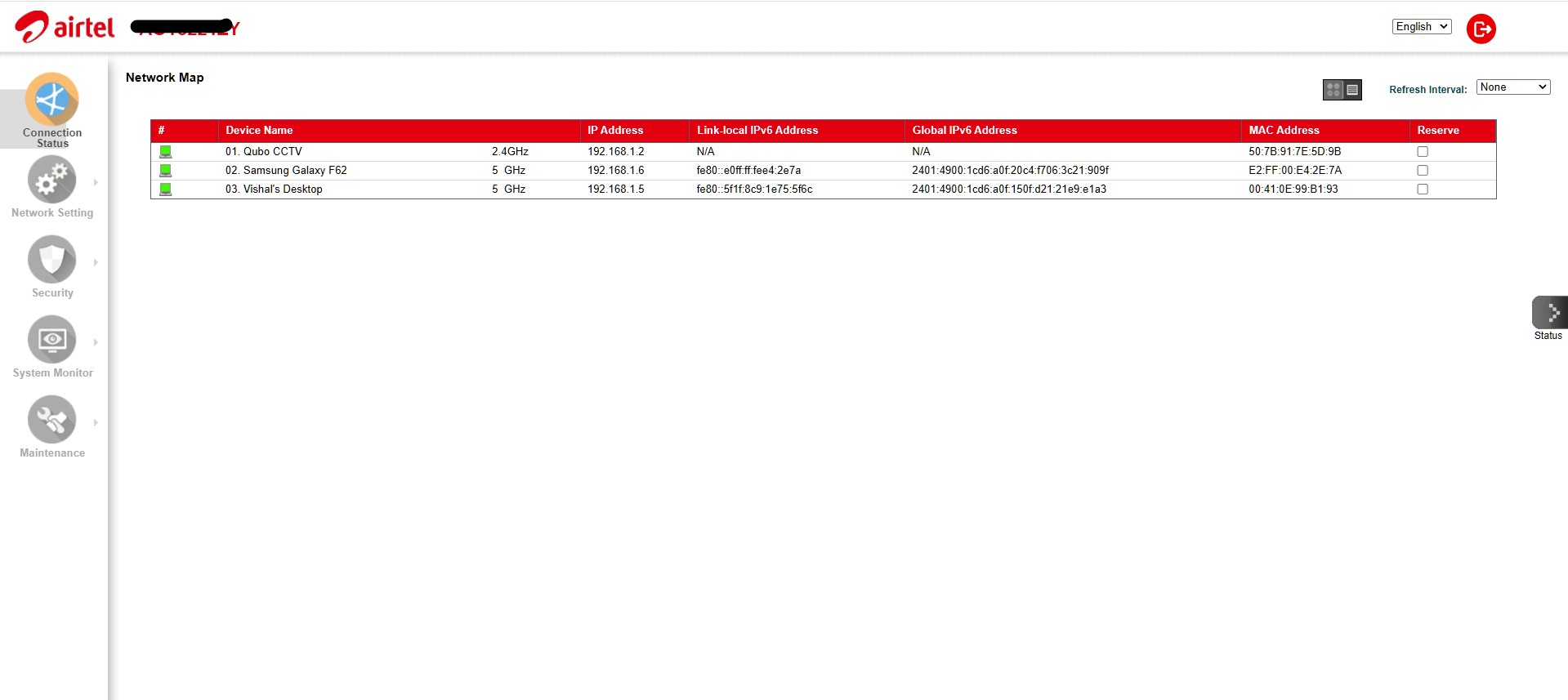
Viewing the device name and band to which devices are connected to our WiFi network
-
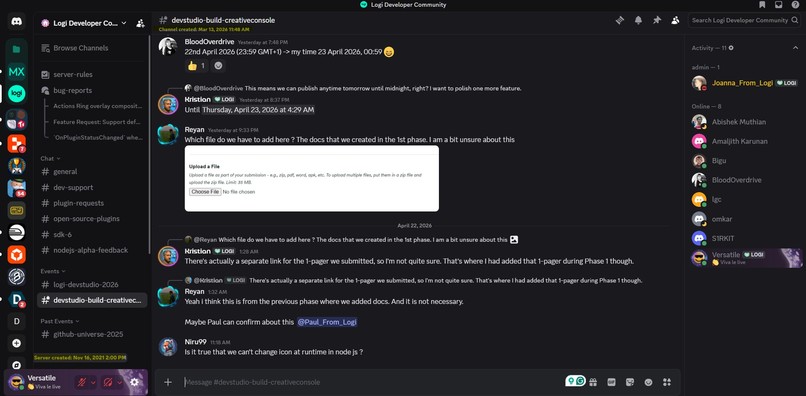
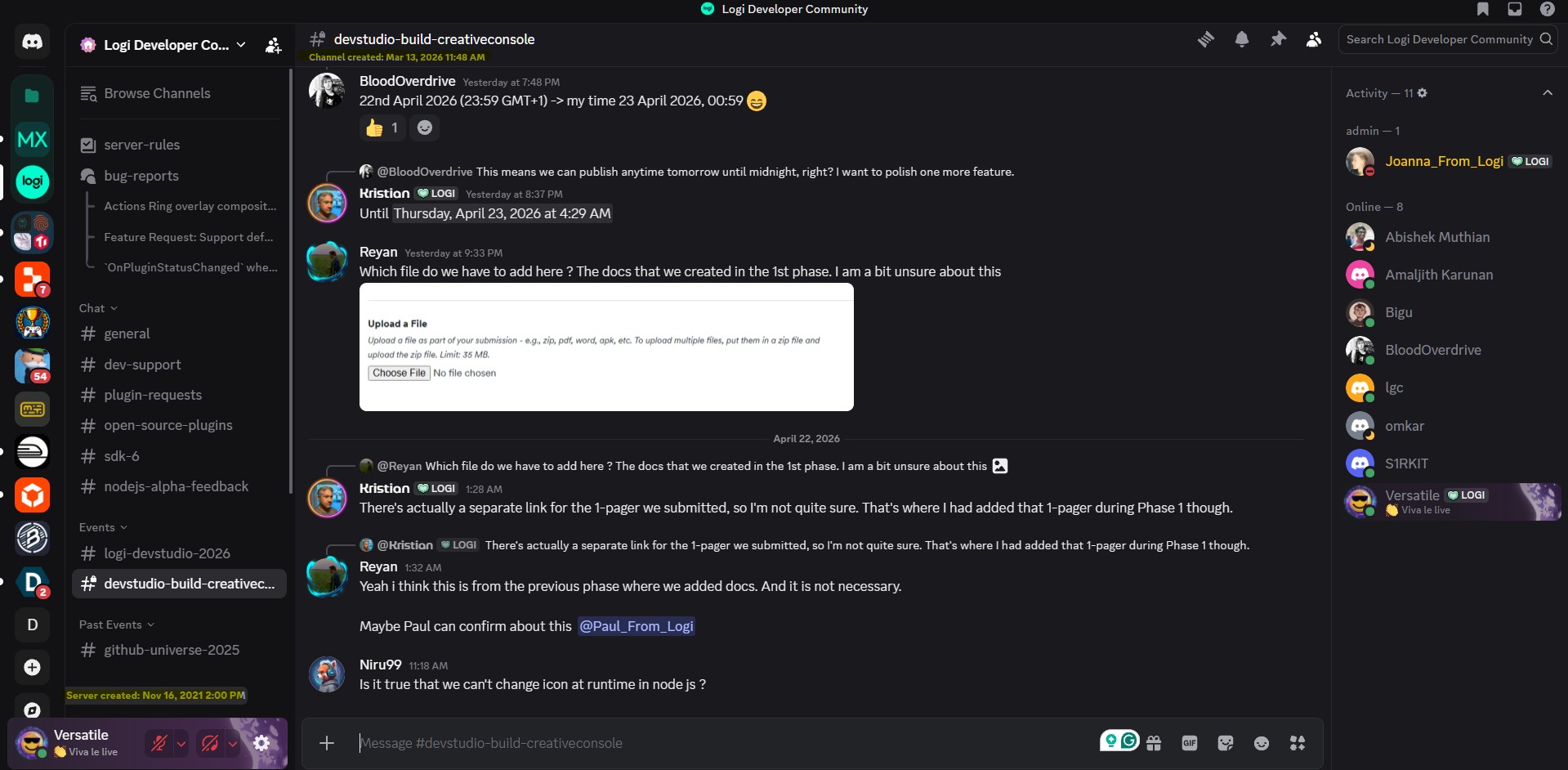
Extension helping us to view the server and channel dates for Discord
-
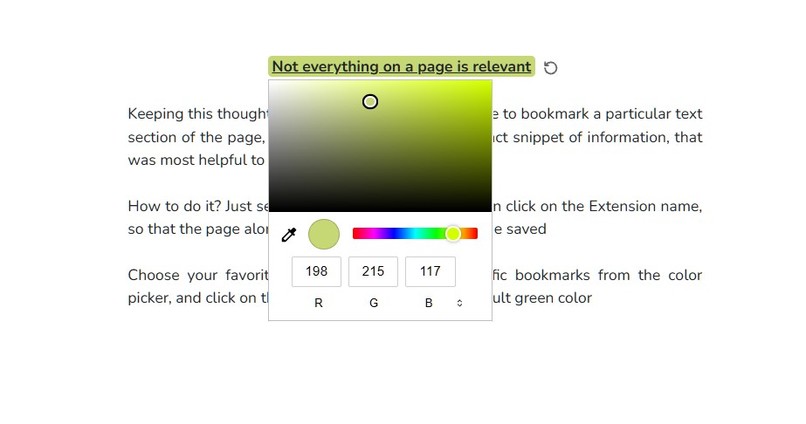
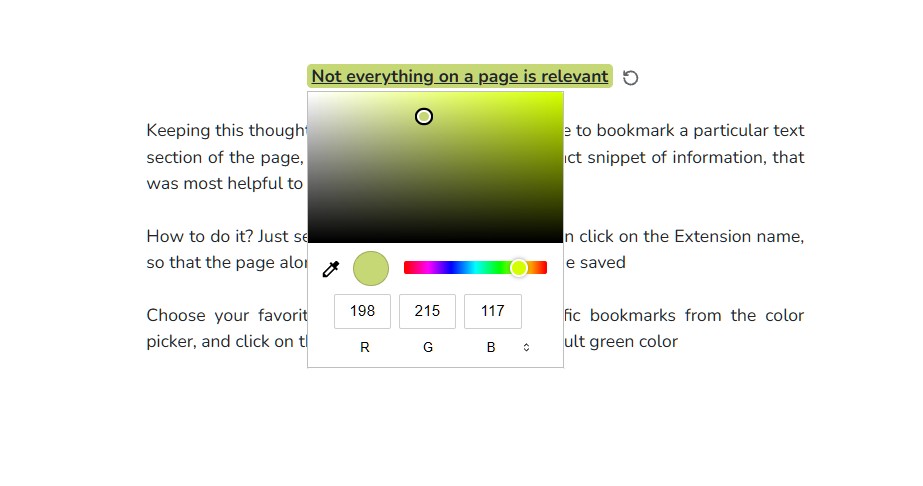
Change the inline-bookmarks background color
Inspiration
LoLé (Logiciel offering 4 Logitech Écosystème) was born from a desire for tactile mastery over the digital world. The name is a homage to Logitech's Swiss roots, making an ecosystem for the Logitech hardware. The initial spark came from the realisation that while most people use a browser daily, few truly master its power. We envisioned the browser as the ultimate self-hosted collaboration hub, with Logitech's MX hardware serving as its physical interface.
LoLé is a culmination of a browser extension and a Logitech plugin. Being a browser extension enables the end user with complete control over the browser, while Logitech's plugin bridges the gap between a browser and the Windows OS. Not just that, the Logitech ecosystem ensures that the user can do complex things quickly, with all the heavy-lifting being done behind the scenes.
Before moving forward, we would like to clarify that our plugin is a Windows-only plugin. The Logitech plugin, along with the browser extension, makes it a complete package. And when we say, browser extension, we mean to say that the extension works on any chromium-based browser (like Chrome, Edge). But the Google AI thing will only work for the Chrome browser.
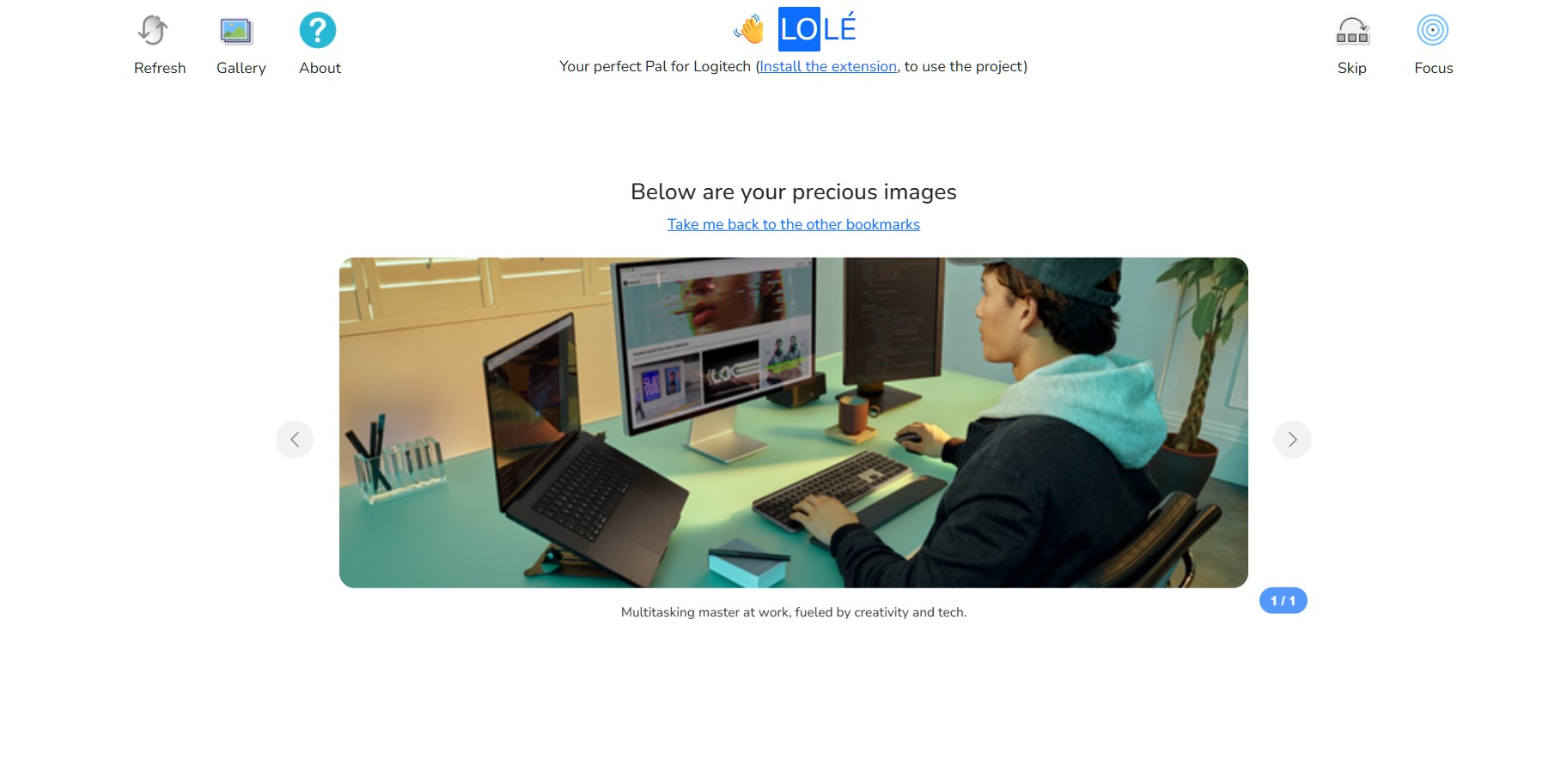
Go through the entire project gallery, as it contains very important snippets that help you to quickly understand the project
What it does
LoLé transforms web browsing and OS management into an orchestrated experience through three distinct layers:
1️⃣ The Collaboration Vault: The browser extension turns your browser into a powerful productivity vault. You can bookmark entire pages, specific inline text fragments, or images directly to local storage. Our File Vault provides quick access to your most-needed docs and PPTs, alongside an integrated Notes Webpage. For security, notes are synced to our PHP backend using an AES-256 encryption mechanism, ensuring your data remains private even during browser sync.
2️⃣ Gemini Nano AI Integration: We leverage on-device AI for real-time summarisation, translation, and image captioning. By enabling specific Chrome flags, users can interact with an AI-playground to analyse their clipboard, uploaded images, or documents without data ever leaving their machine. Currently, we support English, French, and Hindi for AI-driven summaries.
3️⃣ Hardware-Software Symbiosis (The Actions)In the Logitech configuration UI, LoLé commands are divided into two logical types to maximise efficiency:
Browser Actions (6 Commands): These are high-speed actions triggered via keystroke combinations (e.g., Hard Reload, Jump to Tab, Toggle DevTools). They provide instant, native response times for standard navigation.
Extension-Based Actions (12 Commands): These commands communicate directly with the extension via our WebSocket Bridge. They handle complex, DOM-level logic such as taking full-page snips, saving encrypted notes, or triggering the AI summary overlay.
How we built it
Turning LoLé from a concept into a reality required building a multi-layered communication stack that operates with near-zero latency.
The Core Infrastructure: We built the native plugin using C# and .NET 8.0, specifically targeting the Loupedeck/Logitech SDK. The project is architected around a Singleton WebService that initiates as soon as the plugin loads, establishing a local HttpListener at localhost:12345.
The Real-Time WebSocket Bridge: To enable the hardware to "talk" to the web, we implemented a custom WebSocket server.
Bidirectional Messaging: The server asynchronously receives JSON payloads from the Chrome Extension (like "ping" or account data), and dispatches commands back to the browser (like "FOCUS_BROWSER" or "TOGGLE_PIN").
Native Focus Logic: We didn't settle for simple shortcuts. We implemented WMI (Windows Management Instrumentation) queries to find the exact Process ID (PID) of the Chrome instance matching a specific user profile path, ensuring the hardware always controls the right window.
OS-Level Deep Integration
Win32 Interop: To create the "Desktop Artisan" feature, we utilized P/Invoke to tap into user32.dll and shell32.dll. We specifically targeted the SysListView32 control within the Windows Shell to programmatically move, hide, and arrange desktop icons.
PowerShell Injection Engine: We engineered a zero-dependency notification system. Instead of using heavy 5MB libraries, we built a script that generates Base64-encoded PowerShell commands to inject XML directly into the Windows Toast Notification Manager. This allows for interactive "Open Location" buttons that launch Windows Explorer directly from a hardware alert.
This is a universal-plugin, as our code allows you to call the browser/extension-specific actions from anywhere on the computer, and our plugin will ensure that the correct Chrome instance will be opened for the pressed action. Whether you are running a desktop icon when many tabs are in the foreground, or executing a browser-specific action when there is no browser tab opened, our plugin will handle everything on its own.
Btw, do check out our Github repository to know about the cool C# tips and tricks we did to turn our ideas into reality
Challenges we ran into
Learning C# from scratch was our first major hurdle, but the real "ordeals" were hidden in the system-level details:
The 5MB Dependency Bloat: Our initial notification system used the standard Microsoft.Toolkit.Uwp.Notifications package, which bloated our plugin. For a performance-first tool, this was unacceptable. We scrapped the library and spent hours perfecting a PowerShell-based XML injector that achieved the same result with zero dependencies, bringing our footprint down to kilobytes.
PowerShell "Escaping Hell": Sending XML through C# into a hidden PowerShell process was a nightmare of syntax errors. A single unescaped quote or a restricted WinRT class would cause the notification to fail silently. We overcame this by moving to a Base64-encoded command string, ensuring our scripts arrived at the OS level exactly as intended.
The "Win + D" Toggle Trap: We originally used Win + D to show the desktop for our "Desktop Artisan" feature. However, because Win + D is a toggle, it would often bring minimised windows back up if the user was already on the desktop. We had to pivot to a deterministic Win + M (Minimise All) command to ensure the user always had a clear view of their icons.
Chrome Profile Targeting: Identifying which of the ten open Chrome windows belonged to a specific user profile was nearly impossible with standard APIs. We solved this by implementing WMI (Windows Management Instrumentation) filters to match PIDs against specific command-line arguments.
Accomplishments that we're proud of
Zero-Cloud Resilience: Most modern tools fail during outages. LoLé’s local-first architecture—from Gemini Nano to local file storage—ensures your workflow remains intact even when the internet doesn't.Lightweight Performance: We successfully stripped away every non-essential NuGet package, creating a professional-grade plugin that is incredibly fast and consumes minimal system resources.Desktop Artistry: We are the first to implement shaped icon layouts (like Star or Grid) through hardware control, giving users a novel way to interact with their OS.
What we learned
We learned that the most effective software often comes from staying close to the hardware. By utilising native Win32 calls and direct WebSocket communication, we achieved a level of responsiveness that higher-level frameworks simply couldn't match. We also mastered the art of asynchronous hardware orchestration, ensuring that rotating a dial feels instantaneous, regardless of the complexity of the code firing in the background.
What's next for LoLé
As of now, we have implemented the majority of the things we envisioned in the first round, and even added more on top. In the future, we would love to add more custom Windows actions to the plugin via the C# plugin, so that the end-user can have more ease of access. We are extremely proud of our unique project
Built With
- c#
- chrome
- javascript
- logitech
- php


Log in or sign up for Devpost to join the conversation.