Logos
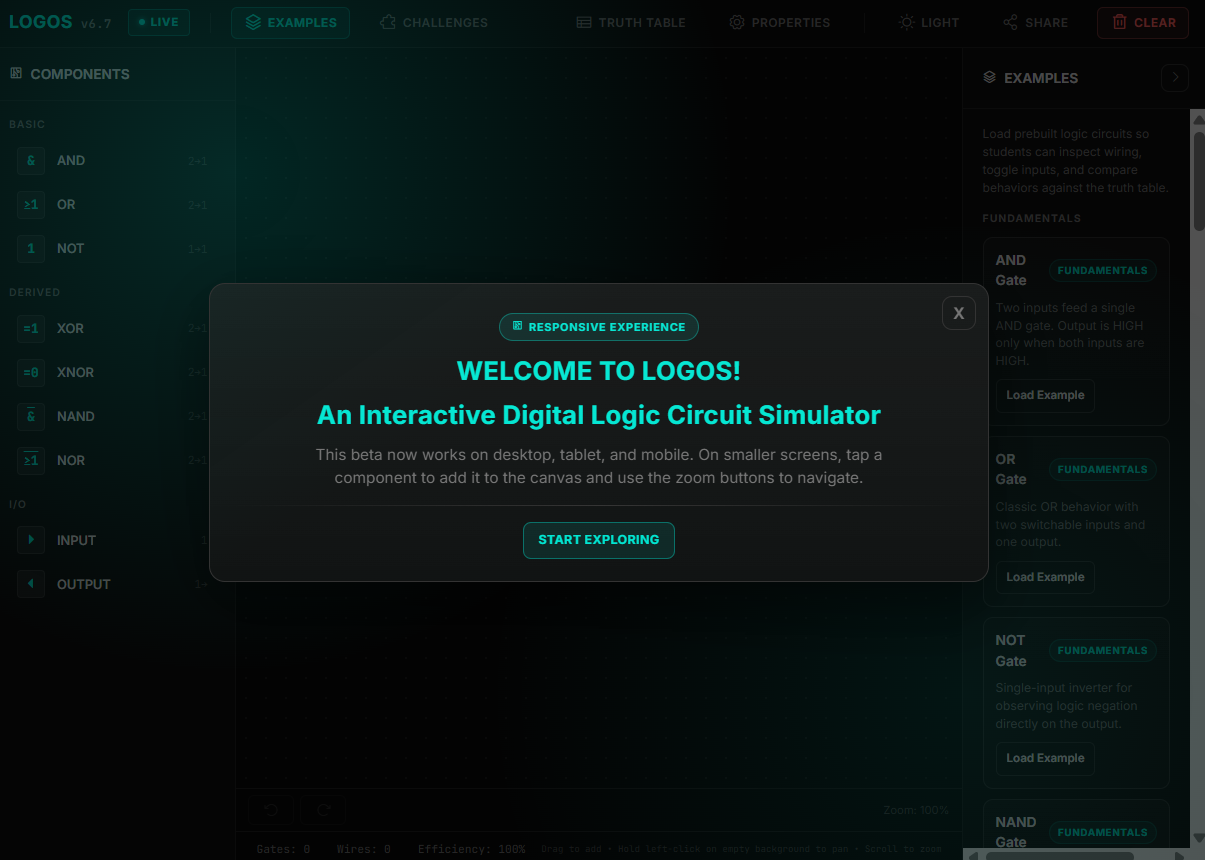
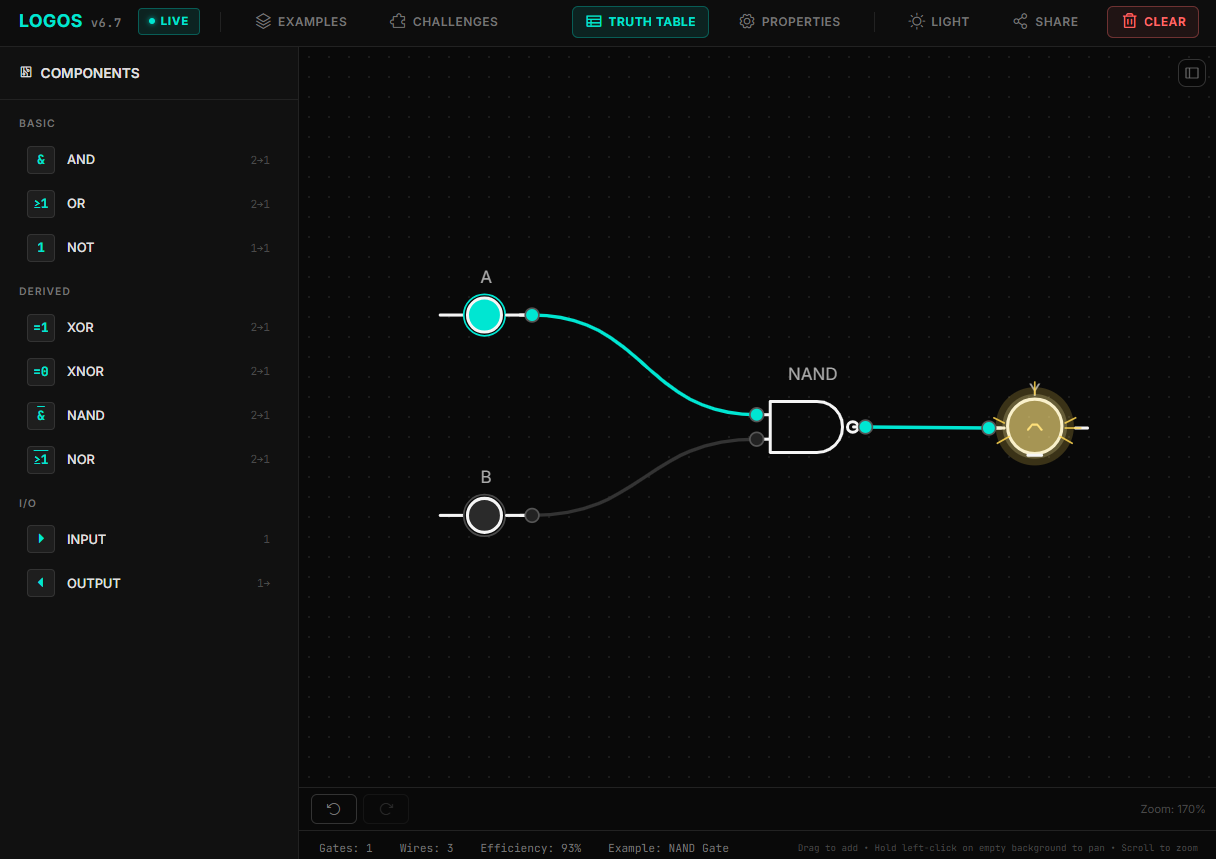
Logos is a browser-based digital logic circuit simulator. Build circuits by placing logic gates and input/output components on an interactive canvas, connect them with wires, and observe the circuit's output in real time.
Features
- Drag-and-drop circuit construction on an interactive canvas
- AND, OR, NOT, XOR, XNOR, NAND, and NOR gates
- Input and output components for testing circuit behavior
- Live circuit simulation as inputs and connections change
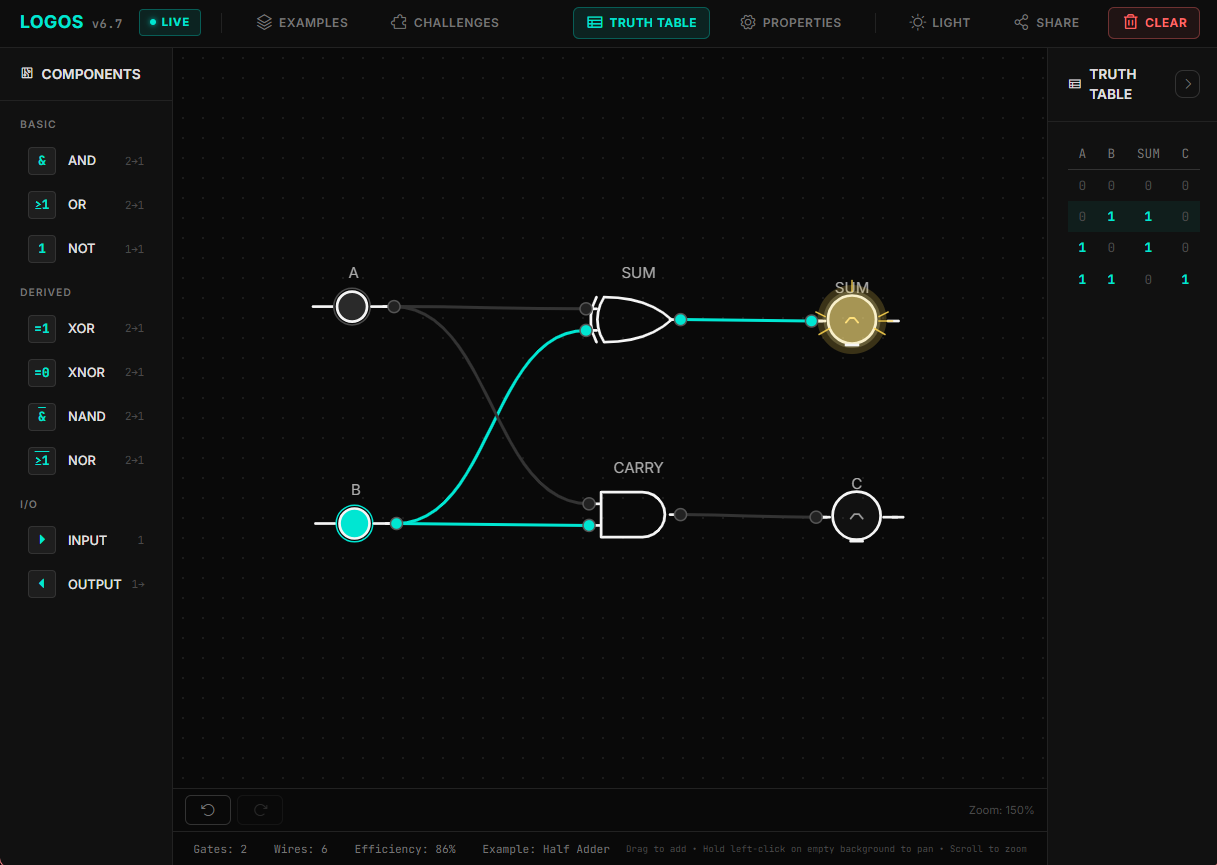
- Truth table view for the current circuit
- Example circuits for common gates and digital logic concepts
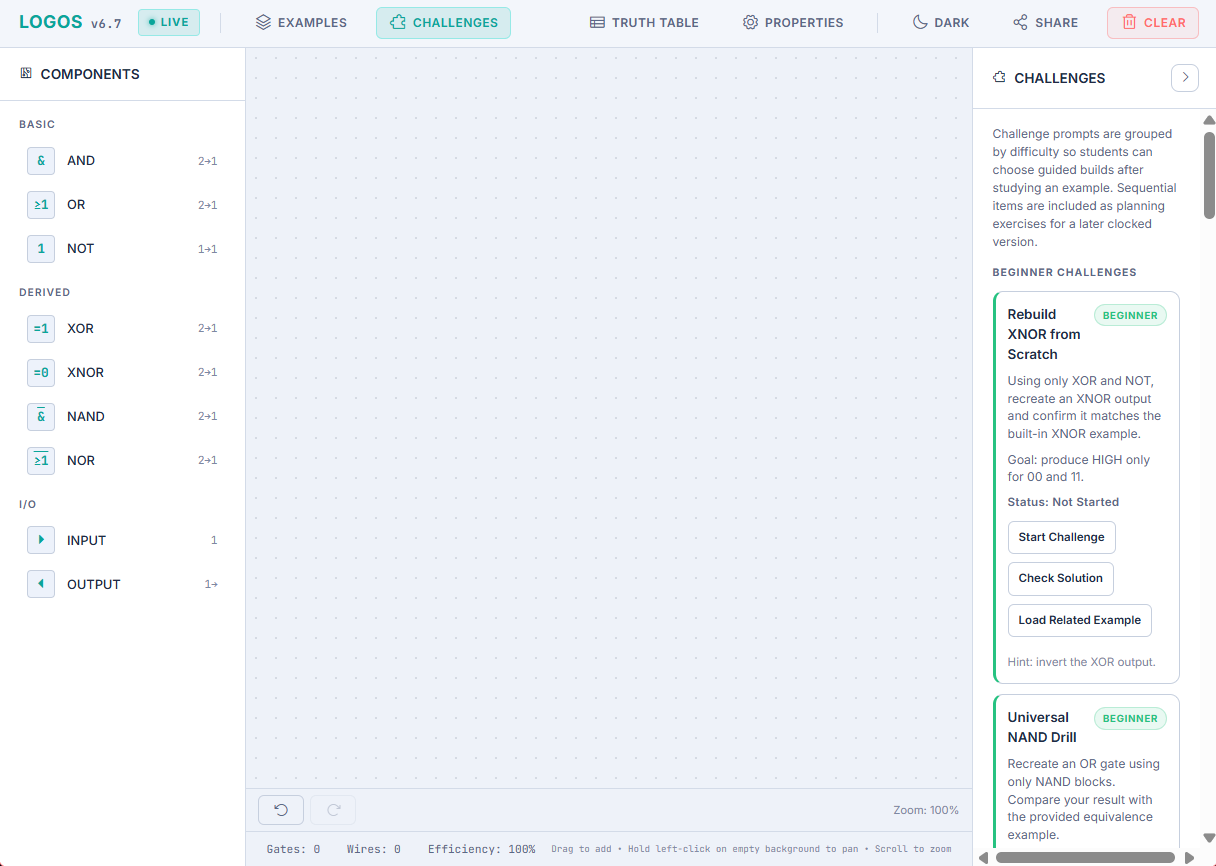
- Challenges for practicing circuit design
- Select, move, delete, and relabel components
- Wire validation and connection highlighting
- Undo and redo controls
- Canvas panning and zooming
- Shareable circuit links
- Responsive layout with mobile-friendly controls
- Dark and light themes with the selected theme saved locally
Requirements
- A modern web browser with JavaScript enabled
- Internet access for Bootstrap, Google Fonts, and Phosphor Icons loaded from CDNs
No server, database, package manager, or build step is required.
Getting Started
Clone or download this repository.
git clone <repository-url>
cd logos-sim
Open
index.htmldirectly in a browser.A local web server is recommended for the most consistent browser behavior:
python -m http.server 8000Visit http://localhost:8000.
How to Use
- Add components by dragging them from the Components panel onto the canvas. On smaller screens, tap a component to add it.
- Move components into position and connect compatible ports by dragging between them.
- Select an input component and toggle it to test different signal combinations.
- Use the Truth Table view to inspect the current circuit's input and output combinations.
- Open Examples for ready-made circuits or Challenges for guided practice.
- Use the canvas controls to pan and zoom, and use Undo or Redo to step through edits.
- Use Share to create a link for the current circuit.
Project Structure
logos-sim/
├── index.html
├── original-copy.txt
└── README.md
Technologies
- HTML5 Canvas
- CSS3
- Vanilla JavaScript
- Bootstrap 5.3 via CDN
- Phosphor Icons via CDN
- Google Fonts
Notes
- LOGOS runs entirely in the browser; circuits are simulated client-side.
- Theme preferences are stored in the browser's local storage.
- CDN resources must be available when the page loads.
- The interface is optimized for desktop, tablet, and mobile browsers, though desktop provides the most room for building larger circuits.
License
This project is released under the MIT License. See LICENSE for the full license text.

Log in or sign up for Devpost to join the conversation.