-
-
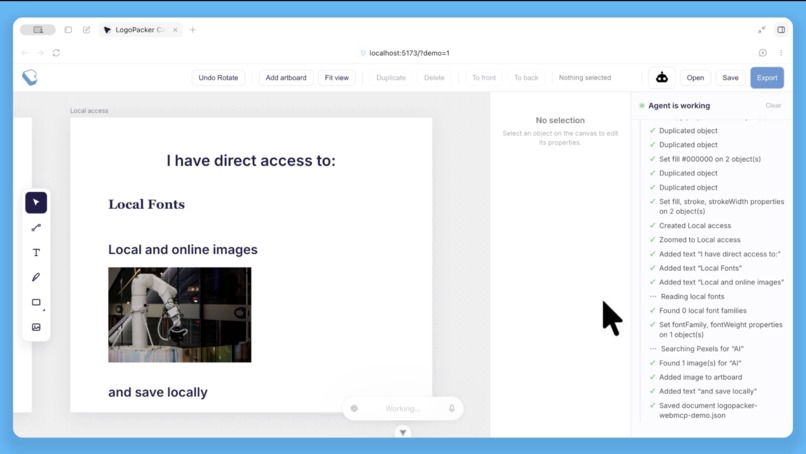
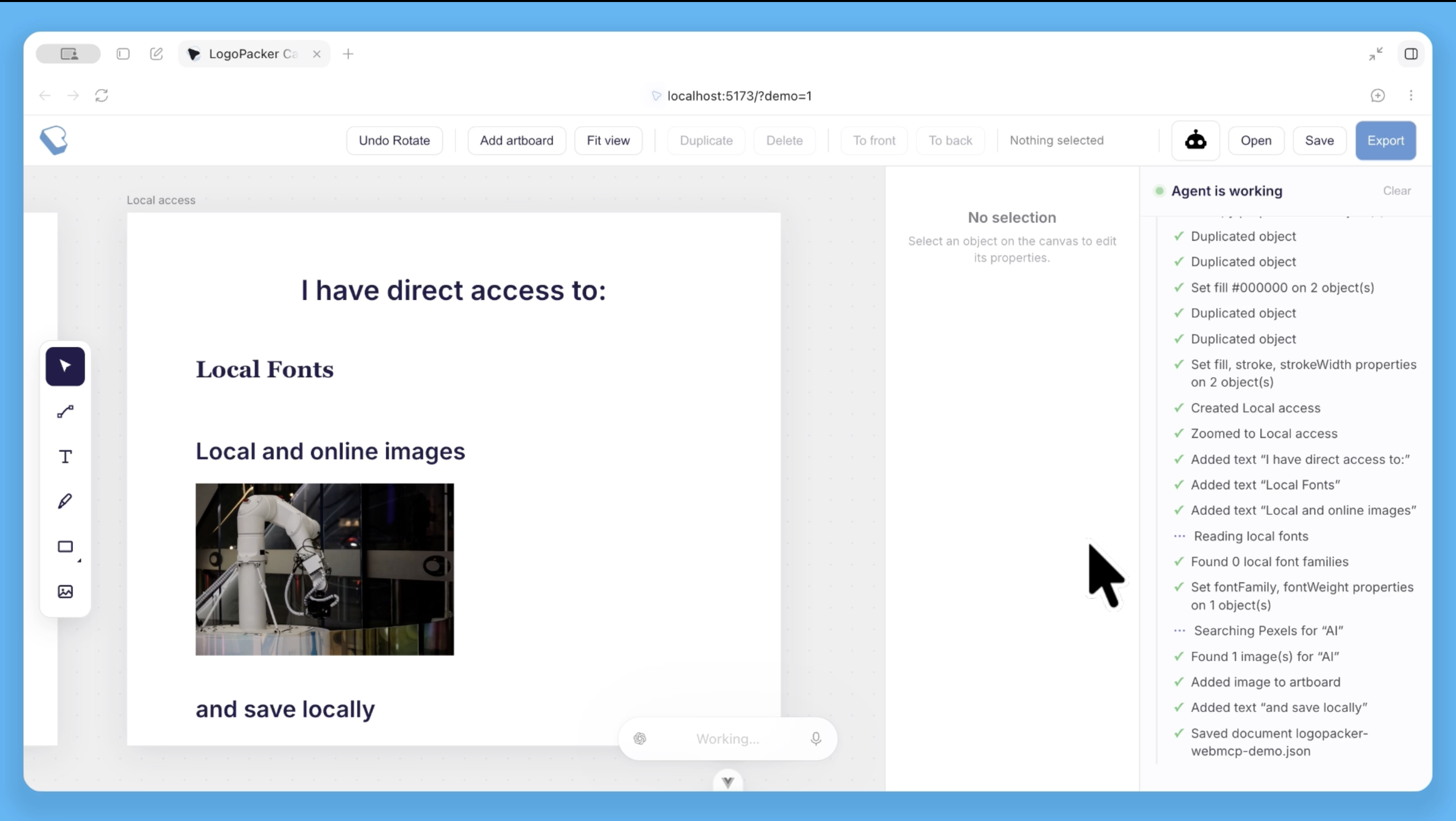
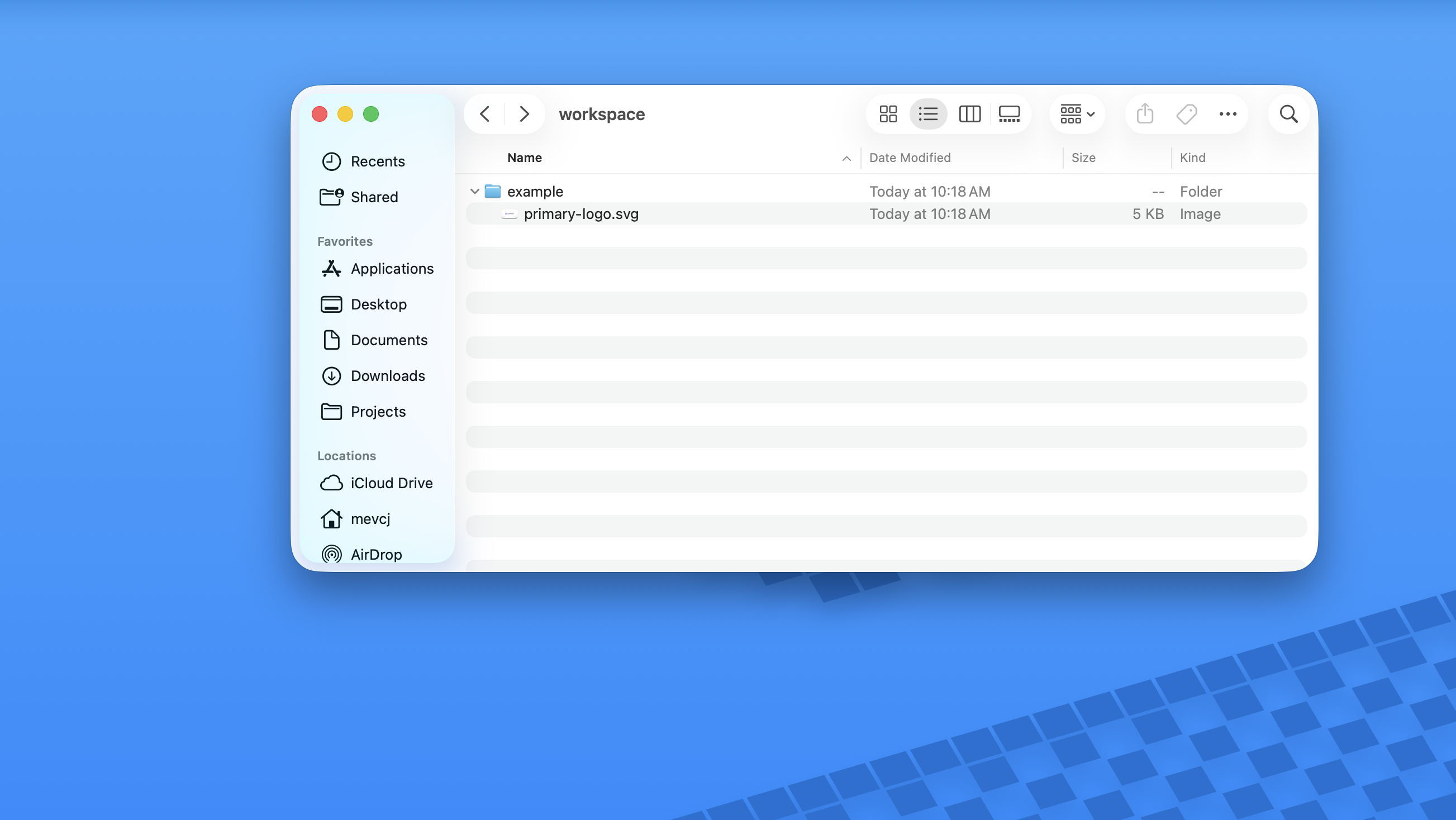
Agents have direct access to your local assets
-
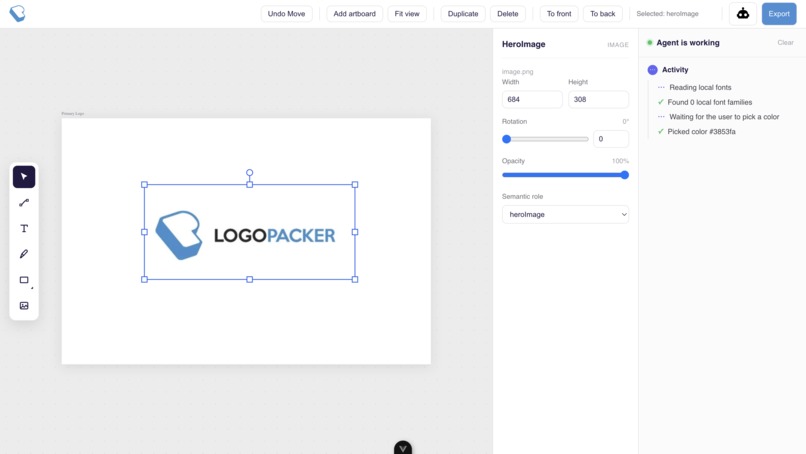
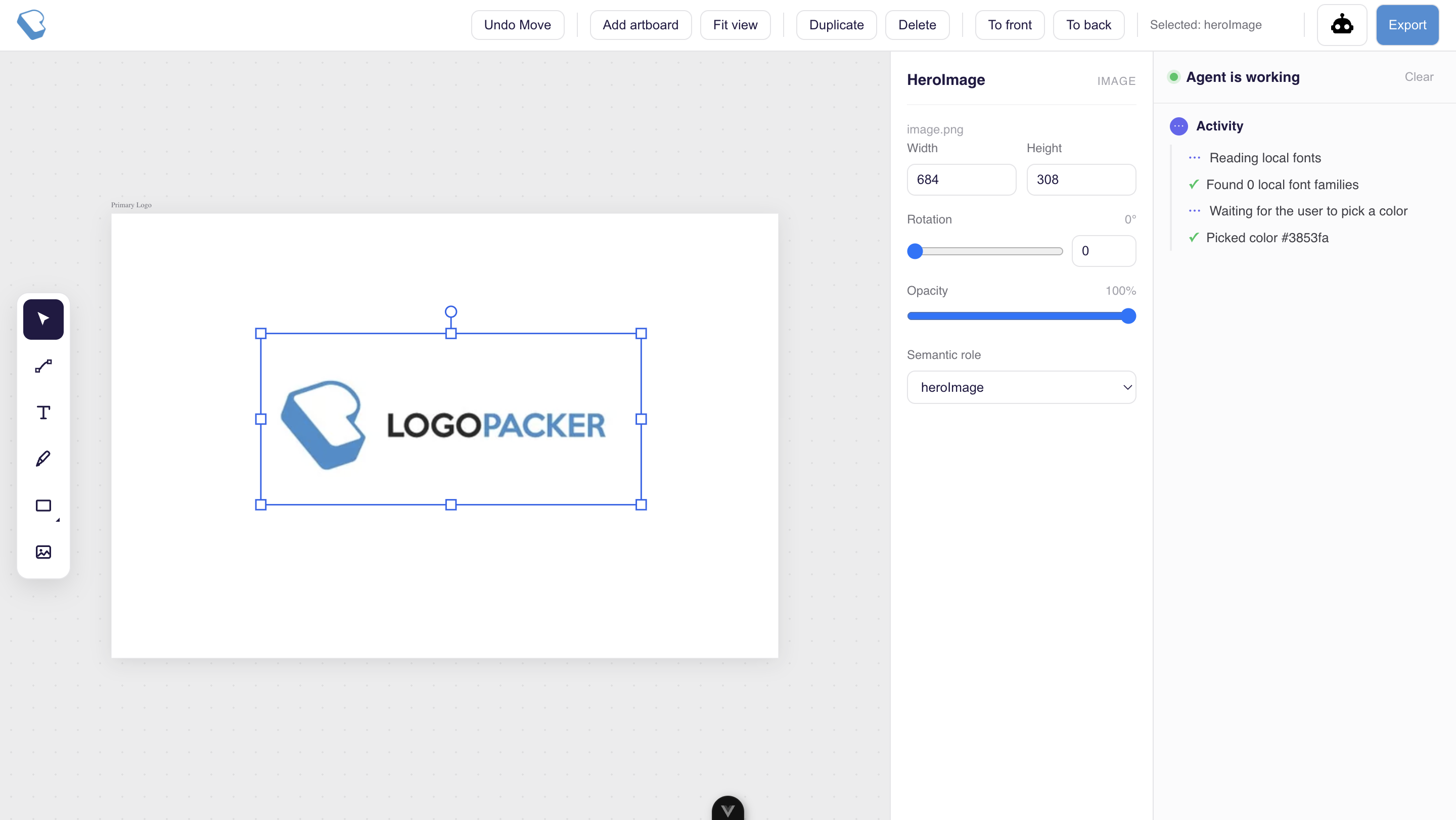
Dashboard with observable agent actions
-
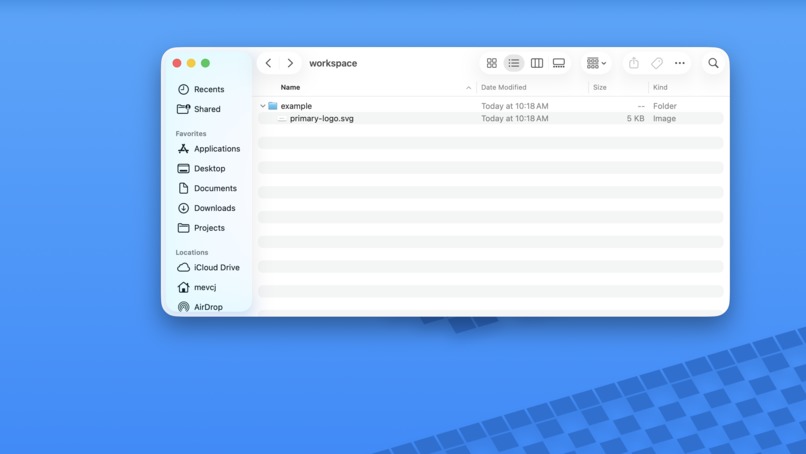
Agent saves progress locally
-
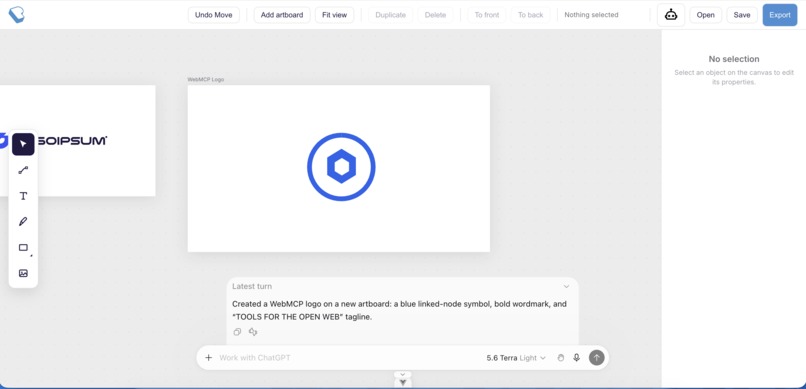
Generating SVG
-
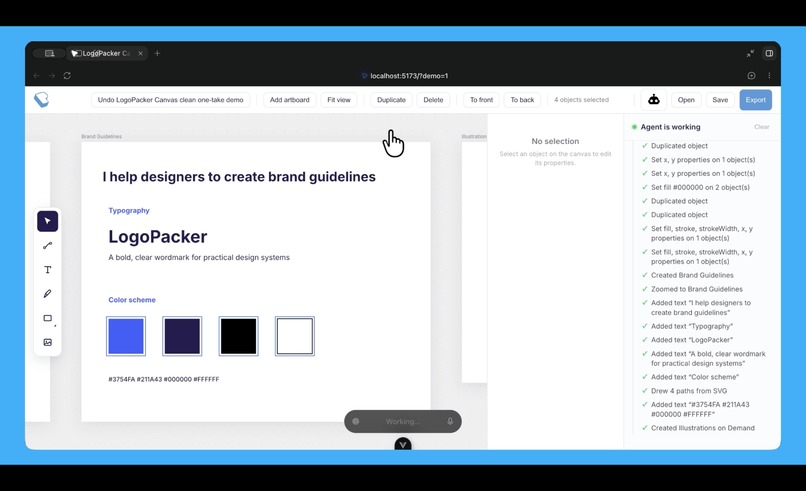
Creating brand guideline in simple prompt
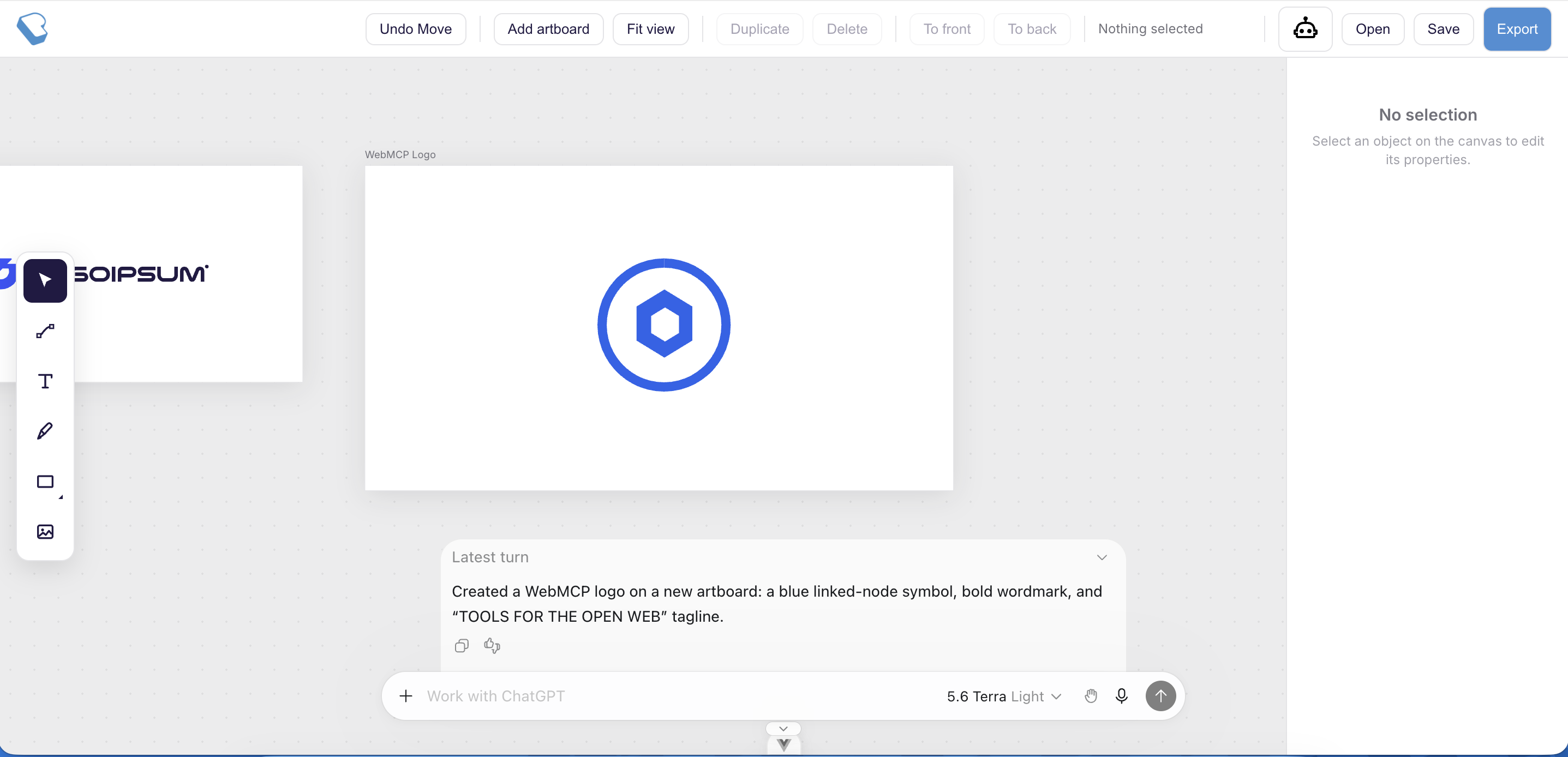
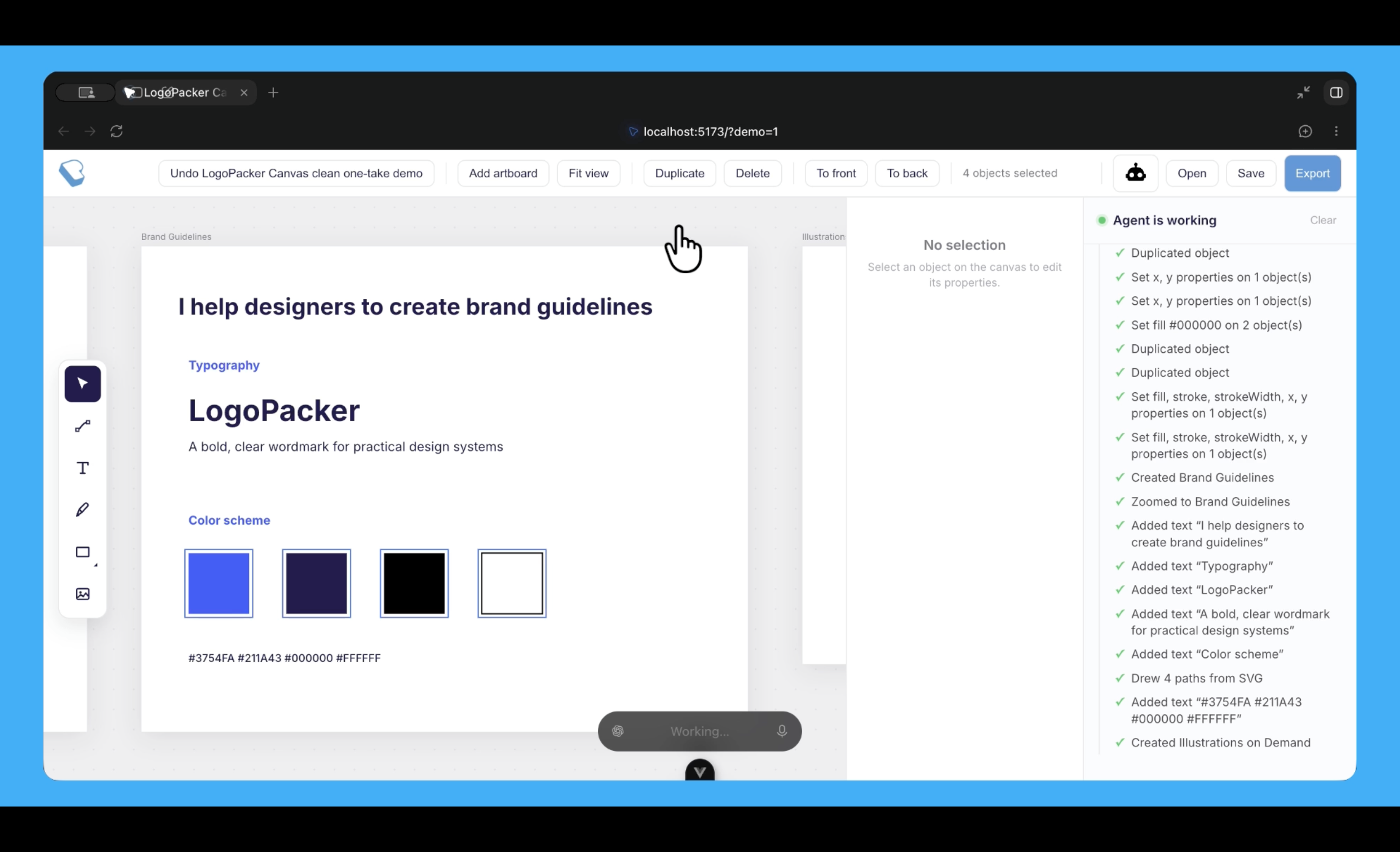
LogoPacker Canvas
LogoPacker Canvas gives agents the ability to work directly on a local design canvas—creating variations, organizing assets, adjusting layouts, and preparing design handoffs based on the designer’s direction. Changes are saved instantly to the local workspace.
Why your use case is a strong fit for WebMCP
Direct access to the local workspace
Using the Filesystem API, agents can work with local assets without sending them to a server. They can also autosave projects locally, allowing changes to persist entirely within the user’s workspace.
Designing is a click-heavy task
Vector and logo design often requires a long sequence of clicks to switch between tools and complete even simple variations. For example, creating one variation may require: duplicate → select → recolor → resize → reposition.
With WebMCP, agents can discover and invoke these tools directly without navigating or DOM-scrolling. The canvas’s live state—such as what is selected and currently visible—is also available to the agent at call time. This enables low-latency, stateful editing entirely in the frontend with an LLM of choice, without relying on heavy APIs, WebSockets, or server-side live editing.
How it creates a better user experience
Smoother workflow
Because designing involves many repetitive, click-heavy actions, WebMCP allows monotonous tasks to be executed directly by the agent instead of requiring constant on-screen interaction. Designers can focus on the parts where creativity and judgment matter while delegating the mundane work to agents.
Use local fonts directly
Designers often have their own fonts available locally. With access to local fonts, agents can help designers explore and select suitable typography for their brand without requiring the fonts to be uploaded to a server.
Fewer privacy concerns
Users do not need to upload their design files or assets to a server. Their assets, projects, and exported files can remain confined to their local workspace.
Describe what people and agents can do together that was difficult or impossible before
- Before WebMCP, agents typically needed to take over mouse and keyboard control, hijacking the designer’s screen. WebMCP enables shared, low-latency, stateful human-agent collaboration without screen hijacking.
- Agents can directly access browser capabilities. For example, LogoPacker uses the Local Font Access API to let agents read the fonts available on the designer’s machine.
- Combining WebMCP with direct browser APIs enables more continuous collaboration. For example, a designer can prompt the agent to “continue editing when I place an image near position X” instead of manually prompting the agent after every interaction.
Briefly explain how you implemented WebMCP
- Agents have access to a full tool surface covering canvas inspection, selection, artboard management, object mutation (fills, properties, path data,
draw_svg), reversible request bracketing, typography, and imagery. This allows agents to read the live canvas state at call time and perform tasks based on the designer’s instructions. - Agent actions are visible in a toggleable sidebar, providing clear observability into what the agent is doing.
- Browser APIs such as the Local Font Access API and Filesystem API are also exposed directly to the agent through
registerTool. Initial idea was to use Filesystem API with directory access, however, it's only available available on Google Chrome.
Inspiration
LogoPacker Canvas is a new product inspired by my old project Logo Packer which was created before emergent of modern AI.
Built With
- cloudflare
- kiro
- vue
- webmcp

Log in or sign up for Devpost to join the conversation.