-
-
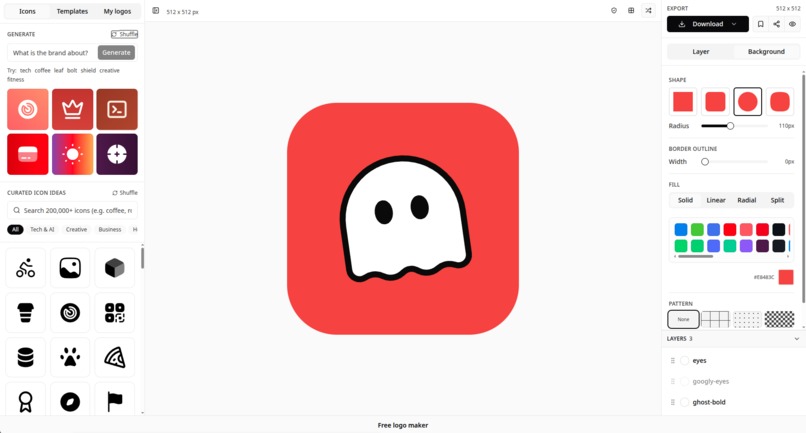
state with final logo created, from png to svg
-
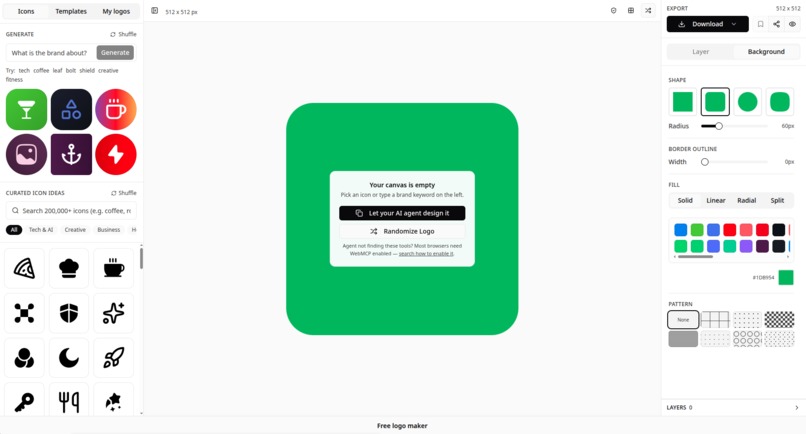
default starting point
Inspiration
Every "make me a logo" tool on the web makes the same bet: a human sits at a canvas, drags shapes, and tweaks colors by eye. That bet breaks the moment an agent is the one trying to help. ChatGPT can describe a great logo in a sentence, but it had no way to actually place it, resize it, or apply a brand's real colors on a live canvas. WebMCP closes that gap: it lets an agent drive the same tool a person uses, through the same page, with no separate API to build or maintain.
What it does
Logo Maker (https://logo.allsvgicons.com/) is a free, no-signup SVG logo editor. Six WebMCP tools are registered on the page via document.modelContext.registerTool:
get_logo_maker_state: reads canvas size, background, every layer (with IDs and index), the current selection, safe-zone settings, and a shareable code/URL, optionally with the rendered SVG.update_logo_maker_state: partial, smart edits: apply an authentic brand preset (Instagram, Spotify, Stripe, Linear, Supabase, and more), toggle the safe-zone keyline, add/update/remove/clear layers by ID or index, or change selection, all without resending the full state.set_logo_maker_state: full-state replacement for bulk rebuilds.search_logo_icons: finds icons from the site's SVG library to drop onto the canvas.load_logo_maker_share: restores a saved design from its share code.get_brand_presets: lists the brand color/style presets an agent can apply by name.
A person can open the same editor, drag layers, and see exactly what the agent changed, live, on the same canvas.
What agents and people can now do together
Ask ChatGPT (or any WebMCP-aware agent) for "an Instagram-style logo with a mountain icon, rotated 15 degrees" and it composes the layers itself, then hands back a working canvas a human can immediately refine by hand: nudge a layer, swap a color, export. Neither side has to fully finish the job alone; the agent handles the tedious part (search, place, apply preset, iterate on args) and the person keeps final visual judgment.
How we built it
Built with React inside an Astro site (allsvgicons.com), using document.modelContext.registerTool for each tool with Zod-derived JSON schemas for inputs. Layer state lives in a single React ref so both the UI and the WebMCP tool handlers read/write the same source of truth, no separate agent-facing state to keep in sync. Designs are shareable via a compact encoded string decoded by load_logo_maker_share, so an agent's output is a URL a person can open directly.
Challenges we ran into
Getting execute_tool semantics right from the agent side: getTools() returns a Promise and hands back tool handles, not names, so calling a tool means holding the handle rather than looking it up by string each time; args also need to go over as JSON-stringified payloads. On our end, the trickiest part was making update_logo_maker_state genuinely incremental (index-or-ID addressing into an array of layers) without forcing every agent call to resend a full canvas state.
Built With
- astrojs
- react


Log in or sign up for Devpost to join the conversation.