Inspiration
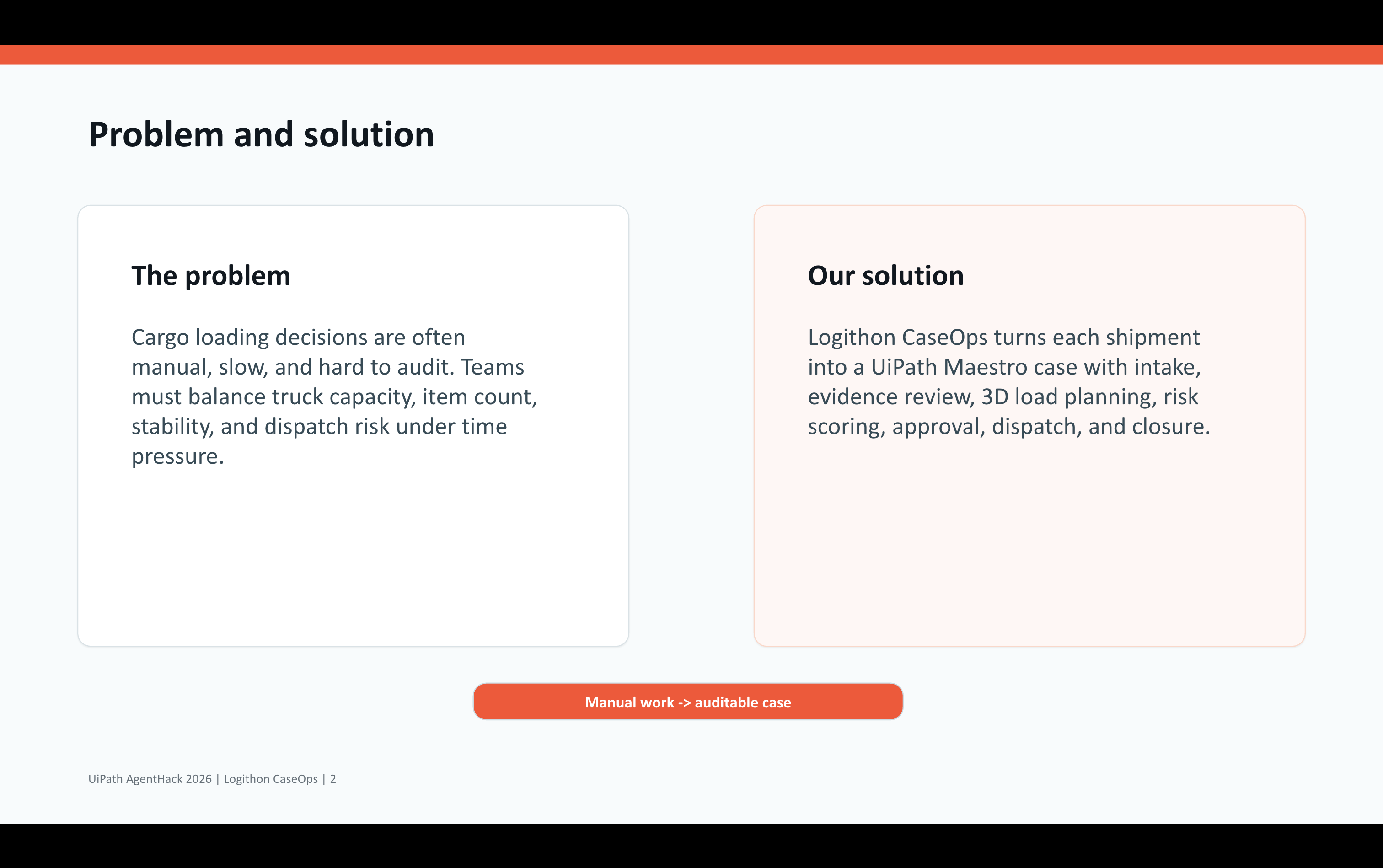
Cargo loading is still handled with many manual decisions: checking whether items fit, balancing weight, reviewing evidence, approving risky loads, and deciding if dispatch should continue. These decisions affect safety, cost, and delivery time, but they are often hard to trace later. I wanted to use UiPath Maestro to turn this into a guided, auditable case workflow instead of a one-time calculation.
What it does
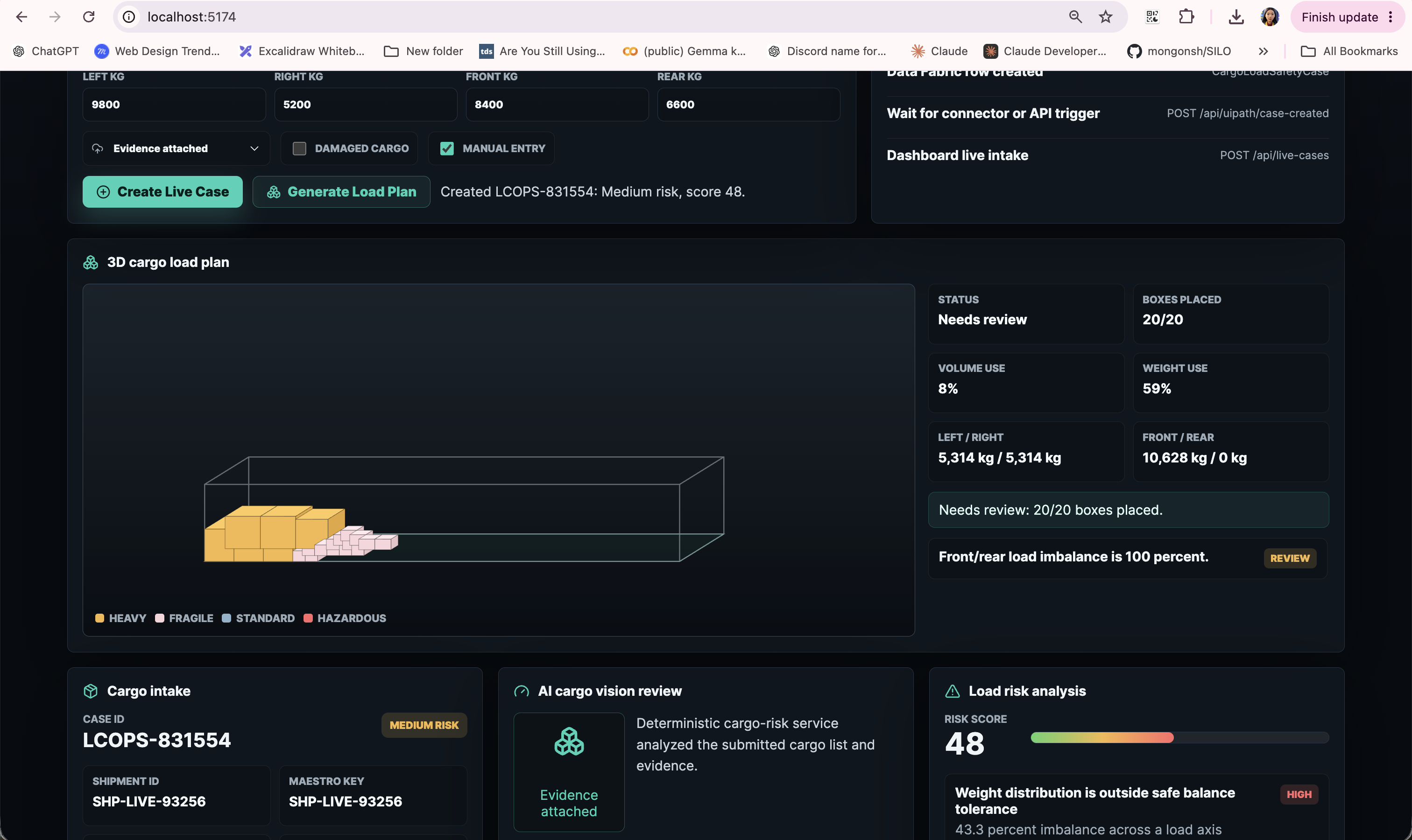
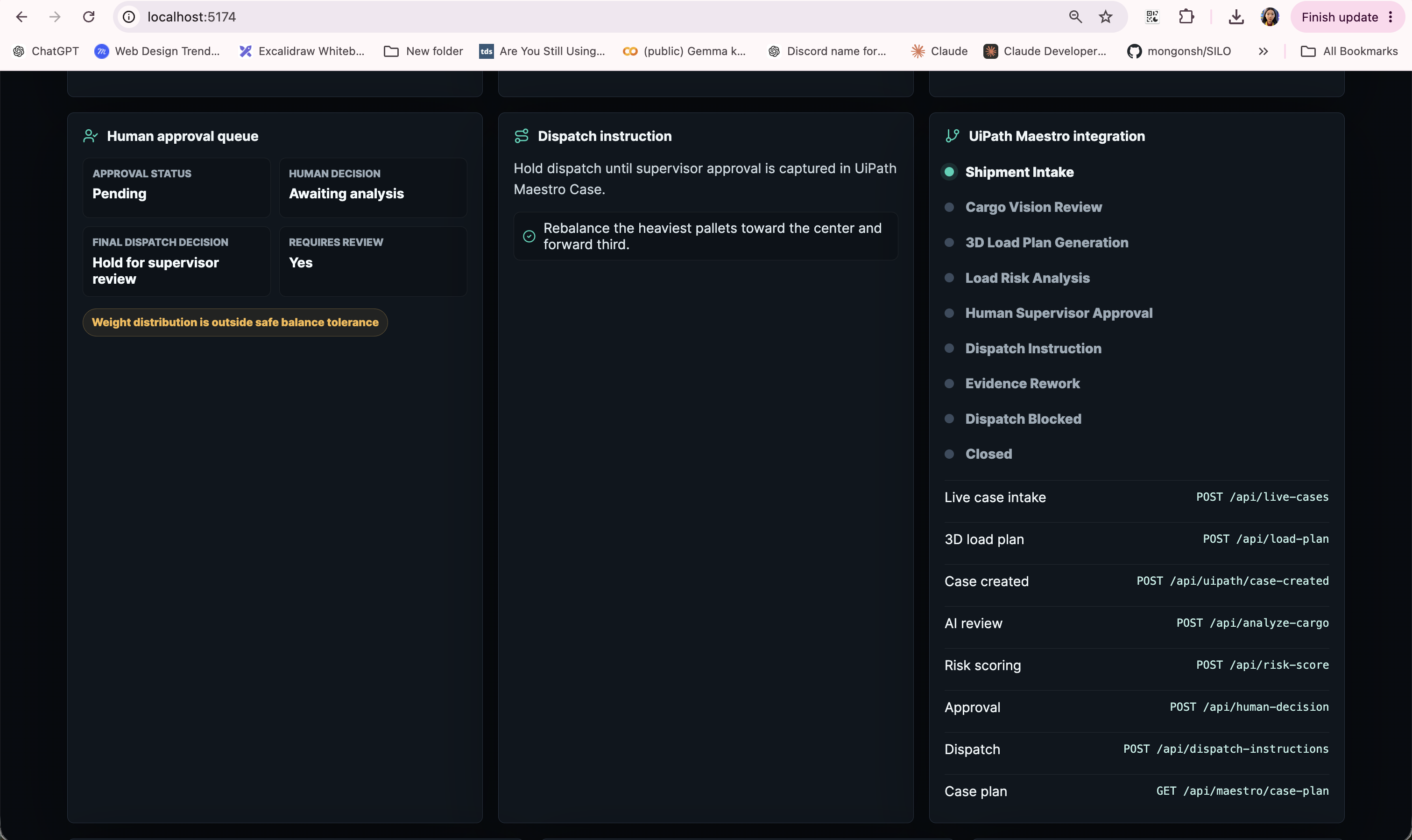
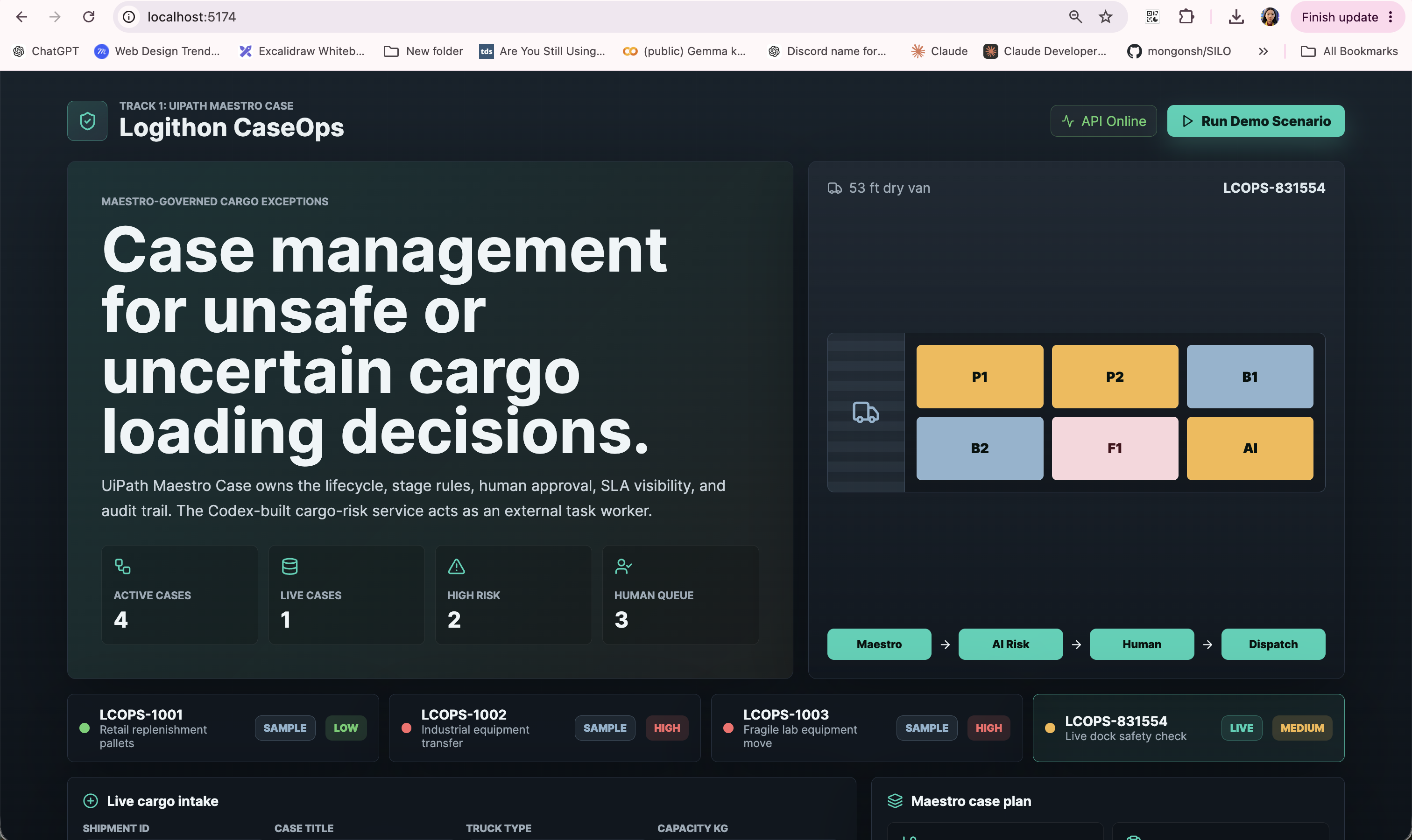
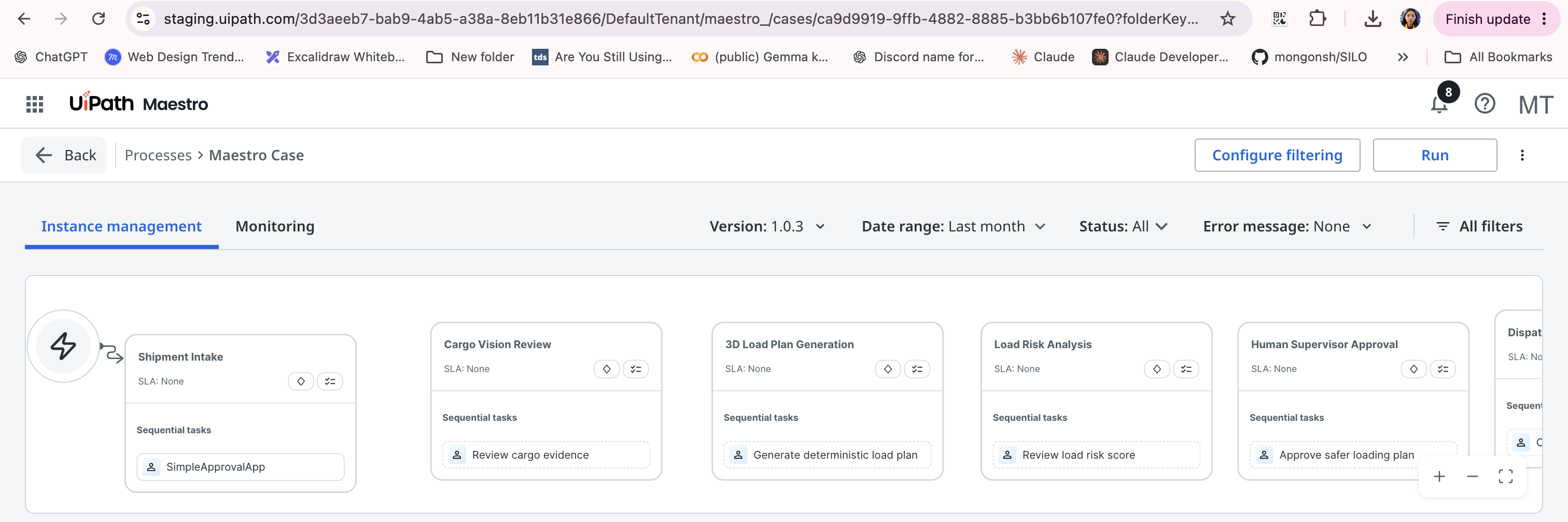
Logithon CaseOps helps logistics teams plan and review cargo loading. It accepts truck and cargo inputs, calculates cargo count and capacity usage, generates a deterministic 3D load plan, scores risk, and creates dispatch guidance. The Maestro case workflow organizes the process into intake, cargo review, load plan generation, risk analysis, supervisor approval, dispatch instruction, exception handling, and closure.
How we built it
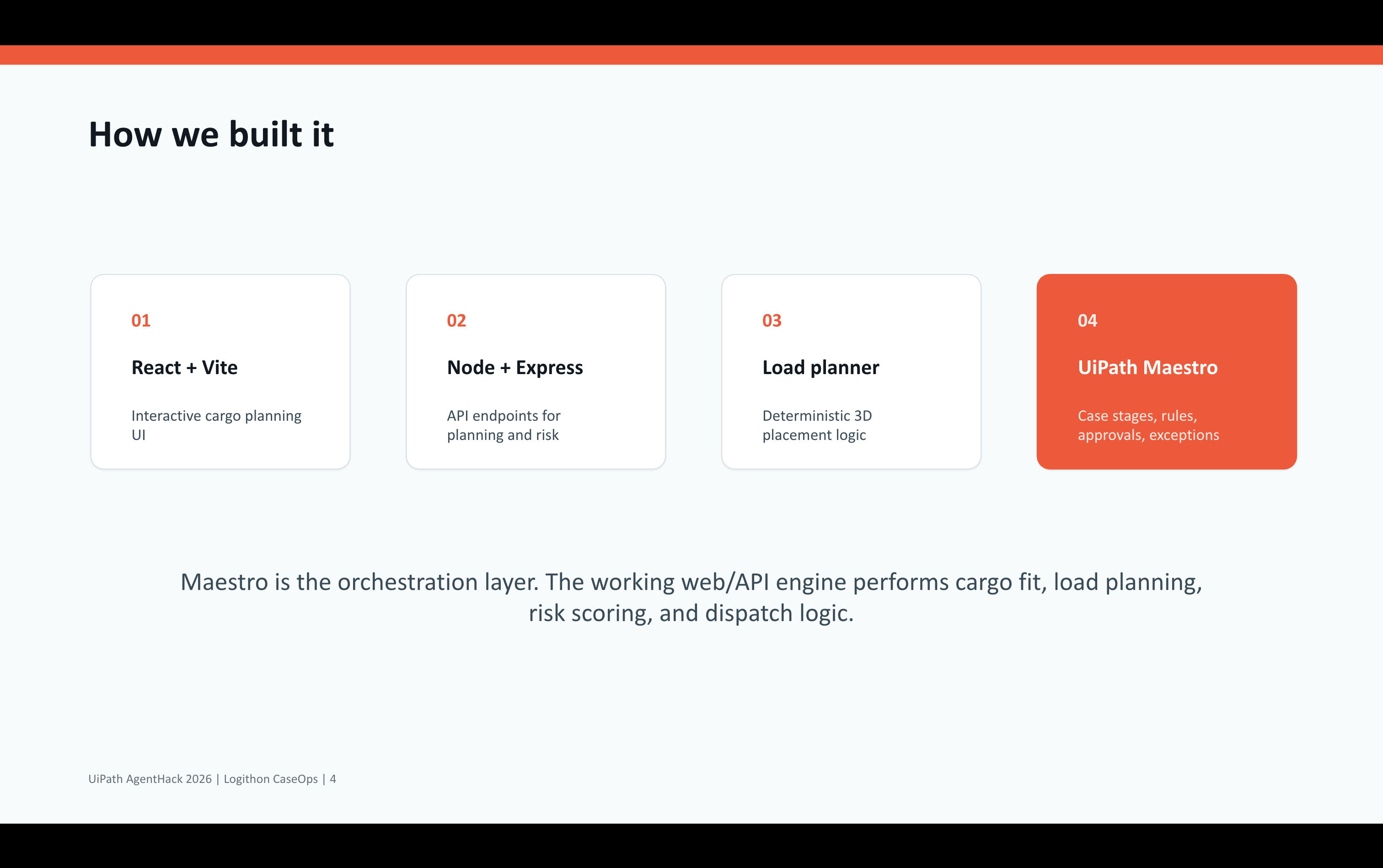
The working demo app is built with React, Vite, Node.js, and Express. The backend includes a deterministic load planner that expands cargo quantities into boxes, places them inside truck dimensions, checks capacity, and reports warnings. The risk engine uses the generated load plan to flag overload, imbalance, unsupported cargo, and unplaced items. In UiPath Maestro, we modeled the business workflow as a case with stages, rules, human checkpoints, and exception paths.
Challenges we ran into
This was my first time using UiPath and my first real introduction to RPA. I had to learn Maestro, Studio Web, Orchestrator, publishing, folders, scopes, and case rules during the hackathon. The hardest part was runtime integration: Action Center/AppTasks was not clearly available in the hackathon tenant, so the human action app could not complete end-to-end. I kept the submission honest by showing Maestro as the orchestration layer and the web/API app as the working cargo engine.
Accomplishments that we're proud of
I am proud that this is not only a mockup. The project includes real cargo logic: capacity checks, item expansion, 3D placement data, risk signals, and dispatch guidance generated from shipment input. I also created a Maestro case model that represents a realistic long-running logistics workflow, including approvals and exception branches like evidence rework and blocked dispatch.
What we learned
I learned that RPA is not just about automating a single repetitive task. With Maestro, automation can coordinate people, systems, rules, approvals, and exceptions across a full business process. I also learned the importance of separating orchestration from application logic: Maestro manages the case flow, while APIs and apps handle domain-specific calculations.
What's next for Logithon CaseOps
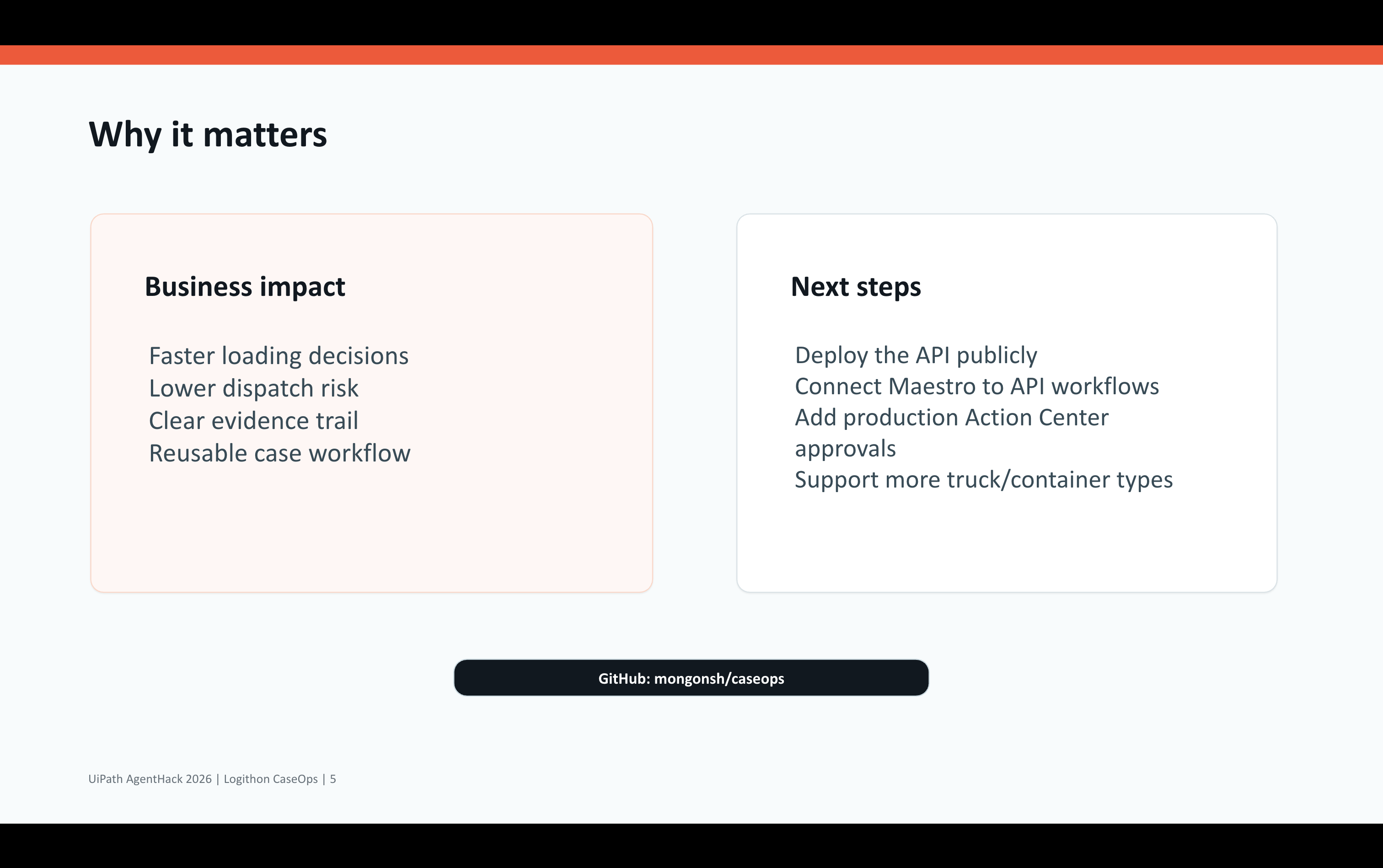
Next, I would deploy the API publicly and connect Maestro stages directly to API workflows. I would add production Action Center approvals, support more truck and container types, improve the 3D visualization, export loading evidence, and integrate with warehouse or dispatch systems. The long-term goal is to make cargo loading safer, faster, and easier to audit.
Built With
React, Vite, Node.js, Express, JavaScript, HTML, CSS, UiPath Maestro, UiPath Studio Web, UiPath Orchestrator
Built With
- express.js
- html
- javascript
- node.js
- react
- uipath-maestro
- uipath-orchestrator
- vite


Log in or sign up for Devpost to join the conversation.