Inspiration
The idea came from a desire to build a hybrid architecture. I wanted to try something different.
How We Built It
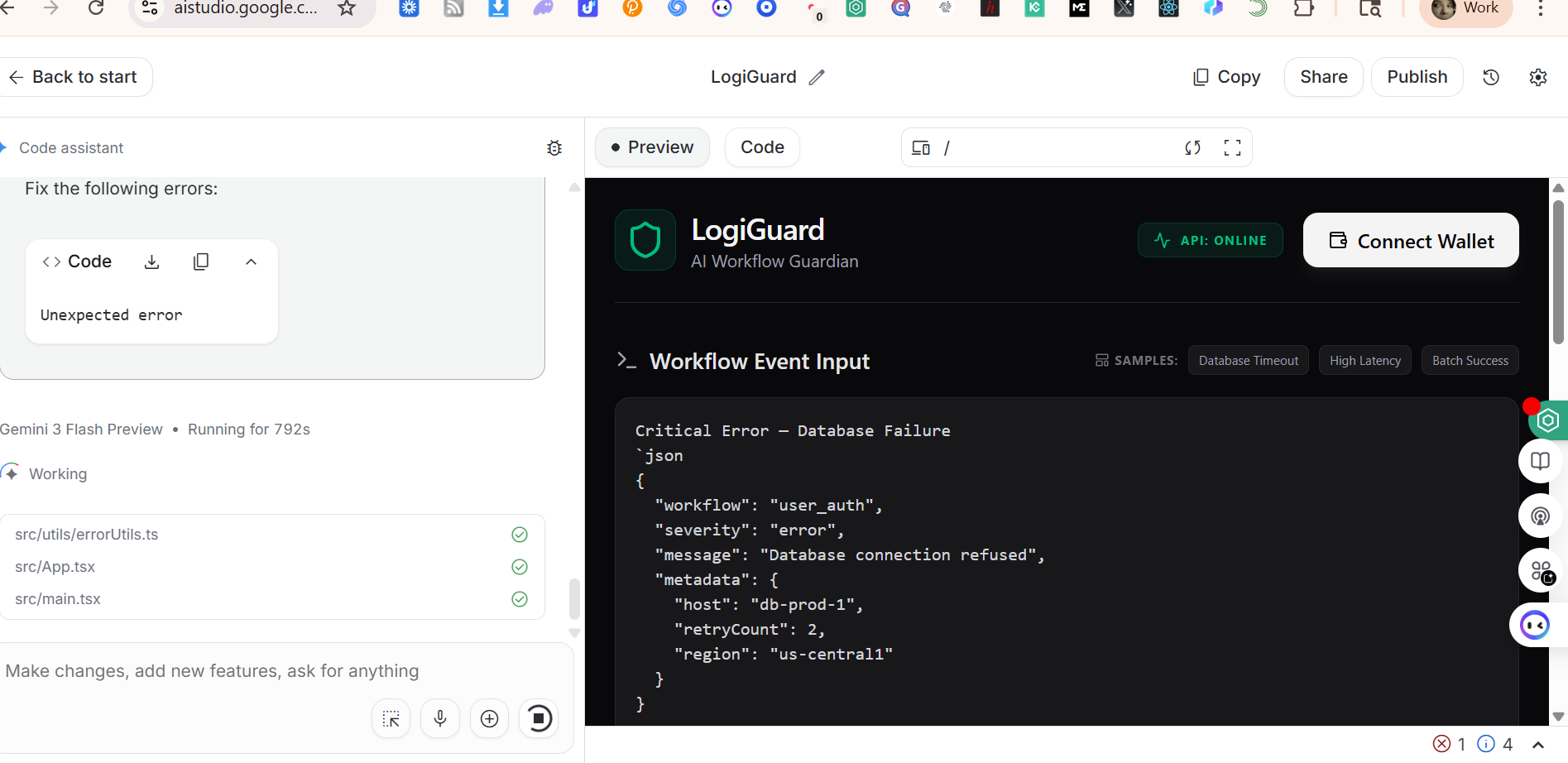
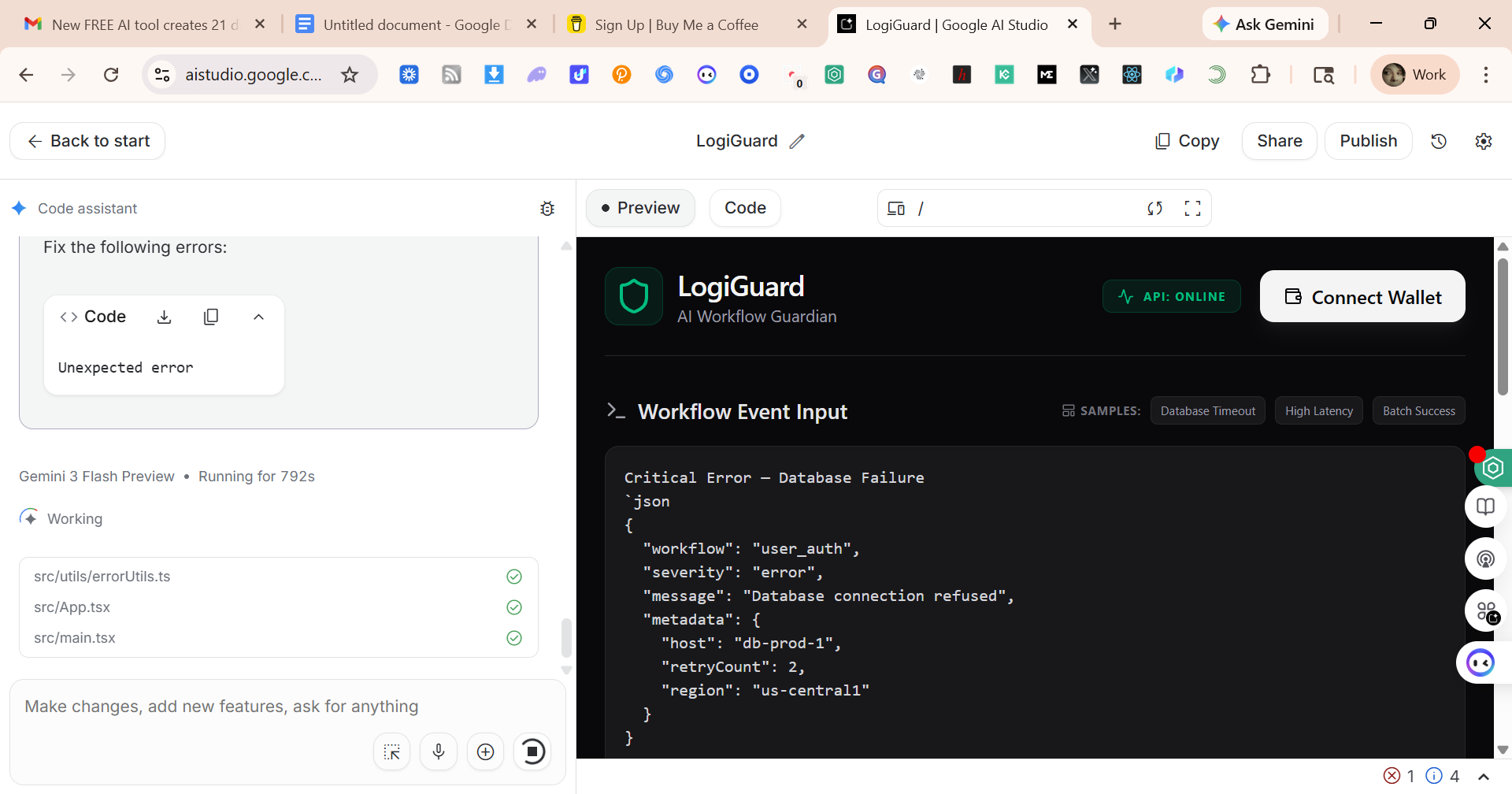
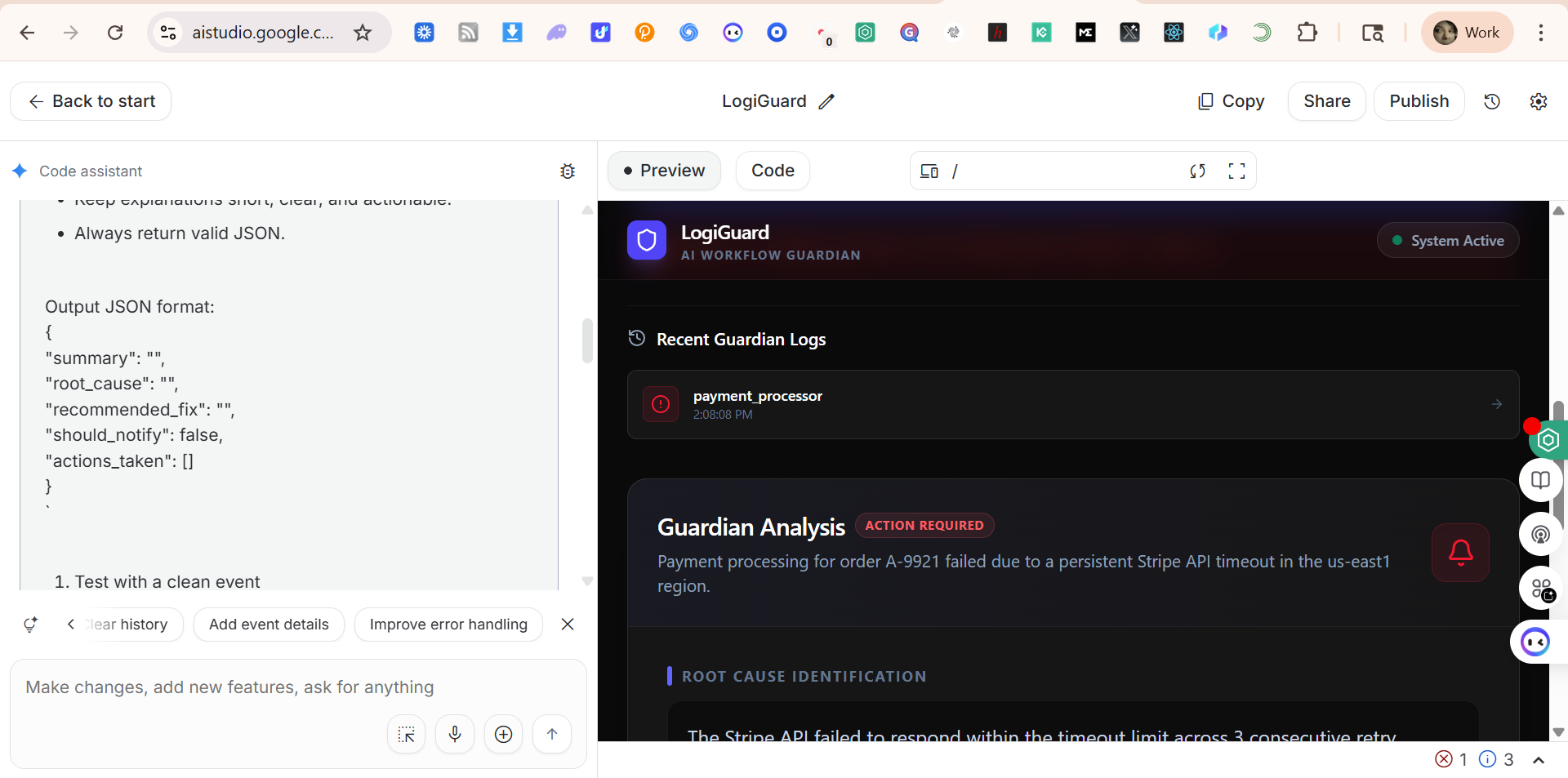
LogiGuard was built as a hybrid AI Studio + Antigravity + Cloud Run system designed to treat screenshots and screen recordings as analyzable data streams. We started by designing a clean, event‑driven architecture:
- A lightweight backend that receives images or videos and forwards them to Gemini Multimodal.
- A reasoning layer that interprets UI states, risk signals, and workflow events.
- A normalization layer that converts raw model output into a consistent event schema.
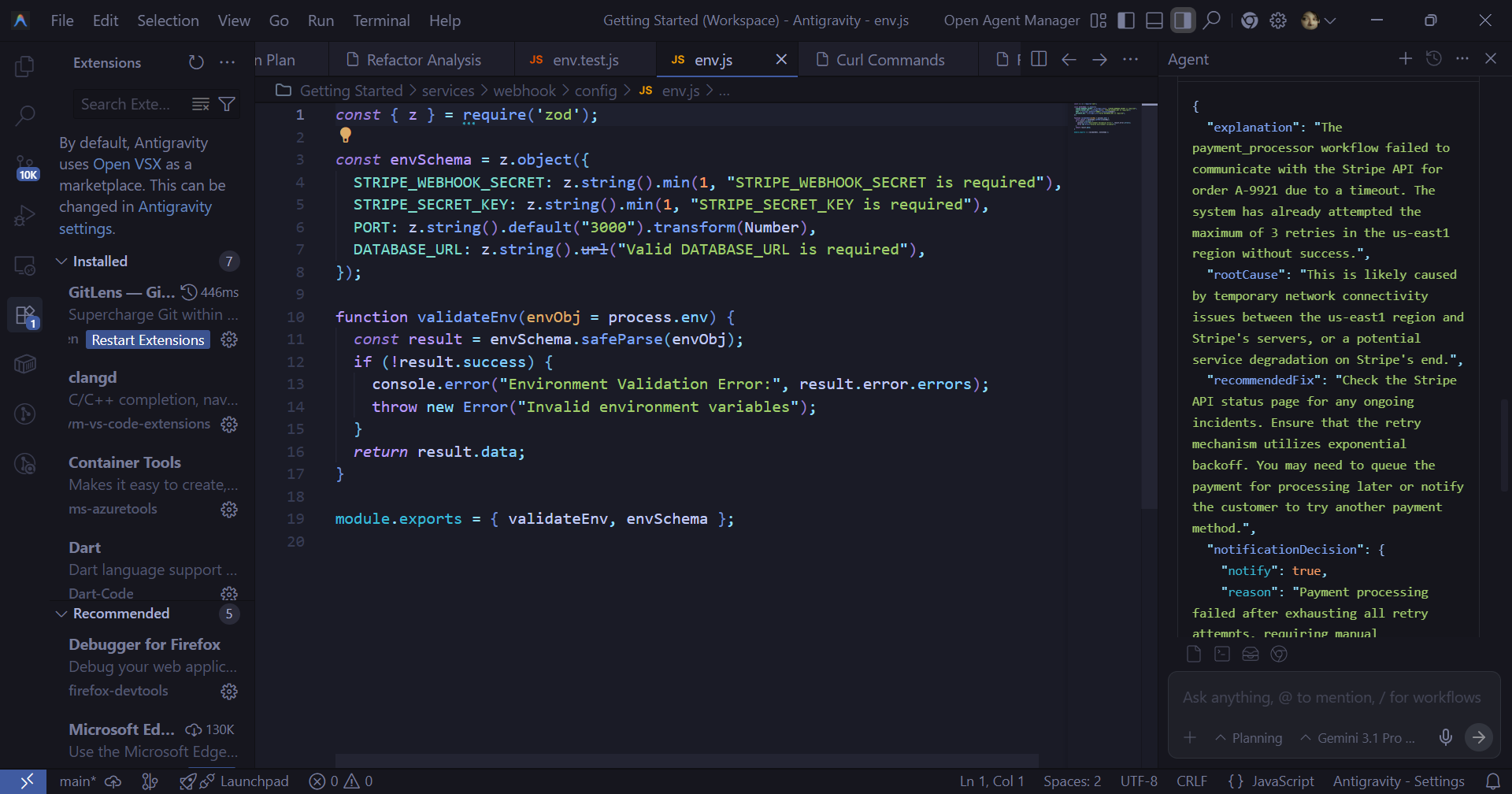
- A production-grade Antigravity agent that enforces strict JSON output and tool‑aware behavior.
- A set of public endpoints (/health, /status, /analyze-visual, /events) that make the system easy to evaluate, demo, and integrate.
We iterated quickly, building the system like Lego bricks:
First the backend, then the prompts, then the event schema, then the agent, then the demo flow, and finally the submission assets.
## LogiGuard is a hybrid system combining an AI Studio, Antigravity, and Cloud Run, specifically engineered to process screenshots and screen recordings as analyzable data streams. Our foundational design is clean, event-driven architecture, structured around these key components: Lightweight Backend: Responsible for receiving visual data (images or videos) and forwarding it to Gemini Multimodal. Reasoning Layer: Interprets complex inputs such as UI states, potential risk signals, and workflow events. Normalization Layer: Standardizes the raw output from the model into a consistent event schema. Production-Grade Antigravity Agent: Enforces strict JSON output compliance and ensures tool-aware behavior. Public Endpoints: A set of accessible endpoints (/health, /status, /analyze-visual, /events) designed for easy testing, demonstration, an integration. We adopted a rapid, modular development approach, building the system like Lego blocks in this sequence: the backend, the prompts, the event schema, the agent, the demonstration flow, and finally, the submission assets.
Accomplishments We Are Proud Of
- A fully working visual analysis pipeline From screenshot → Gemini → normalized events → risks → logs. It works end‑to‑end and feels surprisingly natural.
- A production-grade Antigravity agent The agent is strict, predictable, and ready for real workflows — not just a demo.
- A clean, API-first architecture Judges can test LogiGuard with simple curl commands and immediately see value.
- A compelling, judge-ready demo The phishing scenario shows exactly why visual analysis matters.
- A unified submission bundle
What We Learned
- Screens are a goldmine of signals UI states reveal security risks, compliance issues, and product failures long before logs do.
- Multimodal reasoning becomes powerful when you enforce structure Raw model output is interesting. Structured model output is useful.
Prompt engineering is software engineering We treated prompts like code: versioned, assessed, refined, and validated.
- Hybrid architecture is the future AI Studio for reasoning design. Antigravity for production execution. Cloud Run for scalable hosting. Together, they create a system that feels modern and robust.
- The best demos tell a story Judges do not remember features — they remember moments. LogiGuard creates those moments.
## What’s Next for LogiGuard LogiGuard v1 is just the beginning. Here is where we are taking it next:
- Real-time session monitoring Continuous visual analysis of a user’s screen or workflow.
- Custom rule packs Security teams, compliance teams, and QA teams can define their own risk rules.
- Dashboard for analysts A visual timeline of events, risks, and UI states — like a flight recorder for screens.
- Integration with SIEM and alerting tools Send high-severity risks directly into Slack, PagerDuty, or Splunk.
- Long-form video understanding Analyze full sessions, not just short clips.
- Organization-level memory Learn patterns across teams, apps, and environments.
Built With
- ai-studio
- antigravity
- cloud-run
- javascript
- json
- typescript
- yaml

Log in or sign up for Devpost to join the conversation.