-
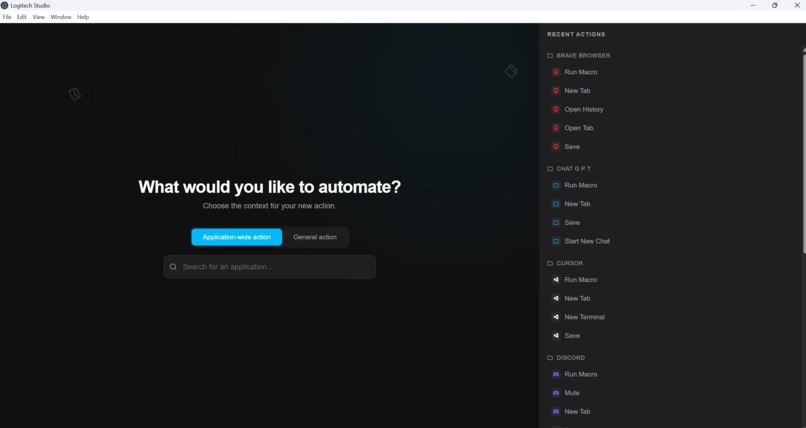
Demo Overview
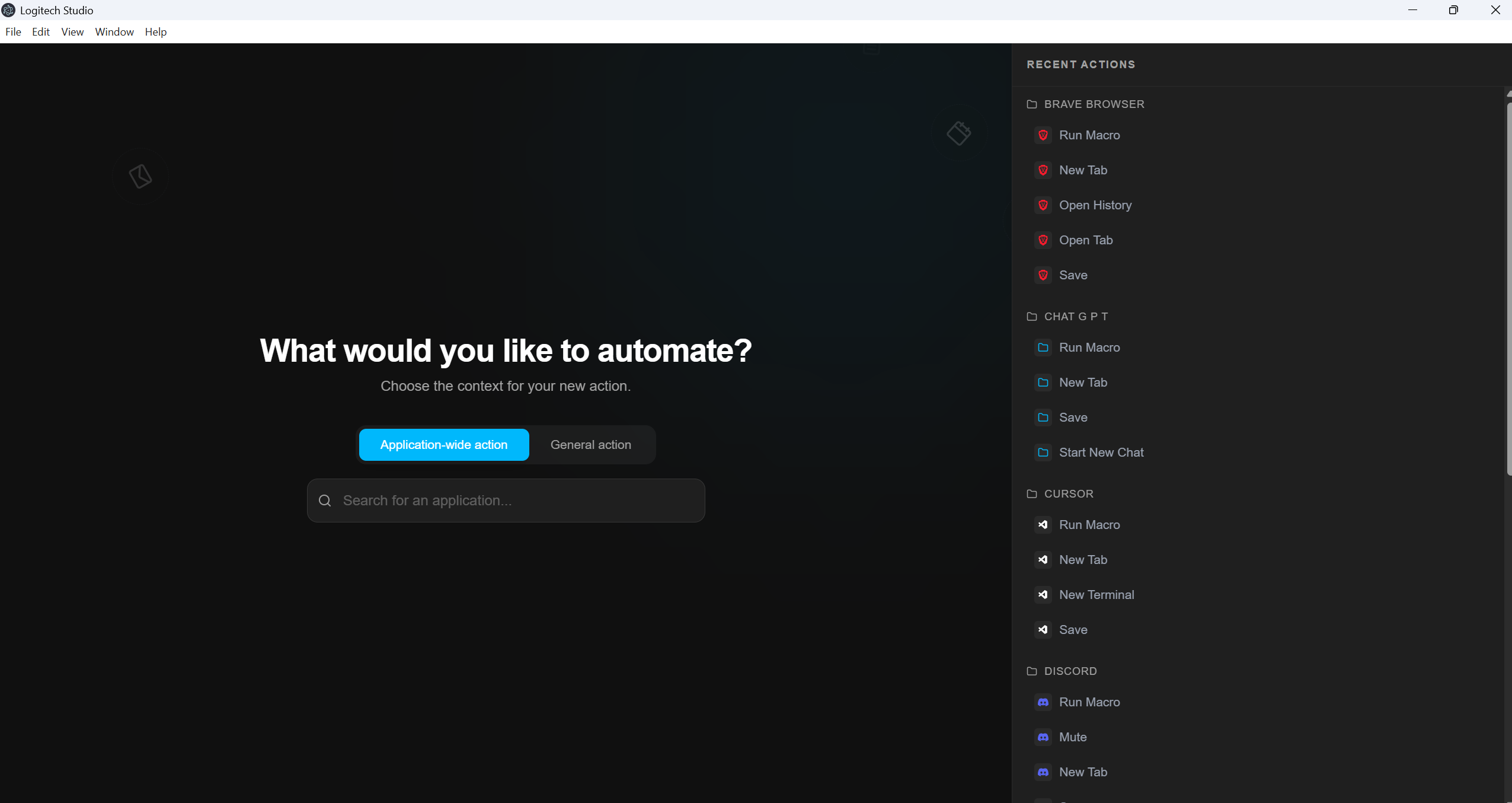
Inspiration
Logi Options+ currently only offers a limited number of plugins for applications out of the box - far from enough to support the full range of workflows office employees rely on. And because each plugin aims to cover broad functionality, finding the right actions or solutions can quickly become overwhelming.
That’s why we created Logitech Studio: software that transforms natural-language prompts into ready-to-use plugins, instantly.
Customizable. Fast. No code required.
What it does
Logitech Studio is an intelligent companion app that empowers users to create custom plugins for their Logitech devices using simple natural language. Instead of waiting for official integrations or learning C# and Logitechs custom LogiOptions+ SDK, a user can simply say "Create an Excel action that finds the maximum value in my selected range" or "Make a button that organizes my downloads folder."
The app analyzes the request, understands the context of the target application (like Excel, Jira, etc.), and autonomously generates, compiles, and installs a fully functional plugin. It transforms the complex process of software development into a simple conversation.
How we built it
We built a robust hybrid architecture to bridge the gap between modern web technologies and system-level automation:
UI:
- The Core UI (Electron & React): We built a minimalist, modern desktop application using Electron, React, and TypeScript. We utilized Vite for lightning-fast builds and TailwindCSS to replicate the premium aesthetic of Logitech's design language, complete with fluid animations and a "warp speed" particle effect during generation.
Backend:
- The Intelligence (Python & AI): The intelligence comes from a dedicated FastAPI backend. We leveraged LangChain and Google Gemini to interpret user intents and generate syntactically correct C# code tailored for the Logitech plugin API.
- System Automation: We implemented a dynamic build pipeline. When code is generated, our backend orchestrates MSBuild and .NET tools to compile the C# code into a DLL file in real-time, hot-swapping it into the application so it's ready to use immediately. The Bridge: We used Electron's IPC (Inter-Process Communication) to securely handle file system operations and native notifications, ensuring the app feels integrated with the OS.
Challenges we ran into
- Code Generation Reliability: Getting an LLM to not just write code, but write compilable C# code that strictly adheres to the specific Logitech SDK interfaces was a major hurdle. We had to implement a "self-healing" pipeline where the AI analyzes build errors and fixes its own code iteratively.
Accomplishments that we're proud of
- True No-Code Experience: We achieved a workflow where a non-technical user can build a compiled system plugin just by typing a sentence.
- Self-Correction: Our pipeline doesn't just fail when the code is wrong; it attempts to fix itself, mimicking a human developer's debugging loop.
What we learned
- The Power of Friendship (or so we were told)
- The Power of Agentic AI: We learned that AI agents are most powerful when given access to tools (like compilers and file systems) rather than just being text generators.
- User Intent vs. Implementation: Users describe outcomes ("sort my files"), but software needs steps. Bridging this gap required careful prompt engineering to translate intent into logic.
- Electron's Versatility: We deepened our understanding of using Electron not just as a UI wrapper, but as a powerful bridge to the operating system.
What's next for Logitech Studio
- Haptic Integration: E.g. when the generation is finished, send a haptic signal to not disturb the workflow.
- Community Marketplace: Allowing users to share their generated plugins with others, creating an infinite library of community-driven actions.
- Context Awareness: Having the app automatically suggest plugins based on what software you are currently using.
Built With
- actions
- c#
- electron
- logi
- react
- sdk
- typescript

Log in or sign up for Devpost to join the conversation.