-
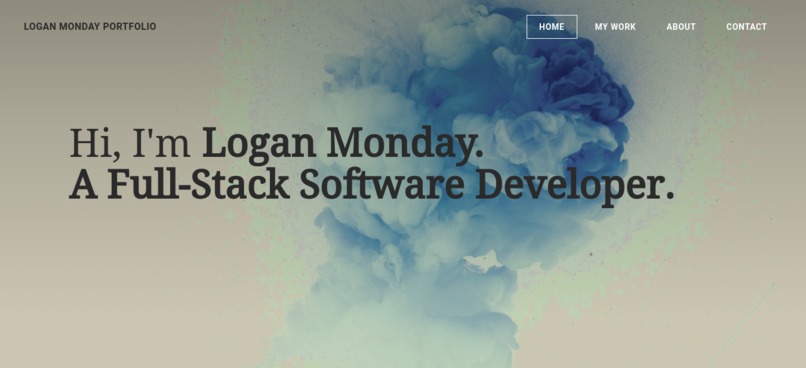
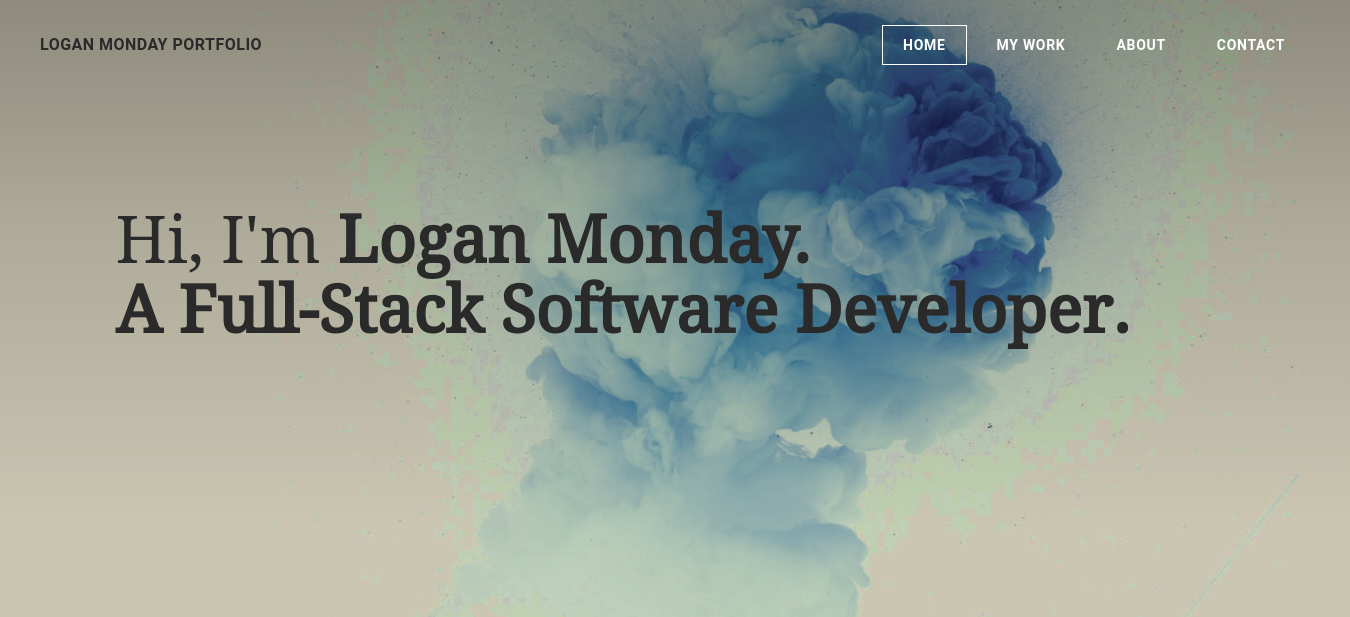
The home page of Logan Monday's Portfolio Website, that introduces them, and tells visitors what they do.
My Inspiration for Creating this Project
I am new to the technology industry, and I'm mainly a self-taught developer, so when the live session earlier this week explained how to design and create a portfolio website to showcase your work, I thought it'd be an amazing idea for me to make one for myself to build my chances of getting hired in a position at a technology company as a developer, later down the road, in the future, when I start looking more for job opportunities, and feel ready to use my skills at an organization.
What My Portfolio Website Does
My portfolio website explains on the home page who I am, what I do, a little more information about me, and explains how to get in contact with me. My page for my work has a message telling visitors to come back and check later in the future for my projects that I will upload to the website once I've completed some that I want to showcase in my portfolio to future employers. The "About" page gives a little more details about who I am, and later on, in the future, I will add my education, experience, and accomplishments to this page to back my credibility in the field. Lastly, my contact page has a contact form on it that visitors can fill out if they would like to reach out to me, and the page also explains what they should expect when waiting for a reply to their request for contact. I also mentioned my other contact information, so people could contact me in their preferred method instead of only being able to use the site's contact form.
How I Built My Portfolio Website
I built my website using the GoDaddy Registry domain name that I claimed this week using the code that was provided to us, and building my website through their partner Porkbun's website building partner, Weebly, which is a no or low-code tool, to customize my website to look the way I envisioned it to look and how I wanted the functionality to work out.
The Challenges that I Ran Into
I had to figure out how to use certain features of the no or low-code tool, Weebly, that I chose to use because I've never used this specific tool before, but I also have minimal experience with website builders in general, so figuring out how to resize, or move objects around on my website was difficult until I took a moment to stop building it, and read the tool's documentation to figure out exactly the process I needed to follow to move the objects the ways that I wanted to.
Accomplishments that I'm Proud of
I am proud of myself for completing the initial set-up of this website. I didn't have any projects to add to it yet, nor anything to include for the education, experience, and accomplishments sections of the about page at this time, however, I did set everything else up on the website to be customized for myself and even though there's not a lot done to this site yet, I've always had a hard time with getting a website finished to the same stage that this one is at.
The Things I Learned
I learned that setting up websites using no or low-code tools, may be a little simpler than writing code for a website, however, it is still something that you have to learn, and take your time on to figure out all the things that you have to do to get your website to look exactly the way you want it to, and have the finished project resemble what you envisioned for it.
What the Logan Monday Portfolio Website has In Store for the Future
I plan to add the projects I end up building in the future, during my studies in this field, to the website to showcase my work to future employers, and anyone that may be interested in the things I'm building. I also will be keeping this site updated regularly to keep the content relevant, and remain open for communication with anyone who reaches to me through the site, or by finding my contact information from the site.

Log in or sign up for Devpost to join the conversation.