-
-
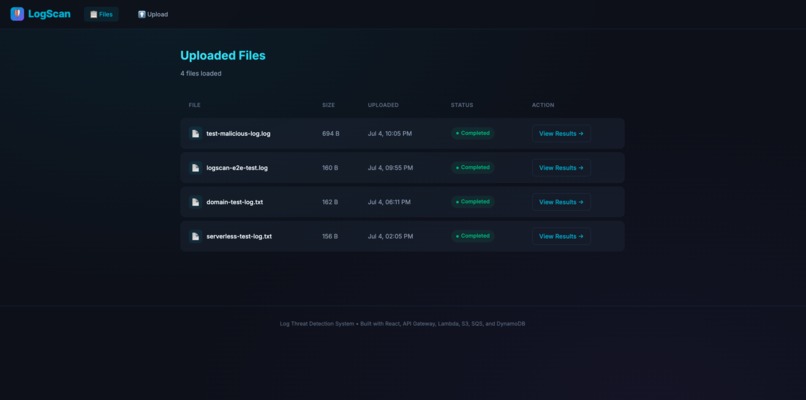
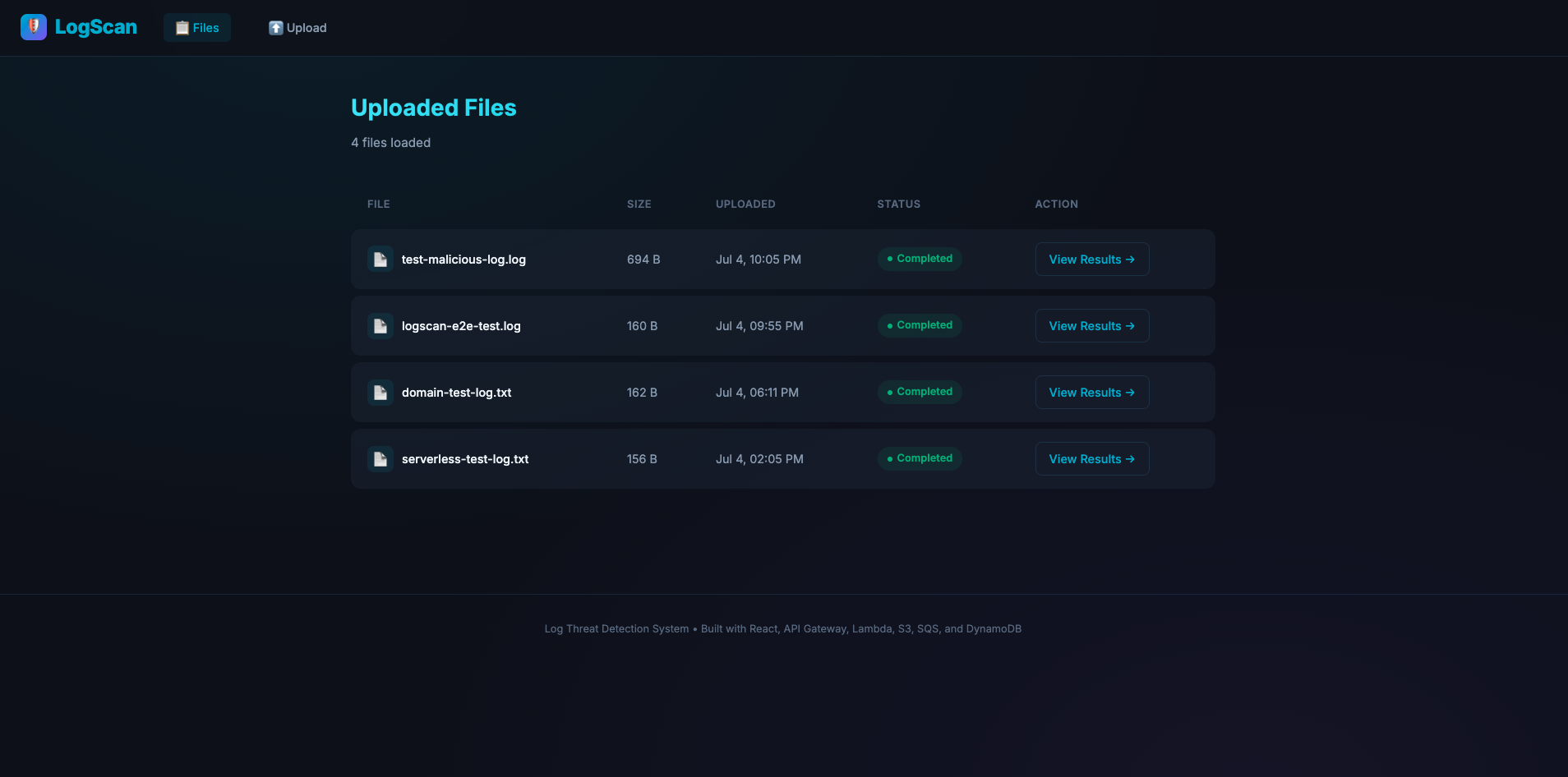
history list logs page
-
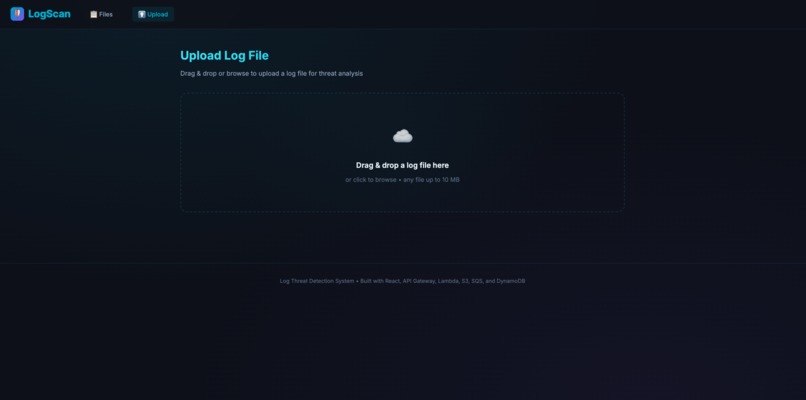
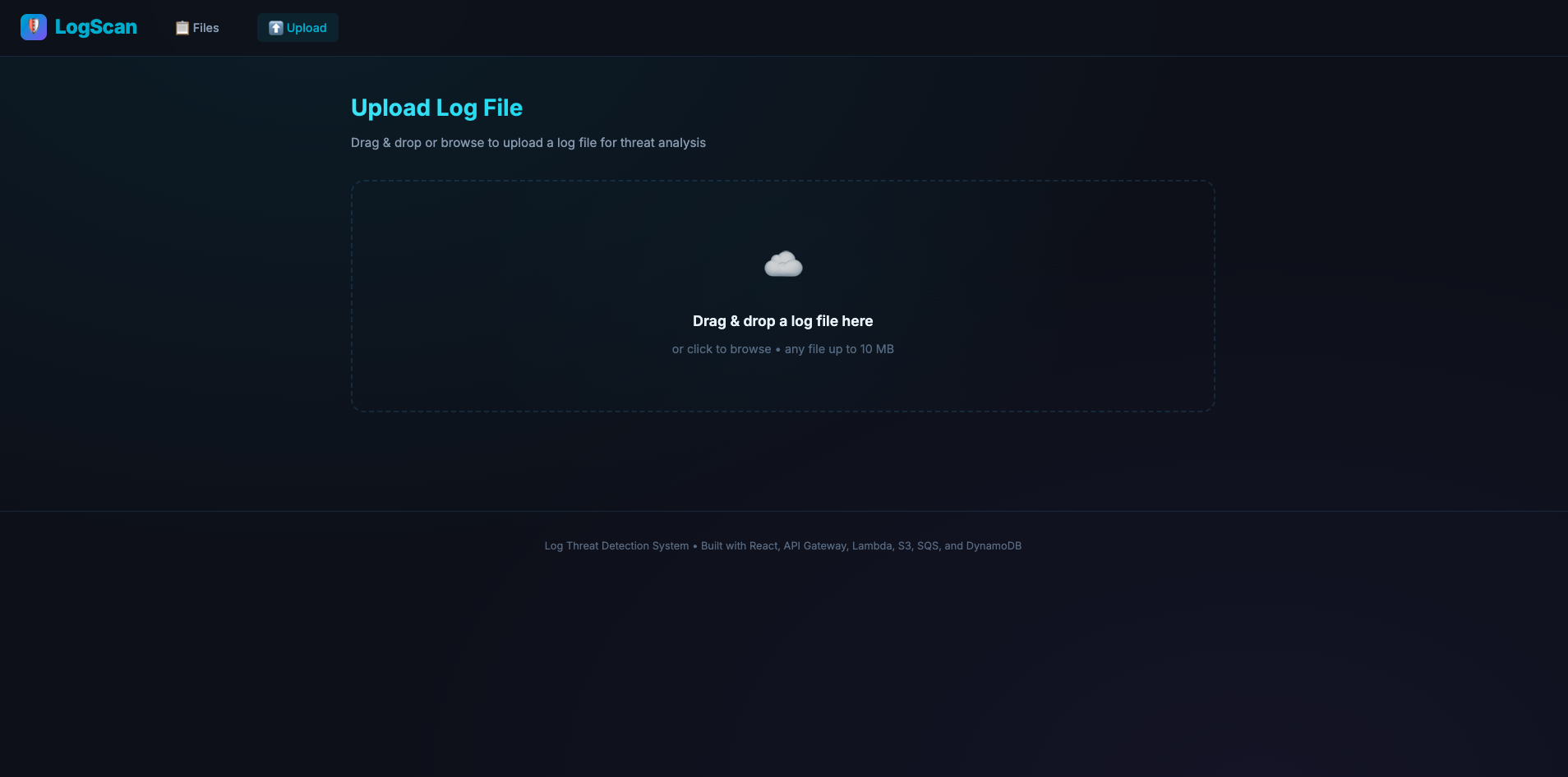
upload page
-
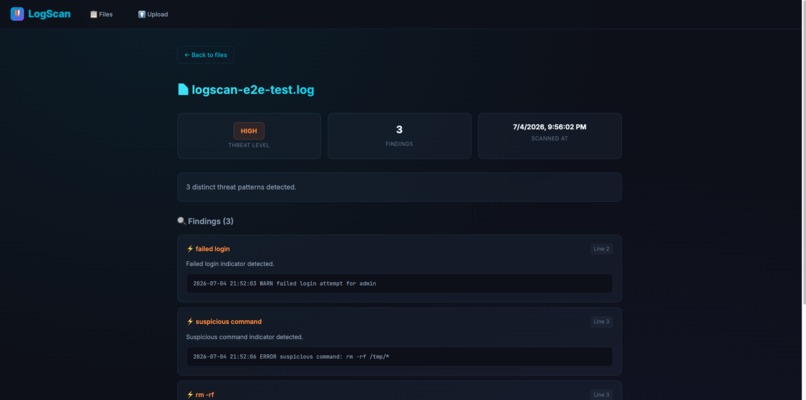
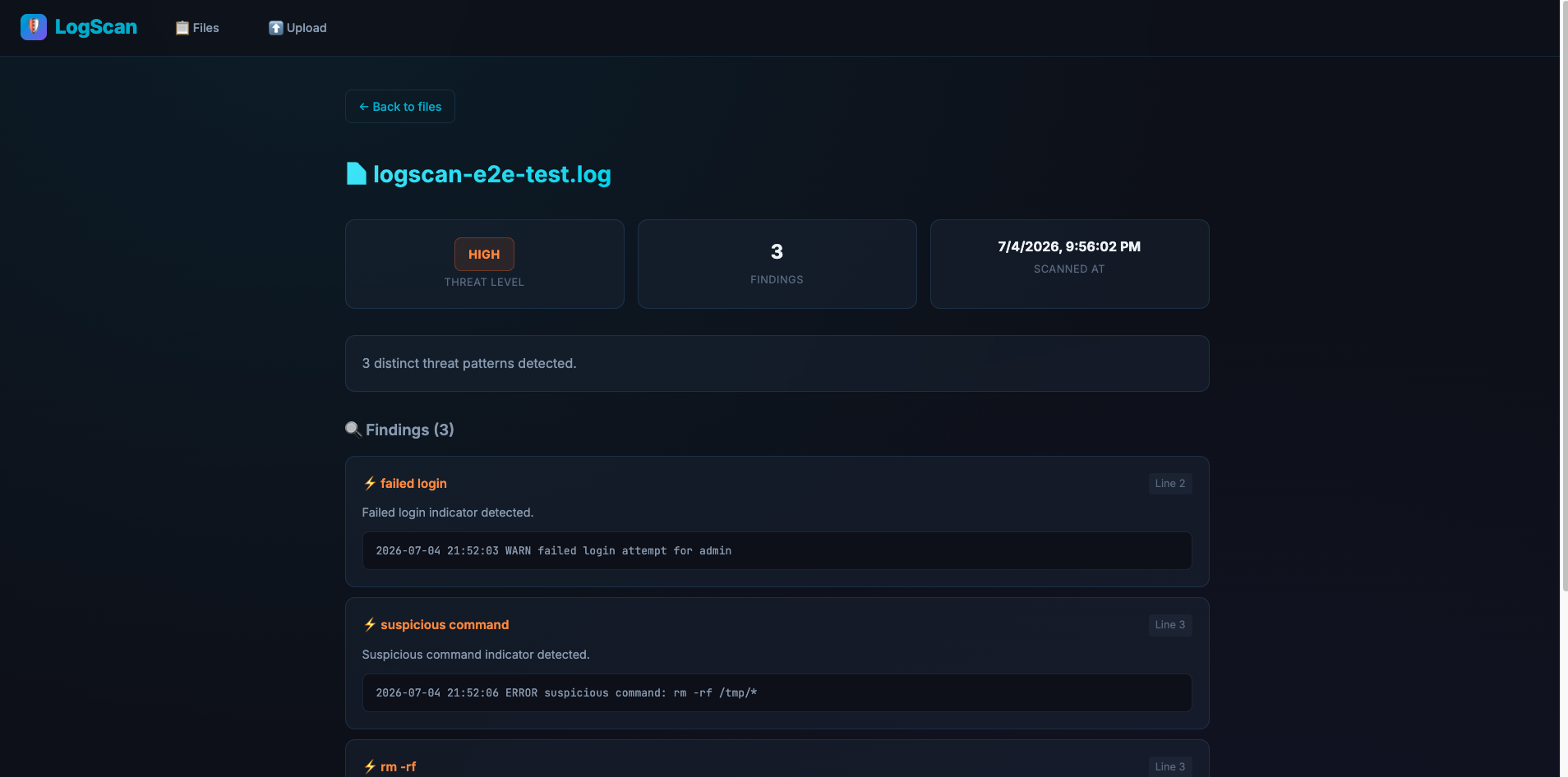
scan detail: HIGH threats detected
-
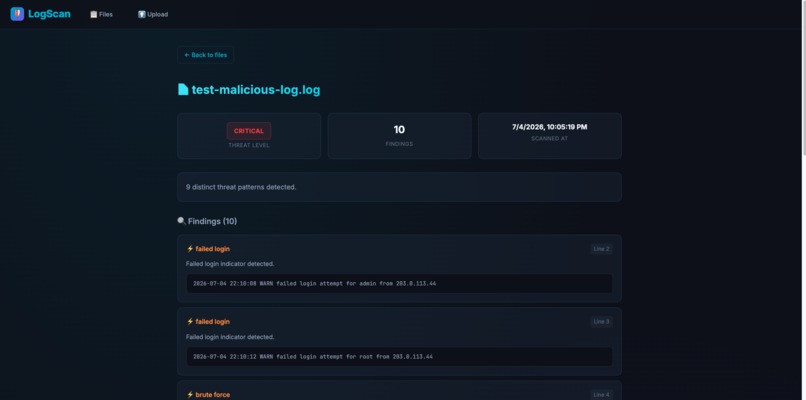
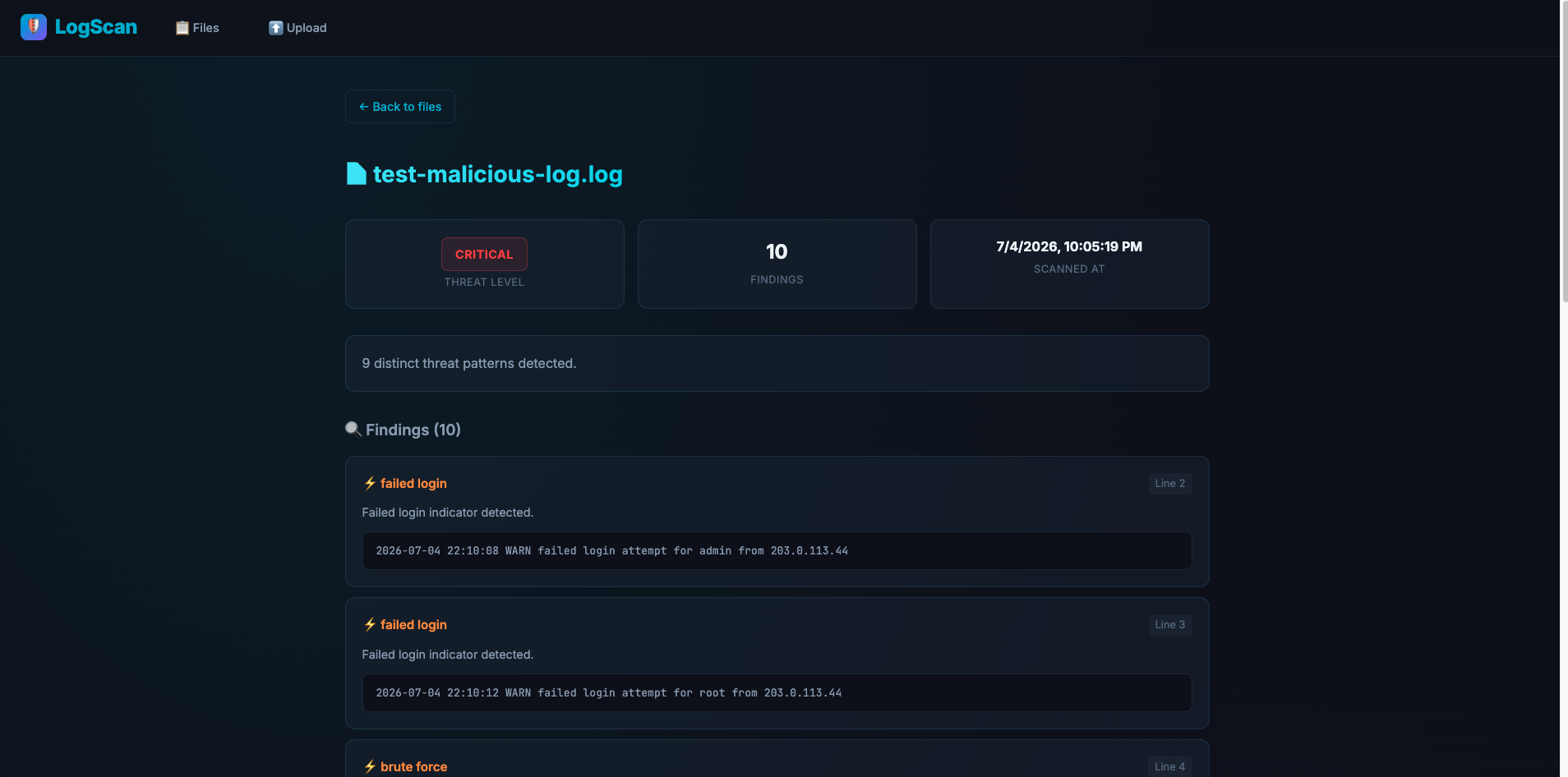
scan detail: CRITICAL threats detected
-
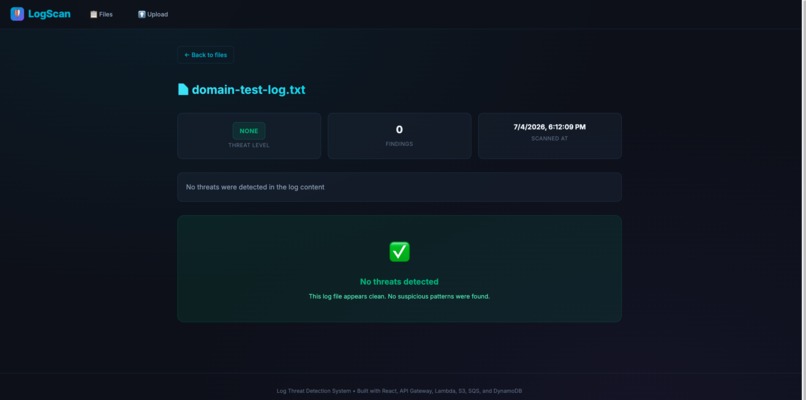
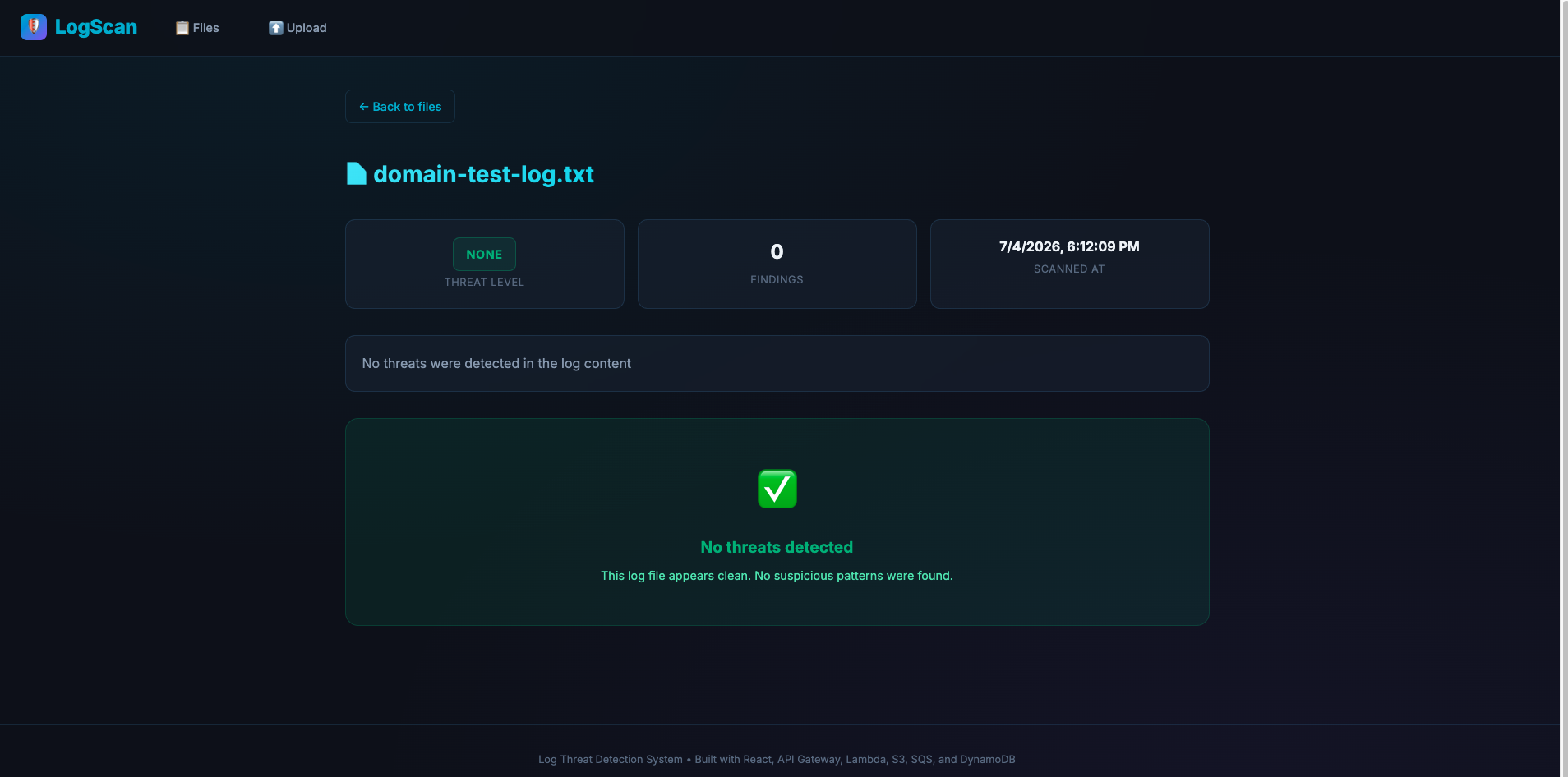
scan detail: NO threats
Inspiration
Log files are often the first place engineers look during incidents, but important security signals can be buried inside thousands of lines of text. Failed logins, suspicious commands, privilege escalation, and malware indicators are easy to miss if someone has to inspect logs manually.
I wanted to build Log Scanner as a lightweight AWS serverless tool that turns raw log files into clear, actionable security findings. The goal was to create a simple workflow: upload a log file, let AWS process it asynchronously, and quickly see whether the file contains suspicious activity.
I was also inspired by the serverless model itself. Instead of running a traditional backend server all the time, I wanted the system to react only when users upload files or request results.
What it does
Log Scanner lets users upload log files through a web interface and automatically scans them for potential security threats.
Users can:
- Upload log files from the browser.
- Store files in Amazon S3 using presigned upload URLs.
- Trigger asynchronous scanning through S3 events, SQS, and Lambda.
- View uploaded files and scan statuses.
- Open scan results with threat level, summary, matched keyword, line number, and original log line.
- Test both clean logs and suspicious logs.
The current demo uses a mock keyword-based detector that can identify suspicious patterns such as failed login, brute force, unauthorized access, rm -rf, chmod 777, privilege escalation, malware detected, and sql injection.
The architecture is also prepared for future Amazon Bedrock-powered AI analysis.
How we built it
We built Log Scanner as a fully serverless AWS application.
I used Kiro throughout the project as an AI development partner to help plan, design, implement, and refine the application. Kiro helped break the idea into requirements, architecture, implementation tasks, and Terraform infrastructure. I used it to generate and iterate on the serverless project structure, React frontend, Java Lambda handlers, DynamoDB/S3/SQS integration, tests, deployment scripts, and documentation.
Kiro was especially useful for evolving the architecture. The project started with a more traditional backend mindset, but with Kiro’s help I redesigned it into an event-driven AWS workflow using API Gateway, Lambda, S3, SQS, and DynamoDB. I also used Kiro to troubleshoot deployment issues, update Terraform, improve the README, add API versioning, and prepare the project for future features such as Cognito authentication, CloudFront HTTPS, and Bedrock-powered analysis.
The frontend is a React/Vite app hosted on Amazon S3 static website hosting. It communicates with an API Gateway HTTP API, which invokes a Java 21 API Lambda.
When a user uploads a file, the API Lambda creates metadata in DynamoDB and returns a presigned S3 URL. The browser uploads the file directly to a private S3 upload bucket, so the API does not need to handle large file payloads.
When the file lands in S3, an ObjectCreated event sends a message to Amazon SQS. SQS triggers a Java 21 Scanner Lambda, which downloads the log file, analyzes it, and saves the scan result back to DynamoDB.
The main flow is:
React Frontend
-> API Gateway
-> API Lambda
-> DynamoDB metadata
-> S3 presigned upload
-> S3 ObjectCreated event
-> SQS Queue
-> Scanner Lambda
-> DynamoDB scan result
-> Frontend result view
Built With
- amazon-api-gateway
- amazon-dynamodb
- amazon-lambda
- amazon-web-services
- aws-iam
- css
- html5
- java
- javascript
- maven
- node.js
- react
- terraform


Log in or sign up for Devpost to join the conversation.