-
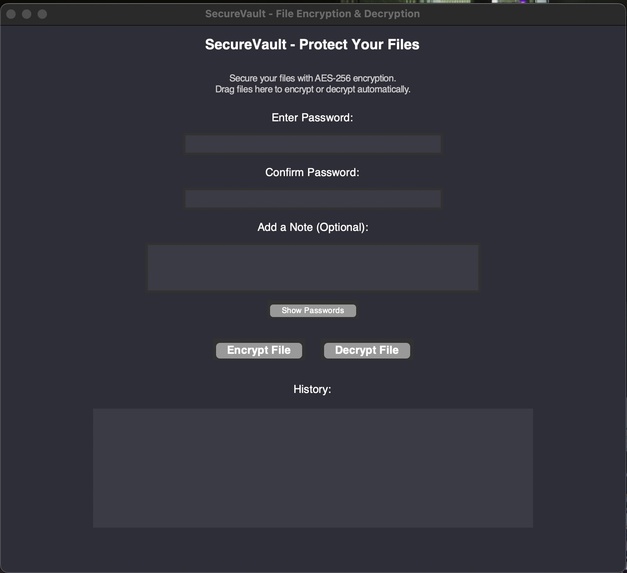
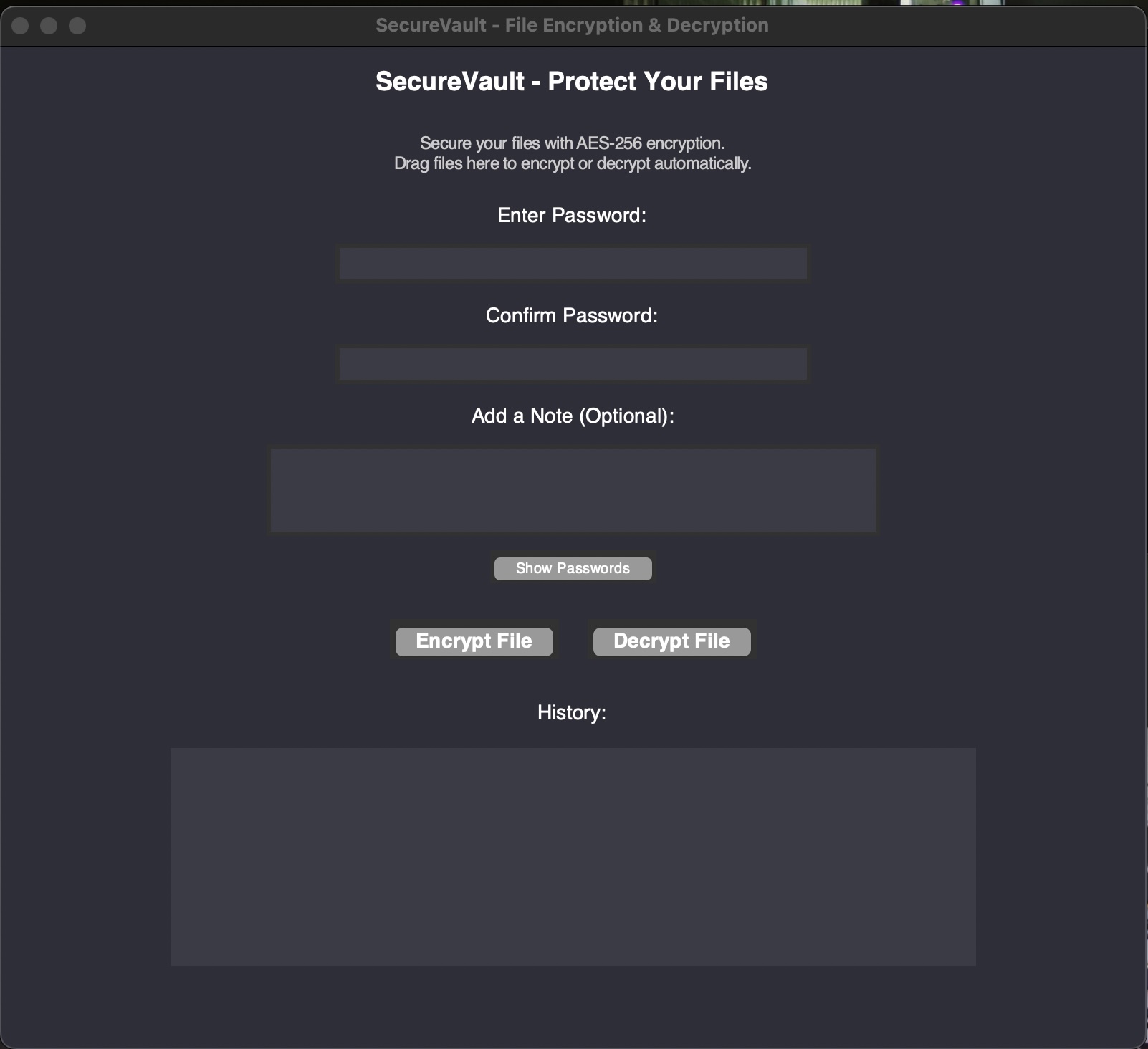
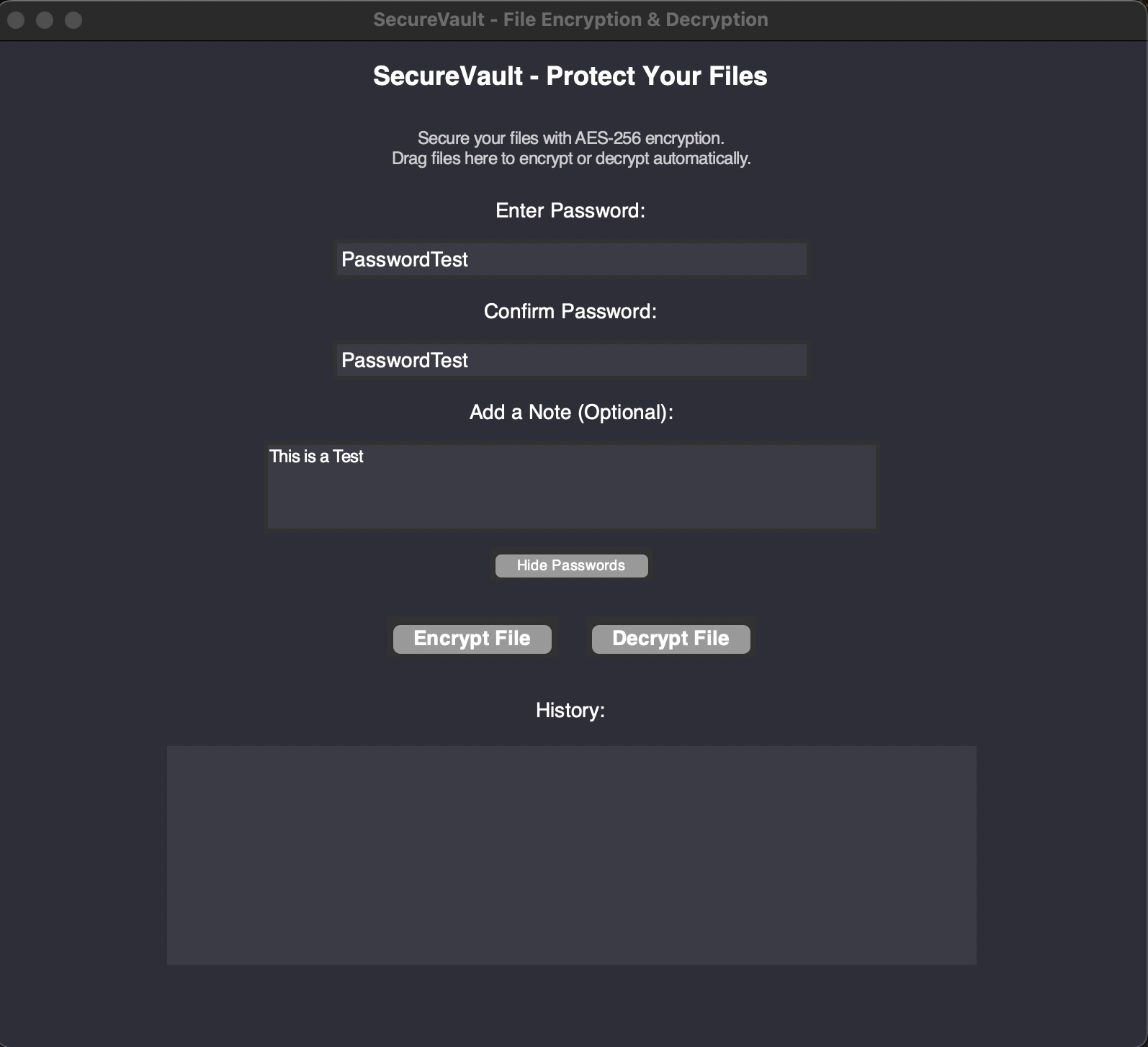
Homepage
-
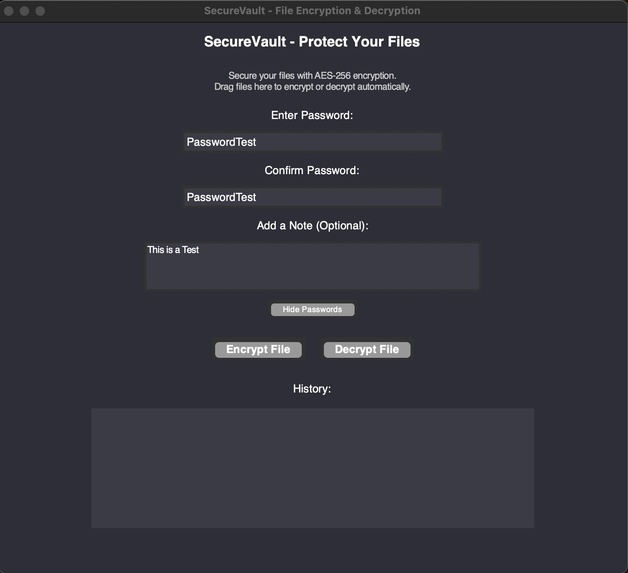
Password/Test
-
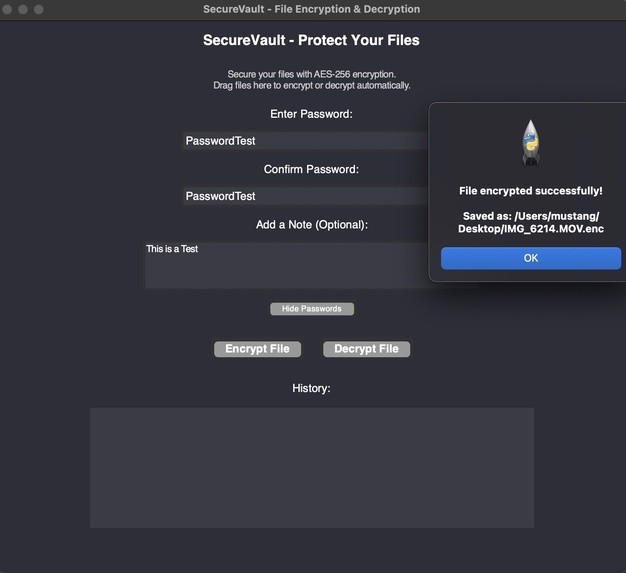
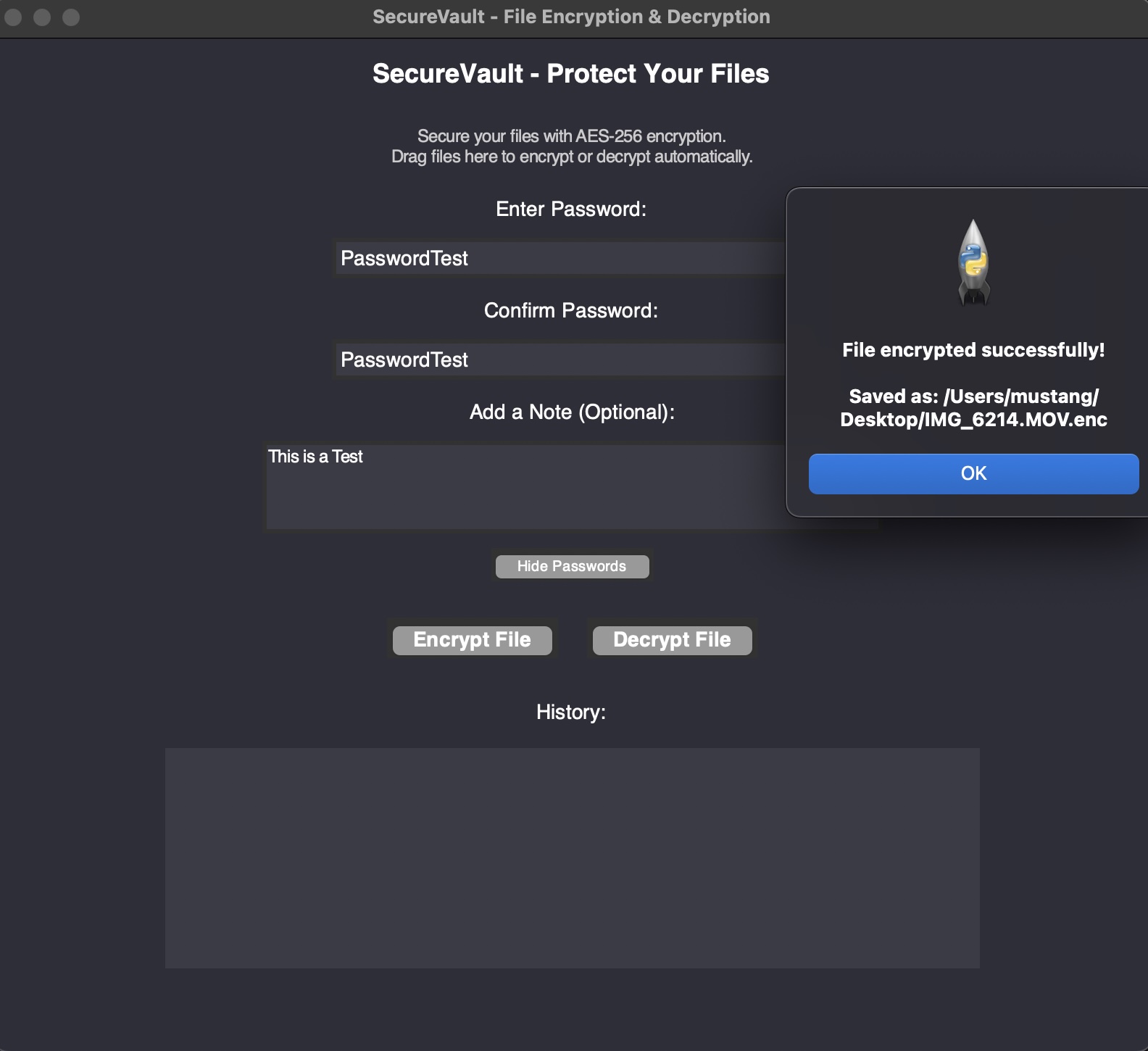
Movie File Encryption Test
-
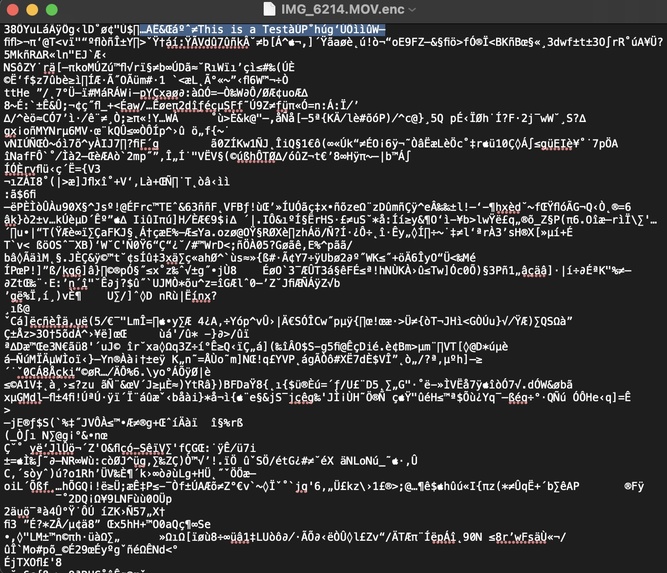
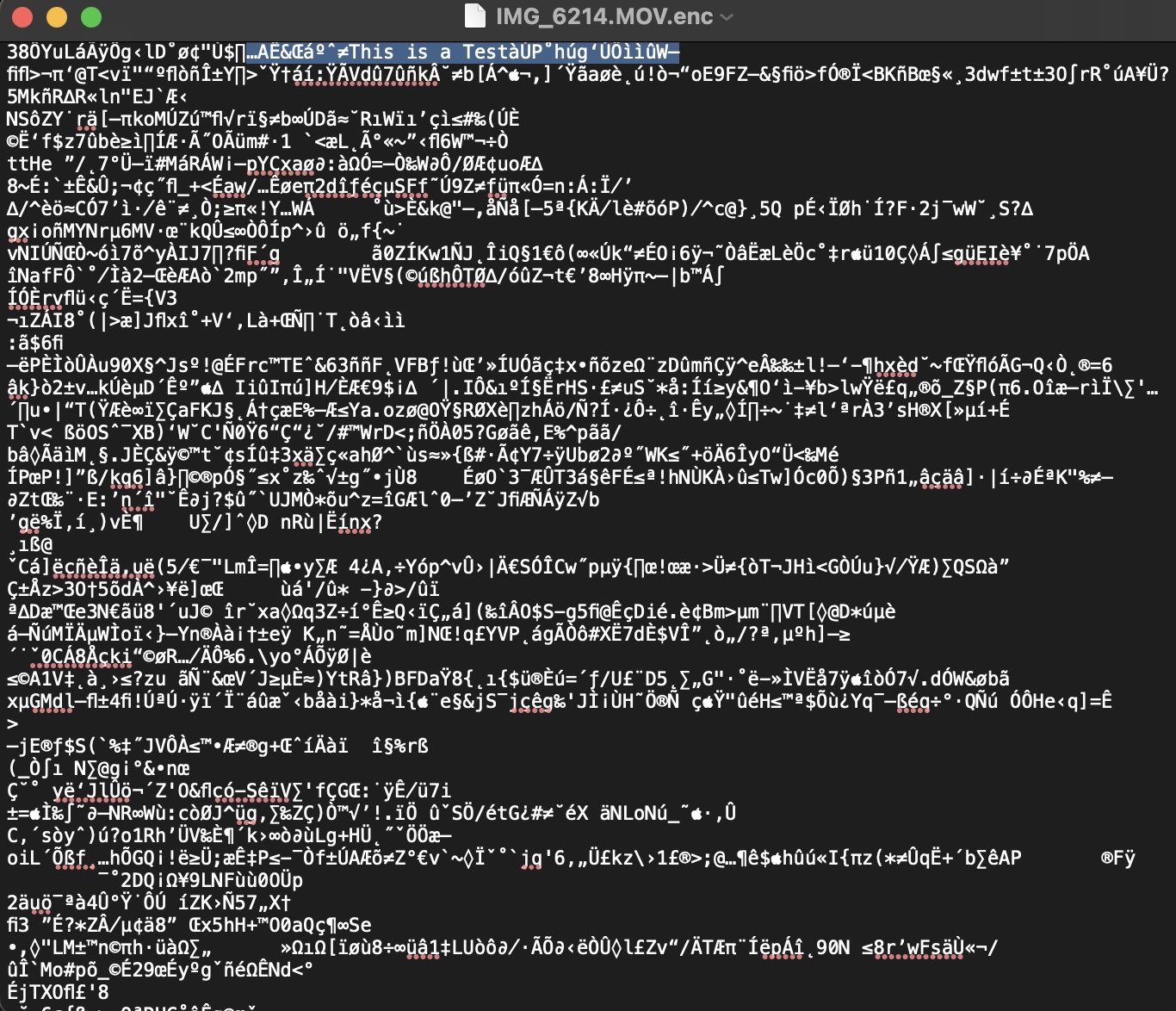
Encrypted File with Note Highlighted
-
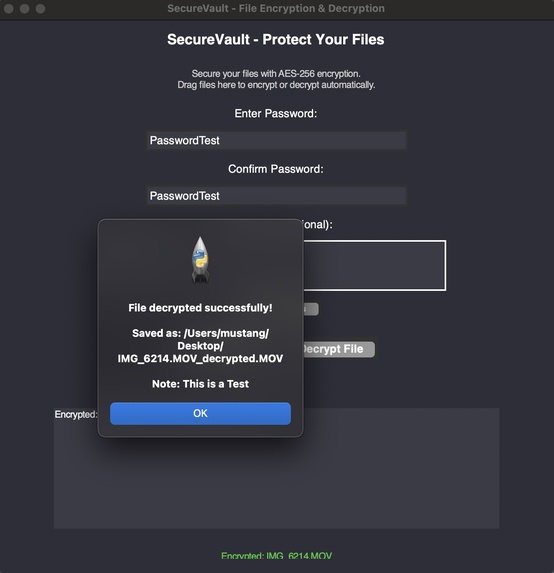
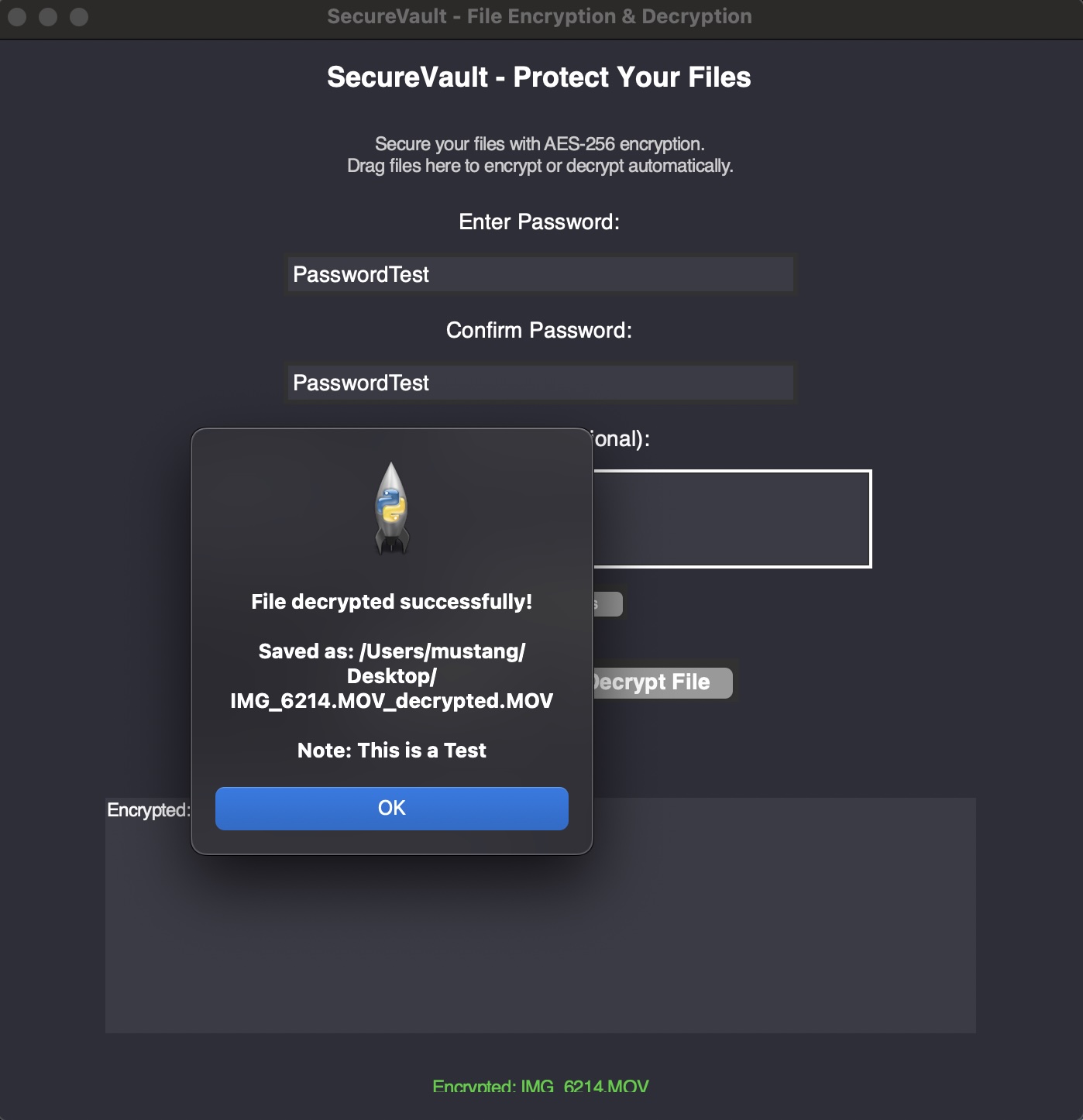
Movie File Decryption Test
-
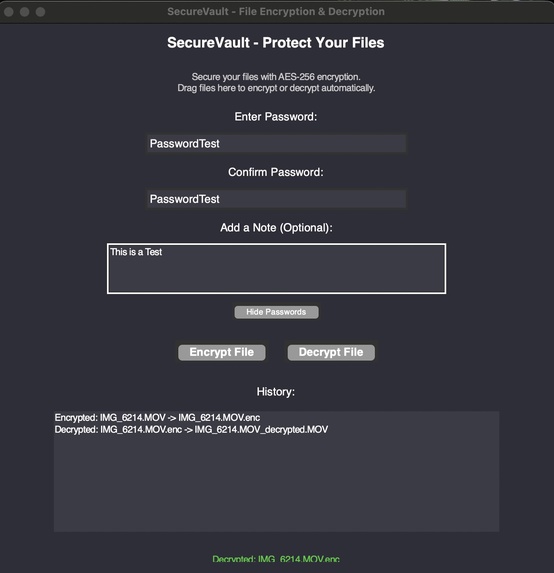
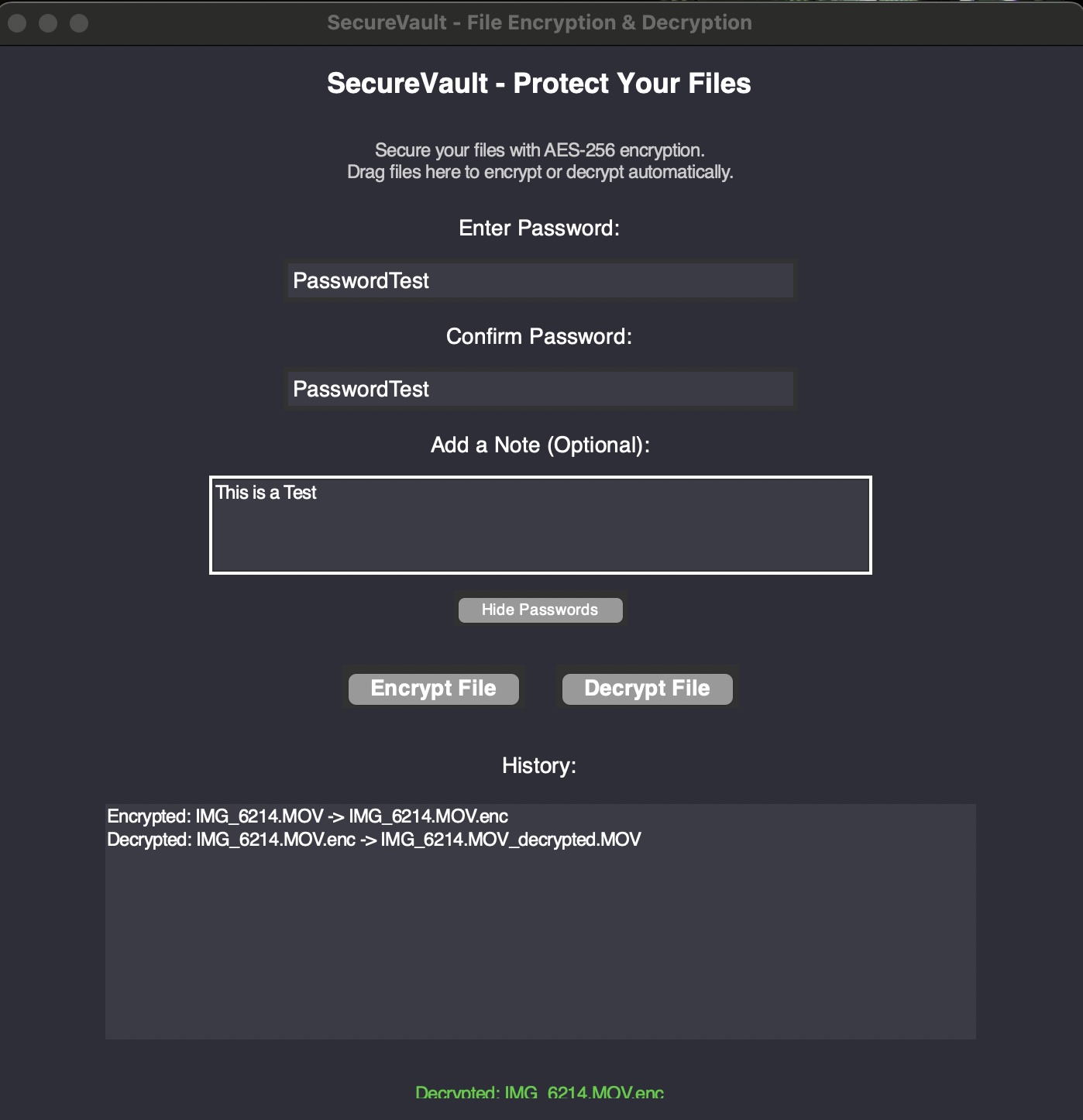
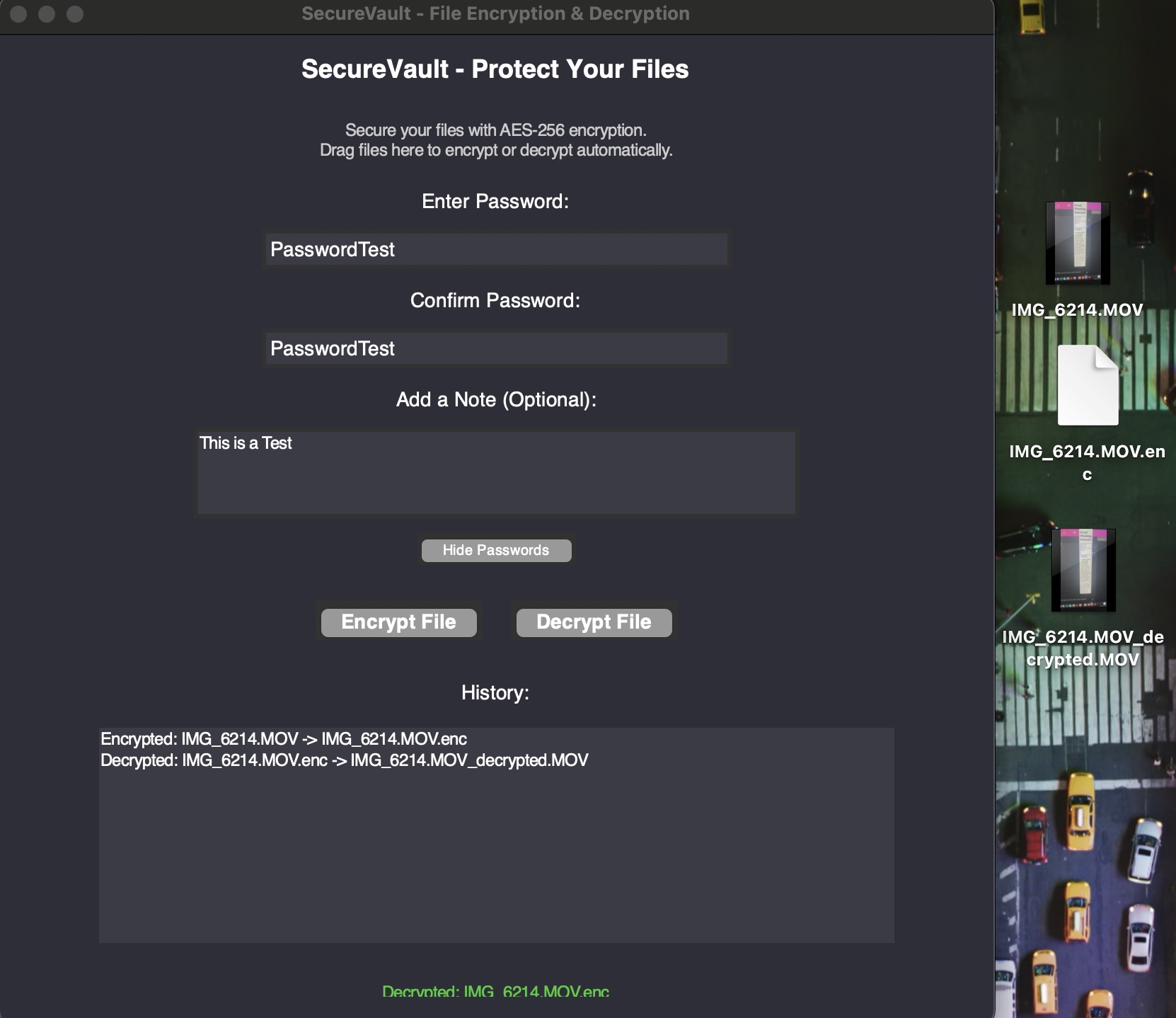
Encryption/Decryption Success and History
-
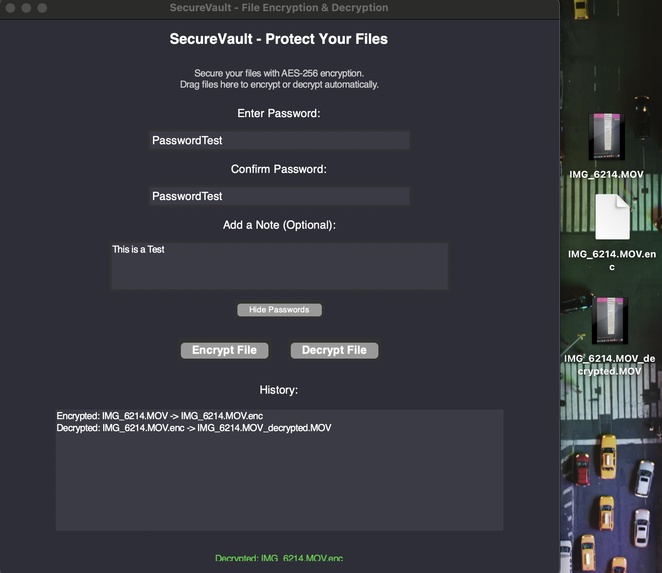
Completed Successful Product with Files on the Right
Inspiration
LockVault was born out of a simple but pressing need: people should be able to protect their sensitive files without frustration or high costs. With data breaches and cyber threats becoming more common, I realized that many encryption tools are either too complicated or locked behind paywalls, leaving everyday users without an easy way to safeguard their data. I wanted to create a tool that was not only powerful and secure but also simple enough for anyone to use. My passion for cybersecurity and my desire to make encryption accessible for everyone inspired me to develop LockVault.
What it does
At its core, LockVault is a tool designed to protect your files. It uses AES-256 encryption, the same standard used by governments and security agencies, to ensure your data stays safe. But what makes LockVault stand out is how user-friendly it is. You can simply drag and drop files to encrypt or decrypt them, no technical knowledge required. It also includes thoughtful features like double password verification, which helps prevent mistakes, and the ability to attach notes to encrypted files, making it easy to keep track of what’s inside. LockVault works on Windows, macOS, and Linux, so you can trust it to handle your files, no matter what system you use.
How I built it
LockVault was built entirely in Python, combining powerful libraries to achieve its functionality. I used the Cryptography library for AES-256 encryption and decryption, ensuring the highest level of security. For the interface, I chose Tkinter to create a simple, intuitive design, and tkinterdnd2 to enable drag-and-drop functionality, which makes the app easy to use. I also integrated the filetype library to validate files and ensure they’re processed correctly. The os and secrets modules were critical for secure file handling and key generation. By bringing these technologies together, I created a tool that balances robust security with simplicity.
Challenges I ran into
One of the biggest challenges I faced was making LockVault work seamlessly across multiple operating systems. Drag-and-drop functionality, in particular, required a lot of debugging and testing to ensure it worked reliably on Windows, macOS, and Linux. Another hurdle was implementing double password verification in a way that felt natural and didn’t disrupt the user experience. Adding the note attachment feature was also tricky, as it required securely embedding metadata without compromising the file’s encryption. Finally, handling errors like invalid passwords or corrupted files was a constant challenge, but it was crucial to ensure the app felt polished and professional.
Accomplishments that I'm proud of
I’m incredibly proud of how user-friendly LockVault turned out to be. The drag-and-drop feature makes encryption accessible to anyone, even those without technical experience. Implementing double password verification and note attachments added layers of functionality that make LockVault practical for real-world use. And most importantly, it’s a cross-platform tool that anyone can use for free, without relying on paid subscriptions or cloud services. Knowing that I created something that can genuinely help people protect their files is a huge accomplishment for me.
What I learned
Building LockVault taught me so much about both programming and user experience. I gained a deeper understanding of advanced cryptographic techniques, particularly AES-256 encryption, and how to integrate them into a user-facing application. Designing the interface showed me the importance of balancing simplicity with functionality, especially when building a tool for non-technical users. I also learned how to handle cross-platform compatibility issues and how critical error handling is to a seamless user experience. Overall, this project strengthened my skills in Python programming, UI design, and secure software development.
What’s next for LockVault
There’s so much potential for LockVault to grow. One of my top priorities is integrating cloud backup support so users can securely store their encrypted files on platforms like Google Drive or Dropbox. I also want to explore adding biometric authentication, like fingerprints or face recognition, to make unlocking files even easier. Another idea is to develop a command-line version for advanced users and a mobile app for iOS and Android to expand accessibility. In the future, I’d love to implement real-time encryption for streaming data. My ultimate goal is to make LockVault a comprehensive, go-to solution for file security.
Built With
- aes-256
- cryptography:
- decryption.
- encryption
- filetype:
- modules:
- os
- python:
- tkinter:
- tkinterdnd2:

Log in or sign up for Devpost to join the conversation.