-
-
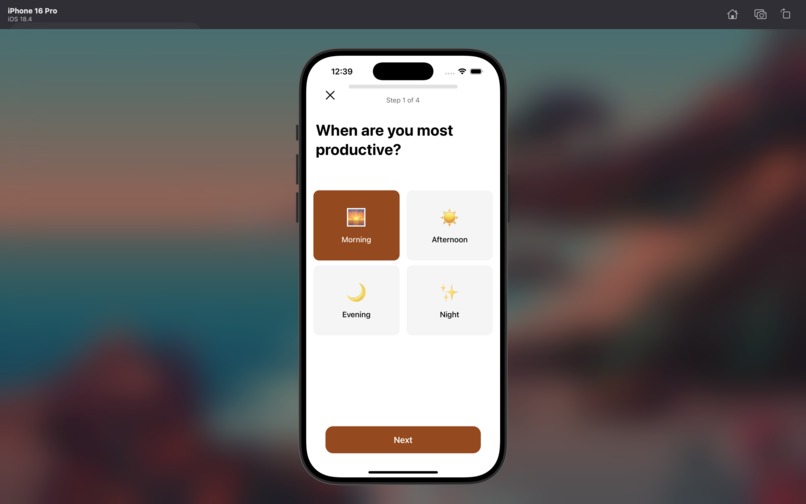
Onboarding question #1
-
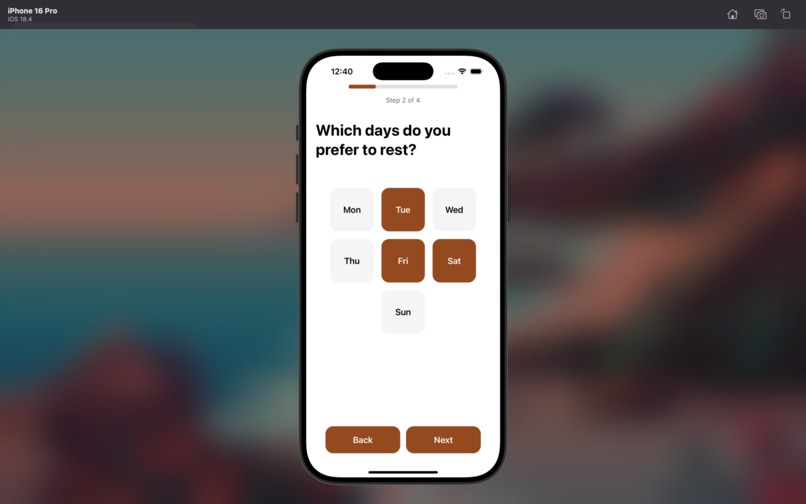
Onboarding question #2
-
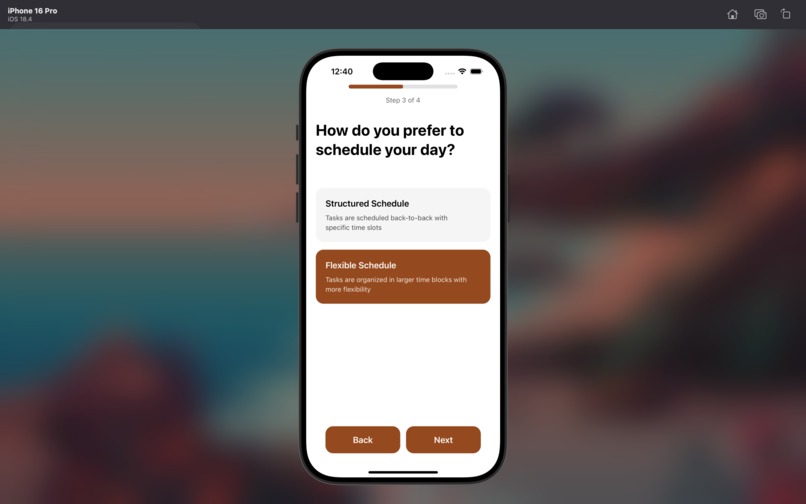
Onboarding question #3
-
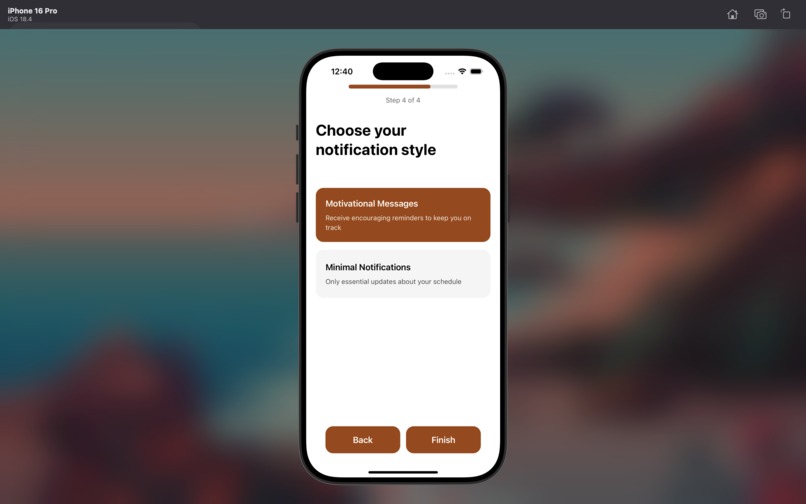
Onboarding question #4
-
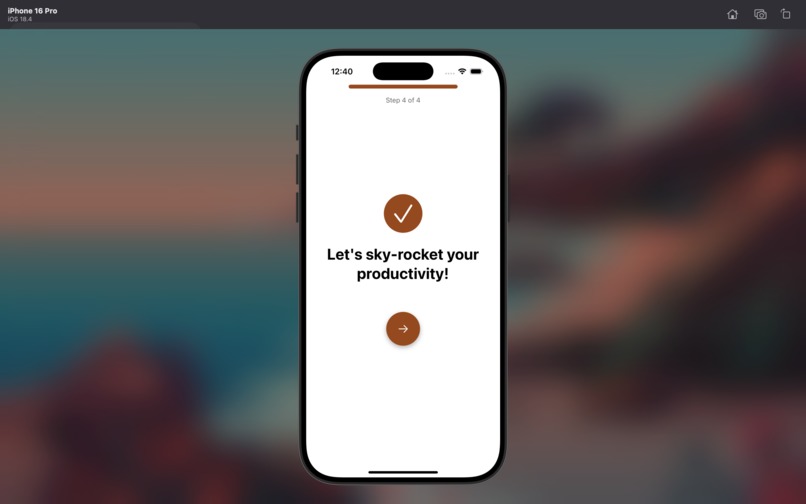
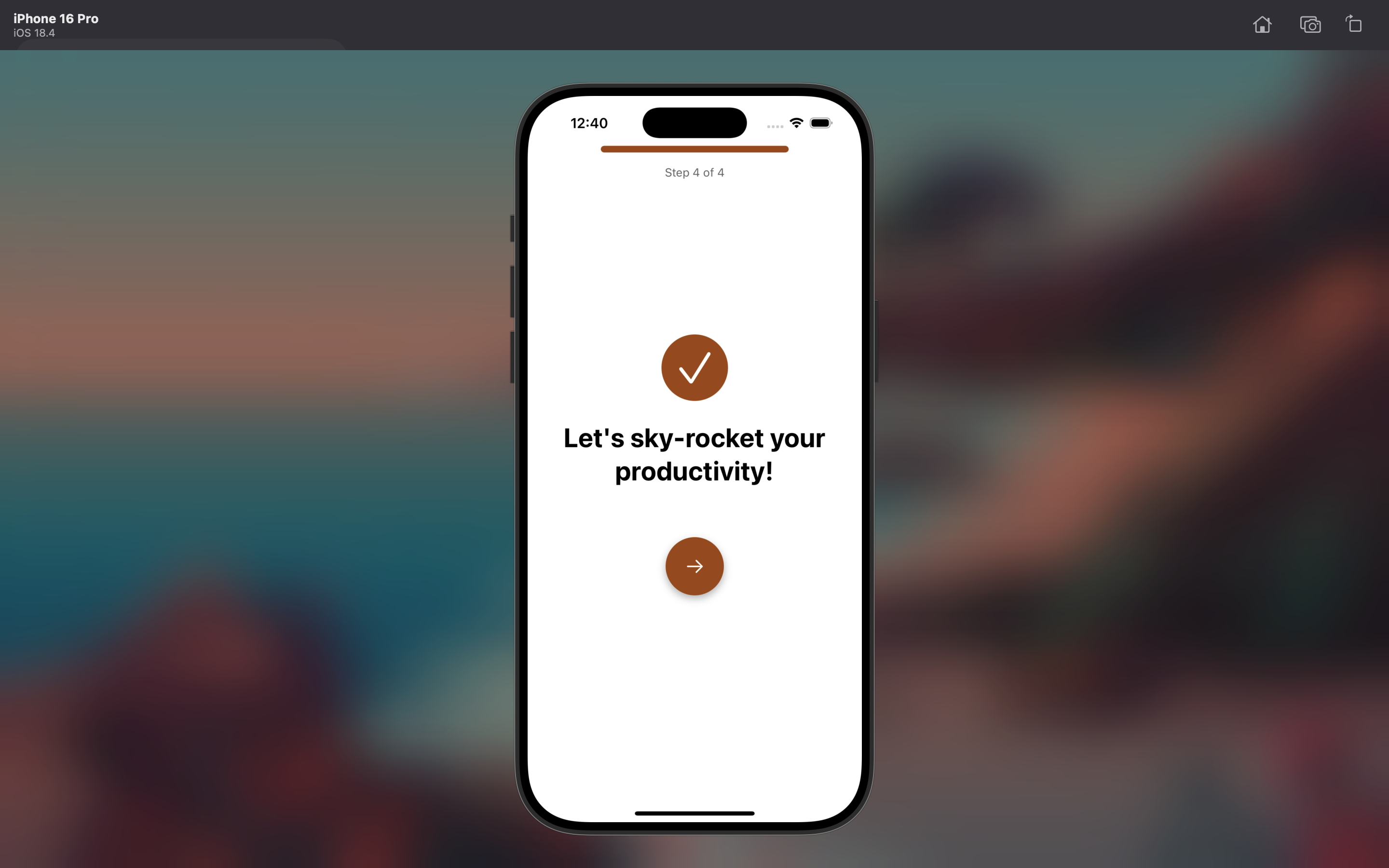
Final onboarding page
-
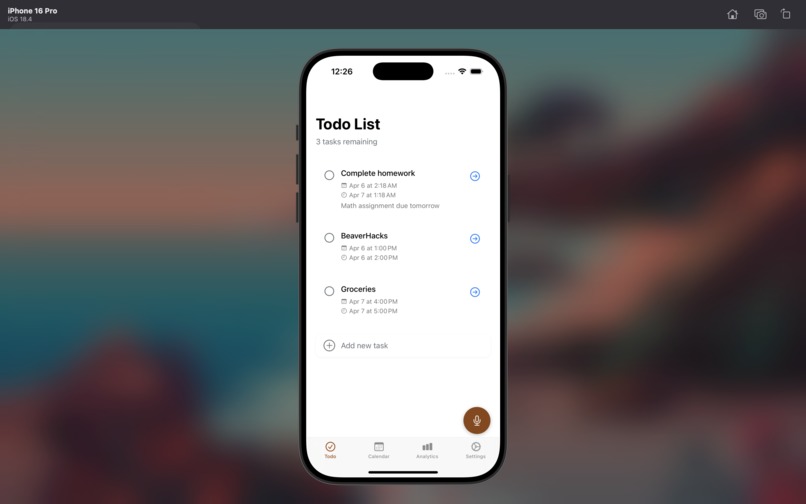
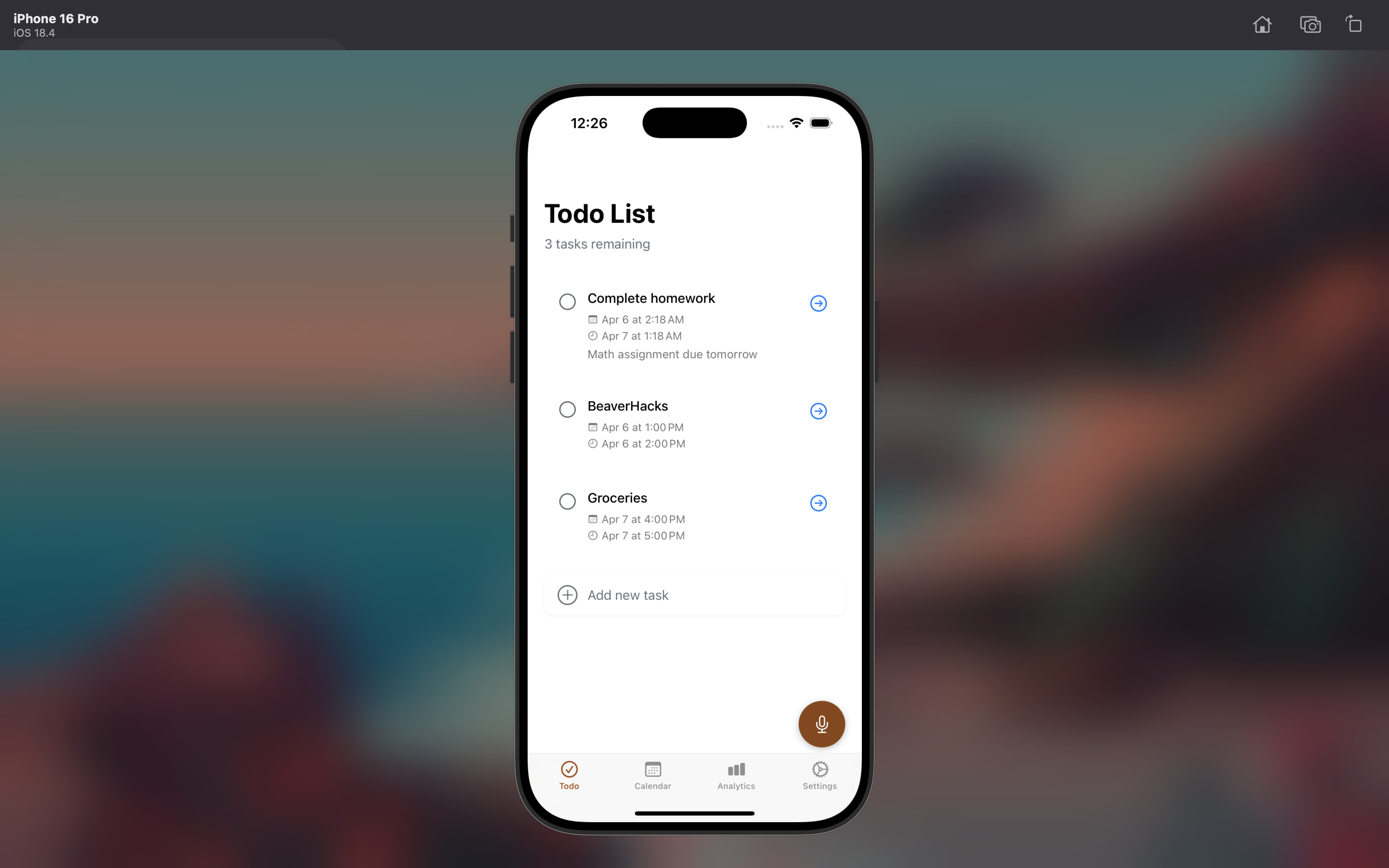
To-do page
-
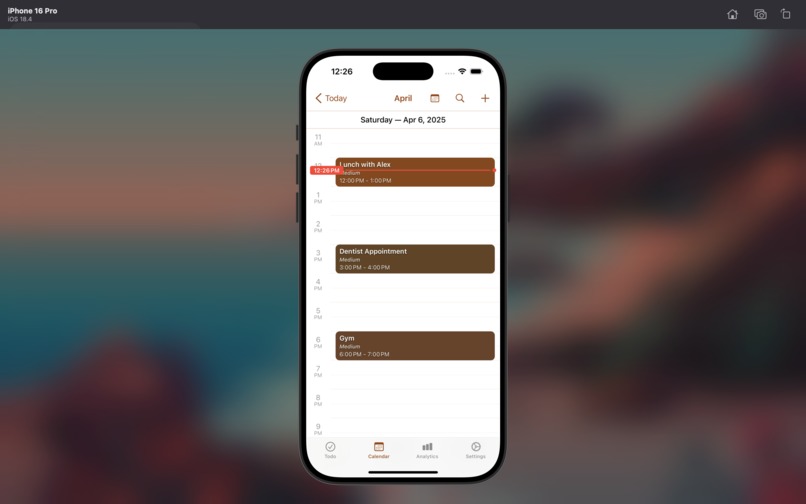
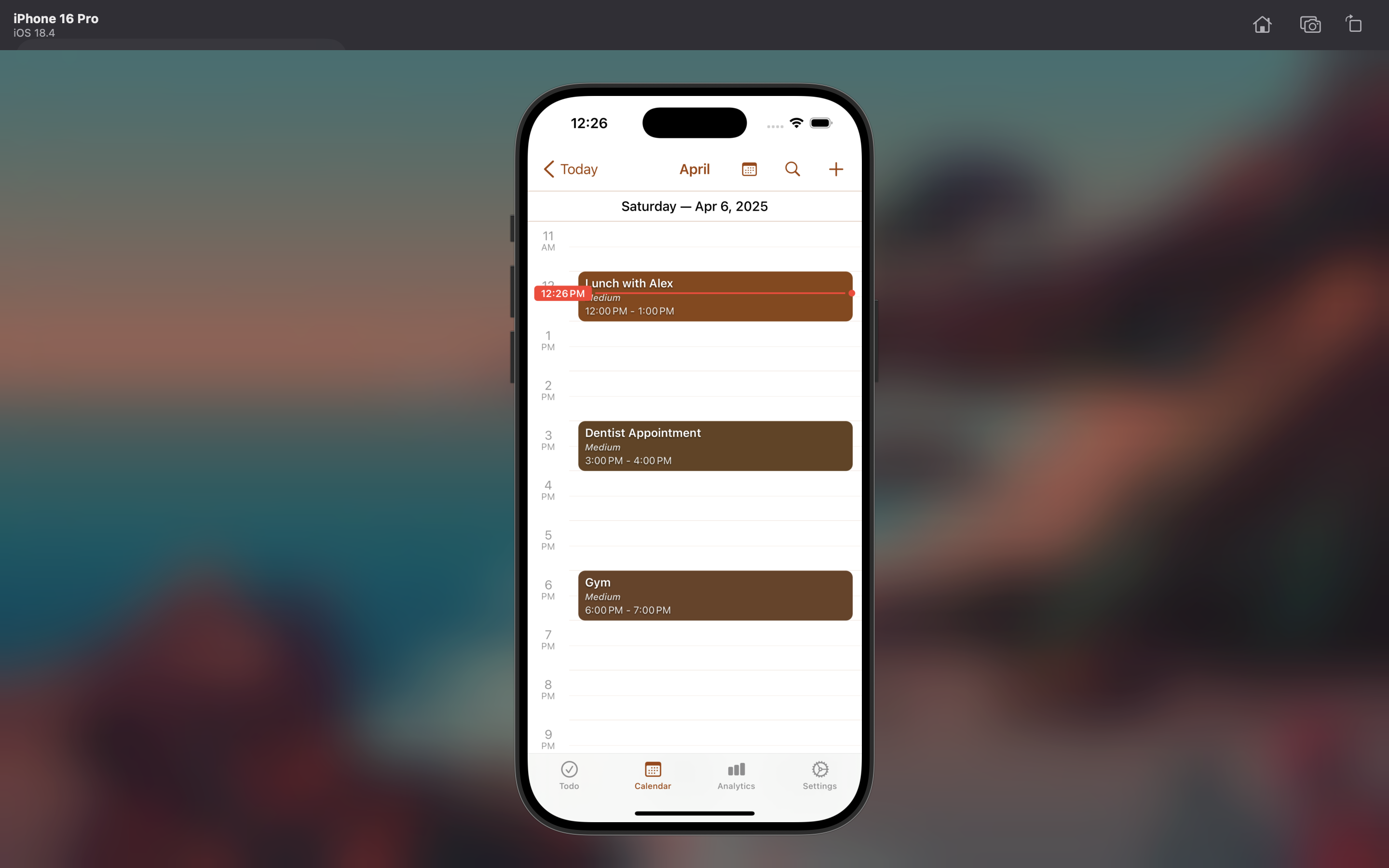
Calendar view
-
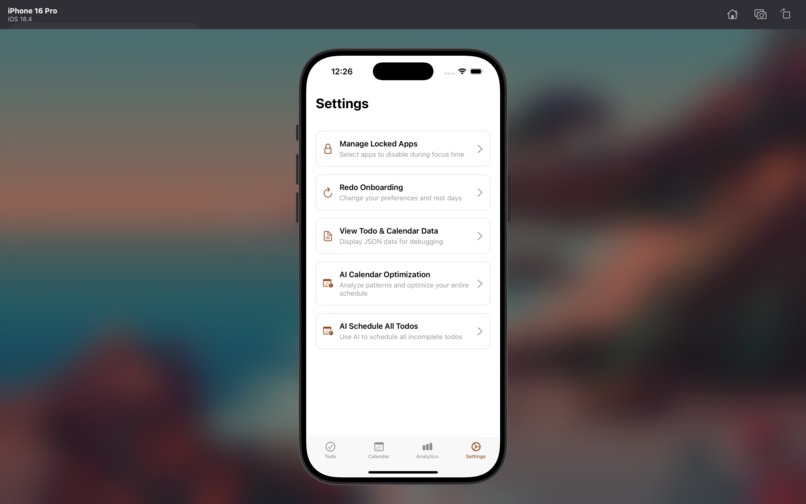
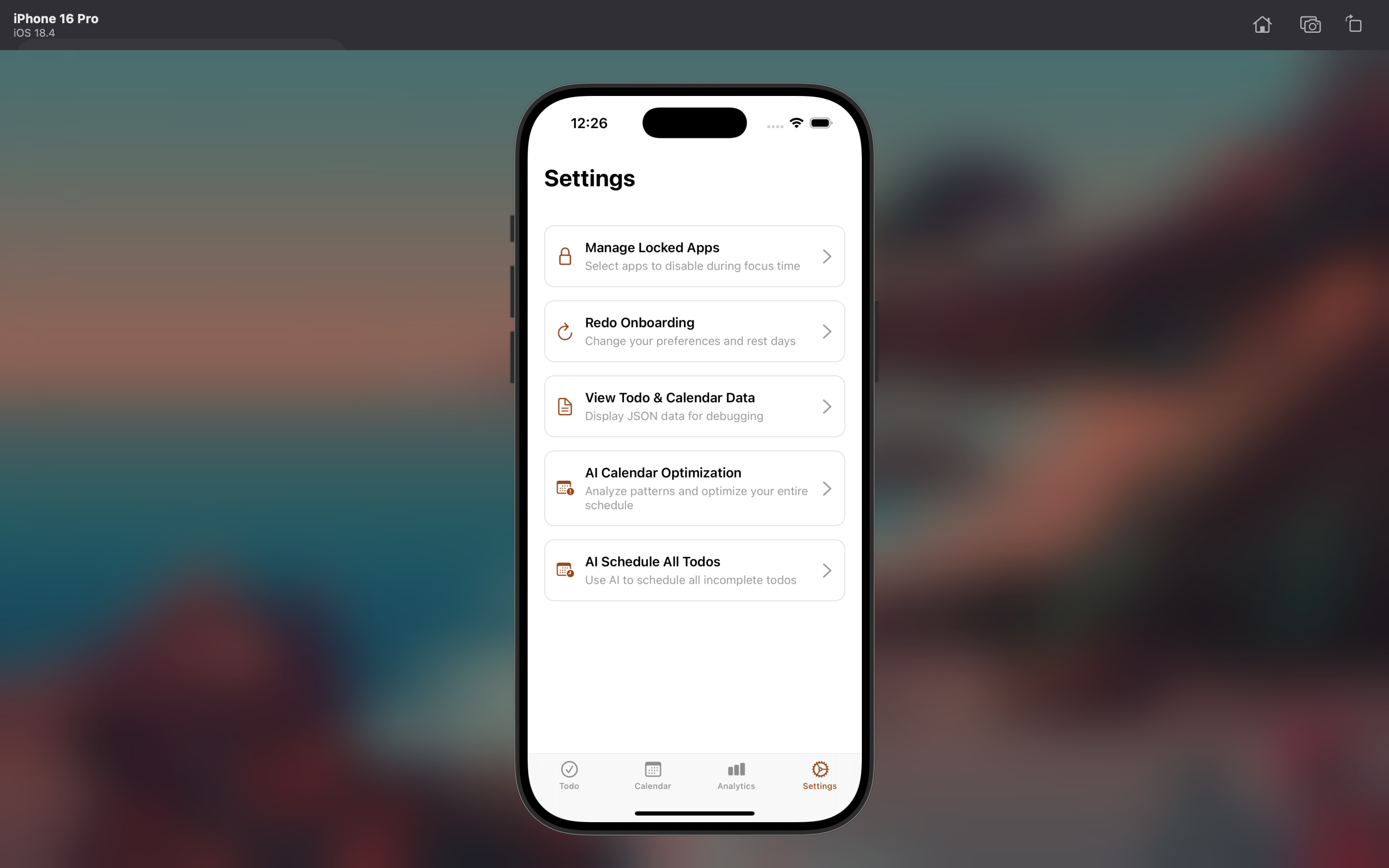
Settings
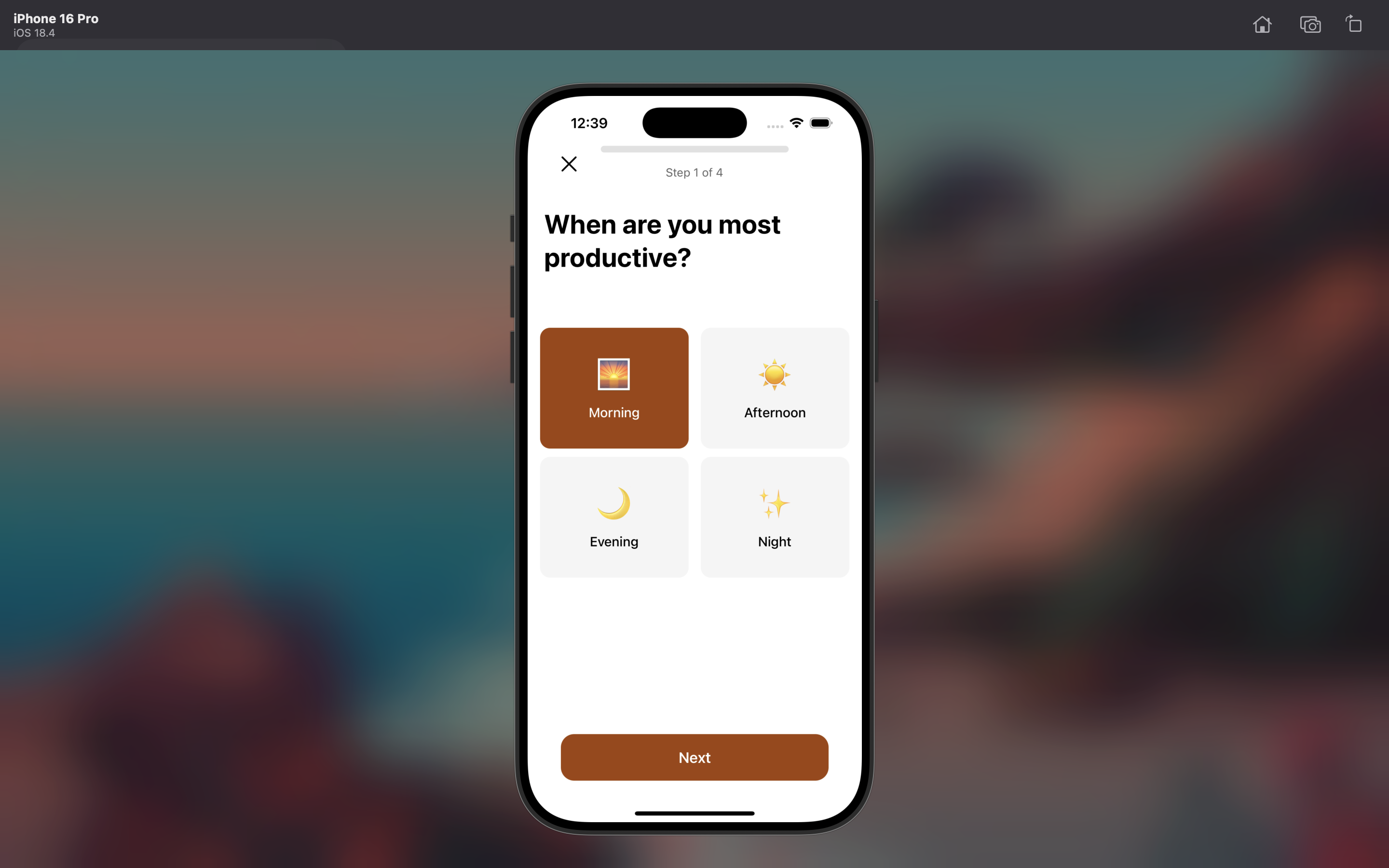
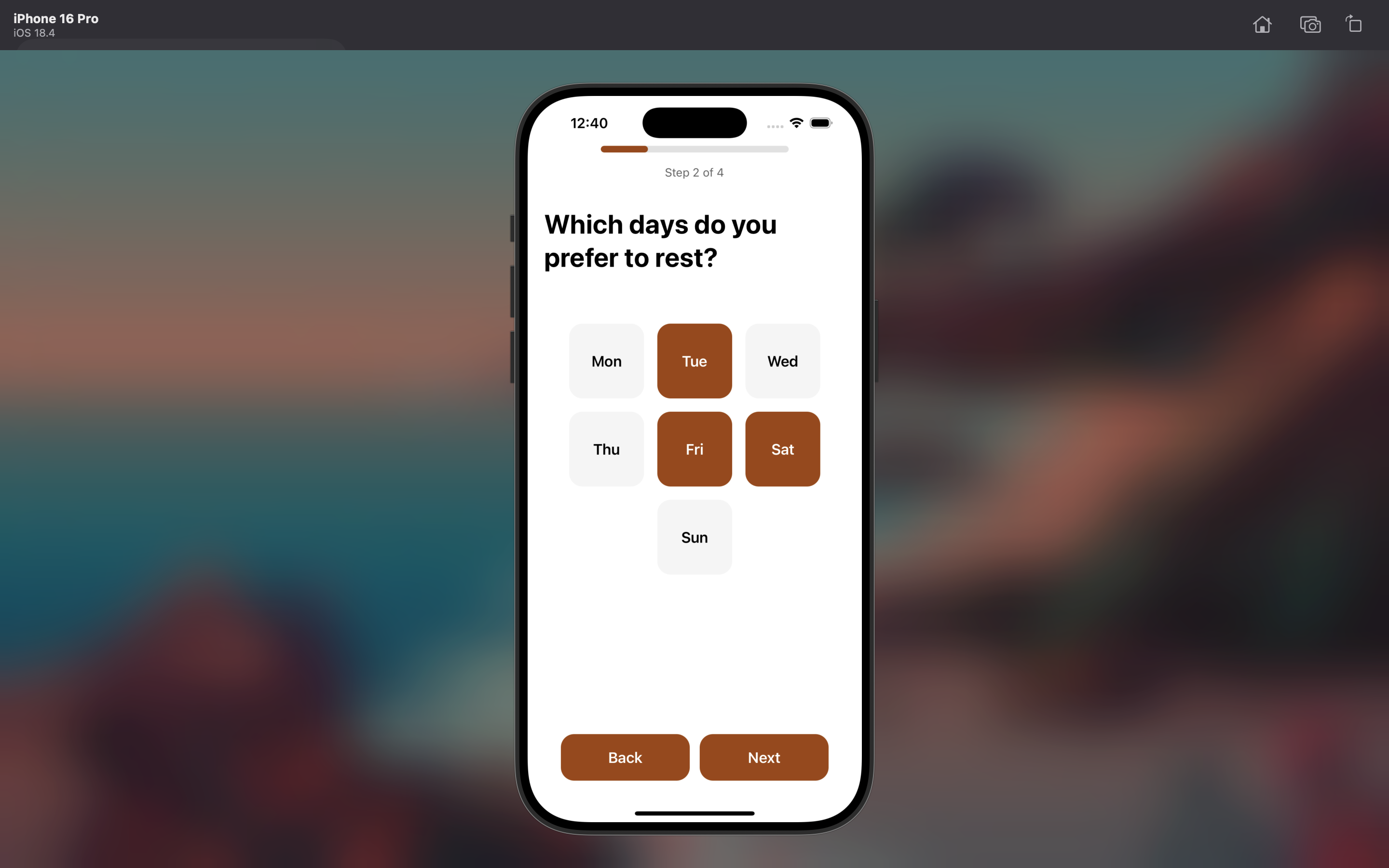
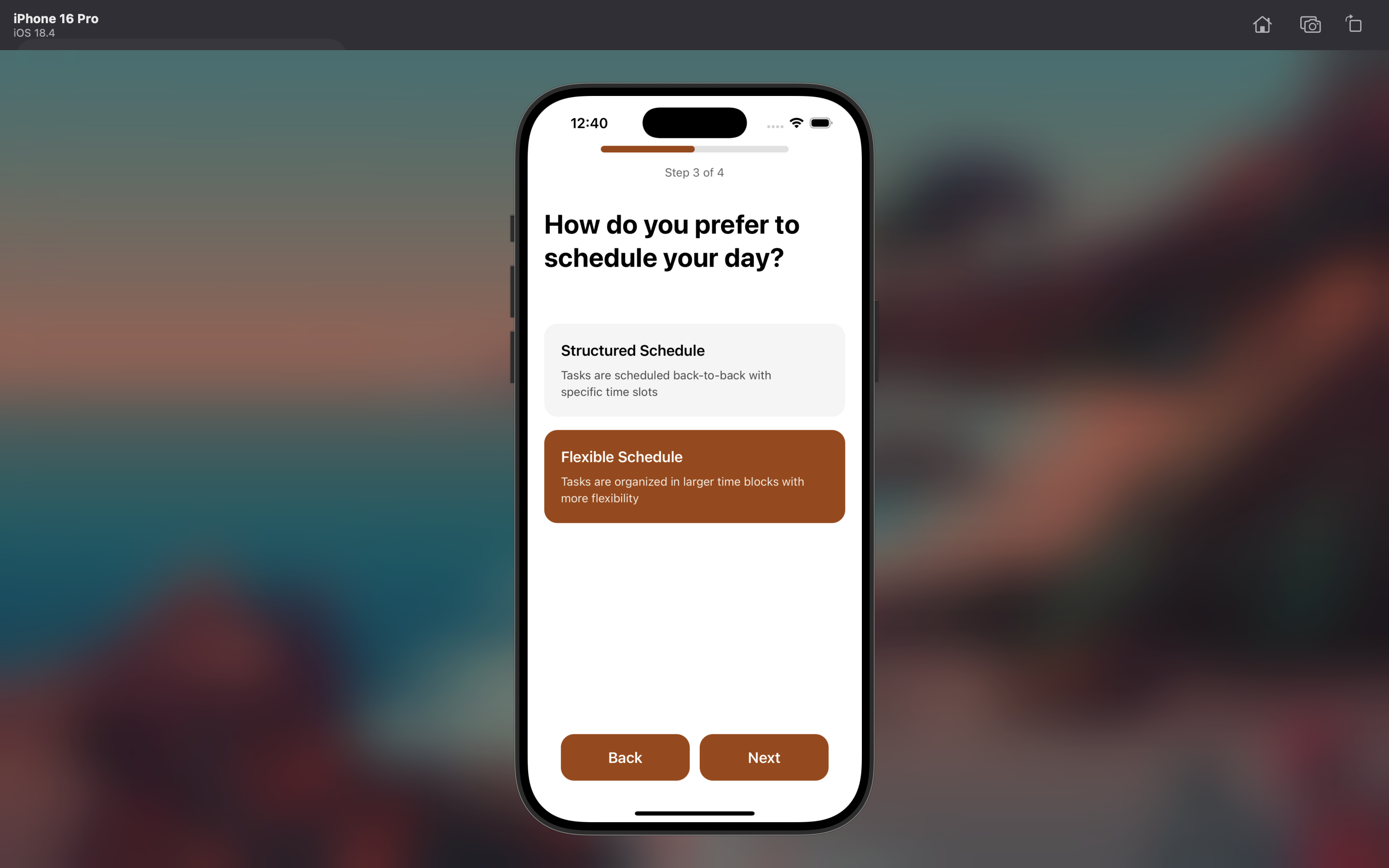
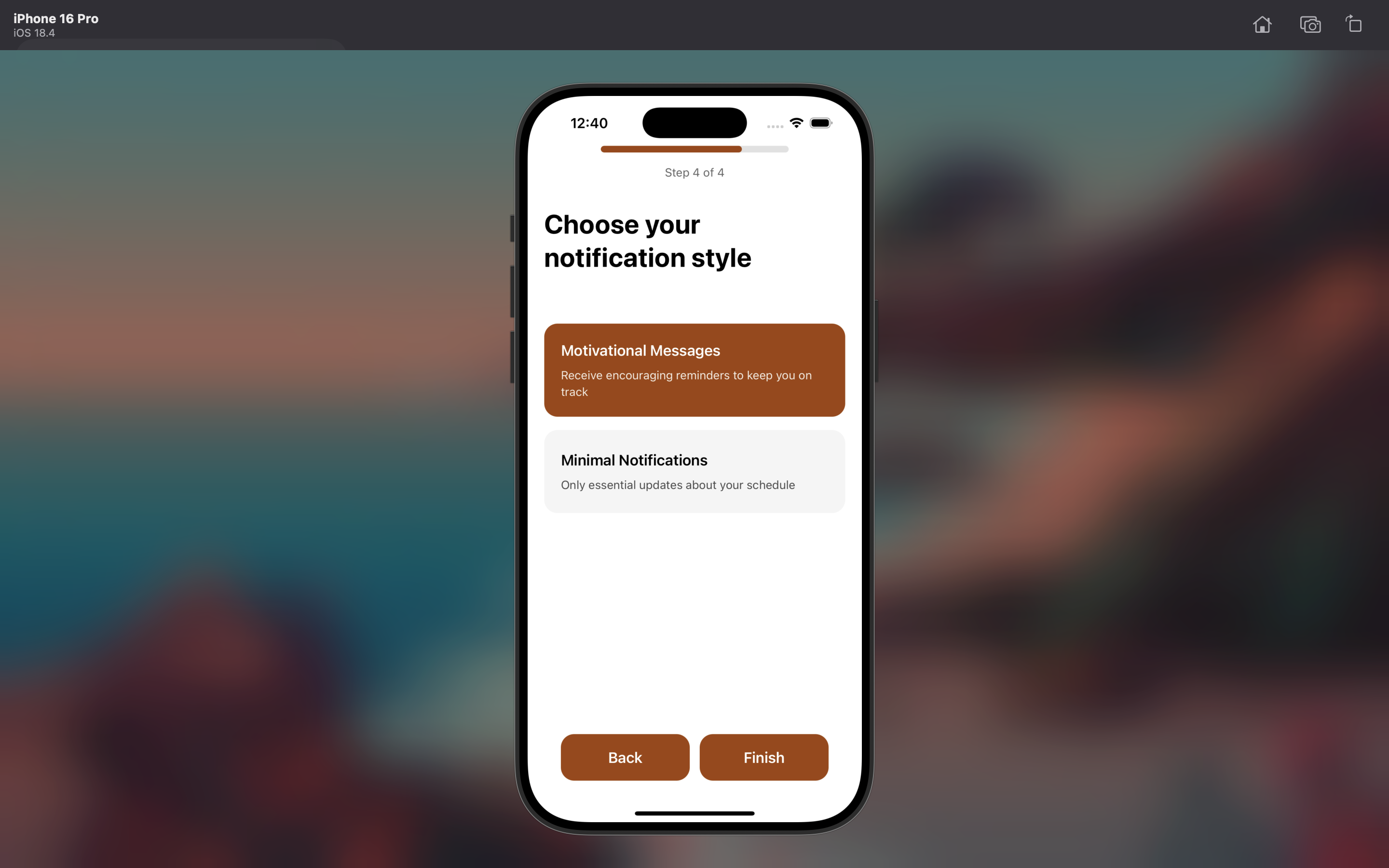
Inspiration
-Notion + Brick -To make scheduling smarter and more personalized, we used the productivity curve described in When by Daniel Pink. The book explains that people typically move through three mental phases during the day: a peak, a trough, and a recovery. During the peak (usually in the morning), we’re most focused—ideal for deep, analytical tasks. The trough (early afternoon) brings low energy, better suited for simple or routine work. In the recovery (late afternoon/evening), our mood lifts again, making it a great time for creative or strategic tasks.
What it does
Lockify is an AI-powered calendar and to-do list that auto-schedules tasks based on your productivity curve. It detects your peak focus hours and assigns complex tasks accordingly. When you're working, Lockify locks distracting apps like Instagram or Snapchat. It tracks completed/incomplete tasks, learns your preferred work patterns, and adapts future schedules for better efficiency.
How we built it
We used Expo + React Native for cross-platform mobile development, integrating with system-level focus tools and using OpenAI’s API for intelligent task handling and personalized suggestions. The app stores user data locally and gradually builds a model of their work habits, adjusting schedules in real-time.
Challenges we ran into
Hosting server, managing Expo and Git repositories, syncing calendar logic with real-world task unpredictability, integrating system-level app locking within iOS and Android constraints
Accomplishments that we're proud of
-The UI/UX -Built a working MVP that auto-generates a smart schedule from plain text input -Created a dynamic lock-in system that prevents distractions during high-focus sessions -Implemented a feedback loop where the app learns and adapts to user behavior over time
What we learned
-Timing and focus are personal—and technology should adapt to the user, not the other way around -Creating “soft friction” (like locking apps) can dramatically improve productivity -AI integration can turn a static to-do list into a dynamic assistant that evolves with the user
What's next for Lockify
-Integrating Apple Screen Time and Android Digital Wellbeing APIs for deeper control -Building a dashboard to visualize productivity patterns over time -Adding social features for accountability and shared focus sessions -Supporting calendar sync with Google/Apple Calendar for seamless integration


Log in or sign up for Devpost to join the conversation.