-
-
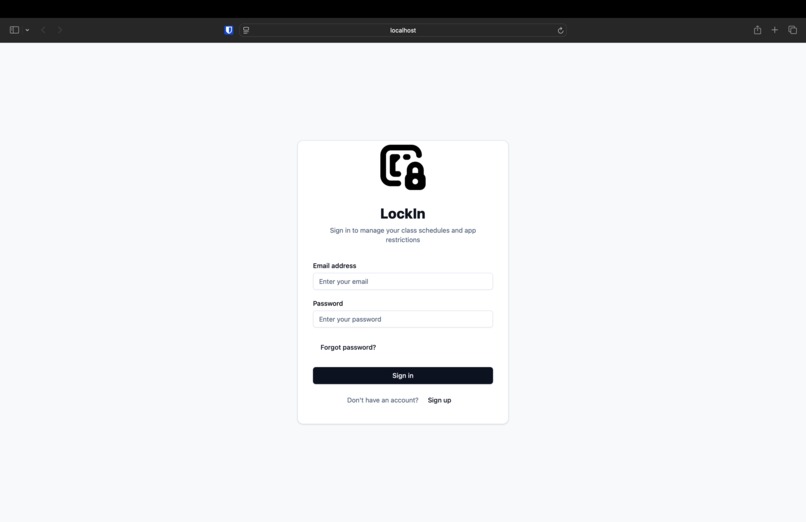
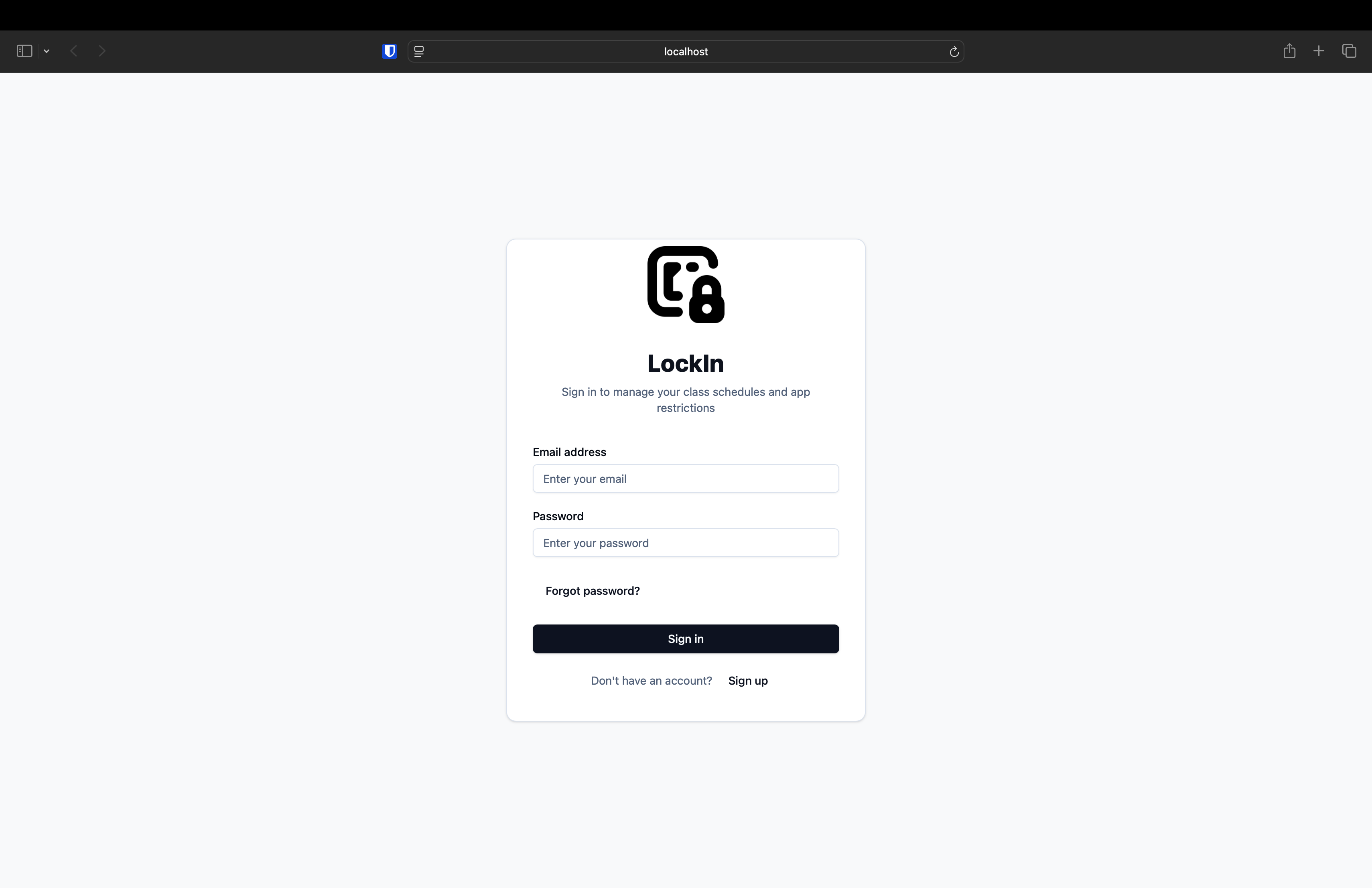
Login page
-
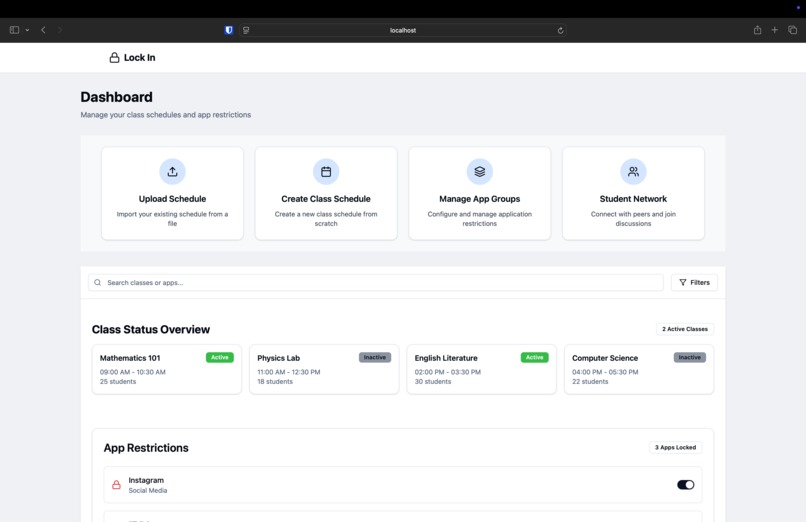
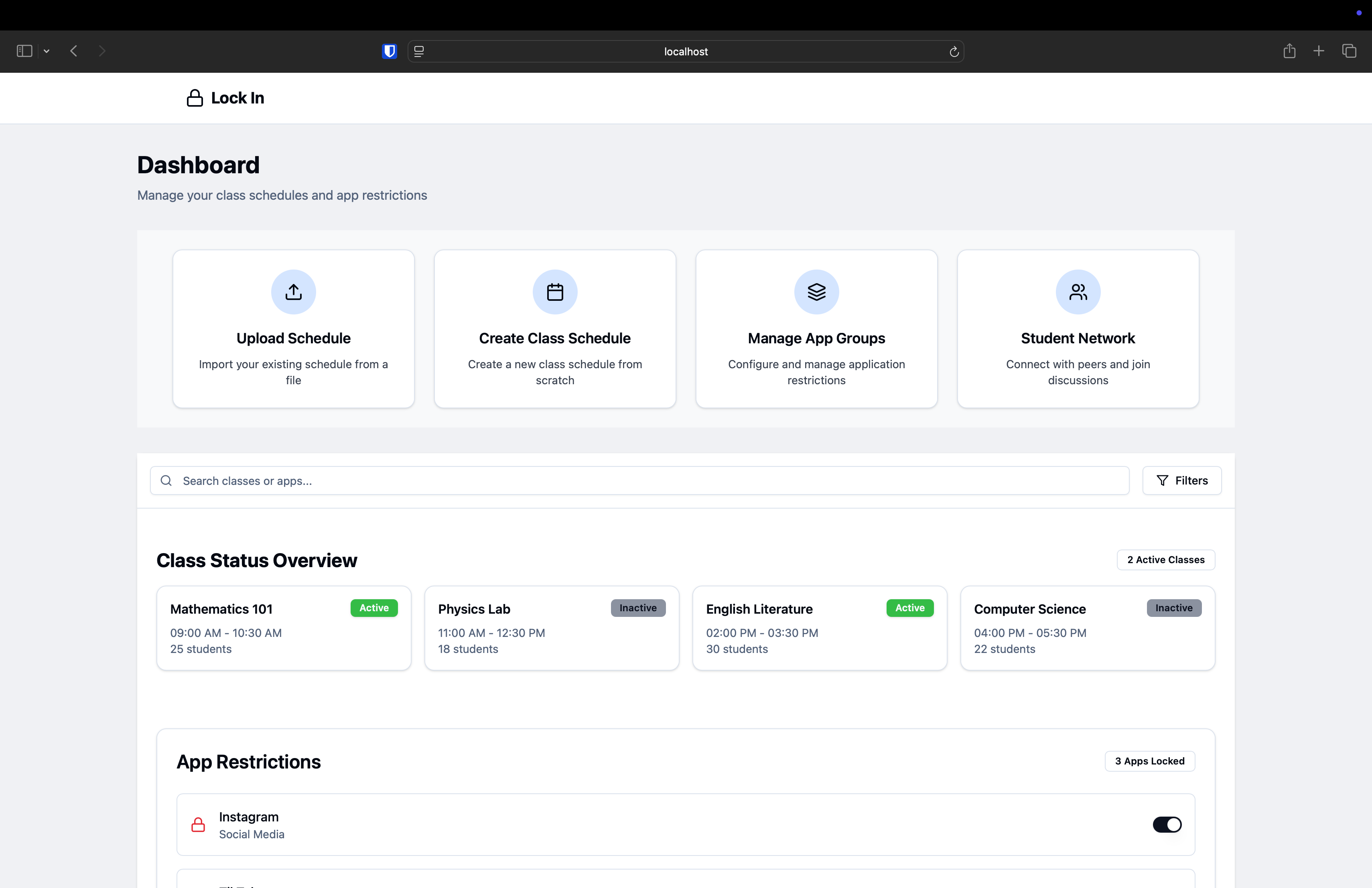
LockIn AI's Dashboard
-
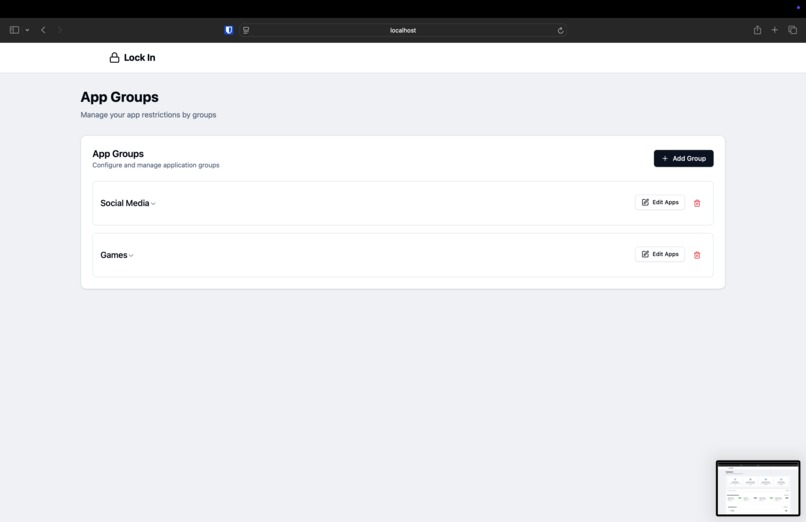
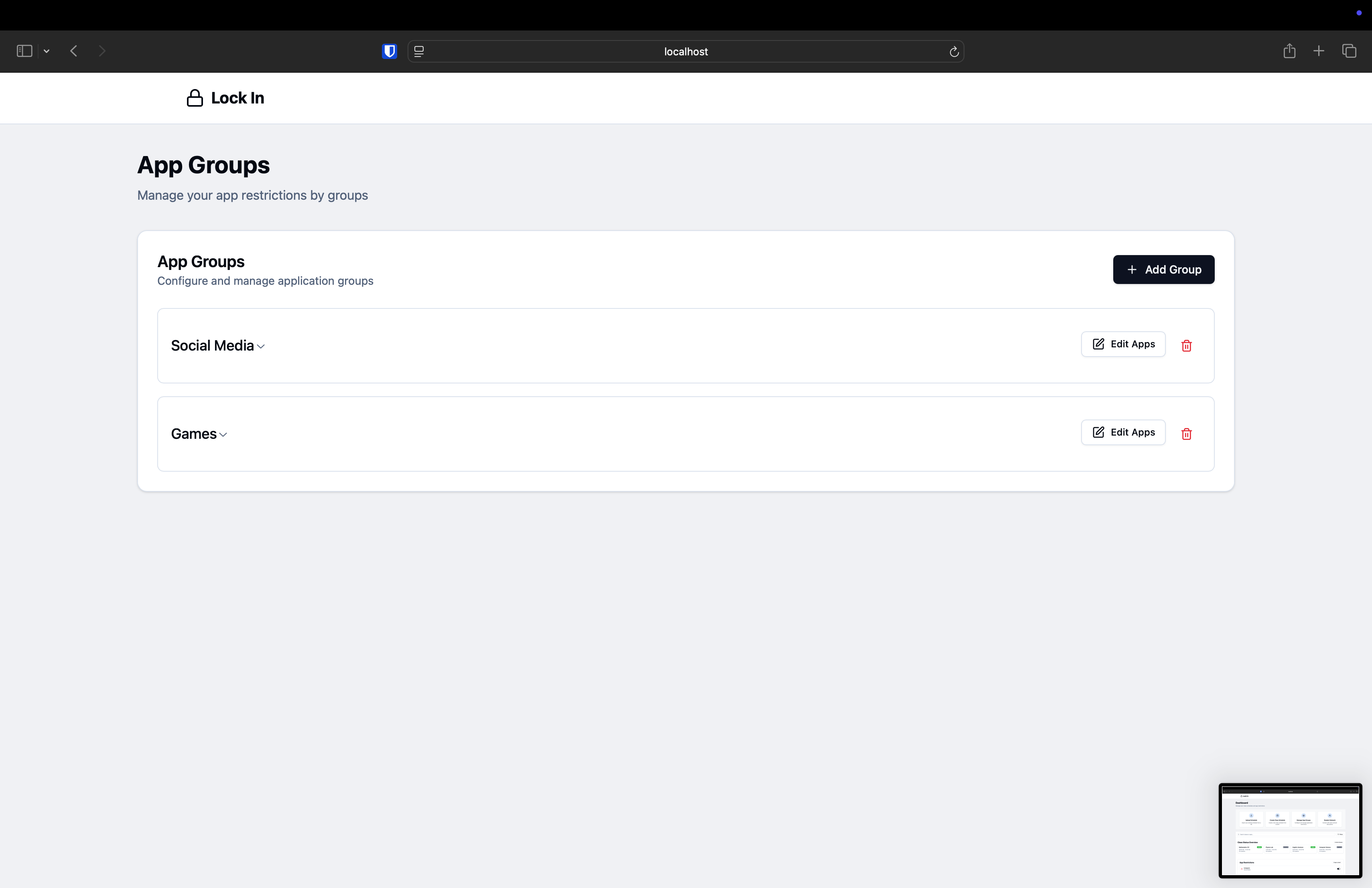
App Groups Page
-
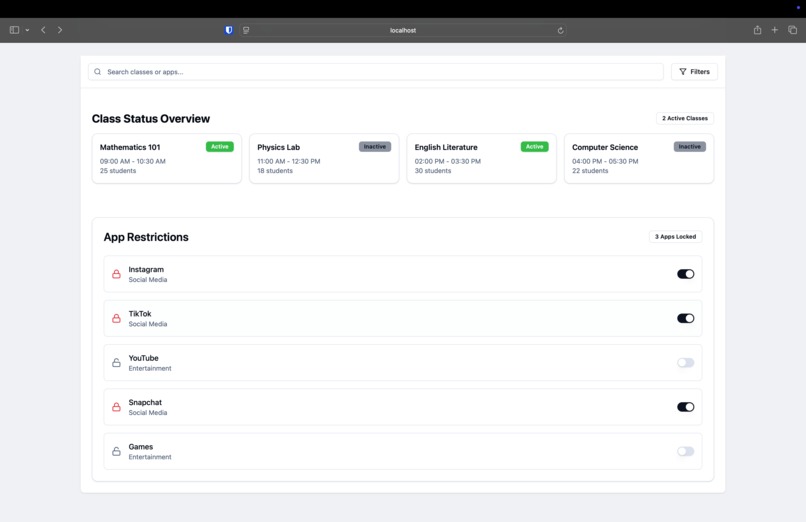
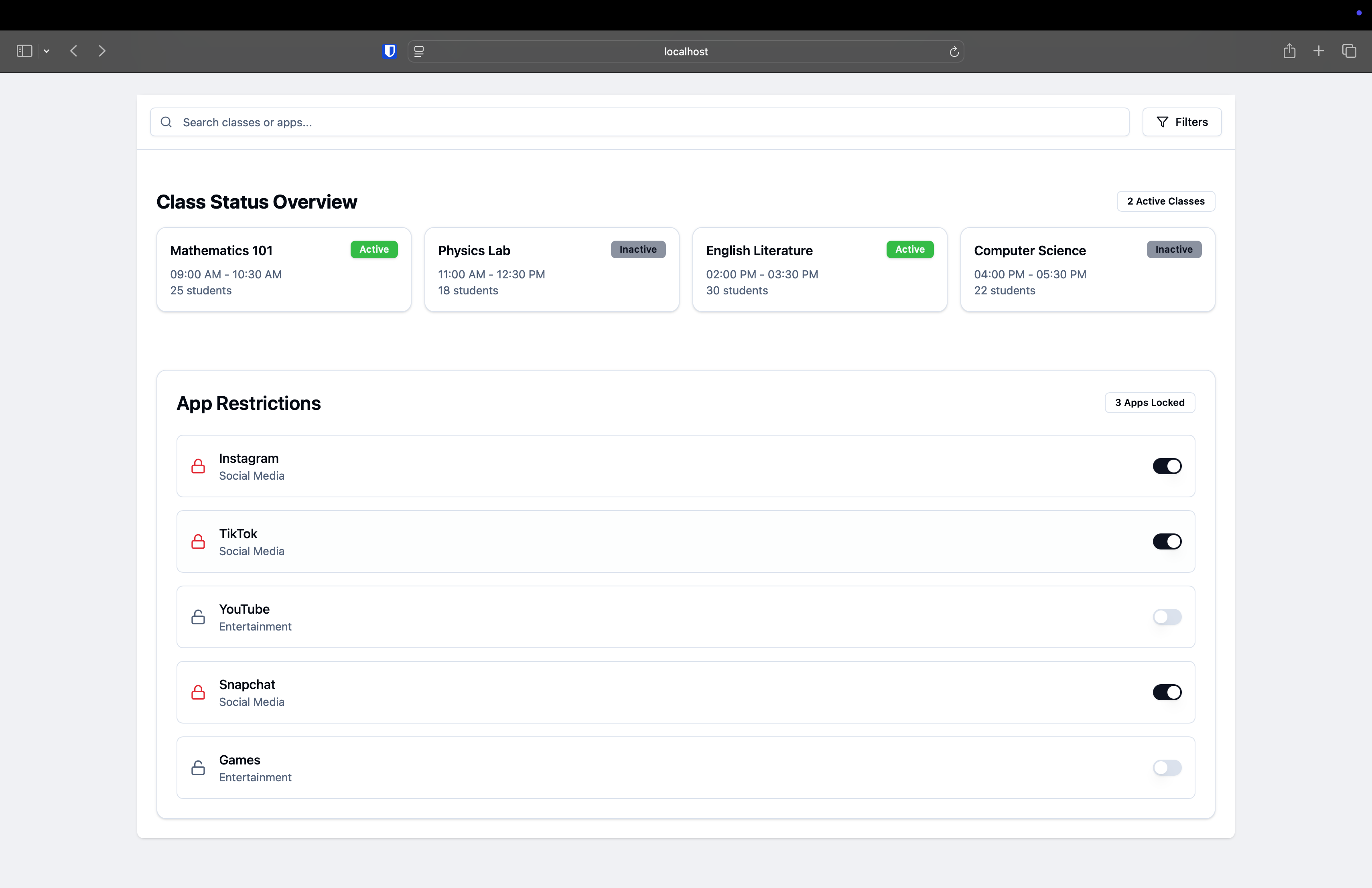
Class status and custom lock controls
-
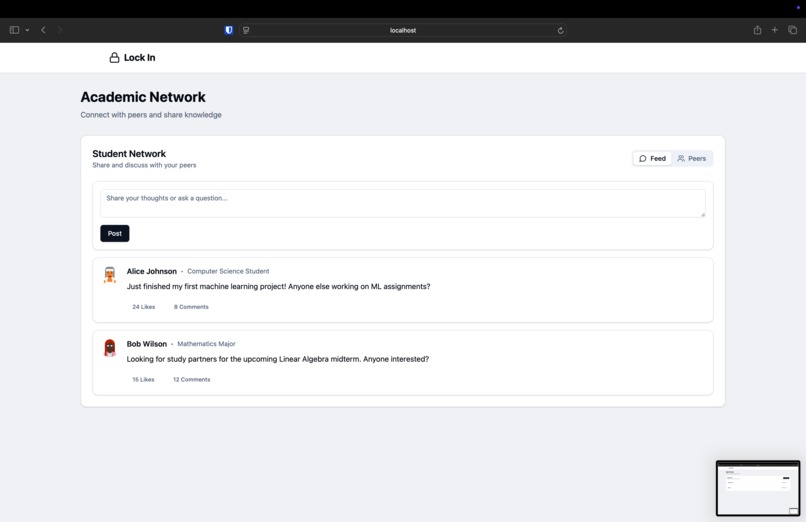
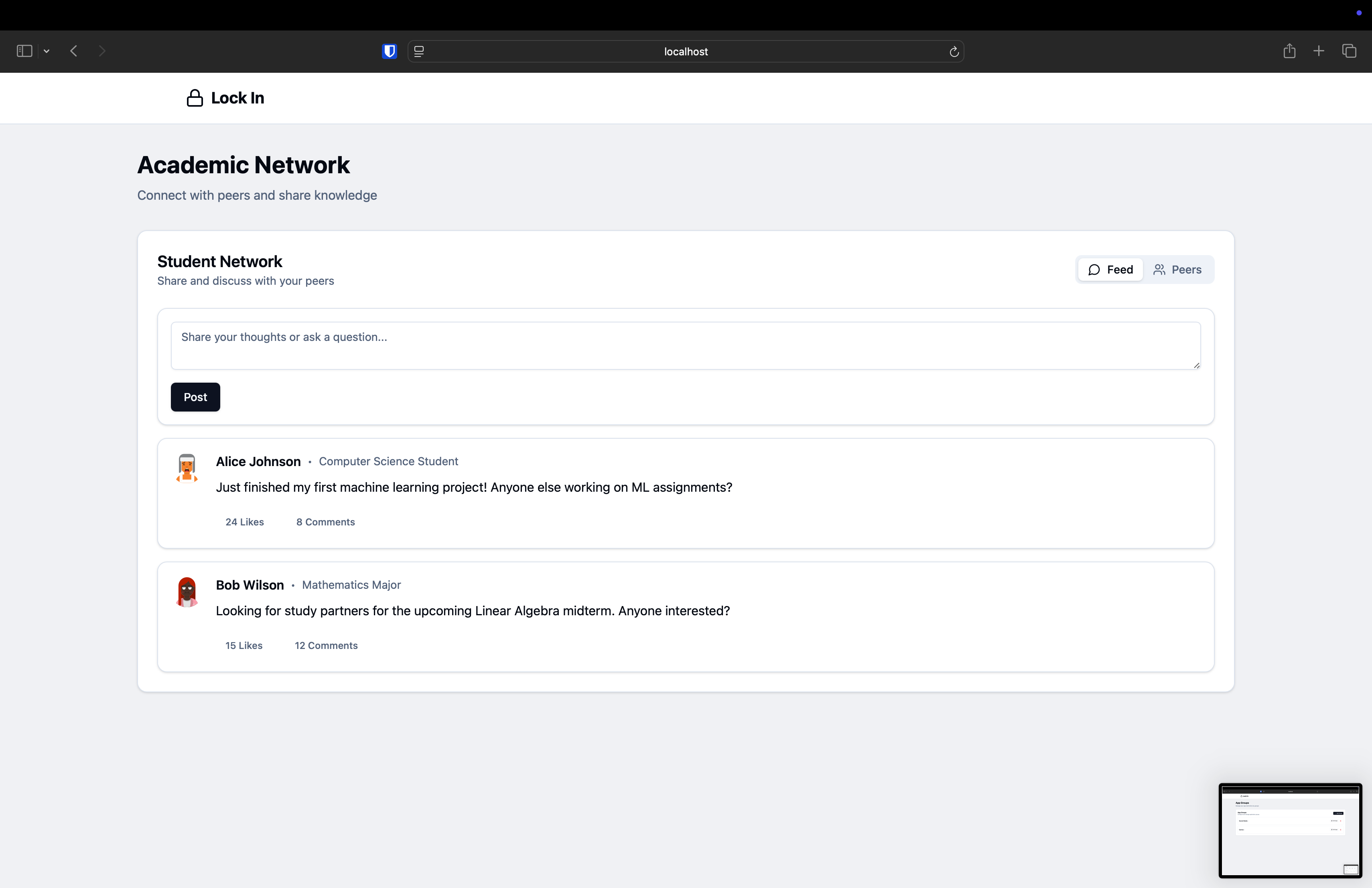
Student Networking page
Inspiration
We noticed how easy it is to get distracted by social media and other apps, especially when trying to manage a busy class schedule. Our goal was to create a tool that not only organizes a student’s timetable but also helps maintain focus by locking distracting apps. LockIn was born out of our desire to enhance productivity while enabling students to connect with classmates who share similar courses.
What it does
- Extracts your schedule from an uploaded screenshot and converts it into an .ics calendar file for easy import into any calendar app.
- Blocks distracting apps during selected class times or study sessions via user-defined "App Groups."
- Creates a personalized schedule based on class timings, wake-up times, meal breaks, and other routines.
- Enables networking by connecting users who share the same course or professor, fostering study groups and collaboration.
How we built it
- Frontend: Developed in React for a fast and modular interface.
- OCR: Utilized AI-based text extraction (Tesseract.js or Google Cloud Vision) to parse schedules from screenshots.
- ICS Generation: Employed libraries for creating
.icsfiles, simplifying calendar integration. - Locking Feature: Allows users to block specific apps (grouped by category) during important study periods or classes.
- Figma Prototype: We designed a Figma version of our app’s interface to demonstrate how the web version seamlessly translates to mobile phones, ensuring a consistent user experience across devices.
Challenges we ran into
- OCR Accuracy: Converting various schedule formats into structured data was more complex than expected.
- UX Flow: Creating an intuitive process for managing classes, app blocks, and networking features required multiple design iterations.
- Networking Integration: Matching students by course or professor while maintaining a clean, discoverable UI was a unique challenge.
Accomplishments that we're proud of
- End-to-End Functionality: Successfully integrated OCR, scheduling, and app-blocking in one user-friendly platform.
- User-Centric Design: Iterated quickly on UI/UX to minimize setup friction and enhance productivity.
- Cross-Platform Consistency: Created a Figma prototype that replicates the web version for mobile, demonstrating our focus on accessibility and responsiveness.
What we learned
- Advanced OCR: Delved into AI-driven text recognition, improving accuracy and error handling.
- Calendar Integration: Gained insights into how
.icsfiles are parsed and utilized by popular calendar apps. - User Engagement: Understood the importance of seamless onboarding and user-friendly navigation in driving adoption.
What's next for LockIn
- Native Mobile App: Extend our functionality to iOS/Android for enhanced app-blocking and real-time schedule sync.
- Gamification: Implement daily goals, streaks, or achievement badges to encourage consistent focus and schedule adherence.
- Robust Networking: Add group chats, study-room booking, and real-time collaboration tools for course-mates.
- AI-Enhanced Reminders: Use machine learning to generate intelligent notifications based on user habits and upcoming deadlines.
Built With
- css3
- figma
- html5
- javascript
- react
- tempo
- tesseract


Log in or sign up for Devpost to join the conversation.