-
-
LockIn: The AI tool that boosts focus by automatically blocking distractions unrelated to your tasks.
-
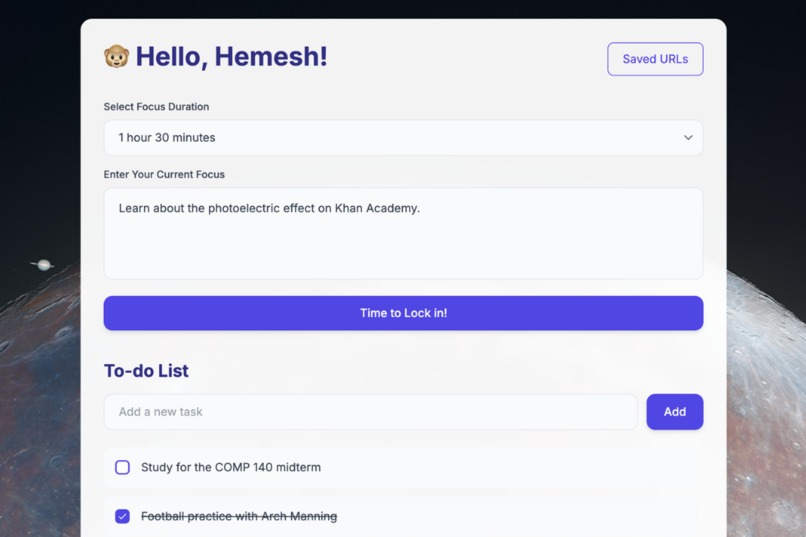
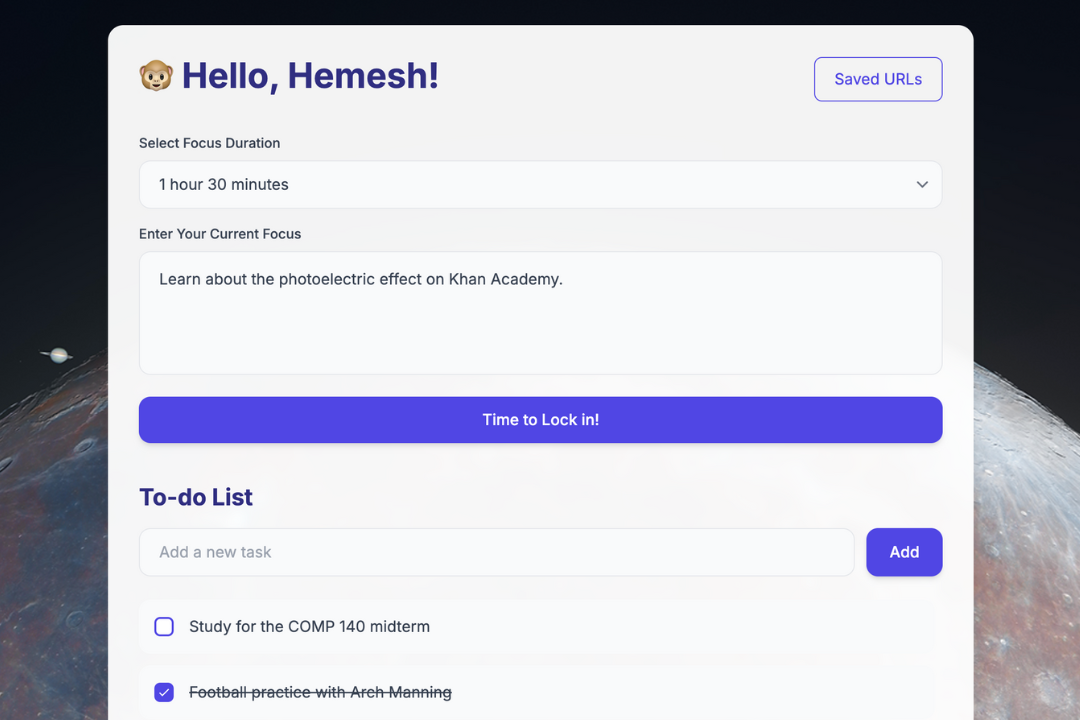
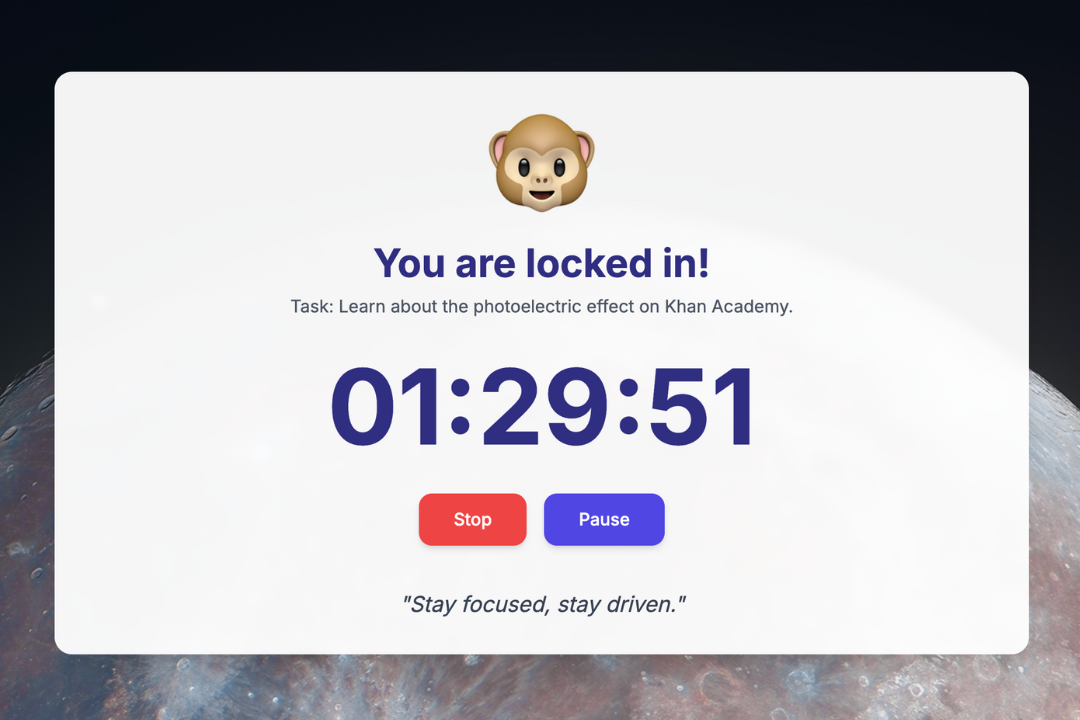
Initially, select a time and properly define your task. We also have an inbuilt to-do list and a calendar.
-
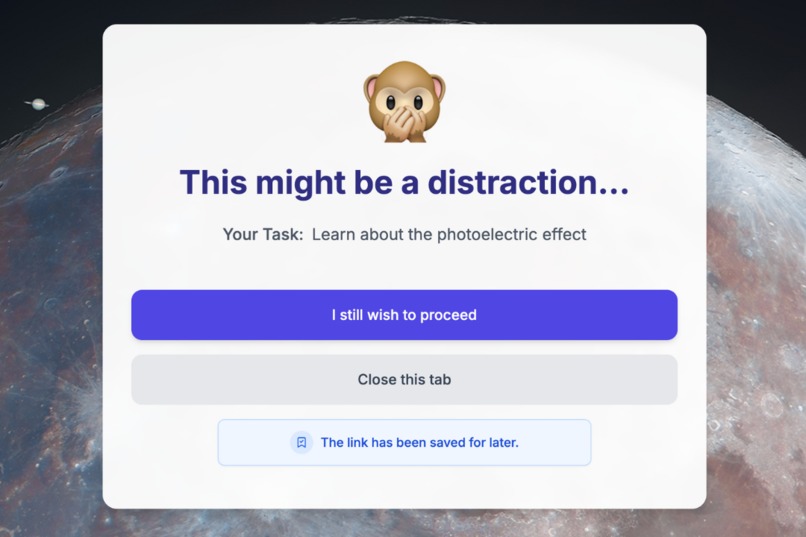
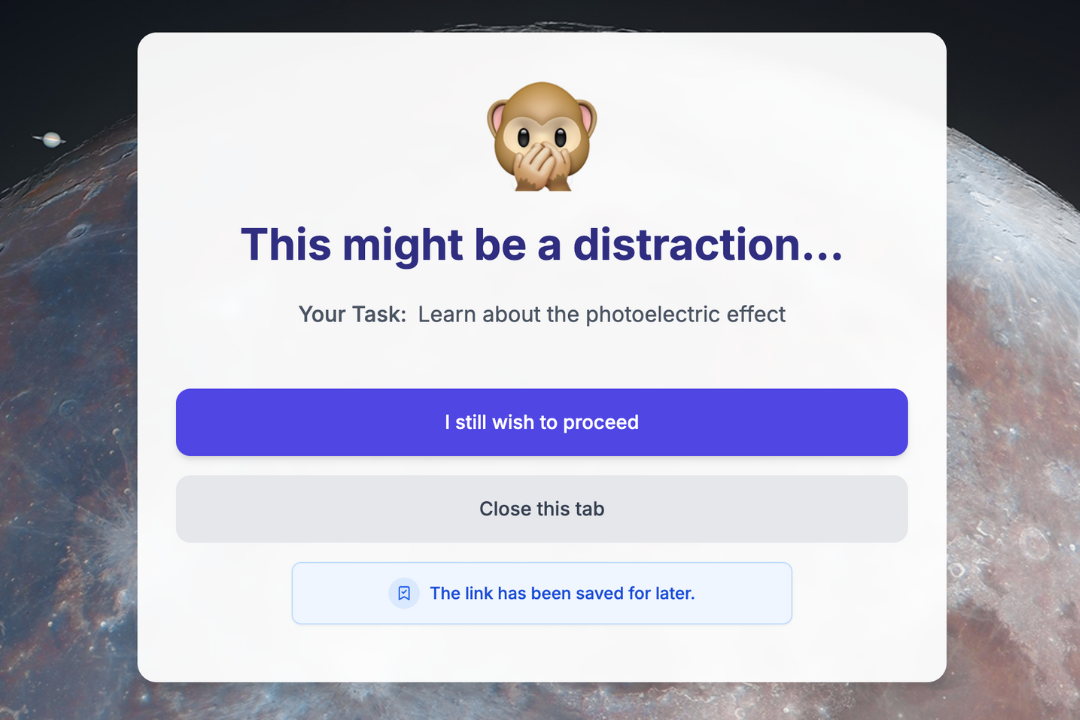
Our AI-systems automatically blocks distractions that aren’t related to your goals and tasks. These blocked URLs are saved for later.
-
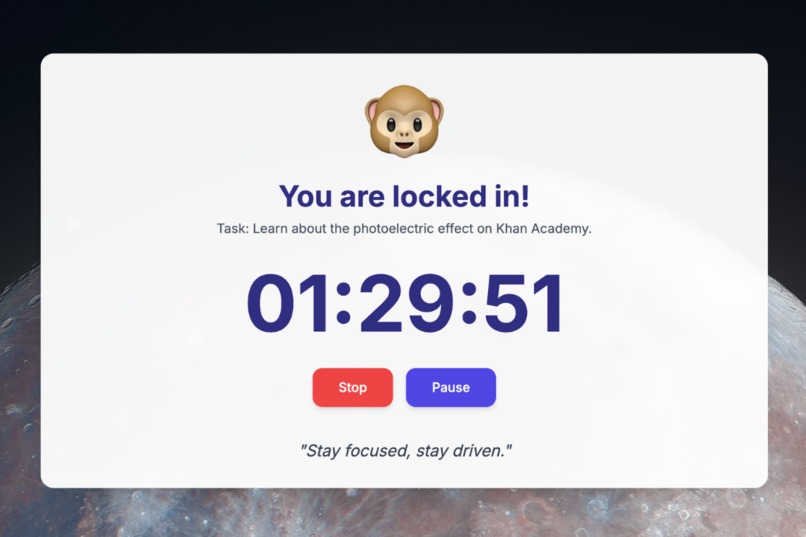
That's it. LockIn now becomes your personal productivity guardian and helps you manage your time effectively.
Inspiration
There is an ever-increasing need to improve productivity, focus, and efficiency in our day-to-day tasks, which is why we created LockIn.
- Distractions are everywhere, making it difficult for individuals to stay focused on their goals and tasks.
- Traditional browsers offer no support in combating this issue, leading to wasted time and decreased productivity due to unrelated content.
What it does
LockIn is an AI-powered Chrome extension that simply helps you get things done:
- LockIn assists you in defining clear, achievable tasks for each session.
- LockIn uses AI to identify and block distracting websites unrelated to your goals, keeping you fully in the zone.
- LockIn saves URLs of blocked sites so you can explore them later—after you're done with your goals.
- With an integrated timer, customizable to-do list, and calendar sync, LockIn is the all-in-one productivity workspace.
How we built it
To make sure LockIn blocks only real distractions and keeps useful websites accessible, we created a three-layered filtering system in the backend.
First, we use a fine-tuned GPT-4o model to understand the user's specific task. We then generate a custom whitelist of URLs directly related to it, ensuring only relevant content gets through. Next, if the user is on a URL that isn't on the whitelist, we then use the all-MiniLM-L12-v2 embeddings model to generate vectors of the task and the current tab details to perform a cosine similarity check. Finally, fine-tuned GPT-4o/o1-mini models make real-time decisions on borderline cases.
The backend, built with Node.js and Express, manages these steps smoothly, while the Chrome extension (using Manifest V3) keeps it easy and quick for the user to interact with. This setup helps LockIn keep users focused on what matters most without unnecessary distractions.
Challenges we ran into
A big challenge was dealing with the restrictions of Chrome's Manifest V3, particularly in trying to access the tab data securely. We also faced limitations with Chrome's local storage features — when implementing a timer that constantly updates and stores data in local storage without performance issues. We also faced several bugs while trying to communicate with the data on background.js.
Building the cosine similarity system was interesting, too. Using all-minilm-l12-v2 to generate vectors and then building a cosine similarity function to compare vectors of tab data and user tasks with proper threshold adjustments were tough tasks to deal with in 24 hours. Initially, we were integrating Google Calendar tasks, and syncing was also a big challenge.
Accomplishments that we're proud of
We built a complete three-filter system that identifies unrelated content and restricts it for the user within a specific time frame. This is significant because all blockers currently in the market are hardcoded and use static data for URL blocking.
We combined the use of LLMs, embedding models, and cosine similarity to create a nuanced decision-making tree. This is fascinating since we are applying it beyond the traditional use of LLMs for content generation. We also achieved very high response times for blocking—it operates smoothly and does not cause any delays or disruptions to a user's regular workflow.
What we learned
- Developing Backend-Heavy Chrome extensions on Manifest V3
- Creating LLM Decision-Making Workflows
- Methods for Optimizing Browser Development
- Programs for Maintaining User Privacy
What's next for LockIn
LockIn is a productivity and focus tool designed for navigating the overwhelming distractions of today's information age. Looking ahead, we plan to improve the usage of our platform by introducing social features to create a sense of accountability. We will also develop in-depth analytics and progress tracking to help users understand their productivity patterns better. Finally, we hope to create a mobile app that allows users to maintain their focus and productivity anytime, anywhere.
Built With
- all-minilm-l12-v2
- express.js
- html/css
- hugging-face
- javascript
- manifestv3
- node.js
- openai
- tailwindcss


Log in or sign up for Devpost to join the conversation.