-
-
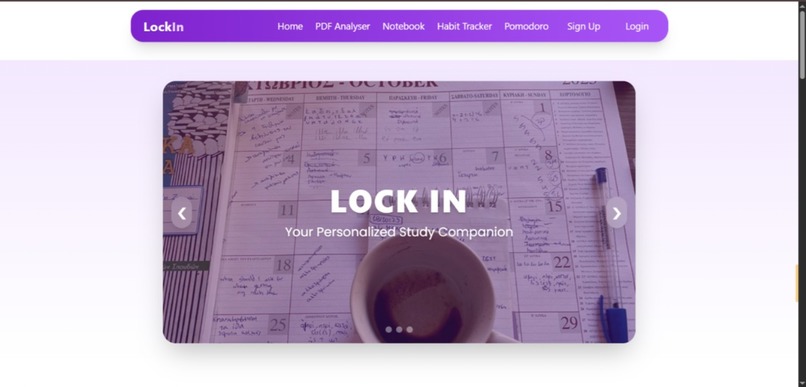
Landing Page
-
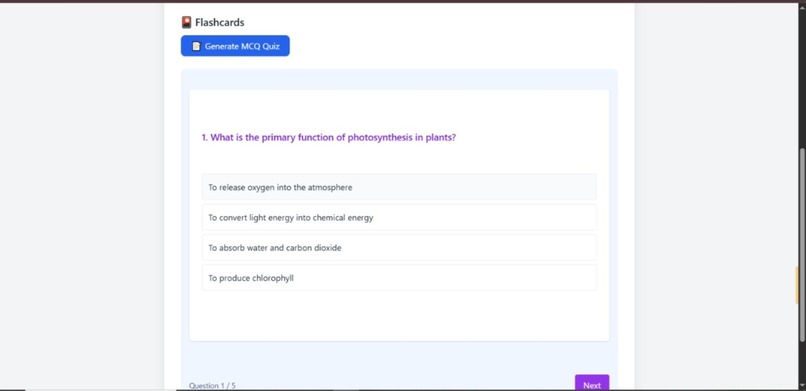
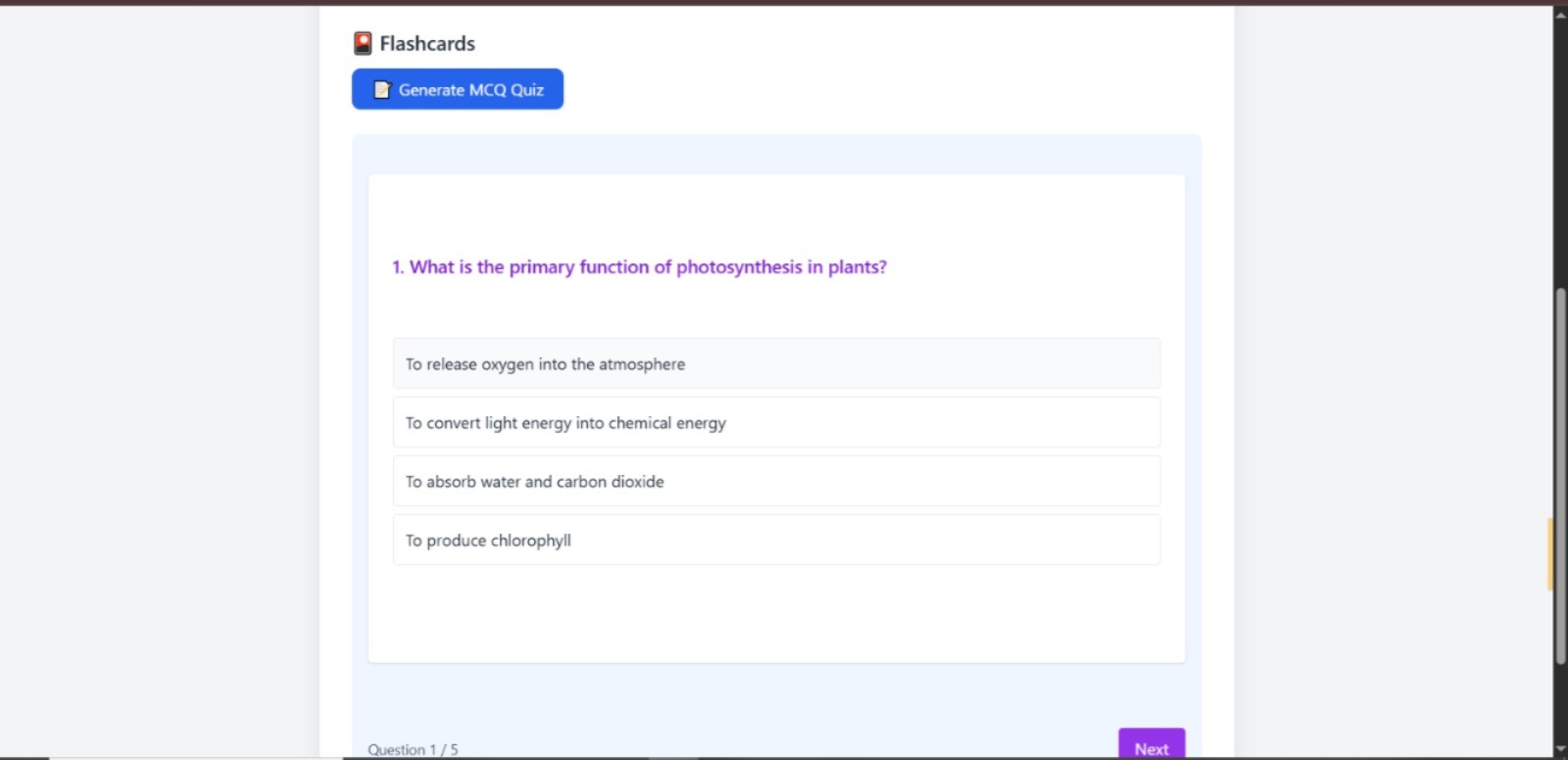
AI generated Quiz
-
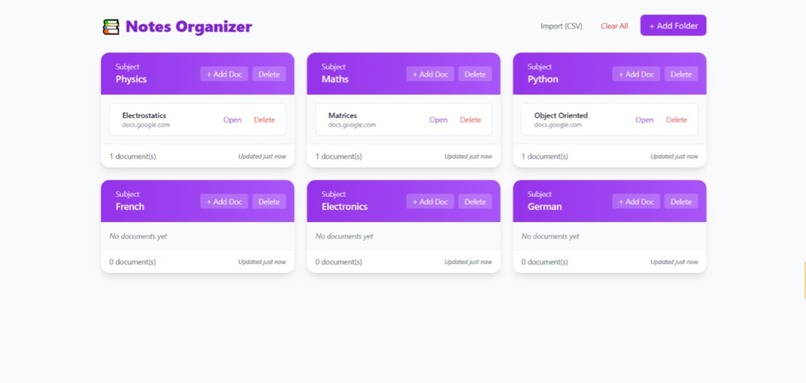
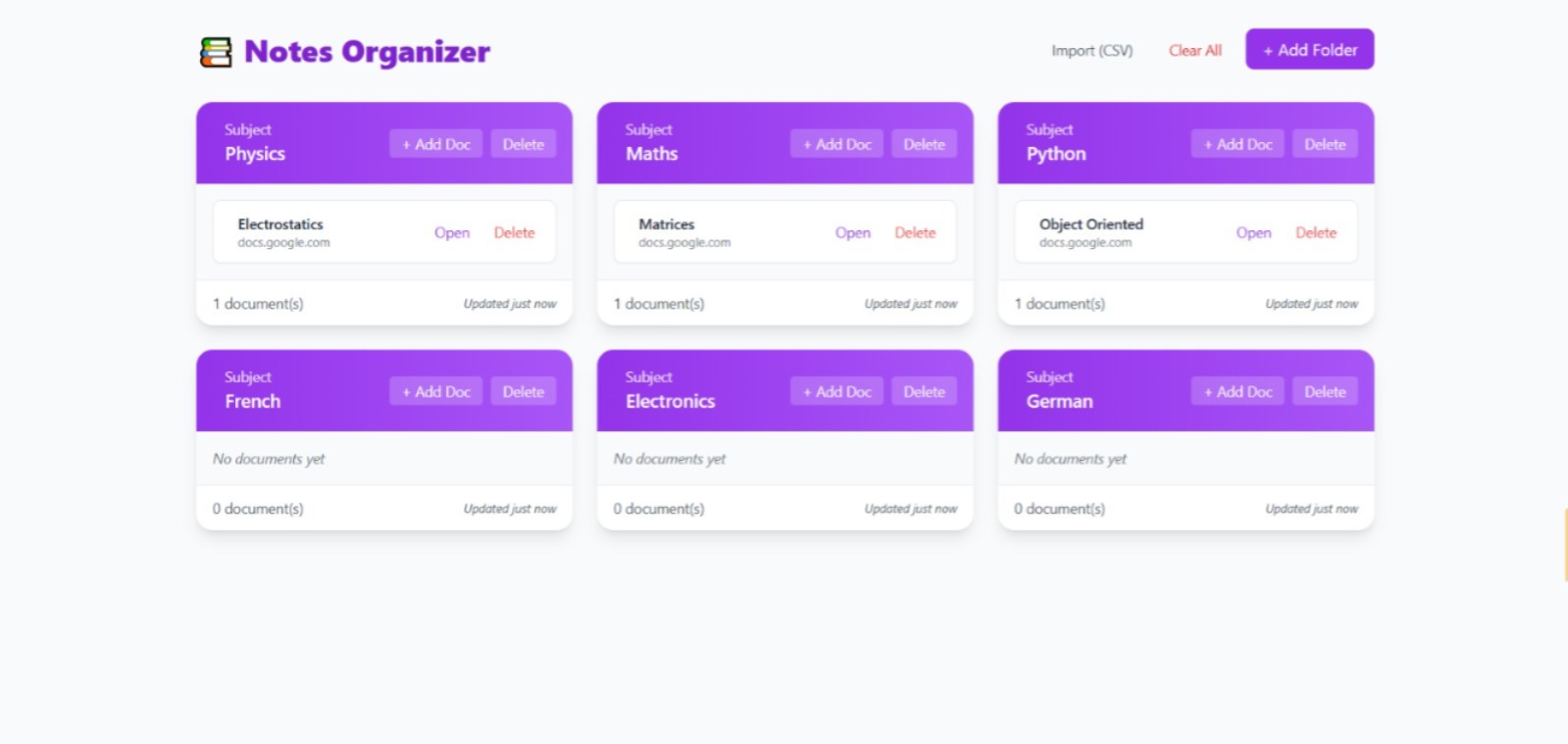
Notes Organizer
-
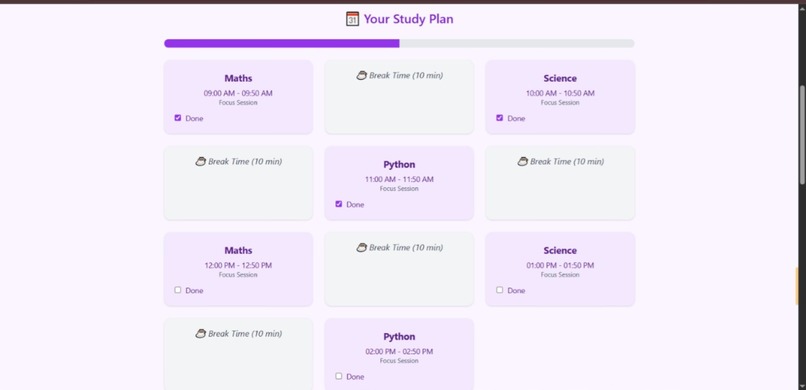
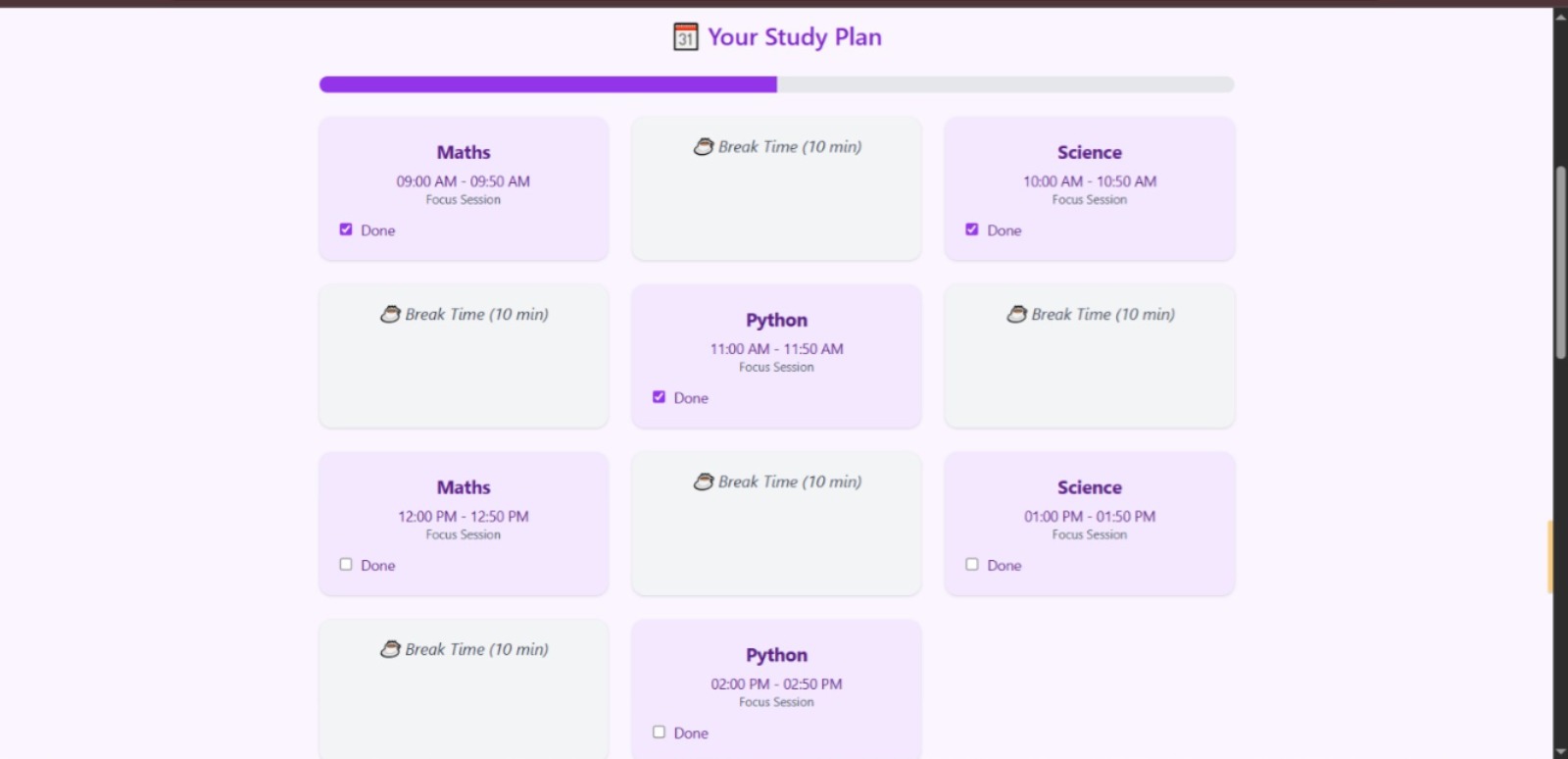
Automated Timetable
-
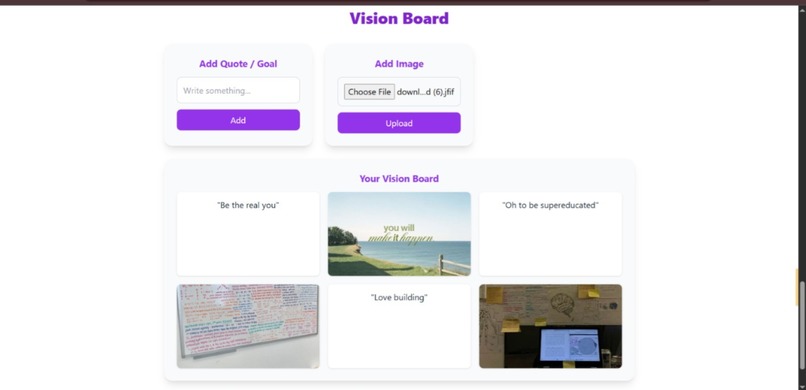
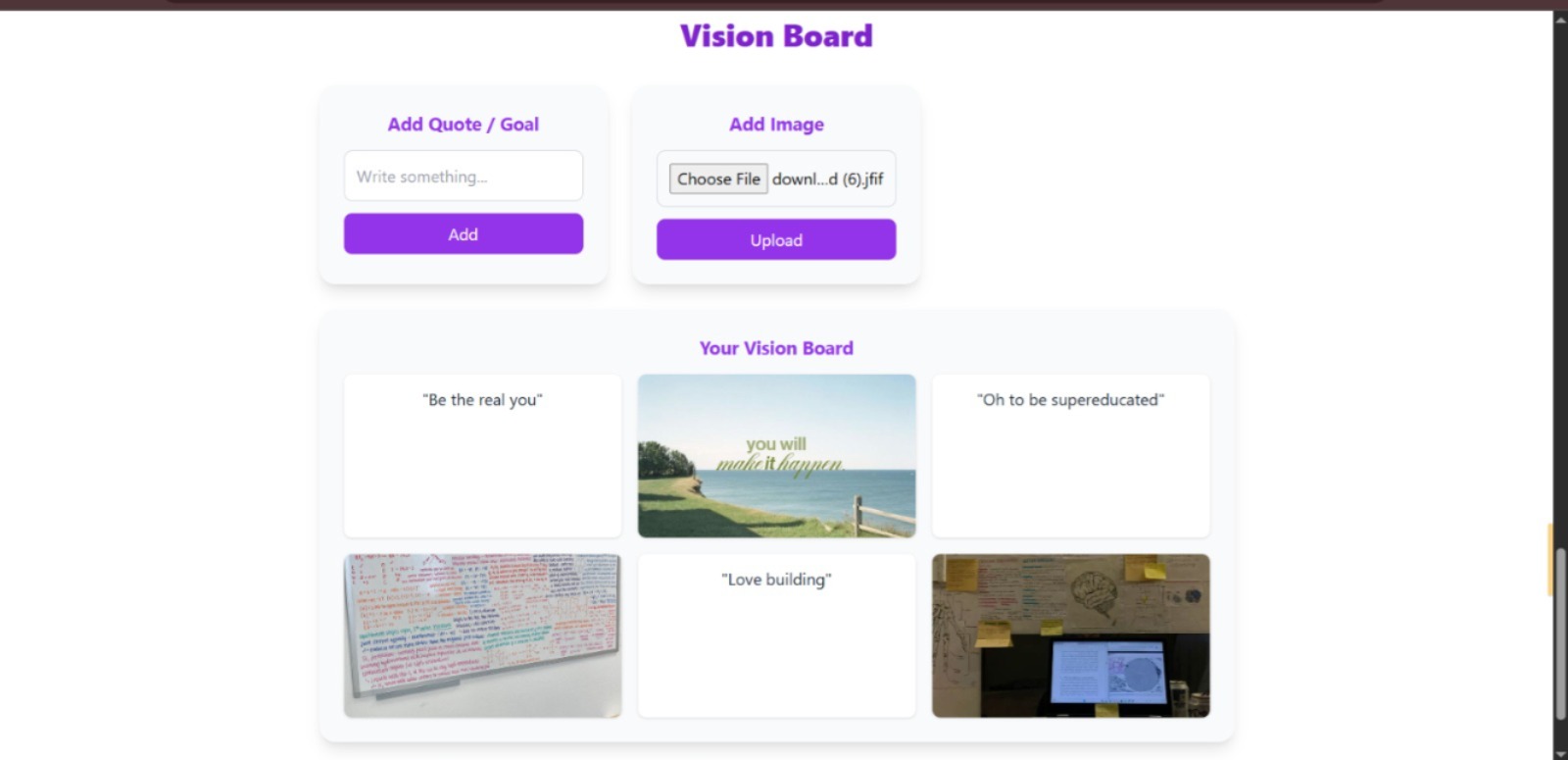
Vision Board
-
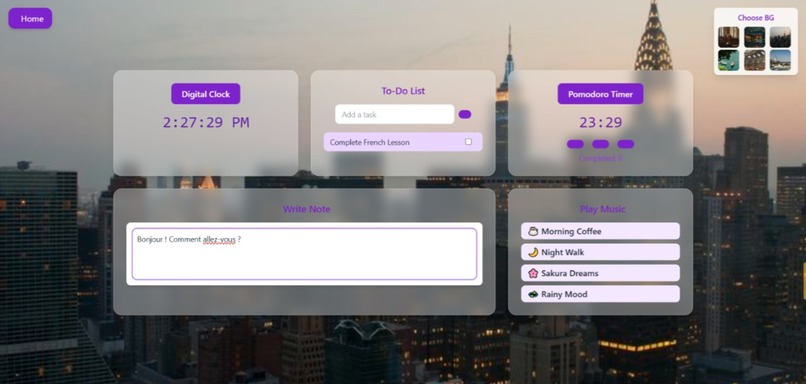
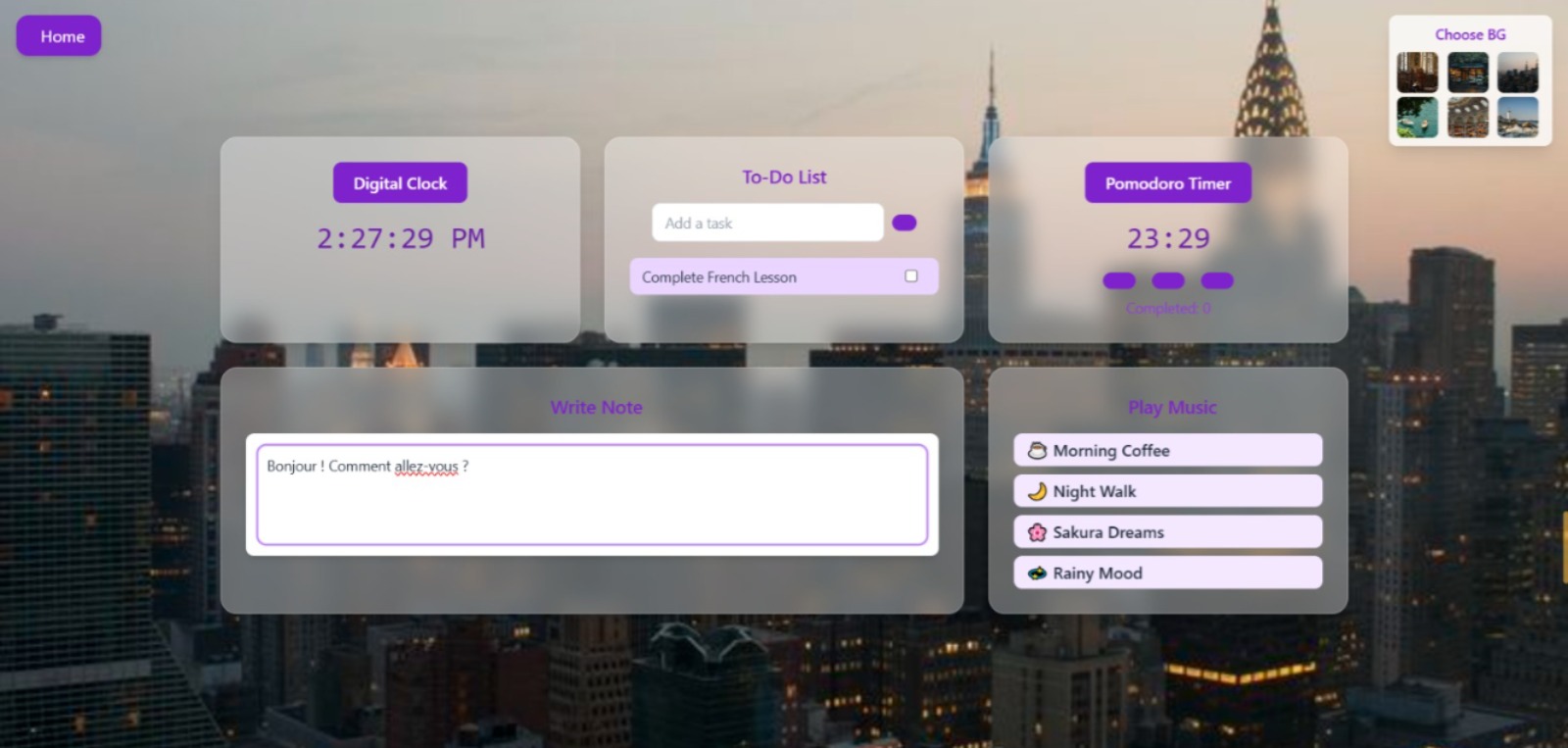
Pomodoro Focus Timer
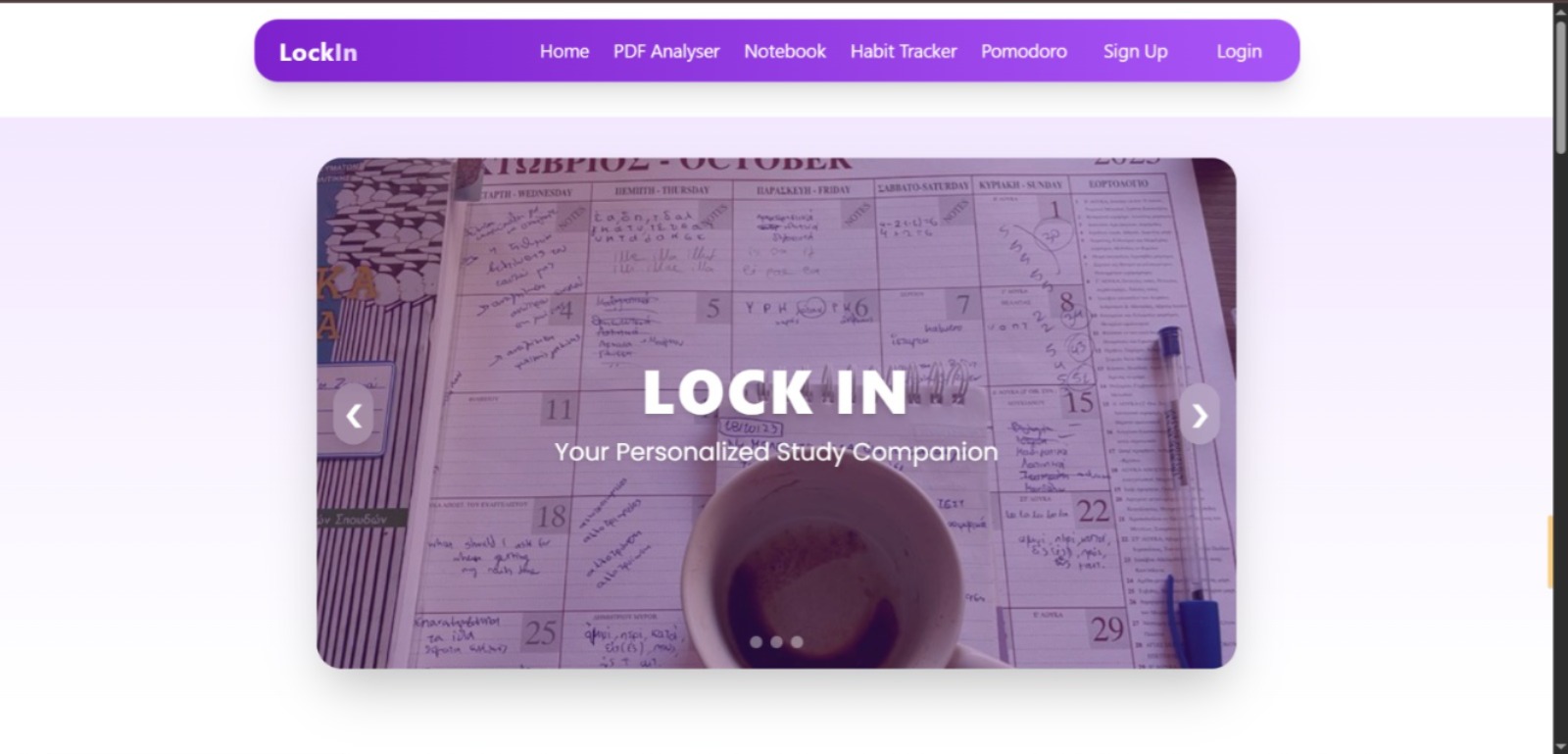
LockIn
Inspiration As a college student with 16+ hours of screen time, I was always overwhelmed by study resources. I never knew what to read first or how to plan properly for upcoming tests. This constant confusion pushed me to build LockIn, a simple and organized study platform made for students like me who want clarity and focus without wasting time searching for the right material.
What I Learned While building LockIn, I gained practical experience with: 1.Django for backend development 2.HTML, Tailwind CSS and JavaScript for the frontend 3.User authentication 4.PDF text extraction 5.Using AI to create flashcards and quizzes 6.Designing tools that actually improve productivity 7.I also learned how important clean design and smooth user flow are when creating something people will use every day.
How I Built It LockIn is a full stack Django website that includes: 1.An AI powered PDF analyzer that generates flashcards and quizzes 2.A notes organizer with subject wise folders 3.A dynamic timetable generator that creates a structured routine based on available hours 4.A 90 day goals planner for long term consistency 5.A vision board to keep users motivated 6.A Pomodoro study hub with a to do list, lofi music, a digital timer and a quick notes pad 7.A small GitHub style streak tracker to encourage daily study habits
The main idea was to bring all essential study tools together in one clean and calming space.
Challenges The most challenging parts were processing different kinds of PDFs, connecting the AI generated content smoothly, and keeping the interface simple even with so many features. Making everything work together without clutter took time but it was very rewarding.
Final Thoughts LockIn is more than just a project for me. It became a personal study companion that helps create a peaceful and organized learning environment. My goal was to make studying easier, more structured and more enjoyable and LockIn reflects exactly that.


Log in or sign up for Devpost to join the conversation.