Inspiration
Lectures require students to sit and listen for an hour or more, sometimes with little to no level of interaction. Attention drifts, and once you’ve missed a step it’s hard to catch up. Asking a question in front of a full room feels high-stakes, so most confusion goes unasked, and the lecturer never finds out where the class lost the thread.
We started with two questions:
- How do you help students stay focused through a long lecture?
- How can a classroom be more interactive without turning everything into a high-stakes quiz?
That's how we got LockIN: a real-time lecture companion that helps students stay engaged and keep up, and gives lecturers an actionable, anonymous view of where students get stuck.
What it does
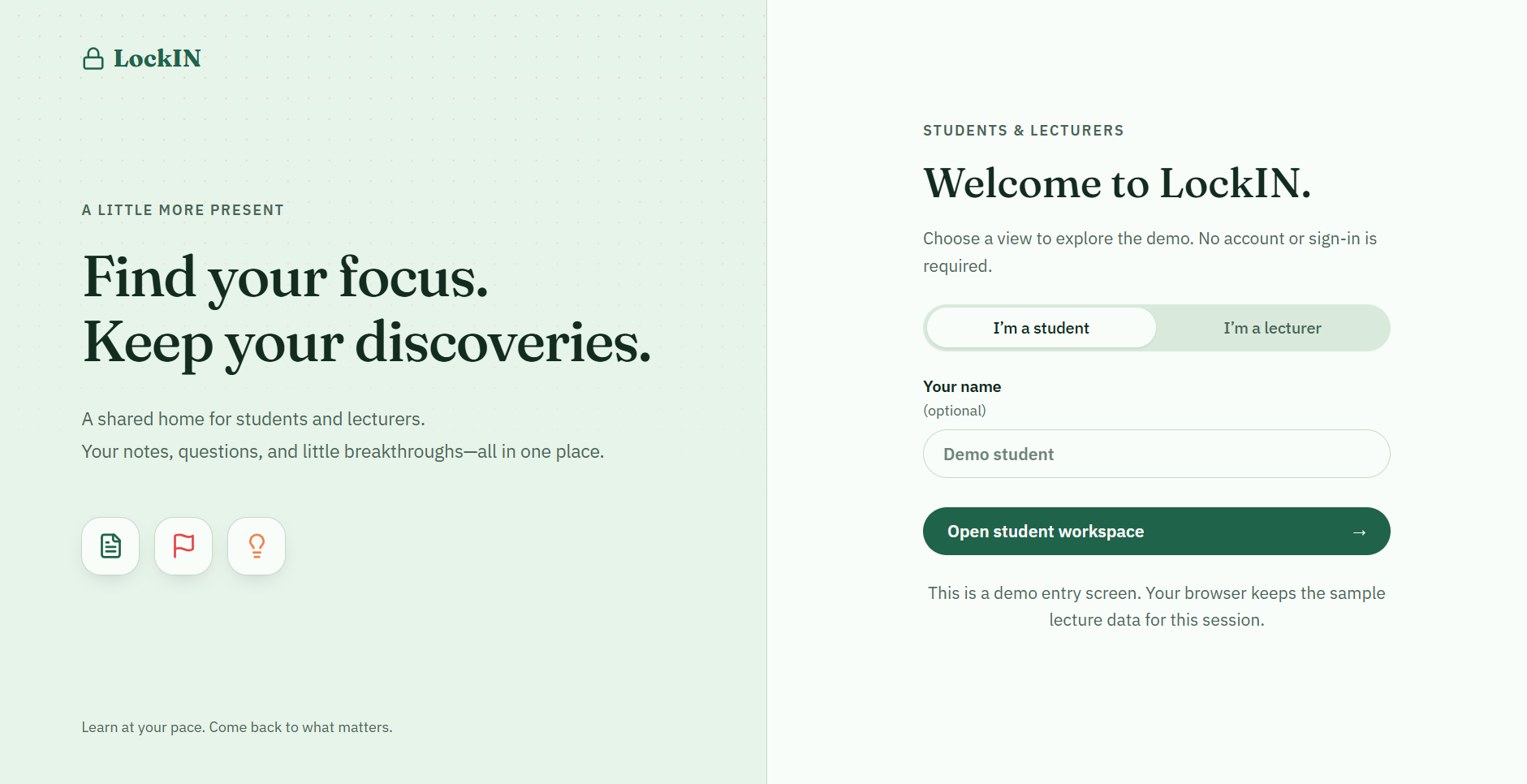
LockIN connects students and instructors through a synchronized learning platform.
For Students
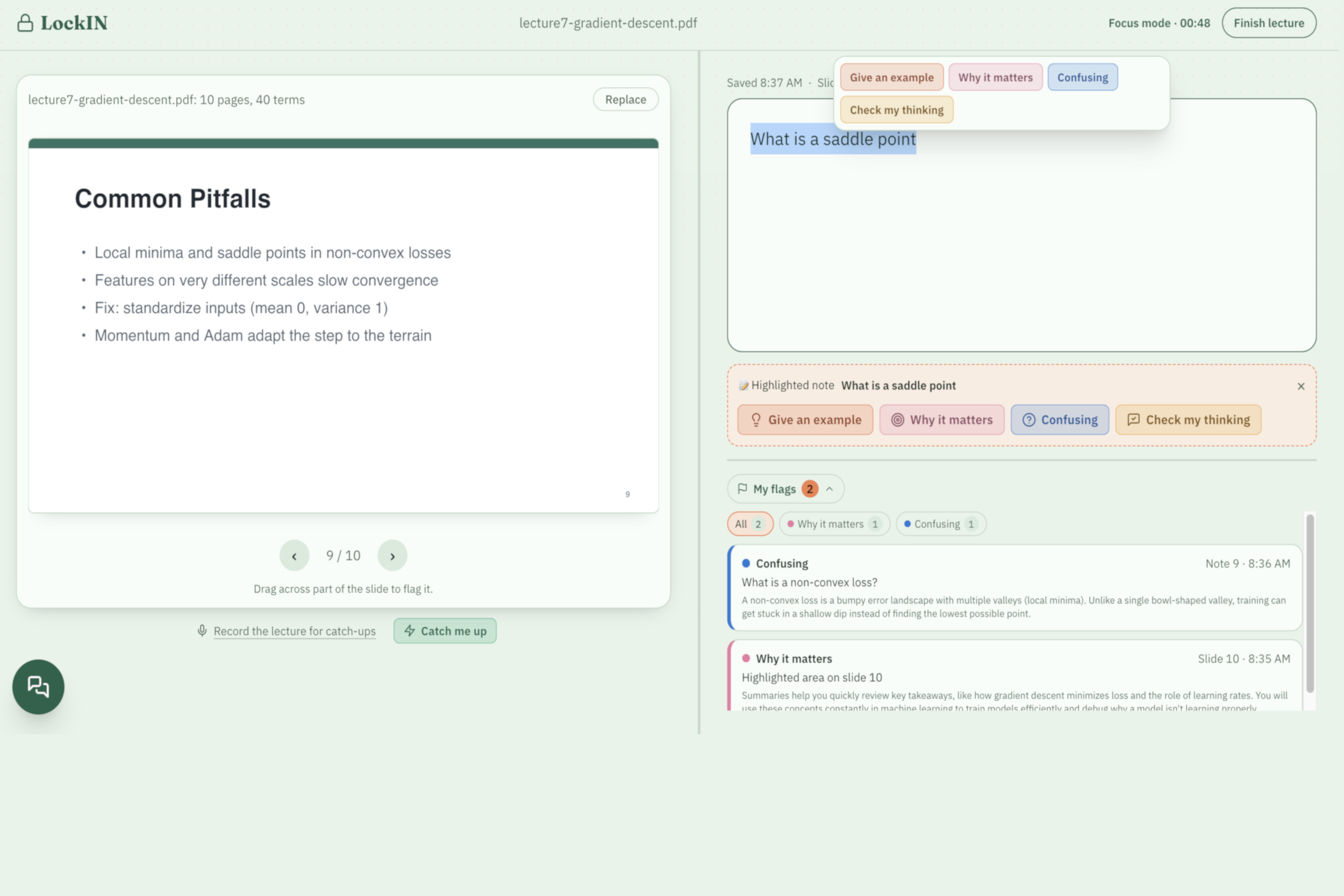
- Slide-Synchronized Notes: View PDFs and take notes side-by-side.
- Intent-Based Flagging: Mark confusing concepts, request examples, or check your understanding.
- AI Focus Buddy: Get context-aware explanations in under 60 words using lecture slides, notes, and transcripts.
- Catch Me Up: Turn recent lecture audio into concise summaries using live transcription.
- Focus Nudges. If you've gone quiet for a while, the buddy prompts for interaction, with messages like "Still with us? Write one thing you just heard." You can turn nudges off or change the time between them.
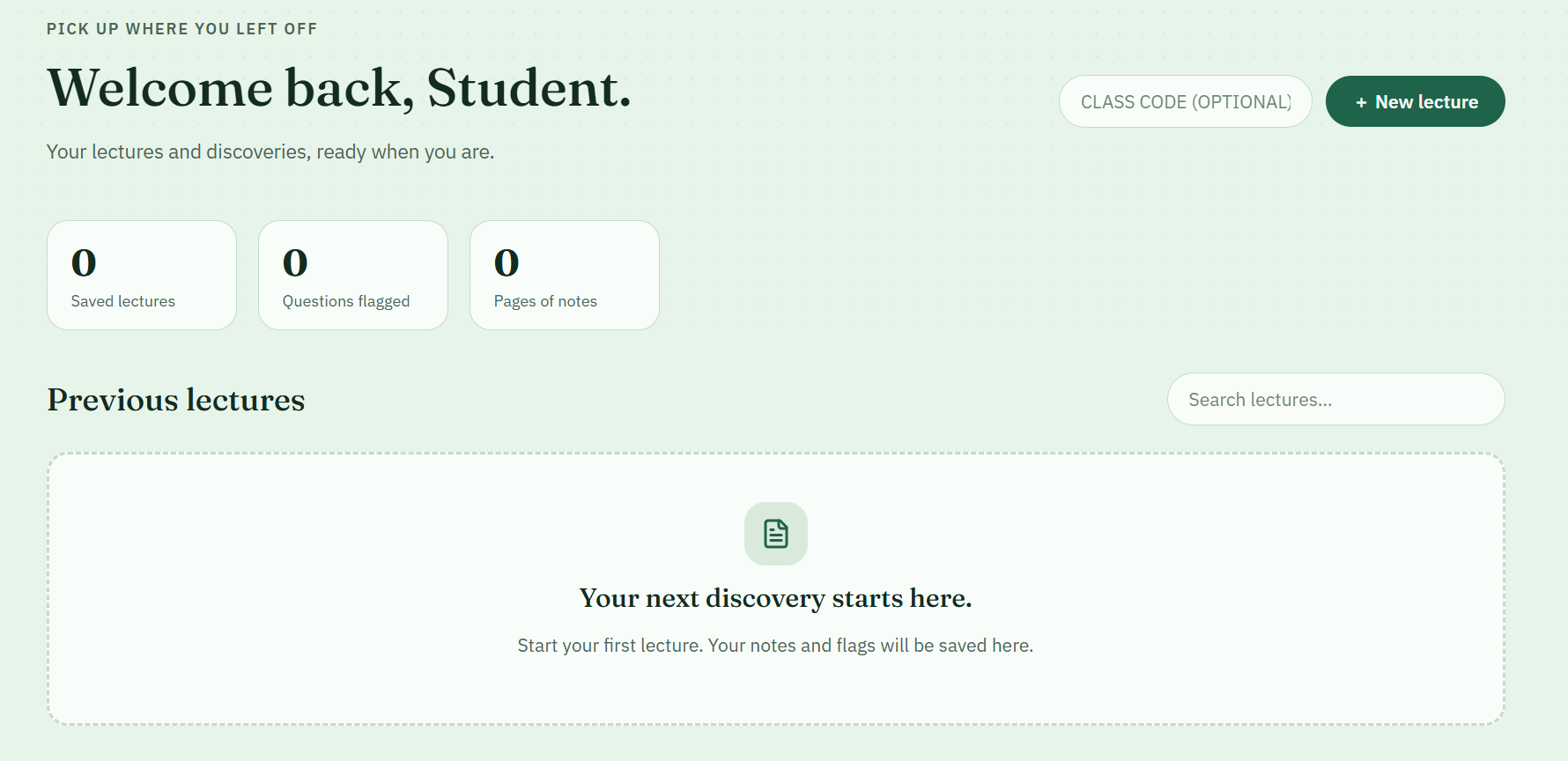
- Lecture Review: Combine notes, flagged questions, and AI explanations into a study digest.
For Instructors
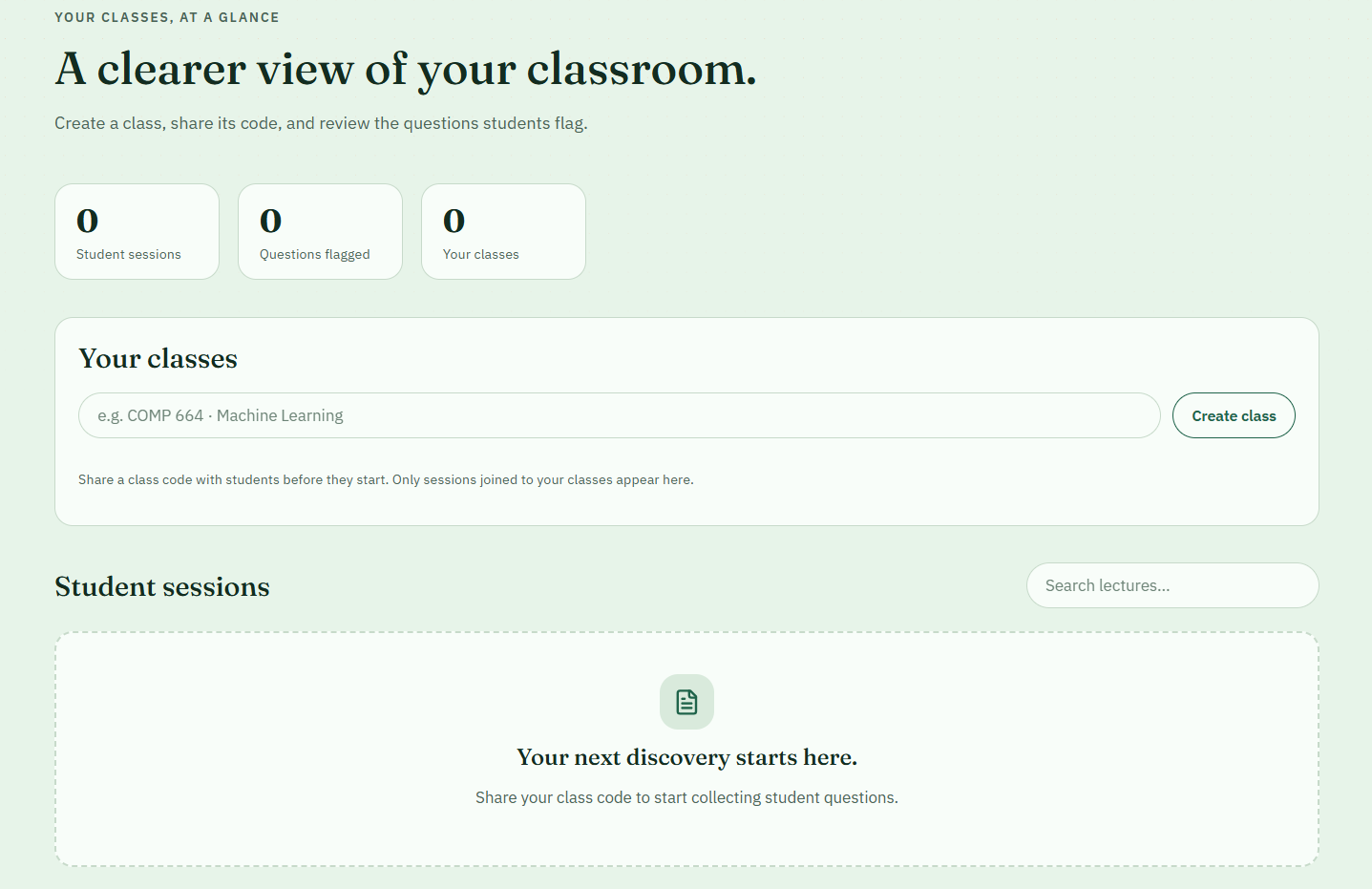
- Friction Analytics: Identify slides and concepts that generate the most questions.
- AI Teaching Insights: Summarize anonymous student questions into key themes and teaching recommendations.
- Privacy Protection: Use algorithmic text filtering to reduce the risk of exposing students' verbatim questions.
How we built it
- Frontend: React 19, Vite, and custom responsive split-pane UI.
- PDF Processing: PDF.js for slide rendering and text extraction.
- Speech-to-Text: ElevenLabs Realtime Scribe WebSocket API for live audio transcription.
- AI: Google Gemini via the
@google/genaiSDK for concise explanations, summaries, and instructor insights. - Backend: Node.js and Express 5 REST API, with an in-memory session engine and PostgreSQL schema for persistent data.
- Privacy: A custom n-gram detection algorithm to filter verbatim student phrases.
Challenges we ran into
- AI Brevity: Designing prompts that deliver useful explanations in under 60 words without sacrificing clarity.
- Real-Time Audio: Synchronizing microphone streaming, transcription, timestamps, and slide navigation.
- Student Privacy: Balancing useful instructor analytics with anonymous student feedback.
- PDF Synchronization: Handling text extraction and consistent slide indexing across the frontend and backend.
Accomplishments that we're proud of
- Built Catch Me Up, helping students quickly recover missed lecture content.
- Created a context-aware AI assistant designed for real-time learning rather than lengthy responses.
- Connected student support with instructor analytics in one platform.
- Delivered an integrated experience spanning lecture slides, notes, transcription, AI assistance, and review.
What we learned
- Real-time AI benefits from fast, concise, context-aware responses.
- Effective educational technology provides support throughout the duration of the learning process, not just at the end of lecture. Tools should support active knowledge retention, reduce the anxiety of asking questions, and make it easy for students to find connections between what they learned and their future goals.
- Building live audio experiences requires careful coordination of browser audio, WebSockets, and application state.
- Student privacy must be considered alongside the design of educational analytics.
- Small UI changes decide whether a tool helps or distracts: where a pop-up opens, how many clicks a flag takes, whether a message covers the slide.
What's next for LockIN
- Live Classroom Sync: Let students join with a class code and provide instructors with live confusion heatmaps.
- Visual AI: Analyze diagrams, equations, and code directly from lecture slides.
- Smart Study Tools: Generate flashcards and quizzes from flagged concepts and lecture notes.
- AI Note Improvement: once the lecture is over, use the transcript to suggest additions that the student may have missed
- 5 Minute Pre-reads that preview the main idea, real-world uses and related news.
- LMS Integration: Support Canvas, Blackboard, and Moodle.
- Campus Pilot: Deploy persistent storage and test LockIN in university STEM courses.
AI Usage
ChatGPT and Claude was used as development aids for brainstorming, troubleshooting, debugging, and refining implementations. Google Gemini powers LockIN's in-app explanations/ insights and ElevenLabs provides real-time speech-to-text transcription.


Log in or sign up for Devpost to join the conversation.