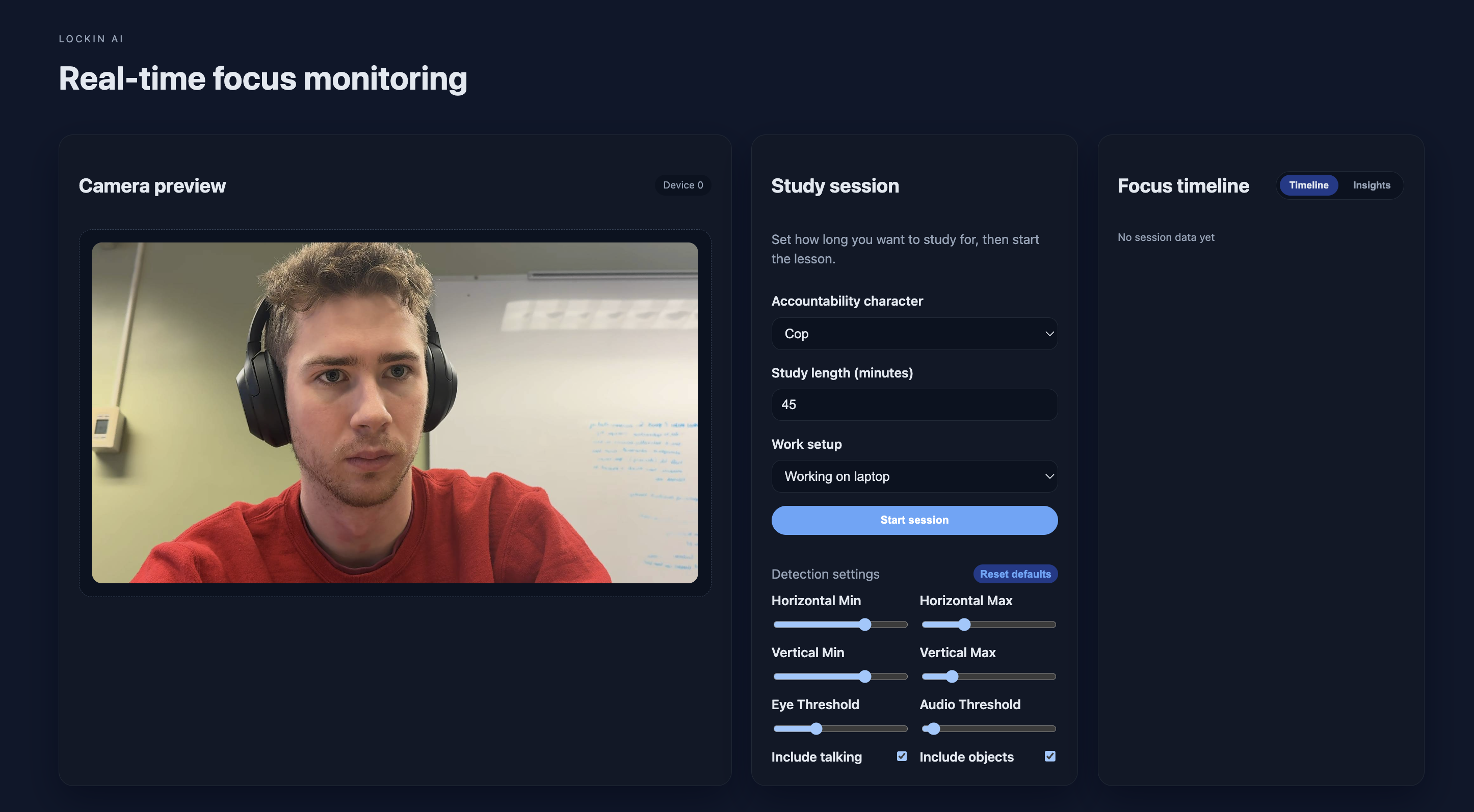
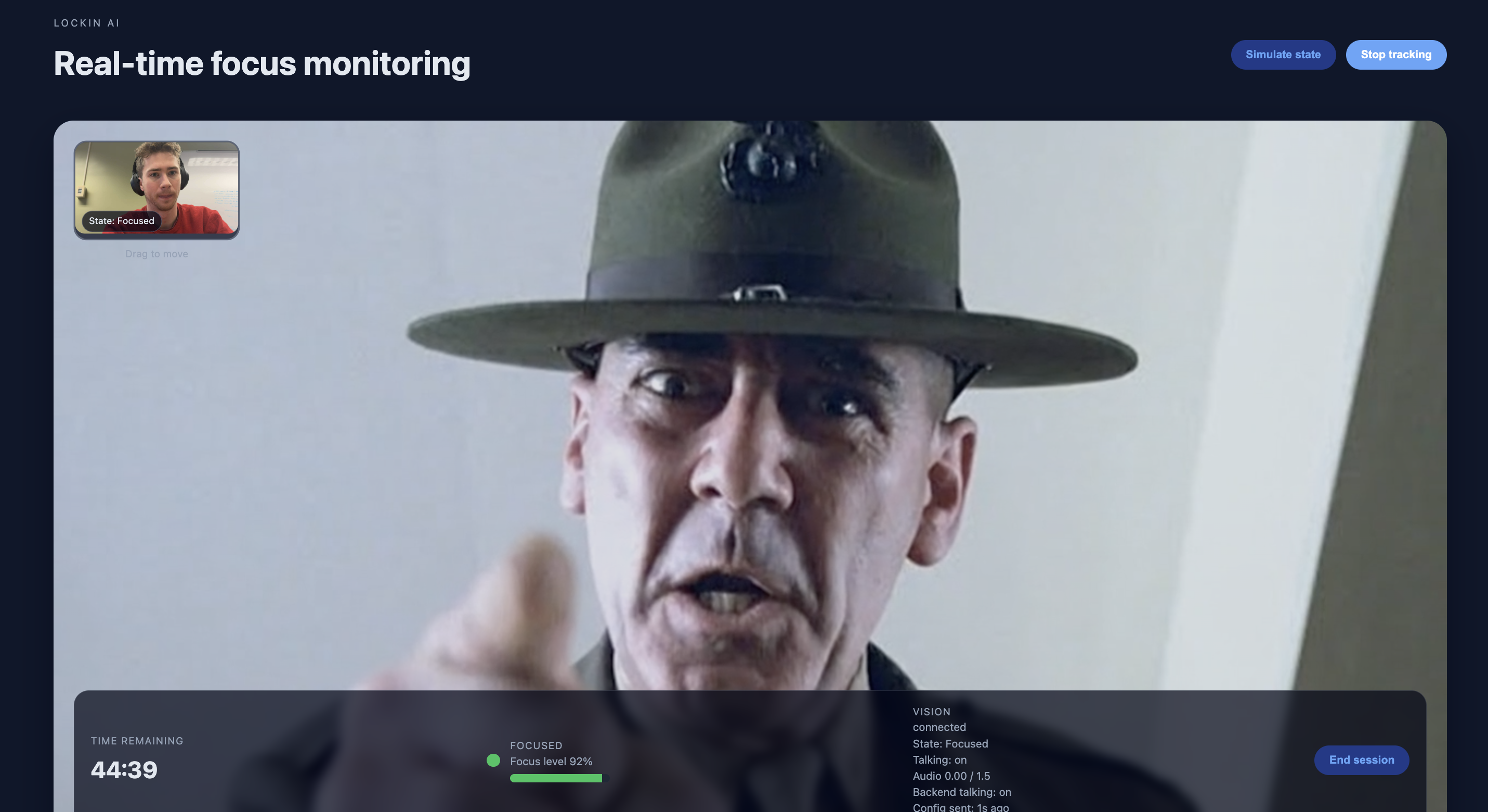
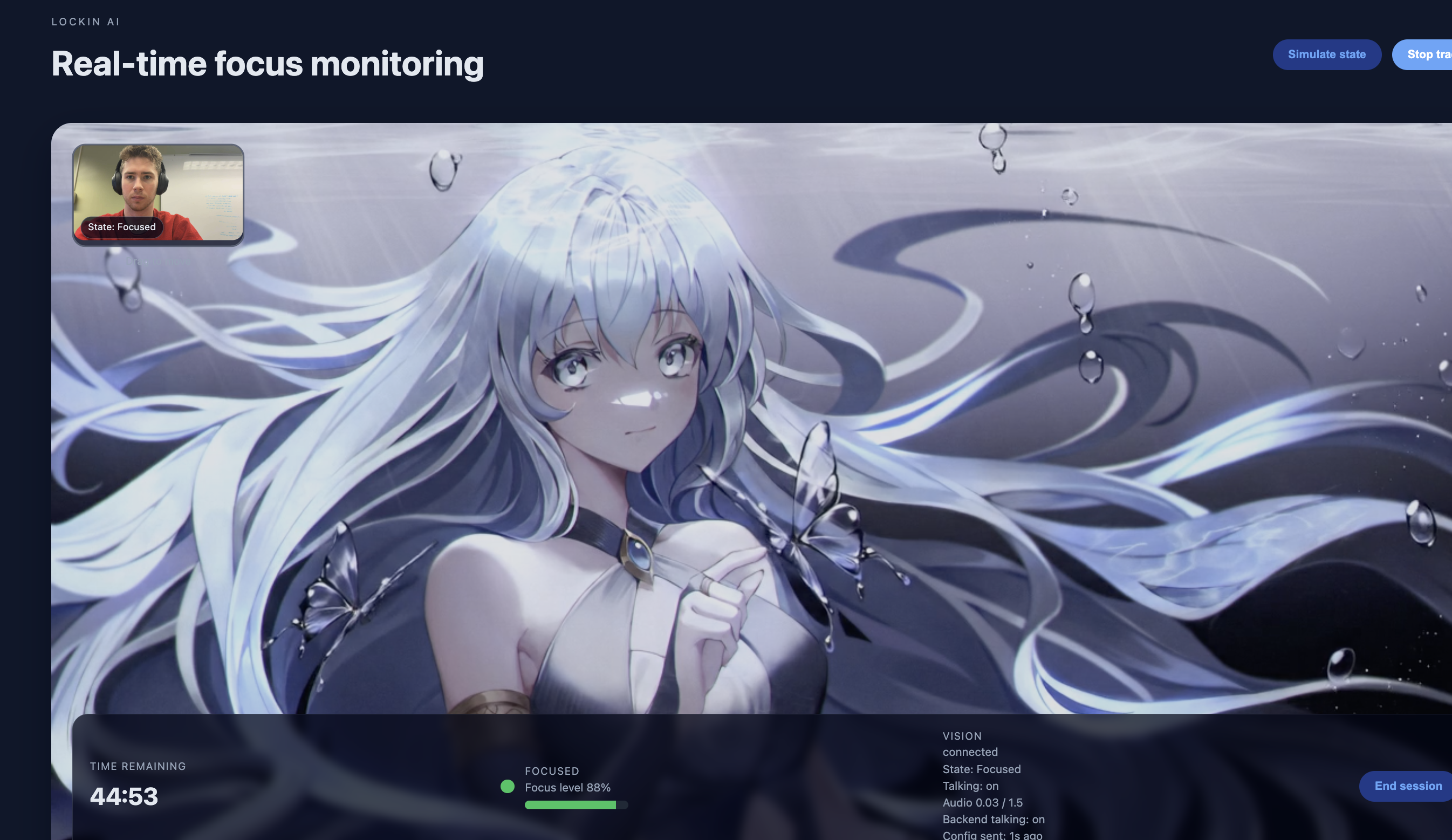
Inspiration We’ve all been there: you sit down to code, but 20 minutes later, you’re doom-scrolling on TikTok or staring at the ceiling. In the high-pressure environment of a hackathon, focus is currency. We wanted to build something that doesn't just track your time, but actively enforces it. Think of it as a digital drill sergeant that sees everything.
What it does LockIn AI is a multimodal focus assistant that uses your webcam and microphone to monitor your attention in real-time. It detects if you are:
Looking away (Head pose estimation).
Sleeping or zoning out (Eye Aspect Ratio & Gaze tracking).
Distracted by objects (Using Object Detection to spot phones or books).
Talking instead of working (Audio volume analysis).
When it catches you slipping, it doesn't just buzz. Using ElevenLabs, it triggers specific, context-aware AI characters to reprimand you based on your mistake. If you pick up your phone, it yells, "Put that device away!" If you look away, it tells you to "Eyes on the screen." All of this is wrapped in a clean React frontend that lets users calibrate their settings and choose their "punishment" personality.
How we built it The core of the project is a modular Python backend powered by OpenCV:
Face Tracking: We utilized MediaPipe Face Mesh to map 468 facial landmarks. We built custom geometry logic to calculate Head Yaw/Pitch (orientation) and Eye Aspect Ratio (EAR) to detect drowsiness or downward gaze.
Object Detection: We integrated YOLOv8 (Ultralytics) to recognize specific distraction classes (Cell Phones, Books) in real-time with high confidence.
Audio Analysis: We used sounddevice and numpy to calculate the RMS (Root Mean Square) of the microphone input to detect conversation.
The "Brain": A state machine fuses these four data streams. If the "Focus Battery" drains too low, it triggers the ElevenLabs API to generate or play pre-synthesized character voice lines.
Frontend: The user interface was built with React, allowing for real-time feedback and easy feature toggling.
Challenges we ran into The "Phone" Paradox: We realized that when a user looks down at a phone in their lap, the camera can't see the phone, only the top of their head. We solved this by combining Head Pitch with Eye Gaze tracking—if the head is tilted and the eyes are looking down, we infer a distraction even if the phone is occluded.
Performance vs. Accuracy: Running MediaPipe and YOLOv8 simultaneously on every frame caused significant lag. We optimized this by running the heavy Object Detection only when the user's focus state was already questionable, or by throttling the inference rate, keeping the app smooth.
Cross-Platform Cameras: Getting the webcam to work reliably across Mac (Continuity Camera) and Windows required building a robust camera-index-hunting algorithm.
Accomplishments that we're proud of Context Awareness: The system is surprisingly smart. It knows the difference between someone looking at a second monitor versus looking out the window.
Latency: We managed to get the computer vision pipeline running in near real-time, making the "reprimands" feel instant and startling.
Modular Architecture: We built the backend with feature flags (e.g., toggling Audio or Object detection on/off), allowing the user to customize the strictness of the AI.
What we learned We gained a deep appreciation for facial geometry—learning that a simple coordinate check isn't enough; you need relative ratios to account for different face shapes and distances. We also learned how to integrate disparate AI models (Vision + Audio + LLM Voice) into a single cohesive experience without crashing the main thread.
What's next for LockIn AI
More Personalities: Adding a "Gentle Mode" for study sessions and a "Hardcore Mode" for deadlines.
Custom Personalities: Give the user the ability to create their own custom personalities based on their prompt
Emotion Detection: Using the facial landmarks to detect frustration or confusion, so the AI can offer encouragement instead of just yelling.


Log in or sign up for Devpost to join the conversation.