-
-
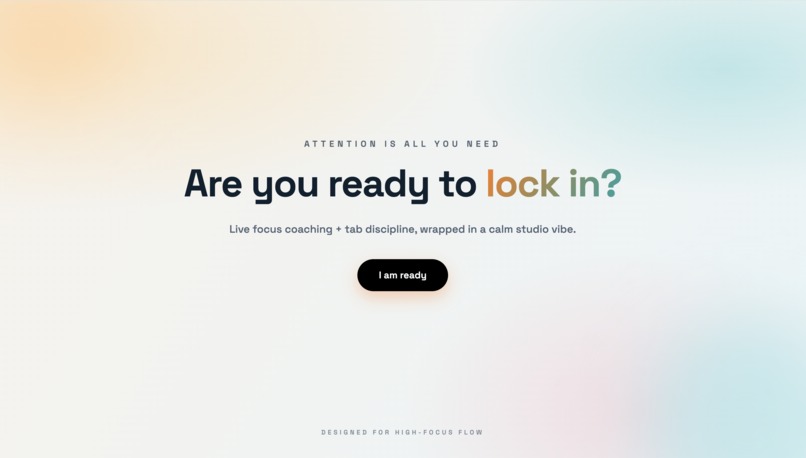
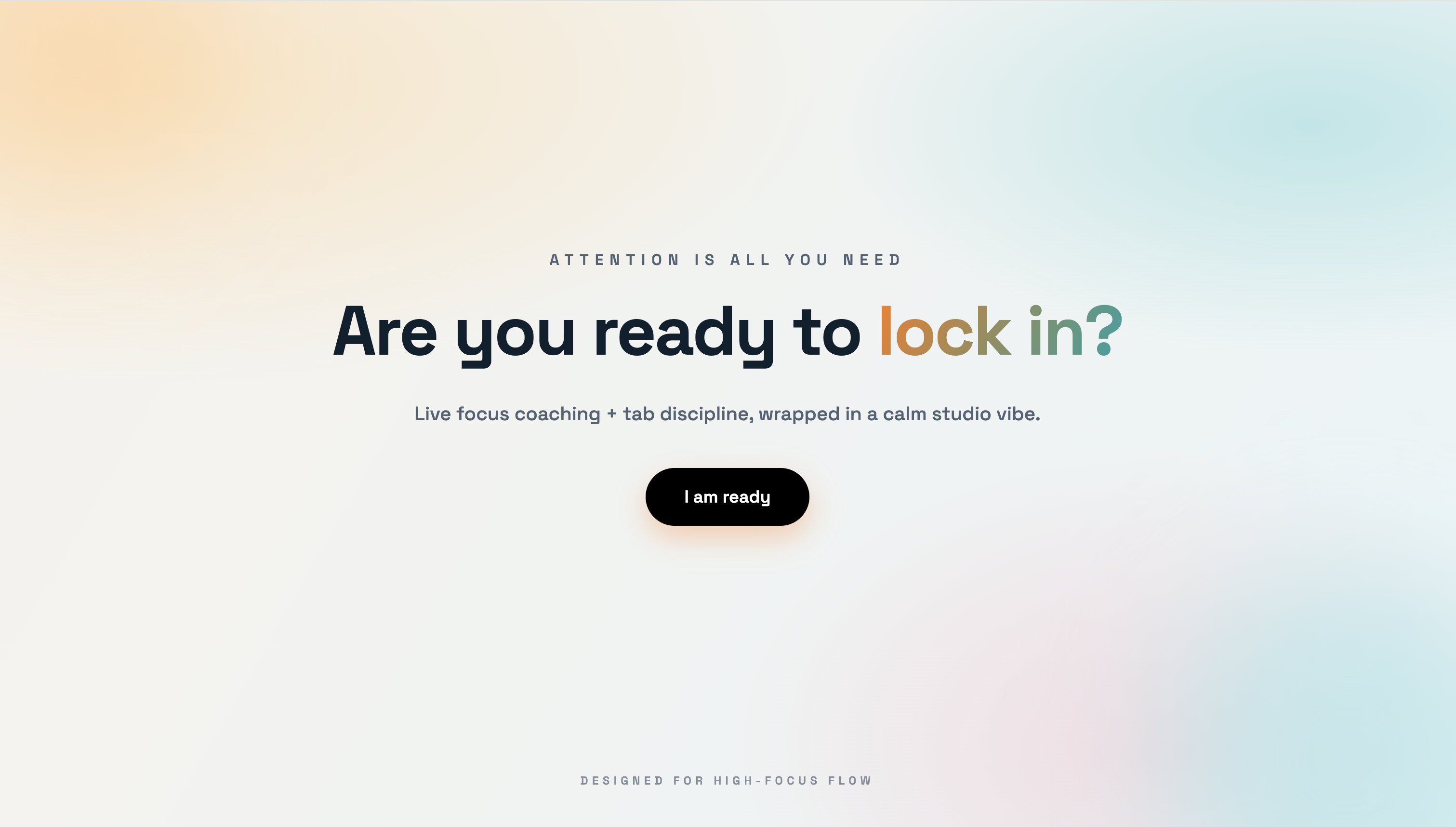
Welcome page
-
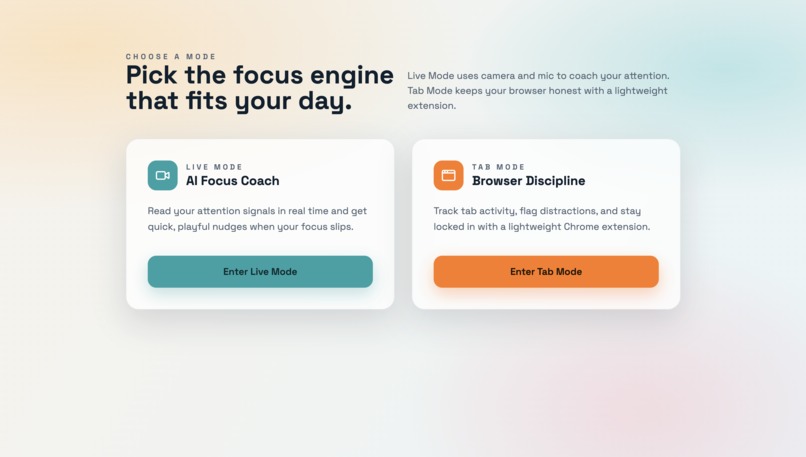
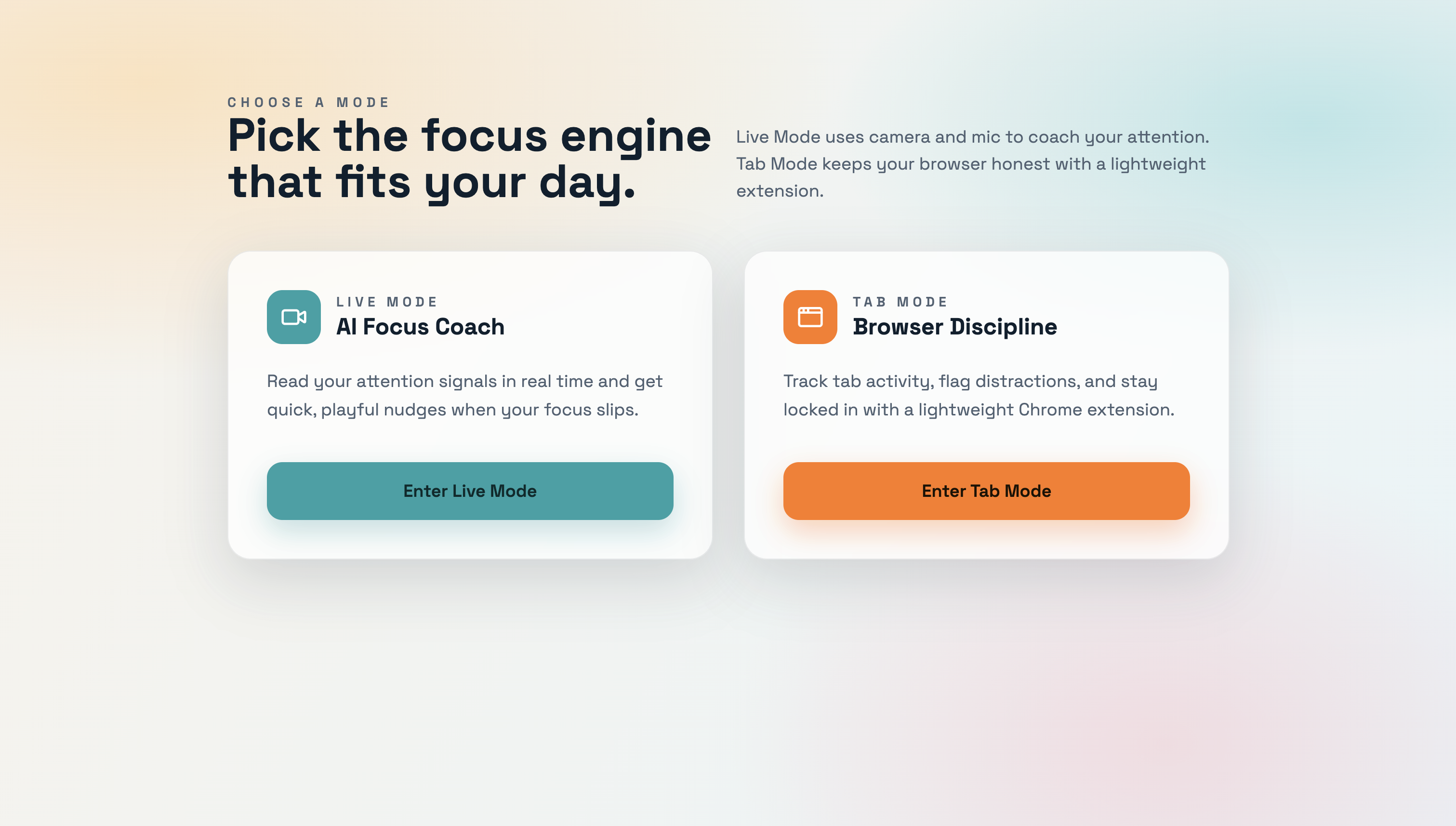
Mode selection
-
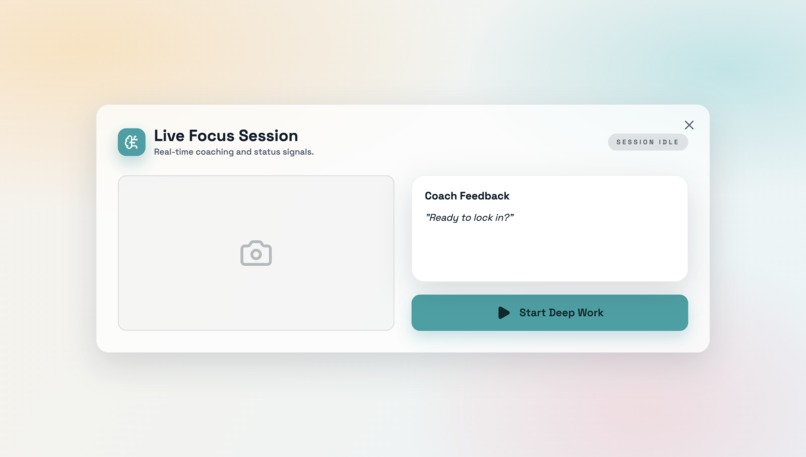
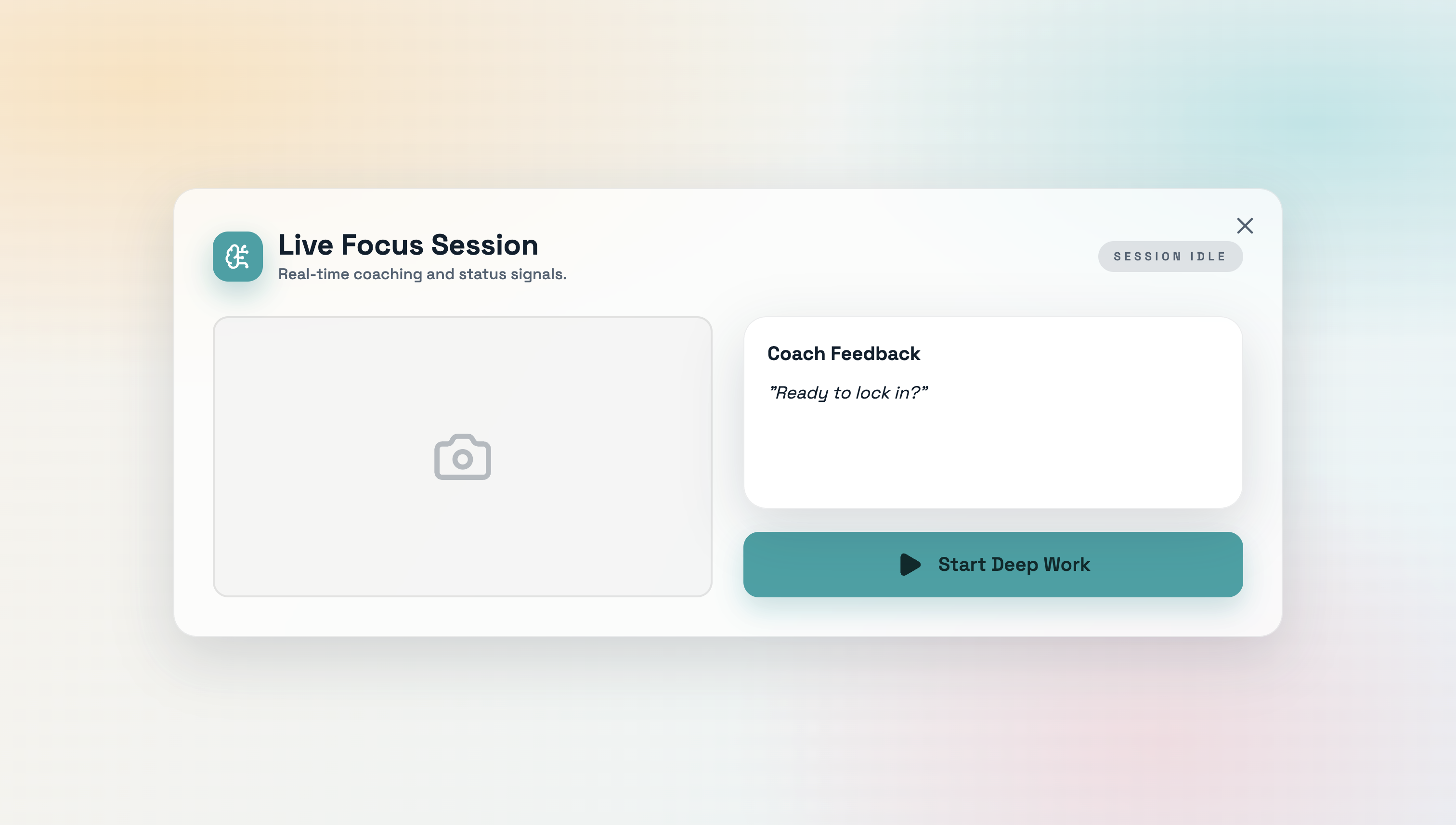
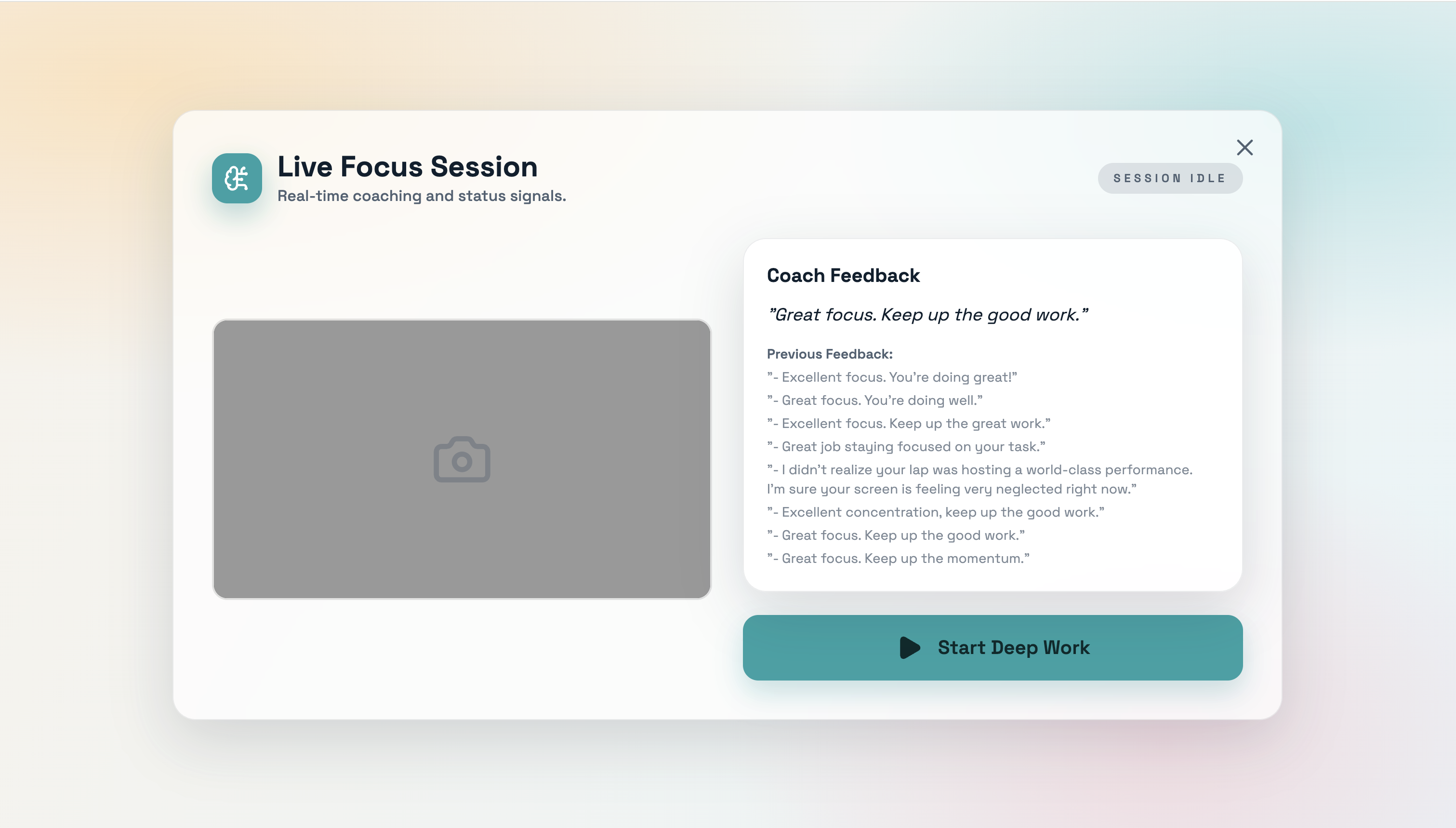
Live mode
-
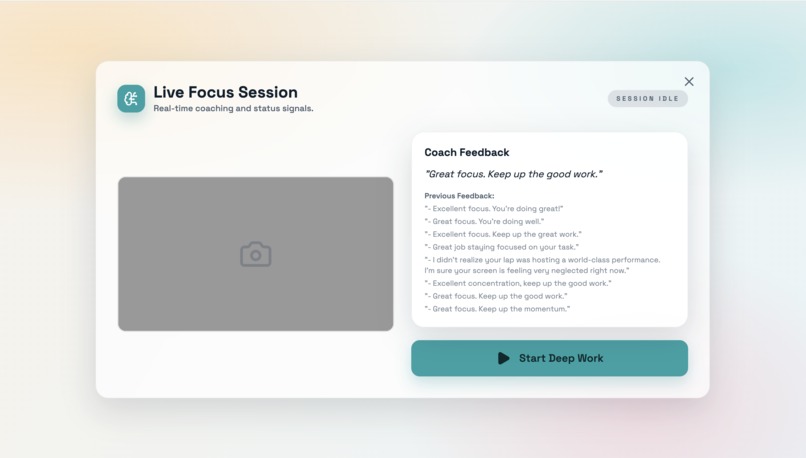
Live mode after monitoring
-
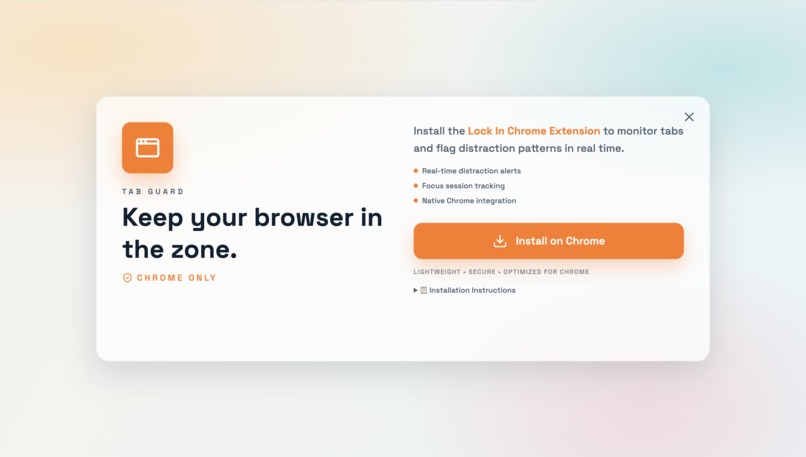
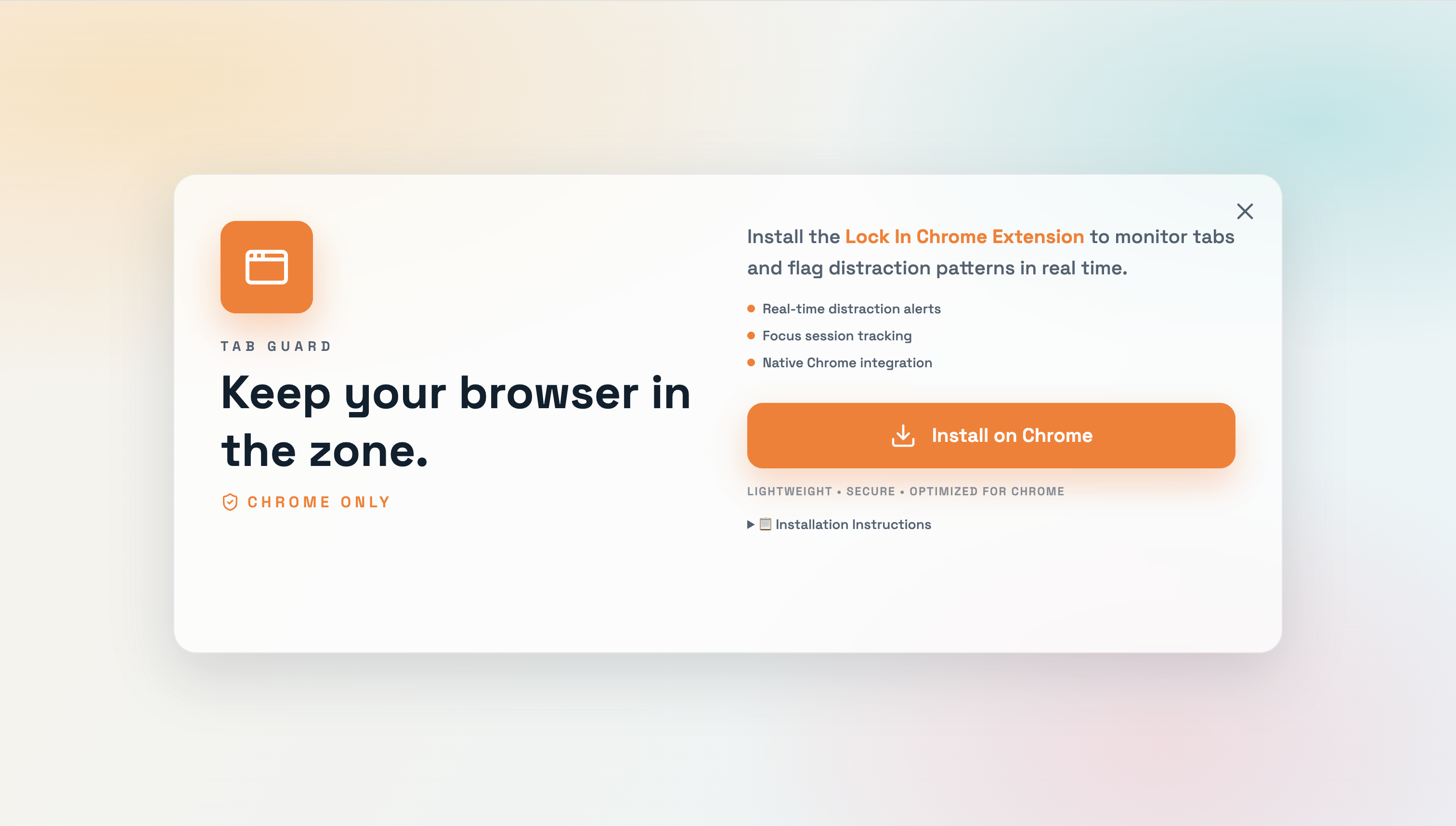
Tab mode
-
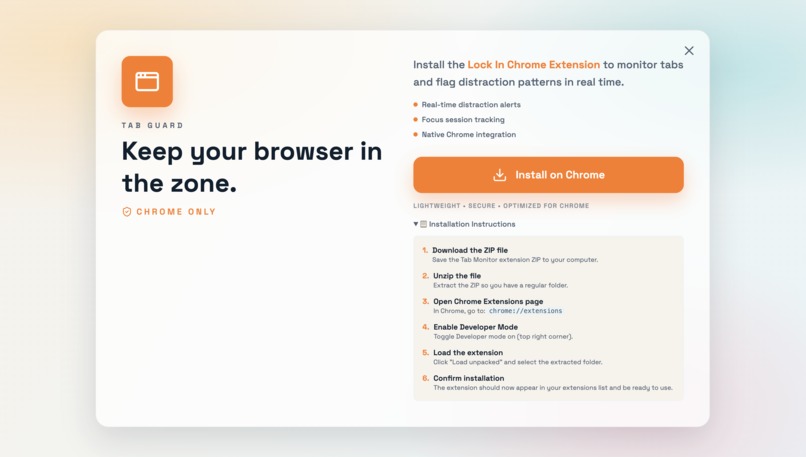
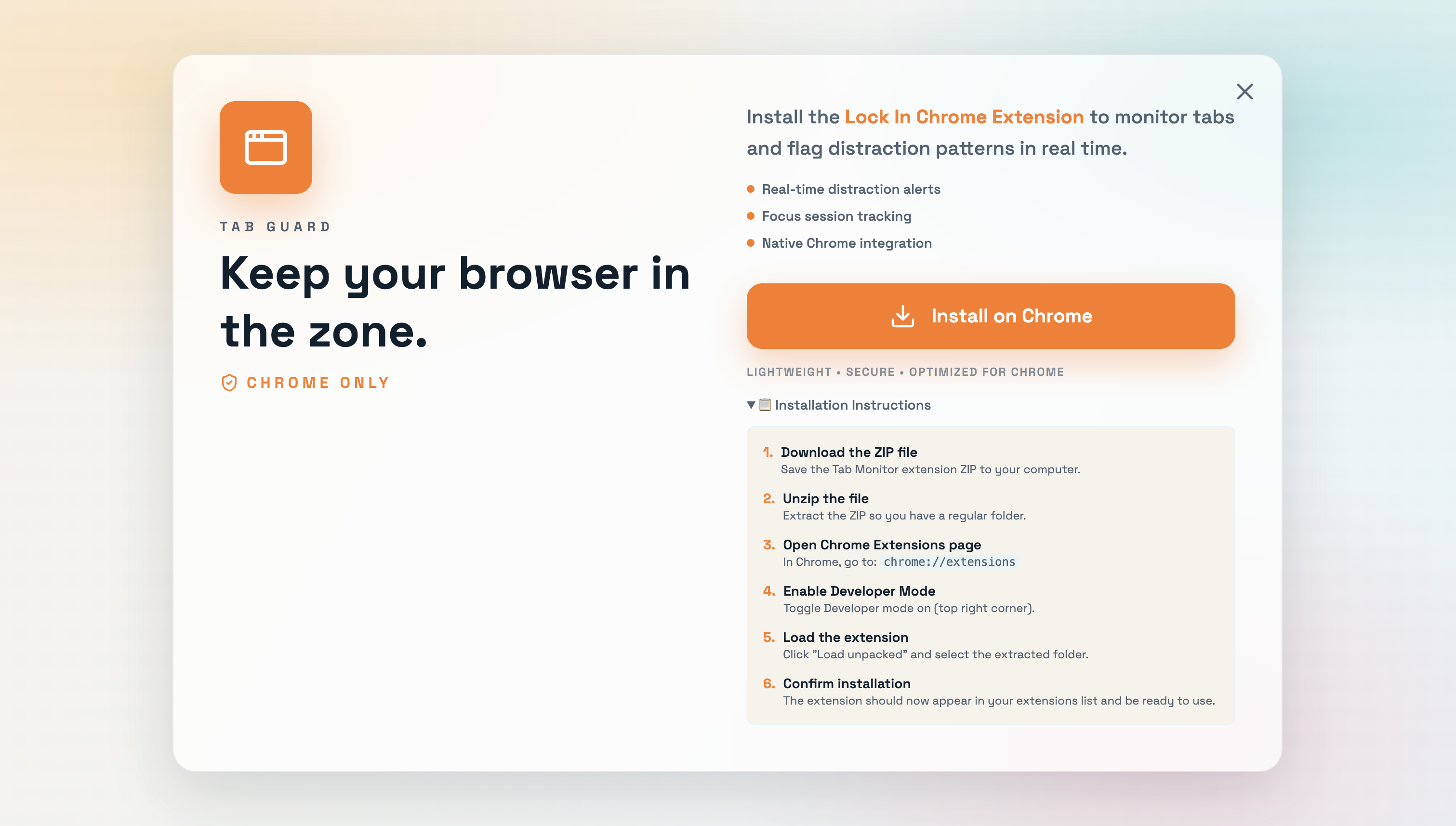
Tab mode with instruction
-
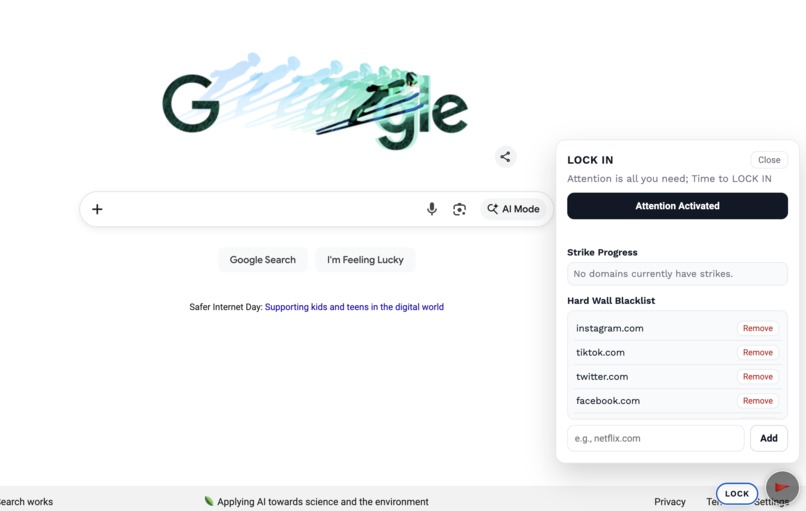
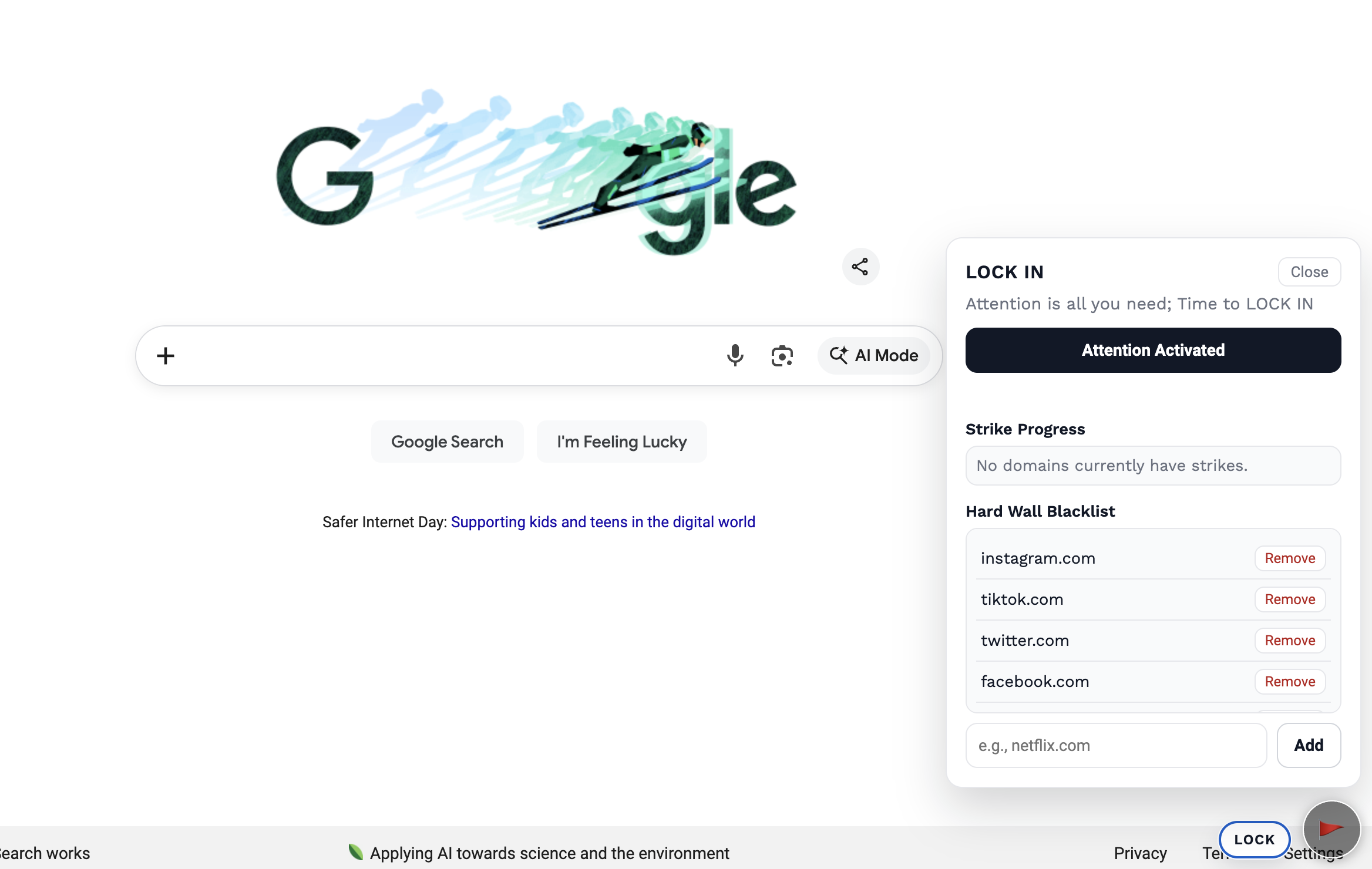
Lock in tab monitor extension
-
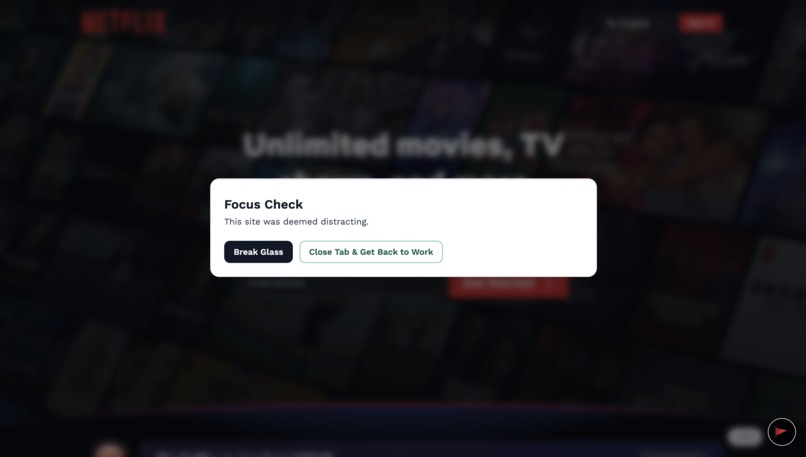
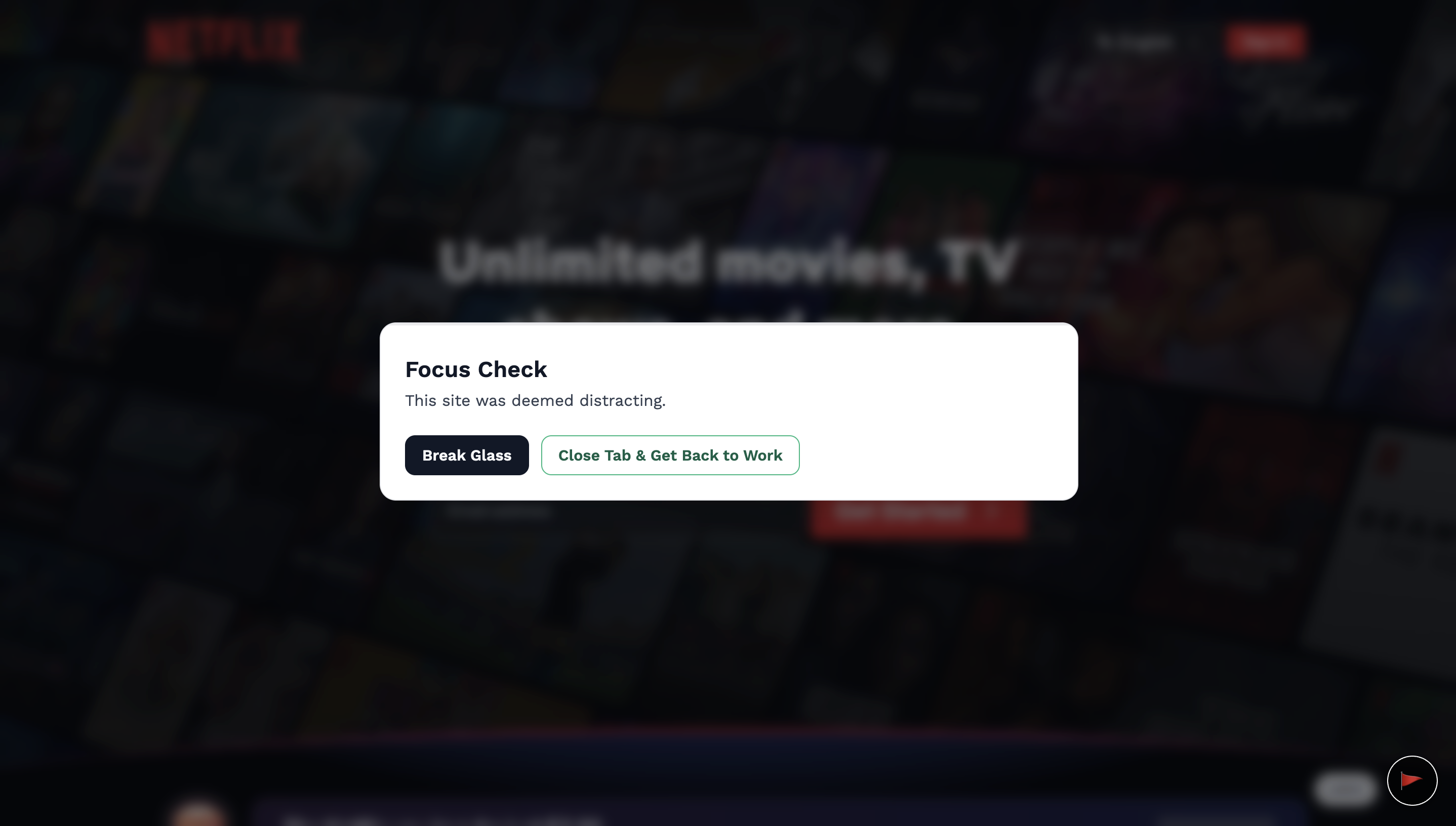
Glass wall for potentially distractive websites
-
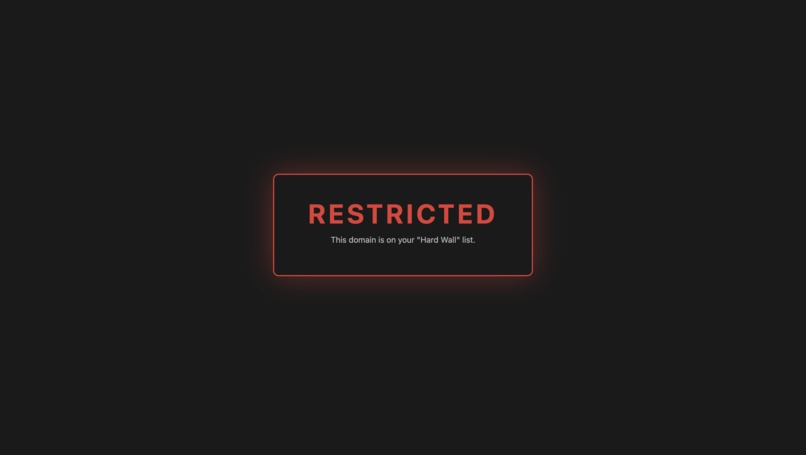
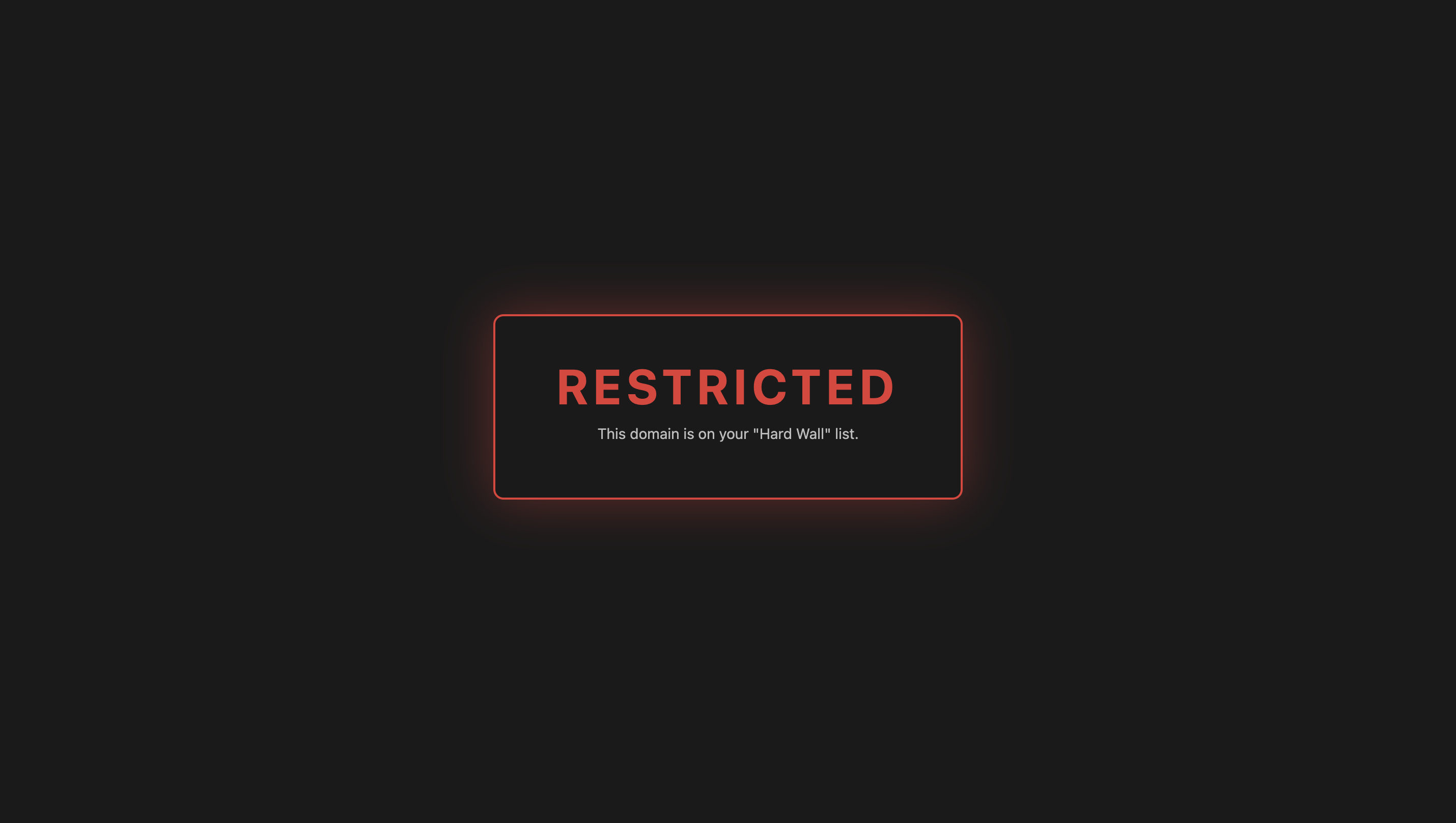
Hard block for distractive websites
Project Story
Inspiration
The idea for this app started with something simple: we used to hop on Zoom calls to study and work together. At first, it worked. Just being “with someone” made it easier to stay accountable. But over time, we noticed a pattern: even on the same call, we’d still drift. One of us would start scrolling on our phone. The other would open a few unrelated tabs. We were present—but not always focused. That’s when it clicked: co-working tools are great at keeping people connected, but they don’t notice when attention fades. And it’s not just us. Knowledge workers lose about 28% of their workday to distraction—not because they don’t care, but because they don’t catch the drift until it’s already happened. Timers track time. To-do lists track tasks. But almost nothing tracks the one thing that actually determines whether work gets done: attention. So we built something different. Think of this app as a co-pilot for focus. Instead of tracking tasks or measuring output, it looks for lightweight signals of attention—what you’re looking at, how you’re interacting with your screen, and whether your behavior has clearly shifted away from what you meant to do. When it detects distraction, it gives a small nudge to help you snap back. The goal isn’t surveillance or perfection. It’s awareness—the same kind you get when a friend glances over and says, “Hey… weren’t you working on something?” That’s the experience we wanted to recreate, even when you’re working alone. Attention is all you need. Time to lock in.Time to lock in.
How We Built the Project
We built this project using a structured, phased workflow that involved AI throughout design, prototyping, and implementation planning, allowing it to contribute continuously rather than through a single prompt.
Phase 1: Initial UI and AI Flow Design
We began by designing the core UI screens and AI interaction flows that define the proctoring experience. At this stage, the focus was not on technical implementation, but on answering fundamental questions:
- What does the user see during an assessment?
- When and how does AI analysis occur?
- How do we communicate monitoring and feedback transparently?
These early designs outlined both visual UI components and AI decision points, creating a shared design language between frontend and AI logic.
Phase 2: AI-Driven Design Review and Feedback
Once the initial designs were ready, we submitted them to AI using Google AI Studio and asked the AI to act as a design reviewer.
We requested feedback on:
- Clarity of user intent and system behavior
- Potential UX friction or confusing states
- Alignment between UI elements and behavioral analysis goals
- Missing edge cases or ambiguous interactions
This step allowed us to validate assumptions early and surface issues that might not be obvious from a purely human perspective.
Phase 3: Iterative Design Refinement
Based on the AI’s feedback, we refined the UI and AI flows in multiple iterations. This involved:
- Simplifying overly complex interactions
- Clarifying how and when behavioral analysis is triggered
- Improving visual hierarchy to emphasize transparency and user awareness
Rather than accepting AI suggestions blindly, we treated them as hypotheses to test, using each iteration to strengthen both usability and system intent.
Phase 4: Feature-Level Prototyping
With clearer designs in place, we shifted to feature-based prototyping. Each major feature was developed and tested independently, allowing us to validate logic and interactions in isolation.
Examples of feature-level prototyping included:
- Individual behavioral analysis workflows
- Proctoring event detection and reporting logic
- UI components responsible for status, feedback, and alerts
This approach reduced complexity and made it easier to identify issues early before integrating everything into a single system.
Phase 5: System Integration and Unified Design
After validating individual features, we combined all feature logic into a unified system design. At this stage, we revisited the overall UI and AI flow to ensure:
- Consistent behavior across features
- Clear transitions between states
- Alignment between frontend interactions and backend AI analysis
We then submitted the unified design back to the AI for a second round of review, focusing on system-level coherence rather than individual components.
Phase 6: AI-Assisted Build Planning
Using the refined, system-level design, we asked the AI to help generate a step-by-step build plan. This plan included:
- Breaking implementation into logical phases
- Mapping UI components to backend endpoints
- Identifying dependencies between features
- Highlighting potential technical risks or bottlenecks
This AI-generated plan acted as a guide for implementation, helping us move from design to code with clarity and structure.
Phase 7: Implementation
Guided by the build plan:
- The frontend was implemented using React, TypeScript, Vite, and Tailwind CSS, closely mirroring the modular structure defined during design.
- The backend was built with Node.js and Express to support scalable, maintainable communication between the UI and the AI system.
- The Google Gemini API was integrated to perform behavioral analysis based on the refined AI flows established earlier.
Because much of the complexity had already been resolved during design and prototyping, implementation focused on execution rather than constant re-architecture.
Challenges We Faced
One of the biggest challenges was balancing accuracy, fairness, and transparency in AI-driven decisions. Behavioral analysis can be nuanced, and we had to be careful not to overinterpret signals or introduce bias.
Other challenges included:
- Designing prompts that produced consistent and reliable AI outputs
- Coordinating frontend and backend development while requirements evolved
- Translating experimental AI prototypes into production-ready features
- Ensuring performance and responsiveness while integrating real-time analysis
Despite these challenges, each obstacle helped us better understand the trade-offs involved in building responsible AI-powered applications.
Conclusion
This project pushed us to think beyond traditional web development and deeply consider how AI fits into real-world systems. By combining modern frontend tools, a lightweight backend, and thoughtful AI integration, we built a foundation that can evolve as both technology and ethical standards continue to advance.
Built With
- express.js
- extension
- gemini
- mediadevices
- node.js
- react
- tailwind
- typescript
- vite
- webrtc


Log in or sign up for Devpost to join the conversation.