-
-
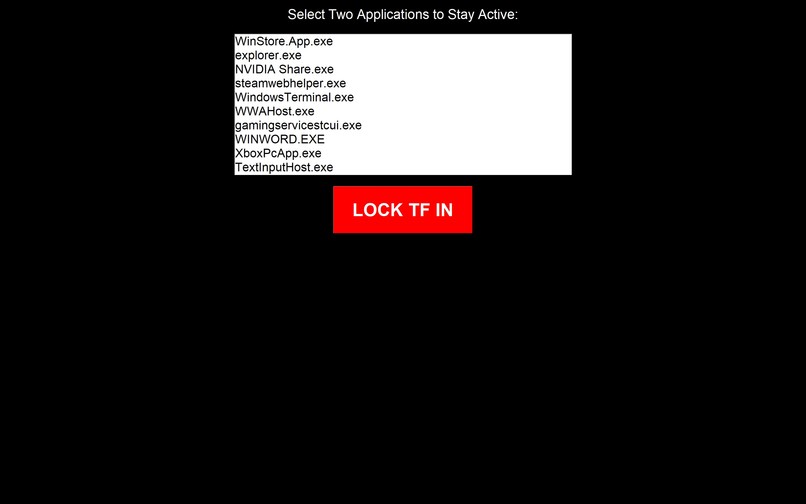
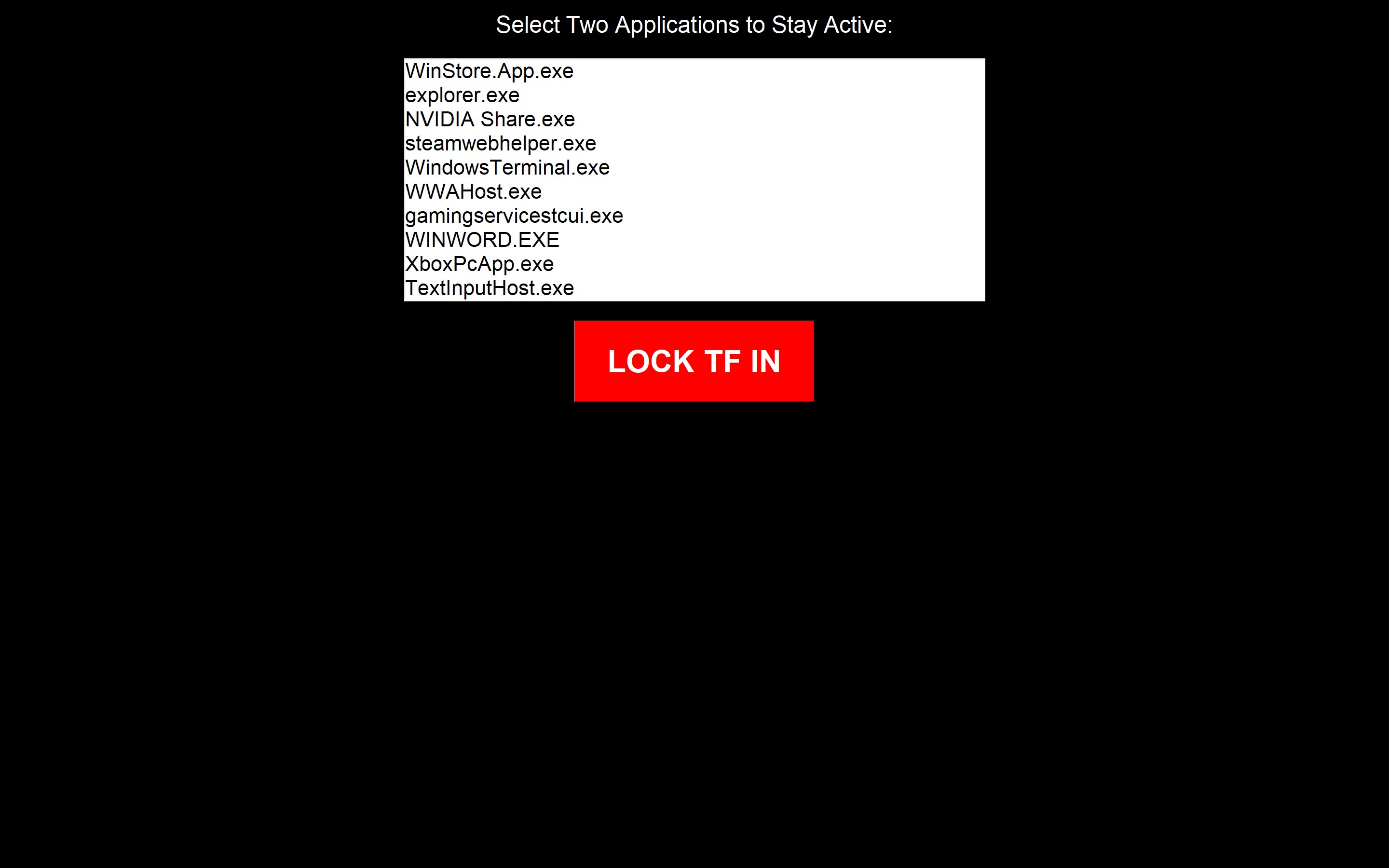
The selection process to choose what application to lock in
Inspiration
I was inspired by the Iphone app locking. I've tried to use it before where you can set limits on applications in your phone to say only spend 1 hour a day on tiktok and once you reach it you can't use it anymore. However I would always find another app, if I couldn't use tiktok I would use Instagram reels, if I couldn't use IG I would use YT shorts etc. So i wanted to find a way to take that idea and almost inverse it. Why would you want to only blocked certain "negative" applications when you could just select the positive ones.
What it does
This application will prompt the user to select up to 2 application currenlty active on their hardware and it will only let you use those 2 applications. You can format them and change them but only those 2 can be active. As soon as, you pull up a diffferent window or alt tab to a differnt tab to check email it will notifiy you that you have been "naughty" turn the screen black and then force the application to minimize and reopen the 2 application you chose prior.
How we built it
This project was developed using Python scripts in VS Code, utilizing libraries like pygetwindow, pyautogui, psutil, tkinter, and pygame for window management, GUI creation, and sound control. The development process involved writing and testing scripts in VS Code, running the program in a Windows environment.
Challenges we ran into
I had never used any GUI creation tools before, especially in Python, so getting the popups to work required some trial and error. Additionally, Python is not a very familiar language for me, as I’ve primarily worked with C and Java, so adjusting to Python’s indentation rules was frustrating. I have even had to use multi-threading on the sound bit clip whenever you have been "naughty" as it was too clunky and glitchy. The biggest challenge was ensuring the entire process ran smoothly. While the project is relatively simplistic, it needed to function seamlessly as a crutch to compete effectively. The most difficult part was making the tab swaps look natural, as they were quite finicky to get right.
Accomplishments that we're proud of
My biggest accomplishment for this project was being able to finish early enough and able to work on bug fixes and smoothness. While it doesn't sound impressive I really want to be able to push this application out for others do download so having it be this near complete already is something I am really proud of.
What we learned
I learned a lot about how Python interacts with the OS, as this entire project relies heavily on system-level operations. Much of my trial and error involved understanding how the code interacted with the computer. One key lesson was the importance of implementing safety measures during testing. At one point, a bug caused an infinite tab-switching loop, making it impossible to turn off the script. To fix this, I added a hotkey (Alt + T) to immediately stop the program. Making small but impactful changes like this while debugging made a huge difference, and it's a technique I’ll definitely use in future projects to help me more effectively.
What's next for LockedIN
Since I was able to polish this program so well, I’m really excited about turning it into an app that people can download. I am a little worried about permission issues because it uses OS-level functions, which might make it harder to put on app stores. But I think there’s a niche for something like this, so I want to figure out how to make it available to others.


Log in or sign up for Devpost to join the conversation.