
Inspiration
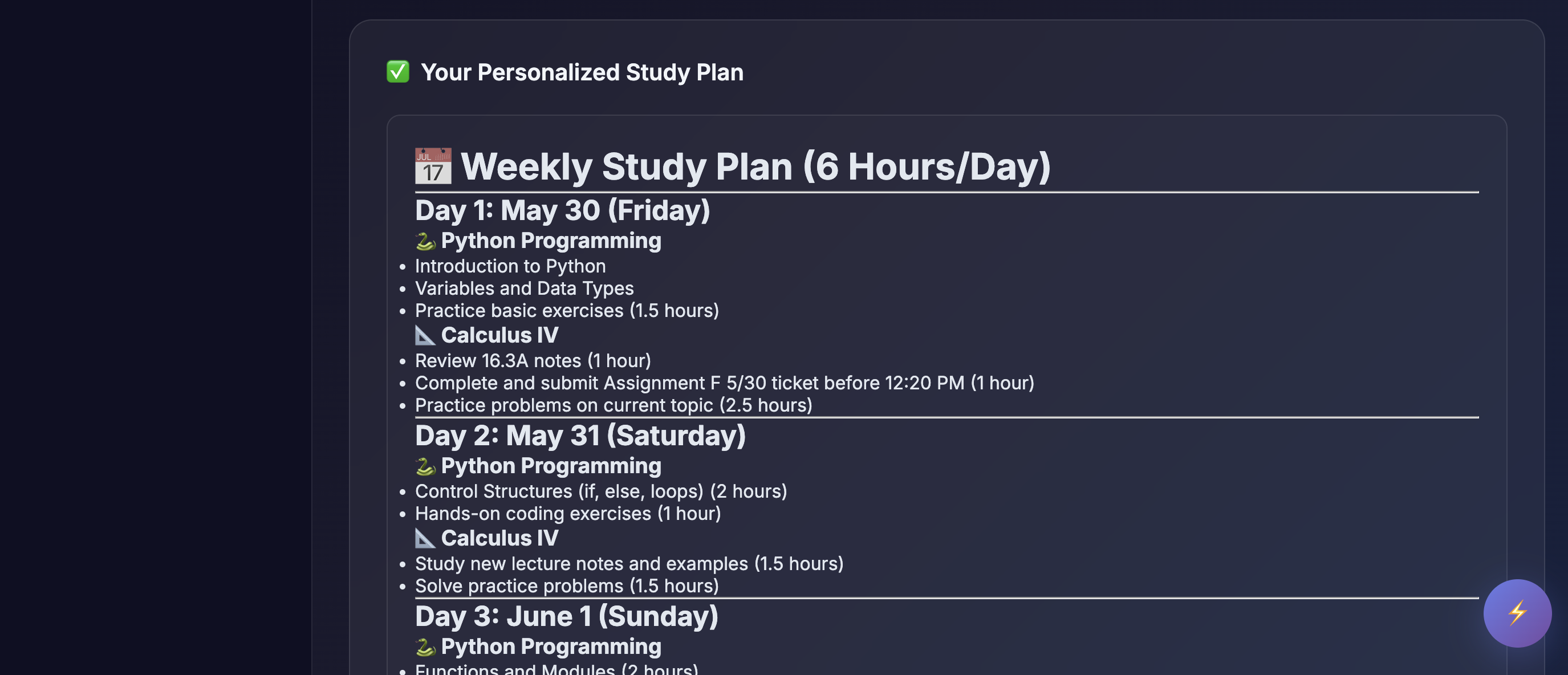
We wanted a smarter, more effortless way to stay focused and aware of our web habits while studying. Extensions are really easy to use, and they run in the background, saving us the hassle of opening a new website, which inspired us to develop this extension. Furthermore, the website allows us to log into our Canvas account and create a healthy work schedule for our work.
What it does
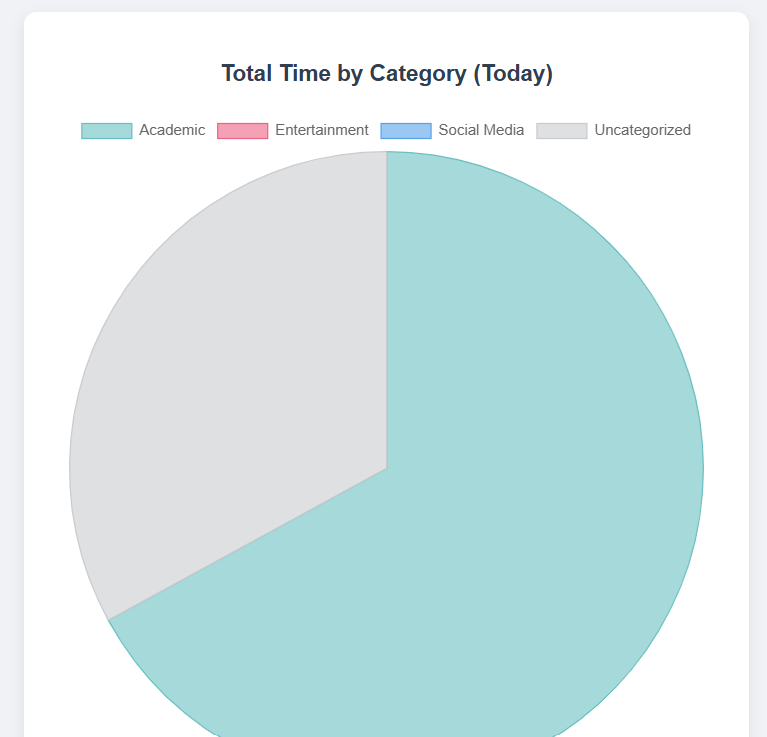
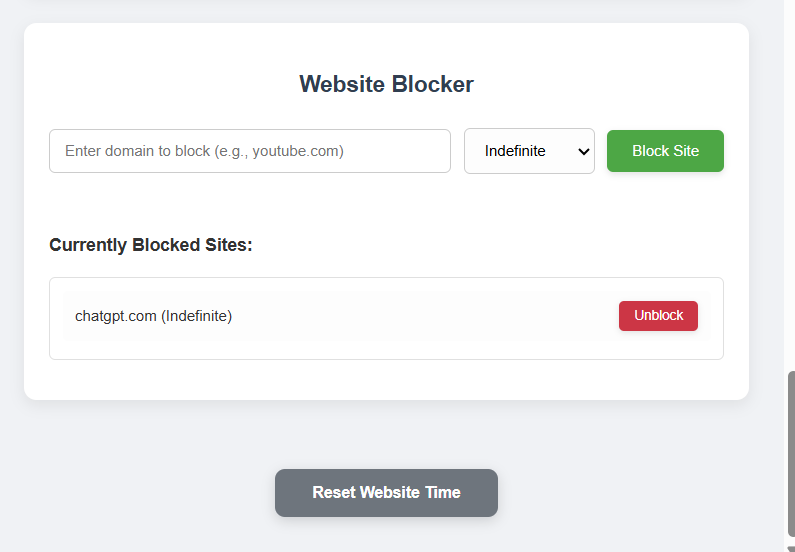
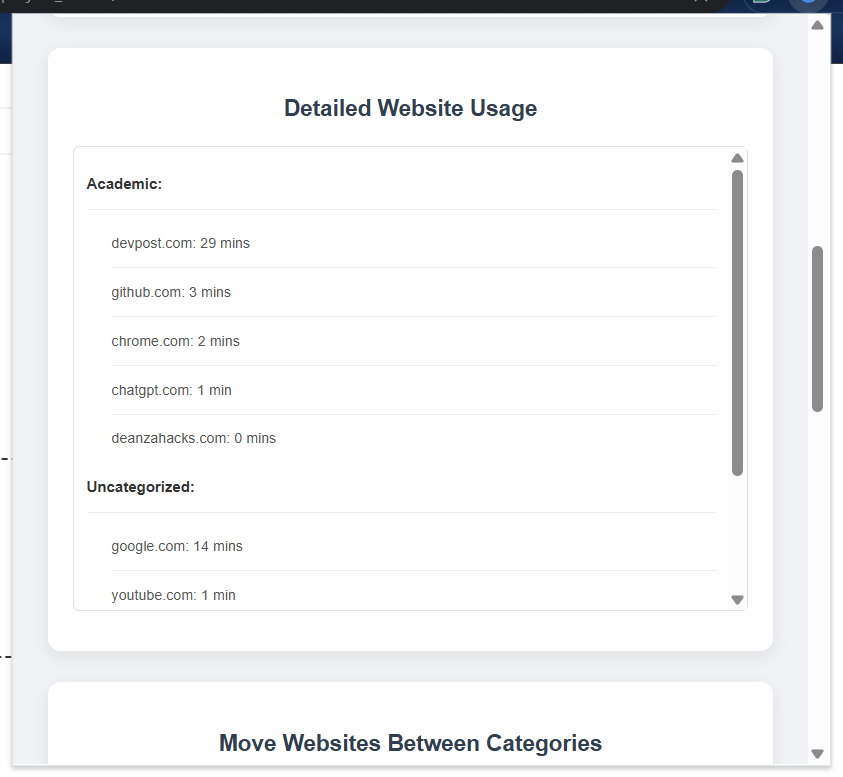
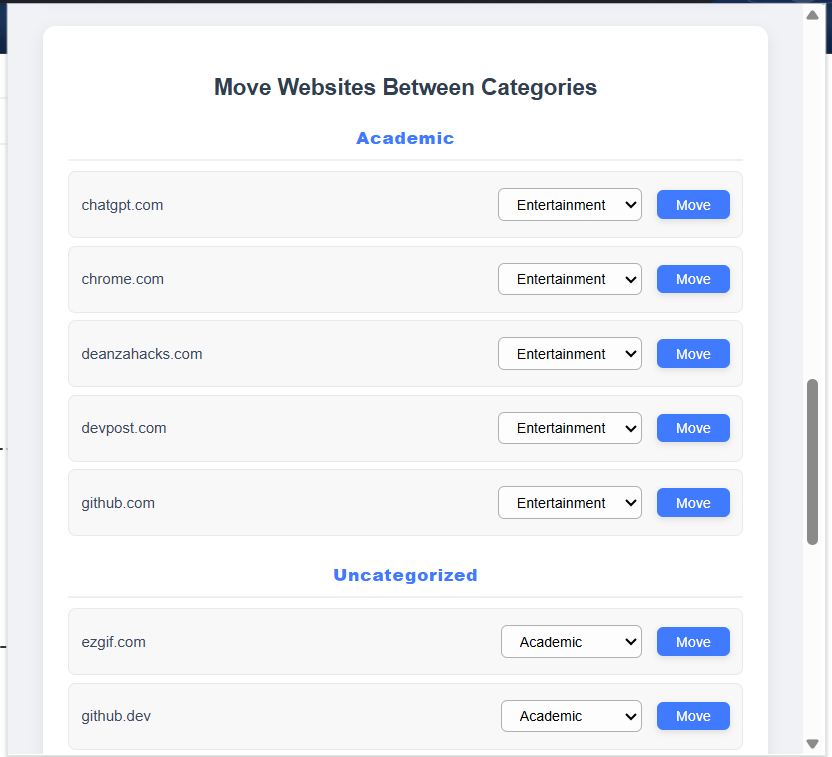
The user opens the extension, then categorizes their websites into different categories (academic, entertainment, social media, and uncategorized). Then, the pie chart automatically provides a visual of what type of website they spent the most time on. To further allow our users to lock in, they can block certain websites that hinder their focus, such as Instagram, YouTube, etc.
The website gets data from Canvas API and AI to help you organize your schedule to be more optimized.
How we built it
We used HTML, CSS, JS, and JSON for the extension. We used HTML, CSS, JS, and Python for the website.
Challenges we ran into
We struggled to merge the two extensions together, the block website component and the website budget component.
Accomplishments that we're proud of
At first, the workload seemed to be too much and suffocating, but over time, we made progress and we are glad we made a final product that works.
What we learned
We learned how to work together effectively and compromise with each other to produce a functioning product.
We also learned how to use JavaScript more effectively.
What's next for Locked In
Make the UI look better and add more flexibility (a timer for blocking websites).


Log in or sign up for Devpost to join the conversation.