-
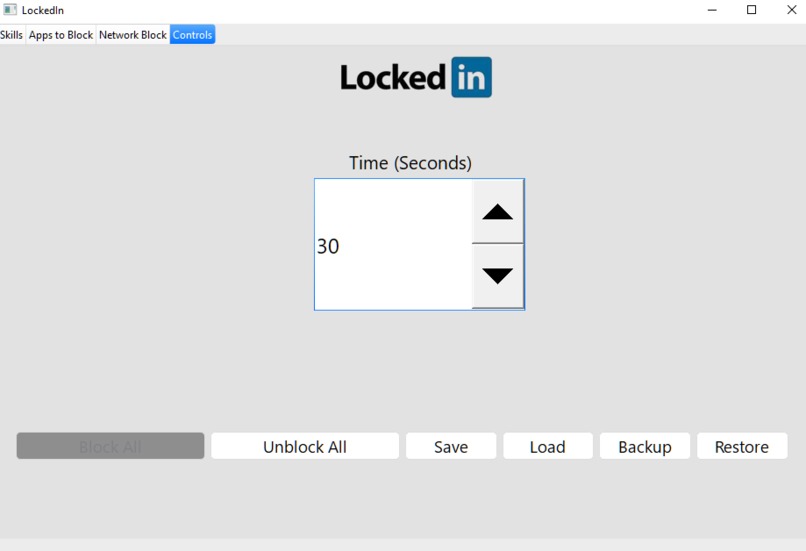
UI design is my passion.
-
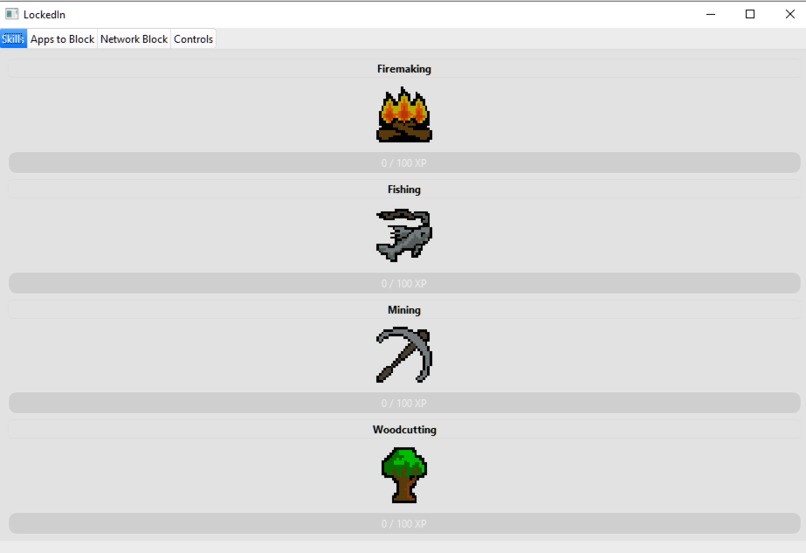
Your in-game character's skills!
-

Inspiration
- Safe-Exam Browser
- Runescape/Melvor Online
What I learnt
- How to write a GUI in Qt.
- Writing applications for Window platform
- Low level stuff you can do in Windows.
- 'Hacky' ways around Window registries and low-level apis.
- A little bit of UI design.
Challenges
- My teammates were too busy with assignments :(
- Switching from win32 to Qt last minute, both were new environments to me
- UI design.
Locked In
With Locked In, you can now grind that XP, both in and out of your game.
Locked In is an app that allows you to block apps and websites, and focus for however long you want. Whenever you enter this 'locked in' mode, you'll be free from distractions, all while your in-game character grind their skills.
Features
- Complete App and Network Blocking
- 4 different skills to grind levels in.
- Save and load your playlists of apps and websites to block.
- Save States for your in-game character's skills.
- A backup and loading function (in case this bricks your windows system)
- File browsing and removal.
- A real passion for UI design.
Requirements
- Windows (I'm sorry Mac/Linux users)
- Windows Defender turned on (see How it works (technically))
- Administrative Access (see How it works (technically))
Instructions
There are 3 tabs: Skills, Apps, Network, and Start.
- Skills
- Shows your current skill level and xp progress. Press on a skill's name to select that skill to train. You can only train one skill at a time.
- Apps
- Browse or enter an file's .exe to add it to your playlist. Double click on a filepath's name to remove it.
- Network
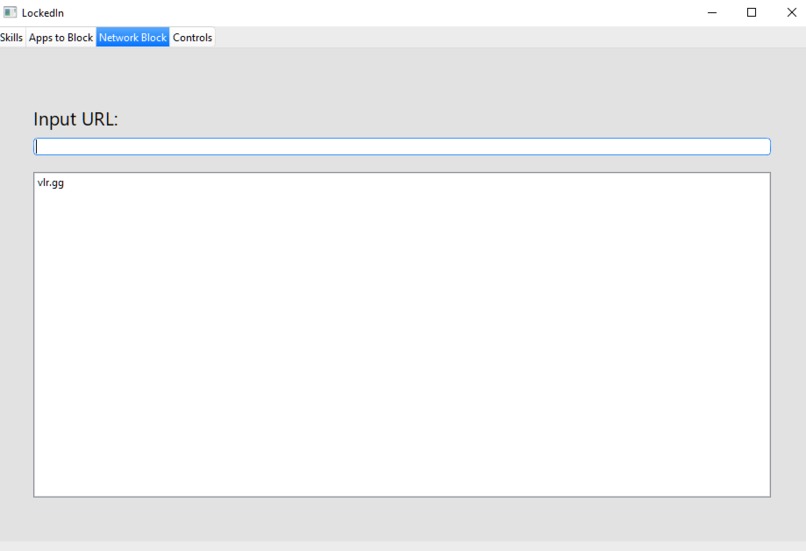
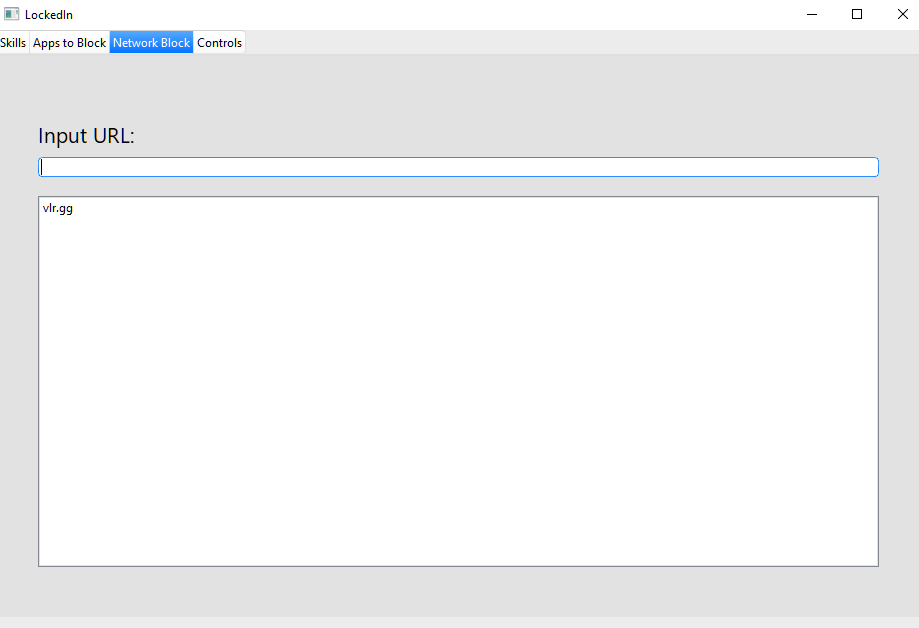
- Enter a website's url to add it to your playlist. Double click on a URL's name to remove it.
- Start
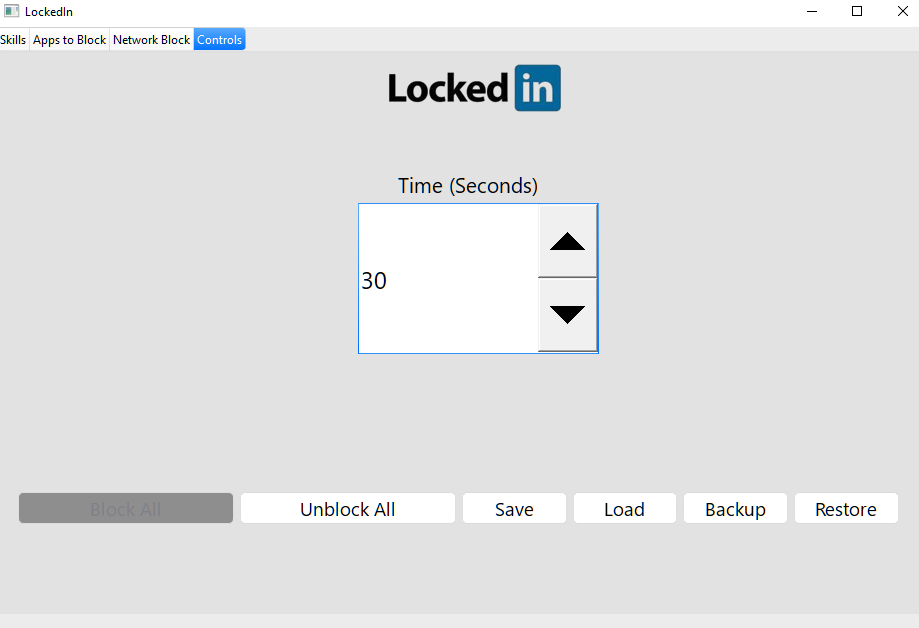
- Input a number as the number of seconds to Lock In.
- Block All: Starts the timer and blocks your playlist. Make sure you select a skill to train first!
- Unblock All: Instantly unblocks your playlist and ends the timer.
- Save: Save your current playlist.
- Load: Load a playlist of your choosing.
- Backup: Create a backup of some settings (see How it works (technically))
- Restore: Restores your backup (Note restoring a backup that does not work does nothing so press the Backup button sparingly)
How it works (psychologically)
We all know idle games are incredibly addicting, but what if we incorporated studying into it?
Locked In is an idle game where you gain xp and idle ONLY whenever you Lock In, where your playlist of distractions get blocked. Locked In takes a different approach to blockers where the incentive to not give in to distractions is to see how your idle character progresses.
The longer (up to a cap of 90 minutes) you set your timer, the higher the multiplier for experience you gain, and any time you use the Unblock All button, your experience multiplier is severely decreased, incentivising users to stay Locked In.
How it works (technically)
App Blocking
App--blocking uses a quirk of Windows called Image File Execution Options (IFEO). This allows us to attach a program to an executable and run that program instead of the executable itself. Ordinarily this is used to attach debuggers, but here we attach a cmd prompt that immediately quits, giving the illusion of an application never opening.
We simply remove the false debugger flag once the timer is over. Since changing and messing around with registry keys in Windows is incredibly dangerous, we add the option to create a backup of the registry keys.
Network Blocking
We simply execute a command that turns on Windows Defender's inbuilt firewall against a specified IP address, which we can gain from a given URL.
For those who like to look around source code, you can see I tried to intercept the DNS domain with a localhost which worked! But only whenever I cleared the DNS cache of your computer, and when I manually cleared the cache of my browser, and I don't know how a desktop application can clear the DNS cache of your browser, maybe I could've scrounged around and deleted some files in an unknown folder somewhere.

Log in or sign up for Devpost to join the conversation.