-
-
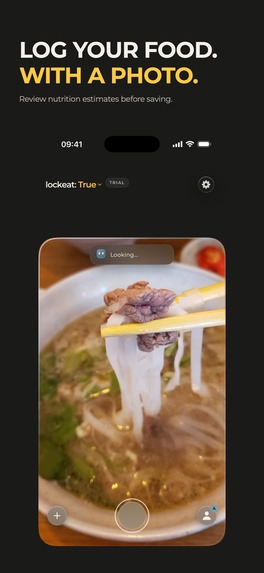
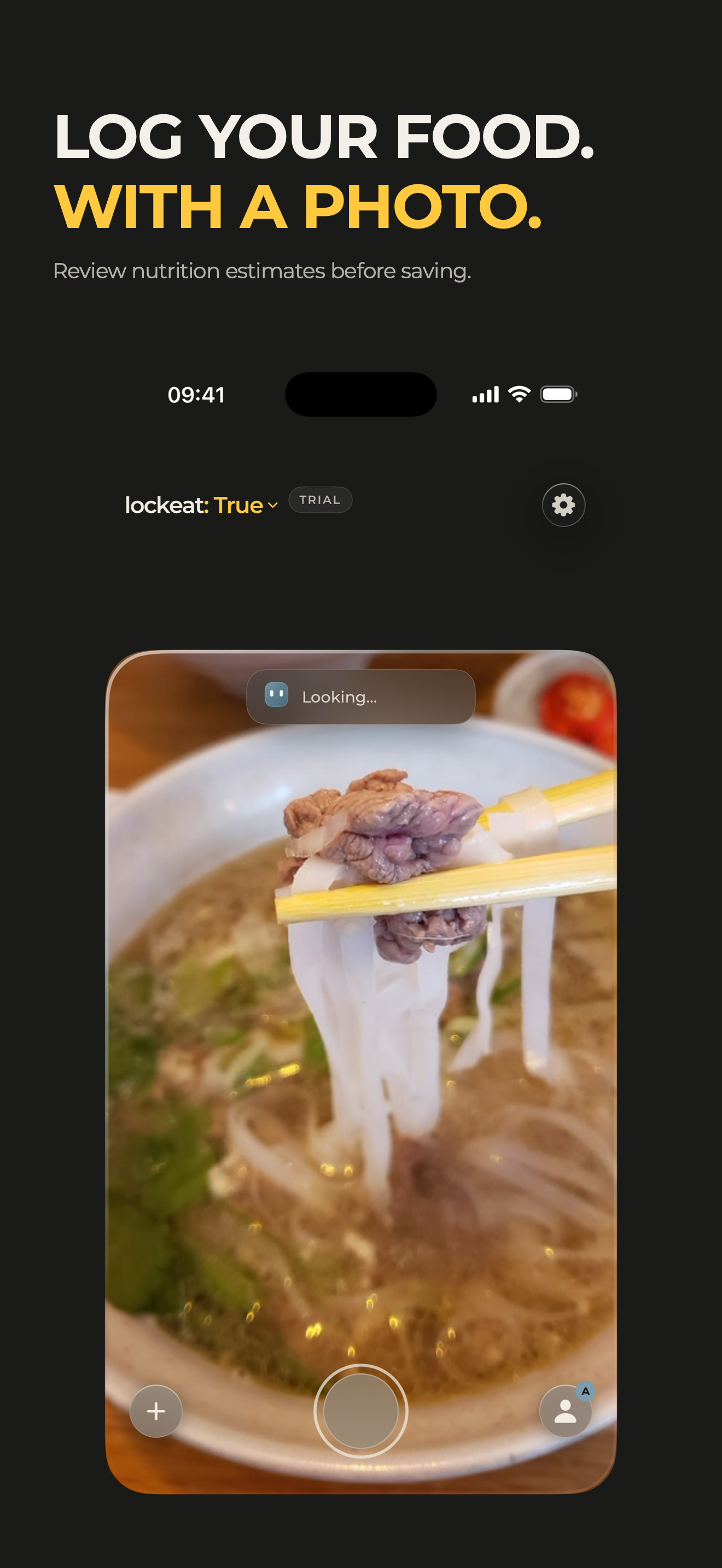
Log your food with a photo. Review nutrition estimates before saving.
-
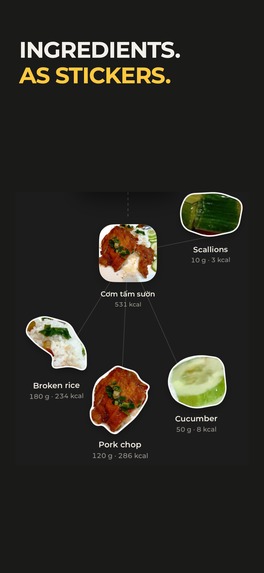
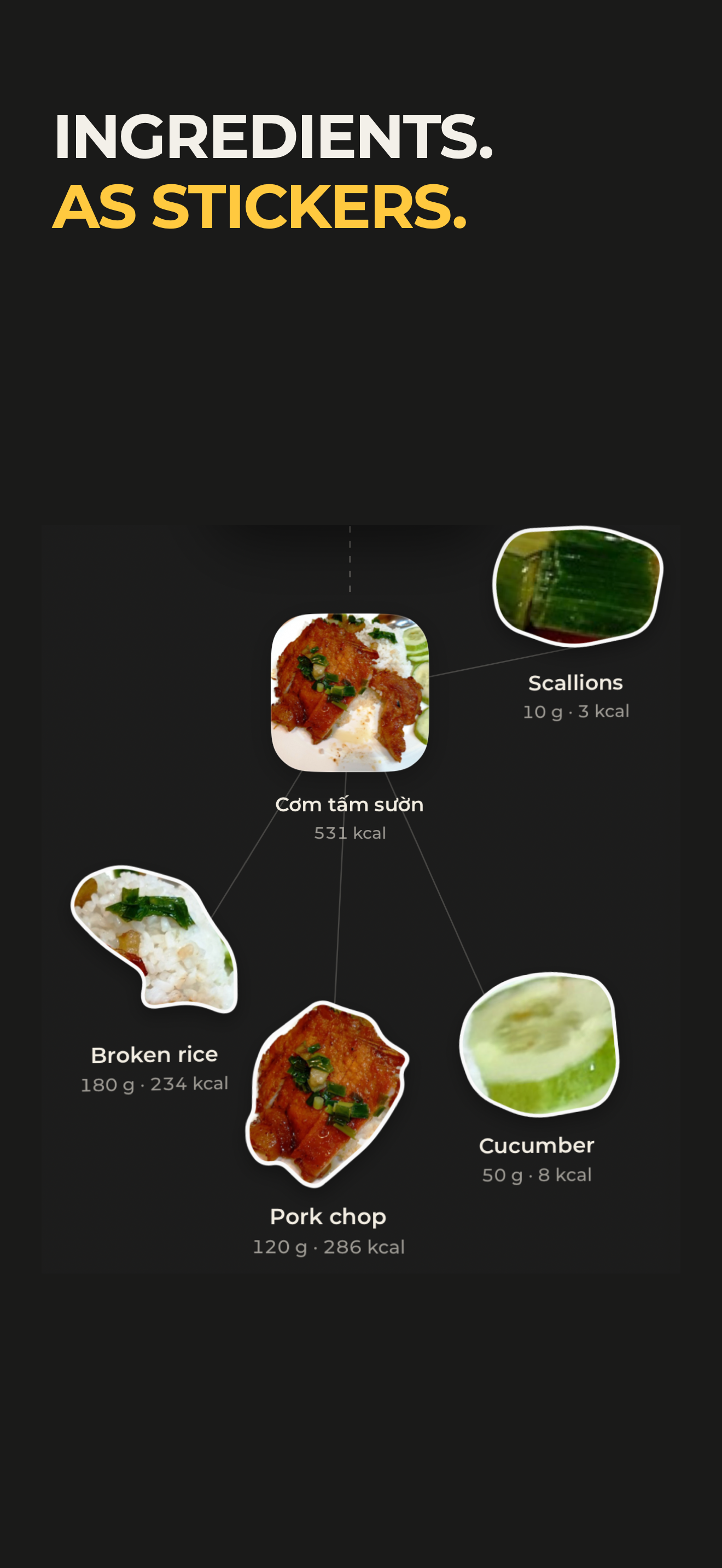
Explore ingredients as collectible food stickers.
-
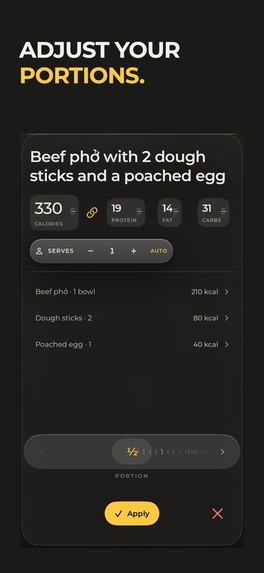
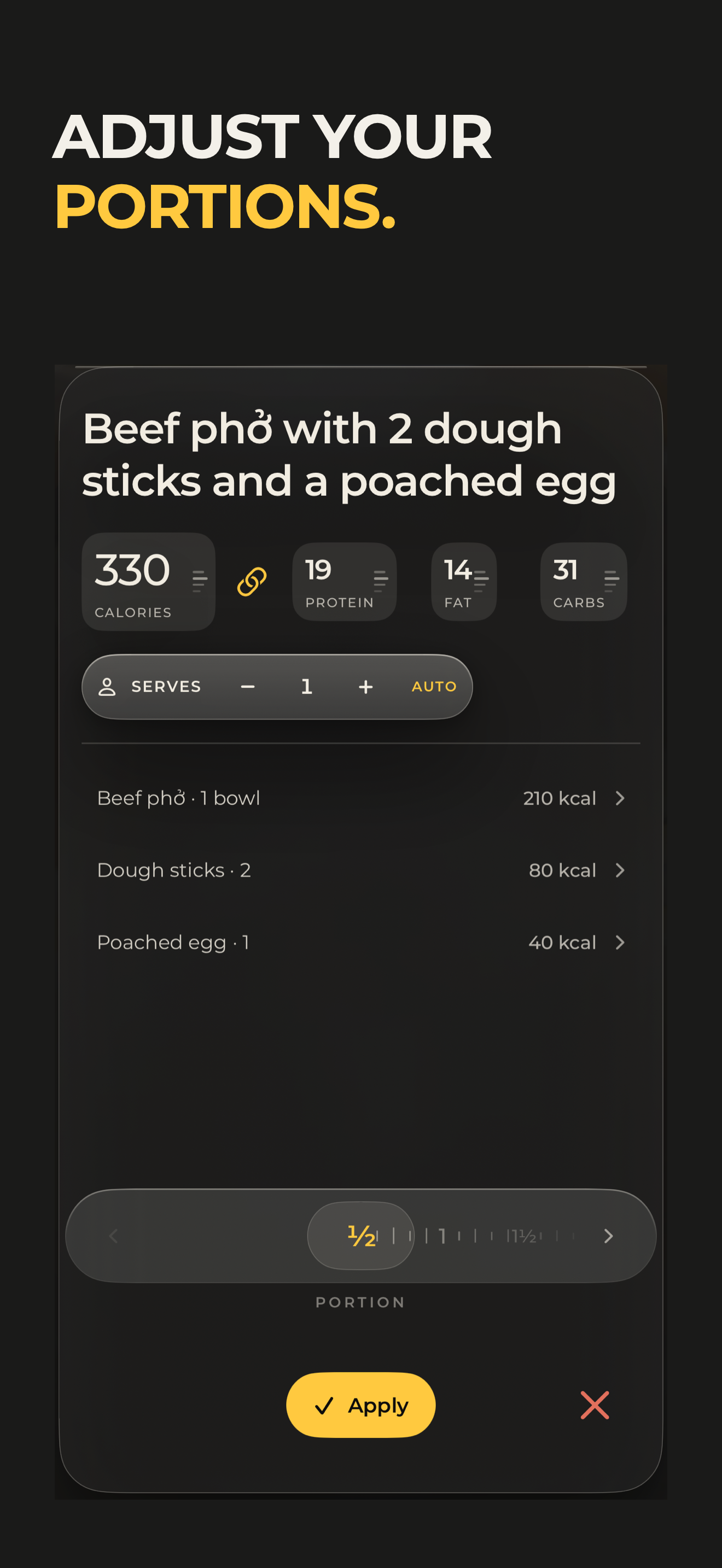
Adjust portions before saving a meal.
-
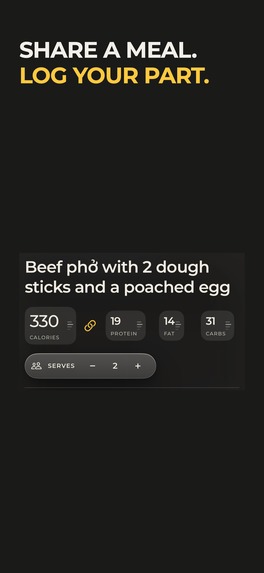
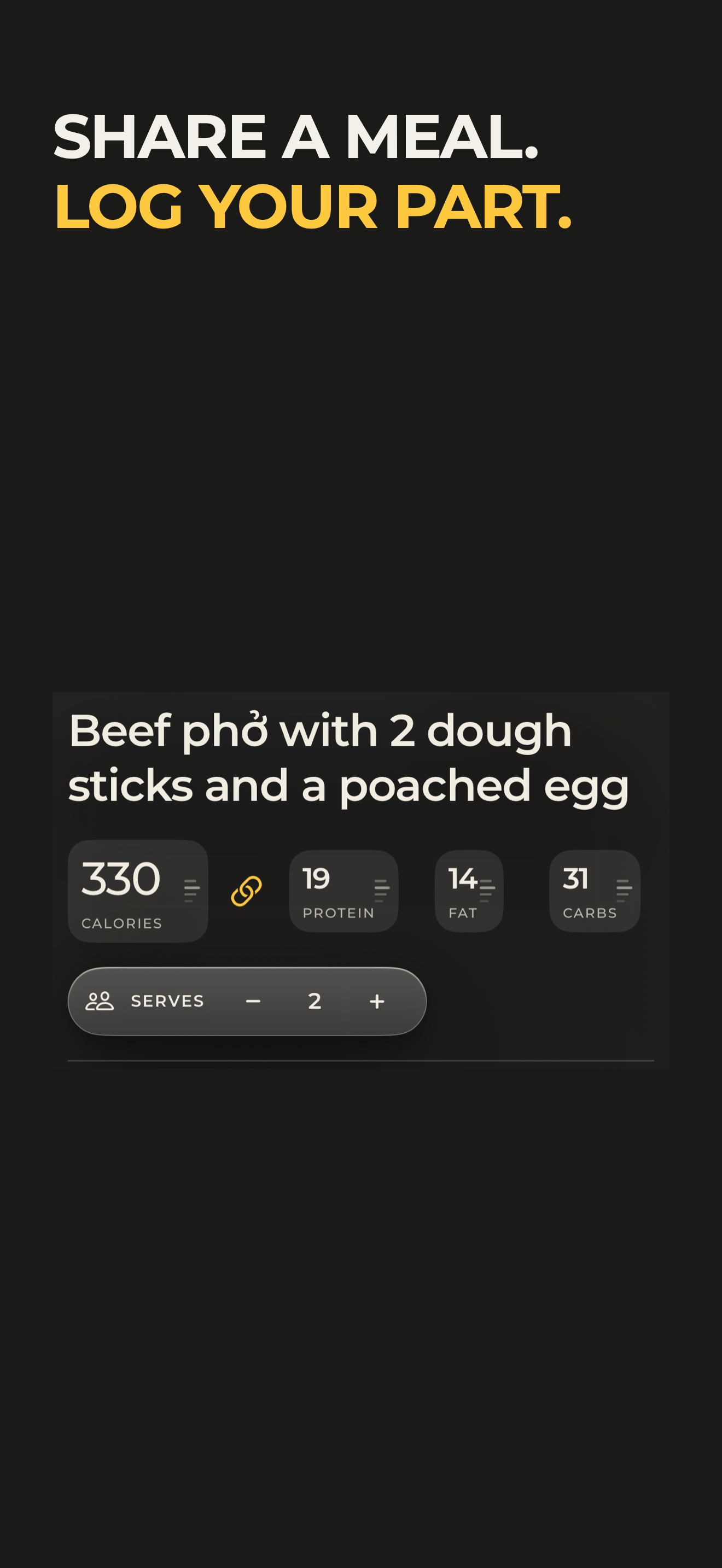
Share a meal and log your part.
-
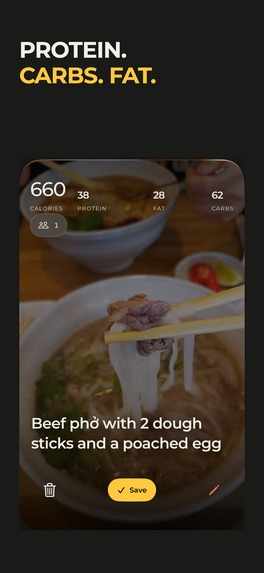
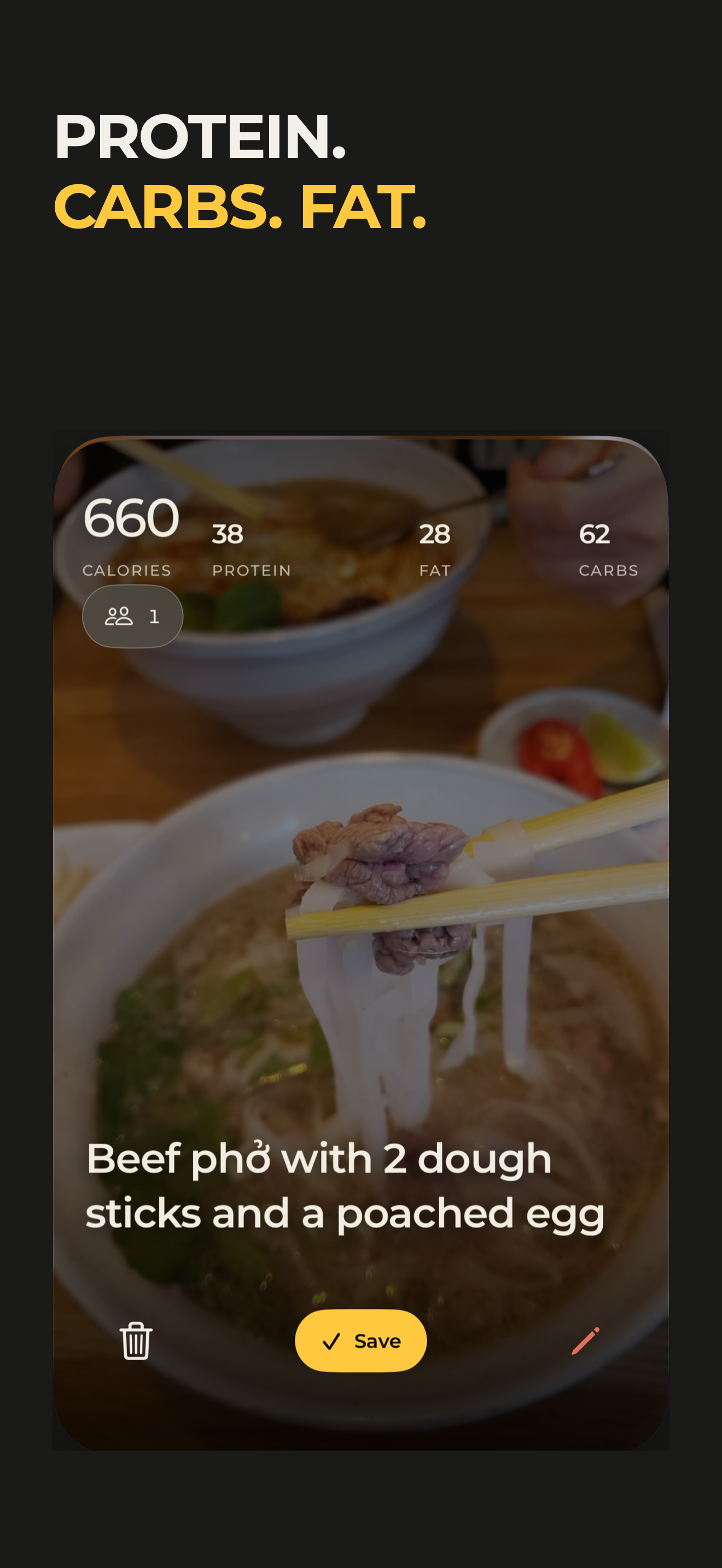
Review estimated calories, protein, carbs and fat.
-
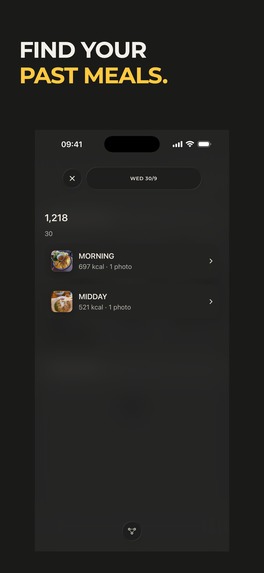
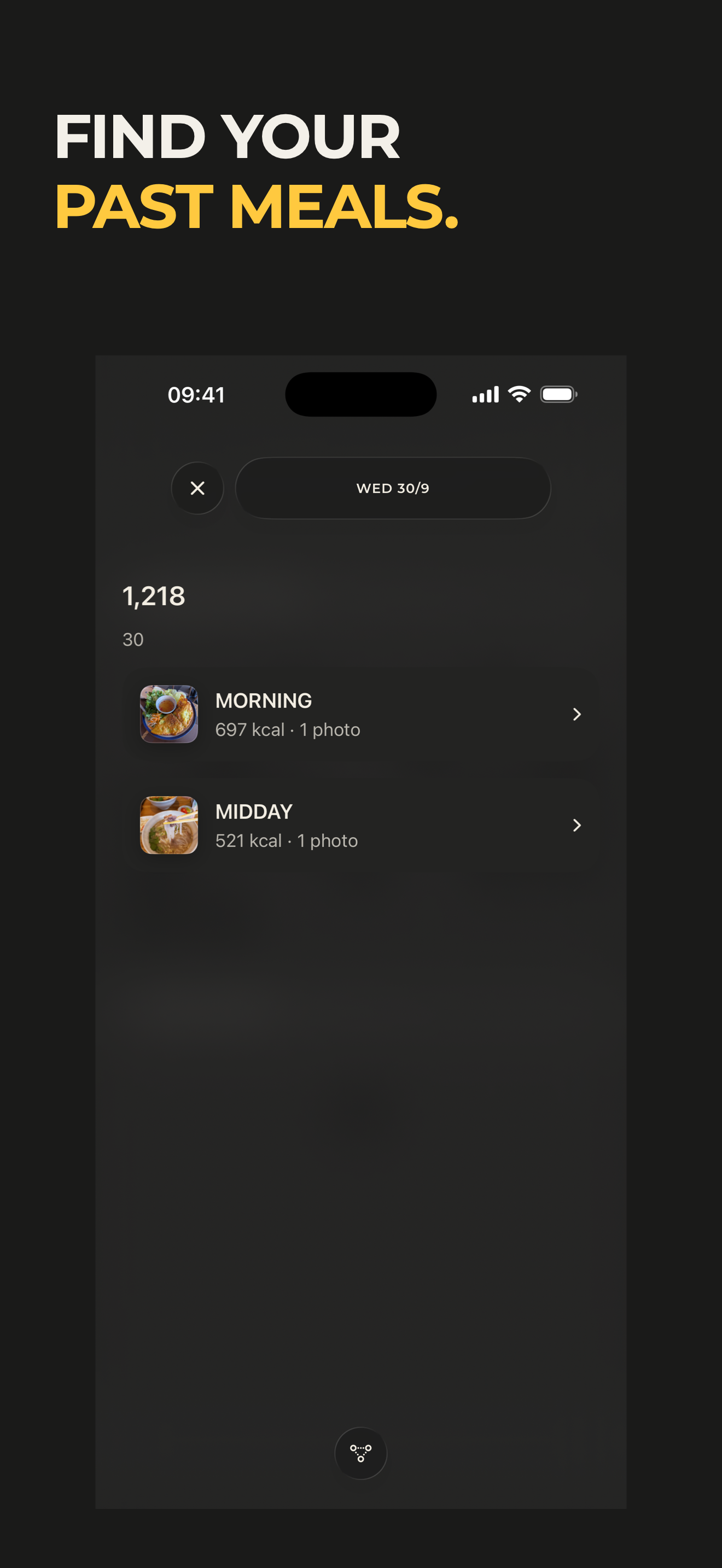
Find past meals in your food journal.
-
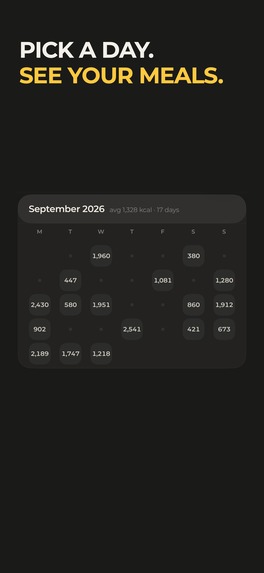
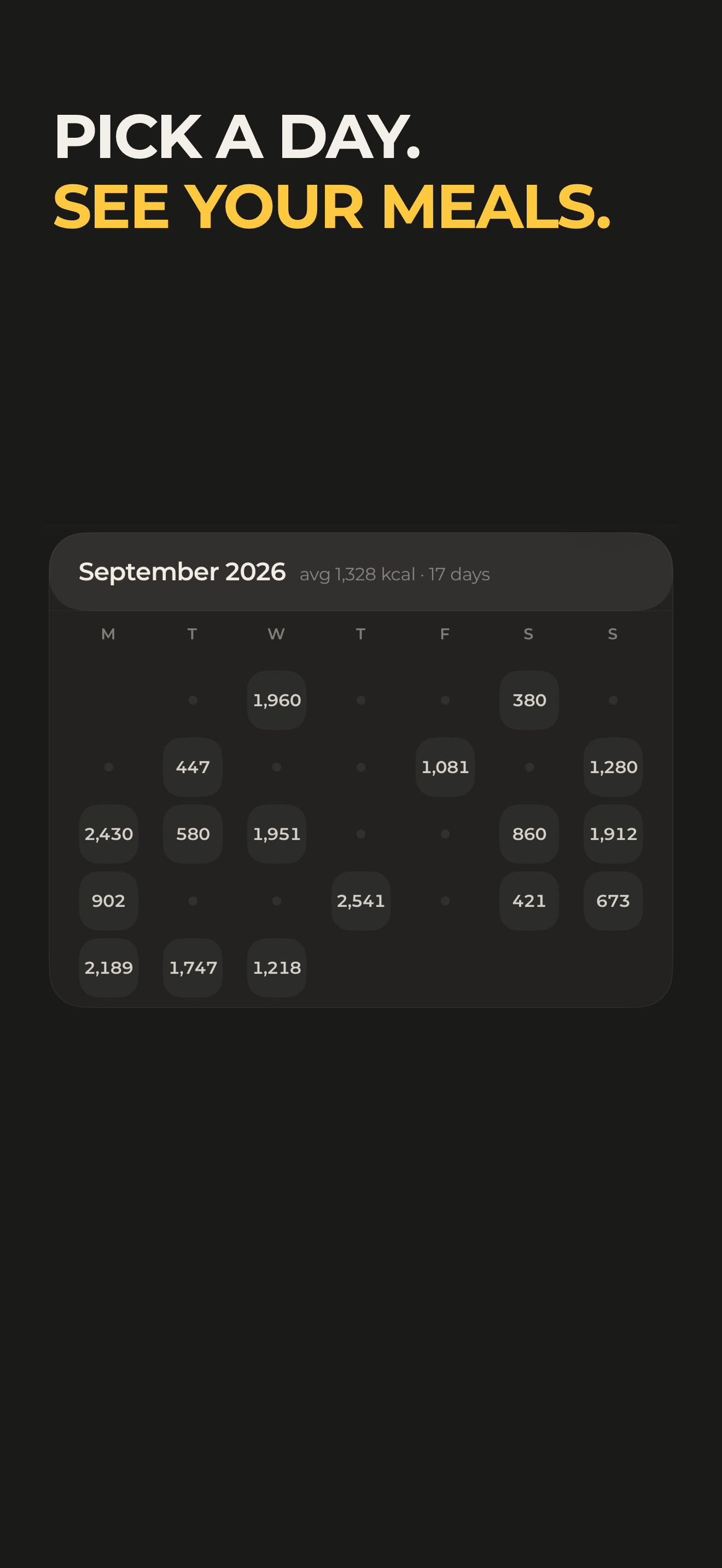
Pick a day to see your meals.
-
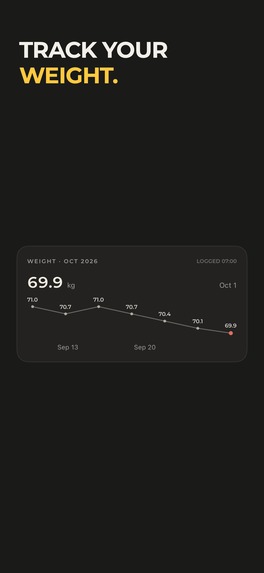
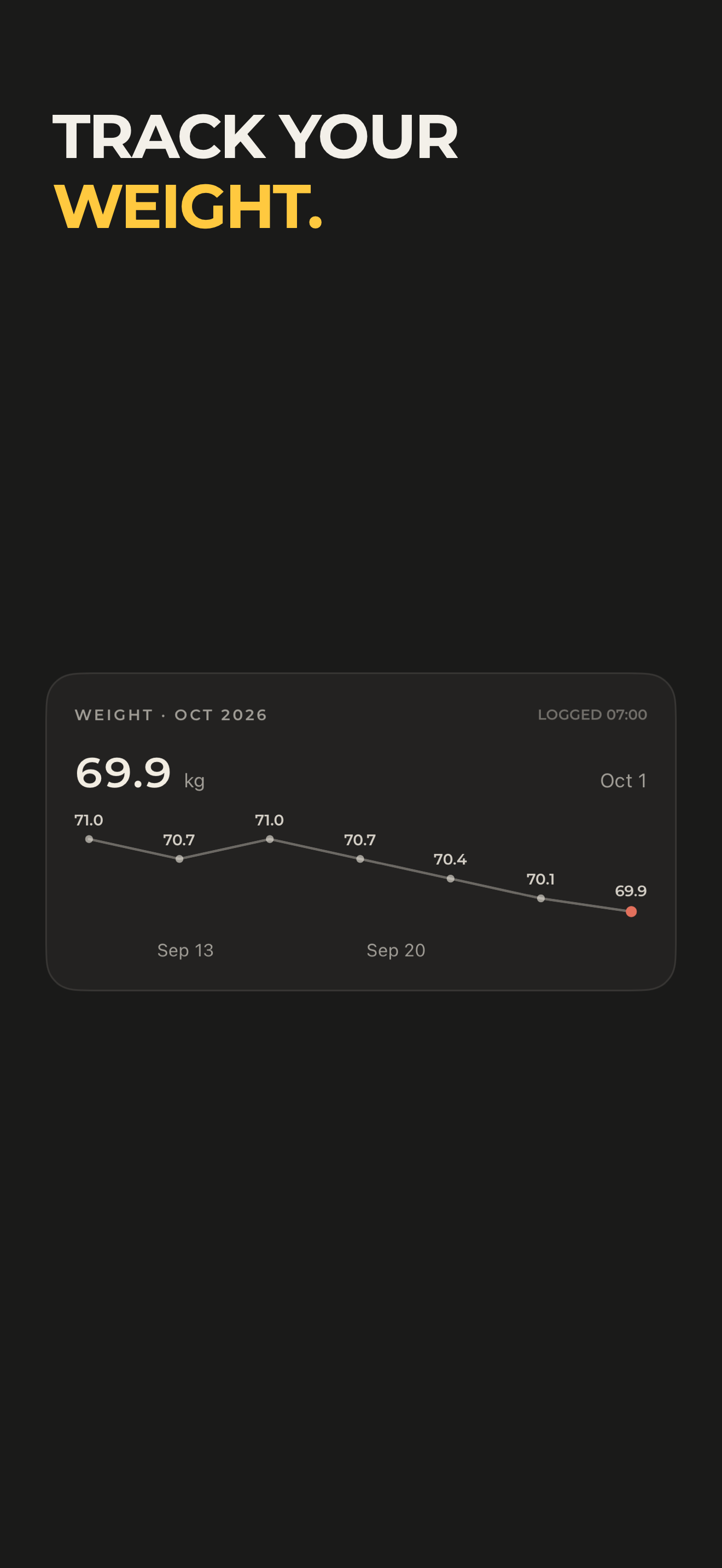
Track your weight over time.
-
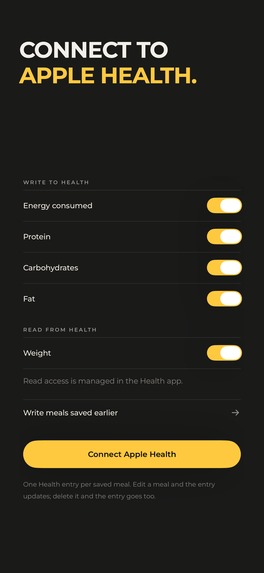
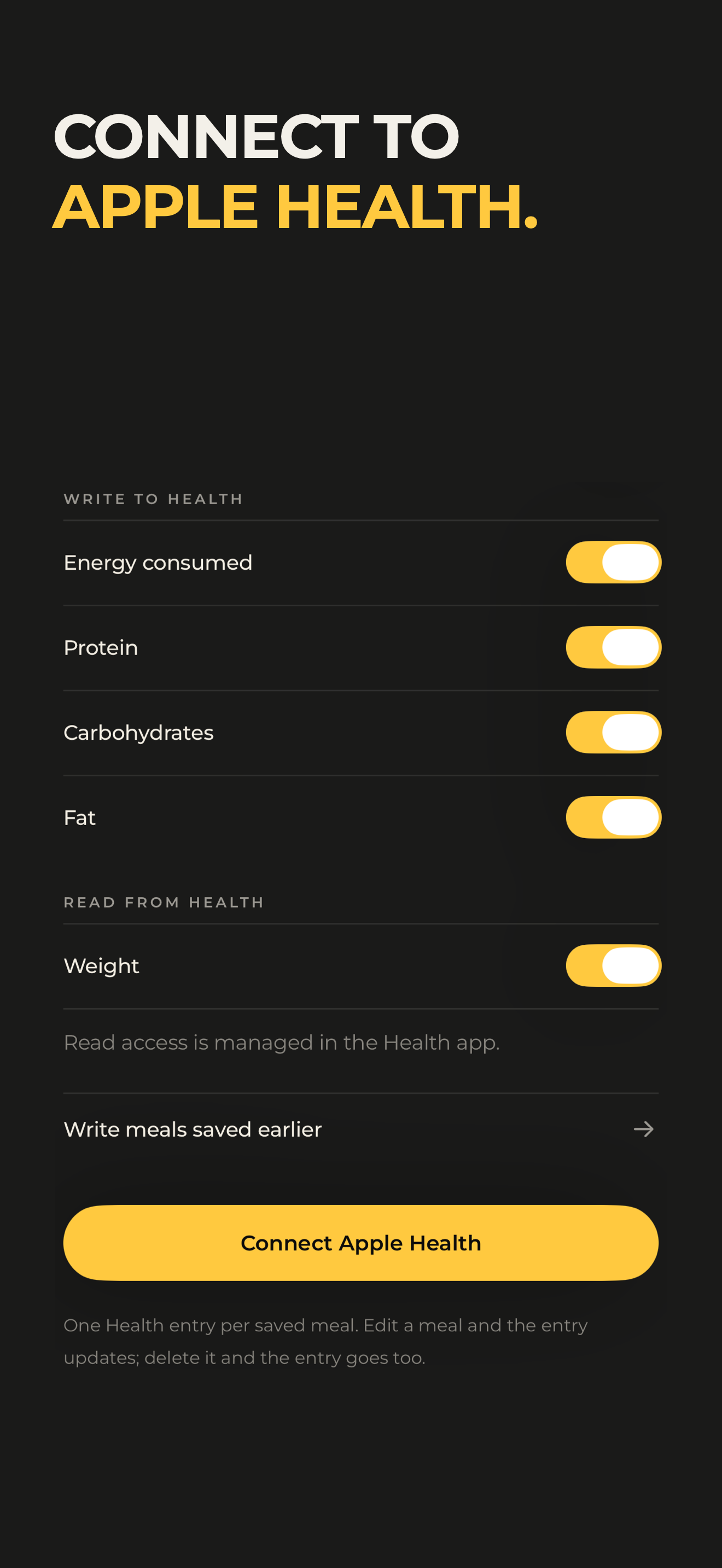
Connect meal nutrition and weight with Apple Health.
-
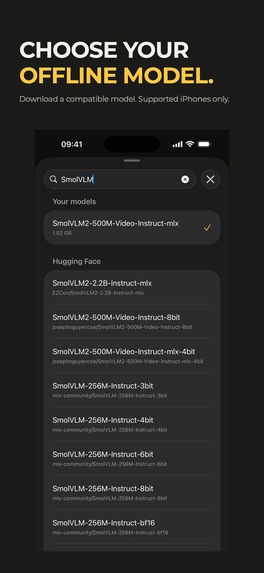
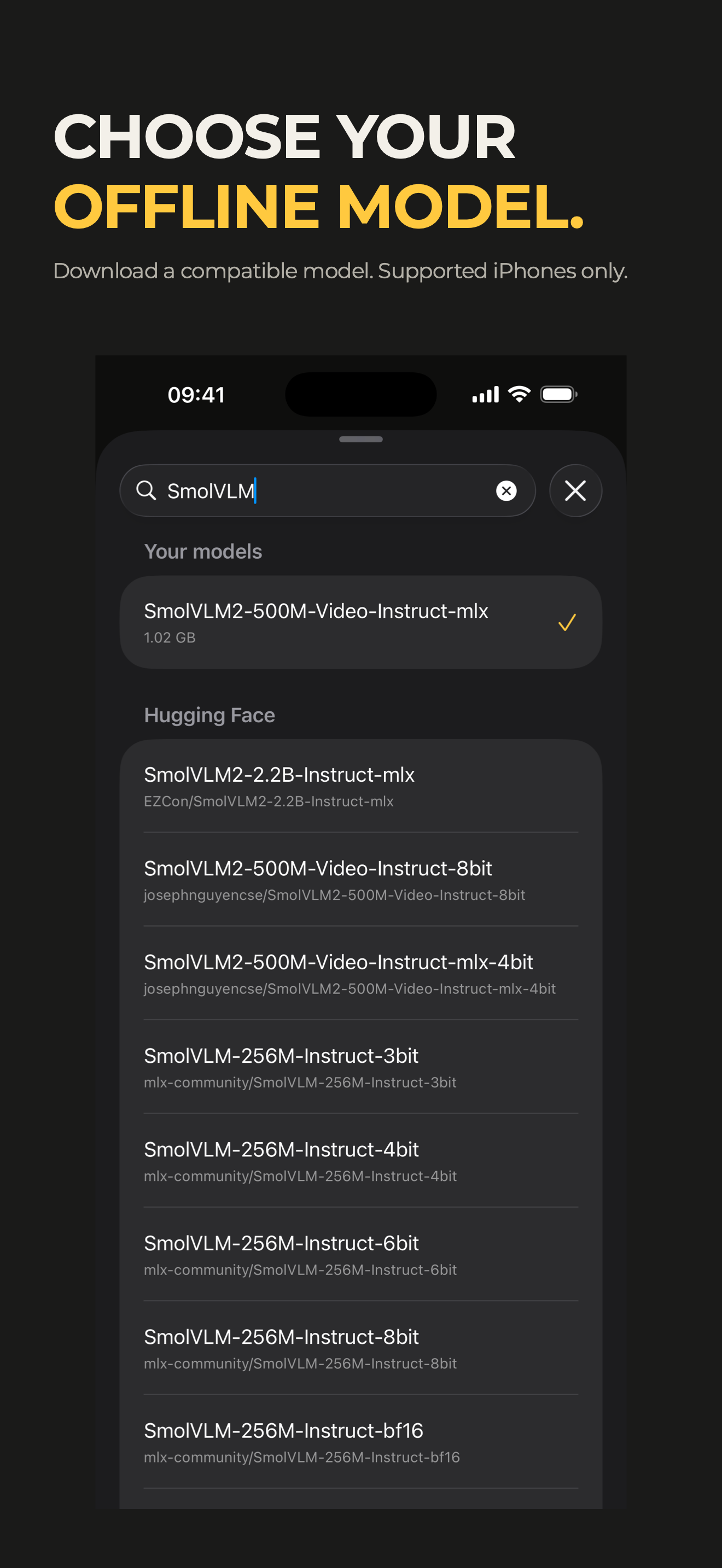
Choose a compatible on-device model. Flaw is free forever on supported iPhones.
Inspiration
Food tracking often asks people to stop eating and fill in a form. Lockeat centers the meal instead. A camera-first journal and direct gestures reduce the work of recording food, while editable portions and shared-meal splitting fit the way people actually eat.
What it does
A floating camera island sits on the calendar and docks to either side. Open it and tap a real shutter; the live food hint helps frame the meal. After analysis, edit calories, macros and portions. Swipe right to save, left to discard or up to retake.
The calendar shows daily calorie totals and opens into a session, photo and ingredient breakdown with breadcrumbs. Non-food fun photos are excluded from nutrition totals. A mechanical weight dial, trend and diary-based goal view connect logging to a longer-term record.
Lockeat is free to use forever with Flaw, its on-device mode: download a compatible model on a supported iPhone and log unlimited meal photos without a subscription. You can confirm ingredients and quantities before saving. True sends a meal photo to a cloud model after consent and provides a one-shot estimate. The first 20 True photos are free. All nutrition values are estimates.
How we built it
SwiftUI and SwiftData support the native interface and local journal. AVFoundation drives the camera; Vision supplies food hints. The on-device Flaw path uses MLX and a bundled USDA food catalog. True uses a server-mediated Gemini workflow. RevenueCat handles the paid True entitlement, offerings, purchase and restore.
Challenges
The product needs to make three card outcomes unmistakable, keep numbers readable over a photo and let people correct an estimate quickly. It also needs a clear boundary between free on-device use and cloud processing with a per-photo cost.
Accomplishments
The same interaction language runs from the camera island through result review, saving, calendar exploration and the weight dial. Widgets, Apple Health, Siri, handedness settings, six icons, optional recaps and 12 interface languages extend the journal into everyday use.
What we learned
A short gesture can communicate both an action and its result. Different save, discard and retake motions help keep the camera flow understandable, while explicit editing makes the uncertainty in food estimates manageable.
What's next
The next priority is real-user validation of the logging flow and paid conversion, followed by measured tests of trial size and paywall timing. Those experiments are proposed; no uplift is claimed.
Screenshot photo credits
Food photos are from Wikimedia Commons, resized and cropped; each retains its own license.
License texts: https://creativecommons.org/licenses/by-sa/3.0/ ; https://creativecommons.org/licenses/by-sa/4.0/ ; https://creativecommons.org/publicdomain/zero/1.0/


_ng27th9n2020_(3).jpg)

.jpg)


_-_Xin_Chao,_Eastbourne_2026-08-14_(1).jpg)
Log in or sign up for Devpost to join the conversation.