Inspiration
It all began when I tried to scratch my own itch (Not literally)
I use LinkedIn a lot (Yep, really), But I don't want to use to just read stories of Person A celebrating his 9832th hackathon victory, or not reading AI Written / "Interesting" comments, or to see a photo which is 100% not related to the post.
This made me super irritated while using LinkedIn, Then I saw YouTube has "UnHook", X/Twitter has "Minimal theme for X", etc.. to remove the distractions and improve the usability of those platform.
But LinkedIn didn't have anything like that, so I finally decided to build it myself. That's the origin story of LockIn
What it does
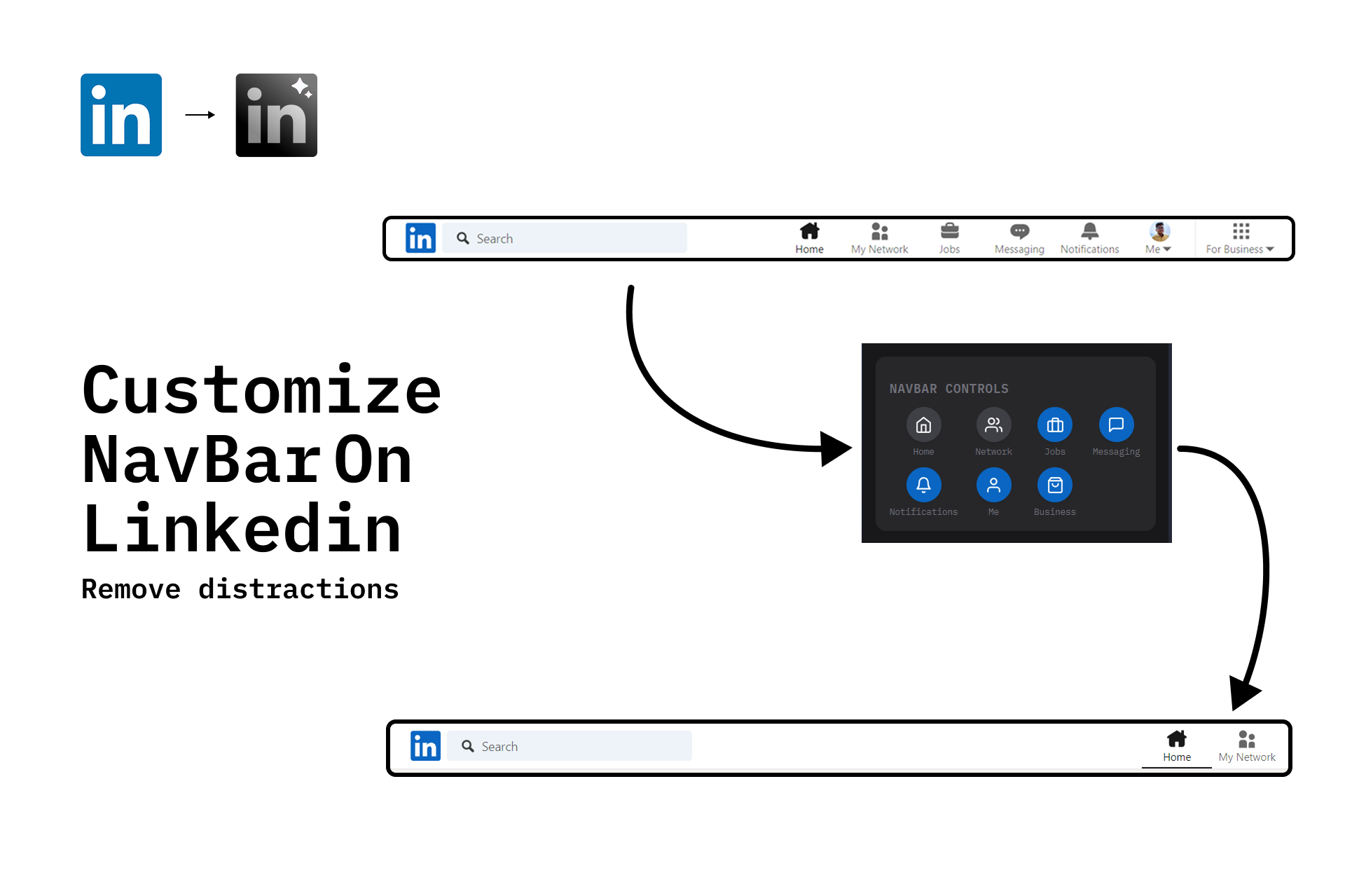
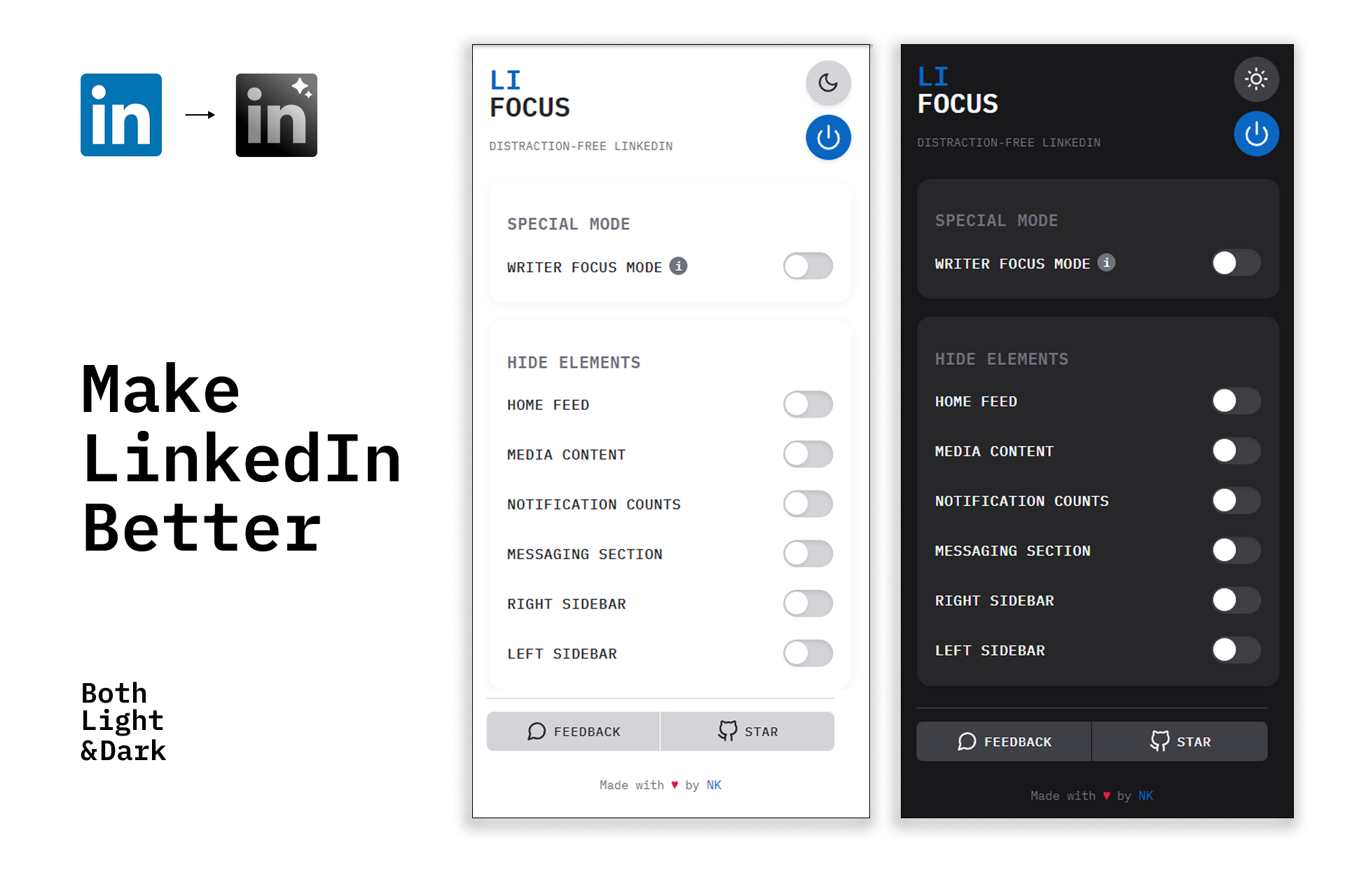
With LockIn, Now you'll have ability to hide elements that distracts you
Features:
- Hide Home Feed - Bye bye, so-called motivational posts
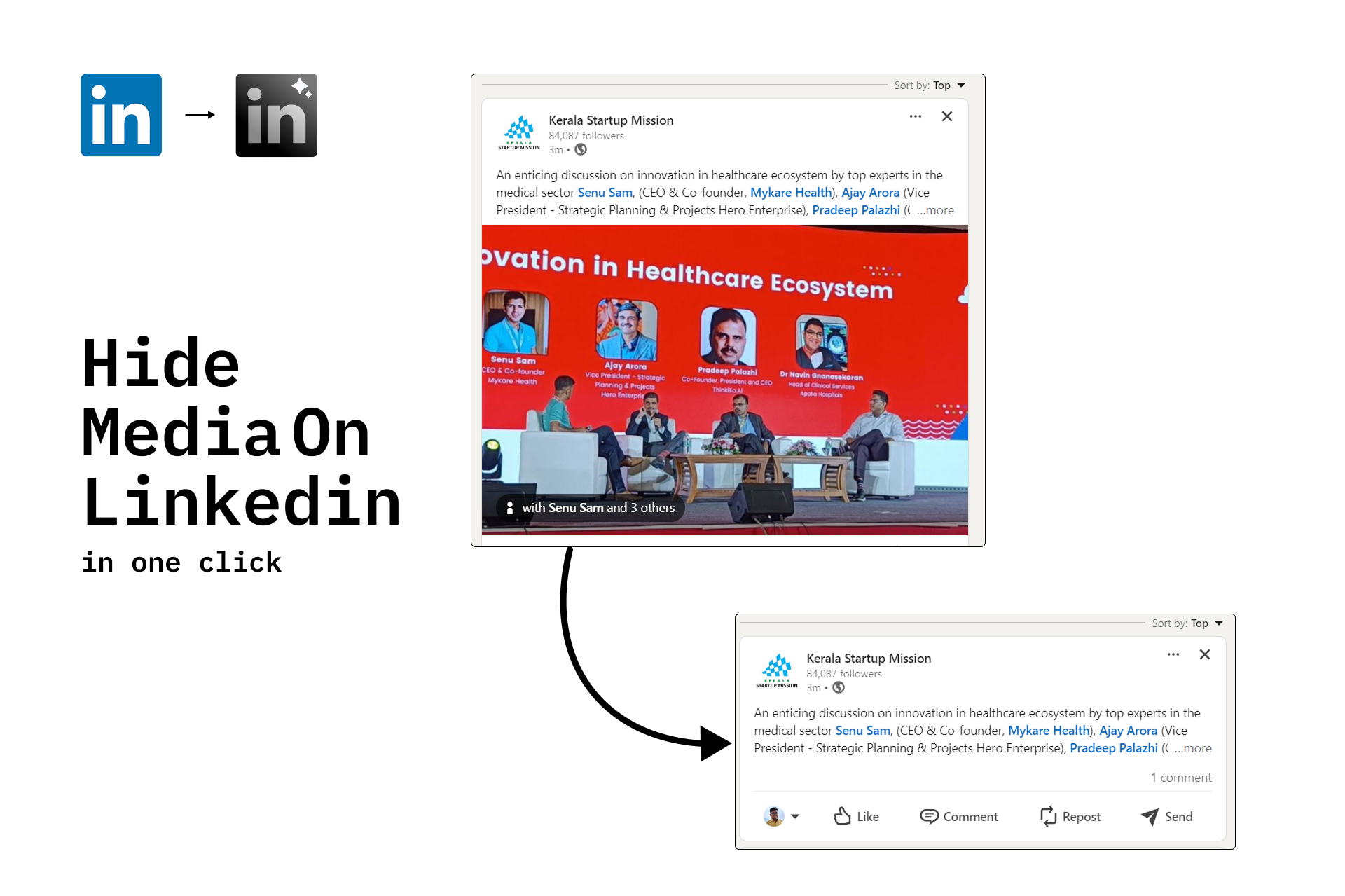
- Hide media (Photos, Video, Carousel,etc..) - So no more pictures say 1000 words, you can focus on what matters.
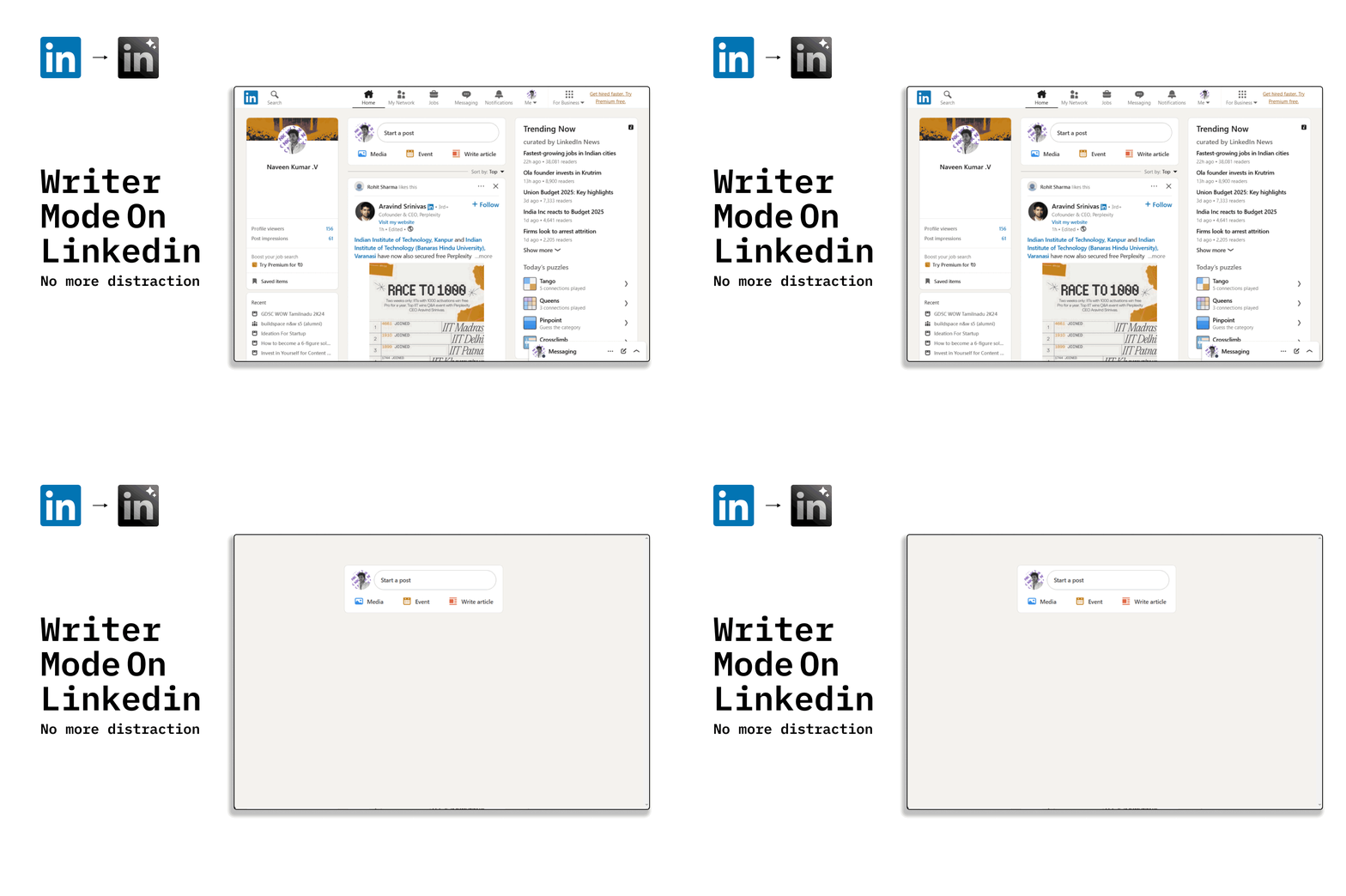
- Writer Mode - In single click hide everything except Composer
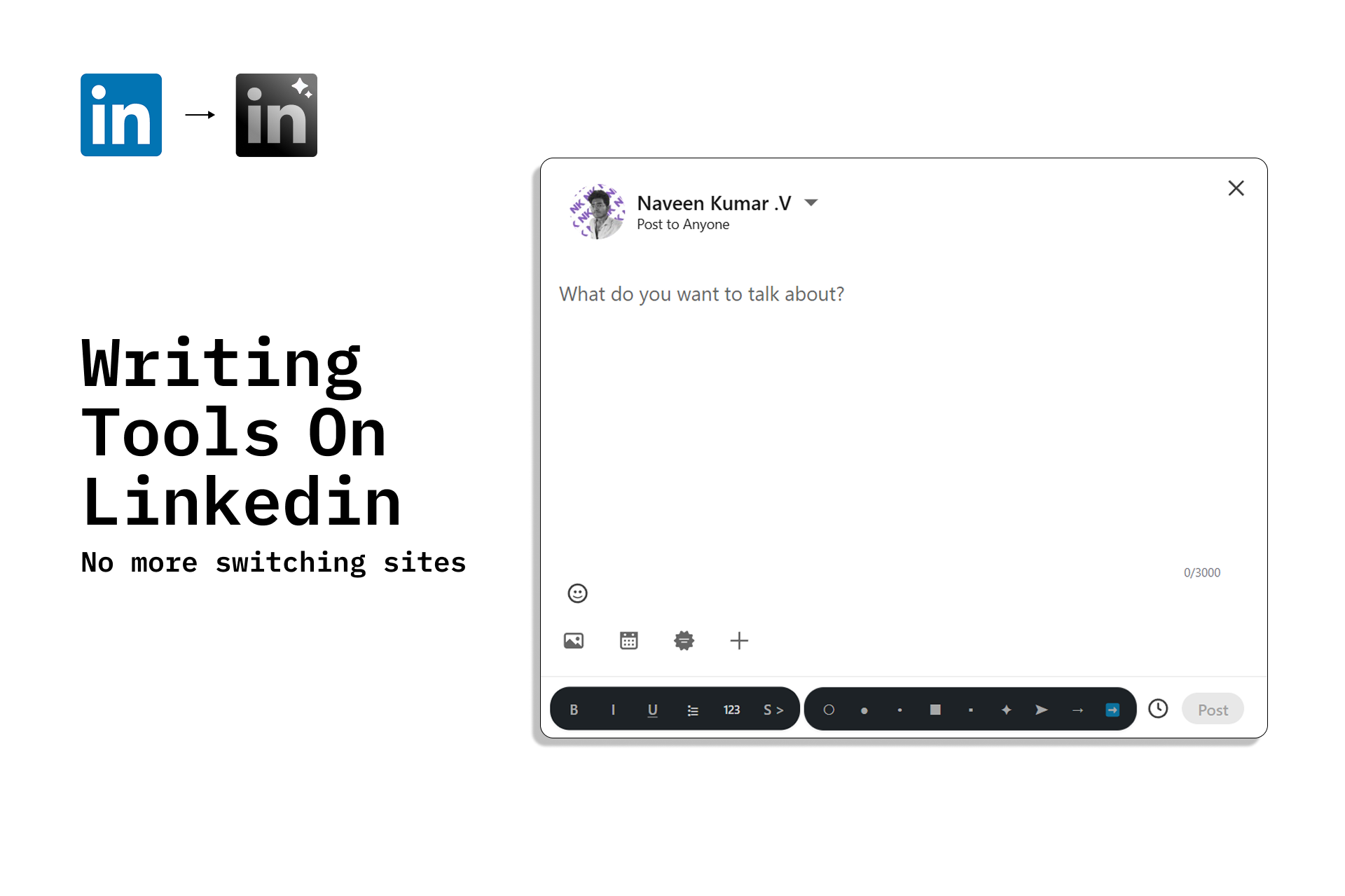
- Writer Tools - Extra tools baked into the composer, so no more switching tabs. and More.....
How I built it
It's my first solo side project, Just build by using basic HTML, CSS & JavaScript (all vanilla)
For design, I used Figma & design inspired from Industrial designers like Dieter Rams
with the help of my co-founders (free/free trial AI tools)
Challenges I ran into
The main challenge I faced was performance.
Initially, using JS to manipulate the page made it resource-heavy. Now, it relies on CSS to hide elements—making it smoother and faster.
Accomplishments that I'm proud of
The first thing is, Instead of making LockIn as another side project, that sits a folder in my laptop. I made it public—now you can try it.
Another thing I'm proud of is that nearly 130+ people visited my landing page, 20+ people registered to try, within 3 days. with 6+ starts on github, and 4+ review from reddit, etc...
It’s just the beginning—something is always better than nothing!
What I learned
How to promote and what things a developer should not waste time on. How much we have to do as a solo dev. and more...
But what i regret is I didn't build in public or I didn't document the entire process on building. Because it will create audience, people to try or give feedback, etc..
What's next for Lock In - LinkedIn without Distraction
Next important thing is making it available on Chrome web store. It is another reason for my to participate in this hackathon. Currently, as a student, I don't have any money to launch there. So, I will use the money from this to publish on chrome store.
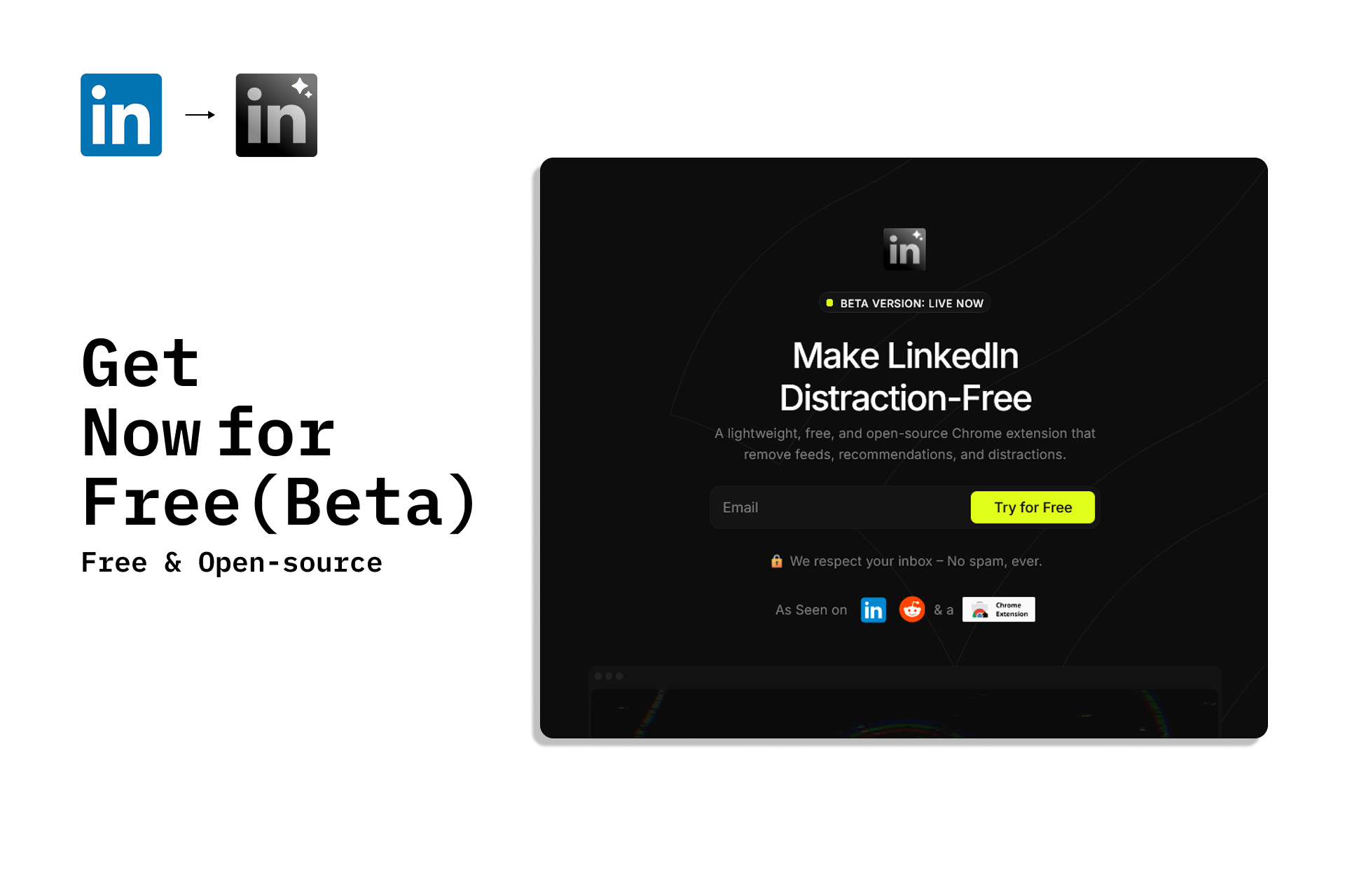
So If you use LinkedIn & Want a better experience - You can try LockIn Completely for free. And You can be in early-adopters & Shape the product, Your Suggestion -> Shape New Features
Built With
- css
- figma
- html
- javascript



Log in or sign up for Devpost to join the conversation.