-
-
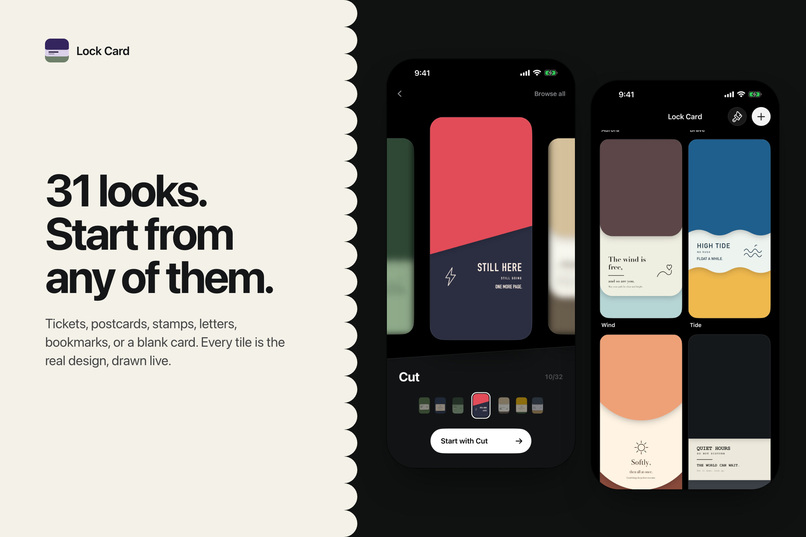
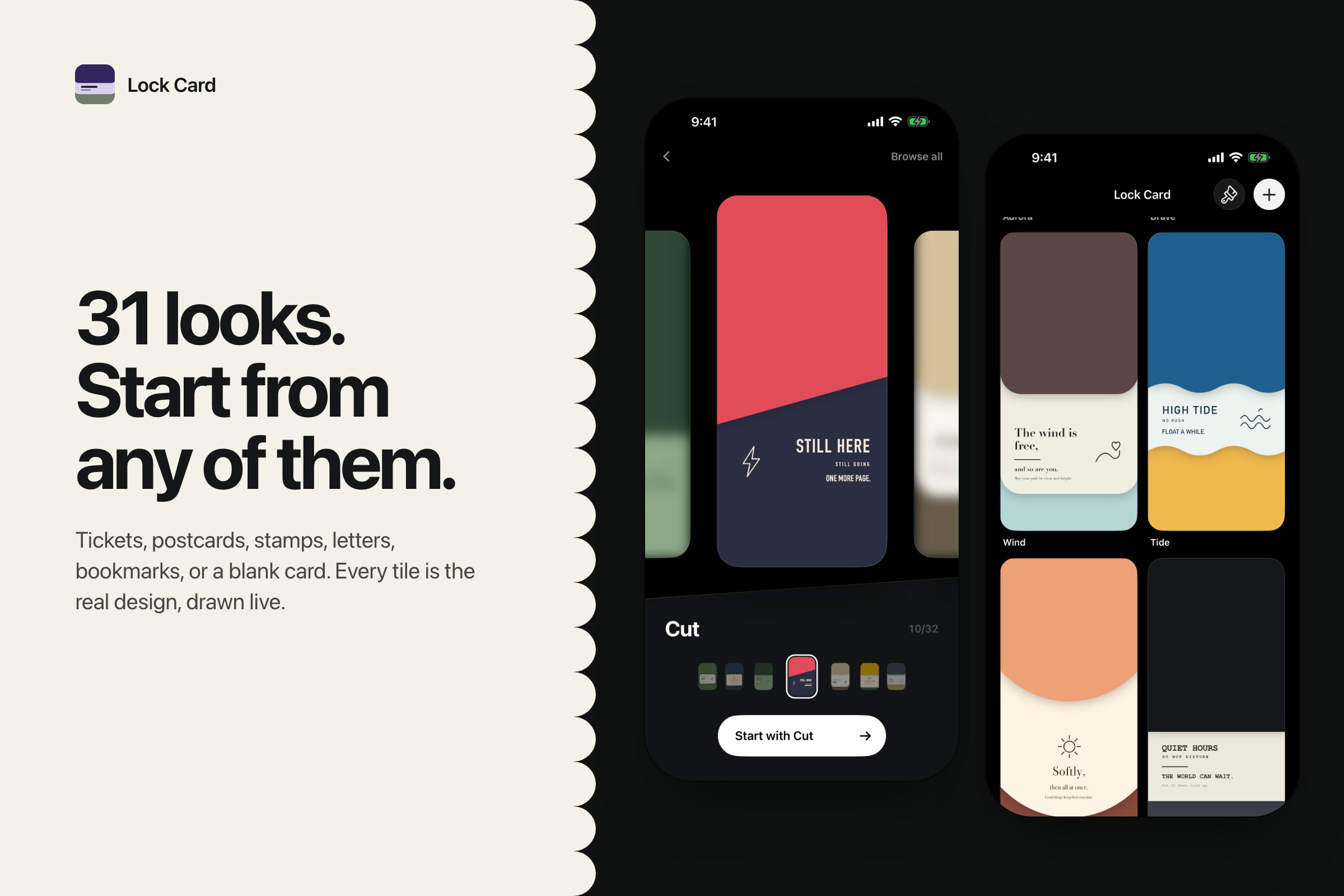
Start from 31 templates (tickets, postcards, stamps, letters) or a blank card. Every tile is the real design, drawn live.
-
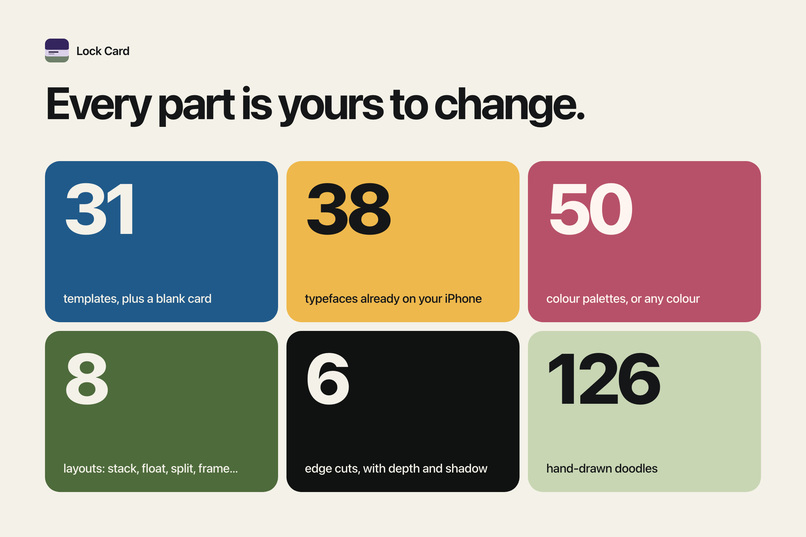
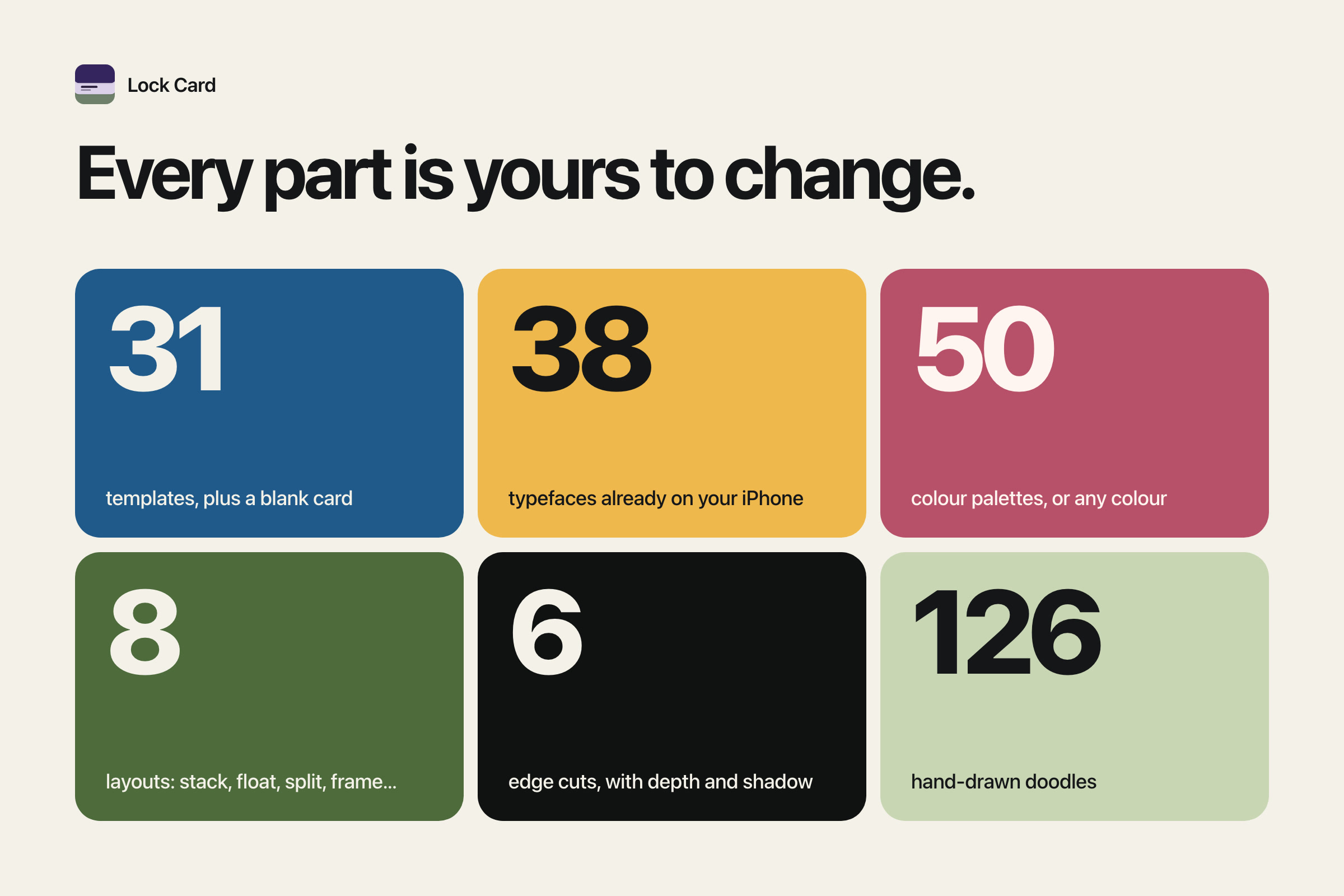
31 templates, 38 typefaces, 50 palettes, 8 layouts, 6 edge cuts and 126 doodles.
-
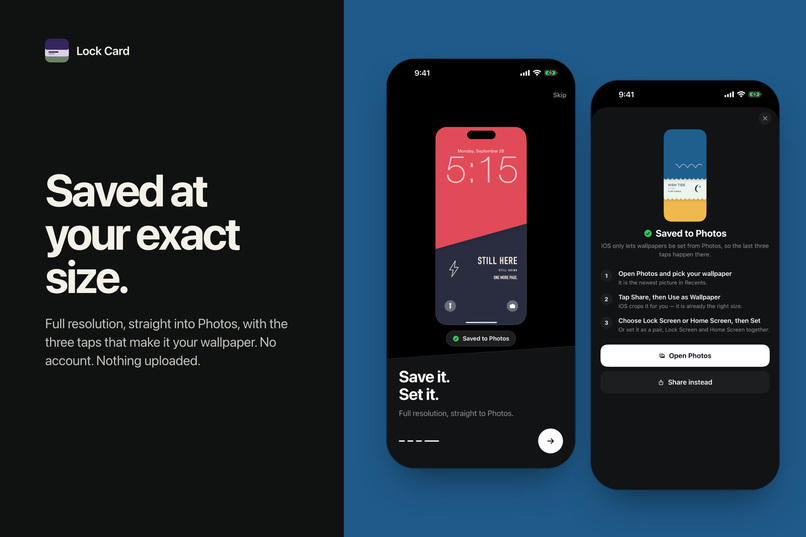
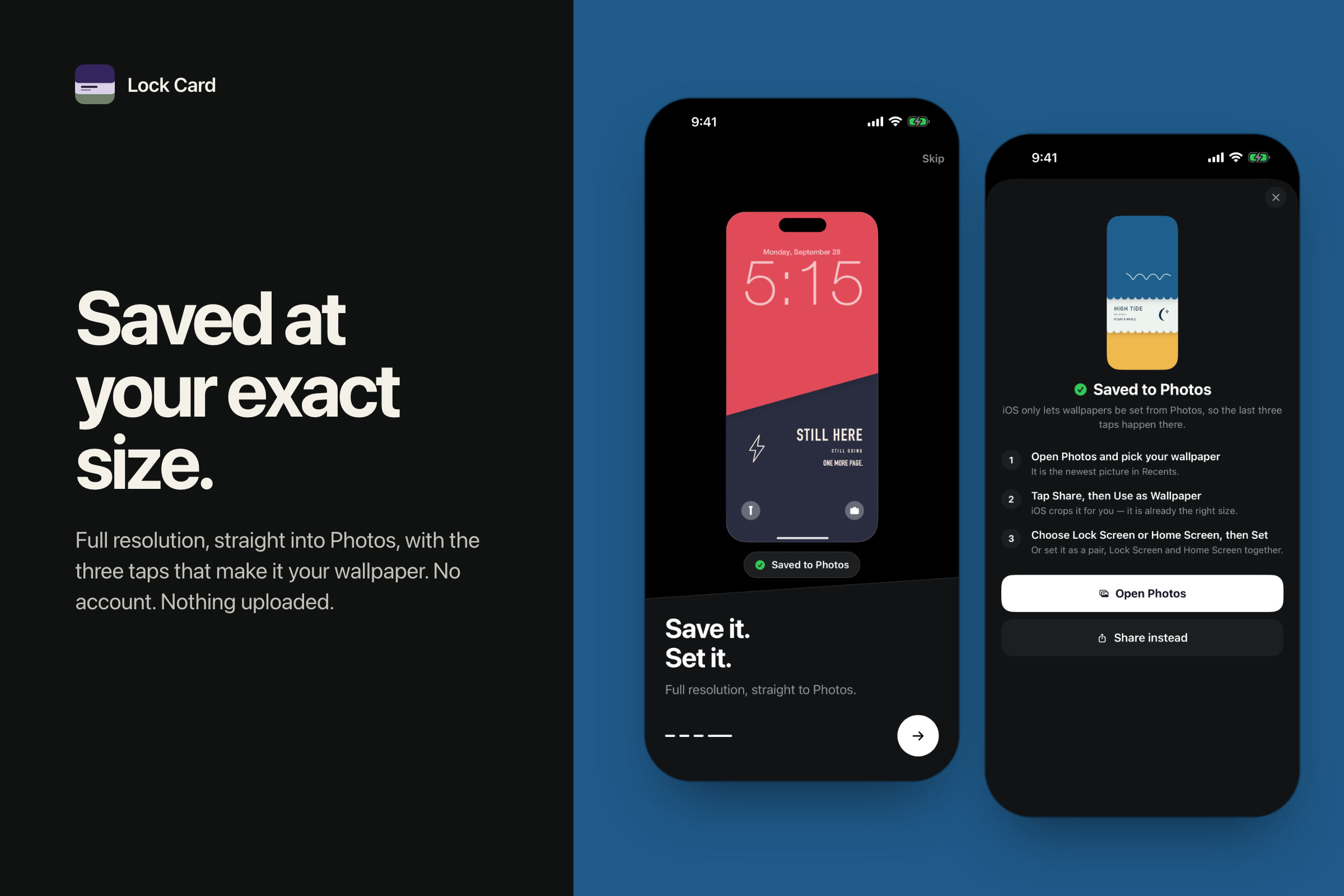
Saved to Photos at full resolution, with the three taps to set it. No account, nothing uploaded.
-
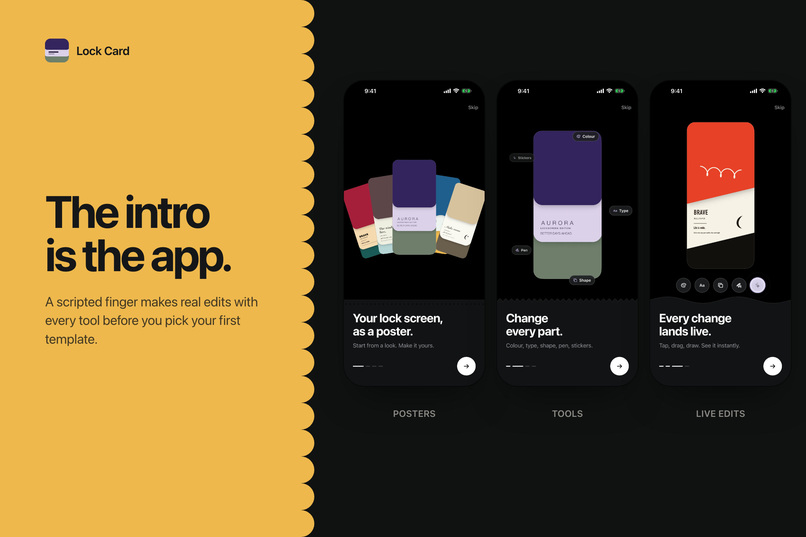
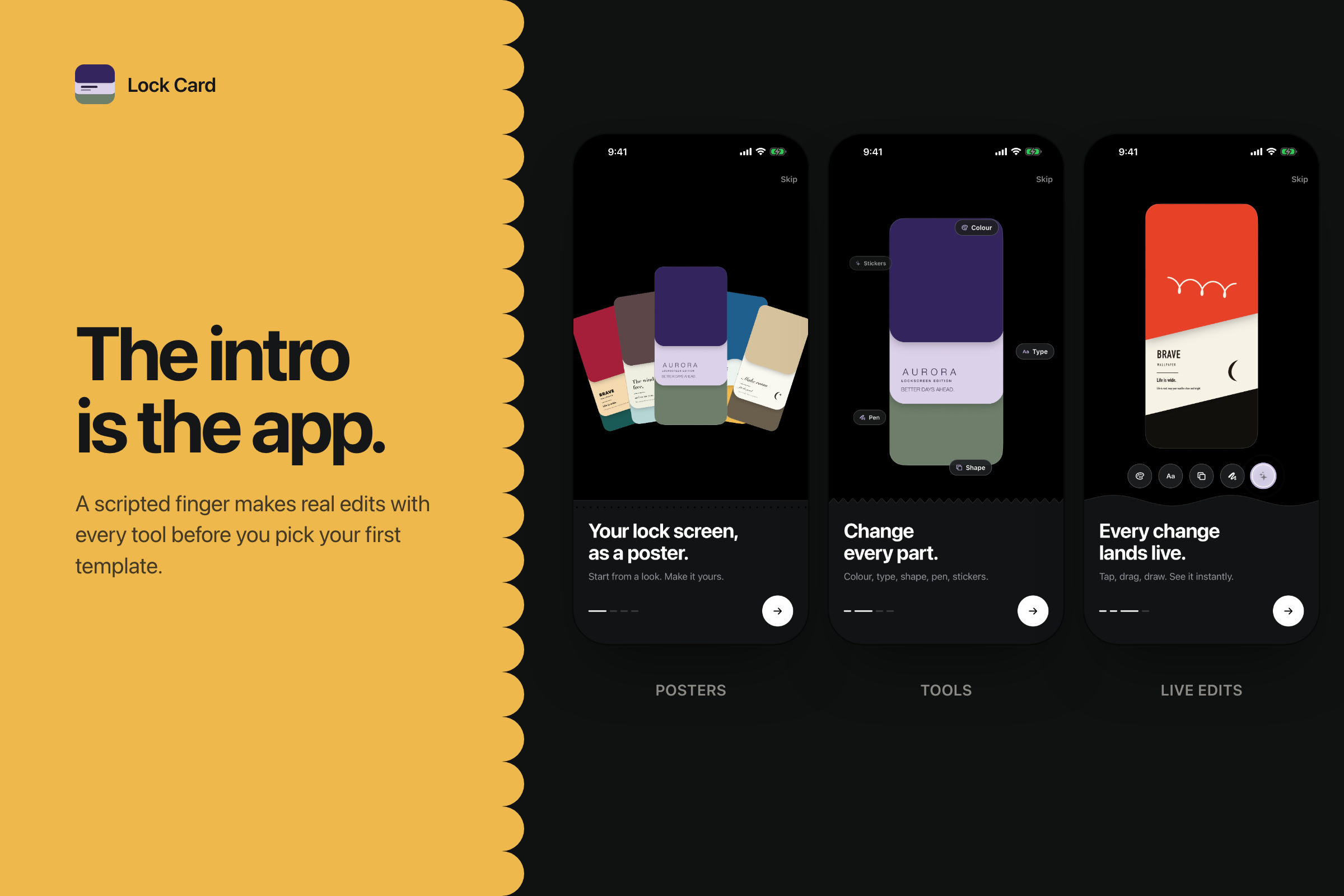
The intro is the real app: a scripted finger edits with every tool before you pick your first template.
-
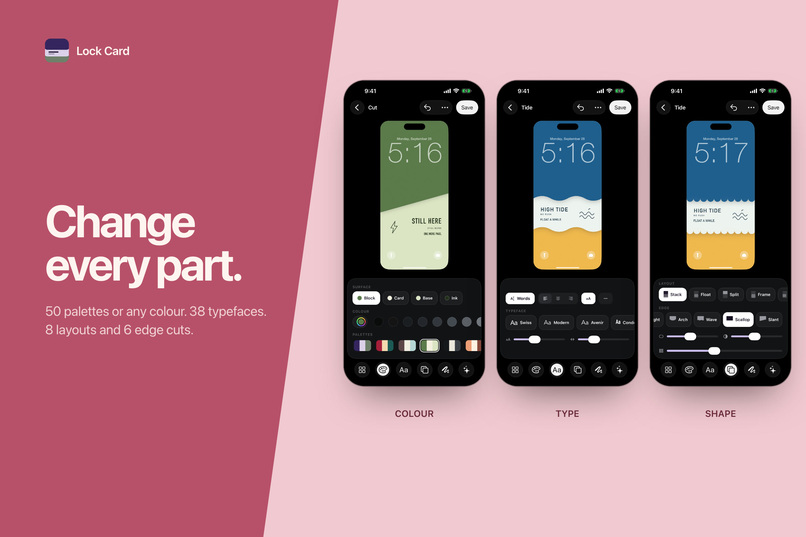
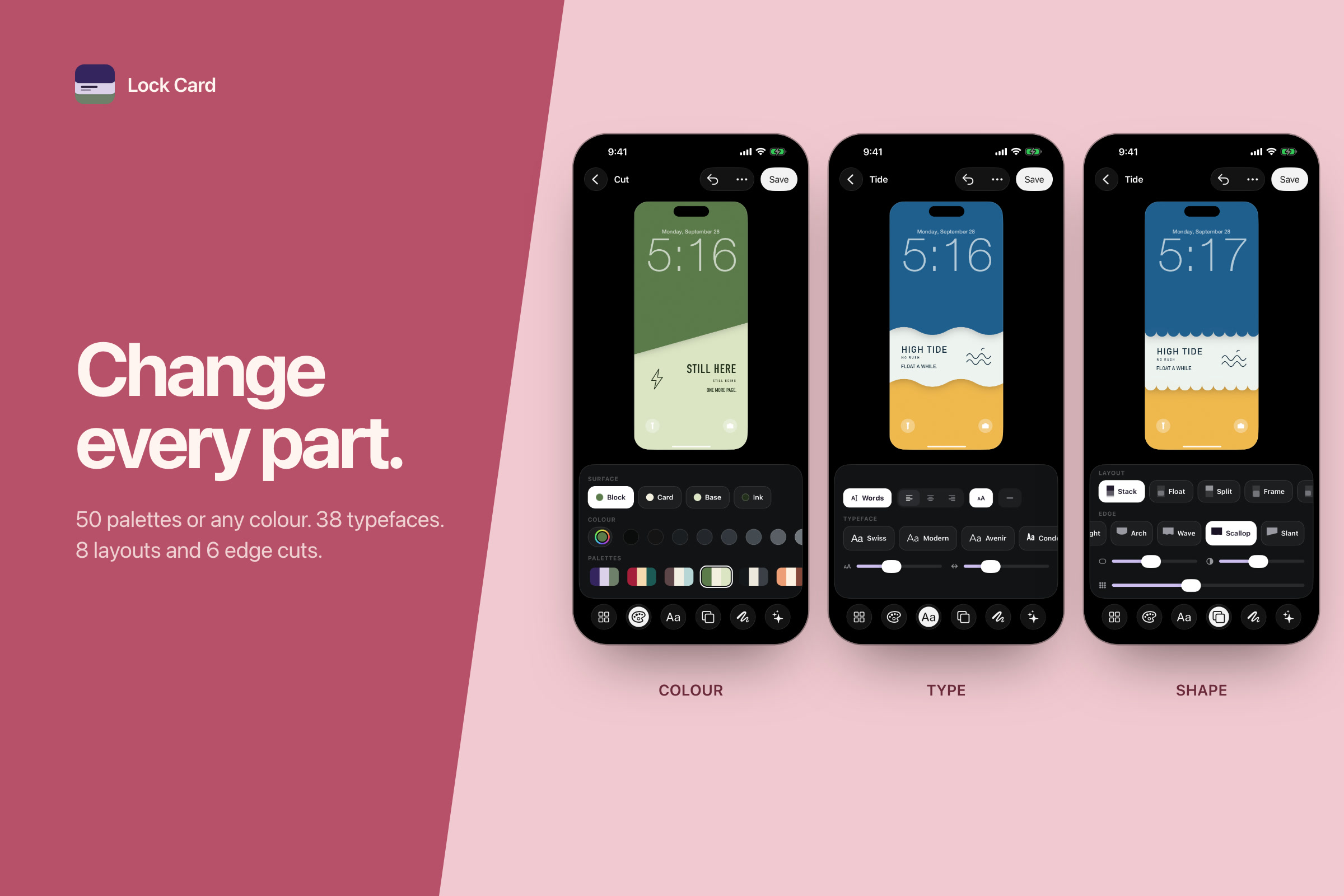
Change every part: 50 palettes or any colour, 38 typefaces, 8 layouts and 6 edge cuts.
-
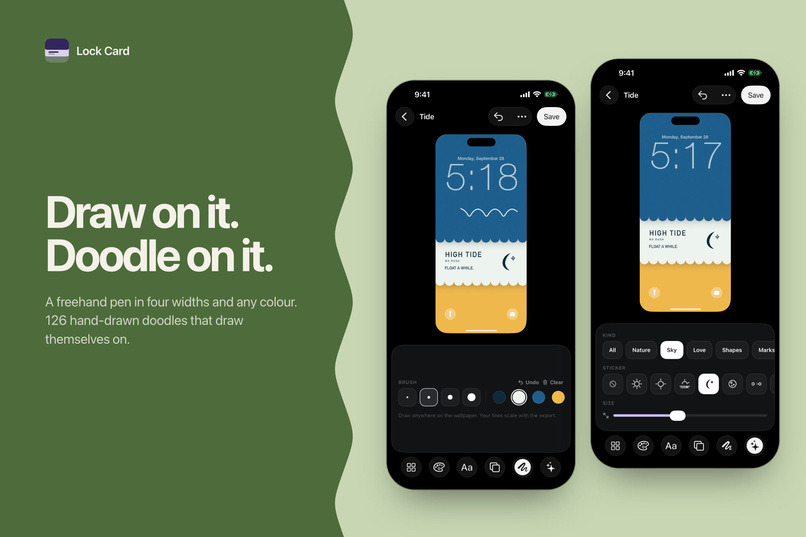
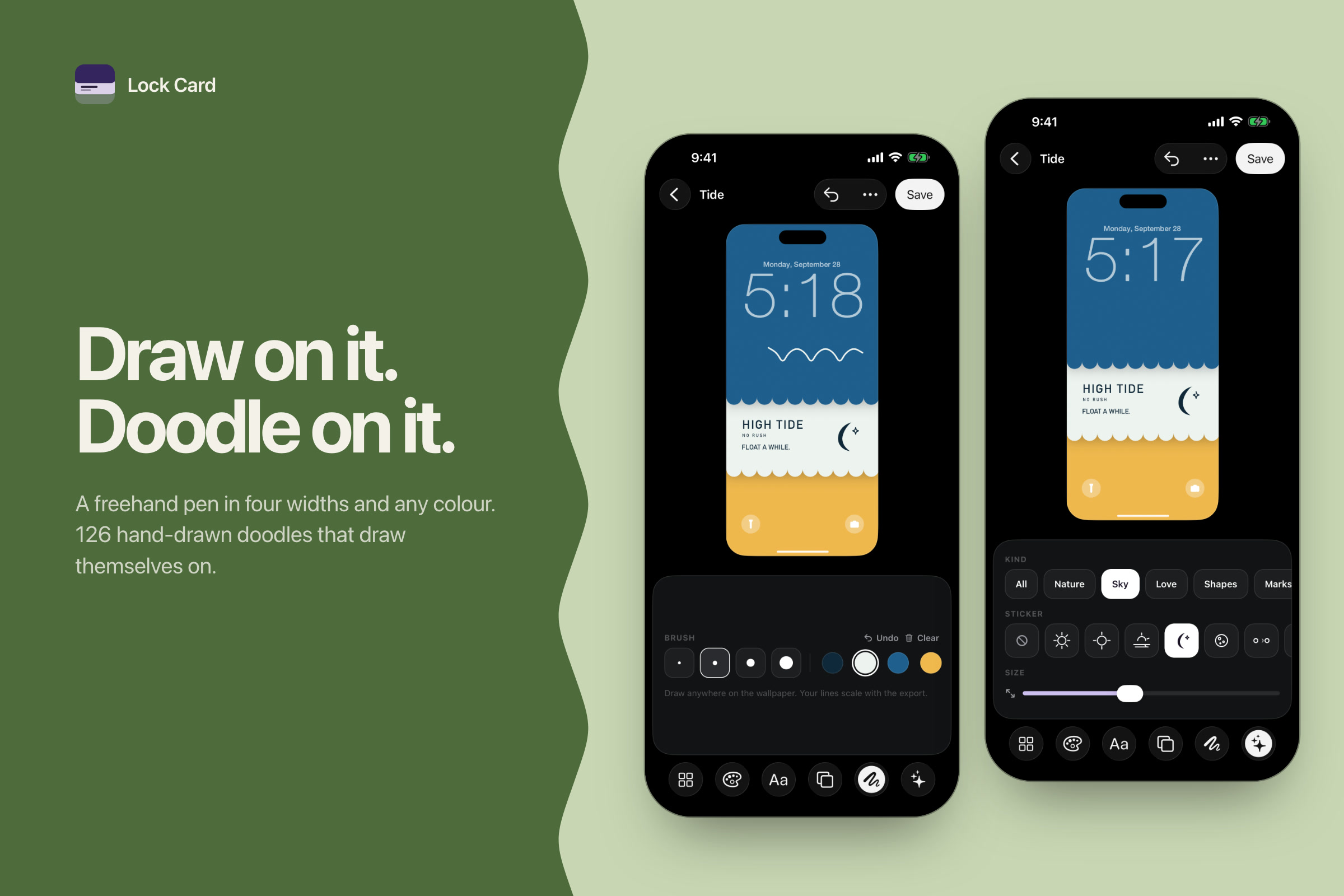
Draw freehand with the pen, or add from 126 hand-drawn doodles that draw themselves on.
-
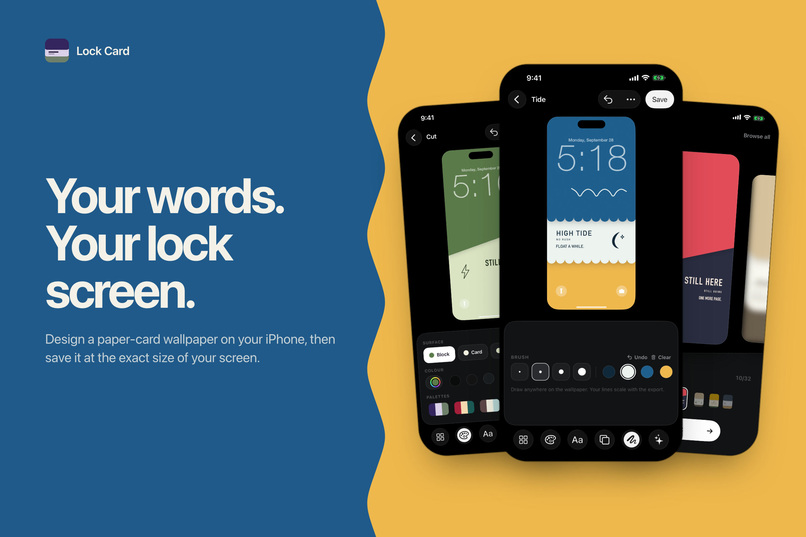
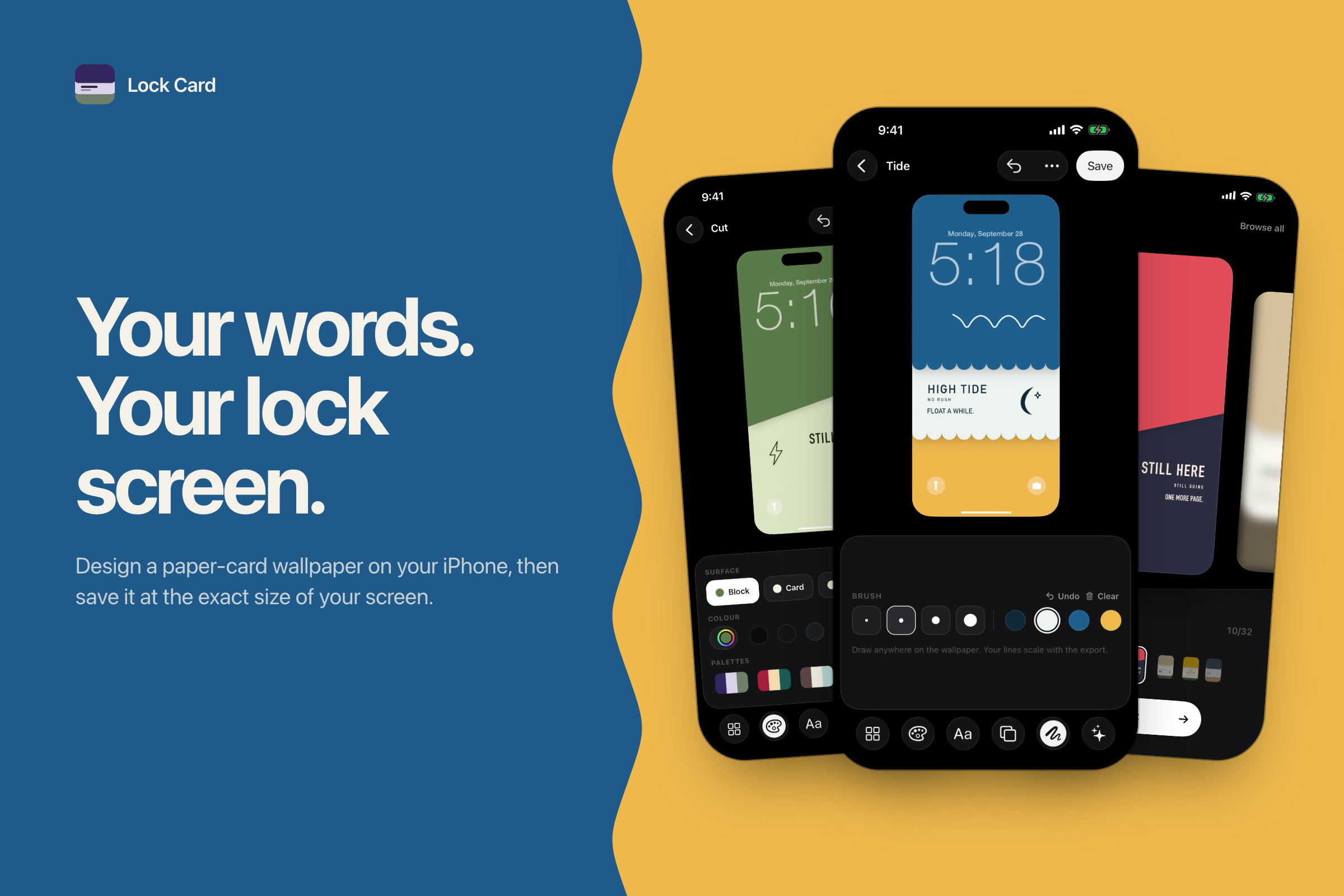
Lock Card: design a paper-card lock screen with your own words, saved at your iPhone's exact size.
-
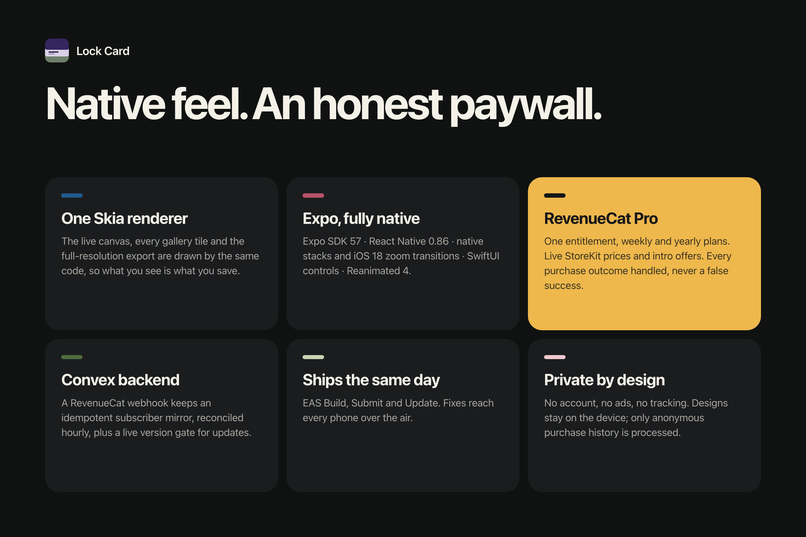
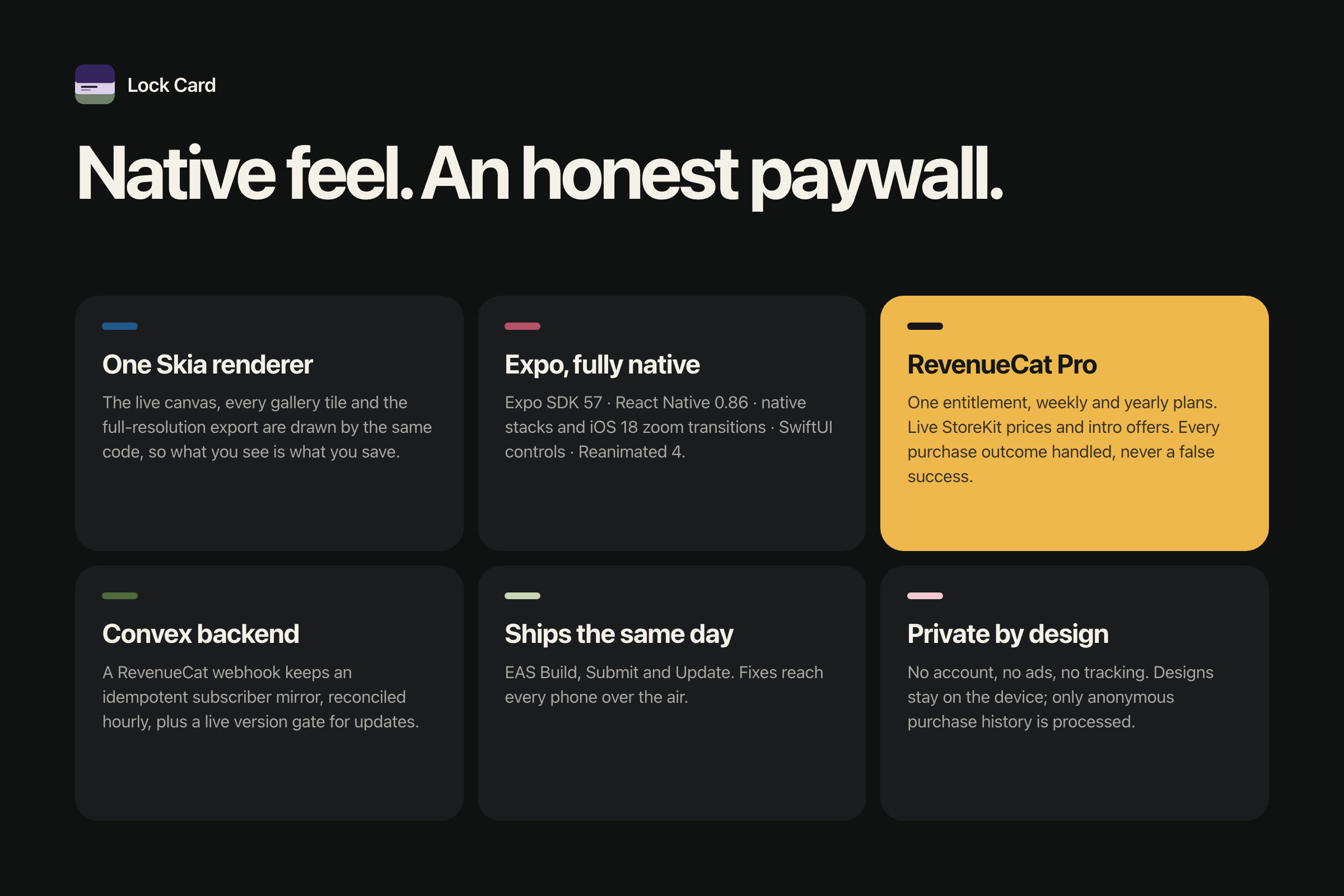
Built with Expo, Skia, RevenueCat and Convex: one renderer for canvas and export, and a paywall that handles every purchase outcome.
Inspiration
The "paper card" lock screen kept showing up everywhere: a flat block of colour for the clock to sit on, a card of paper with a line worth reading, a band of colour underneath. People were making them by hand in Canva or Procreate, guessing where the clock would land and exporting at the wrong size. I wanted a tool that does just that one thing, and does it beautifully.
What it does
Lock Card is a wallpaper studio, not a wallpaper library. You start from a template and can change every part of it:
- 31 templates: tickets, boarding passes, postcards, stamps, bookmarks, letters, passports, instant-photo frames, or a blank card
- Colour: four surfaces (block, card, band, ink), 50 palettes, or the system colour picker
- Text: four lines of words, 38 typefaces already on your iPhone, weight, size, tracking, alignment, case and a divider rule
- Shape: 8 layouts and 6 edge cuts (round, straight, arch, wave, scallop, slant), plus depth, shadow and paper grain
- Draw & doodles: a freehand pen and 126 hand-drawn doodles that draw themselves on
The canvas sits under a live lock-screen clock and date, so you see exactly where your words will land. Save renders at your iPhone's full resolution, puts the image straight into Photos, and shows the three taps to set it as your wallpaper.
No account, no ads, and nothing you make is uploaded.
How we built it
- Expo SDK 57 + React Native 0.86 with Expo Router (native stack, toolbars, iOS 18 zoom transitions)
- React Native Skia draws everything: the live canvas, every gallery tile, and the full-resolution export all use the same renderer, so what you see is what you save
- Reanimated 4 + Gesture Handler for drag-to-compose, one spring and one press behaviour across the whole app
- @expo/ui SwiftUI controls so pickers and sliders feel native
- RevenueCat for Lock Card Pro (weekly and yearly subscriptions): offerings, intro-offer eligibility, restore, and entitlement checks
- Convex as the backend: a RevenueCat webhook keeps a server-side subscriber mirror (idempotent, with out-of-order event handling and hourly reconciliation), plus a live version gate for app updates
- EAS Build, Submit and Update for shipping and over-the-air fixes
- expo-sqlite stores your designs on the device
Challenges we ran into
- iOS has no public API for setting a wallpaper. Apps that do it use private API and get rejected. So Lock Card takes it as far as an app can: it exports at the device's exact pixel size and shows the last three taps in Photos.
- One renderer, three sizes. The canvas, a thumbnail and a 1320×2868 export all had to match pixel for pixel, including paper grain, shadows and edge cuts.
- An honest paywall. I handled every purchase outcome explicitly: cancelled, Ask to Buy, offline, Screen Time restrictions, already subscribed, and "paid but the entitlement didn't attach", which gets a "tap Restore" message instead of a false success. Prices, intro offers and savings badges all come from StoreKit at runtime.
- Webhook correctness. RevenueCat retries and can deliver events out of order, so the Convex handler is idempotent on the event ID, never lets a stale event overwrite newer state, and double-checks against RevenueCat's REST API.
Accomplishments that we're proud of
- It's live on the App Store.
- It feels like a crafted native app, not a web view: one haptic vocabulary, one spring, and a quiet interface where your wallpaper is the only colour on screen.
- The onboarding is the real product. A scripted finger makes real edits with every tool before you pick your first template.
- No bundled fonts, no account and no tracking. The only data processed is anonymous purchase history.
What we learned
- Constraints make a product. Doing one style really well beat trying to be every wallpaper app.
- Subscription edge cases are most of the work. RevenueCat plus a server-side mirror made them manageable and testable in the sandbox.
- A shared Skia renderer is worth the upfront effort: every new template works everywhere automatically.
What's next
- Home Screen companion designs that match your lock screen
- More templates and seasonal packs
- Paywall and pricing experiments with RevenueCat
- Android## Inspiration
Built With
- convex
- eas
- expo-router
- expo.io
- ios
- react-native
- react-native-skia
- reanimated
- revenuecat
- sqlite
- swiftui
- typescript


Log in or sign up for Devpost to join the conversation.