-
-
-
-
-
App Icon designed with Icon Composer
Inspiration
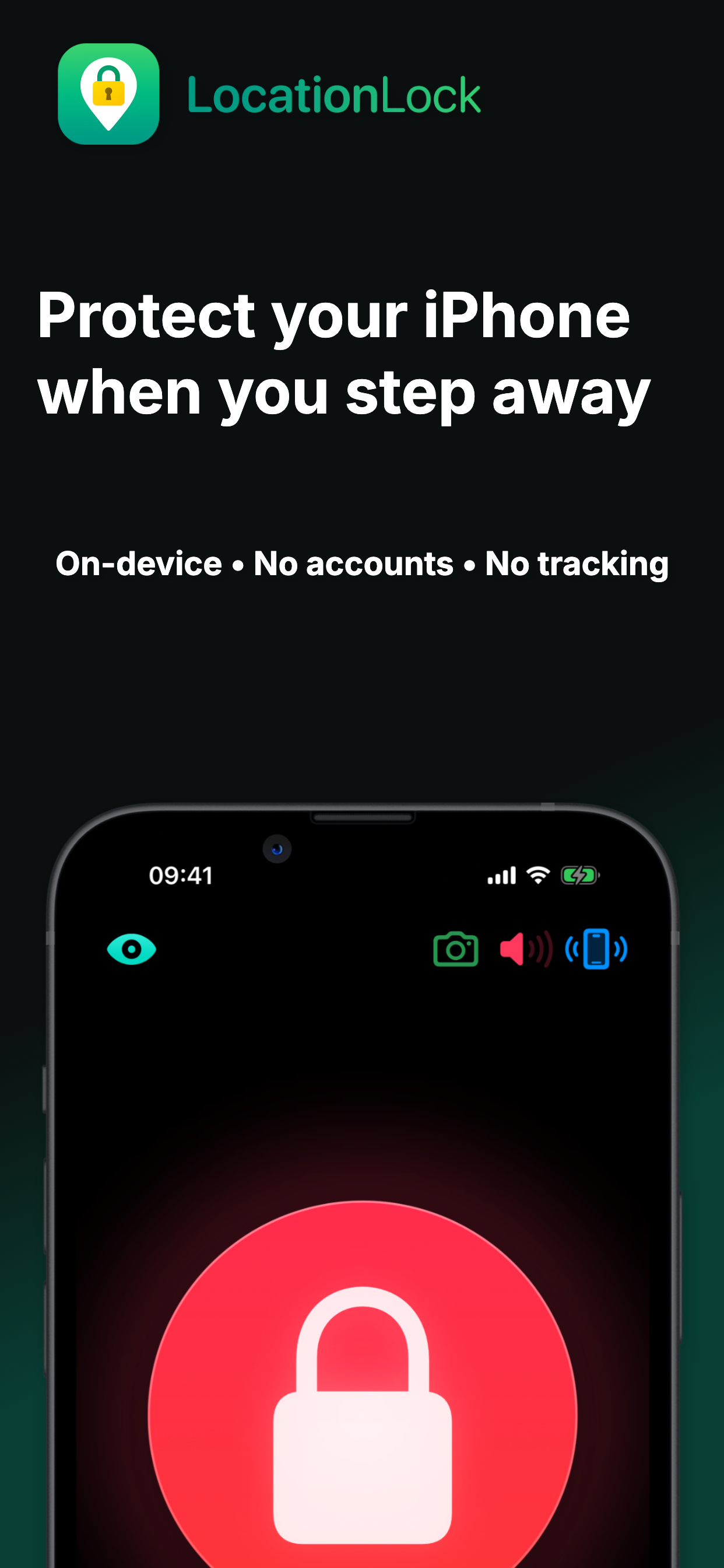
The idea for LocationLock came from a real-world problem: going for a swim at the beach and having to leave your phone unattended on your towel. I wanted a way to know immediately if someone moved it — without relying on GPS or needing a server or network connection. That sparked the idea for a motion-detection alarm that works entirely on-device and can alert your Apple Watch even if your iPhone is out of reach. No AI necessary.
What it does
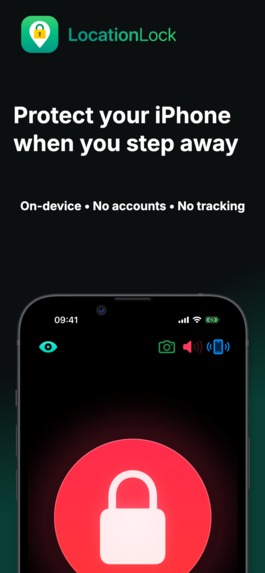
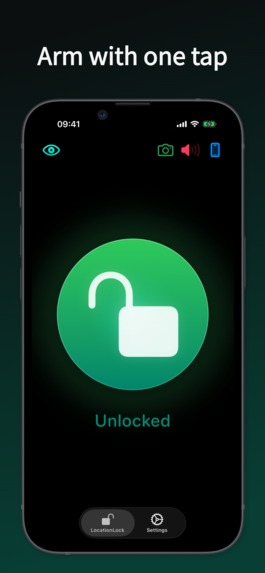
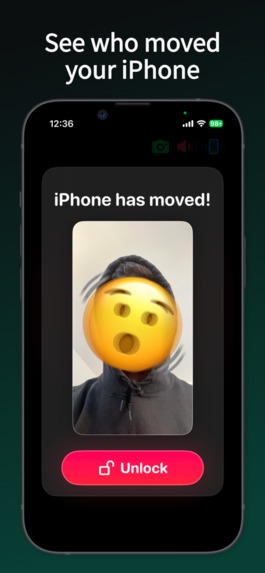
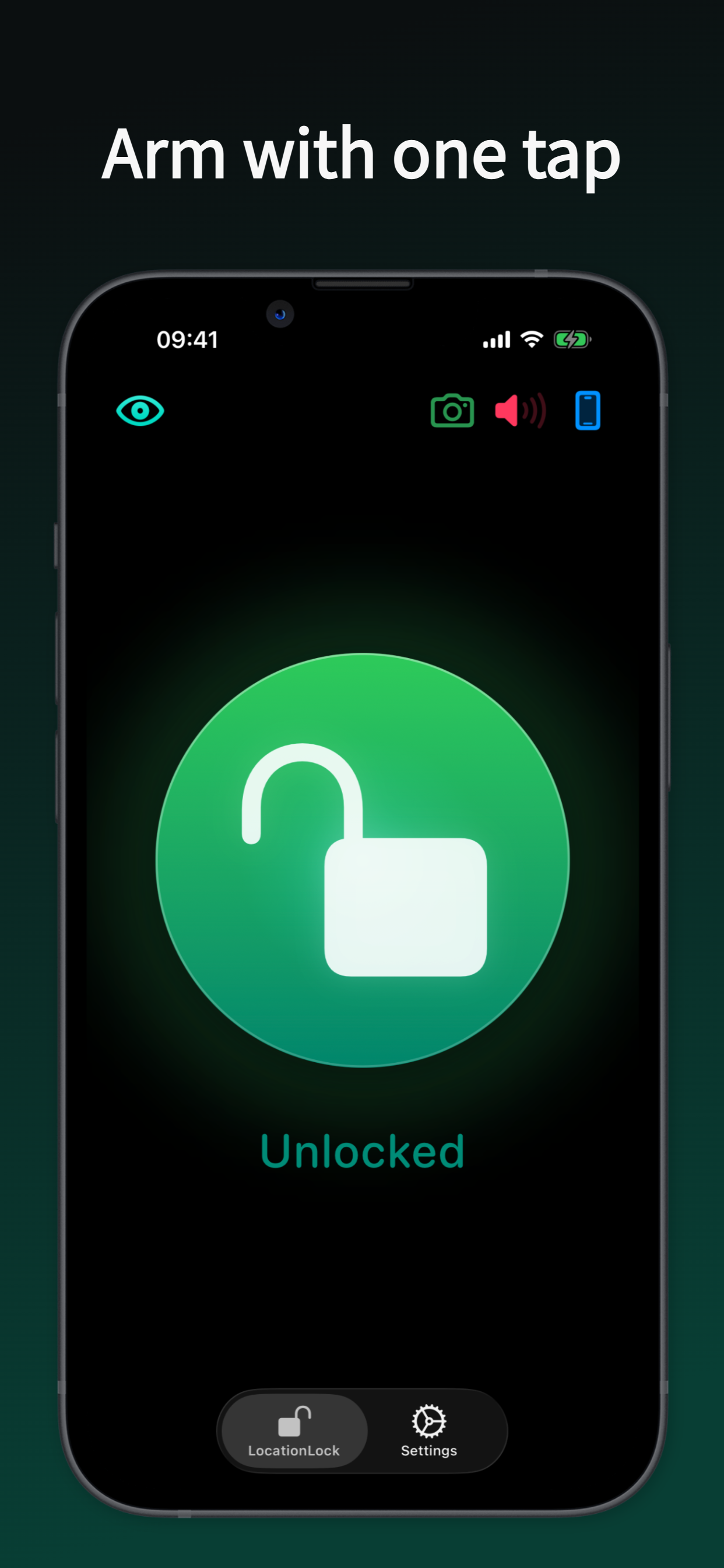
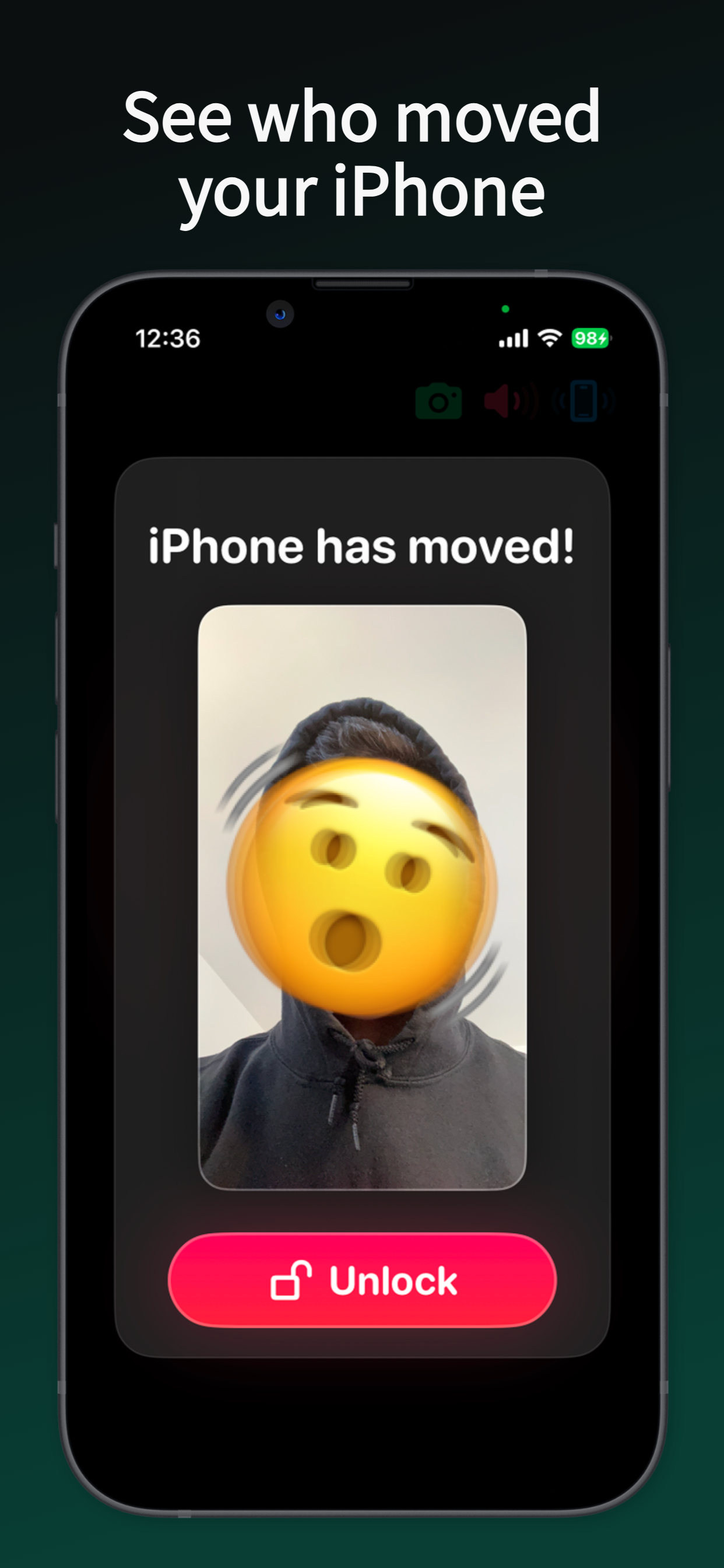
LocationLock lets you “lock” your iPhone to its current position using motion detection. If the phone is moved, it triggers an alarm. You can choose from sound effects, a custom spoken message, or even a silent alert sent to your Apple Watch via haptics and notification. It works even without Wi-Fi or cellular, making it ideal for protecting your phone in public or semi-supervised spaces. The phone can also take a selfie when the alarm is triggered, and send it over Bluetooth to the watch. The app can also detect whether the phone is plugged in (charging) and alert the user when it's unplugged.
How I built it
LocationLock is built using Swift, SwiftUI, CoreMotion, AVFoundation, and WatchConnectivity. It’s a universal app with shared logic across iOS and watchOS. The motion-detection algorithm runs locally and triggers alerts based on user-set sensitivity. Alerts are handled with local notifications and real-time haptics on Apple Watch. We also built a simple camera system to optionally capture a photo if the phone is moved.
Challenges we ran into
- Working around the limitations of WatchConnectivity, especially when the watch app is in the background
- Avoiding memory spikes when working with the camera and image processing
- Making local notifications behave consistently across iOS and watchOS
- Balancing sensitivity for false positives vs. effective detection
Accomplishments that we're proud of
- A reliable movement-detection system with no server or GPS dependency
- Background alert delivery to Apple Watch without needing a running foreground session
- A polished, intuitive UI with animated transitions and haptic feedback
- Support for spoken alerts using the system text-to-speech engine
- Bonus features like optional camera capture, a countdown, and sensitivity presets
What we learned
- How to use WatchConnectivity for background alerting
- Managing Core Motion data effectively without draining battery
- Handling camera permissions and processing in a memory-safe way
- Navigating SwiftUI quirks across iOS and watchOS
- Designing for real-world scenarios like airports, gyms, and cafes — not just the beach
What's next for LocationLock: Motion Detection Alarm
- Add more alert types and custom sounds
- Offer shortcut automations and widget support for quick arming
- Support for detecting unplug events (e.g., when charging in public)
- Use CloudKit for phone-to-watch communication over Wifi
- Launch on the App Store with a focus on travelers, commuters, and anyone who wants peace of mind


Log in or sign up for Devpost to join the conversation.