-
-
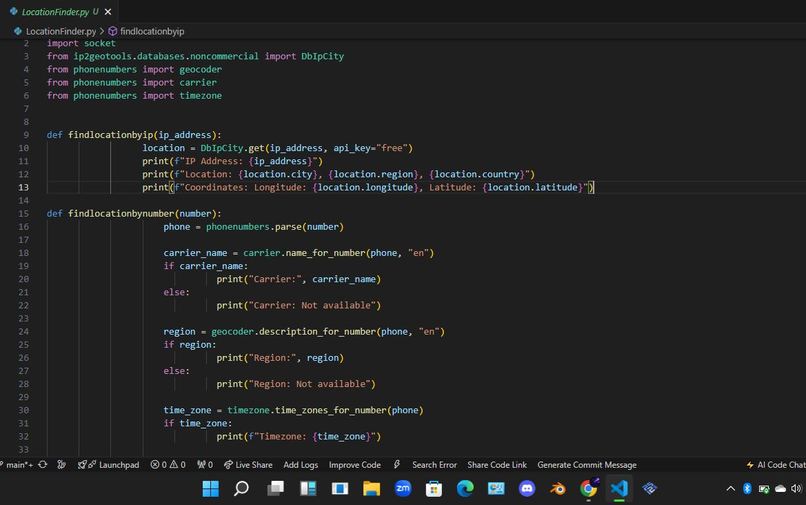
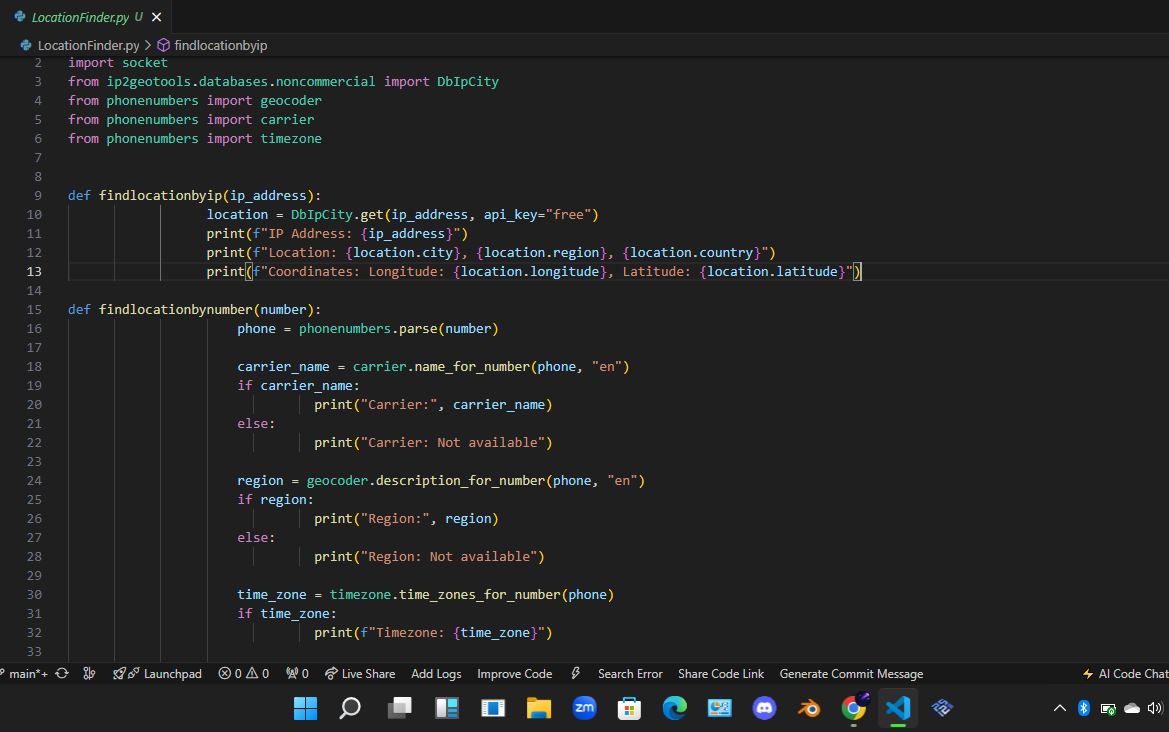
This is a snippet of the code
I was inspired to create LocationFinder because I was curious as to how you could find a person's location using their phone number. It then extended to IP addresses and website URLs. I had to check out a few websites such as KDnuggets to get some ideas as to how to I could implement certain features such as finding the location of a device via a website URL.
LocationFinder is a program that simply allows users to find the locations of devices using a phone number, website URL and IP address. The program was written in Python using Visual Studio Code.
- Components of the program: phonenumbers - a Python module/library used for parsing, formatting and validating international phone numbers socket - a Python module/library used for networking. It has the ability to convert URLs and domain names to IP addresses. DbIpCity(ip2geotools.databases.noncommercial) - a Python module/library used for obtaining the geographical information of device based on its IP address. This function is also used to retrieve and output the geographical information of a website URL once it is converted to an IP address
- Functions: findlocationbyio(IP address) - The function takes an IP address as input and then uses DbIpCity.get() in order to retrieve the IP address's geographical information such as city, region, longitude and latitude. It then outputs the retrieved information. findlocationbynumber(number) - The function takes their phone number as input(always start with the country code so that the program can easily recognize that it's an international phone number) For example: +1 555 555 000. The function then parses the phone number using "phonenumbers.parse()" and it retrieves the carrier name, region and timezones associated with the phone number using the "carrier", "geocoder", and "timezones" modules from the "phonenumbers" library. The carrier name, region and timezone information associated with the phone number are then output.
- Main loop: The program runs an infinite loop that presents a menu with the following four options:
- Find Location By IP
- Find Location By Phone Number
- Get Location From URL
- Exit If the user selects the first option, they are prompted to enter an IP address and the program calls "findlocationbyip()". If the user selects the second option, they are option, they are prompted to enter a phone number and "findlocationbynumber()" is called. If the user selects the third option, the user is prompted to enter a URL which is converted to an IP address using "socket.gethostbyname()" and the program calls "findlocationbyip()" If the fourth option is selected, the program automatically exits. If the user enters an invalid option, the loop continues without any actions or interruption taking place.
- Error handling: In option 3, there is a try-except block that handles potential errors when converting a URL to an IP address. Invalid URL and network connectivity issues raises errors and if one of the errors occurs, a message is output prompting the user to try again.
There was a time when all the libraries used to extend the program's functionality had issues with being imported because the virtual environment I had been using did not contain any of those libraries. I thought initializing my laptop because I thought it would resolve the issue but then I figured out how to change the virtual environment where all the libraries were present.
In the end, I resolved all the pending issues and I got the program to work properly. I'm thinking of an IP scanner which will scan IP addresses within a certain range in the future.

Log in or sign up for Devpost to join the conversation.